PCB manufacturing PCB manufacturing
Home > Blog

HDI PCB Manufacturer, HDI PCB Manufacturer In India

April 16th, 2025

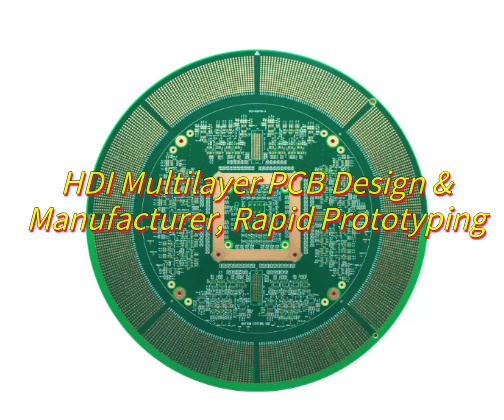
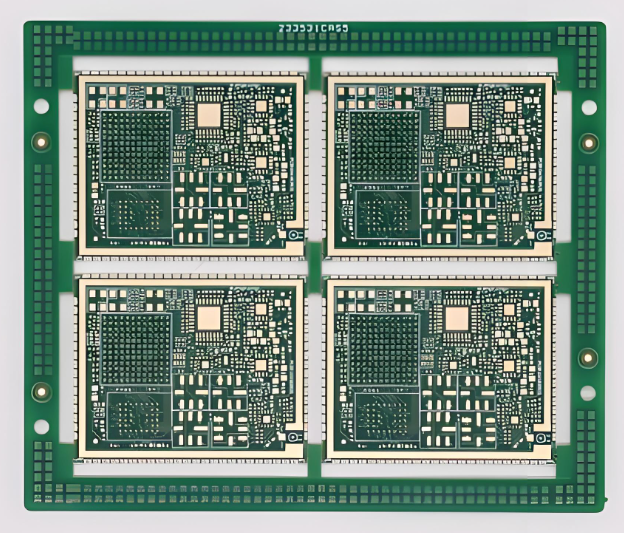
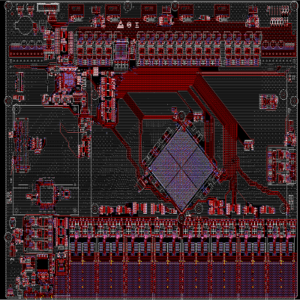
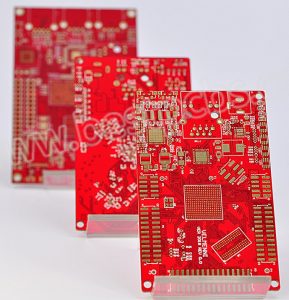
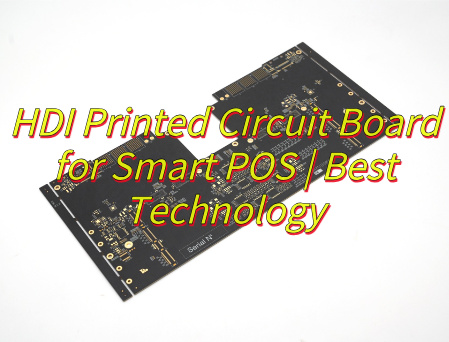
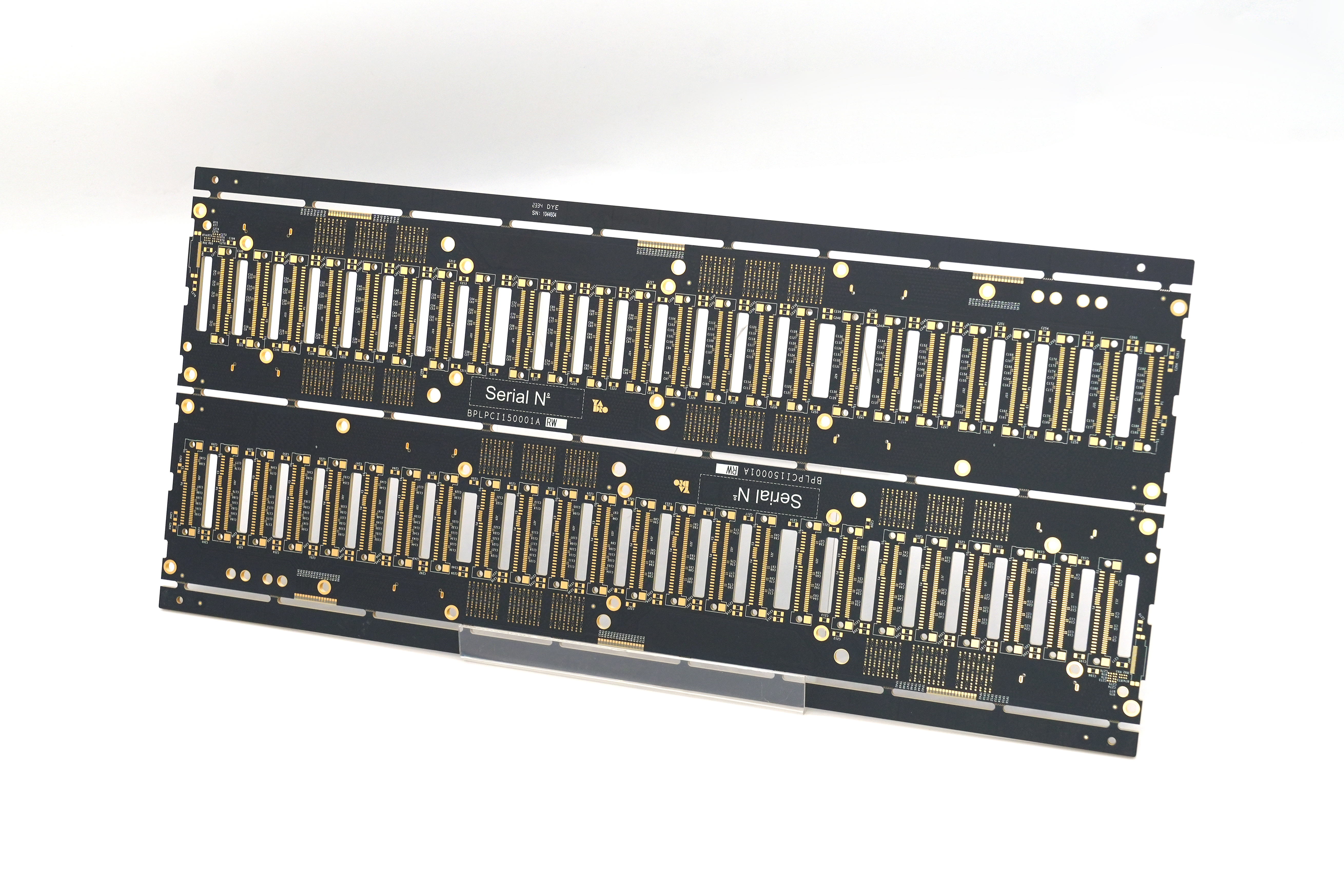
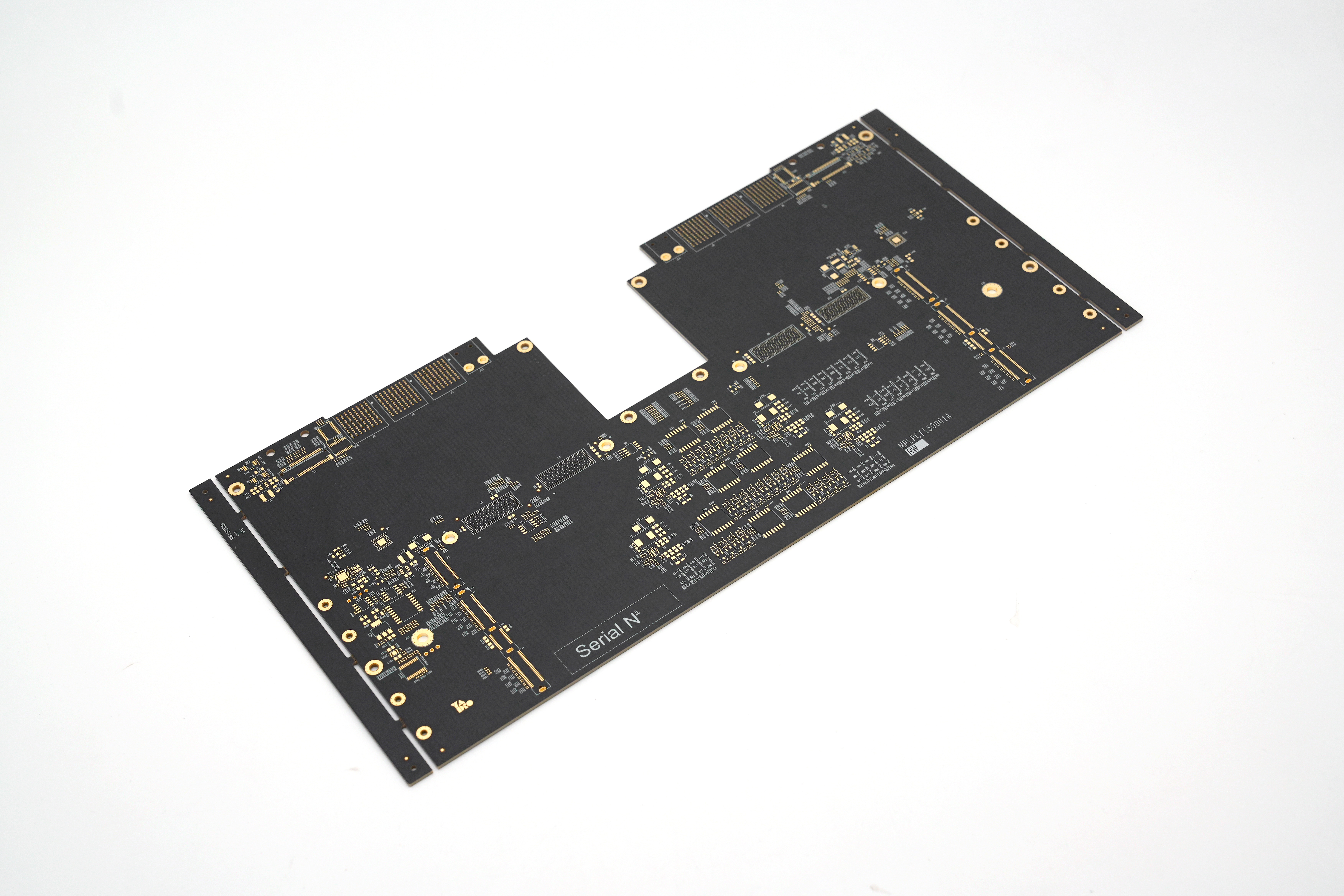
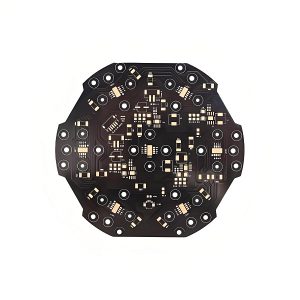
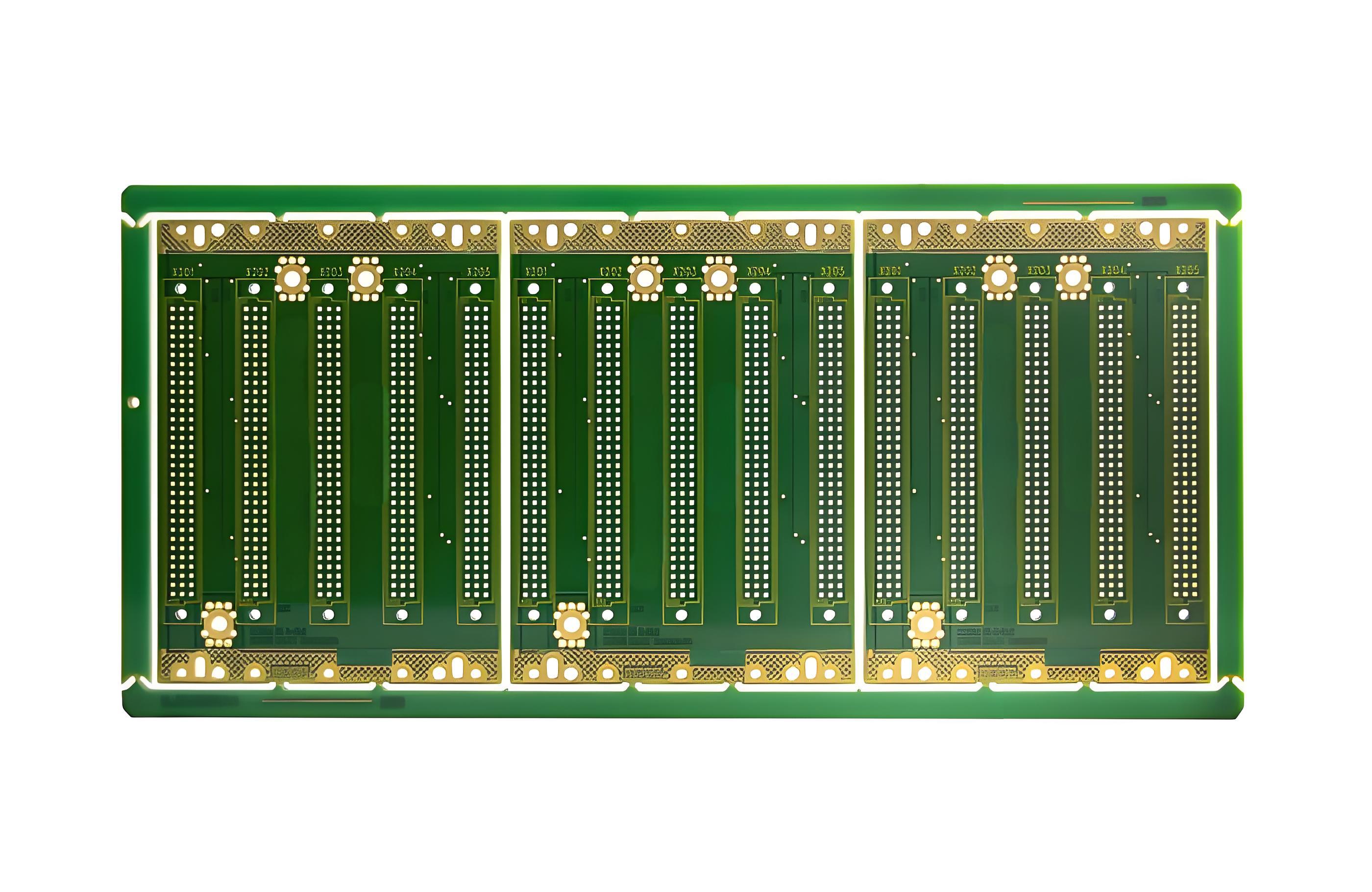
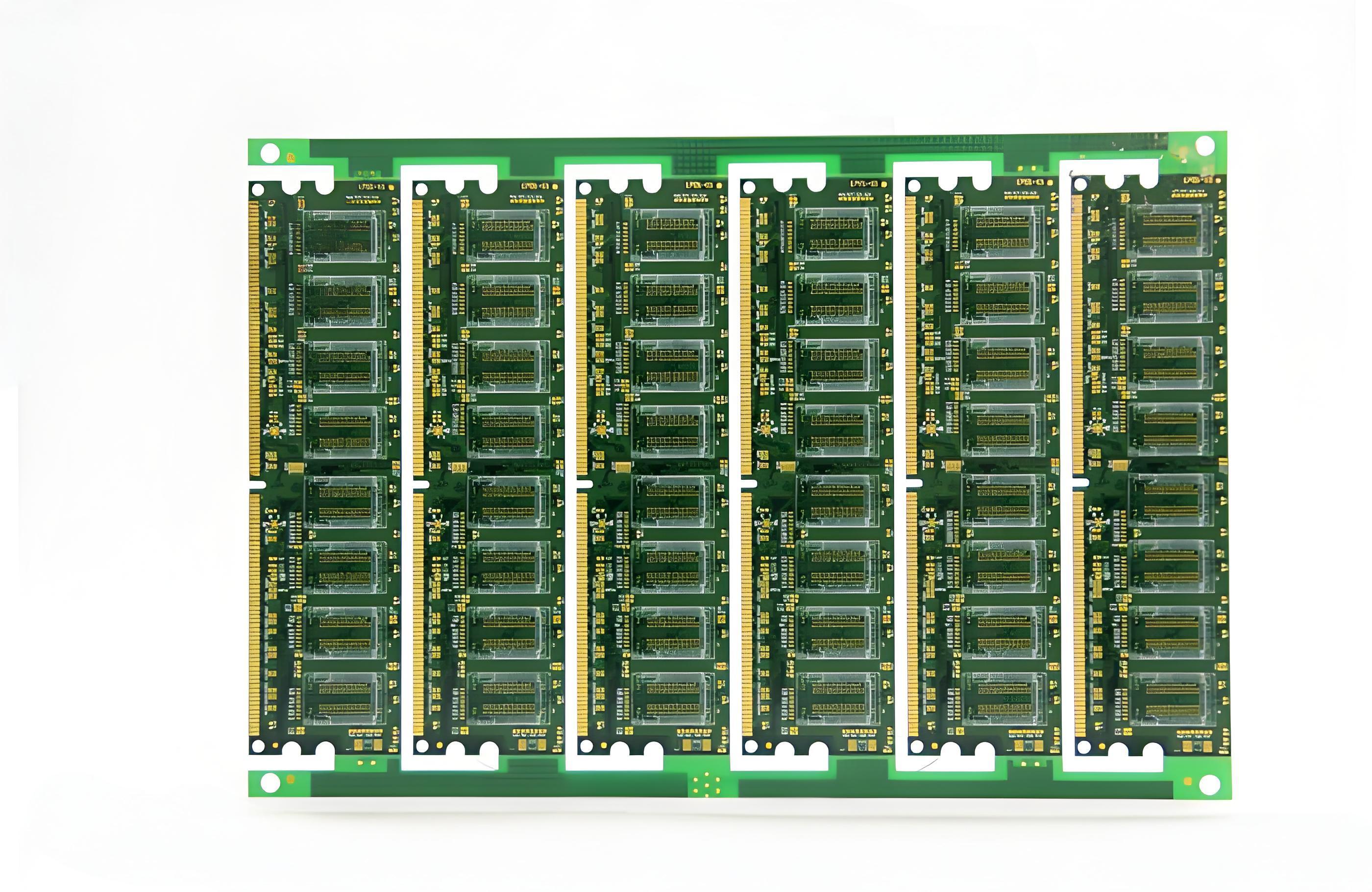
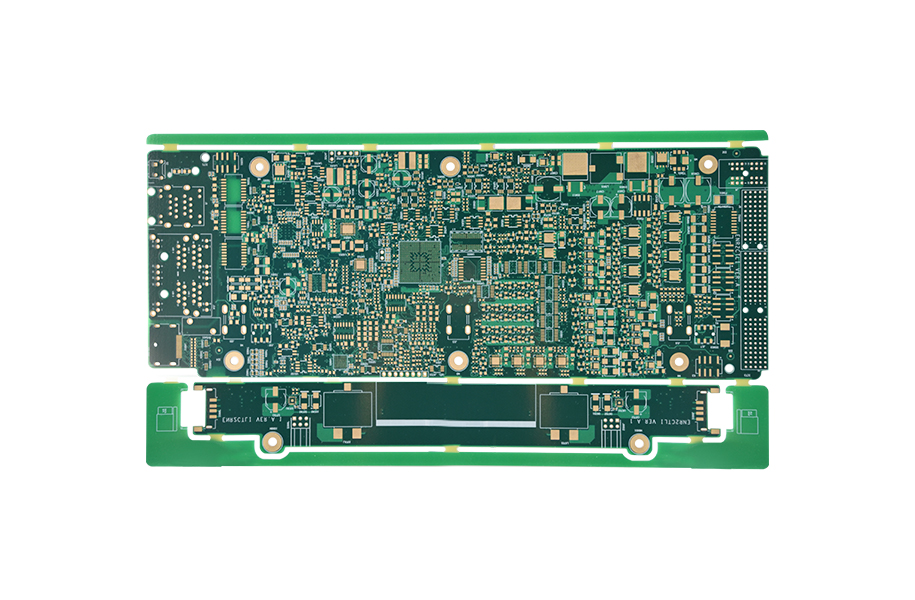
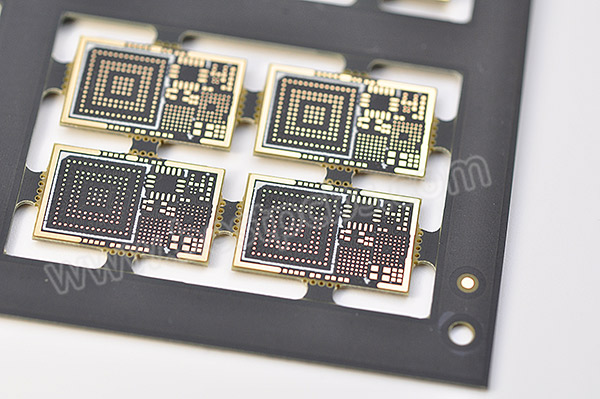
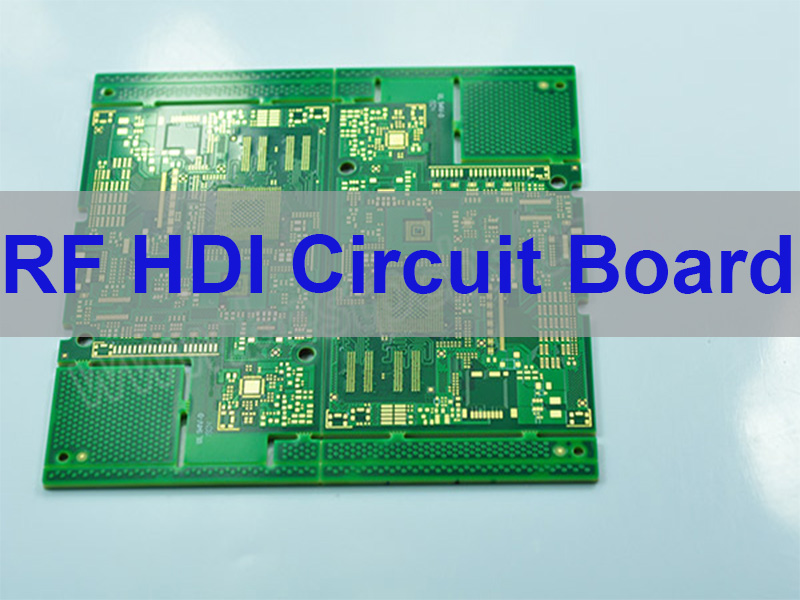
HDI PCB manufacturer is the first thing that comes to mind when high performance meets compact electronic design. With rising demand for compact and reliable products, HDI technology plays a key role in modern electronics. But how does HDI differ from regular PCBs? What makes a good HDI PCB manufacturer? And why are so many companies turning to India, USA, China, or even Europe for fabrication? In this blog, you’ll get answers to those questions and more.

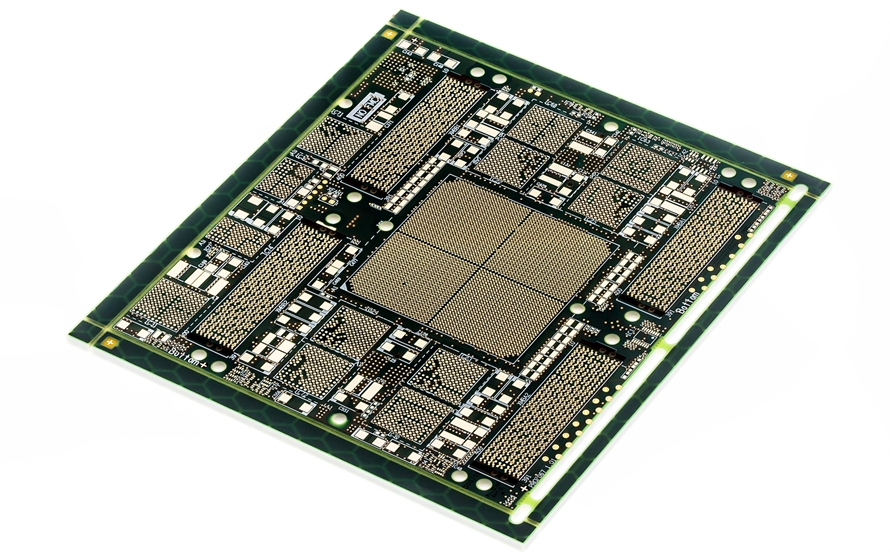
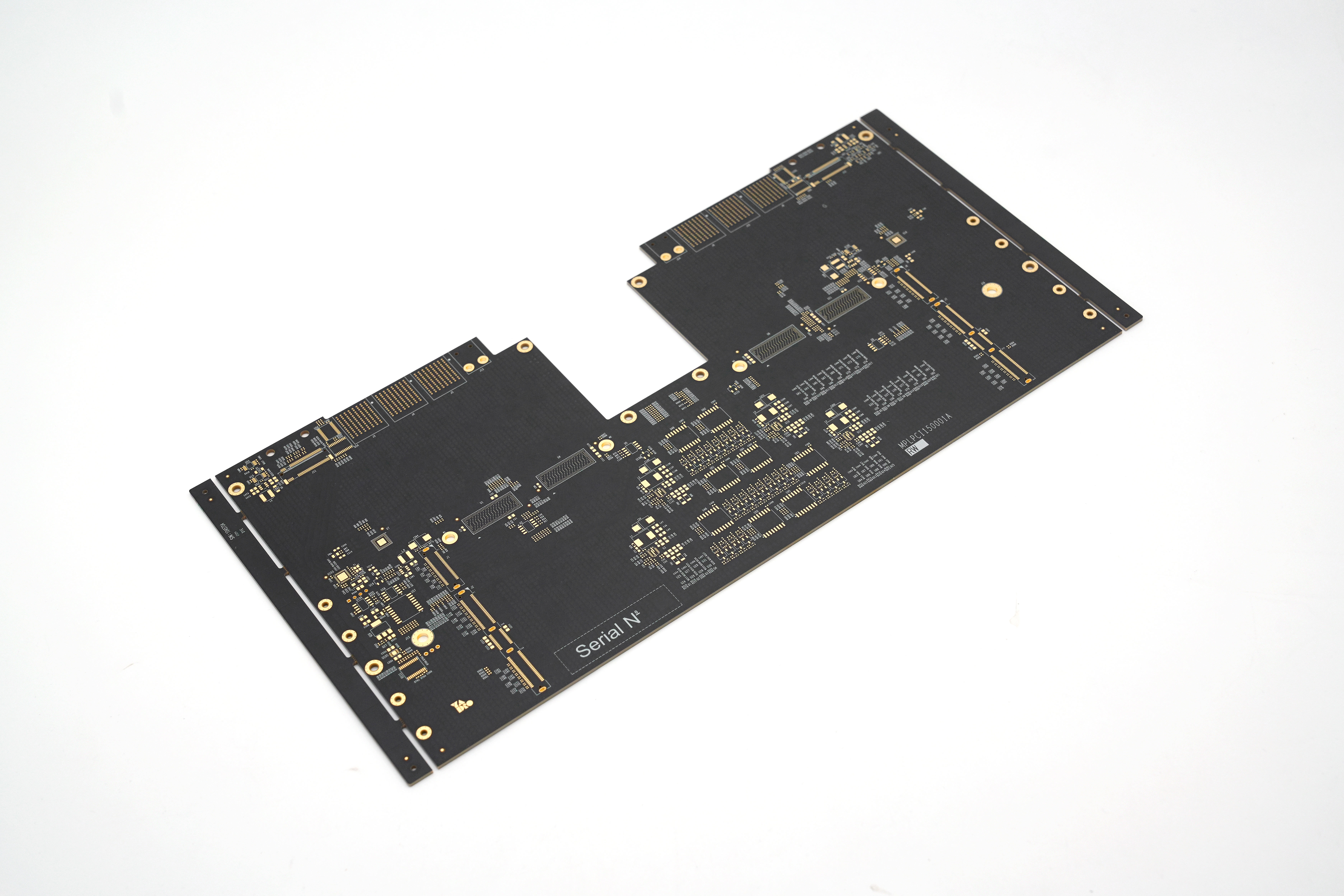
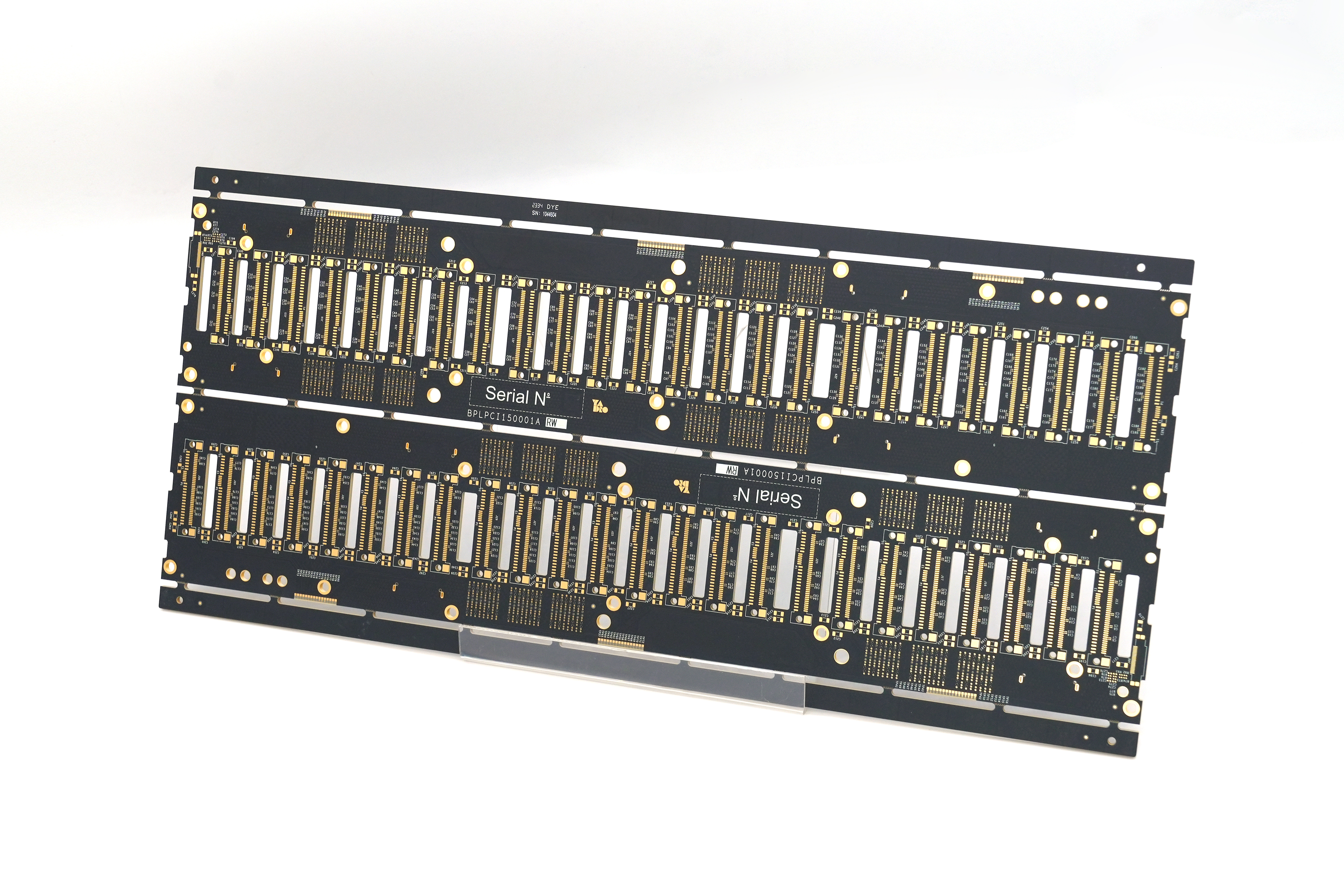
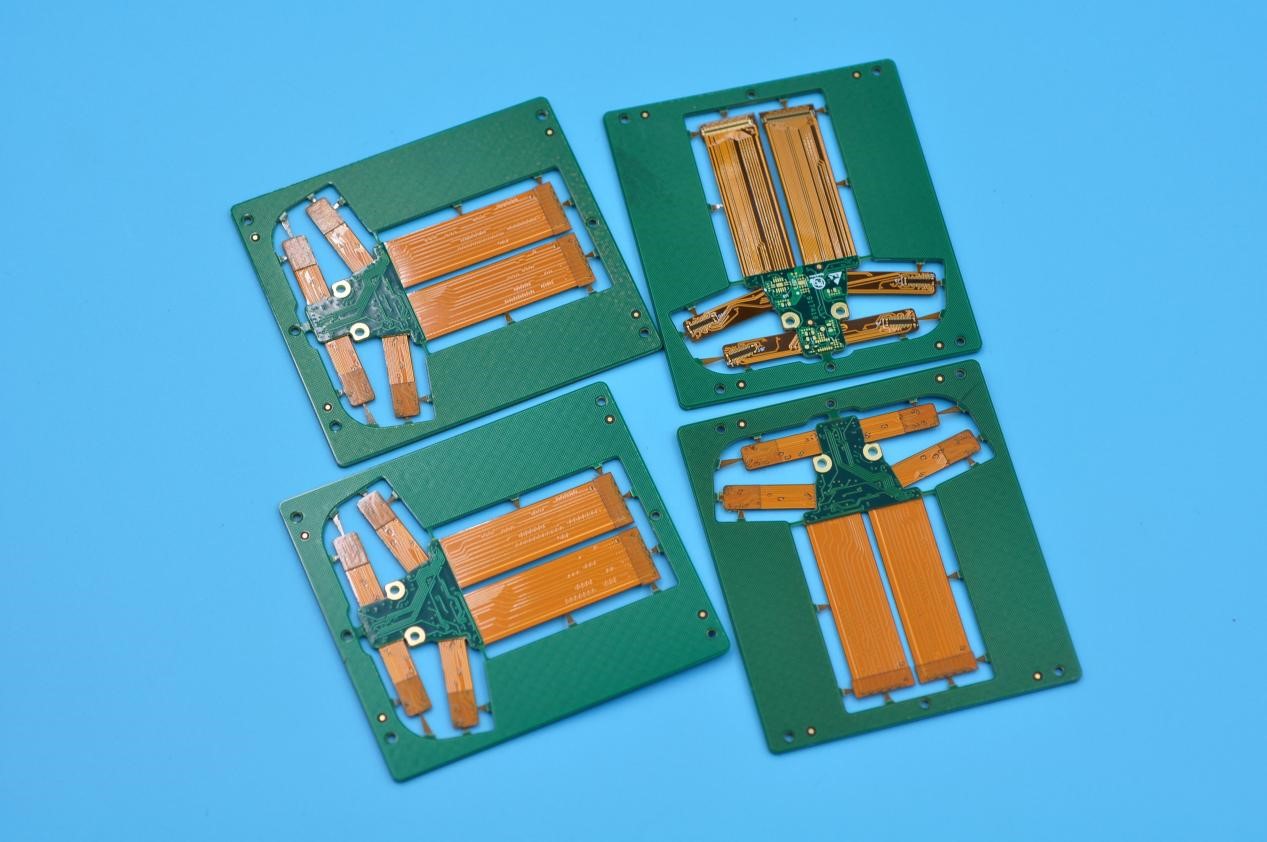
EBest Circuit (Best Technology) offers pioneering HDI PCB manufacturing solutions for Cell phones, UMPC, MP3 Players, PMP, GPS, and other applications.  Our solutions integrate advanced signal integrity analysis and impedance control (±5%) to meet 5G/millimeter wave and high-speed computing requirements. HDI PCBs in EBest Circuit (Best Technology) include standard HDI PCB, HDI flex PCB, 2-16 layers HDI multi-layer PCB, any layer HDI PCB, and rigid-flexible PCBs to high-frequency PCBs. ISO 9001, IATF 16949, ISO13485 & AS9100D certified manufacturing processes ensure aerospace-grade reliability. If you have any questions about HDI PCB design, HDI PCB prototyping, or HDI PCB assembly, let us know via sales@bestpcbs.com.

HDI PCB Manufacturer, HDI PCB Manufacturer In India

What is HDI for PCB?

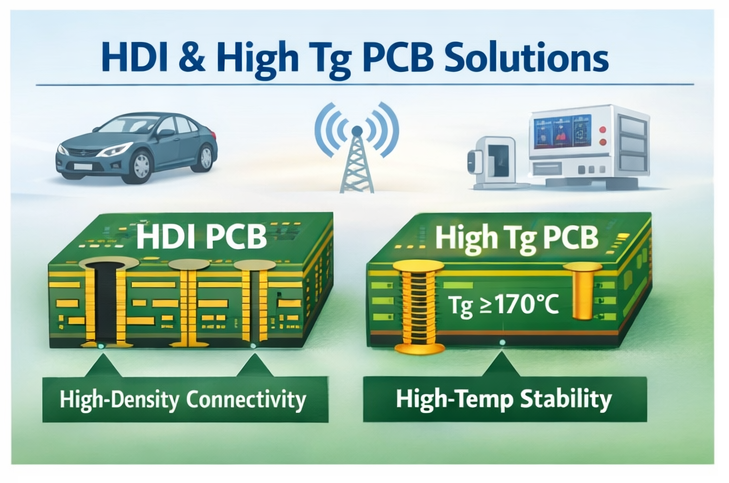
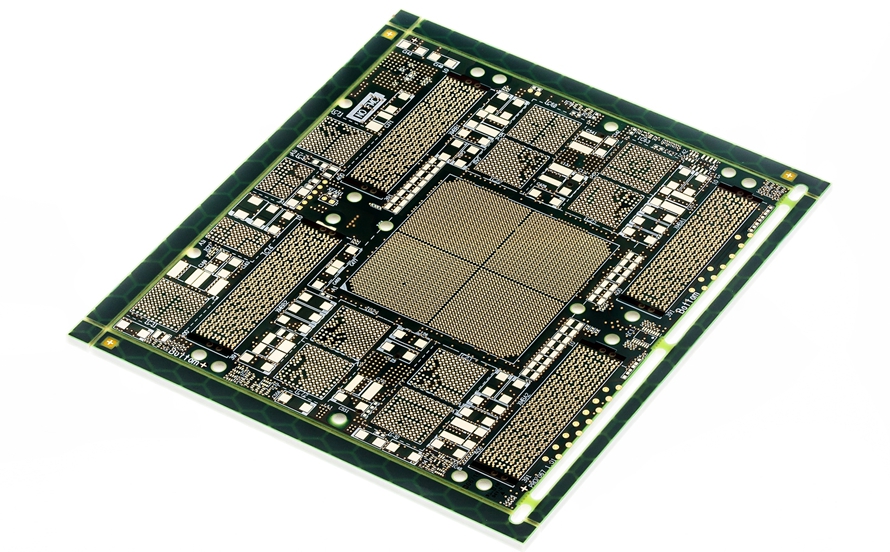
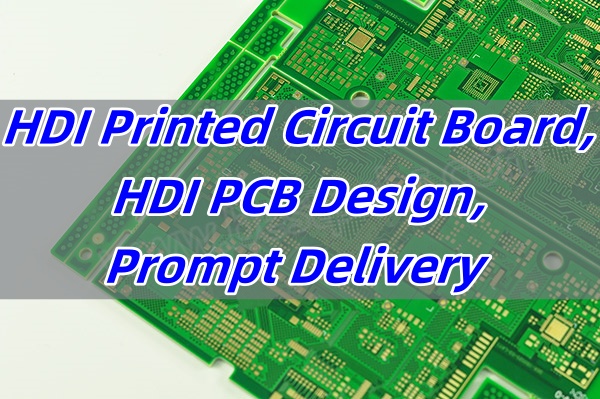
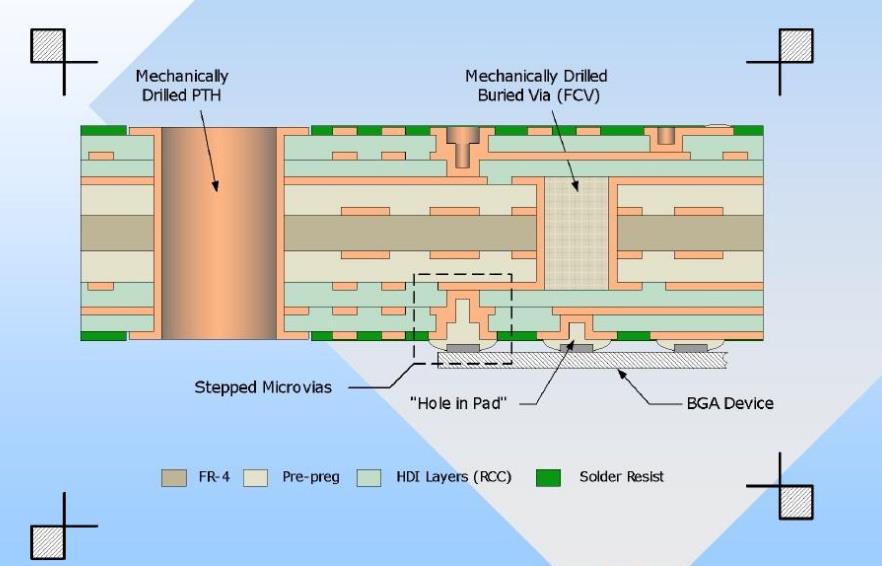
HDI stands for High Density Interconnect. It’s a type of printed circuit board that has a higher wiring density per unit area than standard boards. In simple terms, HDI PCBs are more compact, but they carry more connections. This is made possible with microvias, blind vias, and fine traces.

Compared to regular boards, HDI PCBs support tighter designs, faster signal transmission, and lower power usage. These qualities are essential in smartphones, medical equipment, automotive electronics, and wearable tech. If space is limited, HDI is the answer.

The HDI PCB definition includes features like:

  • Laser-drilled microvias
  • Multiple layers
  • Fine line width and spacing
  • Higher pin count in smaller space

Because of these features, HDI is becoming standard in advanced electronics.

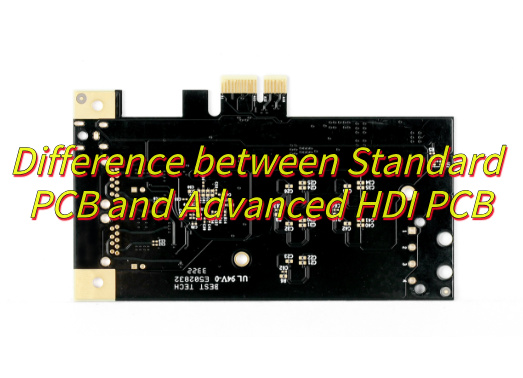
What is the difference between HDI PCB and standard PCB?

  • Via Types: HDI boards use microvias, blind vias, and buried vias. Standard boards use only through-hole vias.
  • Layer Count: HDI can have more layers in a thinner stack-up.
  • Design Complexity: HDI supports finer pitch components and smaller trace widths.
  • Performance: Better signal integrity, lower crosstalk, and reduced EMI.
  • Applications: HDI is used in compact devices. Standard PCBs suit less demanding products.

In short, HDI vs PCB boils down to density, complexity, and function.

HDI PCB Manufacturer

What is the HDI PCB manufacturing process?

The HDI PCB manufacturing process involves advanced steps. It requires more precision than regular PCB production. Here’s how it works:

  • Material Preparation: Choose high-quality laminate suitable for fine lines.
  • Laser Drilling: Use lasers to drill microvias with precise control.
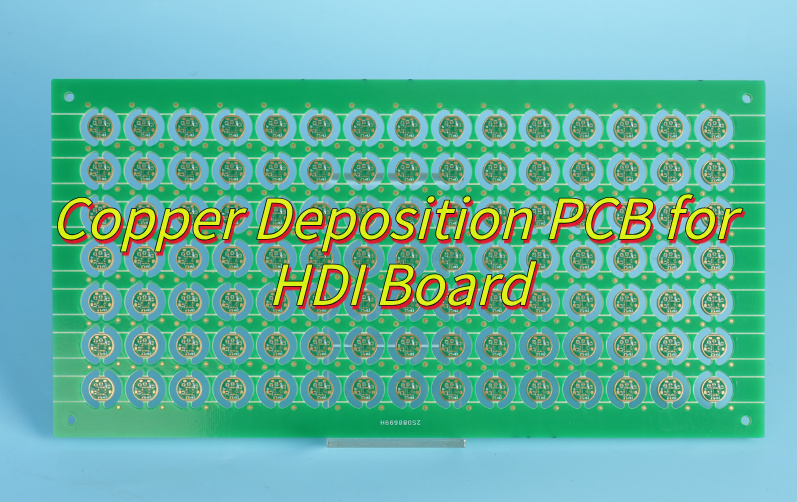
  • Copper Plating: Deposit copper inside vias and on the surface.
  • Imaging: Apply photoresist and use UV light to define circuit patterns.
  • Etching: Remove unwanted copper, leaving behind trace paths.
  • Lamination: Stack multiple layers with insulating layers between.
  • Testing: Conduct electrical tests to ensure quality and reliability.

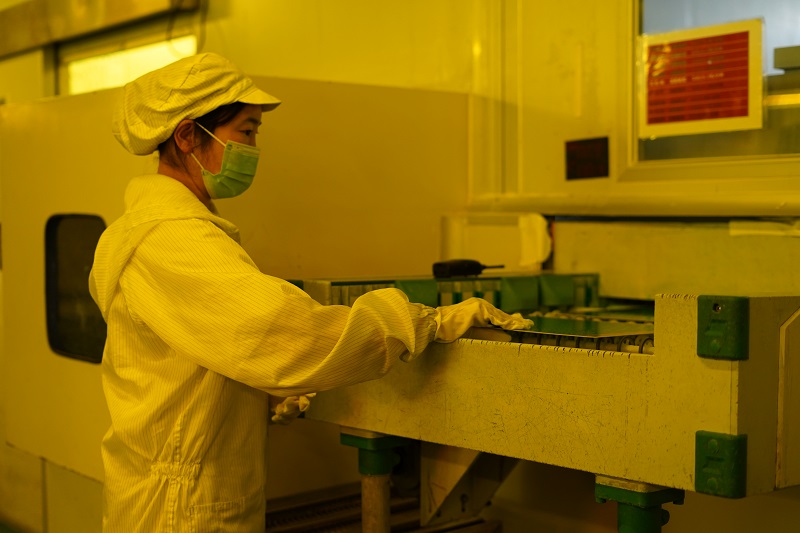
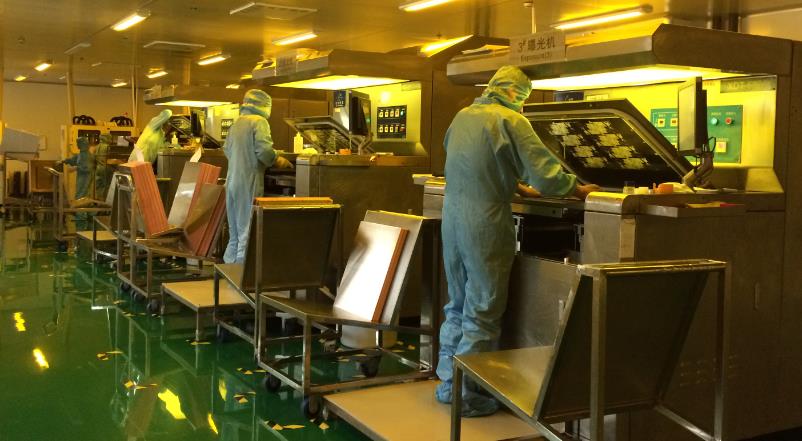
The HDI PCB fabrication process demands cleanrooms, skilled technicians, and controlled environments. This is why choosing the right HDI PCB manufacturer is vital. EBest Circuit (Best Technology) is an original HDI PCB factory, with a monthly capability of up to 260,000 square feet (28,900 square meters), and more than 1,000 different boards will be completed. Warm welcome to contact us at sales@bestpcbs.com to discuss the HDI technology solutions for your projects.

What is the application of HDI PCB?

HDI boards are popular in sectors that need compact, high-speed, and multi-functional electronics. The most common HDI PCB application includes:

  • Consumer Electronics: Smartphones, tablets, cameras.
  • Medical Devices: Pacemakers, imaging systems.
  • Automotive Electronics: ADAS systems, ECUs.
  • Aerospace: Navigation, communication modules.
  • Industrial Controls: Smart meters, automation systems.

Also, flex PCB application often overlaps with HDI for folding or wearable designs. With more features packed into less space, HDI PCBs support innovation across industries.

HDI PCB Manufacturer In India

Who is the manufacturer of HDI PCB in China?

China leads the global PCB market, with many strong HDI PCB manufacturer options. Some top names include:

  • EBest Circuit (Best Technology) – Known for precision HDI, flex, and RF PCBs.
  • Shennan Circuits – Large-scale production with global clients.
  • Suntak Technology – Strong in multi-layer and HDI designs.
  • Victory Giant – Offers high-quality PCB fabrication at scale.

Most of these companies also serve as PCB manufacturer in China for global OEMs. They provide competitive pricing, fast lead times, and complete design-to-delivery support. With 24/7 rapid prototyping (24-hour turnaround) and an on-time delivery rate of 97% delivery time rate in mass production, EBest Circuit (Best Technology) empowers global customers to achieve smaller form factors, higher reliability, and 2-3 weeks faster time-to-market across consumer electronics, automotive ADAS, and IoT ecosystems. EBest Circuit (Best Technology) empowers global customers to achieve smaller form factors, higher reliability, and 2-3 weeks faster lead time across consumer electronics, automotive ADAS, and IoT ecosystems.

HDI PCB Manufacturer in USA

If you prefer local support and fast logistics, many HDI PCB manufacturer in USA offer reliable options. Leading suppliers include:

  • TTM Technologies – One of the biggest US-based HDI producers.
  • Advanced Circuits – Known for prototype to volume HDI boards.
  • Sanmina – Serves aerospace, defense, and medical sectors.

The PCB fabrication USA market focuses on quality, IP protection, and technical collaboration. If your design is sensitive or requires close engineering support, the USA is a strong choice.

HDI PCB Manufacturer in India

India is rapidly growing in the electronics space. Several HDI PCB manufacturer in India offer both quality and affordability. Top names include:

  • AT&S India – Specializes in high-end HDI and advanced multilayer PCBs.
  • Shogini Technoarts – Offers flexible, rigid-flex, and HDI solutions.
  • Genus Electrotech – Supports mass production of HDI for local and export markets.

India’s rising strength in HDI electronics is driven by local demand, government support, and skilled labor.

HDI PCB Manufacturer

HDI PCB Manufacturer in Europe

European companies often prioritize environmental standards and high precision. Reliable HDI PCB manufacturer Europe list includes:

  • AT&S (Austria) – Strong in HDI and IC substrate solutions.
  • NCAB Group (Sweden) – Provides engineering-focused HDI support.
  • WĂŒrth Elektronik (Germany) – Offers HDI, RF, and advanced PCB types.

Europe may not match Asia in volume, but it leads in innovation and tight specs.

How to Choose an HDI PCB Manufacturer?

Finding the right HDI PCB manufacturer takes more than price comparison. Here are some key tips:

  • Experience: Check how long they’ve worked with HDI designs.
  • Certifications: Look for ISO, UL, RoHS, and IPC standards.
  • Capabilities: Ensure they can handle microvias, stacked vias, fine traces.
  • Prototyping: Choose someone who can support you from prototype to mass production.
  • Support: Good communication matters. Ask for an HDI PCB manufacturer address to know their actual site.
  • Documentation: A good partner can offer design tips or an HDI PCB design guide pdf.

Also, consider whether they offer other tech, like RF PCB manufacturing or flex PCB manufacturing services. It helps if they can grow with your needs.

HDI PCB Manufacturer In India

In conclusion, choosing the right HDI PCB manufacturer affects the performance, cost, and speed of your project. With HDI technology, the margin for error is slim. Whether you’re working with a HDI PCB manufacturer in China, India, the USA, or Europe, the key is to find a trusted, experienced partner.
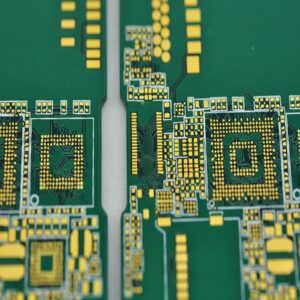
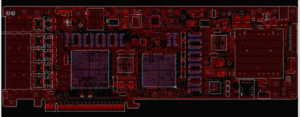
At EBest Circuit (Best Technology), we specialize in HDI boards, flexible circuits, RF PCBs, and complex stack-ups with tailored solutions. We support customers worldwide with professional engineering, fast prototyping, and reliable delivery. Reach out to EBest Circuit (Best Technology) at sales@bestpcbs.com to get a free quote for your next HDI PCB need. We’re always here to help.

You may also like

Copper Foil PCB | HTE vs RTF Copper Foil | Copper Foil PCB Manufacturers

April 14th, 2025

What is Copper Foil PCB?

A copper foil PCB is a type of printed circuit board where copper foil is laminated onto the base material to form the conductive layer. This copper layer is what carries electrical signals and power between different parts of the board. Without it, a PCB wouldn’t function at all.

The copper is typically applied through lamination, where thin sheets of copper foil are bonded to a substrate, usually made of fiberglass-reinforced epoxy resin like FR4. This copper layer is then etched to create precise paths, known as traces, that connect components across the board.

There are also different thicknesses of copper foil used, which affect the board’s ability to carry current and dissipate heat. The standard thickness is usually 1 oz/ftÂČ (about 35ÎŒm), but heavier copper options like 2 oz or 3 oz are often used in power electronics or high-temperature applications.

Copper Foil PCB | HTE vs RTF Copper Foil | Copper Foil PCB Manufacturers

What is the Purpose of Copper Foil in PCB?

The main role of copper foil is to carry electric current across the circuit. It’s the path for data, signals, and energy. Without copper foil, there would be no communication between components.

Besides that, copper foil helps in thermal transfer. When current flows, heat is generated. Copper helps in spreading this heat evenly, reducing hot spots. That’s key in designs with dense parts or power-hungry chips. Also, copper layers add mechanical strength to the board, supporting solder joints and reducing flex.

What are the Different Types of Copper Foils?

Copper foil types vary based on how they’re made, how rough they are, and what kind of performance they offer in real PCB applications. Choosing the right type can make a big difference in signal clarity, layer adhesion, and long-term reliability. Let’s see the most common types used in the PCB industry:

What are the Different Types of Copper Foils?

1. Electrodeposited (ED) Copper Foil

Electrodeposited copper foil is the most widely used type in standard rigid PCBs. It’s made through an electrochemical process where copper ions are deposited onto a rotating stainless steel drum. The side in contact with the drum becomes smooth, while the other side is naturally rough.

ED copper foil is great for multilayer rigid boards, consumer electronics, and automotive circuits. When treated with surface chemicals, it bonds well to laminates and resists layer separation.

2. Rolled Annealed (RA) Copper Foil

RA copper foil is made by mechanically rolling solid copper into very thin sheets and then annealing it (heating and cooling) to relieve stress. You’ll find RA copper in flex circuits, flex-rigid PCBs, wearable electronics, and mobile devices. When boards must flex without breaking, RA is the go-to.

3. Reverse Treated Foil (RTF)

RTF is a type of ED foil where the shiny side is treated instead of the rough side. This treatment adds micro-etching or chemical bonding to enhance adhesion between the copper and the laminate. RTF is popular in HDI (High-Density Interconnect) boards, high-speed digital circuits, and RF designs where signal loss must be controlled.

4. Very Low Profile (VLP) and Ultra-Low Profile (ULP) Copper Foils

These are smoother versions of standard ED foils, created to reduce conductor roughness. VLP and ULP foils are still electrodeposited, but they go through extra steps to minimize surface peaks and valleys. They are used in high-speed digital systems, data centers, 5G antennas, and any application where clean signal transmission matters.

5. High-Temperature Elongation (HTE) Copper Foil

HTE copper foil is a variant of ED copper, enhanced for high thermal and mechanical stress. It resists cracking under repeated heating and cooling cycles. HTE is preferred for automotive, power electronics, and multilayer PCBs that go through reflow soldering or see high current loads.

6. Resin-Coated Copper Foil (RCC)

RCC combines copper foil with a thin layer of resin. This resin bonds directly to the core without needing prepreg sheets, which simplifies the lamination process. Mainly in mobile phones, compact devices, or where thin layers and high accuracy are needed.

Here is a summary comparison table between them:

Copper Foil TypeStrengthFlexibilitySmoothnessSignal PerformanceApplication
EDHighLowModerateStandardRigid PCBs
RAMedium  HighHighGoodFlex PCBs
RTFHighMediumTreated  ExcellentRF, HDI
VLP/ULP  MediumMediumVery HighSuperior5G, high-speed
HTEVery HighLow  ModerateStandardPower boards
RCCLowMediumHighGoodThin mobile boards

What is the Roughness of Copper Foil in PCB?

‌The roughness of copper foil on PCB ‌ refers to the unsmoothness of the copper foil surface, Copper foil roughness affects how well signals move through the board. In high-speed designs, surface texture matters a lot. Rough copper increases insertion loss. This weakens the signal and causes noise.

What is the Roughness of Copper Foil in PCB?

Roughness is usually measured in microns, which is usually quantified by Ra, Rz and Rq. Lower values are better for RF or high-speed data.

  • ‌Ra‌: The arithmetic average of the absolute value of the contour deviation over the sampling length, applicable to copper foil surface.
  • ‌Rz‌: Sum of the average of the 5 largest profile peak heights and the average of the 5 largest profile valley depths over the sampling length for copper foil rough surface.
  • ‌Rq‌: Means RMS (Root means square) value, it also is a roughness index.‌

PCB Copper Thickness Chart

Copper thickness is often given in ounces per square foot. But that doesn’t mean much until you convert it. Here’s a helpful chart:

Copper Weight (oz/ftÂČ)Thickness (”m)Thickness (mil)
0.5 oz~17 ”m~0.67 mil
1 oz~35 ”m~1.37 mil
2 oz~70 ”m~2.74 mil
3 oz~105 ”m~4.11 mil
4 oz~140 ”m~5.48 mil
  • For single & double sided PCB, the copper foil thickness is about 35um, 50um, 70um;
  • For multi-layer PCB, its outer layer copper thickness is 35um, and inner layer copper thickness is 17.5um (1/2oz).

Designers choose copper weight based on current flow and thermal limits. Thicker copper is used in power PCBs. Thinner layers are more common in signal circuits or HDI boards.

HTE vs RTF copper foil

When it comes to choosing the right copper foil for high-performance PCBs, HTE (High-Temperature Elongation) and RTF (Reverse Treated Foil) are two of the most commonly used options.

  • HTE Copper Foil

HTE copper foil is a specially processed electrodeposited foil that’s engineered to handle high thermal and mechanical stress. The term “high-temperature elongation” refers to the foil’s improved flexibility and stretch resistance when exposed to heat.

It’s treated chemically to improve adhesion strength, making it more reliable during multiple soldering cycles. The surface has a consistent profile that bonds well with different dielectric materials.

Key Features of HTE Foil:

  • Strong peel strength
  • Durable under repeated heating
  • Excellent for plated-through-hole (PTH) reliability
  • Withstands lamination and solder reflow cycles
  • RTF Copper Foil

RTF, or Reverse Treated Foil, is also made through an electrodeposition process, but with one key difference: the shiny side gets treated instead of the rough side. This treatment applies a fine, uniform microstructure that enhances bonding without creating high surface roughness.

This smoother surface makes RTF a preferred option in high-speed signal and RF PCB applications where low signal loss is critical.

Key Features of RTF Foil:

  • Lower surface roughness
  • Better electrical performance at high frequencies
  • Improved signal integrity
  • Balanced peel strength and performance

PCB Copper Electrical Conductivity

Copper has one of the highest electrical conductivities of any metal. That’s why it’s the go-to choice for PCBs. The typical conductivity of copper used in PCBs is about 5.8 x 10⁷ S/m (Siemens per meter).

This high conductivity allows small traces to carry high current with low voltage drop. It also reduces signal distortion, which is key in high-speed or RF applications.

Still, conductivity depends on purity. Most PCB foils use 99.9% pure copper. If copper is oxidized or poorly handled, conductivity drops. That’s why clean processes and proper lamination are important.

How to Calculate Copper Thickness in PCB?

The thickness of copper in PCB can be calculated by the following methods:

1. Calculation of copper plating thickness by current density and plating time:

Plating thickness (um) = current density (ASF) x plating time (min) x plating efficiency × 0.0202‌. This formula takes into account the amount of electricity, equivalent, molar mass, density and other factors. The specific calculation process involves the product of current density, plating time and plating efficiency, then multiplying by a factor 0.0202‌.

‌2. Thickness calculated by weight of copper foil:

In the common option “copper-covered FR4, single-sided,1 oz”,1 oz indicates the thickness of the copper foil. 1 oz = 28.35 g/ftÂČ, copper foil density of 8.93 g/cmÂł, 1 square foot = 929.03 cmÂČ. Thus, 1 oz copper foil thickness = 28.35/8.93/929.03 ≈ 35um or 1.35mil ‌. Common PCB thicknesses include 1/2Oz = 17.5um, 1 oz = 35um, 2oz = 70um, and 3 oz = 105um.

How to Calculate Copper Thickness in PCB?

In addition to these two methods, you can also use our online pcb copper thickness calculator to calculate the copper thickness.

online pcb copper thickness calculator

Copper Foil PCB Manufacturers

Many trusted copper foil PCB manufacturers serve global markets. Some of the top names include:

1. Isola Group: Known for high-frequency and low-loss materials.

2. Kingboard: One of the world’s biggest copper clad laminate suppliers.

3. Ventec International: Offers low-profile copper foils and thermal substrates.

4. Mitsui Mining & Smelting: A top name in RTF and ultra-smooth foils.

5. EBest Circuit (Best Technology): Based in Asia, with 18+ years in the industry. We supply high-quality copper foil PCBs, from 0.5 oz to over 6 oz.

At EBest Circuit (Best Technology), we bring over 18 years of hands-on experience. We support standard and custom copper weights, including heavy copper for high-current boards. Our RTF and HTE options fit both signal-sensitive and power-heavy needs.

With fast lead times, in-house testing, and global delivery, we’re more than just a PCB maker. We’re your reliable partner for copper foil PCB solutions. Reach out today to explore your next project with confidence.

You may also like

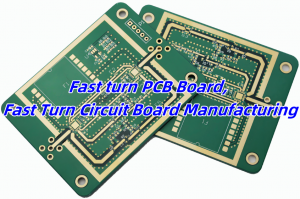
Fast turn PCB Board, Fast Turn Circuit Board Manufacturing

April 14th, 2025

What Is a Fast Turn PCB Board?

A fast turn PCB board is a printed circuit board manufactured and delivered in a short time, typically within 24 to 72 hours. These quick deliveries help speed up product development, especially during prototyping and pre-production stages. It’s a solution many engineers rely on when time is tight.

Engineers use fast turn PCBs for product validation. They want to see if a new circuit design performs well before moving to mass production. So, getting a board in days instead of weeks can make a huge difference.

Fast turn PCB Board, Fast Turn Circuit Board Manufacturing

What Are the Benefits of Fast Turn PCB Orders?

Ordering a fast turn PCB board brings several advantages to the table.

First, it speeds up your product timeline. You don’t need to wait weeks to test your circuit. If changes are needed, you can get a revised board quickly and keep things moving forward.

Second, it helps reduce project risks. The faster you test, the faster you detect potential design errors. Early detection saves money and prevents delays.

Third, it improves decision-making. With working samples in hand, your team can test real performance. It’s better than guessing or using simulation data only.

Lastly, fast turn options give your company a competitive edge. Getting to market faster often means better sales and stronger customer trust.

EBest Circuit (Best Technology)’s Typical Turnaround Time for Fast Turn PCBs

At EBest Circuit (Best Technology), we understand the value of time. That’s why we’ve optimized our process to support urgent PCB orders.

For standard 2-layer fast turn PCBs, we usually deliver in 24 to 48 hours. For 4-layer boards, it may take 48 to 72 hours depending on complexity. Our team works around the clock to meet those deadlines.

Even for more complex boards — such as HDI or metal-core PCBs — we still maintain one of the quickest turnaround times in the industry. And we don’t compromise on quality. Each board goes through full inspection and electrical testing before it reaches you. The detailed turnaround time is:

Prototype(<1mÂČ) Layers   Normal Service   Expedited Service
      FR4 PCB1 Layer3-4 days24 hours
2 Layers4-6 days24 hours
4 Layers8-10 days48 hours
6 Layers8-10 days72 hours
8 Layers10~14 days72-96 hours
10 Layers14-18 days72-96 hours
HDI (1+N+1 2+N+2)2.5 – 3.5weeksTBD (depend on design)

We don’t just print boards fast. We manage the process with strict planning, from materials to delivery. That’s why so many clients come back to us for every new project.

Factors That Affect the Turnaround Time of Prototypes

Even though we push for speed, several factors can influence how long a fast turn circuit board takes to produce. Knowing these helps avoid delays.

  • Circuit Board Design and Test Procedures

The design stage impacts everything. A simple, well-structured layout speeds up processing. Complex routing, fine-pitch components, or tight spacing can add extra review time.

Test procedures matter too. If a special test is needed, like impedance control or functional test setup, it adds to the schedule. Providing clear instructions in advance helps us prepare and avoid delays.

  • Lamination Cycles

For multilayer boards, each lamination cycle takes time. A 4-layer multi-layer board needs one cycle, while an 8-layer may need several. More layers mean longer pressing times and more careful control.

Quick builds still go through these steps. We just start immediately and plan shifts to manage it faster. That’s why sharing the full stack-up early is so important.

  • Via-in-Pad Plated Over

Via-in-pad designs are helpful for high-density layouts. But they add a few extra steps in production. We need to drill, plate, and fill those vias carefully. After that, we cap and flatten them before plating the surface.

This extra effort adds time compared to standard vias. If your board uses VIPPO, it’s best to let us know upfront so we can fast-track these processes.

  • Fabrication Drawing Specifications

Precise drawings help avoid back-and-forth communication. If drawings are unclear or missing details like dimensions, tolerances, or hole types, we’ll need to clarify before production.

Clear drawings lead to fast fabrication. They also reduce the risk of mistakes. That’s why we suggest using IPC-2581 or Gerber X2 format with notes included.

  • Surface Finish

Surface finish choice also plays a role. ENIG, OSP, HASL, or hard gold all have different process times. For example, ENIG takes longer than HASL because it involves two plating steps.

If speed matters most, we can recommend the best finish based on your needs. Some finishes can still meet performance goals while shaving off hours from the process.

  • Assembly Drawings and Notes

If you also need PCB assembly, complete documentation is key. Missing part placements, unclear polarity marks, or unreferenced BOM items slow everything down.

Providing all files in one go—BOM, pick and place, centroid file, and notes—helps avoid delays. When everything’s ready, our SMT line can move fast and precise.

Fast Turn Circuit Board Manufacturing

Manufacturing a fast turn circuit board isn’t about rushing. It’s about knowing how to work smart, reduce waste, and prevent rework.

At EBest Circuit (Best Technology), we keep a reserve stock of core materials and prepreg. That way, we can start production immediately without waiting for supply.

We also use automatic routing, inline AOI, and robotic drilling machines to keep operations smooth. Our teams work in shifts, so production doesn’t stop, even at night or on holidays.

Every department is synchronized. CAM engineers review your files fast, material control prepares the stack-up, and QA teams check every step. That’s how we manage fast output without losing accuracy.

We also run a parallel system for urgent jobs. These special jobs go into our “fast-lane” line, separated from standard orders. This ensures time-sensitive boards don’t get stuck behind large-volume orders.

Why Should You Choose EBest Circuit (Best Technology) as Your Preferred Partner?

Choosing a fast turn PCB partner isn’t just about delivery speed. It’s about trust, communication, and consistent results. EBest Circuit (Best Technology) stands out because we offer more than just fast service.

  • Experienced team: We’ve been in this field for over 18 years. Our engineers know what works and how to prevent problems early.
  • Clear communication: Our team responds quickly. We give you updates, clarify questions, and solve problems before they become delays.
  • Flexible production: Whether you need 1 board or 10,000, we scale easily. We also support special needs like rigid-flex, metal core, or ceramic boards with fast turn options.
  • Global shipping: We work with trusted logistics partners. Boards reach you safely and on time, even across borders.
  • Reliable quality: Every board goes through full inspection, AOI, flying probe, and E-test. Even fast jobs go through our strict quality checks.

When you work with EBest Circuit (Best Technology), you get speed, support, and security in every step. That’s why companies in medical, industrial, and automotive industries continue to rely on us.

You may also like

PCB Fabrication Manufacturer, Prototype, Design and Assembly

April 11th, 2025

EBest Circuit (Best Technology) is your trusted partner for comprehensive PCB solutions — from initial concept to final product. With over 18 years of experience, we offer one-stop services that cover the full PCB lifecycle, ensuring high quality, fast turnaround, and competitive pricing. Why customers prefer us:

  • Free DFM/DFA check
  • Free Design Guideline
  • 25,000m2 production capacity
  • 2 Hours quick response
  • Quote within 12 hours
  • Online support 24/7
  • Transparent order tracking from first day to final delivery
  • Military-grade quality boards with strict testing and IPC standards
  • One-stop services from layout to turnkey assembly
  • Engineering support to optimize your design for performance and cost
  • Global delivery and localized service teams
  • Reliable fabrication with IPC Class 2/3 standards
  • ISO13485, ISO9001, AS9100D, IATF16949 certificated

Whether you’re a startup building your first prototype or a large OEM scaling up production, EBest Circuit (Best Technology) is your reliable PCB partner.

PCB Fabrication Manufacturer, Prototype, Design and Assembly

Our Core Services – From Design to Assembly

We provide a wide range of services to support your project at every stage:

  • PCB Design & DFM Check – We don’t just manufacture—we help you build better boards. Send us your layout or concept, and our senior engineers will review your files for manufacturability, improving your design before it hits the production line.
  • PCB Fabrication – Single-layer, multi-layer, HDI, aluminum-based, or ceramic—we fabricate PCBs of all complexities. Our in-house plant supports quick turnarounds and strict quality control for every batch.
  • PCB Prototype – Need your prototype in 24–72 hours? We’ve got your back. Ideal for engineers in the development phase, we offer fast PCB prototyping with full traceability, fly-probe testing, and surface finish options.
  • PCB Assembly – Our turnkey PCB assembly service covers everything from component sourcing, SMT/DIP soldering, to functional testing. You send us your BOM and Gerber—we handle the rest.
  • Components Sourcing – Reliable sourcing of original, competitive prices, traceable electronic components.
  • IC Programming – Pre-programming and testing of integrated circuits to streamline your assembly process.

What PCB Types Does EBest Circuit (Best Technology) Manufactured?

We are capable of manufacturing a wide variety of PCB types, including but not limited to:

  • FR4 PCBs (high speed PCB, IC substrate, high TG PCB, extra thin PCB, our special semi-rigid flex PCB and so on.)
  • Metal Core MCPCBs (aluminum based PCB, copper clad PCB, sinkpad PCB, thermoelectric copper separate PCB)
  • Ceramic PCBs (AlN, BeO, Al₂O₃, Zro2)
  • Flexible and Rigid-Flex PCBs, FFC, Dual access PCB
  • HDI PCBs
  • High-Frequency PCBs
  • Heavy Copper PCBs
  • Busbar PCBs
  • Hybrid Substrate PCBs
PCB Fabrication Manufacturer, Prototype, Design and Assembly

Whether you need high-reliability boards for aerospace, thermally conductive boards for LEDs, or RF boards for communication devices, we have the capability to deliver.

PCB Prototype Lead Time

We understand how crucial speed is in product development. Our standard PCB prototype lead time is:

  • Single-layer & double-layer PCBs: as fast as 24 hours
  • 4-layer PCBs: typically 48–72 hours
  • 6-layer or above: around 3–5 working days, depending on complexity

Below is a detailed prototype lead time sheet at EBest Circuit (Best Technology), the expedited options are available to meet urgent project deadlines.

Prototype(<1mÂČ) Layers   Normal Service   Expedited Service
      FR4 PCB1 Layer3-4 days24 hours
2 Layers4-6 days24 hours
4 Layers8-10 days48 hours
6 Layers8-10 days72 hours
8 Layers10~14 days72-96 hours
10 Layers14-18 days72-96 hours
HDI (1+N+1 2+N+2)2.5 – 3.5weeksTBD (depend on design)

EBest Circuit (Best Technology)’s PCB Assembly Capabilities

And as a one-stop service provider to customers, we offer PCB assembly service as well, such as:

  • SMT (Surface-Mount Technology)
  • DIP (Dual In-line Package)
  • Reflow Soldering (for SMD components)
  • Wave Soldering (for DIP components)
  • Hand Soldering (connectors, through hole components)
  • Mixed Assembly Technologies
  • Wire Harness Assembly
  • PCBA Testing
  • Box Building Assembly
PCB Fabrication Manufacturer, Prototype, Design and Assembly

How to Work with us – From File to Finished Board?

Step 1: Upload Your Files

Submit your Gerber, BOM, or PCB design files via our secure portal. We support various formats and guarantee file confidentiality.

Step 2: Engineering Review & Instant Quote

Our team performs a DFM check and confirms design compatibility. You’ll receive a quote and estimated lead time within 2 hours.

Step 3: PCB Fabrication & Parts Procurement

We begin board production and source parts simultaneously through authorized channels like Mouser, DigiKey, and Arrow.

Step 4: SMT/DIP Assembly & Testing

Boards are assembled in our SMT lines with 3D AOI, X-ray, and functional testing to ensure performance and soldering quality.

Step 5: Secure Packaging & Global Shipping

We pack your PCBs using anti-static materials and ship via DHL, FedEx, or your chosen method. Worldwide delivery in 3–5 days.

Custom PCB Board Quote

Not sure about all your PCB specs? No problem — we’re here to help.

Request a custom PCB board quotation if your project includes any of the following advanced requirements:

  • Controlled Impedance
  • Via Filling or Plugging
  • Blind or Buried Vias
  • Heavy Copper (≄ 2oz)
  • Controlled Dielectric Thickness
  • Edge Plating
  • CPK Requirements

Simply share what you do know — our engineering team will review your files and guide you through the rest.

FAQs

Q1: What file formats do you support?

Gerber (RS-274X), BOM (Excel), Centroid files, Pick & Place, Altium, Eagle, and PDF for reference.

Q2: Can I order just a few prototype boards?

Yes, our minimum order starts from 1 piece for PCB prototypes.

Q3: Do you provide components?

Yes! We offer full turnkey assembly, including sourcing components from trusted suppliers.

Q4: How do you ensure quality?

Every board is electrically tested (flying probe/fixture), and assembly passes AOI and functional testing before shipment.

Q5: Do you offer NDA for file protection?

Absolutely. We provide NDA upon request and all files are kept confidential.

You may also like

Special PCB Design, Prototype, Special PCB Manufacturer

March 18th, 2025

Special PCB is a customized circuit board designed for unique applications where standard PCBs do not meet the required performance, durability, or environmental conditions. These PCBs are used in industries such as aerospace, medical, telecommunications, and automotive, where factors like heat dissipation, high frequency, and miniaturization are crucial. Whether it’s a high-speed PCB, HDI PCB, or heavy copper PCB, each type serves a specific purpose to enhance electronic performance.

EBest Circuit (Best Technology) excel in providing customer-centric support in PCB industry. The team offers special PCB design optimization, material selection guidance, and manufacturing feasibility analysis to the customers. Whether you need a special PCB prototype or full-scale special PCB manufacturing, just feel free to reach out to us at sales@bestpcbs.com, we work closely with you to meet your exact specifications.

Special PCB Design, Prototype, Assembly, Special PCB Manufacturer

What is Special PCB?

A special PCB is a customized printed circuit board that differs from standard PCBs in design, materials, or functionality. It is engineered to meet specific requirements such as high power handling, extreme temperatures, or unique form factors. These boards ensure stability, reliability, and efficiency in demanding applications.

What Are the Different Types of Special PCBs?

Special PCBs can be classified into three main categories based on their materials, functionality, and structure.

1) Material-Based Special PCBs

These PCBs are defined by the materials used to enhance their performance under specific conditions.

Heavy Copper PCB – Uses thick copper layers (≄3 oz) for high current applications and improved thermal management.

Special PCB Design

High Tg PCB – Made with high glass transition temperature (Tg) materials to withstand extreme heat and mechanical stress.

2) Function-Based Special PCBs

This category includes PCBs designed for specific electrical or performance characteristics.

High-Speed PCB – Designed with low-loss materials and controlled impedance for fast signal transmission in networking and computing.

Impedance Control PCB – Maintains precise impedance levels for RF, microwave, and high-frequency circuits.

RF Board – Uses low-loss materials to minimize signal interference in wireless communication, radar, and satellite applications.

Bus Bar PCB – Incorporates embedded copper bars for high current carrying capacity in power distribution systems.

3) Structure-Based Special PCBs

These PCBs are categorized based on their physical design and layout innovations.

HDI PCB – Features microvias, fine traces, and multiple layers for compact, high-density applications like smartphones and laptops.

Extra Thin PCB – Ultra-thin boards designed for compact and flexible electronic devices.

Special PCB Prototype

IC Substrate – Specialized interconnects used to bridge semiconductor chips with larger PCB assemblies.

What Materials Are Used to Make Special PCBs?

The choice of materials in special PCBs determines their electrical performance, heat resistance, and mechanical durability. Here are the key materials used:

1) FR-4

A fiberglass-reinforced epoxy laminate that offers a balance of cost, durability, and electrical insulation. It is commonly used in High Tg PCBs, HDI PCBs, and Impedance Control PCBs where thermal resistance and signal integrity are crucial.

2) High-Tg FR-4

An advanced version of FR-4 with a higher glass transition temperature (Tg), making it suitable for High Tg PCBs and High-Speed PCBs that operate under extreme thermal conditions.

Special PCB Assembly

3) Polyimide

This material provides exceptional thermal stability and flexibility. It is widely used in Extra Thin PCBs and HDI PCBs, where space-saving and durability under heat are essential.

4) PTFE (Teflon)

A low-loss, high-frequency material that is ideal for RF Boards and High-Speed PCBs. Its excellent dielectric properties help maintain signal integrity in wireless and microwave applications.

5) Copper

  • Heavy Copper PCB – Uses thick copper layers (≄3 oz) to support high current loads and enhance heat dissipation.
  • Bus Bar PCB – Features embedded copper bars for efficient power distribution in industrial and automotive applications.

6) BT (Bismaleimide Triazine) Epoxy Resin

This material is used in IC Substrates for its excellent electrical insulation, high-temperature resistance, and mechanical strength. It ensures reliable connections in semiconductor packaging.

7) Low-Dk (Low Dielectric Constant) and Low-Df (Low Dissipation Factor) Materials

These are specialized dielectric materials used in Impedance Control PCBs and High-Speed PCBs to reduce signal loss and maintain consistent impedance for high-frequency applications.

How to Design a Special PCB?

1) Define Requirements

Start by determining the electrical, thermal, and mechanical specifications needed for the application.

2) Select Materials

Choose the right substrate, copper thickness, and surface finish based on operating conditions and performance needs.

3) Create a Schematic

Develop a circuit diagram to define component placement and electrical connections.

4) Layout Design

Optimize routing, layer stack-up, and impedance matching to ensure signal integrity and manufacturability.

5) Prototyping & Testing

Before mass production, test a prototype to validate functionality, thermal management, and reliability.

What Are the Benefits of a Special PCB?

1) High Performance

Custom designs ensure superior electrical and thermal efficiency.

2) Enhanced Durability

Robust materials and specialized coatings increase lifespan, even in harsh environments.

3) Miniaturization

Advanced designs, such as HDI and extra thin PCBs, enable compact, lightweight devices.

4) Reduced Signal Loss

Impedance control and RF materials enhance signal integrity, crucial for high-speed and wireless applications.

What Are the Applications of Special PCBs?

1) Aerospace & Defense

Used in satellite systems, avionics, and military-grade electronics that require reliability under extreme conditions.

2) Automotive Electronics

Essential for EV power systems, engine control units, and ADAS (Advanced Driver Assistance Systems).

3) Medical Devices

Supports high-precision diagnostic equipment, wearable health monitors, and implantable devices.

4) Telecommunications

Used in 5G infrastructure, networking hardware, and high-speed data transmission systems.

Special PCB Manufacturer

Why Choose EBest Circuit (Best Technology) as Your Special PCB Manufacturer?

1) Industry Expertise

With 18 years of experience, EBest Circuit (Best Technology) specializes in manufacturing high-quality special PCBs tailored to unique requirements.

2) Multi-Variety PCB Manufacturing

Electronics manufacturers often require diverse PCB types within a single project. EBest Circuit (Best Technology) offers a wide range of special PCBs, including Heavy Copper, Bus Bar, High-Speed, IC Substrate, Impedance Control, Extra Thin, High Tg, HDI, and RF Boards. Our ability to handle multiple PCB types under one roof simplifies the supply chain, reduces lead times, and ensures consistency across different PCB designs.

3) High Quality

Each special PCB undergoes rigorous testing to meet international quality and reliability standards.

4) Custom Solutions

As a leading special PCB manufacturer, we offer complete customization based on your project needs from special PCB design to special PCB assembly. Not only provide top quality requirements of Special Printed circuit Board and PCBA service for the market but also meet customer special customized requests.

Small-Batch Production

At EBest Circuit (Best Technology), we specialize in low-volume special PCB manufacturing, ensuring that even small orders receive the same level of precision and quality as mass production. This allows customers to test new designs, reduce risks, and accelerate product development.

FAQs Of Special PCB

1. What is the maximum operating temperature for PCBs?
Typically, the working temperature for standard PCB materials is 105-130°C. For high-temperature materials, such as those made with 7316D, the working temperature can reach 150-170°C. However, this material requires a higher MOQ.
2. Is the smallest copper trace width you can do 4mil?
Yes.
3. What PCB material brands do you use?
We use brands like Shengyi, KB, ITTEQ, GDM, and etc.
4. What is the maximum board size you can produce?
The maximum size we can produce is 610mm x 610mm.
5. What is the maximum copper thickness for a PCB?
We can produce a maximum copper thickness of 30oz (1050um).

In conclusion, special PCBs are essential for high-performance, reliable, and efficient electronic applications. Whether you need heavy copper PCBs for power applications or HDI boards for miniaturized devices, selecting the right manufacturer is crucial. EBest Circuit (Best Technology) provides industry-leading expertise, top-notch quality, and tailored solutions to ensure your project’s success. Pls feel free to contact us at sales@bestpcbs.com to get started on your special PCB requirements!

You may also like

Annular Ring: What is Annular Ring PCB? How to Calculate it?

February 20th, 2025

Annular rings are small but essential features form part of the vias, helping to create electrical connections between different layers of the PCB. In simple terms, the annular ring is the copper ring that surrounds the hole in a PCB, and its quality can determine the effectiveness of the entire board. If not designed or manufactured correctly, the annular ring can lead to issues such as unreliable connections, potential failure, or even defective PCBs. In this blog, you’ll learn the importance in PCB design and functionality, how to calculate it correctly to avoid common issues occurred during PCB manufacturing.

What is Annular Ring in PCB?

To understand the importance of the annular ring, let’s break down its role in a PCB. A PCB is composed of multiple layers, and the annular rings on a PCB are circular metal rings used for mounting components on the circuit board. Sometimes, it also called PAD. They serve as connection points for the leads of electronic components and are attached to the corresponding positions on the board via soldering or insertion.

Annular Ring: What is Annular Ring PCB? How to Calculate it?

The annular rings are typically made of copper or other conductive materials, forming a connection around the holes to ensure that electrical signals can pass from one layer to another. Without this copper ring, the via would lack the necessary conductive material to transmit electrical signals, leading to potential functionality and reliability issues.

PCB holes usually come in shapes such as circular, square, or oblong. Among these, the circular hole is the most common. These holes are used for mounting components, connecting wires between circuit layers, or linking pads across different layers. When designing a PCB, you can select the appropriate hole shape based on specific needs.

What is an Annular Ring in Physics?

While the concept of the annular ring in PCB manufacturing is straightforward, it’s also rooted in basic physics. In physics, an annular ring is a two-dimensional geometric shape characterized by an outer and inner radius, with the space between the two radii representing the actual “ring.” This geometric shape has applications in a variety of fields, from fluid dynamics to optics.

In the context of PCB design, the annular ring’s geometry ensures that there’s enough copper material around the hole to support electrical connections and mechanical integrity. Essentially, the annular ring in PCB design mirrors this physical concept, providing the necessary structure to allow electrical signals to flow reliably between layers.

What is the Function of an Annular Ring?

The primary function of an annular ring is circuit connection. The annular ring connects with other circuit layers or components via wires or pins, enabling the transmission and interaction of electrical signals. Without this ring, the via would not have any conductive material to establish the necessary connections, rendering it ineffective. Essentially, the annular ring is like a bridge that connects different parts of the PCB. In addition to this, there are some other functions that apply annular rings in a PCB:

Annular Ring: What is Annular Ring PCB? How to Calculate it?

1. Component Mounting

    The annular ring is used to secure and connect electronic components (such as integrated circuit chips (IC), diodes, resistors, etc.) to the PCB through their leads or solder balls.

    2. Soldering Connection

    The metal edge of the annular ring is used for soldering the leads or pads of electronic components, establishing a reliable electrical connection. Through soldering, a physical and electrical bond is created between the component and the PCB.

    3. Vias in Multi-Layer PCBs

    In multi-layer PCBs, the annular ring serves as a via, acting as a conductive channel that connects different circuit layers. Through these vias, signals, power, and ground lines can be transmitted between layers.

    What is the Difference Between Via and Annular Ring?

    While vias and annular rings often work in tandem, they are different components of a PCB.

    Via:

    • A via is a drilled hole in the PCB, gennerally <=0.5mm.
    • It is plated with copper to create an electrical pathway.
    • Vias provide vertical connectivity between PCB layers.
    • They act as the conduits for electrical signals across layers.

    Annular Ring:

    • An annular ring is the copper pad that surrounds the via.
    • It creates a stable landing zone for the via.
    • The annular ring enhances solderability and connection strength.
    • It also supports the mechanical integrity of the PCB.

    Key Differences:

    • A via is the actual hole that allows electrical passage; the annular ring is the copper area around that hole.
    • Vias serve as internal conductive channels, while annular rings ensure a robust link to the board’s traces.
    • Vias are created by drilling and plating; annular rings are defined during the PCB layout design.

    In essence, the via acts as a hole or passage for electrical signals, while the annular ring is the surrounding copper that ensures the electrical signals can flow reliably between the different layers of the PCB. Without the annular ring, the via would have no copper to connect it to the surrounding traces, compromising the integrity of the circuit board.

    How Do You Calculate the Annular Ring Size?

    The annular ring size is determined by the diameter of the via hole and the size of the copper pad around it. To calculate the annular ring size, you need to first measure the diameter of the via hole. Then, you need to determine the size of the copper pad around the hole, keeping in mind that the pad must be large enough to maintain a reliable connection. In general, there are outer annular ring size and inner annular ring size:

    Outer Annular Ring Size (OAR)

    • Calculate Format:

    Outer Annular Ring (OAR) = (Outer pad diameter – Plated hole diameter) / 2

    • Actual Case:

    Plated hole diameter = Finished hole diameter + 0.10mm (for all PTH) + 0.00mm (for all NPTH).

    • Example:

    For a copper pad thickness of 0.60mm and a finished hole diameter of 0.30mm (PTH), the calculation of the OAR is:

    OAR = [0.60mm – (0.30mm + 0.10mm)] / 2 = 0.10mm

    Annular Ring: What is Annular Ring PCB? How to Calculate it?

    Inner Annular Ring Size (IAR)

    • Calculate Format:

    Inner Annular Ring (IAR) = (Inner pad diameter – Electroplated hole diameter) / 2

    • Actual Case:

    Electroplated hole diameter = Finished hole diameter + 0.10mm (for all PTH) + 0.00mm (for all NPTH).

    • Example:

    For a 0.50mm copper pad and a 0.20mm finished hole diameter (PTH), the calculation of the IAR is:

    IAR = [0.50mm – (0.20mm + 0.10mm)] / 2 = 0.10mm

    Annular Ring: What is Annular Ring PCB? How to Calculate it?

    What is the Minimum Annular Ring Size on a PCB?

    The minimum annular ring (AR) on a PCB refers to the minimum amount of copper between the edge of the pad and the electroplated hole. The width of the minimum annular ring should be greater than or equal to the value defined in the PCB design.

    Annular Ring: What is Annular Ring PCB? How to Calculate it?

    When the annular ring is smaller than the specified width, the attachment of components may be affected, and there is a risk of pad cracking. In this case, the circuit may enter the pad, minimizing the current-carrying capacity of the circuit.

    Sometimes, the traces on the PCB need to connect to another layer. In such cases, the trace eventually passes through the pad. The via in the pad helps the trace move through and connect to another layer.

    Annular Ring: What is Annular Ring PCB? How to Calculate it?
    • t1: Minimum outer annular ring, on finished boards, must be >= 0.05mm.
    • t2: Minimum inner annular ring, on finished boards, must be >= 0.01mm.

    Common Annular Ring Issues During PCB Manufacturing

    Despite the importance of annular rings, issues can arise during the manufacturing process that impact their effectiveness. Some common problems include:

    • Undesired Annular Rings

    Undesired annular rings are a common issue that affects many designers when working with standard PCBs. If the pad size is too small, the PCB may not function properly because the hole takes up more space on the pad. To avoid this issue, making a prototype before mass production is necessary. Prototypes can prevent unnecessary annular rings from appearing before large-scale production of the circuit boards.

    • Missing Annular Ring

    A missing annular ring can occur if the design does not include an annular ring around the via, or if the annular ring was not correctly produced during manufacturing. This can lead to poor electrical connections, affecting the performance of the circuit.

    • Broken Annular Ring

    A broken annular ring occurs when drill tolerances cause the via to deviate from the center during manufacturing, leading to the annular ring breakout.

    Annular Ring: What is Annular Ring PCB? How to Calculate it?
    • Annular Ring Tangency

    Annular ring tangency refers to a situation where part of the via touches the edge of the pad, typically caused by the drill bit not being aligned with the markings. This can cause the via to deviate from the center and negatively affect the normal operation of the circuit.

    Annular Ring: What is Annular Ring PCB? How to Calculate it?

    What Can EBest Circuit (Best Technology) Do for You?

    At EBest Circuit (Best Technology), we have over 18 years of experience in PCB manufacturing, and we understand the importance of the annular ring in creating reliable and high-quality PCBs. Our team of experts works closely with clients to ensure that every PCB is designed with the right annular ring specifications, minimizing the risk of defects and improving the overall performance of the circuit board. In additional to this, our sales-assistant will send EQ (engineer question) file and WF (working file for manufacturing) to customer for a final approval before starting production.

    We use state-of-the-art equipment and precision techniques to manufacture PCBs that meet the highest standards. Whether you’re designing a single-layer PCB or a complex multi-layer board, EBest Circuit (Best Technology) has the expertise and experience to deliver high-quality PCBs that meet your needs. We’re here to support your projects and ensure that your PCBs are reliable, efficient, and built to last.

    Let us help you create the perfect PCB with the right annular ring design to ensure seamless electrical connections and superior functionality. Reach out to EBest Circuit (Best Technology) today for your PCB needs!

    You may also like

    What is pcb sbu technology? HDI PCB manufacturer

    February 14th, 2025

    What is pcb sbu technology? SBU technology in PCB refers to “Sequential Build Up”, which is a technology used to manufacture high-density interconnect (HDI) multi-layer PCBs. It achieves higher wiring density and smaller board size by stacking additional conductive and insulating layers layer by layer on the basis of traditional multi-layer boards and using micro-vias (blind or buried vias) to achieve inter-layer connections.

    What is pcb sbu technology? HDI PCB manufacturer

    What is pcb sbu technology?

    PCB SBU technology stands for Sequential Build Up technology. It is an advanced process used in the manufacturing of high-density interconnect (HDI) PCBs.

    This technique involves building up multiple layers of a PCB in a sequential manner, typically starting from the inner layer and adding layers progressively.

    Each layer is added using specialized processes that make it possible to create smaller vias, more complex routing, and finer features compared to traditional PCB manufacturing.

    SBU technology is essential in HDI PCB production, which is commonly used in devices that require high performance in a compact form factor, such as smartphones, medical devices, automotive electronics, and other modern electronic systems.

    By using SBU technology, multiple layers can be stacked with precision while maintaining the electrical performance and signal integrity required by these applications.

    What is HDI PCB?

    An HDI PCB (High-Density Interconnect PCB) is a type of printed circuit board that offers higher density and more compact designs.

    HDI PCBs are designed to handle fine-pitch components, high-frequency signals, and miniaturized electronic devices. They use advanced manufacturing techniques such as microvias, blind vias, and buried vias, making them the preferred choice for high-performance applications.

    HDI boards are typically characterized by:

    • Smaller and finer traces – Supporting higher component density.
    • Microvias – Very small holes used to connect different layers in the PCB.
    • Blind and buried vias – Vias that only connect specific layers, improving space utilization.
    • Stacked or staggered via construction – For reducing board size and increasing routing flexibility.

    By leveraging HDI technology, manufacturers can create more compact and efficient PCBs that perform exceptionally well in the most demanding electronic applications.

    What is a buried hole?

    A buried hole is a via that connects two inner layers of a PCB but does not go through the entire thickness of the board. These vias are entirely enclosed within the PCB layers and are not visible on the outer surfaces.

    What is pcb sbu technology? HDI PCB manufacturer

    Buried holes are commonly used in HDI designs to enable multi-layer connections while optimizing the space on the outer layers for components and routing.

    How Buried Holes Benefit PCB Design:

    • Maximized board space – Since they don’t take up space on the outer layers.
    • Reduced signal interference – By isolating inner-layer connections from the external surface.
    • Improved electrical performance – Essential for high-speed, high-frequency designs.

    Buried holes are particularly beneficial in high-performance electronic devices that require dense component placement without compromising the integrity of the signal paths.

    What is a blind hole?

    A blind hole is a via that connects an outer layer to one or more inner layers of the PCB, but does not extend all the way through the board.

    It is “blind” because it doesn’t go all the way through the PCB like a through-hole. These types of vias are often used when connections need to be made between surface components and inner layers without occupying precious outer-layer space.

    Benefits of Blind Holes:

    • Space-saving – No need for holes that go all the way through the board.
    • Enhanced routing flexibility – Allows for more efficient use of the board’s surface.
    • Reduced component size – Perfect for designs with high-density components that need a compact form.

    Blind vias help ensure that HDI boards can be designed with multiple layers, allowing for more complex circuits without increasing board size. They are ideal for devices with multi-functional, high-density circuit layouts.

    What is a microvia?

    A microvia is a very small via used in HDI PCB designs to create electrical connections between the layers. Microvias are typically laser-drilled, allowing for precise and tiny holes that are ideal for high-density applications.

    They generally have a diameter of less than 150 microns, making them perfect for high-frequency, high-speed circuits that need to minimize space without sacrificing performance.

    Key Advantages of Microvias:

    • Reduced board size – Enables more compact designs without compromising performance.
    • Improved electrical performance – Allows for shorter signal paths and fewer signal losses.
    • Better signal integrity – Minimizes the risk of signal interference and distortion.
    • Enhanced routing flexibility – Provides designers with more options for creating high-density, complex circuits.

    Microvias are indispensable for modern PCB designs that demand high performance, miniaturization, and advanced electrical features.

    What are the advantages of Sbu technology?

    Sequential Build-Up (SBU) technology offers several key advantages, especially in the production of HDI PCBs.

    By allowing for the precise construction of multi-layered boards with intricate features, SBU technology helps manufacturers achieve designs that would be impossible with traditional PCB technologies.

    What is pcb sbu technology? HDI PCB manufacturer

    Key Benefits of SBU Technology:

    Enhanced Performance in Smaller Footprints – By using fine-pitch components, microvias, and blind or buried vias, SBU technology enables the creation of small, highly efficient circuits.

    • Faster Production Cycle – The sequential build-up process reduces the overall time required to produce multi-layer boards compared to conventional methods.
    • Cost-Effective for Prototyping – Ideal for low to medium-volume runs, where modifications can be made quickly without the need for large-scale tooling changes.
    • Better Signal Integrity – The small via sizes and precise routing make SBU technology particularly effective for high-speed, high-frequency designs.
    • Flexibility in Layer Design – SBU allows for a more flexible design process, offering greater options in terms of layer stack-ups and via types.

    Overall, SBU technology empowers PCB designers to achieve advanced, high-performance circuits while maintaining cost-effectiveness and design flexibility.

    What is the difference between PCB substrate and laminate?

    The terms substrate and laminate are often used interchangeably in the context of PCB manufacturing, but they refer to different parts of the PCB construction process.

    • Substrate – The substrate is the core material of the PCB. It is typically made of fiberglass (FR4) or ceramic and provides the foundational structure on which the circuit layers are built.
    • Laminate – A laminate refers to the outer layer material that is bonded to the substrate. It is often a combination of resins and copper foil.

    Key Differences:

    Substrate is the primary base material, while laminate is used to build up the layers on top of the substrate.

    Substrate provides mechanical support, whereas laminate contributes to the board’s electrical properties.

    Both are crucial components in the production of HDI PCBs and other advanced circuit boards, ensuring strength, reliability, and functionality.

    What is the difference between PCB and package substrate?

    The main difference between a PCB substrate and a package substrate lies in their intended function and design:

    • PCB Substrate – Primarily used for circuit boards, these substrates provide structural support for the PCB’s electrical connections.
    What is pcb sbu technology? HDI PCB manufacturer
    • Package Substrate – This is used in chip packaging and provides connections between the chip and the external circuit.

    The PCB substrate is mainly concerned with signal routing and electrical connections, while the package substrate focuses more on chip integration and interfacing with external systems.

    Conclusion:

    PCB SBU technology has revolutionized the way high-density interconnect (HDI) PCBs are designed and manufactured.

    At EBest Circuit (Best Technology), we leverage our extensive expertise and advanced manufacturing capabilities to produce top-tier HDI PCBs with SBU technology. For inquiries, contact us at: sales@bestpcbs.com

    You may also like

    What is PCB? PCB Full Form

    December 3rd, 2024

    PCB Full Form

    PCB stands for Printed Circuit Board. It is a crucial part of nearly all modern electronic devices. It acts as a physical base for electronic components while also providing the pathways to connect them electrically. Without PCBs, electronic devices would rely on cumbersome wiring that is prone to failure. With PCBs, electronics are compact, efficient, and highly reliable.

    What Is a PCB?

    A PCB (Printed Circuit Board), also known as a printed wiring board, is one of the most essential components in the electronics industry. It is used in almost every electronic device, from small gadgets like digital watches and calculators to large systems such as computers, communication equipment, and military weaponry. Wherever electronic components like integrated circuits are present, PCBs are necessary to electrically connect them.

    What is PCB? PCB Full From

    In the early stages, paper-based copper-clad PCBs were commonly used. However, with the introduction of semiconductor transistors in the 1950s, the demand for PCBs skyrocketed. The rapid development and widespread use of integrated circuits (ICs) further increased the need for smaller and more densely packed circuit boards. This has driven continuous advancements in PCB technology.

    What Is a PCB Made Of?

    PCBs consist of multiple layers, each serving a distinct purpose. Here’s a breakdown of the common layers:

    1. Substrate

    The substrate is the core material that provides mechanical strength to the PCB. The most common material is FR4, a fiberglass-reinforced epoxy resin. It provides mechanical support and offers good heat resistance. For flexible PCBs, materials like polyimide are used, allowing the board to bend without breaking.

    ‌2. Copper Layer

    This is a thin sheet of copper laminated onto the substrate. It forms the conductive pathways that carry electrical signals. Depending on the PCB’s design, there may be one or more copper layers. Single-layer boards have copper on one side, while multilayer boards have copper on multiple layers.

    3. Solder Mask

    Solder mask is a layer of polymer coated on copper foil to protect unused copper tracks. It prevents oxidation and helps prevent solder bridges during assembly. It also adds an aesthetic touch to the PCB. It is usually green, hence the name “green oil”. While green is the most common color, solder masks can be blue, red, black, white or even transparent.

    4. Silkscreen

    Screen printing is a layer of paint, applied to a solder resistance film. The silkscreen layer contains printed information, such as component labels, polarity markings, and company logos. It helps technicians and engineers identify components and troubleshoot the board. The silkscreen is usually white but can be in other colors.

    ‌5. Through-holes and via holes‌

    Through holes are used to mount components and vias to connect the layers of the board together for electrical interconnection and thermal management.

    ‌6. Component

    Electronic components, such as resistors, capacitors and integrated circuits (IC), mounted on the PCB, secured in place using soldering.

    Types of PCB

    PCB can be classified according to the number of circuit layers and hardness of the board.

    1. According to the number of layers, a PCB can be divided into single sided PCB, double

    sided PCB and multi-layer PCB. The common multi-layer board is generally 4-layer or 6-layer, and the complex multi-layer board can reach dozens of layers. PCB board has the following three main types of division:

    • Single-sided PCB

    This type has copper tracks on only one side of the board. It is the simplest and most cost-effective type of PCB. Single-sided PCBs are used in low-complexity devices like calculators, LED lighting, and simple power supplies.

    What is PCB? PCB Full From
    • Double-Sided PCB

    In double-sided PCBs, copper tracks are present on both sides of the board. They allow for more complex circuits compared to single-sided boards. They are commonly used in power supplies, audio systems, and industrial equipment.

    What is PCB? PCB Full From
    • Multilayer PCB

    Multilayer PCBs consist of three or more layers of copper and insulating material stacked together. They are ideal for complex circuits requiring high density and performance. Applications include computers, smartphones, and aerospace systems.

    What is PCB? PCB Full From

    2. According to the hardness, a PCB can be divided into rigid PCB, flexible PCB and rigid-

    flex PCB. Generally, the PCB shown in the left side below is rigid PCB, and the right side is flexible PCB (or short for FPC). The main difference between a rigid PCB and a flexible PCB is that a flexible PCB can be bent.

    What is PCB? PCB Full From

    The common thickness of rigid PCB is 0.2mm, 0.4mm, 0.6mm, 0.8mm, 1.0mm, 1.2mm, 1.6mm, 2.0mm and so on. The common thickness of flexible PCB is 0.2mm. Since it has thinner thickness, the place where the parts are to be soldered will add a thick layer behind it (generally PI, FR4, stainless stiffeners), and the thickness of the thick layer is 0.2mm and 0.4mm. Common rigid PCB materials include: phenolic paper laminate, epoxy paper laminate, polyester glass felt laminate, epoxy glass cloth laminate. Flexible PCB materials commonly include: polyester film, polyimide (PI) film, fluorinated ethylene propylene film.

    What Is the Difference Between PCB and PCBA?

    Many people confuse PCB with PCBA, but they are not the same.

    • A PCB is the bare board with copper traces and no components attached. It provides the framework for electronic connections.
    • A PCBA (Printed Circuit Board Assembly) is a PCB with all components soldered and assembled onto it. It is a fully functional electronic circuit ready for integration into a device. In short, PCBA is the finished product, while PCB is the base.

    In simple terms, a PCB is the blank canvas, while a PCBA is the finished painting.

    What File Type Is Used for PCB?

    When designing a PCB, specific file types are needed for manufacturing. The most commonly used file is the Gerber file. It contains all the information required to fabricate the PCB, including:

    • Copper layer data: Specifies the layout of copper traces.
    • Solder mask data: Indicates where the solder mask should be applied.
    • Silkscreen data: Provides details for component labels and markings.
    • Drill files: Indicate the size and location of holes.

    Additional files used in PCB manufacturing include:

    • Netlist files: Define the electrical connections between components.
    • BOM (Bill of Materials): Lists all components required for assembly.
    • Pick-and-Place files: Provide coordinates for placing components during assembly.

    How Do You Know if Your PCB Is Damaged?

    Detecting a damaged PCB early can prevent device failure. Here are some common signs of a damaged PCB.

    1. Physical Damage: Cracks, burns, or broken traces are visible on the board.
    2. Overheating: Discoloration or burnt areas indicate overheating issues.
    3. No Power: The device fails to power on, which could point to a short circuit or broken trace.
    4. Malfunctioning Components: Components behave erratically or fail to function.
    5. Unusual Odor: A burning smell may indicate a serious short circuit.

    How to Fix a PCB Board?

    Repairing a PCB depends on the nature and extent of the damage. Here are some common repair techniques:

    1. Visual Inspection

    Examine the PCB for visible damage, such as cracks, broken traces, or burnt components. Use a magnifying glass for a closer look.

    2. Soldering Repairs

    Resolder loose or broken connections using a soldering iron. Ensure the solder joints are clean and secure.

    3. Trace Repair

    For broken traces, use a conductive pen or solder a thin copper wire to bridge the gap.

    4. Component Replacement

    Identify and replace faulty components like resistors, capacitors, or ICs. Ensure the replacement components match the original specifications.

    5. Testing

    After repairs, use a multimeter to check for continuity and verify that the circuit functions correctly.

    In some cases, especially with extensive damage, it may be more practical to replace the PCB rather than repair it.

    Where Is PCB Used?

    PCBs are used in nearly every industry, powering devices and systems that drive modern life. Some common applications include:

    1. Consumer electronics – smartphones, tablets, laptops, televisions, and gaming consoles.

    2. Automotive – engine control units, infotainment systems, sensors, and lighting.

    3. Medical devices – diagnostic equipment, monitoring systems, pacemakers, and imaging devices like MRI machines.

    4. Aerospace – navigation systems, communication devices, and flight control systems.

    5. Industrial equipment – automation systems, machinery control, power supplies, and sensors used in industrial environments.

    FAQs about PCB

    1. Why Is a PCB Important in Electronics?

    PCBs offer a reliable and efficient way to connect electronic components, enabling compact and functional devices.

    2. Can a PCB Be Recycled?

    Yes, PCBs can be recycled to recover valuable metals like copper, gold, and silver, reducing electronic waste.

    3. How Long Does a PCB Last?

    The lifespan of a PCB is around 50-70years, but it depends on its quality and usage conditions. High-quality PCBs can last for decades with proper care.

    4. What Are Common PCB Defects?

    Common defects include open circuits, short circuits, and misaligned layers, which can affect performance.

    5. How Do You Test a PCB?

    Testing methods include Automated Optical Inspection (AOI), In-Circuit Testing (ICT), and functional testing.

    Choosing a reliable PCB manufacturer ensures you receive high-quality boards tailored to your needs. A trusted supplier like EBest Circuit (Best Technology) can provide durable, efficient, and custom-designed PCBs that meet your project requirements, ensuring long-term success.

    You may also like

    What are PCB Designs Called?

    November 29th, 2024

    If you’re working with electronics, you’ve probably heard of Printed Circuit Boards (PCBs). They’re at the heart of almost every electronic device we use today. But have you ever wondered what are PCB designs called? Are they just called PCB designs, or is there more to it? Well, it turns out there are quite a few terms for PCB designs, and each one refers to a specific aspect of the design process. Let’s take a closer look at these terms, how they’re used, and what makes each one unique.

    What are PCB Designs Called?

    What Are PCB Designs Called?

    PCB designs are often referred to by different names depending on the context or the stage of the design process. Let’s explore the most common terms:

    1. PCB Layout

    This is probably the most frequently used term. When someone mentions a PCB layout, they’re talking about the physical arrangement of components and the routing of electrical connections (also called traces) on the board.

    Think of it like designing the floor plan of a house. The layout ensures that everything fits within the available space and that all the rooms (or in this case, components) are connected in the right way.

    What are PCB Designs Called?

    2. Circuit Board Design

    Sometimes, you’ll hear people refer to the process as circuit board design. This term emphasizes the broader design aspect, from planning the circuit to placing components and routing connections. It’s a more general term that covers everything from the initial schematic to the final layout.

    3. PCB Schematic

    While the schematic is technically just one part of the design process, some people refer to the entire design as the schematic. This is more common among those who focus on the circuit’s logic rather than its physical structure.

    4. Gerber Files

    Once the design is complete, it’s converted into a set of files called Gerber files. These files contain all the information needed to manufacture the PCB. Sometimes, people use the term Gerber files to refer to the finished design, even though it’s technically just the output.

    5. EDA (Electronic Design Automation) File

    In professional environments, PCB designs are often called EDA files. These are the files created by design software like Altium Designer, KiCad, or Eagle. They contain all the details of the design, including the schematic, layout, and design rules.

    What Is the Difference Between a PCB Design and a Schematic Design?

    Many people use the terms PCB design and schematic design interchangeably, but they serve different purposes in the design process.

    Schematic Design

    • Represents the electrical connections between components.
    • Focuses on the logic and functionality of the circuit.
    • Uses symbols to represent components like resistors, capacitors, and transistors.
    • Helps engineers understand how the circuit works.

    PCB Design

    • Translates the schematic into a physical layout.
    • Focuses on the placement of components and routing of traces.
    • Considers factors like board size, layer count, and thermal performance.
    • Ensures the circuit can be manufactured and assembled.

    In summary, the schematic shows what the circuit does, while the PCB design shows how it does it physically.

    PCB Schematics Elements

    A schematic is the starting point for any PCB design. It provides a clear visual representation of the circuit’s functionality. Here are the key elements of a schematic:

    What are PCB Designs Called?

    1. Component Symbols

    Each component in the circuit is represented by a symbol. For example, a resistor is usually shown as a zigzag line, while a capacitor is two parallel lines.

    2. Nets (Connections)

    Lines connecting the symbols represent electrical connections, known as nets. These nets define how components interact with each other.

    3. Reference Designators

    Lines connecting the symbols represent electrical connections, known as nets. These nets define how components interact with each other.

    4. Values and Ratings

    The schematic also shows the values and ratings of components, such as the resistance of a resistor or the capacitance of a capacitor.

    5. Power and Ground Symbols

    Every circuit needs power and ground connections. These are represented by standard symbols, ensuring the circuit has a common reference point for voltage.

    Common Terms in PCB Design

    1. Silkscreen Layer

    The silkscreen layer contains text, logos, and symbols printed on the surface of the PCB to help identify components and guide assembly. It can also include part numbers, component values, and polarity markings.

    2. Via

    A via is a hole in the PCB that allows electrical connections between different layers. Vias are often used in multi-layer PCBs to route signals between the top and bottom layers or inner layers.

    3. Copper Pour

    A copper pour is a large, solid region of copper that is poured over areas like ground or power planes. It helps reduce noise, increase current-carrying capacity, and improve thermal dissipation.

    4. Trace Width

    Trace width refers to the thickness of the copper traces used to connect components. The width of a trace must be designed to carry the required amount of current without overheating.

    5. Drill Hole

    A drill hole is a hole that is made in the PCB to accommodate components with leads or for vias. The size and placement of drill holes are critical to the assembly process.

    6. Solder Mask

    The solder mask is a protective layer applied over the PCB to prevent solder from bridging between pads. It also helps prevent oxidation of the copper traces and improves the board’s overall durability.

    7. Pad

    Pads are small copper areas on the PCB where components are mounted or soldered. Pads can be through-hole or surface-mount, depending on the type of component.

    8. Bill of Materials (BOM)

    The BOM is a comprehensive list of all the components required for the assembly of a PCB. It includes details like part numbers, quantities, and specifications for each component.

    9. Impedance Control

    Impedance control is the process of ensuring that the impedance of the PCB traces matches the requirements of the signals that will travel through them. This is important for high-speed and RF circuits.

    10. Stack-up

    Stack-up refers to the arrangement of layers in a multi-layer PCB. It defines how the copper, dielectric, and other materials are stacked to create the board.

    11. Daisy-Chaining

    Daisy-chaining is a method of connecting multiple components or pins in a series, often used in signal or power distribution systems within the PCB design.

    12. Overcurrent Protection

    Overcurrent protection refers to circuits designed to prevent excessive current from flowing through the PCB traces, often by using fuses or resistors that limit the current flow.

    13. Design for Manufacturability (DFM)

    DFM refers to designing the PCB in a way that makes it easier and more cost-effective to manufacture. This includes factors like trace width, pad size, and component placement.

    14. Routing

    Routing is the process of designing the electrical paths that connect the components on a PCB. Proper routing ensures that signals are carried efficiently with minimal interference.

    15. Thermal Via

    Thermal vias are specially designed vias used to transfer heat away from high-heat components to other parts of the PCB or a heat sink.

    16. Electromagnetic Interference (EMI) Shielding

    EMI shielding involves using design techniques, such as grounding and the use of shielding components, to protect sensitive parts of the PCB from electromagnetic interference.

    17. Differential Pair

    A differential pair is a set of two traces that carry complementary signals, often used in high-speed designs like USB or Ethernet to minimize noise and improve signal integrity.

    18. Power Distribution Network (PDN)

    The PDN refers to the system of traces and planes that deliver power to various components on the PCB. Proper PDN design is crucial to ensure reliable power delivery and minimize voltage drops.

    19. Electrical Rule Check (ERC)

    ERC is a process that checks the schematic design for electrical issues like unconnected nets, incorrect component connections, or incorrect power supply connections.

    20. Multi-layer PCB

    A multi-layer PCB contains more than two layers of conductive material and is used for more complex designs that require high-density circuits, especially in smaller devices.

    21. Surface-Mount Technology (SMT)

    SMT is a method for mounting components directly onto the surface of the PCB, rather than inserting them through holes. This allows for smaller, more compact designs.

    22. Through-Hole Technology

    Through-hole technology involves inserting component leads through holes in the PCB and soldering them on the opposite side. It’s commonly used for components that require strong mechanical bonds.

    23. Hot Air Soldering

    A method of soldering components onto the PCB using hot air, often used in reflow soldering processes for surface-mount components.

    24. Trace Routing

    Trace routing is the process of laying out the paths that the electrical signals will take through the PCB. Good trace routing ensures efficient and reliable signal transmission.

    25. Tenting

    Tenting refers to the process of covering the vias with a layer of solder mask, leaving the pad open. It helps prevent solder from flowing into vias during soldering.

    PCB Design vs. PCB Layout

    Although often used interchangeably, PCB design and PCB layout have different meanings:

    PCB Design: Refers to the entire process, from schematic creation to generating manufacturing files.

    PCB Layout: Specifically focuses on the physical arrangement of components and routing of traces on the board.

    In simple terms, PCB layout is a part of the overall PCB design process.

    PCB Design Process

    Designing a PCB is a multi-step process that requires careful planning and attention to detail.

    1. Schematic Capture

    The process starts with creating a schematic diagram that defines the circuit’s functionality and connections.

    2. Component Selection

    Next, components are selected based on the circuit requirements. Factors like size, power rating, and cost are considered.

    3. PCB Layout

    Components are placed on the board, and traces are routed to connect them. This step requires balancing electrical performance with physical constraints.

    4. Design Rules Check (DRC)

    The layout is checked for errors or violations of design rules to ensure it meets manufacturing standards.

    5. Gerber File Generation

    Once the design is complete, Gerber files are generated. These files are used by manufacturers to produce the PCB.

    6. Fabrication and Assembly

    The PCB is fabricated, and components are assembled to create the final product.

    FAQs

    Q: What software is used for PCB design?

    A: Popular software includes Altium Designer, Eagle, KiCad, and OrCAD.

    Q: How many layers can a PCB have?

    A: PCBs can have anywhere from one to 16 or more layers, depending on complexity.

    Q: Why is trace width important?

    A: Trace width affects the current-carrying capacity and signal integrity of the circuit.

    Q: What is a multilayer PCB?

    A: A multilayer PCB has multiple layers of copper separated by insulating material, allowing for more complex designs.

    Q: How long does it take to design a PCB?

    A: The time varies based on complexity. Simple designs may take a few days, while complex designs can take weeks.

    You may also like

    Via in Pad Design Guideline & FAQs

    November 26th, 2024

    What is Via in Pad?

    With the improvement of the integration of electronic products, the package of components is getting smaller and smaller, and the pin spacing is also getting smaller and smaller. In complex PCB design, the signal cannot be fanned out without punching the disc hole, and the signal must be drawn from the next layer through the disc hole. Especially in the miniaturization applications of ‌BGA (Ball Grid Array) and ‌SMD (Surface Mount Device) chips, the process of disc holes has been widely used.

    Via in pad is a design methodology in PCB manufacturing where vias are directly embedded in the pads of surface-mount devices (SMDs). Traditional vias are placed near the components with traces connecting them to the pads. However, in via-in-pad designs, the vias and pads are combined, which saves space and shortens trace lengths. This approach is particularly useful in HDI PCBs, where board real estate is limited, and signal integrity is critical.

    Via in Pad Design Guideline & FAQs

    What is Via-in-Pad Plating?

    Via-in-pad plating refers to a specialized manufacturing process where vias embedded in pads are filled and plated over to form a smooth, conductive surface. This process involves:

    1. Via Filling: The via hole is filled with a material, often epoxy or a conductive paste, to eliminate voids and provide structural stability.
    2. Copper Plating: The filled via is then plated with copper to create a uniform and conductive layer.
    3. Surface Finish: A finish such as ENIG (Electroless Nickel Immersion Gold) or HASL (Hot Air Solder Leveling) is applied to ensure solderability.

    Proper via-in-pad plating prevents solder wicking, a phenomenon where solder flows into the via during reflow, causing insufficient solder on the component leads.

    Is Via-in-Pad Expensive?

    Via-in-pad designs are undeniably more expensive than traditional vias. The additional manufacturing steps, such as via filling, plating, and the need for precise alignment, contribute to the higher costs. Moreover, the advanced equipment and materials required for this process add to the overall expense.

    However, for designs that demand high performance, such as smartphones, medical devices, and aerospace electronics, the benefits of via in pad often outweigh the cost. It allows for compact layouts, improved performance, and better thermal management, making it indispensable for cutting-edge applications.

    What Size is a Via-in-Pad?

    The size of a via-in-pad is influenced by the PCB’s application, layer count, and the size of the components used. In HDI PCBs, via sizes typically range from 0.15 mm to 0.4 mm in diameter. Microvias, often used in via-in-pad designs, can be as small as 0.1 mm.

    The diameter must align with the pad size to avoid compromising the pad’s mechanical and electrical integrity. Designers also need to consider the PCB manufacturer’s capabilities when selecting via sizes, as extremely small vias may require advanced fabrication techniques.

    What are the Drawbacks of Via in Pad?

    While via in pad offers several advantages, it also comes with notable challenges:

    • Higher cost
    • Soldering defects
    • Complex manufacturing
    • Thermal stress risks
    • Complex manufacturing process

    Can You Put Vias Under Components?

    Yes, placing vias under components is common in advanced PCB designs, particularly with via in pad. This technique is often used for BGAs, QFNs, and other fine-pitch components.

    However, proper design and manufacturing practices must be followed to prevent defects. Filling and plating the vias ensure they do not interfere with soldering. Additionally, simulations and testing are essential to validate the design and ensure reliability.

    Traditional Vias vs. Via-in-Pad Design

    Traditional vias are placed outside the component pad, with traces connecting them to the pads. While this approach is cost-effective, it consumes more space and may result in longer trace lengths, increasing parasitic effects.

    Via in Pad Design Guideline & FAQs

    Via-in-pad designs embed the vias directly within the component pads, reducing trace lengths and optimizing space. They enhance signal integrity, thermal performance, and overall board aesthetics but at a higher cost and complexity.

    When to Use Via-in-Pad Design?

    Via-in-pad designs are not always necessary, but they are indispensable in specific scenarios where performance, space optimization, and thermal management are critical. Below are the situations where via-in-pad designs are most appropriate:

    1. High-Density Interconnect (HDI) PCBs

    When designing HDI PCBs with compact layouts and high layer counts, via-in-pad is essential. This design technique optimizes the limited space available, allowing for more components and connections on the board. It is particularly useful for devices like smartphones, wearables, and IoT devices where miniaturization is key.

    2. Fine-Pitch Components

    Via-in-pad designs are commonly used for components with fine pitches, such as:

    • BGA chips: BGAs have numerous pins closely spaced, leaving minimal room for traditional routing. Via in pad provides a clean solution to connect signals directly.
    • QFNs: QFNs require vias under the pads for effective routing and thermal management.
    Via in Pad Design Guideline & FAQs

    3. High-Speed and RF Applications

    In high-speed and RF circuits, signal integrity is paramount. Via-in-pad designs minimize trace lengths, reducing parasitic inductance and impedance mismatches. This makes them ideal for applications like:

    • 5G communication systems
    • High-frequency radar systems
    • Advanced networking equipment

    4. Improved Thermal Management Needs

    For power components or heat-sensitive devices, via in pad aids in efficient thermal dissipation. By directly connecting the pads to thermal vias leading to internal or external layers, heat is transferred away from the components. This is critical for:

    • High-power LEDs
    • Voltage regulators
    • Power amplifiers

    5. Limited PCB Real Estate

    In designs with severe space constraints, via in pad maximizes usable board area. This allows for additional routing space and supports high component density without sacrificing performance. Applications like medical implants and aerospace electronics greatly benefit from this approach.

    6. Double-Sided Component Placement

    When components are placed on both sides of the PCB, traditional vias can interfere with the routing on the opposite side. Via in pad eliminates this issue by embedding the vias within the pads, simplifying double-sided designs.

    7. High-Performance Computing Systems

    For processors, GPUs, and other high-speed ICs, via in pad ensures reliable power delivery and signal integrity. It is frequently used in:

    • Data centers
    • High-performance workstations
    • AI hardware

    Guidelines for Via-in-Pad Design

    Via-in-pad designs require meticulous attention to detail to ensure reliability and performance.

    1. Decide on the most suitable via type based on your design requirements:

    • Microvias: Ideal for high-density designs due to their small size.
    • Blind/Buried Vias: Useful for connecting internal layers without penetrating through the entire board.
    • Through-Hole Vias: Less common in via-in-pad but may be necessary for specific designs.

    2. Fill the vias with appropriate materials to ensure mechanical stability and prevent solder wicking:

    • Non-Conductive Epoxy Fill: Provides a reliable, flat surface for soldering.
    • Conductive Fill: Used when electrical connectivity through the via is needed.

    3. The plating over the filled vias should be smooth and flat to avoid soldering issues. Use a high-quality copper plating process to enhance electrical and thermal conductivity.

    4. Collaborate with your PCB manufacturer early in the design process to align on their capabilities. This includes:

    • Minimum via diameter and pad size.
    • Spacing requirements between vias and traces.
    • Maximum number of vias that can be placed in pads.
    Via in Pad Design Guideline & FAQs

    5. Ensure the via size is proportionate to the pad size. A via that is too large can compromise the pad’s structural and electrical integrity, while a too-small via may not provide the necessary connectivity or thermal performance.

    6. For high-power applications, incorporate thermal relief patterns or thermal vias.

    7. Maintain sufficient spacing between vias and other components or traces to prevent electrical interference or thermal stress.

    8. To avoid solder flowing into the via during reflow soldering:

    • Use filled and capped vias.
    • Employ surface finishes like ENIG (Electroless Nickel Immersion Gold) or OSP (Organic Solderability Preservative) for enhanced soldering reliability.

    9. When using via in pad for power components or ground connections, thermal relief patterns help prevent excessive heat buildup. These are especially important in high-current designs.

    Need assistance in designing via-in-pads in your PCB design? Leave your comments on below, our design experts will help to solve them.

    You may also like