PCB manufacturing PCB manufacturing
Home > Blog

Ceramic PCB Assembly Service China, Ceramic PCB Manufacturer

May 29th, 2026

What Is Ceramic PCB Assembly?

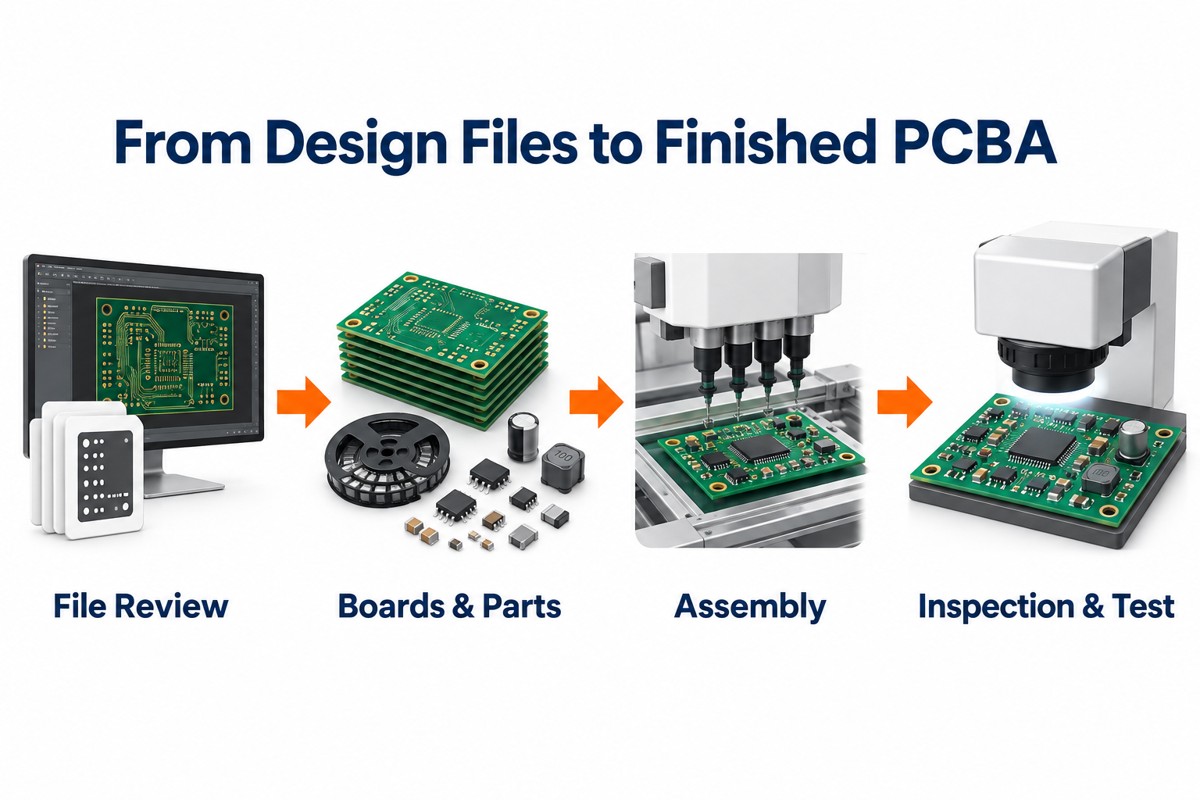
Ceramic PCB assembly is the process of mounting electronic components onto a ceramic PCB board and turning it into a working electronic module. The process may include solder paste printing, SMT placement, reflow soldering, through-hole assembly, inspection, electrical testing, functional testing, and final packaging.

Ceramic PCB Assembly Service China, Ceramic PCB Manufacturer

A ceramic PCB is used when a product needs better heat transfer, stable insulation, high dimensional stability, or reliable performance in compact power circuits. These boards are widely used in LED modules, power supplies, automotive electronics, RF products, laser devices, medical equipment, industrial controls, and high-temperature electronics.

Typical FR4 has thermal conductivity of about 0.3 W/m·K. Alumina ceramic is commonly around 24–30 W/m·K, while aluminum nitride can reach about 140–180 W/m·K depending on grade and supplier.

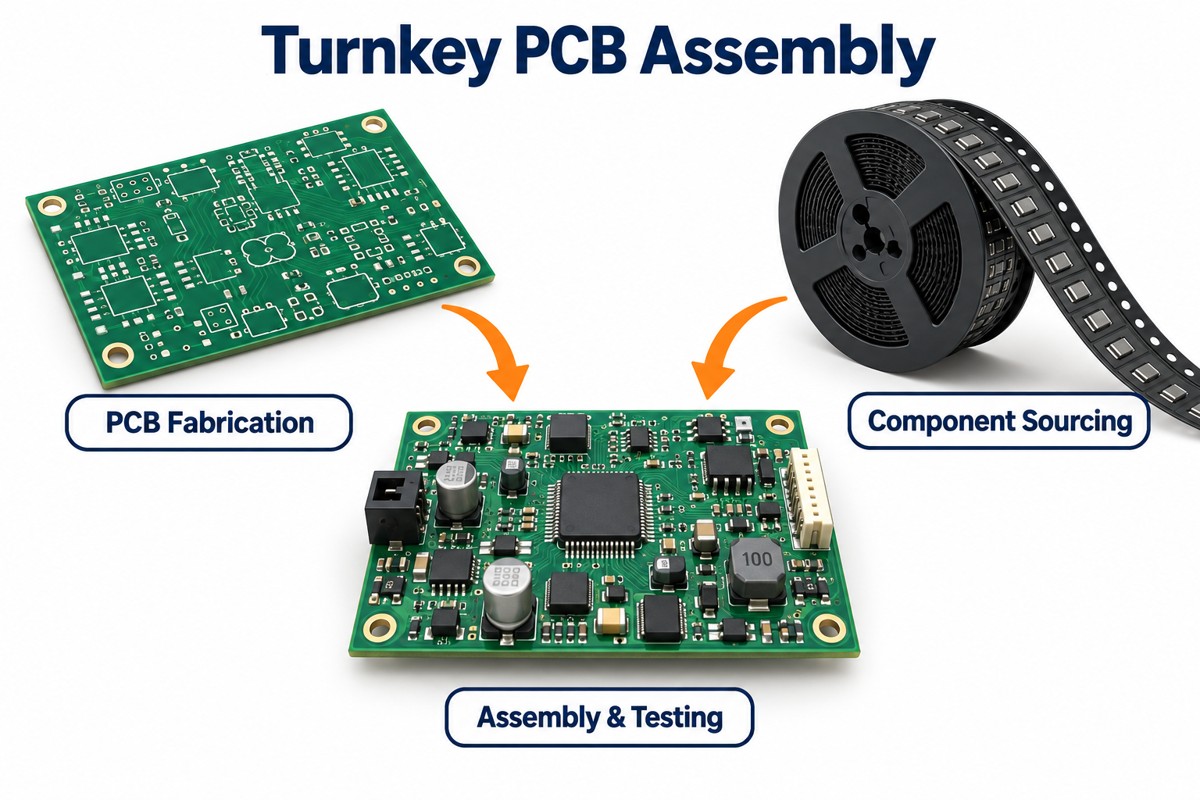
EBest Circuit (Best Technology) supports ceramic PCB fabrication, component sourcing, SMT assembly, through-hole assembly, inspection, and testing. For ceramic projects, the engineering team usually reviews material selection, copper structure, component package, soldering method, and test requirements before production.

How Is Ceramic PCB Assembly Different from Standard PCB Assembly?

Ceramic PCB assembly follows many standard PCBA steps, but the process control is more specific. Standard FR4 boards have moderate flexibility and are easier to handle during panel processing, component insertion, and depaneling. Ceramic boards are dimensionally stable and thermally efficient, but they require more careful handling because the substrate is rigid and brittle.

Ceramic PCB Assembly Service China, Ceramic PCB Manufacturer

The copper structure can also be different. Ceramic boards may use DPC, DBC, AMB, thick-film, or thin-film technology. Each process has different copper thickness, line capability, bonding strength, and cost. For example, DBC is often used in power modules because it supports thicker copper and efficient thermal transfer. DPC is often used when fine lines and accurate metallization are required.

ItemStandard FR4 PCB AssemblyCeramic PCB Assembly
Base materialGlass fiber epoxy laminateAlumina, aluminum nitride, silicon nitride, or other ceramic substrate
Thermal conductivityUsually around 0.3 W/m·KCommonly from 24 W/m·K to over 170 W/m·K
Mechanical behaviorMore flexibleRigid and requires careful handling
Soldering controlWider process windowRequires more accurate thermal profiling
Copper structureStandard etched copper layersDPC, DBC, AMB, thick-film, or thin-film structures
Common applicationsGeneral electronicsPower, LED, RF, automotive, medical, aerospace, and industrial electronics
Cost levelLower material and processing costHigher substrate, fabrication, and handling cost
Inspection focusPlacement, solder joints, polarity, electrical testSolder joints, voids, cracks, copper adhesion, thermal pads, edge condition

The main value of ceramic boards is performance under thermal, electrical, or mechanical demand. The main requirement is disciplined process control. When both are matched, ceramic assemblies can provide stable performance in applications where FR4 may not be suitable.

Can Through-Hole Components Be Used on Ceramic PCBs?

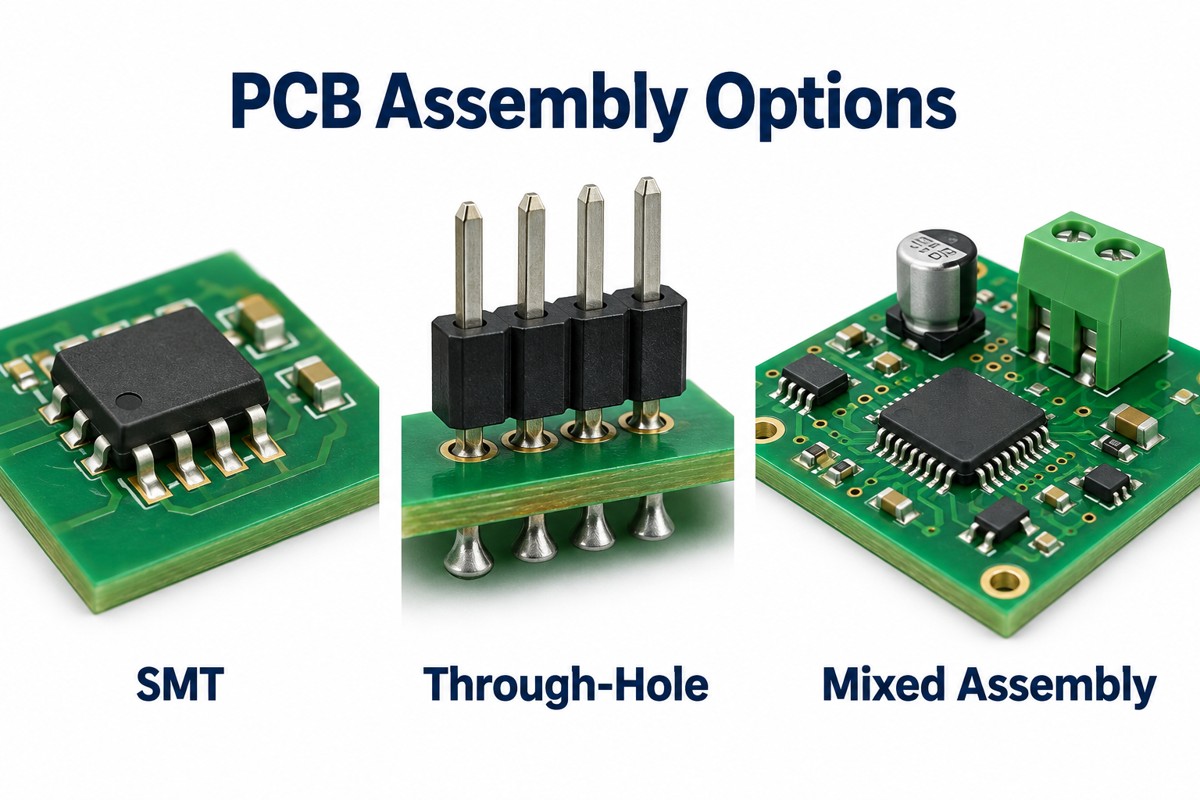
Through-hole components can be used on ceramic PCBs when the hole structure, lead size, soldering method, and mechanical stress are properly reviewed. Although many ceramic pcb boards use SMT components, some products still require pin headers, terminals, connectors, sensors, fuses, or power pins.

Hole formation in ceramic materials is different from FR4 processing. Depending on the material, board thickness, and hole diameter, holes may be made by laser drilling, mechanical drilling, or other ceramic-specific methods. If the hole needs electrical connection, the inner wall must be metallized. Hole tolerance, copper adhesion, and plating quality should be checked before production.

Through-hole assembly is often used in these ceramic PCB applications:

  • Power modules with high-current pins or screw terminals.
  • LED driver boards with power input and control connectors.
  • Sensor modules requiring stable external wiring.
  • High-voltage boards using leaded components with controlled spacing.
  • Hybrid assemblies combining SMT parts and through-hole parts.

The soldering method depends on design and volume. Selective soldering, manual soldering, pin-in-paste reflow, or fixture-assisted soldering may be used. The process should control heat input and reduce mechanical force. For heavy components, mechanical support may be needed so the solder joints do not carry the full load during product use.

EBest Circuit (Best Technology) reviews through-hole ceramic designs by checking hole size, substrate thickness, copper structure, solder access, connector load, and inspection requirements.

What Files Are Needed for Ceramic PCB Assembly?

A complete file package helps the manufacturer quote, fabricate, assemble, and test the product correctly. For ceramic PCB assembly, the files should show not only the circuit layout but also the material, copper structure, component position, soldering notes, and test method.

For a ceramic pcb prototype, basic files may be enough for early quotation. For production, the documentation should be more complete, especially for power electronics, medical devices, automotive electronics, aerospace products, and industrial control modules.

Ceramic PCB Assembly Service China, Ceramic PCB Manufacturer

A practical file package usually includes:

  • Gerber files or ODB++ files for PCB fabrication.
  • Drill files for plated holes, non-plated holes, and slots.
  • Stack-up drawing showing ceramic material, board thickness, copper thickness, and surface finish.
  • BOM with manufacturer part number, package, quantity, tolerance, and approved alternatives.
  • Pick-and-place file with coordinates and rotation.
  • Assembly drawing showing polarity, orientation, special notes, and keep-out areas.
  • Schematic for engineering review and test planning.
  • Stencil requirements if solder paste aperture control is already defined.
  • Test instructions for electrical test, functional test, programming, high-voltage test, or thermal test.
  • Quality requirements such as IPC class, RoHS/REACH request, inspection criteria, and traceability level.
File TypePurposeWhy It Matters
Gerber or ODB++Defines circuit patternConfirms pad geometry, copper area, spacing, and fabrication data
Drill fileDefines holes and slotsSupports ceramic drilling and metallization review
Stack-up drawingDefines material and thicknessAffects heat transfer, insulation, RF behavior, and mechanical strength
BOMDefines componentsSupports sourcing, assembly preparation, and alternative review
Pick-and-place fileGuides SMT placementReduces rotation and position errors
Assembly drawingShows component orientation and notesHelps manual inspection and special process control
SchematicExplains circuit functionSupports DFM review, testing, and troubleshooting
Test documentDefines acceptance methodConfirms how the finished assembly will be verified

For ceramic pcb assembly service China projects, many overseas customers send partial information at the first RFQ stage. That is acceptable for budgetary review. Before production, the manufacturer should confirm all critical data.

EBest Circuit (Best Technology) can review the file package before production and provide feedback on manufacturability, BOM availability, component alternatives, and test planning.

What Should Be Checked Before Ceramic PCB Assembly?

Before assembly starts, the engineering team should confirm whether the design matches the selected ceramic material and production process. Ceramic boards are often used in high-value applications, so early checks can save time during prototype validation and batch production.

The first item is material selection. Alumina is widely used because it offers good insulation, stable performance, and controlled cost. Aluminum nitride is selected when heat dissipation is a major requirement. Silicon nitride is used in some demanding power and automotive applications because it offers good mechanical strength and thermal shock resistance.

The second item is copper structure. Copper thickness, line width, spacing, bonding method, and surface finish must match current load, heat transfer, insulation distance, and soldering requirements. For high-current circuits, thick copper may be required. For fine-pitch circuits, DPC or thin-film ceramic technology may be more suitable.

Pad design should also be reviewed. Large thermal pads can create solder voids if stencil openings are not optimized. Small pads may reduce solder joint strength or thermal transfer. For LEDs, QFN, LGA, MOSFETs, and power ICs, the stencil design, solder paste volume, and thermal pad layout should be checked together.

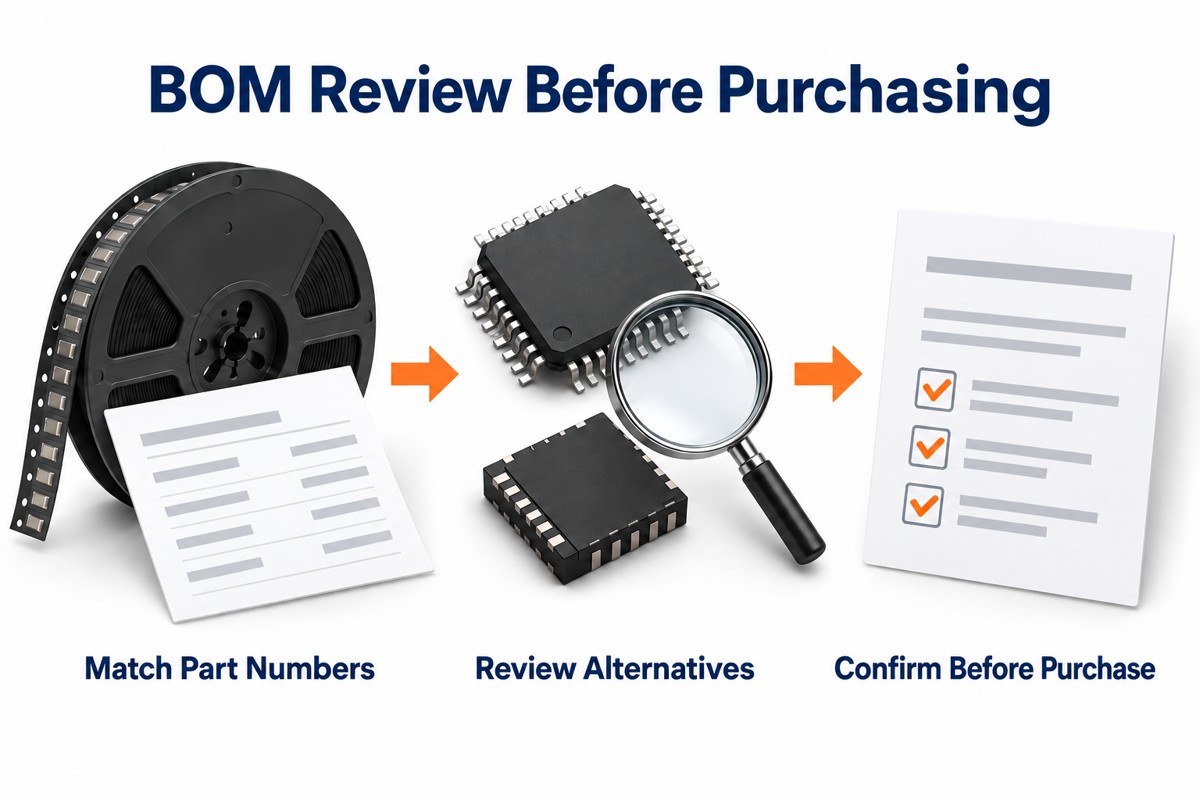
The BOM should be verified before SMT preparation. The review should cover package type, polarity, MSL level, lead time, lifecycle status, and substitute options.

Key pre-assembly checks include material grade, board thickness, copper thickness, surface finish, pad size, stencil aperture, component orientation, fixture design, handling method, reflow profile, cleaning requirement, test access, and traceability requirement. For high-voltage products, creepage and clearance should be reviewed. For RF products, impedance, dielectric constant, grounding structure, and connector transition should be checked.

EBest Circuit (Best Technology) provides DFM review for ceramic PCB and PCBA projects. The review focuses on practical production points, including material choice, soldering feasibility, component sourcing, inspection access, and testing method.

What Soldering Process Is Used for Ceramic PCB Assembly?

The soldering process depends on substrate material, copper structure, component type, board thickness, thermal mass, surface finish, and production volume. Most ceramic PCB assemblies use SMT reflow soldering for surface mount parts. Some products also require selective soldering, manual soldering, pin-in-paste reflow, vacuum reflow, or fixture-assisted soldering.

Ceramic PCB Assembly Service China, Ceramic PCB Manufacturer

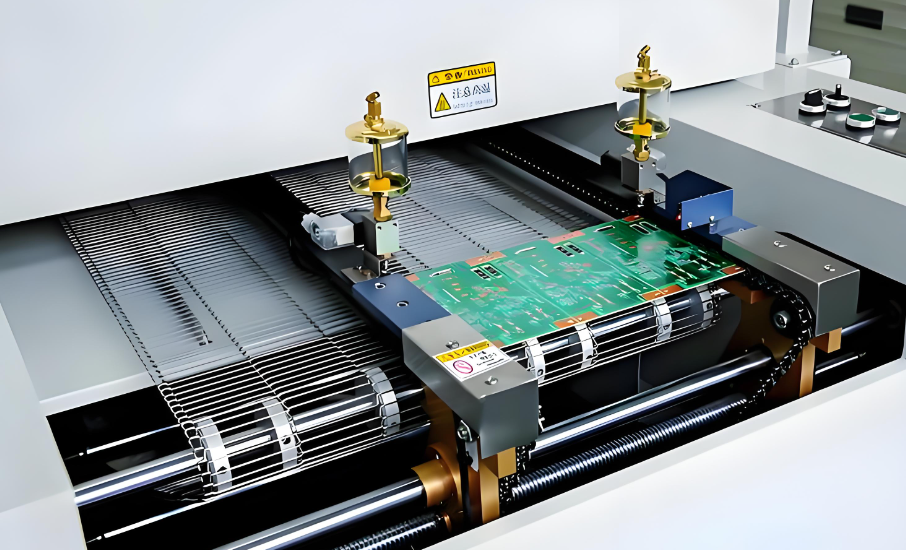
SMT reflow is used for LEDs, ICs, resistors, capacitors, sensors, RF parts, and many power devices. The process starts with solder paste printing. Components are then placed by SMT equipment, and the board passes through a controlled reflow oven.

Soldering MethodTypical UseKey Control Point
SMT reflow solderingLEDs, ICs, resistors, capacitors, sensors, RF partsReflow profile, solder paste volume, thermal balance
Selective solderingThrough-hole connectors, terminals, and pinsLocal heating, hole fill, substrate stress
Manual solderingPrototype, low-volume, special componentsTip temperature, contact time, operator consistency
Pin-in-paste reflowThrough-hole pins assembled during SMTPaste volume, lead length, hole fill
Vacuum reflowPower modules and large thermal padsVoid reduction under hidden pads
Fixture-assisted solderingSpecial structures or heavy componentsAlignment, stability, and heat uniformity

Solder paste selection should match surface finish, component terminal plating, and reliability requirements. Lead-free SAC solder is common, while high-temperature solder or special alloys may be used for certain power or harsh-environment applications. Flux residue requirements should also be confirmed, especially for high-voltage, RF, medical, and clean electronic assemblies.

How Are Ceramic PCB Assemblies Tested?

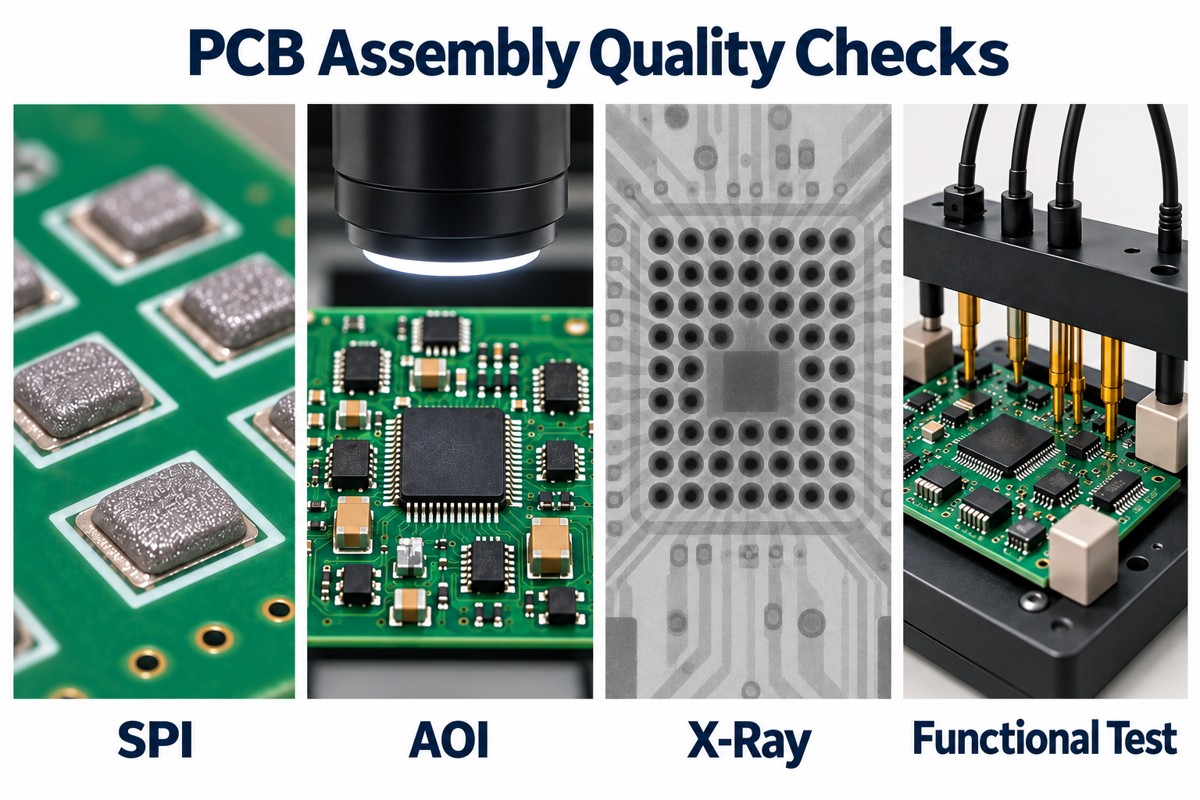
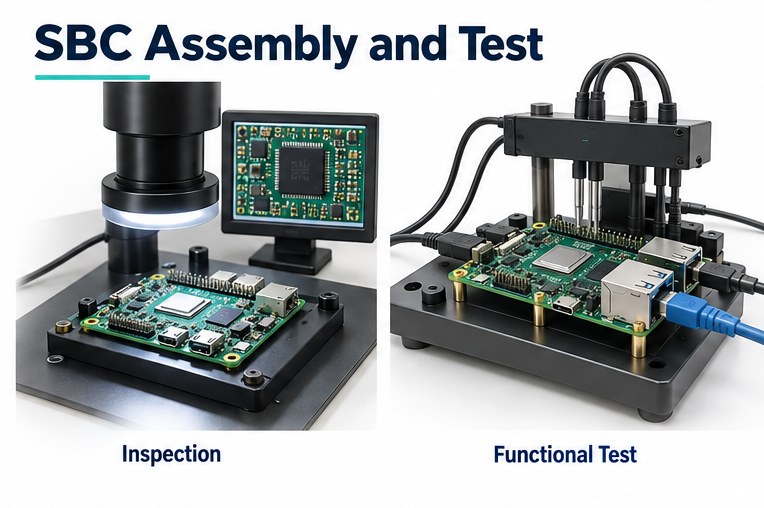
Ceramic PCB assemblies are tested through visual inspection, AOI, X-ray inspection, electrical test, functional test, and application-specific verification. The test plan depends on circuit function, product risk, industry requirement, and customer acceptance criteria.

Visual inspection checks ceramic edges, surface condition, component placement, solder appearance, polarity, marking, contamination, and mechanical damage. Since ceramic substrates are rigid, edge chips and cracks should be checked carefully.

AOI is used after SMT reflow to check missing parts, wrong parts, offset, polarity, tombstoning, solder bridges, and visible solder issues. AOI is efficient for visible components, but it cannot inspect hidden solder joints under BGA, QFN, LGA, or large thermal pads.

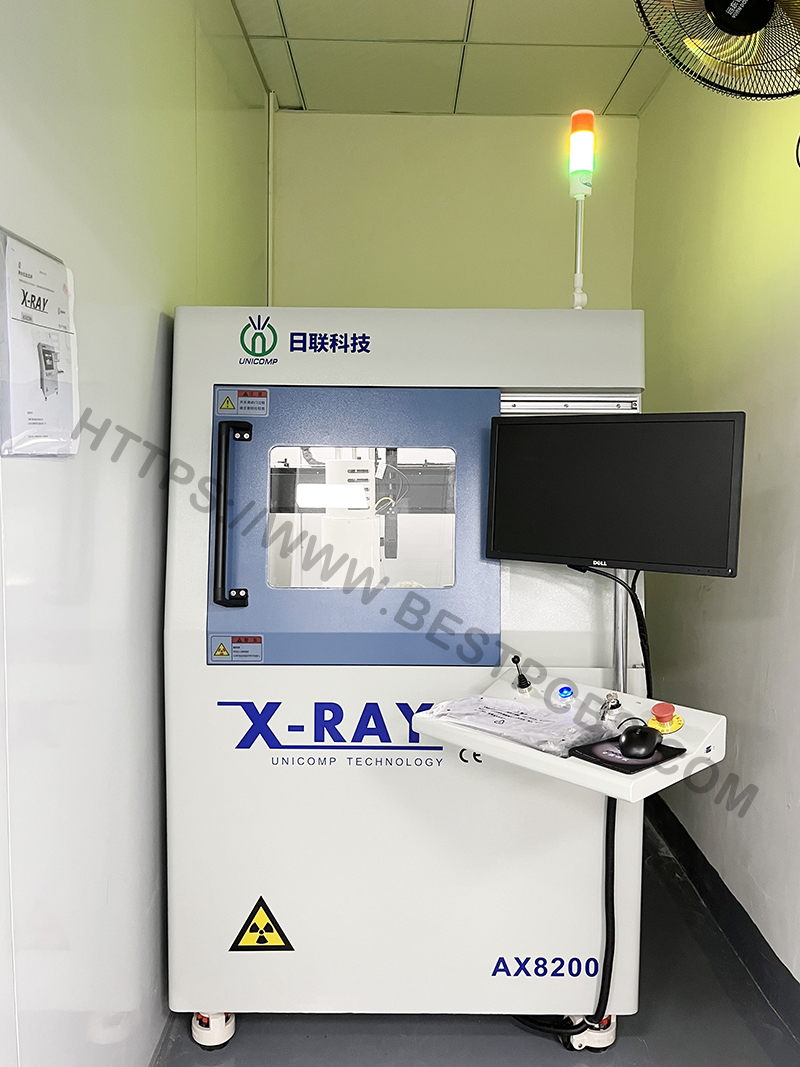
X-ray inspection is useful for hidden joints and large thermal pads. It helps identify solder voids, bridging, insufficient solder, and alignment problems.

Ceramic PCB Assembly Service China, Ceramic PCB Manufacturer

Electrical testing confirms continuity, isolation, and circuit behavior. Depending on the design, the test may include open/short test, insulation resistance test, high-voltage test, current test, programming, communication check, or full functional test. RF ceramic boards may require impedance-related checks, return loss, insertion loss, or frequency response testing based on product requirements.

Test MethodWhat It ChecksTypical Use
Visual inspectionSurface condition, solder appearance, ceramic edges, polarityFirst-level quality control
AOIPlacement, missing parts, solder bridges, polaritySMT process verification
X-rayHidden joints, voids, BGA/QFN/LGA solderingPower, LED, and fine-pitch assemblies
Electrical testOpens, shorts, isolation, basic circuit integrityBare board and assembled board verification
Functional testProduct operation under defined conditionsProduction acceptance
Thermal testTemperature rise and heat path behaviorLED, power, and high-current products
High-voltage testInsulation and safety spacingPower and high-voltage circuits
Aging or burn-inStability over time and temperatureHigher-reliability applications

EBest Circuit (Best Technology) supports AOI, X-ray, electrical test, functional test, and project-based traceability for ceramic PCB and PCBA projects.

What Common Problems Can Happen During Ceramic PCB Assembly?

Ceramic PCB assembly is reliable when design, material, and process are aligned. Most process issues are linked to material handling, soldering profile, pad design, documentation, or component stress. Early DFM review and controlled production methods can reduce these risks.

Possible IssueMain CauseControl Method
Edge chippingHandling impact, unsuitable fixture, rough toolingUse protective packaging and controlled fixtures
Substrate crackingMechanical stress or rapid thermal changeReview mounting, insertion force, and reflow profile
Solder voidsLarge thermal pads or unsuitable paste/profileOptimize stencil, paste, reflow, and X-ray control
Poor wettingSurface contamination or finish mismatchControl storage and verify solderability
TombstoningPad imbalance or uneven heatingReview pad design, paste volume, and profile
Component shiftExcess paste, vibration, package imbalanceImprove placement and reflow stability
Limited test coverageMissing test points or unclear procedureDefine test access and acceptance limits early

The practical solution is to review fabrication, assembly, component sourcing, and testing together. A qualified ceramic pcb manufacturer should identify process risks before production and provide clear recommendations for improvement.

What Affects Ceramic PCB Assembly Cost?

Ceramic PCB assembly cost is affected by material, board size, board thickness, copper thickness, metallization method, surface finish, component selection, assembly complexity, test scope, order quantity, and lead time. A ceramic board price is usually higher than FR4 because ceramic materials, fabrication processes, and handling requirements are different.

Material choice is a major factor. Alumina is usually more economical and widely used. Aluminum nitride costs more but provides much higher thermal conductivity. Silicon nitride and other advanced ceramic materials may be selected for mechanical strength, thermal shock resistance, or special operating conditions.

Fabrication method also affects cost. DPC, DBC, AMB, thick-film, and thin-film ceramic processes have different production requirements. Fine lines, tight spacing, thick copper, large copper coverage, and special surface finishes increase process complexity.

Assembly cost depends on component count, package type, placement density, soldering method, and inspection level. Fine-pitch ICs, QFN, BGA, high-power packages, large thermal pads, and through-hole terminals require more process control. X-ray inspection, functional testing, high-voltage testing, thermal testing, programming, conformal coating, and serialization also affect the final cost.

A ceramic pcb prototype usually has a higher unit price because setup, stencil, engineering review, tooling, and process preparation are spread across a small quantity. After the design is verified, batch production can reduce unit cost through better material planning and repeatable process flow.

EBest Circuit (Best Technology) can review stack-up, BOM, assembly method, and test scope during quotation, helping customers understand the main cost drivers before production.

Why Choose China Ceramic PCB Assembly?

China ceramic PCB assembly is widely used by global electronics companies because it combines PCB fabrication, component sourcing, SMT assembly, testing, and production scaling in one mature supply chain.

A capable China ceramic PCB assembly partner can support LED modules, power electronics, industrial controls, RF devices, medical electronics, automotive assemblies, and high-temperature products.

Component sourcing is also important. Many ceramic PCB projects use LEDs, power semiconductors, RF parts, connectors, sensors, passives, and thermal materials. A supplier with sourcing capability can check lead time, lifecycle status, approved alternatives, and package compatibility before assembly.

When choosing ceramic pcb assembly service china, buyers should evaluate capability, not only price. The supplier should understand ceramic materials, copper structure, soldering control, void inspection, through-hole processing, functional testing, and English technical communication.

EBest Circuit (Best Technology) provides ceramic PCB fabrication, component sourcing, SMT assembly, through-hole assembly, testing, and engineering support. For ceramic projects, the team can review material selection, manufacturability, BOM status, soldering method, inspection requirements, and delivery schedule.tion.

If you are looking for a ceramic PCB manufacturer or need support for ceramic PCB assembly in China, send your drawings, BOM, and project requirements to sales@bestpcbs.com for review and quotation.

You may also like

Contract Manufacturer vs OEM Differences: How to Choose the Right PCB & PCBA Partner

May 28th, 2026

Understanding the contract manufacturer vs OEM differences can save you time, money, and control over your own design. Here’s the twist most guides miss: you are probably the OEM. This article clears up the confusion—and helps you pick the right way to get your product built—in minutes, not weeks.

A note on where we fit in: at EBest Circuit (Best Technology), we’re the contract manufacturer—the partner you, as the OEM, can rely on to bring your design to life. With our own PCB and PCBA factories, we’d be glad to take your Gerber files and BOM and handle fabrication, sourcing, assembly, testing, and delivery, while you keep full ownership of your design and IP. If you have a project in mind, we’d be delighted to help—please feel free to reach out at sales@bestpcbs.com for a complimentary DFM review.

Contract Manufacturer vs OEM Differences

What Is an OEM and What Is a Contract Manufacturer?

Here’s the part most articles skip: if you have a product to bring to market, you are the OEM.

OEM (Original Equipment Manufacturer): The brand owner—the company that owns the product, design, and IP and sells it under its own name (Apple, Dell, or your own startup). That’s you.

Contract Manufacturer (CM): The factory you hire to build your product to your design. You send Gerber files + BOM; they fabricate, source, assemble, test, and deliver. You keep the IP.

ODM (Original Design Manufacturer): A factory that hands you a ready-made design to rebrand. You tweak the color or logo; they keep the base design.

So OEM isn’t a supplier you pick—it’s your role. The real decision is how you manufacture: hire a contract manufacturer to build your own design, or take an ODM’s ready design and rebrand it.

Contract Manufacturer vs OEM Differences

What Are the Key Differences Between OEM and Contract Manufacturer?

The honest answer: they aren’t competing options. As the OEM (the brand owner), you hire a contract manufacturer. They’re two sides of the same deal—you own the product; the CM builds it.

The choice that actually matters for you is between your two manufacturing routes:

  • Contract manufacturer → your design, you own the IP, fully custom.
  • ODM → their design, you rebrand—faster and cheaper, but you don’t own it.

Ownership drives a lot—but your cost, MOQ, lead time, and customization also depend on tooling, component availability, test requirements, certification needs, and production volume.

Contract Manufacturing vs OEM: A Side-by-Side Comparison

Since you’re the OEM, the comparison that matters is between your two real routes to production: a contract manufacturer vs an ODM.

Factor (you’re the OEM either way)Contract Manufacturer (build your design)ODM (rebrand their design)
Who designs itYouThe ODM
Design / IP ownershipYoursThe ODM’s
How much you can customizeFull—built exactly to your specMinor (color, logo)
Your upfront costNRE, tooling, stencil, fixture, and setup may applyLower—the design already exists
Your MOQSupplier-dependent; many PCBA CMs support prototype to volumeOften tied to the ODM’s standard MOQ
Your speed to marketFast once your design, BOM, and tests are finalizedFastest—the design is ready
Your controlHighLow
Best for you whenYou have your own design to protectYou want a fast, low-cost launch

Pros and Cons of OEM vs Contract Manufacturer

You’re the OEM either way—here’s how your two routes stack up:

Contract Manufacturer (build your own design)

  • For you: Full design & IP control · Fully custom to your spec · Scales with you
  • Watch out: You need your own design · You’ll rely on a trusted, capable partner

ODM (rebrand a ready design)

  • For you: Fastest to market · Lower upfront cost · No design work on your side
  • Watch out: You don’t own the design · Hard to stand out · Others may sell the same base product

When Should You Use a Contract Manufacturer for Your Own Design?

Go the contract manufacturer route—rather than grabbing a ready-made ODM design—when you:

  • Have your own design or IP to protect
  • Need custom PCB & PCBA, not an off-the-shelf or rebranded board
  • Want flexible volumes—samples, small batches, then scale
  • Need DFM feedback before committing to production
  • Plan to iterate and own your roadmap

(If you’d rather not own a design and just want a fast, cheap launch, an ODM is the alternative.)

When Does the OEM Model Make Sense?

Being a full OEM—developing and owning your own original product—makes sense when you:

  • Want long-term brand equity and differentiation
  • Have the R&D budget and time to develop and maintain a design
  • Need a proven, fully-owned product line for industries like medical, auto, or aerospace
  • Want to protect unique IP

In this model you still outsource the actual PCB & PCBA build—usually to a contract manufacturer. The alternative (an ODM) is faster and cheaper, but you give up design ownership.

How to Choose the Right PCB & PCBA Manufacturing Partner

If you own your design, a strong contract manufacturer is usually your best move. Here’s a 6-point checklist for what to look for:

  • One-stop service — PCB fab + component sourcing + PCBA assembly + testing under one roof, so you don’t juggle vendors.
  • Real DFM support — A partner who reviews your design before production and flags issues.
  • Certifications — ISO9001, ISO13485, IATF16949, AS9100D for medical, auto, and aerospace.
  • Own factory + supply chain — In-house PCB & PCBA plus a deep parts network keeps your quality and lead times under control.
  • Sample & small-batch friendly — So you can validate before scaling.
  • Fast, traceable delivery — Quick turnaround with full batch traceability.

EBest Circuit (Best Technology): Your One-Stop PCB & PCBA Contract Manufacturer

We tick every box above:

  • One-stop PCB + PCBA — manufacturing, component sourcing, assembly, and testing in one place.
  • Free DFM review + BOM optimization from engineers with 20 years of PCB/PCBA experience.
  • Full-process engineering team that responds precisely to your design needs.
  • Sample & small-batch support to help you validate and launch fast.
  • Certified: ISO9001 / ISO13485 / IATF16949 / AS9100D.
  • Own factories (PCB + PCBA) and 1,000+ supply-chain partners—your quality and lead times are easier to control.
  • 20 years in PCBA, trusted by 10,000+ engineers and 1,800+ customers.
  • Digital workshop with 5-second traceability on materials, batches, and production progress.
  • 1.5-week fast PCBA delivery.

📩 Get a quote or free DFM review: sales@bestpcbs.com

FAQs: Contract Manufacturer vs OEM Differences Explained

Is an OEM the same as a contract manufacturer?
No—and they aren’t even competing options. An OEM is the brand owner (likely you); a contract manufacturer is the factory you hire to build your design. The OEM owns the product; the CM builds it.

What’s the difference between OEM and ODM?
As an OEM, you own your product and design. With an ODM, the factory owns the design and you simply rebrand it. So: OEM = your brand and your design; ODM = their design, your label.

Which is cheaper for me—building my own design or using an ODM?
An ODM has the lowest upfront engineering effort because the design already exists. Building your own design through a contract manufacturer may add NRE, tooling, stencil, or test-fixture costs, but you keep full IP and customization control.

Can a contract manufacturer help if my design isn’t finished?
Yes. A good CM offers DFM analysis and BOM optimization to refine your design before production. EBest does this for free.

Do I lose my IP with a contract manufacturer?
Normally, you keep ownership of your existing design, Gerber files, BOM, firmware, and product IP. That said, you should spell out IP protection clearly in your NDA, manufacturing agreement, tooling agreement, and engineering-change process.

What’s the typical lead time for custom PCBA? It varies, but EBest delivers PCBA in as fast as 1.5 weeks.

Still weighing contract manufacturer vs OEM for your next project? We build everything from rigid, flex, and rigid-flex to multilayer, HDI, metal-core, and high-frequency PCBs—plus full PCBA assembly. Tell us what you’re building at sales@bestpcbs.com, and we’ll help you find the right fit, no strings attached.

You may also like

Proto Board Guide: From Circuit Testing to Custom PCB Prototype

May 26th, 2026

Proto board is often one of the first tools engineers, makers, and product developers use when turning a circuit idea into something they can test on the bench. It gives you a practical way to place components, connect signals, check power paths, and verify whether a circuit behaves as expected before investing in a custom PCB.

For early-stage development, this approach is flexible and cost-friendly. You can adjust wiring, replace components, test different values, and improve the circuit step by step. Once the design becomes stable, the next step is usually a more reliable PCB prototype that can support repeatable testing, better assembly quality, and pilot production.

This guide explains what a proto board is, how it works, how it compares with breadboards and PCB prototypes, how to use and solder it properly, and when it makes sense to move from hand-built wiring to a custom manufactured circuit board.

Proto Board

What Is a Proto Board?

A proto board is a board used to build and test electronic circuits before creating a final PCB design. It usually contains a grid of holes, copper pads, or plated-through areas where components can be inserted, soldered, and connected with wires or solder bridges.

It is also commonly called a prototype board, prototyping board, or protoboard. These terms are often used in similar contexts, although the exact board structure can vary. Some boards are plain perfboards with individual pads, while others follow a breadboard-like pattern that makes circuit transfer easier.

A proto board is useful because it sits between two development stages:

Development StageTypical ToolMain Purpose
Concept testingBreadboardQuick, temporary circuit experiments
Functional validationProto boardMore stable soldered prototype
Product verificationCustom PCB prototypeRepeatable layout, dimensions, and performance
ProductionFabricated PCB / PCBAScalable manufacturing and assembly

In simple terms, a proto board helps you move from “the circuit works in theory” to “the circuit works in hardware.”

It is widely used for:

  • Sensor interface circuits
  • Small power modules
  • LED control circuits
  • Microcontroller expansion boards
  • Audio circuits
  • Relay and switching circuits
  • Lab testing fixtures
  • Early product prototypes

For simple circuits, a proto board can be enough for long-term bench use. For commercial products, however, it is usually a development step before a custom PCB prototype.

Proto Board

When Should You Use One in Electronics Prototyping?

A proto board is most valuable when your circuit has moved beyond a quick breadboard test but is not ready for formal PCB fabrication yet. It gives you more mechanical stability than jumper wires on a breadboard while still allowing design changes.

You can use it when:

  • The schematic is mostly confirmed
  • The circuit needs soldered connections for stable testing
  • The prototype will be handled, moved, or tested repeatedly
  • The design uses through-hole components
  • You want to test connector positions before layout design
  • The circuit is small enough for manual wiring
  • You are validating a module before creating a full PCB

For example, an engineer may test a temperature sensor circuit on a breadboard first. After confirming the sensor output and microcontroller code, the same circuit can be transferred to a proto board for longer functional testing. This gives stronger connections and fewer loose wire issues.

A proto board is also helpful when evaluating component values. You can test different resistors, capacitors, connectors, or interface parts before locking the design into a PCB layout. That flexibility is one reason it remains popular in engineering labs, schools, repair benches, and product development teams.

For dense circuits, high-speed signals, RF designs, thermal-sensitive power boards, or products that require enclosure fitting, a custom PCB prototype is usually a better next step.

How Does a Proto Board Connect Components?

A proto board connects components through copper pads, plated holes, jumper wires, solder joints, or copper traces depending on the board style.

Most basic boards have individual copper pads around each hole. Components are inserted through the holes and soldered to the pads.
The electrical connections are then created manually with:

  • Solder bridges
  • Solid-core jumper wires
  • Insulated hookup wires
  • Bare copper wires
  • Pre-designed copper strips
  • External connectors

Some boards are designed to imitate a breadboard layout. These make it easier to transfer a working breadboard circuit into a soldered format. Other boards are completely open-grid, giving engineers more layout freedom.

A clean build usually starts with the main components first. Connectors, IC sockets, regulators, switches, and larger capacitors are placed before smaller passive parts. After that, power, ground, and signal paths are wired carefully.

The key is to think of the board as a manual circuit layout.
Even though it is hand-wired, the same engineering logic still applies:

  • Keep power paths clear
  • Keep ground connections short and stable
  • Avoid crossing too many signal wires
  • Separate noisy and sensitive areas
  • Leave room for test points
  • Mark pin functions and polarity
  • Inspect each connection before power-on

A proto board may look simple, but poor wiring can affect circuit behavior. A clean layout gives better test results and makes troubleshooting easier.

Breadboard, Perfboard, and PCB Prototype Board: What Is the Difference?

Breadboards, perfboards, proto boards, and PCB prototype boards are all used during development, but they serve different purposes. Choosing the right one depends on where you are in the design process.

Board TypeBest ForConnection MethodReusableStability
BreadboardFast circuit experimentsJumper wires and internal clipsYesLow to medium
PerfboardManual soldered circuitsPoint-to-point solderingUsually noMedium
Proto boardStable functional prototypesSoldering, wiring, or copper padsUsually noMedium to high
PCB prototype boardPre-production validationDesigned copper tracesNoHigh
  • A breadboard is best for very early testing. It allows fast changes without soldering. The trade-off is that jumper wires can become loose, contact resistance may vary, and layout control is limited.
  • A perfboard is a perforated board with holes and copper pads. It gives a permanent soldered structure, but every electrical connection is usually made by hand.
  • A proto board can refer to several prototype board styles, including perfboard-like designs, breadboard-patterned solder boards, and general-purpose experimental boards. It gives more stability than a breadboard while keeping flexibility.
Proto Board
  • A PCB prototype board is different because it is designed from CAD files and manufactured with defined copper traces, solder mask, drill holes, surface finish, and controlled dimensions. It is the better option when the design needs repeatability, assembly control, and product-level testing.

For early learning or small experiments, a breadboard or proto board works well. For engineering validation, customer samples, pilot runs, or commercial hardware, a custom PCB prototype gives a more dependable result.

Proto Board

Which Type of Prototype Board Should You Choose?

Different prototype boards are designed for different development tasks. Instead of choosing only by size or price, it is better to choose based on the circuit type, component package, wiring density, and testing goal.

  • For through-hole circuits, a standard proto board or perfboard is often the easiest choice. It works well for resistors, DIP ICs, headers, switches, connectors, relays, and electrolytic capacitors.
  • For surface-mount components, an SMD prototype board is more suitable. These boards include pad patterns for common packages such as SOIC, SOT-23, 0805, 0603, QFN adapters, or other small footprints. They are useful when testing modern ICs that are not available in through-hole packages.
  • For development boards, Arduino or Raspberry Pi expansion boards can speed up testing. They provide compatible header spacing and make it easier to connect sensors, modules, displays, or driver circuits.
  • For compact circuits, a mini prototype board saves space and works well for small sensor modules, LED circuits, or simple interface boards.
  • For lab use, a proto board kit can be practical. It often includes different board sizes, headers, jumper wires, terminal blocks, and small accessories for daily testing.

When the circuit becomes complex, manually selecting a larger proto board is not always the best answer. At some point, the project benefits more from a custom PCB layout with fixed routing, correct footprints, mounting holes, and cleaner assembly.

How to Build a Simple Circuit Step by Step

Building a circuit on a proto board is easier when the process is organized. A good workflow prevents messy wiring and reduces debugging time.

1. Review the schematic first

  • Start with a clear schematic. Confirm component values, pin numbers, power input, ground points, connector orientation, and signal direction before placing anything on the board.

2. Place the main components

  • Put larger or more important parts first. IC sockets, connectors, switches, regulators, relays, and terminal blocks should be positioned with enough spacing around them.

3. Plan the power and ground paths

  • Power and ground should be easy to identify. Use thicker wires for higher current paths and avoid routing power through thin, weak connections.

4. Group related components

  • Place supporting resistors, capacitors, and protection parts close to the IC or connector they support. This makes the circuit easier to read and improves electrical behavior.

5. Add signal connections carefully

  • Use short and direct wires where possible. For analog or sensitive signals, keep them away from switching nodes, relays, motors, and high-current paths.

6. Solder in stages

  • Do not solder everything at once. Complete one section, inspect it, then move to the next. This makes mistakes easier to find.

7. Check continuity before applying power

  • Use a multimeter to confirm power, ground, and important signal paths. Check for shorts between power and ground before turning the circuit on.

8. Power up gradually

  • If possible, use a current-limited power supply. Start with a low current limit, then verify voltage rails and key signals step by step.

This process turns a hand-built circuit into a more controlled engineering sample. It also creates useful reference information for the later PCB layout stage.

Layout, Wiring, and Soldering Tips for a Cleaner Build

A well-built proto board is easier to test, modify, and convert into a PCB design. The goal is not only to make the circuit work, but to make it understandable.

Keep the layout readable

  • Place the circuit in a logical direction. For example, power input can start from one side, signal input from another side, and output connectors near the edge. This makes testing and troubleshooting more efficient.

Use short wiring where possible

  • Long jumper wires add clutter and can pick up noise. Shorter wires make the board stronger and cleaner.

Separate power and signal paths

  • Power circuits, switching circuits, and motor drivers can introduce noise. Keep sensitive analog lines, sensor signals, and communication traces away from these areas.

Mark important pins

  • Label voltage input, ground, signal pins, polarity, and connector direction. Even simple labels can prevent mistakes during testing.

Use good soldering practice

  • A proper solder joint should be smooth, shiny, and mechanically stable. Cold solder joints, excess solder, and weak pad connections can create intermittent faults.

Leave space for test points

  • Add accessible points for measuring voltage, current, PWM signals, I2C, SPI, UART, reset lines, and sensor outputs. Debugging is much easier when test access is planned.

Inspect before each major test

  • A visual inspection and continuity test can catch many problems early. Look for solder bridges, reversed components, loose wires, wrong pin connections, and overheated pads.

For simple low-speed circuits, these tips are often enough. For RF circuits, high-speed digital interfaces, precision analog boards, or power electronics, a custom PCB prototype gives better control over impedance, grounding, thermal paths, and repeatability.

When Should a Prototype Become a Custom PCB?

A working hand-wired prototype is an important milestone, but it is usually not the final hardware format. Once the circuit has been verified, a custom PCB makes the design cleaner, stronger, and easier to reproduce.

You should consider moving to a custom PCB when:

  • The circuit function has been confirmed
  • Wiring becomes crowded or difficult to trace
  • The same board must be tested several times
  • Connector location and board size matter
  • The product must fit inside an enclosure
  • The circuit includes high-speed, RF, or noise-sensitive signals
  • Thermal performance becomes important
  • The project is moving toward pilot production
  • Assembly time is becoming too long
  • The design requires consistent quality across multiple units

A custom PCB prototype allows the copper traces, component footprints, mounting holes, solder mask, silkscreen, and surface finish to be controlled. It also makes PCBA assembly more practical.

This step is especially valuable when a product team wants to reduce hand-wiring errors, improve test consistency, and prepare for customer samples or small-batch production.

Before production, the design should go through proper engineering review. Gerber files, drill files, stackup, copper spacing, solder mask clearance, component footprints, BOM availability, and assembly requirements should all be checked. This is where a professional PCB manufacturer can add real value.

Case Study: 4-Layer FR4 PCB Prototype from a Customer’s Proto Board Project

After testing the circuit on a proto board, the customer wanted a more stable PCB prototype for the next development stage. The hand-wired prototype had already proved the basic function, but it was not suitable for repeat testing, assembly review, or small-batch preparation.

To move the project forward, we manufactured a 4-layer FR4 PCB prototype based on the customer’s confirmed design files.

Customer Requirement

The customer needed a board that could provide:

  • More reliable electrical connections than hand wiring
  • A fixed layer structure for engineering validation
  • Stable board thickness for assembly and enclosure checking
  • Clear solder mask and silkscreen for component identification
  • A practical surface finish for prototype testing

Our Manufacturing Support

Before production, our engineering team reviewed the PCB files and confirmed the key manufacturing details, including layer count, material grade, copper thickness, board thickness tolerance, solder mask, silkscreen, and surface finish.

For this project, we used FR4 TG170 material to provide better thermal stability during soldering and assembly. The board was produced with 1 oz copper on all four layers, which offered a balanced structure for prototype-level testing.

The board also used green solder mask, white silkscreen, and lead-free HASL surface finish, making it practical for engineering samples, functional testing, and further design review.

Project Specification

ItemSpecification
PCB Type4-Layer FR4 PCB
MaterialFR4 TG170
Copper Thickness1/1/1/1 oz
Board Thickness1.6 mm ±10%
Solder MaskGreen
SilkscreenWhite
Surface FinishLead-Free HASL
Production StagePCB Prototype / Engineering Validation

Result

The finished PCB gave the customer a cleaner and more repeatable platform than the original proto board. It helped the project move from early circuit testing to a more controlled PCB prototype stage, ready for assembly review, functional testing, and future small-batch production.

Why Choose Us for PCB Prototype Manufacturing After Proto Board Testing?

After a circuit works on a proto board, the next challenge is turning it into a manufacturable PCB. This step requires more than simply drawing copper traces. A reliable manufacturing partner should help review the design from fabrication, assembly, sourcing, and testing perspectives.

At EBest Circuit, we support customers from early PCB prototype to PCBA assembly and small-batch production. Our team can help convert verified prototype concepts into practical circuit boards with better layout control, cleaner assembly, and stronger production readiness.

Engineering Support Before Production

  • We can review Gerber files, stackup, copper spacing, drill design, solder mask clearance, impedance requirements, component footprints, and assembly risks before production starts. This helps reduce avoidable issues before boards enter fabrication.

From PCB Prototype to PCBA Assembly

  • Once your circuit has been tested on a proto board, we can support the next stage with PCB fabrication, component sourcing, SMT assembly, through-hole assembly, inspection, functional testing, and box-build assembly when required.

DFM Review and BOM Optimization

  • A hand-built circuit may work electrically, but it still requires manufacturability review before it becomes a stable PCB. We can help check layout risks, part availability, alternative components, assembly feasibility, and production consistency.

Support for Different PCB Technologies

Controlled Quality Process

  • Our production support can include material control, drilling inspection, solder mask control, surface finish inspection, electrical testing, AOI, X-ray inspection when required, and functional testing for assembled boards.

One-Stop Service for Product Development

  • For engineering teams, one-stop support reduces communication gaps between PCB fabrication, component sourcing, assembly, and testing. It also helps the project move from bench prototype to repeatable hardware with fewer handoff problems.

If your circuit has already been verified on a proto board, we can help you take the next step. Send your schematic, Gerber files, BOM, or prototype photos to our team for review and quotation.

FAQs About Proto Board

Q1: Is a proto board the same as a breadboard?
A1: Not exactly. A breadboard is usually solderless and reusable, while a proto board is commonly used for soldered prototypes. A breadboard is better for quick experiments, and a proto board is better for a more stable circuit build.

Q2: Can you solder components directly on a proto board?
A2: Yes. Most proto boards are designed for soldering through-hole components, wires, headers, connectors, and small modules. For surface-mount parts, an SMD-compatible prototype board or adapter board is usually more suitable.

Q3: What is the difference between a proto board and a PCB prototype board?
A3: A proto board is usually hand-wired or manually soldered. A PCB prototype board is manufactured from design files with defined copper traces, drilled holes, solder mask, surface finish, and board dimensions. The PCB version is more repeatable and better for product validation.

Q4: Can a proto board be used for SMD components?
A4: Yes, but it depends on the board type. Standard through-hole boards are not ideal for small SMD packages. For SMD testing, use a board with matching surface-mount pads or an adapter module.

Q5: How do you test a proto board before powering it on?
A5: Start with visual inspection, then use a multimeter to check continuity, power-to-ground shorts, component polarity, and important signal paths. For safer testing, power the circuit with a current-limited supply.

Q6: Is a proto board suitable for high-speed or RF circuits?
A6: It can be used for very basic experiments, but high-speed and RF circuits usually require controlled layout, impedance design, grounding strategy, and material selection. A custom PCB prototype is usually better for those applications.

Q7: When should I convert a proto board design into a custom PCB?
A7: Convert it when the circuit function is verified, wiring becomes dense, board size matters, testing must be repeatable, or the project is moving toward pilot production. This step helps improve reliability, assembly quality, and product readiness.

Q8: Can you manufacture a PCB prototype based on my proto board circuit?
A8: Yes. If you can provide the schematic, connection notes, photos, BOM, or existing layout idea, our engineering team can help review the design and support PCB prototype manufacturing, component sourcing, PCBA assembly, and testing.

In conclusion, a proto board is a practical bridge between circuit ideas and real hardware. It helps engineers test connections, adjust components, verify functions, and understand how a circuit behaves before investing in a custom PCB. For early development, it offers flexibility. For product validation, a manufactured PCB prototype offers repeatability, cleaner assembly, and better production control.

If your circuit has already worked on a proto board and you are ready to move toward a custom PCB prototype, EBest Circuit can support the next step with PCB fabrication, DFM review, component sourcing, PCBA assembly, testing, and production-quality support. Send us your files or project details at sales@bestpcbs.com to start your PCB prototype quotation.
You may also like

Soldering Flux vs Soldering Paste: Differences, Uses, and How to Choose

May 25th, 2026

Soldering flux vs soldering paste is a common question in electronics soldering and PCB assembly. The two materials look related, but they do different jobs.

Flux helps solder flow. It removes oxidation and improves wetting.

Soldering paste, also called solder paste, contains solder alloy powder and flux. It can form solder joints during reflow.

So the simple answer is this: flux helps solder work better, while solder paste provides the solder metal and flux together.

This guide explains the difference, when to use each one, and how to avoid common soldering mistakes.

Soldering Flux vs Soldering Paste

Soldering Flux vs Soldering Paste: Quick Difference

Soldering flux is not solder. Soldering paste contains solder.

That is the biggest difference.

ItemSoldering FluxSoldering Paste
Main roleHelps solder flowForms solder joints
Contains solder metal?NoYes
Contains flux?YesYes
Common formLiquid, gel, pen, or paste fluxGray metallic paste
Best useHand soldering, repair, reworkSMT assembly and reflow
ApplicationBrush, pen, syringe, or bottleStencil, syringe, or dispenser
Heating resultCleans and activates the surfaceMelts and creates the joint

Think of flux as the helper. Think of solder paste as the joint-forming material.

Flux alone cannot mount an SMT component. It does not supply metal. Solder paste can mount the component because it contains solder alloy powder.

What Is Soldering Flux?

Soldering flux is a chemical material that removes oxidation and helps solder wet metal surfaces.

Copper pads, wires, and component leads can oxidize. Oxidation makes soldering harder. Solder may bead up or refuse to spread.

Flux helps solve this problem.

During heating, flux does three useful things:

  • Removes light oxidation
  • Helps molten solder spread
  • Protects the hot surface from new oxidation

Technicians use flux for hand soldering, PCB repair, wire tinning, connector soldering, and SMT touch-up.

Flux comes in several forms:

  • Liquid flux
  • Flux pen
  • Gel flux
  • Paste flux
  • Rosin flux
  • No-clean flux
  • Water-soluble flux

For electronics, use electronics-grade flux. Do not use plumbing flux on PCBs. It can damage copper pads and traces.

What Is Soldering Paste?

Soldering paste is a gray mixture of fine solder alloy powder and flux. It is mainly used in SMT PCB assembly to form solder joints during reflow soldering.

The alloy powder creates the solder joint. The flux inside the paste helps clean the PCB pads and component terminals during heating.

How Does Soldering Paste Work?

The SMT process is simple:

  • Stencil printing applies solder paste onto PCB pads.
  • Pick-and-place machines place components on the paste.
  • Reflow soldering melts the solder particles.
  • Cooling forms stable solder joints.

This is why solder paste is widely used for ICs, resistors, capacitors, QFN, BGA, and other surface-mount components.

Common Solder Paste Types We Use

In SMT production, lead-free solder paste is commonly used for RoHS-compliant PCB assembly.

Solder Paste TypeTypical CompositionCommon Use
SAC305Sn96.5%, Ag3.0%, Cu0.5%Standard lead-free SMT assembly
SAC0307-typeSn99%, Ag0.3%, Cu0.7%Lead-free SMT projects with different process needs
Sn63/Pb37Sn63%, Pb37%Some special or legacy applications
Soldering Flux vs Soldering Paste

For most standard SMT projects, we prefer high-temperature lead-free solder paste because it provides better wetting, stronger solder joints, and more stable process control. Medium-temperature solder paste is considered only when heat-sensitive components or special requirements make it necessary.

Solder Paste Handling Control

Good solder paste handling helps reduce printing defects and soldering problems.

Control ItemOur Typical Practice
Storage temperature2–10°C
Warming time before useAbout 4 hours
Mixing time before printingAbout 3 minutes

These controls help keep the solder paste viscosity stable before stencil printing.

Why Is SPI Inspection Important?

After solder paste printing, SPI inspection checks whether the paste has been applied correctly.

SPI can inspect:

  • Paste volume
  • Paste area
  • Paste height and thickness
  • Offset
  • Bridging risk
  • Missing paste
  • Insufficient paste

It helps find common SMT printing issues early, such as missing paste, misalignment, solder bridging, insufficient paste, and paste tailing. Our SPI inspection accuracy can reach around 10 ÎŒm, helping improve solder joint consistency before component placement and reflow.

Main Differences at a Glance

Solder paste and flux both support soldering. But they do not replace each other.

Comparison PointSoldering FluxSoldering Paste
CompositionFlux chemicals onlySolder powder + flux
Main purposeImprove solderabilityDeposit solder and form joints
Used withSolder wire, solder bars, existing solderSMT components and PCB pads
Common processManual soldering and repairStencil printing and reflow
StorageUsually room temperatureOften refrigerated
Can form a joint alone?NoYes
Common riskToo much residueBridging, solder balls, expired paste

The key point is simple: flux prepares the surface. Solder paste creates the connection.

  • If you only need better solder flow, use flux.
  • If you need to place SMT components before reflow, use solder paste.
Soldering Flux vs Soldering Paste

Is Soldering Paste the Same as Flux?

No. Soldering paste is not the same as flux.

Solder paste contains flux, but flux does not contain solder alloy powder.

This causes confusion because some products use similar names. For example:

  • Solder paste
  • Soldering paste
  • Paste flux
  • Soldering flux paste
  • Rosin paste flux

These names may sound similar. But they are not always the same product.

Here is the easy way to check:

Product NameUsually Means
Solder pasteSolder powder + flux
Paste fluxThick flux only
Liquid fluxLiquid flux only
Flux penFlux in pen form
Rosin fluxRosin-based flux

If the product does not contain solder alloy powder, it cannot work as solder paste.

Always check the datasheet. Real solder paste usually lists alloy type, metal content, particle size, and reflow profile.

When Should You Use Flux?

Use flux when you already have solder metal.

For example, you may use solder wire with a soldering iron. The wire supplies solder. The flux helps it flow.

Use soldering flux for:

  • Hand soldering
  • Wire tinning
  • Through-hole soldering
  • Connector soldering
  • PCB pad touch-up
  • SMT rework
  • Component replacement
  • Oxidized pads or leads

Flux is especially useful when the solder does not wet the pad well. It can also help when you repair an old PCB.

For hand soldering, flux plus solder wire often gives better control than solder paste.

When Should You Use Solder Paste?

Use solder paste when you need to place solder on PCB pads before heating.

This is common in SMT assembly. The paste holds components in place before reflow. Then it melts and forms solder joints.

Use solder paste for:

  • SMT PCB assembly
  • Reflow soldering
  • Stencil printing
  • Fine-pitch PCB assembly
  • Small SMT prototype builds
  • BGA, QFN, IC, resistor, and capacitor soldering

Solder paste gives better volume control. This matters for small pads and dense PCB layouts.

Too much paste can cause bridging. Too little paste can cause open joints. That is why stencil design, paste quality, and reflow profile matter in PCBA production.

Liquid Flux vs Paste Flux

Liquid flux and paste flux both help soldering. The better choice depends on the job.

Flux TypeBest ForAdvantage
Liquid fluxFine-pitch ICs and PCB touch-upSpreads quickly
Flux penSmall repair areasEasy to control
Paste fluxConnectors, wires, and larger padsStays in place
Gel fluxPrecision SMT reworkGood placement control

Liquid flux works well for small pads and fine-pitch pins. It flows into tight spaces.

Paste flux works better when you need the flux to stay in one area. It helps with connectors, wires, and larger solder joints.

For electronics, no-clean flux and rosin flux are common choices. Water-soluble flux can also work, but it needs proper cleaning.

Soldering Flux vs Soldering Paste

Storage and Handling Tips

Solder paste needs stricter control than flux.

Most solder paste should stay refrigerated. Many products require 0–10°C / 32–50°F storage. Before use, let it return to room temperature. This helps avoid moisture condensation.

Do not use expired solder paste for production. Expired paste can dry out, separate, or print poorly.

Flux is usually more stable. Many flux products can stay at room temperature. Still, you should seal the bottle or container after use.

ItemSolder PasteFlux
Typical storageRefrigeratedRoom temperature
Shelf lifeOften 3–6 monthsOften 6–24 months
Main riskDrying, separation, oxidationSolvent loss, contamination
After openingControl exposure timeKeep sealed
Expired materialDo not use for productionNot recommended

Good handling helps prevent solder defects. It also improves solder joint consistency.

Common Mistakes to Avoid

Many soldering problems come from simple material mistakes.

Avoid these errors:

  • Using flux as solder paste
  • Using plumbing flux on electronics
  • Applying too much flux
  • Using expired solder paste
  • Printing too much solder paste
  • Heating solder paste with the wrong profile
  • Forgetting to clean flux when cleaning is required
  • Using cold solder paste directly from the refrigerator

Also avoid assuming that “no-clean” always means “no concern.” In RF, high-voltage, medical, aerospace, or high-reliability electronics, residue still needs review.

FAQs About Soldering Flux vs Soldering Paste

Q1: Can I use flux instead of solder paste?
A1: No. Flux cannot replace solder paste because it does not contain solder metal. It can only help solder flow.

Q2: Does solder paste already contain flux?
A2: Yes. Solder paste contains solder alloy powder and flux. The flux helps clean the surface during reflow.

Q3: Do I need extra flux with solder paste?
A3: Usually no. Fresh solder paste already contains flux. Extra flux may help during rework, but too much can leave residue.

Q4: Can solder paste be used for hand soldering?
A4: Yes, but it is not always the best choice. For normal hand soldering, solder wire plus flux gives better control.

Q5: What happens if I solder without flux?
A5: Solder may not flow well. You may see poor wetting, weak joints, solder balls, or dull joints.

Q6: Is paste flux the same as solder paste?
A6: No. Paste flux is flux in a thicker form. Solder paste contains solder powder and flux.

Q7: Should flux be cleaned after soldering?
A7: It depends on the flux type. Rosin and water-soluble flux often need cleaning. No-clean flux may stay on the board, but sensitive circuits still need review.

Q8: Can I use plumbing flux for PCB soldering?
A8: No. Plumbing flux can corrode PCB pads and traces. Use electronics-grade flux only.

To sum up, soldering flux and soldering paste are not the same material.

Flux helps solder flow and wet the surface. Solder paste contains solder metal and flux, so it can form solder joints during reflow.

Use flux for hand soldering, repair, and rework. Use solder paste for SMT assembly, stencil printing, and reflow soldering.

Choosing the right material helps reduce bridging, poor wetting, weak joints, and process waste.

For PCB fabrication and PCBA assembly, EBest supports PCB manufacturing, component sourcing, SMT assembly, soldering process review, testing, and production-quality control. Send your Gerber files, BOM, and assembly requirements to sales@bestpcbs.com for project support.

You may also like

Visit EBest Circuit at New-Tech Exhibition 2026 | Booth 72

May 22nd, 2026

EBest Circuit Will Exhibit at New-Tech Exhibition 2026

Are you looking for a reliable PCBA service provider that understands engineering needs, production pressure, quality requirements, and fast project delivery? EBest Circuit (Best Technology) is pleased to announce that we will attend New-Tech Exhibition 2026 in Israel, and we warmly invite customers, engineers, buyers, project managers, and industry partners to visit us at our booth.

This year, we will be exhibiting at:

Exhibition: New-Tech Exhibition 2026

Date: June 30 – July 1, 2026

Venue: EXPO Tel-Aviv, Pavilion 1

Booth No.: 72

After our successful participation in New-Tech Israel last year, we are excited to return again with stronger manufacturing capabilities, broader product solutions, and more practical support for customers in medical electronics, industrial control, automotive electronics, aerospace, communication systems, robotics, lighting, and other high-reliability applications.

Visit EBest Circuit at New-Tech Exhibition 2026 | Booth 72

Why Visit EBest Circuit at Booth 72?

New-Tech Exhibition is an important meeting point for electronics companies, engineers, sourcing teams, and technology developers. For customers who are developing new electronic products or looking for a dependable PCB and PCBA partner, this exhibition is a good opportunity to speak with our team face to face.

At Booth 72, you can learn how EBest Circuit supports projects from early design review to final delivery. Our team can discuss PCB fabrication, component sourcing, SMT assembly, through-hole assembly, testing, programming, box-build support, and production optimization.

What Products Will We Present?

At New-Tech Exhibition 2026, our main product focus will be PCBA, supported by a wide range of PCB technologies. Visitors can learn more about our manufacturing capabilities for:

What Products Will We Present?

PCBA Assembly

We provide one-stop PCBA service, including PCB fabrication, component sourcing, SMT assembly, DIP assembly, inspection, functional testing, programming, and final assembly support. Whether your project is a prototype, small batch, or volume production order, our team can help you choose a suitable manufacturing path.

PCB Fabrication

We manufacture standard and advanced PCB boards for different industries. Our PCB solutions can support products that require stable electrical performance, reliable mechanical structure, and consistent batch quality.

FPC and Rigid-Flex PCB

For compact electronics, wearable devices, medical equipment, automotive modules, and space-limited assemblies, FPC and rigid-flex PCB can help reduce wiring complexity and improve structural flexibility.

MCPCB

Metal core PCB is widely used in LED lighting, power electronics, automotive lighting, thermal modules, and high-power applications. We can support aluminum PCB, copper-based PCB, and other thermal management solutions.

Ceramic PCB

Ceramic PCB is suitable for applications requiring excellent heat dissipation, high insulation, high reliability, and stable performance under harsh operating conditions. We support different ceramic PCB technologies, including DPC, DBC, AMB, thick film, thin film, HTCC, LTCC, and related ceramic substrate solutions.

What One-Stop PCBA Service We Can Support?

Many customers come to us not only for a PCB board, but for a complete and stable manufacturing solution. This is especially important when projects involve tight delivery schedules, multiple suppliers, complex BOMs, or strict quality control.

EBest Circuit provides integrated support from PCB fabrication to full assembly. Our service can include:

  • PCB manufacturing
  • Component sourcing
  • BOM review and optimization
  • SMT assembly
  • DIP assembly
  • AOI inspection
  • X-ray inspection
  • Functional testing
  • Programming
  • Final assembly support
  • Engineering and DFM review

This one-stop model helps customers save communication time and reduce coordination risk. Instead of managing separate suppliers for PCB, components, assembly, and testing, customers can work with one team that understands the full production flow.

What One-Stop PCBA Service We Can Support?

Quality Certifications We Have

Quality is one of the main reasons customers choose EBest Circuit. Our manufacturing and quality systems are supported by international certifications, including:

  • ISO 9001 for quality management
  • ISO 13485 for medical device-related manufacturing
  • IATF 16949 for automotive electronics
  • AS9100D for aerospace-related products

These certifications reflect our long-term commitment to controlled processes, traceability, documentation, inspection, and continuous improvement. For customers in regulated or high-reliability industries, this quality foundation is especially important.

Stronger Manufacturing Capability with Vietnam SMT Support

In addition to our established PCB and PCBA manufacturing resources in China, EBest Circuit has expanded our SMT assembly capability with a Vietnam PCBA factory. This gives customers more flexibility for production planning, supply chain arrangement, and regional manufacturing needs.

For customers with international supply chain requirements, Vietnam SMT support can be a valuable option. It helps improve scalability and provides another manufacturing route for assembly projects.

Who Should Visit Our Booth?

We welcome visitors from different roles and industries, especially:

  • Electronics engineers working on new product development
  • Sourcing and purchasing teams looking for PCB or PCBA suppliers
  • Project managers handling prototype or production schedules
  • OEM companies needing turnkey electronics manufacturing support
  • Medical, automotive, industrial, aerospace, communication, lighting, and robotics customers
  • Companies looking for FPC, rigid-flex PCB, MCPCB, ceramic PCB, or high-reliability PCBA solutions

If you have Gerber files, BOM files, drawings, product requirements, or current production challenges, you are welcome to bring them to our booth. Our team will be happy to discuss your project and provide initial suggestions.

Let’s Meet at New-Tech Exhibition 2026

Face-to-face communication is still one of the best ways to understand a supplier’s real capability. At New-Tech Exhibition 2026, you can meet our team, learn about our product solutions, discuss your technical requirements, and explore how EBest Circuit can support your next project.

We sincerely invite you to visit EBest Circuit (Best Technology) at Booth 72.

Exhibition: New-Tech Exhibition 2026

Date: June 30 – July 1, 2026

Venue: EXPO Tel-Aviv, Pavilion 1

Booth No.: 72

For more information or to schedule a meeting before the exhibition, please contact us:

Email: sales@bestpcbs.com

Website: www.bestpcbs.com

We look forward to meeting you at New-Tech Exhibition 2026 and discussing how EBest Circuit can support your PCB and PCBA projects with reliable quality, engineering support, and one-stop manufacturing service.

You may also like

Billboard Defect in SMT: Is Your PCBA Supplier Controlling It Properly?

May 21st, 2026

Billboard defect in SMT is a side-standing chip component defect that happens when a resistor, capacitor, or other small SMD part does not lie flat on the PCB pads after reflow soldering. The part may still touch the pads, but the solder joint is not formed in the correct position. This can raise concerns about electrical contact, mechanical strength, IPC acceptance, and long-term PCBA reliability.

This article explains what billboard defect in SMT means, how it differs from tombstone defect, whether it can be accepted under IPC workmanship standards, why it happens, and how a professional PCBA supplier should inspect and prevent it. The goal is not only to explain the defect, but also to help engineers, buyers, and quality teams judge whether their SMT assembly process is being controlled properly.

EBest Circuit (Best Technology) provides PCB fabrication, component sourcing, SMT assembly, PCBA manufacturing, testing, and box-build assembly support for customers from prototype to mass production. If you are preparing a PCB or PCBA project and want to reduce SMT assembly risks before production, please contact us at sales@bestpcbs.com.

billboard defect in smt

What Is Billboard Defect in SMT?

Billboard defect in SMT happens when a chip component stands on its side instead of lying flat on the PCB pads. The part looks like a small signboard, so this defect is often called billboarding or side stand.

It often appears on small chip resistors and capacitors. It is more common with 0402, 0201, and 01005 parts. These parts are light, small, and easy to move during solder reflow.

A billboarded part may still touch the pads. So, the board may pass a basic electrical test. But this does not mean the solder joint is reliable.

The contact area may be small. The solder joint may be weak. The part may fail later during vibration, heat cycling, handling, or final product use.

That is why a PCBA supplier should not treat billboard defect as a simple visual issue. It needs proper inspection, root cause analysis, and process control.

billboard defect in smt

Billboard Defect vs Tombstone Defect: What Is the Difference?

Billboard defect and tombstone defect are often confused. Both can happen during SMT assembly, but they are different defects.

ItemBillboard DefectTombstone Defect
AppearanceComponent stands on its sideOne end lifts from the pad
Common nameSide standDrawbridge
Electrical riskMay still conductOften causes an open circuit
Main concernWeak solder jointDirect functional failure
Typical judgmentNeeds further reviewUsually more serious

A tombstone defect usually means one end of the component has lifted away from the pad. This often creates an open circuit.

A billboard defect may still have contact with the pads. However, the solder joint is not formed as designed. The board may work during testing, but the joint may not survive long-term use.

This difference matters. A supplier should not mix these two defects in a quality report. The wrong defect name can lead to the wrong corrective action.

billboard defect in smt

Is Billboard Defect in SMT Acceptable Under IPC Standards?

IPC-A-610 is widely used to judge PCBA workmanship. It helps define what is acceptable, what is a process indicator, and what is a defect.

However, billboard defect should not be judged by one simple rule. The final decision depends on several factors:

  • Product class
  • Customer standard
  • Component size
  • Defect quantity
  • Solder contact condition
  • Mechanical strength
  • Circuit function
  • Product application

For example, a low-risk consumer product and a medical control board should not be judged in the same way. Automotive, aerospace, medical, industrial, and communication products often need stricter control.

A key point is this: passing an electrical test does not always mean the defect is acceptable.

A billboarded part may still conduct electricity. But if the solder joint is weak, it can become a field failure risk.

A responsible supplier should provide clear evidence before asking the customer to accept the board. Useful evidence includes AOI images, defect location, affected quantity, IPC judgment basis, test results, and corrective action.

Why Does Billboard Defect Happen During SMT Assembly?

Billboard defect usually comes from imbalance. The imbalance may come from PCB design, solder paste, placement, reflow, or material quality.

Uneven pad design

  • If one pad connects to a large copper area and the other pad connects to a thin trace, both sides heat at different speeds. One end may wet faster than the other. This can pull the part into the wrong position.

Unbalanced solder paste volume

  • If one pad gets more solder paste than the other, the solder force becomes uneven. Small chip parts can rotate, lift, or stand on their side during reflow.

Poor stencil design

  • Stencil openings control solder paste volume. If the aperture size or shape is not suitable, the paste deposit may become unbalanced. This is a common risk for small passive components.

Placement offset

  • Small SMT parts need accurate placement. If the part is not centered on both pads, reflow may not correct the position. In some cases, it can make the defect worse.

Unsuitable reflow profile

  • A fast heating rate or short soak time can create uneven wetting. One side may melt and pull first, while the other side is not ready. This can cause billboarding or tombstoning.

Poor solderability

  • Oxidized component terminals or PCB pads can also cause uneven wetting. Old parts, poor storage, or exposed reels may increase this risk.

How to Find the Root Cause of Billboard Defect in SMT?

A good PCBA supplier should not only say, “This is an SMT issue.” They should find the real cause.

Area to CheckWhat It May Show
PCB designUneven pads, large copper connection, missing thermal relief
Stencil designUneven solder paste volume
Solder paste printingPaste offset, paste height issue, poor release
Placement processOffset, wrong nozzle, feeder instability
Reflow profileFast ramp rate, weak soak stage, uneven heating
Material conditionOxidation, poor solderability, bad storage
AOI dataRepeated defect at the same location

The most useful question is:

Is this an isolated defect or a repeated process problem?

If the same location fails again and again, the issue may come from pad design, copper balance, or stencil opening.

If the defect appears randomly, the cause may be paste printing, placement, reflow, or material control.

This matters because it helps define the next action. A design issue may need a Gerber change. A printing issue needs stencil or process adjustment. A solderability issue needs material review.

How Can EBest Circuit (Best Technology) Inspect Billboard Defect Before Shipment?

EBest Circuit (Best Technology) uses several inspection steps to reduce the risk of SMT defects before shipment.

First article inspection

  • Before batch production, we check component value, position, polarity, orientation, and soldering condition. This helps find problems before they affect the full lot.

AOI inspection

  • AOI is one of the main tools for finding billboard defect in SMT production. It can detect side-standing parts, missing parts, offset, skew, polarity errors, solder bridging, and poor solder joints.

Manual visual inspection

  • For uncertain AOI results, trained inspectors review the board with magnification and proper lighting. This helps confirm real defects and reduce false calls.

X-Ray inspection

  • X-Ray is mainly used for hidden solder joints, such as BGA, QFN, and LGA. For normal chip resistors and capacitors, AOI and visual inspection are usually more direct. Still, X-Ray is important for full PCBA quality control when hidden joints are present.

ICT and FCT testing

  • ICT and FCT can find open circuits, shorts, wrong values, and function problems. But they cannot replace visual inspection.

A billboarded component may pass electrical testing. Yet the solder joint may still be weak. That is why visual inspection and electrical testing should work together.

billboard defect in smt

How Does Billboard Defect Affect Electrical Performance and Long-Term Reliability?

Billboard defect may not cause instant failure. That is why it can be risky.

A side-standing part may still conduct. But the solder joint is not normal. The contact area may be small, and the joint may have lower strength.

This can lead to:

  • Higher contact resistance
  • Unstable electrical contact
  • Weak mechanical strength
  • Solder joint cracking
  • Failure during vibration
  • Failure after thermal cycling
  • Open circuit during field use

The risk is higher in products that face heat, vibration, shock, or long service life. This includes automotive electronics, industrial controllers, medical devices, outdoor equipment, power products, and communication systems.

So the right question is not only:

Does the board work now?

The better question is:

Will the board stay reliable in real use?

How Can SMT Assembly Prevent Billboard Defect from Happening Again?

Prevention should start before SMT production. A reliable supplier should control both design and process factors.

DFM review

  • Check pad size, pad symmetry, copper balance, solder mask opening, and component spacing. If one pad connects to a large copper area, thermal relief may be needed.

Stencil optimization

  • Control solder paste volume on both pads. For small chip components, more paste is not always better. Balanced paste is more important.

Stable paste printing

  • Control stencil cleaning, squeegee pressure, printing speed, paste condition, and PCB support. Good printing helps reduce solder imbalance.

Accurate placement

  • Use the correct nozzle, feeder setup, component library, and placement data. Small parts need tighter placement control.

Proper reflow profile

  • Avoid heating too fast. Give both sides of the component enough time to reach a balanced temperature. Adjust the profile based on board thickness, copper area, and component density.

Material control

  • Store PCBs and components correctly. Prevent oxidation and moisture issues. Review old or exposed components before production.

AOI trend review

  • AOI should not only catch defects. It should also help engineers find patterns. If the same location fails again, the team should review design, stencil, placement, and reflow together.

Why Choose EBest Circuit (Best Technology) for Reliable SMT Assembly and PCBA Manufacturing?

Customers searching for billboard defect in SMT usually need more than a definition. They need a supplier who can prevent the issue, inspect it, explain it, and fix it.

EBest Circuit (Best Technology) provides one-stop PCB and PCBA manufacturing support. Our services include PCB fabrication, component sourcing, SMT assembly, through-hole assembly, testing, and box-build assembly.

We support customers from prototype to mass production. Our team can review Gerber files, BOMs, assembly drawings, and test requirements before production.

Our PCBA support includes:

  • DFM review before production
  • PCB fabrication and PCBA assembly
  • Component sourcing support
  • SMT process control
  • AOI, X-Ray, ICT, and FCT testing
  • Engineering support for defect analysis
  • Prototype and batch production support
  • Quality control for demanding applications

For billboard defect, tombstone defect, solder bridging, poor wetting, and other SMT issues, our team reviews the issue from design, material, and process angles.

This helps customers reduce repeat defects, improve shipment quality, and build more reliable electronic products.

To sum up, billboard defect in SMT is not only a small visual issue. It can reflect pad design imbalance, solder paste variation, placement offset, reflow profile problems, or material solderability issues. For PCBA projects, the best approach is to prevent this defect before production through proper DFM review, stable SMT process control, and reliable inspection.

If your next PCB or PCBA project requires careful SMT assembly control, EBest Circuit (Best Technology) can support your project from early manufacturing review to final assembly and testing. To discuss your PCB fabrication or PCBA assembly requirements, contact us at sales@bestpcbs.com.

FAQs About Billboard Defect in SMT

1. Is billboard defect the same as tombstoning?

No. Billboard defect means the component stands on its side. Tombstoning means one end lifts from the pad. Tombstoning usually has a higher open-circuit risk.

2. Can a billboarded component pass electrical testing?

Yes. It may still touch the pads and pass testing. But the solder joint may still be weak. Visual inspection and reliability review are still needed.

3. Is billboard defect acceptable under IPC-A-610?

It depends on product class, component size, quantity, location, customer standard, and actual solder condition. The supplier should provide inspection evidence before making a judgment.

4. What causes billboard defect in SMT?

Common causes include uneven pad design, poor stencil design, unbalanced solder paste, placement offset, poor reflow profile, and weak solderability.

5. Which components are more likely to have billboard defect?

Small chip resistors and capacitors are more likely to have this defect. 0402, 0201, and 01005 packages need careful process control.

6. Can billboard defect be repaired?

Yes. Skilled technicians can repair it with proper tools and controlled heating. After repair, the board should go through visual inspection and electrical testing again.

7. How can a PCBA supplier prevent billboard defect?

The supplier should use DFM review, proper stencil design, stable solder paste printing, accurate placement, suitable reflow profile, and AOI inspection.

8. Why should customers care if the board still works?

Because the solder joint may be weak. The board may pass testing now but fail later during vibration, heat cycling, handling, or field use.

9. What should I ask my PCBA supplier about this defect?

Ask for the defect location, inspection images, IPC judgment basis, root cause, affected quantity, repair plan, and prevention action.

If you are preparing a PCB or PCBA project and want to reduce SMT assembly risks such as billboard defect, tombstoning, solder bridging, or poor wetting, EBest Circuit (Best Technology) can support you from the manufacturing stage. Our team can review your Gerber files, BOM, assembly drawings, and production requirements before PCB fabrication and PCBA assembly, helping you improve manufacturability and reduce avoidable process issues.

For PCB manufacturing, PCBA assembly, DFM review, component sourcing, and testing support, please contact us at sales@bestpcbs.com.

You may also like

High Volume PCB Assembly: Process and Supplier Guide

May 20th, 2026

High volume PCB assembly helps companies build large numbers of assembled circuit boards with stable quality and repeatable results. It is widely used in industrial control, medical devices, automotive electronics, telecom equipment, robotics, LED lighting, and smart hardware. However, mass production is very different from prototype assembly. It needs better planning, stronger process control, stable components, and clear testing standards. Therefore, choosing the right manufacturing partner is important before your product moves into large-scale production.

high volume pcb assembly

What Is High Volume PCB Assembly?

High volume PCB assembly is the process of producing assembled printed circuit boards in large quantities. These boards are also called PCBAs. They include bare PCBs, electronic components, solder joints, and sometimes cables, connectors, coating, or enclosures.

In simple words, this process turns a PCB design into many finished circuit board assemblies. These assemblies are then used in real products, such as power modules, control systems, medical instruments, communication devices, and smart electronics.

Usually, high volume PCB assembly starts after the prototype has passed testing. At this stage, the product design is already stable. As a result, the main goal changes from design checking to stable production.

A typical high volume PCB assembly project may include:

  • PCB fabrication
  • Component sourcing
  • SMT assembly
  • Through-hole assembly
  • AOI inspection
  • X-ray inspection
  • Functional testing
  • Conformal coating
  • Final inspection
  • Packing and shipment

Compared with prototype assembly, high volume production needs more control. For example, the factory must manage solder paste printing, component placement, reflow temperature, test results, material batches, and production records. Also, the same quality level must be repeated across every batch.

Therefore, a good high volume PCB assembly manufacturer should not only assemble boards. It should also review files, check risks, manage components, control quality, and support long-term production.

Types of High Volume PCB Assembly

There are several types of high volume PCB assembly. Each type fits different product designs and application needs. Therefore, the right choice depends on your board structure, component type, testing needs, and final use.

TypeWhat It MeansCommon Use
SMT PCB AssemblyComponents are mounted on the PCB surface.IoT devices, telecom boards, medical electronics
Through-Hole AssemblyComponents with leads are inserted into PCB holes.Power boards, connectors, industrial controls
Mixed AssemblySMT and through-hole parts are used on one board.Automotive modules, control boards, LED drivers
Single-Sided AssemblyComponents are placed on one side of the PCB.Simple electronic products
Double-Sided AssemblyComponents are placed on both sides of the PCB.Compact electronic devices
Box-Build AssemblyPCBA is assembled with housing, cables, labels, and final testing.Finished electronic products
Automated High Volume PCB AssemblyMachines handle printing, placement, soldering, and inspection.Large OEM production

SMT assembly is very common in high volume production. It supports small components, compact layouts, and fast placement. Also, modern SMT machines can place components with high speed and good accuracy.

Through-hole assembly is still useful. Many connectors, relays, transformers, and power parts need stronger mechanical support. Therefore, many industrial and power products still use through-hole components.

Mixed assembly is also common. Many real products use both tiny SMD parts and larger plug-in parts. For example, a control board may include ICs, resistors, capacitors, relays, terminal blocks, and connectors.

Box-build assembly goes one step further. It can include enclosure assembly, cable connection, label application, firmware loading, and final product testing. As a result, customers can receive a more complete product instead of only a bare PCBA.

Benefits of High Volume PCB Assembly Orders

High volume PCB assembly orders bring many practical benefits. These benefits become stronger when the design is stable and demand is clear.

Lower unit cost

  • First, large orders can help reduce the cost per unit. This is because setup costs can be shared across more boards. These costs may include stencil making, engineering review, SMT programming, test fixture preparation, and first article inspection.
  • Also, component purchasing may become more efficient. Larger demand can help improve sourcing plans and reduce repeated purchasing work.

More stable quality

  • Second, high volume production allows the factory to build a stable process. For example, the team can set the solder paste thickness, placement program, reflow profile, AOI rules, and test steps. After that, the same process can be used again and again.
  • As a result, the output becomes more consistent.

Better production speed

  • Third, mass production is easier to plan. Materials can be prepared in advance. SMT feeders can be set before production. Operators can follow clear work instructions. Therefore, the whole production flow becomes smoother.

Stronger quality control

  • Also, high volume orders make quality tracking easier. The factory can review defect data, test results, yield rate, and process issues. This helps improve production step by step.

More reliable supply

  • For OEM companies, stable PCBA supply is very important. If a product is already selling in the market, delayed boards can affect delivery plans. Therefore, high volume PCB assembly helps support regular shipments and market demand.

Better engineering improvement

  • In addition, repeated production can provide useful feedback. The manufacturer may suggest better panel design, alternative components, test point changes, or process improvements. These suggestions can help the next production batch become more efficient.

What Is the High Volume PCB Assembly Process?

The high volume PCB assembly process includes several controlled steps. Each step has a clear purpose. Therefore, the process should start with a full review before mass production begins.

StepMain WorkPurpose
1. File ReviewCheck Gerber, BOM, CPL, drawings, and test needs.Find issues early.
2. DFM ReviewReview design for manufacturing.Improve production success.
3. BOM CheckConfirm part numbers, packages, and alternatives.Keep materials stable.
4. PCB FabricationProduce the bare circuit boards.Build the base of the PCBA.
5. Incoming InspectionCheck PCBs and components.Control material quality.
6. Solder Paste PrintingPrint solder paste on pads.Prepare for SMT mounting.
7. SMT PlacementPlace components by machine.Improve speed and accuracy.
8. Reflow SolderingMelt solder paste to form joints.Create electrical connection.
9. AOI / X-ray InspectionCheck soldering and placement.Find defects early.
10. Through-Hole AssemblyInsert and solder plug-in parts.Add stronger components.
11. TestingRun ICT, functional test, or custom test.Check board performance.
12. Final InspectionCheck appearance, labels, and packing.Prepare for shipment.

The process usually begins with file review. The manufacturer checks Gerber files, BOM, CPL files, assembly drawings, and test instructions. This step is important because small file mistakes can affect a large batch.

Next comes DFM and DFA review. DFM means design for manufacturing. DFA means design for assembly. These reviews help check spacing, footprints, polarity marks, soldering risk, and panel layout.

After that, the factory checks the BOM. This step confirms part numbers, brands, packages, and supply status. Also, the team may suggest approved alternatives if some components are hard to buy.

Then the factory prepares the production line. This includes stencil design, SMT programming, feeder setup, reflow profile setting, and test fixture preparation.

After preparation, assembly begins. The line prints solder paste, places components, and runs the boards through reflow soldering. Then AOI checks missing parts, wrong parts, polarity, bridges, and solder quality.

If the board has BGA, QFN, LGA, or other hidden solder joints, X-ray inspection may be used. After that, through-hole components can be inserted and soldered.

Finally, the boards go through testing, final inspection, packing, and shipment. For many industrial, medical, automotive, and communication products, functional testing is very important. It helps confirm that each board works as expected.

What Is Considered a High Volume PCB Assembly?

There is no fixed number for high volume PCB assembly. The meaning depends on the product type, board complexity, component count, and production plan.

For a simple electronic board, high volume may mean 5,000 pieces or more. For a complex medical, industrial, or telecom board, even 1,000 pieces may be high volume. This is because complex boards need more testing, more process control, and more engineering work.

Here is a simple way to understand the difference:

Project TypeLow VolumeMedium VolumeHigh Volume
Simple PCBA1–500 pcs500–5,000 pcs5,000+ pcs
Complex PCBA1–100 pcs100–1,000 pcs1,000+ pcs
Production PlanOne-time orderSmall repeat ordersRegular production
Design StatusPrototype stagePilot run stageStable product
Process ControlFlexibleSemi-standardHighly repeatable

A project is usually ready for high volume production when:

  • The PCB design has passed testing.
  • The BOM is confirmed.
  • The components are available.
  • The test method is clear.
  • The product demand is stable.
  • The packing method is confirmed.
  • The quality standard is agreed.

However, it is wise to run a pilot batch before full production. A pilot run helps test the process, confirm fixtures, check soldering results, and review functional performance. After that, the full batch can move forward with more confidence.

How Fast Can High Volume Quick Turn PCB Assembly Be Delivered?

High volume quick turn PCB assembly depends on several factors. These include PCB complexity, component supply, order quantity, testing needs, and factory capacity.

For repeat orders, delivery can be faster. This is because the stencil, SMT program, assembly notes, and test method may already be ready. Also, the team already understands the product.

For new projects, more preparation is needed. The factory must review files, confirm materials, build fixtures, prepare the line, and approve the first article. Therefore, new high volume orders usually need more time than repeat orders.

Several factors can affect delivery time.

PCB structure

  • A simple FR4 PCB is usually faster to produce. However, HDI PCB, rigid-flex PCB, heavy copper PCB, Rogers PCB, ceramic PCB, or metal core PCB may need more time.

Component availability

  • Components are often the main factor. If all parts are in stock, production can move faster. However, if some ICs, connectors, or power parts have long lead times, the schedule may become longer.

Testing requirements

  • Basic inspection is faster. However, ICT, functional testing, burn-in, firmware programming, and custom test fixtures need more preparation.

Order quantity

  • Larger orders take more production time. Still, the process can be efficient when materials and equipment are ready.

Communication speed

  • Fast replies help shorten the schedule. For example, the customer may need to approve component alternatives, first articles, or engineering questions.

Therefore, a one-stop supplier can often support faster delivery. When PCB fabrication, component sourcing, assembly, and testing are handled together, the project becomes easier to manage.

What Do High Volume PCB Assembly Services Usually Include?

High volume PCB assembly services should cover more than basic soldering. A strong supplier should support the full production chain. This helps reduce communication work and improves project control.

Common services include the following:

PCB fabrication

  • The supplier produces bare PCBs according to Gerber files and technical requirements. These may include board material, layer count, copper thickness, solder mask, surface finish, impedance control, and special process needs.

Component sourcing

  • The supplier helps buy original components from reliable channels. Also, the team can review the BOM and check part availability. If needed, they may suggest alternatives for engineering approval.

SMT assembly

  • SMT assembly includes solder paste printing, component placement, reflow soldering, and AOI inspection. For high volume orders, this step must be fast and stable.

Through-hole assembly

  • Some products need plug-in parts, such as connectors, relays, transformers, terminal blocks, and switches. Therefore, the supplier may use wave soldering, selective soldering, or manual soldering.

Inspection and testing

  • Testing may include AOI, X-ray, flying probe, ICT, functional testing, aging test, and custom test fixtures. The right method depends on the product and application.

Conformal coating

  • Some products work in humid, dusty, or harsh environments. In this case, conformal coating can help protect the PCBA surface.

Box-build assembly

  • Box-build assembly includes PCBA installation, enclosure assembly, cable connection, labeling, firmware loading, final testing, and packaging. As a result, customers can receive a more complete product.

Traceability and records

  • Traceability is very useful in high volume production. It helps track material batches, production steps, inspection results, and shipment records. This is especially important for medical, automotive, industrial, and aerospace-related products.

How Do You Choose a High Volume PCB Assembly Manufacturer?

Choosing a high volume PCB assembly manufacturer should be done carefully. The right partner can help improve quality, delivery, cost control, and long-term production stability.

Here are the main points to check.

Manufacturing capability

  • First, check whether the supplier can build your PCB type. Some projects may need multilayer PCB, HDI PCB, rigid-flex PCB, heavy copper PCB, ceramic PCB, RF PCB, or metal core PCB. Also, the factory should support your component packages, such as BGA, QFN, fine-pitch ICs, and small passive parts.

Engineering support

  • Next, review the supplier’s engineering support. A good team can provide DFM review, BOM checking, panel suggestions, process advice, and test planning. This support helps reduce issues before mass production.

Supply chain ability

  • Component supply is very important. Therefore, the supplier should have reliable sourcing channels, incoming inspection, and alternative part support.

Quality system

  • Also, check the quality system. The factory should have clear inspection steps, production records, test methods, and traceability. For regulated industries, this is even more important.

Testing capability

  • Different products need different tests. Some only need AOI and basic electrical testing. Others need functional testing, firmware loading, burn-in, or custom fixtures. So, the supplier should understand your product testing needs.

Production planning

  • High volume projects need good planning. The factory should manage material arrival, line capacity, production schedule, inspection time, and shipping date.

Communication

  • Finally, clear communication matters. A responsive team can answer questions, confirm details, and solve issues quickly. This is helpful during both new production and repeat orders.

Before choosing a supplier, you can ask:

  • Can you support PCB fabrication and PCBA assembly together?
  • Can you provide turnkey component sourcing?
  • Do you offer DFM and BOM review?
  • What inspection methods do you use?
  • Can you support functional testing?
  • How do you manage traceability?
  • What industries have you served?
  • Can you support repeat production?

These questions can help you find a supplier that fits your product and long-term needs.

Why Should You Choose EBest Circuit (Best Technology) as Your Preferred Partner?

EBest Circuit (Best Technology) supports customers from PCB fabrication to PCBA assembly, component sourcing, testing, and turnkey electronics manufacturing. Therefore, customers can manage complex projects with one experienced team.

One-stop PCB and PCBA support

  • EBest Circuit provides PCB fabrication, SMT assembly, through-hole assembly, component sourcing, testing, and box-build assembly. This helps reduce vendor coordination and keeps the project easier to control.

DFM review before production

  • Before assembly, the engineering team can review Gerber files, BOM, CPL files, drawings, and test requirements. Also, they can check soldering risks, spacing issues, footprint concerns, panel design, and polarity marks.

Wide PCB technology coverage

  • EBest Circuit supports many PCB types, such as FR4 PCB, high-Tg PCB, metal core PCB, ceramic PCB, Rogers high-frequency PCB, heavy copper PCB, rigid-flex PCB, and multilayer PCB. As a result, customers can use one supplier for different board needs.

Component sourcing support

  • High volume production needs stable materials. EBest Circuit can support component sourcing, BOM review, and alternative part suggestions. This helps customers save time and reduce sourcing pressure.

Inspection and testing

  • The company supports quality checks such as AOI, X-ray inspection, electrical testing, and functional testing based on project needs. These steps help keep production stable and reliable.

Experience in demanding industries

  • EBest Circuit supports demanding industries such as medical devices, industrial control, automotive electronics, aerospace/UAV, communications, robotics, new energy, and LED lighting. These applications require stable production, strict process control, and reliable long-term performance. To support these requirements, we operate under a comprehensive quality management system with certifications such as ISO 9001, ISO 13485, IATF 16949, AS9100D, and UL recognition. Therefore, customers can rely on us for projects that need controlled manufacturing, clear documentation, material traceability, and consistent PCBA quality from prototype to high volume production.

Traceability and production records

  • For high volume PCB assembly, traceability is important. EBest Circuit can support material tracking, production records, inspection records, and shipment control. This helps customers manage repeat orders and quality follow-up.

Support from prototype to mass production

  • Many projects begin with prototypes. Then they move to pilot runs and mass production. EBest Circuit can support each stage. Therefore, customers can move from design validation to high volume production more smoothly.

If you need a reliable high volume PCB assembly manufacturer, EBest Circuit (Best Technology) can help review your files and provide a suitable quotation. Please send your Gerber files, BOM, CPL file, assembly drawing, quantity, and testing requirements to sales@bestpcbs.com.
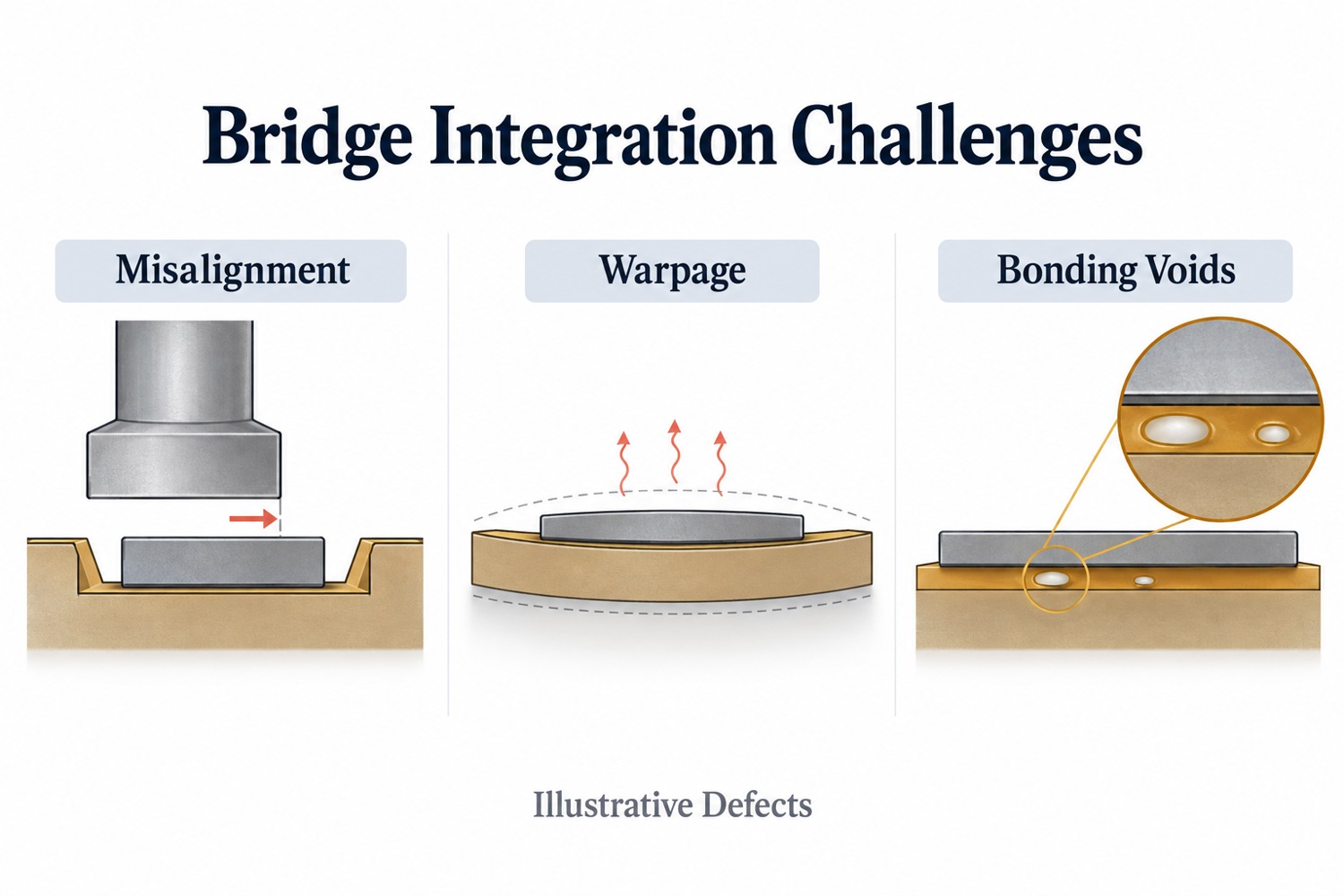
FAQs About High Volume PCB Assembly

Q1: What files are needed for a high volume PCB assembly quote?
A1: You usually need Gerber files, BOM, CPL file, assembly drawing, PCB specifications, testing requirements, and order quantity. If you need turnkey service, the BOM should include part numbers, packages, and approved alternatives if available.

Q2: Should I make a prototype before high volume PCB assembly?
A2: Yes. A prototype or pilot batch helps check the design, components, soldering quality, and test method before mass production. As a result, the full production run becomes more stable.

Q3: Can high volume PCB assembly include component sourcing?
A3: Yes. Many customers choose turnkey service. In this model, the supplier handles PCB fabrication, component sourcing, assembly, inspection, and testing.

Q4: What affects the cost of high volume PCB assembly?
A4: The main cost factors include PCB type, board size, layer count, component quantity, component package, testing needs, coating needs, packing method, and delivery schedule.

Q5: How can I improve the yield of a high volume PCBA order?
A5: Start with DFM and DFA review. Also, use clear footprints, stable components, proper panel design, enough test points, and clear test steps. A pilot run is also helpful.

Q6: What is the difference between high volume and low volume PCB assembly?
A6: Low volume assembly is often used for prototypes or small batches. High volume assembly is used for stable products that need regular production. Therefore, high volume projects need more process control and planning.

Q7: Can high volume quick turn PCB assembly be done for urgent orders?
A7: Yes, in many cases. However, delivery depends on PCB complexity, component availability, testing needs, and production capacity. Repeat orders are usually faster than new projects.

Q8: What industries use high volume PCB assembly services?
A8: It is widely used in industrial control, medical devices, automotive electronics, telecom equipment, robotics, IoT devices, new energy systems, LED lighting, and smart hardware.

Q9: Why is testing important in high volume PCB assembly?
A9: Testing helps confirm that each board works as expected. Also, it helps find issues before shipment. This is very important when many boards are produced in one batch.

Q10: How do I start a project with EBest Circuit?
A10: You can send your Gerber files, BOM, CPL file, assembly drawing, quantity, and testing needs to sales@bestpcbs.com. The team will review your project and provide quotation support.

You may also like

ICT Test: A Practical Guide to In-Circuit Testing for PCB Assembly

May 19th, 2026

An ICT test helps PCB assembly manufacturers check circuit quality before boards move to final inspection or shipment. During PCBA production, small defects can hide under components, inside solder joints, or between fine-pitch pads. Visual inspection may miss them. AOI may also miss some electrical faults. Therefore, in-circuit testing gives engineers a faster and more direct way to check whether the assembled PCB matches the design. In this guide, you will learn what ICT testing means, how the process works, why test points matter, and how ICT compares with FCT and flying probe testing.

ict test

What Is an ICT Test in PCB Assembly?

An ICT test, or In-Circuit Test, checks an assembled PCB at the component and circuit level. Manufacturers usually use it after SMT assembly, DIP soldering, reflow soldering, or wave soldering.

During the test, spring-loaded probes touch selected test points on the PCB. These probes connect the board to an ICT tester. Then, the tester measures electrical values and checks whether the circuit matches the expected design.

In simple words, ICT testing checks whether the PCB assembly was built correctly.

What Does ICT Testing Confirm?

ICT testing can check many basic assembly conditions. For example, it can confirm whether components sit in the right locations. It can also check whether solder joints create a stable electrical connection.

In addition, it helps engineers find:

  • Short circuits
  • Open circuits
  • Wrong component values
  • Missing components
  • Reversed diodes or capacitors
  • Poor solder joints
  • Incorrect IC pin connections
  • Basic power rail problems

As a result, ICT testing gives manufacturers a clear view of board-level assembly quality.

Why Is ICT Important for PCBA Quality?

ICT does more than separate pass and fail boards. It also helps engineers find process trends.

For example, if many boards fail at the same resistor, the issue may come from placement, solder paste, component supply, or PCB pad design. Therefore, the test result can guide process improvement.

This makes ICT useful for both inspection and manufacturing control.

Why Is ICT Test Done During PCBA Manufacturing?

Manufacturers perform ICT testing to find assembly defects early. This is important because early detection saves time, reduces rework, and improves final product quality.

If a board reaches functional testing with many basic faults, engineers may spend more time troubleshooting. However, ICT can detect many of these faults before the final test stage. Therefore, the whole production flow becomes smoother.

ICT Helps Find Defects Earlier

Many PCBA defects start at the assembly stage. Some defects come from solder paste printing. Others come from placement, reflow, component polarity, or PCB design.

ICT can find common defects such as:

  • Solder bridges
  • Open solder joints
  • Wrong resistors
  • Missing capacitors
  • Reversed diodes
  • Lifted IC pins
  • Shorts between power and ground
  • Poor contact on important nets

Because ICT checks the board at the circuit level, it can find problems that visual inspection may not reveal.

ICT Reduces Troubleshooting Time

A functional test may show that a board does not work. However, it may not show the exact reason.

ICT gives more specific information. It can point to a certain net, component, pin, or test point. As a result, engineers can locate the failure faster.

For example, FCT may show that a control board cannot power on. ICT may show that a power rail has a short. This saves time and makes repair work more efficient.

ICT Supports Stable Mass Production

ICT testing works especially well for medium- and high-volume PCBA production. Once engineers complete the fixture and test program, operators can test each board quickly.

This creates a repeatable standard for every production batch. Moreover, the factory can collect failure data and monitor process stability over time.

Therefore, ICT is not only a test method. It also supports long-term quality management.

What Does an ICT Tester Check on a PCB?

An ICT tester checks whether the assembled PCB matches the expected electrical design. The exact coverage depends on the board layout, test points, fixture quality, and test program.

In most cases, the tester checks component values, circuit continuity, short circuits, and basic semiconductor behavior. It may also check some powered circuits, depending on the product and fixture design.

Common ICT Test Items

ICT Test ItemWhat It ChecksTypical Defects Found
Open Circuit TestWhether a circuit path has a proper connectionBroken trace, poor solder joint, missing connection
Short Circuit TestWhether two nets connect by mistakeSolder bridge, copper residue, layout issue
Resistance TestWhether the resistor value matches the designWrong resistor, missing resistor, poor soldering
Capacitance TestWhether the capacitor value stays within rangeWrong capacitor, missing capacitor, polarity issue
Diode TestForward and reverse behaviorReversed diode, wrong diode, poor contact
Transistor TestBasic semiconductor behaviorWrong part, weak soldering, wrong mounting
IC Pin TestPin connection and basic responseLifted pin, solder bridge, poor wetting
Polarity CheckOrientation of polarized componentsReversed diode, reversed capacitor
Power Net CheckPower rail conditionShort on power line, unstable connection

What ICT Cannot Fully Check

ICT is powerful, but it does not replace every other test. For example, it may not fully check firmware, wireless communication, display behavior, motor control, or sensor response.

Therefore, many manufacturers combine ICT with FCT. ICT checks the circuit build quality. Then, FCT checks whether the board works in its real application.

This combined method gives better quality coverage.

How Does the ICT Test Procedure Work?

The ICT test procedure starts before production testing. Engineers need to review files, define test points, design the fixture, build the test program, and debug the setup.

A clear process helps improve test coverage and reduce false failures. Moreover, it helps the factory prepare for stable production.

Step 1: Review PCB Design Files

First, engineers review the Gerber files, BOM, schematic, netlist, assembly drawing, and test requirements.

This review helps them understand the circuit structure. It also helps them decide which nets and components need testing.

At this stage, engineers may also find layout issues that affect test access.

Step 2: Define ICT Test Points

Next, engineers check the test point layout. Each important net should have a clear and reachable test point.

Good test points help the fixture contact the PCB with stable pressure. In contrast, poor test points may reduce coverage and create false failures.

Therefore, test point review should happen before mass production.

Step 3: Design the ICT Fixture

After that, the fixture team designs the ICT test fixture. The design depends on board size, panel layout, test point locations, component height, and board thickness.

The fixture must hold the PCB firmly. It must also align the probes with the test points accurately.

Good fixture design improves test stability and reduces repeat test issues.

Step 4: Develop the Test Program

The test program tells the ICT tester what to measure. It also defines the acceptable range for each test item.

For example, the program may include resistance limits, capacitance tolerance, diode voltage range, and short/open limits.

A well-built program helps the tester judge each board consistently.

Step 5: Debug and Verify the Setup

Before mass production, engineers debug the fixture and program with sample boards.

During this stage, they check probe contact, adjust limits, and remove false failures. They also compare ICT results with actual board conditions.

Once the setup becomes stable, the production team can start routine testing.

Step 6: Run Production Testing

During production, operators place each PCBA into the fixture and start the test. The tester then gives a pass or fail result.

If the board fails, the team separates it for repair or engineering review. Meanwhile, pass boards move to the next process.

This keeps the production flow organized.

Step 7: Analyze Failure Data

Finally, engineers review ICT failure data. If the same fault appears many times, they investigate the root cause.

The issue may come from stencil design, solder paste volume, placement accuracy, reflow profile, component quality, or PCB layout.

Therefore, ICT data can help improve the whole assembly process.

What Are ICT Test Points and Why Do They Matter?

ICT test points are exposed copper pads or contact areas on a PCB. Test probes touch these points during in-circuit testing.

Without good test points, even a strong ICT tester cannot deliver high coverage. Therefore, test point design plays a major role in PCBA testability.

Why Test Points Affect Coverage

Every important circuit net needs access. If a net has no test point, the ICT fixture may not check it directly.

As a result, test coverage drops. Also, the test may miss certain open circuits or weak connections.

Good test points help the fixture contact the board reliably. They also reduce false failures caused by poor probe contact.

Key ICT Test Point Design Tips

Design FactorPractical Recommendation
Test Point SizeMake the pad large enough for stable probe contact
SpacingKeep enough clearance between nearby test points
Solder Mask OpeningExpose a clean copper area for the probe
LocationAvoid tall parts, board edges, and blocked zones
DistributionSpread points evenly when possible
Surface FinishChoose a finish that supports stable contact
AccessibilityPrefer one-side access when the layout allows it
Mechanical SupportAdd support pins when probe force may bend the board

When Should Engineers Plan Test Points?

Engineers should plan ICT test points during PCB layout. This timing matters.

If the team thinks about ICT after the design is complete, changes may become harder. The customer may need to revise the layout, delay production, or accept lower test coverage.

Therefore, DFM review should include testability review. This is especially important for products that will enter repeat production.

What Is an ICT Test Fixture?

An ICT test fixture connects the assembled PCB to the ICT tester. Many people also call it a “bed-of-nails” fixture because it uses many spring-loaded probes.

The fixture positions the board, aligns the probes, and creates electrical contact with the test points. Without a reliable fixture, ICT results may become unstable.

Main Parts of an ICT Fixture

A typical ICT fixture may include:

  • Probe plate
  • Spring-loaded pogo pins
  • Alignment pins
  • Board support pins
  • Press structure or vacuum structure
  • Interface wiring
  • Connector interface
  • Board positioning frame
  • Safety cover

Each part helps the fixture contact the PCB accurately and safely.

Why Custom Fixture Design Matters

Manufacturers design each ICT fixture for a specific PCB or panel. Therefore, fixture design must match the actual product.

Several factors affect the fixture:

FactorWhy It Matters
PCB SizeIt affects fixture structure and board support
Panel DesignIt affects probe layout and handling efficiency
Test Point CountMore points require more probes and wiring
Component HeightTall parts need enough fixture clearance
Board ThicknessThin boards may need extra support
Probe SideSingle-sided probing is simpler than double-sided probing
Production VolumeHigh-volume products need durable fixtures

How a Good Fixture Improves Testing

A good fixture improves contact stability. It also reduces false failures and repeat testing.

For example, if the fixture does not support the board well, probe pressure may bend the PCB. Then, some probes may lose contact. This can create false failures.

Therefore, fixture debugging is a key step before mass production.

ICT Test vs FCT Test: What Is the Difference?

ICT and FCT both support PCBA quality control. However, they check different things.

ICT checks how the board was assembled. FCT checks how the board works.

Because of this difference, many manufacturers use both methods in one test strategy.

ICT vs FCT Comparison

ItemICT TestFCT Test
Full NameIn-Circuit TestFunctional Circuit Test
Main PurposeCheck assembly quality and circuit connectivityCheck final product function
Test LevelComponent and net levelSystem or application level
Test MethodProbes contact PCB test pointsBoard runs in a simulated working condition
Fixture TypeBed-of-nails fixtureFunctional test jig
Common Defects FoundOpens, shorts, wrong values, missing parts, reversed partsFirmware issues, communication failure, power-up problems, signal errors
Test SpeedFast after setupDepends on product function
Best Use CaseMedium- and high-volume PCBA productionProduct-level verification
Main LimitationIt does not fully check real-world operationIt may not locate component-level faults quickly

When Should You Use ICT and FCT Together?

For many products, the best answer is not ICT or FCT. Instead, the better option is ICT plus FCT.

First, ICT checks whether the circuit was assembled correctly. Then, FCT checks whether the product performs its intended function.

This approach works well for industrial control boards, medical electronics, communication modules, automotive electronics, LED control boards, and power control products.

As a result, the manufacturer can catch both assembly-level faults and function-level issues.

Flying Probe Test vs ICT Test: Which One Should You Choose?

Flying probe testing and ICT testing both check electrical conditions on a PCB assembly. However, they suit different production stages.

A flying probe test uses moving probes. It does not need a dedicated bed-of-nails fixture. Therefore, it works well for prototypes and small batches.

ICT uses a custom fixture. Because of that, it offers faster testing for stable and higher-volume production.

Flying Probe vs ICT Comparison

ItemFlying Probe TestICT Test
Fixture RequirementNo dedicated fixtureCustom fixture required
Setup CostLowerHigher initial fixture cost
Test SpeedSlowerFaster
FlexibilityHighLower after fixture completion
Best ForPrototype and small-batch productionMedium- and high-volume production
Design ChangesEasy to adaptFixture may need modification
Unit Cost in VolumeHigherLower after fixture cost spreads across volume
Test CoverageGood for accessible netsStrong when test points are well designed

When Flying Probe Makes More Sense

Flying probe testing is a good choice for prototypes. It also works well when the PCB design may still change.

At this stage, the customer may only need a few boards. In that case, building a custom ICT fixture may not make sense.

In addition, flying probe testing gives engineers more flexibility during early product development.

When ICT Makes More Sense

ICT becomes more attractive when the design becomes stable. It also works better when the order quantity increases.

Although the fixture has an initial cost, the test speed is much faster. Over many boards, the cost per unit becomes more reasonable.

Therefore, ICT often fits repeat orders, stable PCB assemblies, and mass production.

Simple Selection Guide

Project SituationBetter Choice
Prototype onlyFlying probe
Small batch with frequent design changesFlying probe
Stable design with repeat ordersICT
Medium-volume productionICT
High-volume productionICT
Need fast fault location in productionICT
No proper test pointsFlying probe may be more practical

In practice, the best test method depends on product complexity, order volume, layout condition, and reliability needs.

FAQs About ICT Test

1. Can ICT testing find every PCBA defect?

No. ICT testing can find many circuit-level and component-level defects. However, it cannot check every real operating function.

For better coverage, manufacturers often combine ICT with FCT, AOI, X-ray inspection, and visual inspection.

2. Is an ICT fixture worth the cost for small batches?

Usually, an ICT fixture fits stable and repeat production better. For prototypes or small batches, flying probe testing may offer better value.

However, if the product will move into mass production soon, early ICT planning can still help.

3. What affects ICT test coverage?

ICT test coverage depends on test point access, PCB layout, component type, fixture design, probe contact, and test program quality.

Therefore, engineers should review testability during the DFM stage.

4. Why do some boards fail ICT even when they look correct?

Some defects are not easy to see. For example, a solder joint may look good but still have weak electrical contact.

Also, a component may sit in the correct location but have the wrong value. ICT helps detect these hidden issues.

5. Can ICT testing replace functional testing?

No, in most cases. ICT checks circuit assembly quality. FCT checks whether the board works in its final application.

Therefore, both methods often work together in a complete PCBA test plan.

6. When should ICT test points be designed?

Engineers should design ICT test points during PCB layout. This gives the layout team more freedom to place clear and stable test pads.

If the team waits until production, changes may cost more time.

7. What is the difference between ICT test pins and ICT test probes?

In daily production, people often use these two terms in a similar way. They usually refer to the spring-loaded contact parts inside the test fixture.

These probes touch the PCB test points during testing.

8. How does ICT testing help PCBA manufacturers improve quality?

ICT testing gives fast and detailed failure data. Engineers can use this data to find repeated issues and improve the process.

For example, they may adjust stencil design, placement settings, reflow profile, or test point layout.

9. Should every PCB assembly project use ICT testing?

Not every project needs ICT. The right choice depends on product complexity, order quantity, budget, and reliability needs.

For stable medium- or high-volume PCB assemblies, ICT is often a strong and practical choice.

You may also like

SMT vs SMD: Key Differences, Soldering, and PCBA Uses

May 18th, 2026

SMT vs SMD is a common topic in PCB assembly. Engineers, buyers, and product developers often see these two terms in BOMs, datasheets, assembly drawings, and PCBA quotations. At first, they may look similar. However, they describe different things.

SMT means Surface Mount Technology. It refers to the process of mounting electronic components directly onto the surface of a PCB.

SMD means Surface Mount Device. It refers to the component itself, such as a resistor, capacitor, diode, IC, LED, or connector.

In simple words, SMT is the assembly process, while SMD is the component used in that process.

Therefore, comparing SMT and SMD is not like comparing two competing technologies. Instead, it means understanding how a process and a component type work together in PCBA manufacturing.

This article explains the real difference between SMT and SMD. It also covers SMT soldering, SMD LED applications, through-hole comparison, and how EBest Circuit (Best Technology) supports SMT assembly and SMD component projects.

smt vs smd

What Is SMT in PCB Assembly?

SMT stands for Surface Mount Technology. It is a PCB assembly method that places components directly onto PCB pads. Unlike through-hole assembly, SMT does not require most component leads to pass through drilled holes.

Today, manufacturers use SMT in many electronic products. For example, industrial controllers, LED modules, medical electronics, communication devices, automotive boards, IoT products, and consumer electronics often rely on SMT assembly.

How the SMT Process Works

The SMT process usually includes these steps:

  • Solder paste printing
  • SMD component placement
  • Reflow soldering
  • AOI inspection
  • X-ray inspection for special packages
  • Functional testing when needed

First, the SMT line prints solder paste onto PCB pads through a stencil. Then, pick-and-place machines place SMD components onto the pasted pads. After that, the board enters a reflow oven. The heat melts the solder paste and creates solder joints.

Finally, inspection equipment checks the assembled board. This helps the manufacturer find missing parts, solder bridges, wrong polarity, and other visible defects.

Why SMT Is Important

SMT supports compact PCB design. Also, it improves production speed because automated machines can place many components in a short time.

In addition, SMT works well for high-density layouts. Designers can place small resistors, capacitors, ICs, sensors, and LEDs in limited space. As a result, electronic products can become smaller and lighter.

Simply put, SMT helps modern PCB assemblies become compact, efficient, and production-friendly.

What Is SMD in Electronics?

SMD stands for Surface Mount Device. It means an electronic component designed for surface mounting.

Common SMD components include:

  • SMD resistors
  • SMD capacitors
  • SMD inductors
  • SMD LEDs
  • SMD diodes
  • SMD transistors
  • SMD ICs
  • SMD connectors
  • SMD sensors
  • SMD crystals and oscillators

These components usually have short leads, metal terminals, flat pads, or solder balls. During SMT assembly, solder connects these terminals to PCB pads.

Common SMD Packages

Many familiar package types belong to the SMD family. For instance, engineers often use 0402, 0603, 0805, SOT-23, QFN, SOP, BGA, and PLCC-2 packages.

Each package has its own size and pad requirement. Therefore, the PCB footprint must match the component datasheet. Otherwise, the board may face soldering issues during assembly.

Why Engineers Use SMD Components

SMD components save PCB space. Moreover, they support automated assembly and allow higher component density.

Another benefit is layout flexibility. Many SMD parts can sit on both sides of the PCB. Because of this, engineers can design smaller boards with more functions.

In short, SMD refers to the part. Meanwhile, SMT refers to the method that places the part onto the PCB.

SMT vs SMD: What Is the Real Difference?

The real difference between SMT and SMD is simple. SMT is a technology, while SMD is a device.

These two terms work closely together. However, they do not mean the same thing.

ItemSMTSMD
Full NameSurface Mount TechnologySurface Mount Device
MeaningPCB assembly processElectronic component
Main RolePlaces parts onto the PCBGets placed onto the PCB
Used ByPCBA manufacturers and SMT linesPCB designers and BOM engineers
ExampleReflow soldering processSMD resistor, capacitor, IC, or LED
Main ConcernPlacement, soldering, inspectionPackage, polarity, size, availability

A simple sentence explains the relationship well:

Manufacturers use SMT to assemble SMD components onto a PCB.

For example, your BOM may include 0603 resistors, QFN chips, SOT-23 transistors, and SMD LEDs. All of them are SMD parts. During production, the SMT line places and solders them onto the PCB.

Why the Difference Matters

This difference matters because each team focuses on different details.

PCB designers focus on footprints, pad size, spacing, and polarity marks. Meanwhile, purchasing teams care about component availability, lead time, and substitutes. Production engineers, on the other hand, control stencil design, placement accuracy, reflow profile, and inspection.

Therefore, clear terminology improves communication. It also helps reduce mistakes before production starts.

How Do SMT and SMD Work Together in PCB Assembly?

SMT and SMD work together through the whole PCBA process. One belongs to manufacturing. The other belongs to component selection. Even so, both sides must match well.

Step 1: Select the Right SMD Components

The process starts with component selection. Engineers choose SMD parts based on electrical performance, package size, current rating, thermal needs, cost, and availability.

Then, they create PCB footprints for these parts. Each footprint should follow the component datasheet. Although this step looks simple, it strongly affects assembly quality.

Step 2: Prepare the PCB Layout

Next, designers complete the PCB layout. They check pad size, solder mask openings, component spacing, polarity marks, and silkscreen labels.

In addition, they need to consider manufacturing limits. Very small parts need accurate placement. Fine-pitch ICs need careful solder paste control. High-power SMD parts also need proper thermal paths.

Step 3: Run SMT Assembly

After design approval, the PCBA manufacturer uses the production files to run SMT assembly. These files usually include:

  • Gerber files
  • BOM
  • Pick-and-place file
  • Assembly drawing
  • Testing notes
  • Special process requirements

The SMT line prints solder paste, places components, and runs reflow soldering. After soldering, inspection equipment checks the finished joints.

Step 4: Inspect and Test the PCBA

AOI checks common issues such as missing parts, wrong polarity, component shift, solder bridges, and insufficient solder.

For BGA, QFN, LGA, and other hidden-joint packages, X-ray inspection gives a clearer view. Finally, functional testing confirms whether the assembled board works as expected.

As a result, SMT and SMD form one connected workflow:

SMD selection → PCB footprint design → SMT assembly → soldering → inspection → finished PCBA

When every step aligns, the final product becomes easier to manufacture and scale.

SMT vs SMD Soldering: How Does the Assembly Process Work?

People often search for SMT vs SMD soldering because they want to know how SMD parts attach to a PCB.

In most production projects, manufacturers use reflow soldering for SMD components. This method creates stable solder joints and supports automated production.

Process StepWhat HappensWhy It Matters
Solder Paste PrintingThe stencil applies solder paste to PCB padsControls solder volume
SMD PlacementMachines place components onto the padsImproves position accuracy
Reflow SolderingHeat melts the solder pasteForms solder joints
AOI InspectionCameras check visible defectsFinds missing parts and solder issues
X-ray InspectionX-ray checks hidden jointsSupports BGA and QFN inspection
Functional TestingTesters check board performanceConfirms product function

Stencil Design

Stencil design strongly affects soldering quality. If the stencil opening is too large, excess solder may create bridges. However, if the opening is too small, the joint may lack enough solder.

Therefore, manufacturers need to control stencil thickness and aperture size carefully.

Footprint Accuracy

The PCB footprint must match the SMD package. Otherwise, the part may shift, lift, or solder poorly.

For example, small passive components may suffer from tombstoning when pad design or thermal balance is poor. Fine-pitch ICs may also develop solder bridges when pad spacing and solder volume do not match.

Reflow Profile

The reflow oven needs a suitable temperature curve. A good profile helps solder paste melt, flow, and cool in a controlled way.

At the same time, it protects sensitive components from excessive heat. Therefore, reflow control plays a major role in PCBA reliability.

Overall, SMD soldering is not just a heating process. Instead, it combines PCB design, solder paste, stencil control, placement accuracy, thermal profiling, and inspection.

SMT vs SMD vs THT: Which One Should You Choose?

To understand SMT and SMD better, it helps to compare them with THT.

THT means Through-Hole Technology. In this method, component leads pass through PCB holes. Then, solder connects the leads to the board.

Today, many PCBA projects use both SMT and THT. SMT handles compact parts. Meanwhile, THT handles parts that need stronger mechanical support.

ItemSMT / SMDTHT
Component PositionOn the PCB surfaceThrough PCB holes
Assembly MethodMainly automatedManual, wave, or selective soldering
PCB SpaceSaves spaceNeeds more space
Component DensityHighLower
Mechanical StrengthGood for many partsStronger for heavy parts
Common UsesICs, resistors, capacitors, LEDs, sensorsConnectors, terminals, transformers, switches
Production EfficiencyHighUsually lower

When SMT Works Better

SMT works well for compact and high-density products. Also, it supports fast production and automated inspection.

For example, a medical sensor board, LED control board, or communication module can benefit from SMT assembly.

When THT Still Makes Sense

THT still has value in many designs. Large connectors, terminal blocks, transformers, and mechanical switches may need stronger support.

For instance, an industrial control board may use SMD ICs and capacitors. However, it may still keep through-hole terminals for field wiring.

Best Choice for Real Projects

In many cases, the best answer is not SMT or THT alone. A mixed assembly often works better.

Designers can use SMD parts for compact circuits and THT parts for mechanical strength. As a result, the PCB gains both high density and practical durability.

SMT vs SMD LED: What Should LED Product Designers Know?

LED products often use both SMT and SMD terms. Many LED modules, lighting boards, display panels, and automotive lighting boards use SMD LEDs assembled by SMT.

Again, the meaning stays clear:

  • SMD LED means the LED component.
  • SMT means the process that mounts the LED onto the PCB.

Common SMD LED Packages

Common SMD LED packages include 2835, 3528, 5050, 5730, 3014, and PLCC-2. Designers use them in LED strips, signage, display products, backlights, and indicator lights.

Each LED package has its own pad layout, polarity, brightness level, and thermal behavior. Therefore, the PCB design should match both electrical and thermal needs.

Thermal Design Matters

LEDs generate heat during operation. If the PCB cannot move heat away efficiently, brightness and service life may drop.

For standard LED products, FR4 may work well. However, higher-power LED products often need aluminum PCB or copper-based PCB. In demanding applications, ceramic PCB can also support better thermal performance.

Assembly Details for LED Boards

LED PCB projects need careful control of several points:

  • LED package size
  • Polarity marking
  • Pad design
  • Solder paste volume
  • Thermal pad connection
  • Copper area for heat spreading
  • PCB material selection
  • LED spacing
  • Reflow profile

For example, PLCC-2 is a common SMD LED package. SMT equipment can place it efficiently. Even so, the footprint and polarity marks must be correct.

Therefore, LED designers should not only ask, “Which SMD LED should I choose?” They should also ask, “Can this PCB design support stable SMT assembly?”

How Can EBest Circuit (Best Technology) Support Your SMT Assembly and SMD Component Project?

Understanding SMT and SMD helps you make better technical decisions. However, real project success depends on execution.

A PCBA project involves design review, BOM checking, component sourcing, PCB fabrication, SMT assembly, inspection, testing, and delivery coordination. Therefore, a capable manufacturing partner can save time and reduce production risk.

Engineering Review Before Production

EBest Circuit (Best Technology) supports customers with engineering-driven PCB and PCBA manufacturing services.

Before production, our engineering team can review Gerber files, BOM, pick-and-place files, assembly drawings, and special process notes. During this review, we check pad design, package matching, spacing, polarity marks, stencil openings, panelization, and other assembly details.

As a result, customers can find many potential issues before the SMT line starts.

BOM Review and Component Sourcing

SMD component supply can affect cost, delivery, and production stability. Therefore, BOM review matters.

EBest Circuit (Best Technology) can help check package consistency, component availability, lead time, and alternative options. This support helps customers prepare for prototype builds and future production.

One-Stop PCB and PCBA Support

Many customers prefer one integrated workflow. For that reason, EBest Circuit (Best Technology) can support PCB fabrication, component sourcing, SMT assembly, through-hole assembly, inspection, and testing.

This approach reduces handoffs. It also keeps communication clearer from design files to finished PCB assemblies.

Prototype to Mass Production

New products often start with samples. After testing, customers may move to small-batch or mass production.

EBest Circuit (Best Technology) can support this full path. Our team helps customers review manufacturability, improve assembly stability, and prepare for repeat production.

Quality Inspection and Testing

Depending on the project, quality control can include first article inspection, AOI, X-ray inspection, visual inspection, and functional testing.

For boards with BGA, QFN, or other hidden solder joints, X-ray inspection helps confirm solder quality more clearly.

If you are working on an SMD component project and need reliable SMT assembly support, send your Gerber files, BOM, pick-and-place file, quantity, and assembly requirements to sales@bestpcbs.com. EBest Circuit (Best Technology) can review your project and provide a practical quotation for PCB fabrication and PCBA assembly.

FAQs About SMT vs SMD

1. Is SMT a component or a process?
SMT is a process. The full name is Surface Mount Technology. Manufacturers use it to mount components directly onto PCB surfaces.

2. Is SMD the same as SMT?
No. SMD means Surface Mount Device, while SMT means Surface Mount Technology. In simple terms, SMD is the part, and SMT is the process.

3. Can technicians solder SMD components by hand?
Yes. Technicians can hand-solder some larger SMD components during repair, testing, or prototype work. However, automated SMT assembly gives better speed and consistency for production.

4. Do all modern PCBs use SMD components?
Many modern PCBs use SMD components, but not every board uses only SMD parts. Some designs still include through-hole connectors, terminals, switches, or power parts.

5. What files does a manufacturer need for SMT assembly?
A PCBA manufacturer usually needs Gerber files, BOM, pick-and-place file, assembly drawing, quantity, and testing requirements.

6. Why do engineers choose SMD components?
Engineers choose SMD components because they save space, support automated assembly, and fit high-density PCB layouts.

7. Is SMT better than through-hole assembly?
SMT works better for compact and automated assembly. However, through-hole assembly works well for heavy parts or components that need strong mechanical support.

8. What causes SMT soldering defects?
Common causes include poor stencil design, wrong pad size, inaccurate placement, unsuitable reflow profile, dirty pads, or mismatched component packages.

9. Can EBest Circuit support both SMT and through-hole assembly?
Yes. EBest Circuit (Best Technology) can support PCB fabrication, SMT assembly, through-hole assembly, component sourcing, inspection, and testing.

10. How can I get a quotation for an SMT assembly project?
You can send Gerber files, BOM, pick-and-place file, quantity, and testing requirements to sales@bestpcbs.com. The team will review your files and provide a quotation.
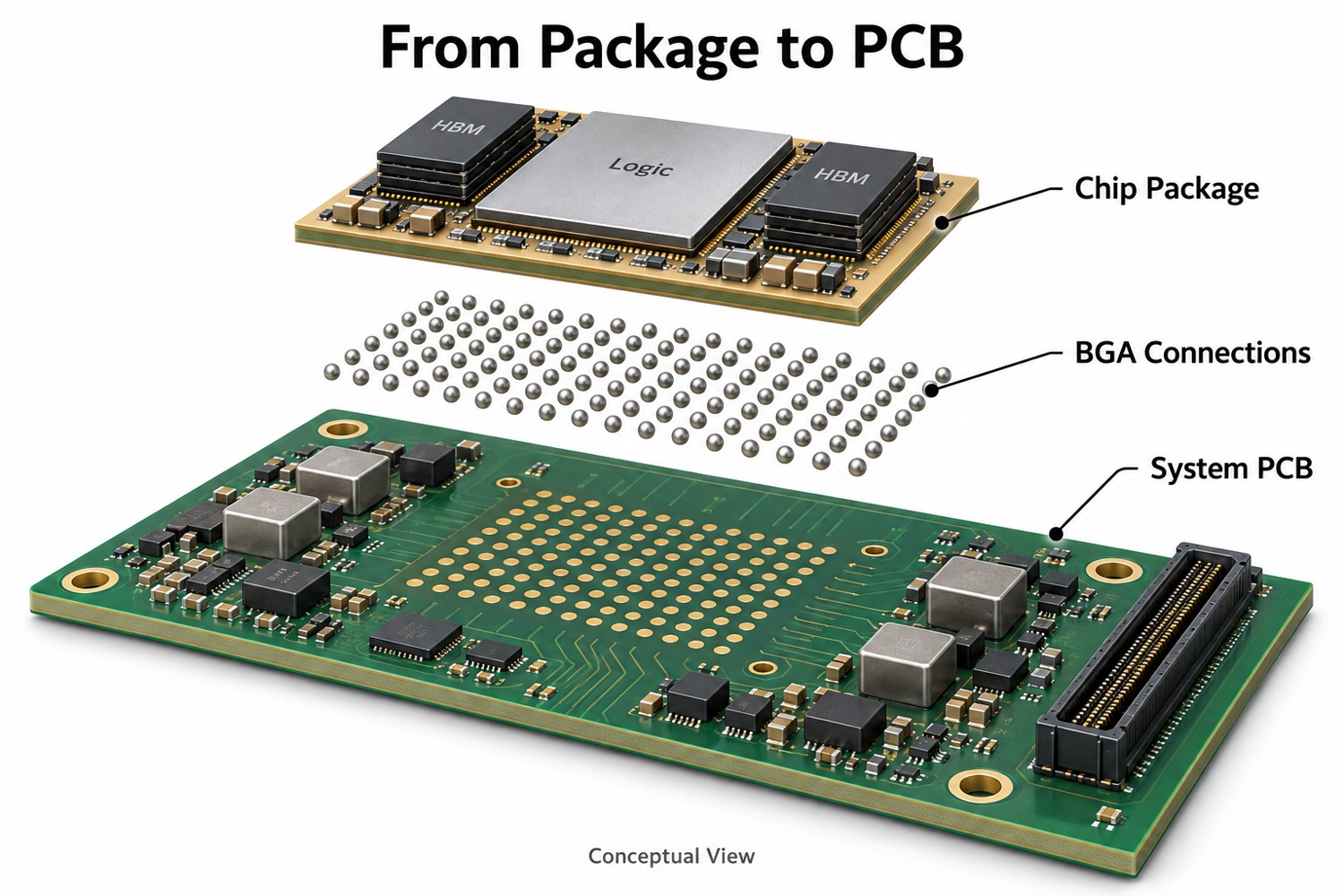
You may also like

Circuit Board Adhesive: Types, Uses, and Selection Guide for PCB Assembly

May 13th, 2026

Circuit board adhesive helps keep PCB assemblies stable, clean, and reliable. Engineers use it to hold components, support wires, bond flexible circuits, and protect selected areas.

At first, adhesive may look like a small detail. However, it can affect the life of the whole assembly. A wire may need support. A connector may need extra strength. A flexible circuit may need a safe bonding layer. In each case, the right adhesive helps the board work better.

Also, not every adhesive suits electronics. A circuit board may face heat, vibration, moisture, and electrical stress. Therefore, the adhesive must match the board material, components, process, and final product use.

This guide explains the main types of circuit board adhesive. It also shows where each type works best and how to choose the right option for PCB assembly.

circuit board adhesive

What Is Circuit Board Adhesive?

Circuit board adhesive is a bonding or protective material for printed circuit boards and PCB assemblies. It helps fix components, support wires, bond flexible circuits, protect solder joints, and mount boards inside housings.

In simple words, it is not common glue. Instead, it is a material made for electronic products. It must work safely with solder mask, copper, solder joints, plastic parts, and electronic components.

For example, some adhesives insulate. Others conduct electricity. Some help move heat. Meanwhile, some absorb vibration or add physical support.

As a result, the best adhesive depends on the job. A printed circuit board adhesive for wire support may not suit thermal transfer. In the same way, a conductive adhesive may not suit insulation.
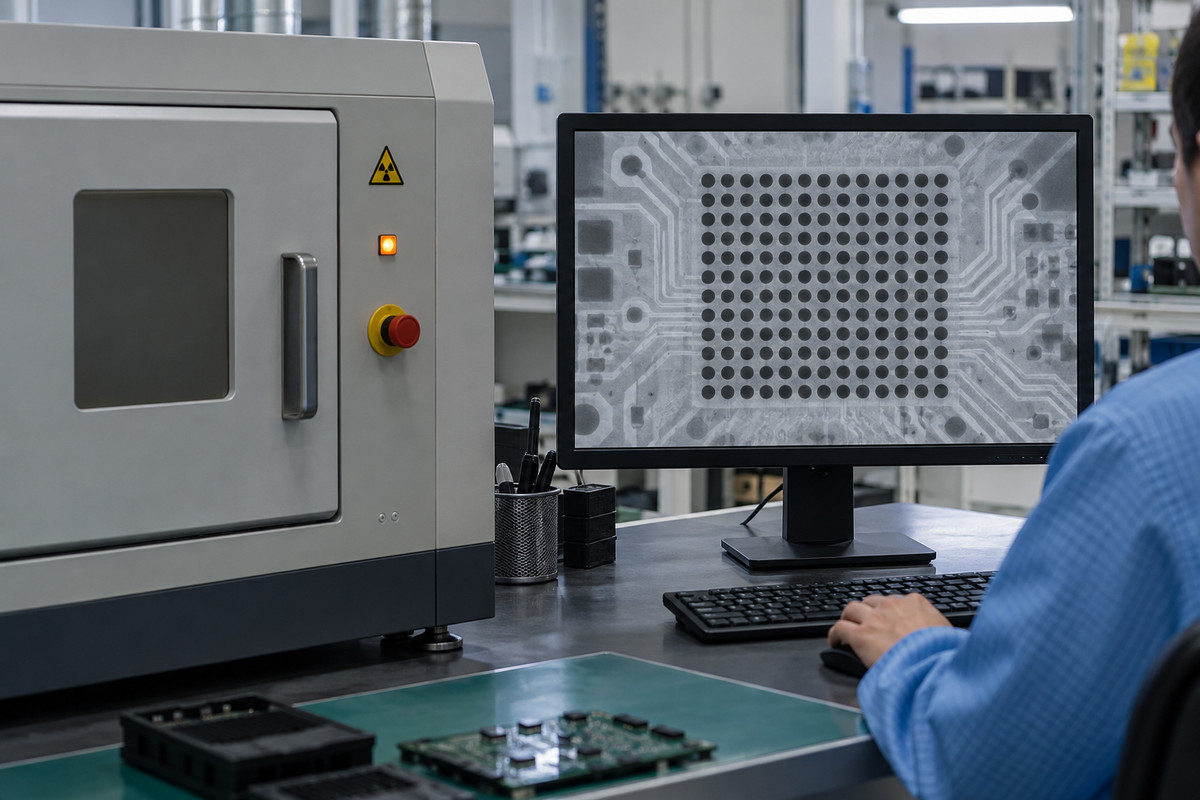
A good adhesive for circuit boards should offer:

  • Strong bonding to PCB surfaces
  • Good insulation, unless conductivity is needed
  • Safe curing temperature
  • Good heat and moisture resistance
  • Stable performance over time
  • Clean and controlled application
  • Compatibility with solder mask and components

Because PCB assemblies are sensitive, random household glue is not a good choice. Instead, engineers should use an electronic-grade adhesive that fits the working conditions.

Why Do Engineers Use Adhesive on Printed Circuit Boards?

Engineers use adhesive on printed circuit boards to improve strength, process control, and long-term reliability. Solder creates the electrical joint. However, some parts still need extra physical support.

For example, a large capacitor can move during transport. A connector can face repeated plugging force. A wire can pull against a solder pad. Therefore, adhesive helps reduce stress and keeps these parts steady.

Also, adhesive can help during production. In some SMT or wave soldering processes, adhesive holds parts before soldering. This helps the assembly line keep parts in the right position.
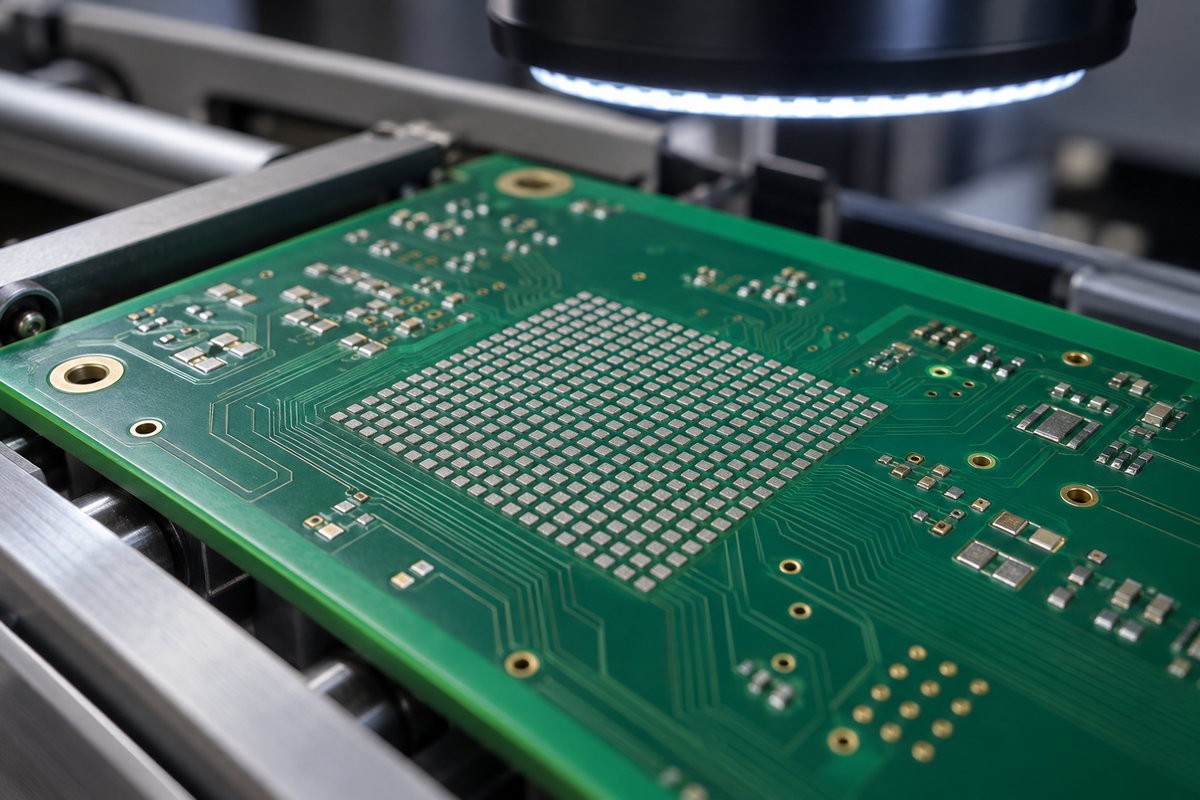
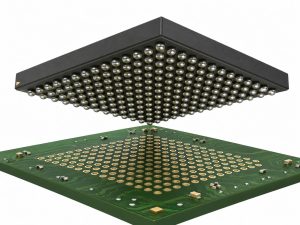
In addition, circuit board adhesive can protect selected areas. It can cover soldered wires, support connectors, or reinforce vibration-sensitive parts. Because of this, many industrial, automotive, LED, and power products use adhesives in PCBA production.
Common uses include:

  • Fixing tall or heavy components
  • Supporting soldered wires
  • Reducing vibration stress
  • Bonding flexible circuits
  • Mounting small PCB modules
  • Protecting selected connections
  • Improving production handling
  • Supporting thermal or electrical functions

In short, adhesive is not just an extra material. It can be part of the design and assembly plan.

What Are the Main Types of Circuit Board Adhesive?

The main types of circuit board adhesive include epoxy, silicone, acrylic, polyurethane, conductive adhesive, thermal adhesive, UV adhesive, and adhesive tape. Each type has a different use.
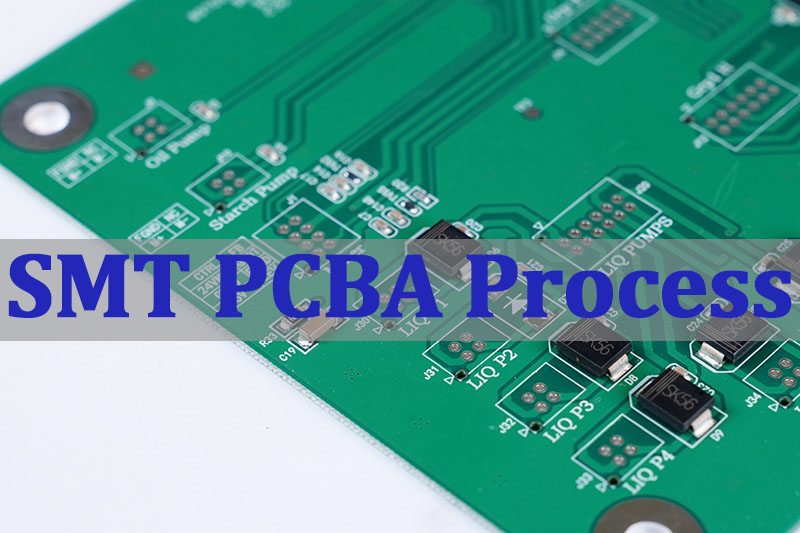
Epoxy Adhesive

Epoxy adhesive gives strong bonding. It also offers good chemical resistance. Therefore, engineers often choose it for potting, sealing, component fixing, and strong support.

However, some epoxy materials become hard after curing. Because of that, engineers should check stress and heat expansion before using epoxy near delicate parts.

Silicone Adhesive

Silicone adhesive stays flexible after curing. It also handles heat and vibration well. As a result, silicone adhesive glue for circuit boards often appears around capacitors, coils, connectors, and wires.

Also, silicone works well in power supplies, LED drivers, and industrial boards. It gives support without making the area too rigid.

Acrylic Adhesive

Acrylic adhesive cures fast and bonds well to many surfaces. Therefore, it often appears in tapes, insulation films, and fast assembly steps.

In addition, acrylic adhesive can help improve production speed. It also gives clean handling in many medium-stress applications.

Polyurethane Adhesive

Polyurethane adhesive offers flexibility and good environmental resistance. It can help with sealing, potting, and local protection.

Because it stays softer than many rigid adhesives, it can reduce stress from movement or vibration.

Conductive Adhesive

Circuit board conductive adhesive can bond materials and carry current. It usually contains silver, copper, nickel, or carbon fillers.

Engineers use it for grounding, shielding, die attach, low-temperature bonding, and special connections. However, it does not replace solder in every design. Instead, it works best when the product has a clear need for it.

Thermal Adhesive

Thermal adhesive helps move heat from a component to a heat sink, metal case, or heat spreader. Therefore, it often appears in LED modules, power electronics, and high-heat products.

Before choosing it, engineers should check thermal conductivity, bond strength, working temperature, and curing method.

UV-Curable Adhesive

UV-curable adhesive cures under ultraviolet light. This gives manufacturers fast process control.

For example, a factory may use UV adhesive when quick curing helps production speed. However, UV light must reach the adhesive area. So, component shadowing and board layout matter.

Circuit Board Adhesive Tape

Circuit board adhesive tape gives clean bonding and controlled thickness. It can support mounting, insulation, FPC bonding, thermal transfer, and shielding.

Since tape does not need liquid dispensing, it can make assembly easier. Also, it helps keep the same thickness from board to board.

How Do Circuit Board Protection Adhesives Protect PCB Assemblies?

Circuit board protection adhesives protect PCB assemblies by supporting weak points and covering selected areas. They help the board handle vibration, dust, moisture, and movement.

For example, a soldered wire may pass electrical testing. However, it may still move during use. If the wire keeps pulling on the solder joint, the joint can suffer stress. Therefore, adhesive for circuit board connections can add strain relief.

Similarly, large parts may need more support. Coils, capacitors, relays, transformers, and connectors can move during shipping or operation. A neat adhesive bead can hold them in place.

Also, protection adhesive can work with other protective materials. Conformal coating covers the board with a thin film. Potting compound fills a larger area. Meanwhile, adhesive gives local bonding or support.

Protection adhesives often work well around:

  • Soldered wires
  • Connectors
  • Tall capacitors
  • Inductors and coils
  • Transformers
  • Vibration-sensitive parts
  • Local exposed connections

The goal is simple. The adhesive should support the part without blocking testing, repair, or heat flow.

When Should You Use Circuit Board Adhesive Tape?

You should use circuit board adhesive tape when you need clean handling, controlled thickness, and fast assembly. Tape works well for mounting, insulation, bonding, shielding, thermal layers, and flexible circuit attachment.

Unlike liquid adhesive, tape already has a set thickness. Therefore, it gives better repeatability. Also, many tapes use pressure-sensitive adhesive, so they do not need extra curing time.

Circuit board adhesive tape can help with:

  • FPC bonding
  • PCB module mounting
  • Insulation film attachment
  • Thermal pad placement
  • LED strip support
  • Battery protection board mounting
  • EMI shielding attachment
  • Temporary assembly positioning

For flexible electronics, tape is often very useful. Flexible circuit board adhesive tape can bond FPC to stiffeners, housings, displays, sensors, or compact modules.

However, tape still needs careful selection. Engineers should check adhesion strength, thickness, temperature rating, dielectric strength, aging behavior, and surface compatibility.

In short, tape may look simple. However, it still affects reliability and assembly quality.

What Is Circuit Board Conductive Adhesive?

Circuit board conductive adhesive bonds materials while allowing current to pass through. It contains conductive particles inside a resin system.

Electrically conductive adhesive for circuit boards can help when soldering brings too much heat. It can also help when a substrate does not suit normal soldering. For example, some flexible circuits, ceramic substrates, sensors, or sensitive parts may need a lower-temperature process.

There are two common types.

Isotropic conductive adhesive conducts electricity in all directions. Engineers use it when the full adhesive area needs conductivity.

Anisotropic conductive adhesive conducts mainly through the thickness direction. This helps in fine-pitch connections because it reduces side-to-side current paths.

Conductive adhesive can support:

  • Grounding points
  • EMI shielding connections
  • Die attach
  • Low-temperature bonding
  • Flexible electronics
  • Selected repair work
  • Special material bonding

However, engineers should compare its resistance, strength, and aging behavior with the design needs. In standard PCB assembly, solder is still the main joining method. Even so, conductive adhesive works very well in the right application.

Is Flexible Circuit Board Adhesive Different from Rigid PCB Adhesive?

Yes. Flexible circuit board adhesive must handle bending, thin materials, and movement. Rigid PCB adhesive usually focuses more on component fixing, local protection, or mounting support.

Flexible circuits often use polyimide, copper foil, coverlay, adhesive layers, and stiffeners. Since the circuit can bend, the adhesive must hold well without creating hard stress points.

If the adhesive is too rigid, it may shorten the flex life. Therefore, engineers often choose flexible adhesive systems for FPC designs.

The right material should match:

  • Bend radius
  • Flex cycle requirement
  • Substrate type
  • Working temperature
  • Stiffener position
  • Housing design
  • Assembly method

In some products, black flexible circuit board adhesive helps with appearance or light blocking. In other products, amber, clear, or white adhesive may work better.

So, color is not the main point. Performance under bending is more important.

How Is Circuit Board Component Adhesive Used in PCB Assembly?

Circuit board component adhesive helps hold, reinforce, or protect parts during and after PCB assembly. It works well for heavy, tall, or vibration-sensitive components.

During production, SMT adhesive can hold components before soldering. This helps in wave soldering or double-sided assembly.

After assembly, teams may add adhesive around larger parts. This gives extra support during transport and use.

Component adhesive often supports:

  • Large capacitors
  • Inductors
  • Coils
  • Relays
  • Transformers
  • Connectors
  • Soldered wires
  • Tall plastic parts
  • Power components

White adhesive for circuit board components often appears around these parts. However, the color does not tell you the material type. It may be silicone, epoxy, polyurethane, or another adhesive.

Also, application control matters. Too much adhesive can cover test points, block repair, trap heat, or make the board messy. Therefore, the assembly team should control bead size, position, curing time, and inspection rules.

A clean adhesive process makes the board easier to test. It also helps the final product look more professional.

How Do You Choose the Right Adhesive for Circuit Boards?

To choose the right adhesive for circuit boards, start with the function. Ask what the adhesive must do. Should it bond, insulate, conduct, transfer heat, absorb vibration, or protect one area?

Once you know the function, the choice becomes easier.

  • First, check the working environment. Will the board face heat, moisture, vibration, chemicals, or outdoor use? These conditions help narrow the options.
  • Next, review the electrical needs. Most PCB adhesives need strong insulation. However, conductive adhesive must create a controlled current path. Therefore, engineers should check dielectric strength, resistance, and conductivity.
  • Then, match the curing process. Some adhesives cure at room temperature. Others need heat, UV light, or two-part mixing. If the board has heat-sensitive parts, a high-temperature cure may not fit.
  • Also, think about repair. Some adhesives stay flexible and easier to remove. Others become hard and strong. If future repair may happen, the team should consider circuit board adhesive remover options.
  • Finally, check production needs. Manual dispensing may work for prototypes. However, automated dispensing gives better control in mass production. Tape may also help when thickness control matters.

Why Should Adhesive Selection Start During PCB Design?

Adhesive selection should start during PCB design because it affects layout, spacing, testing, heat flow, and assembly steps.

When engineers plan early, they can reserve adhesive areas. They can also keep test points open and avoid sensitive contacts. In addition, they can protect heat paths and make future repair easier.

Early planning also helps the PCBA factory. The team can define where to apply adhesive, how much to use, how to cure it, and how to inspect it.

For better adhesive use, engineers should:

  • Reserve enough space for adhesive
  • Keep adhesive away from test points
  • Avoid covering labels or QR codes
  • Protect heat dissipation paths
  • Keep repair access in mind
  • Define the dispensing amount
  • Confirm solder mask compatibility
  • Review the material datasheet

Because of these steps, adhesive becomes part of the design plan. It no longer acts as a last-minute fix.

Overall, circuit board adhesive helps PCB assemblies become stronger, cleaner, and more reliable. It can secure components, support soldered wires, bond flexible circuits, move heat, provide conductivity, or protect selected areas.

Different materials solve different problems. Epoxy gives strength. Silicone adds flexibility. Conductive adhesive creates current paths. Thermal adhesive helps move heat. Adhesive tape gives clean and controlled bonding.

Therefore, engineers should choose adhesive based on function, environment, electrical behavior, curing method, and production needs. With the right choice, this small material can support a better electronic product.

If you are working on a PCB or PCBA project and need support with material selection, assembly process review, or adhesive application planning, our engineering team can help review your requirements. You can send your project details or Gerber files to sales@bestpcbs.com for a practical manufacturing suggestion.

FAQs About Circuit Board Adhesive

1. Can I use normal glue on a circuit board?

No. Normal household glue is not a good choice for a circuit board. PCB assemblies need materials with proper insulation, heat resistance, chemical stability, and component compatibility. Electronic-grade adhesive gives a safer result.

2. Is circuit board adhesive the same as conformal coating?

No. Circuit board adhesive fixes, bonds, reinforces, or protects selected areas. Conformal coating creates a thin protective film over the PCB surface. However, many products use both because they solve different problems.

3. What adhesive works best for circuit board components?

Silicone, epoxy, SMT adhesive, and polyurethane can work for circuit board components. The best choice depends on component size, vibration level, working temperature, curing process, and repair needs.

4. Can I put adhesive over soldered wires on a circuit board?

Yes. You can apply adhesive over soldered wires for strain relief. However, inspect the solder joint first. Then apply a compatible adhesive that supports the wire without covering test points or nearby parts.

You may also like