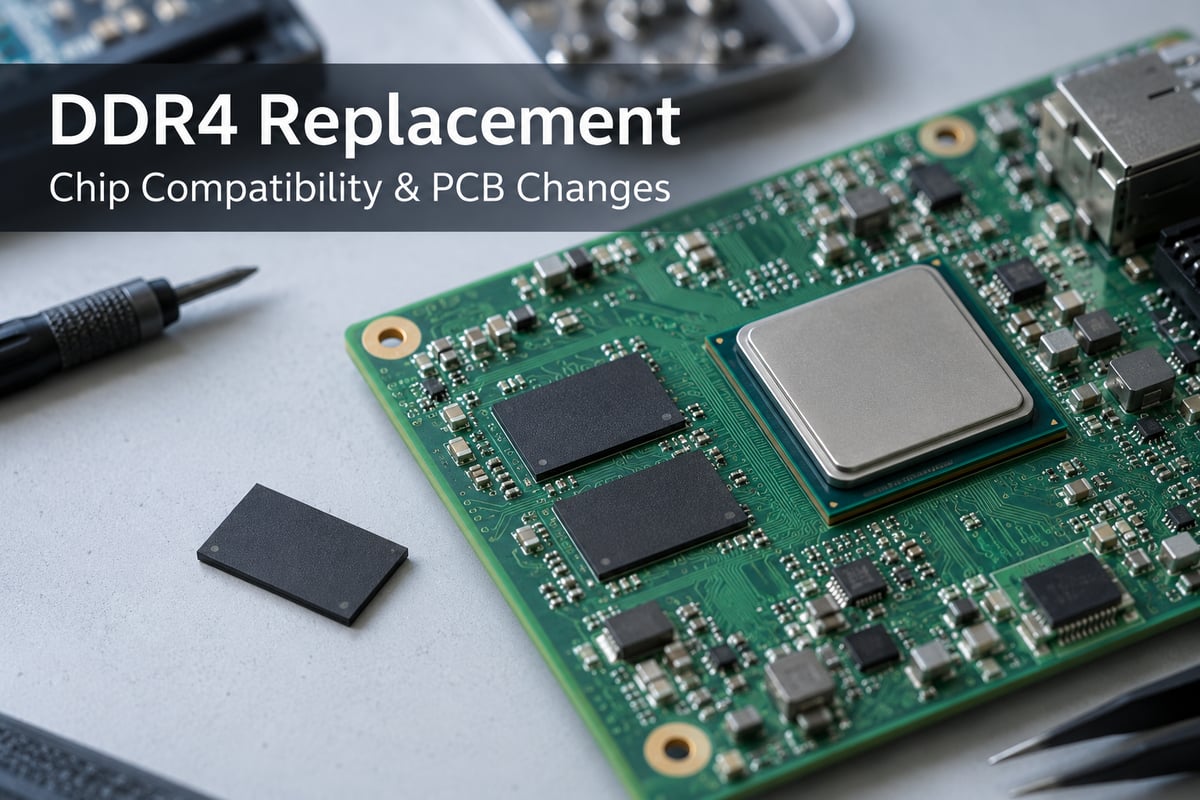
DDR4 replacement can involve a removable RAM module or a memory chip soldered to a PCB. For an embedded or industrial product, a successful chip replacement must work with the existing memory controller, board connections, and firmware. The same DDR4 label—or even the same package—does not establish compatibility.
EBest Circuit (Best Technology) combines PCB fabrication, component sourcing, and SMT/BGA assembly for electronics manufacturing projects. Whether a memory substitution retains the original PCB or requires a revised board, these services support the resulting prototype and production builds. Discuss your DDR4 replacement project with our team at sales@bestpcbs.com.
DDR4 Chip Replacement vs. RAM Module Replacement
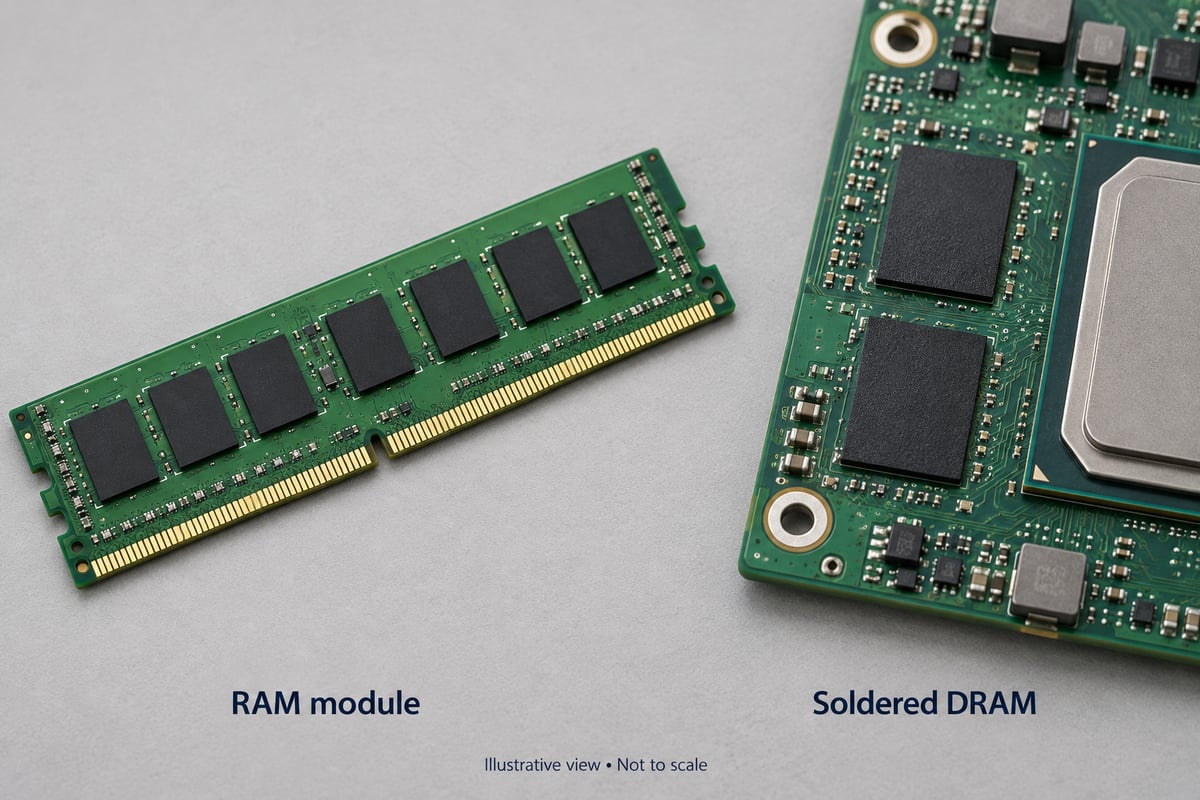
A module replacement changes a complete memory assembly. A chip replacement changes an individual DRAM device. The distinction matters because each replacement must fit a different set of existing connections.
| Aspect | RAM module | Soldered DDR4 chip |
|---|---|---|
| Replacement unit | Complete DIMM or SO-DIMM | Individual DRAM device |
| Board connection | Plug-in socket | BGA solder joints |
| Installation | Remove and insert | PCB assembly or rework |
| Physical fit | Module format and keying | Footprint and ball assignment |
A laptop with a removable SO-DIMM accepts a compatible module through its memory socket. The module brings its own chips and PCB layout.
On a board with soldered DRAM, the replacement chip must use the connections already routed on the host PCB. Its data width, addressing, and electrical requirements must also suit the memory controller. This makes chip substitution a device-and-board compatibility issue, rather than simply a change in installed RAM capacity.
Can I Replace DDR4 with DDR5?
DDR5 is not a direct replacement for DDR4 in a DDR4-only design. The difference involves the platform, not just memory speed.
- Controller support. The processor or memory controller must support DDR5 communication. A DDR4-only controller cannot operate DDR5 through a firmware setting alone.
- Electrical interface. DDR4 and DDR5 use different supply levels and command/address interfaces. Their initialization and training requirements also differ.
- Module connection. DDR4 and DDR5 modules have different keying. A DDR5 module does not fit a DDR4 memory socket.
For soldered memory, moving to DDR5 can require a new memory circuit, corresponding firmware, and a different processor or controller. It is a platform migration rather than a substitute-part installation.
When the aim is to retain an existing DDR4 product, a compatible DDR4 device is the relevant alternative.
Are DDR4 Chips with the Same Package Interchangeable?
Matching the package is only one part of compatibility. Two devices can look alike while differing in how they connect, store data, or operate.
Five areas explain the differences that matter.
-
Footprint and ball assignment
Package dimensions, ball pitch, and ball locations determine physical fit. The function assigned to each ball determines electrical fit. A package that fits the pads is unsuitable if required signals or supplies connect to the wrong locations.
-
Density and data width
Density describes storage capacity; x8 or x16 describes the device's data-interface width. Equal capacity does not mean equal organization. The controller must support the replacement's addressing and data arrangement, and a density change can also affect refresh timing.
-
Timing at the actual operating speed
A faster-rated chip may support the board's existing data rate, but the selected operating point must be valid for that part. CAS latency, write latency, and other timing settings must satisfy its specifications. The higher speed printed on the part description does not establish this by itself.
-
Supply and temperature requirements
The replacement must operate within the board's supply conditions and the product's temperature range. A matching nominal voltage does not establish suitability for every operating environment.
-
Functions used by the controller
The new device must support the memory functions that the platform enables. Matching basic capacity and package specifications does not resolve a mismatch in a required function.
A cross-reference tool can identify candidate devices. It does not establish that a candidate will work in a particular circuit. The important result is compatibility with the existing design, not similarity between abbreviated product descriptions.
When Does a DDR4 Replacement Require PCB Changes?
PCB changes are required when the replacement needs connections or electrical conditions that the existing board cannot provide. A change of brand or part number alone does not require a new layout.
The work generally falls into three situations.
-
Replace the component; retain the PCB
A device with compatible connections, organization, and electrical requirements may operate on the original board. The assembly BOM changes, while the PCB layout remains the same. This is the simplest substitution when the design supports it.
-
Retain the PCB; update the configuration
The replacement may use the existing connections but require different memory timing or controller settings. The change then includes the boot-time memory configuration. Software can adjust supported settings; it cannot create a missing connection or add unsupported controller capabilities.
-
Revise the PCB circuit or layout
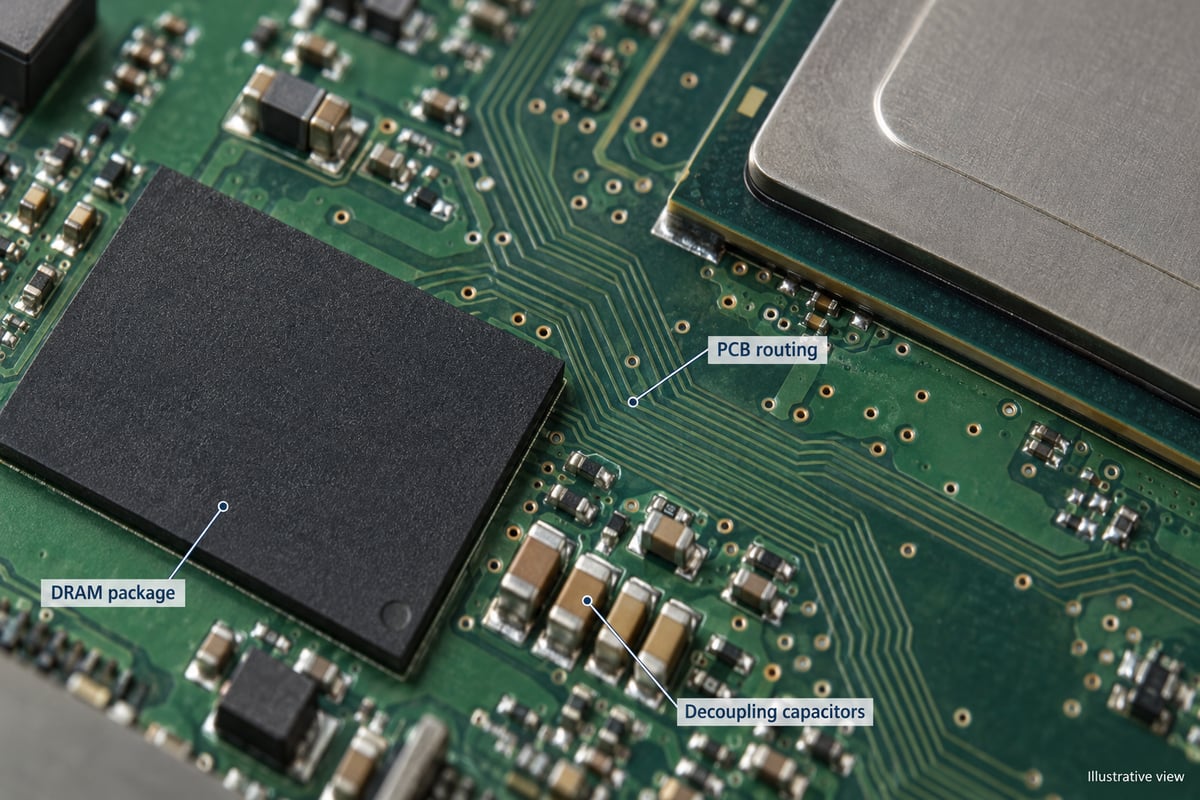
A different footprint or ball assignment can require new pads and routing. Changes to device count or data-bus organization can alter how the memory devices connect to the controller. Different power requirements may also require changes to the supply circuit.
When routing changes, the electrical quality of the interface matters as much as connectivity. Trace geometry, reference planes, return paths, and data-to-strobe relationships affect signal behavior. The revised board must follow the relevant controller's DDR layout requirements; there is no universal trace-length rule for all DDR4 designs.
A component substitution and a PCB revision are therefore different manufacturing changes. The first can retain the existing bare board. The second requires fabrication and assembly information that reflects the revised design.
Why Can a DDR4 Replacement Boot but Still Be Unstable?
Booting proves that startup succeeded under the conditions present at that moment. It does not prove reliable operation across the product's full workload and environment.
Three factors explain why problems can appear later.
-
Limited timing or voltage margin
During initialization, the controller configures and trains the memory interface as supported by the platform. The resulting setting may work but leave little room for variation. This room is the operating margin: a narrow margin makes the interface more sensitive to changing conditions.
-
Memory activity beyond the startup sequence
Sustained reads and writes exercise more addresses and data patterns than a short boot sequence. Problems may become visible only when an application uses a larger memory region or generates heavier traffic.
-
Changes in temperature and supply conditions
A board that starts at room temperature may behave differently after warming up or under a different electrical load. Temperature and supply variation can expose weaknesses that were not visible during initial startup.
How to distinguish startup success from stable operation
Repeated startup, tests across the intended memory address range, sustained workloads, and testing within the specified environmental range provide broader evidence. Margin analysis can also help reveal how close the interface is to failure.
An error pattern can guide investigation, but it does not identify the cause on its own. Repeatable errors at particular addresses and intermittent errors across many addresses may require different investigations. Device configuration, board behavior, and assembly condition remain relevant alongside the DRAM itself.
FAQs About DDR4 Replacement
Can I use a DDR4 replacement from a different brand?
Yes, if the specific replacement meets the platform's requirements. For soldered DRAM, that includes device organization, connections, and operating specifications. For modules, the host must support the complete module configuration. Brand alone neither proves nor rules out compatibility.
Can ECC DDR4 replace non-ECC DDR4?
Only where the platform supports that module and configuration. ECC requires processor and motherboard support; installing an ECC module does not automatically add error correction. An unsupported combination may fail to boot or operate without ECC.
Are DDR4 UDIMMs and RDIMMs interchangeable?
They should not be treated as interchangeable. RDIMMs buffer command and address signals through a register; UDIMMs are unbuffered. DDR4 versions can fit the same style of socket, but the platform must support the module type. Registered and unbuffered modules should not be mixed.
Does a failed DDR4 chip mean the whole board must be replaced?
Not necessarily. Component repair may be possible if the fault is isolated and the board is suitable for rework. A reported memory error alone does not establish chip failure. The fault, board condition, replacement availability, and rework feasibility determine the repair options.
Does one discontinued DDR4 part mean all DDR4 is discontinued?
No. A lifecycle notice applies to the products named in that notice. It does not establish the status of every DDR4 device or supplier. An available alternative still needs to be compatible with the original design.
A suitable DDR4 replacement can extend the use of an existing product without automatically requiring a new PCB. For component sourcing, PCB fabrication, and assembly support for your next build, contact EBest Circuit at sales@bestpcbs.com.