PCB manufacturing PCB manufacturing
Home > Blog

BGA Rework

eMMC Replacement: Chip Compatibility and Boot Problems
Thursday, October 15th, 2026

eMMC replacement can restore a board with failed storage, but matching the original chip’s capacity is not enough. The new device must fit the board, communicate with the processor and contain the software needed to start the system. A chip can be soldered correctly and still leave the board unable to boot.

For products moving to a new memory component or a revised PCB, EBest Circuit (Best Technology) provides PCB fabrication, component sourcing and PCB assembly. These services bring the component supply and board production stages together. For PCB and PCBA support on your hardware revision, contact sales@bestpcbs.com.
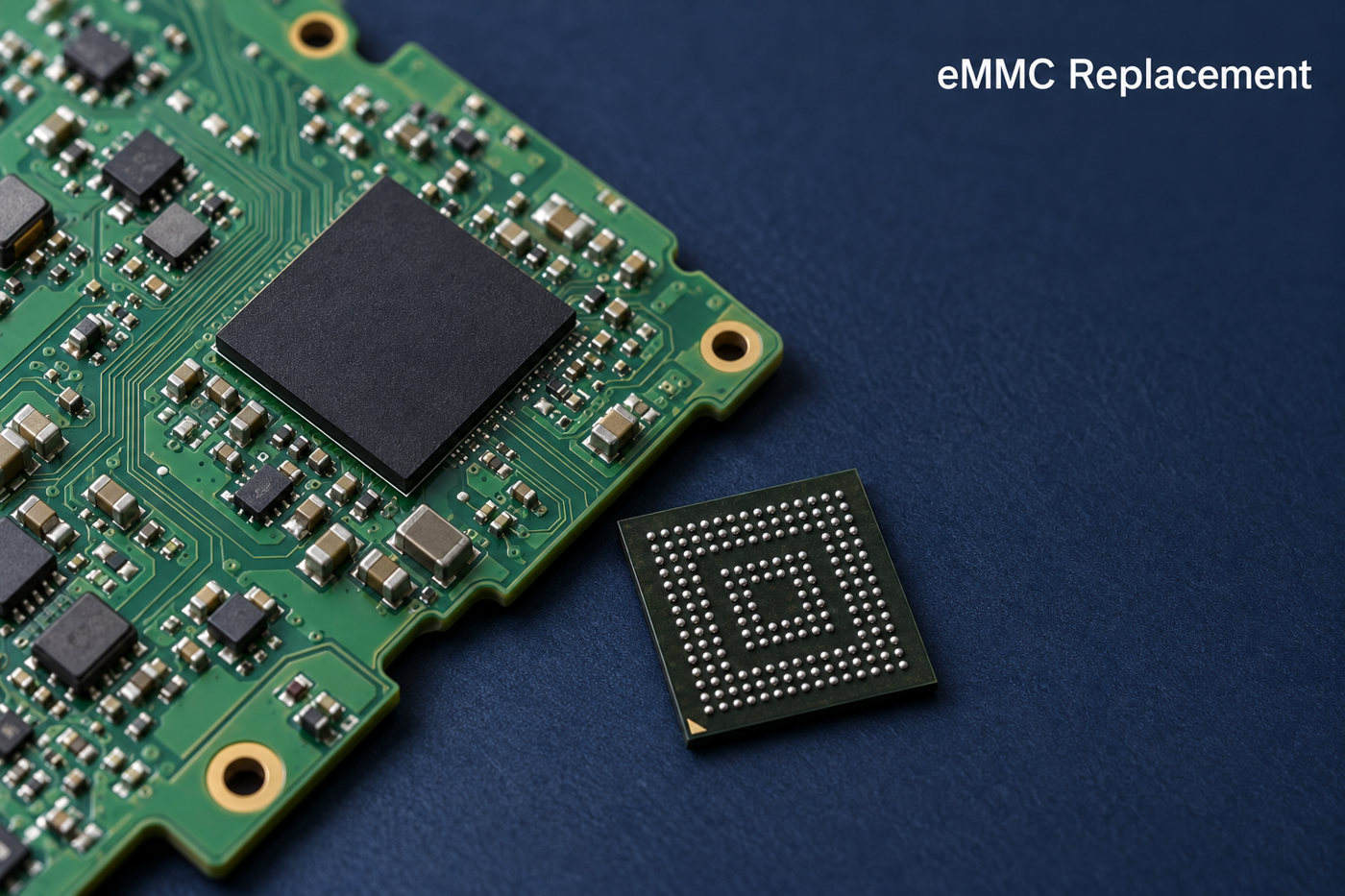
eMMC replacement
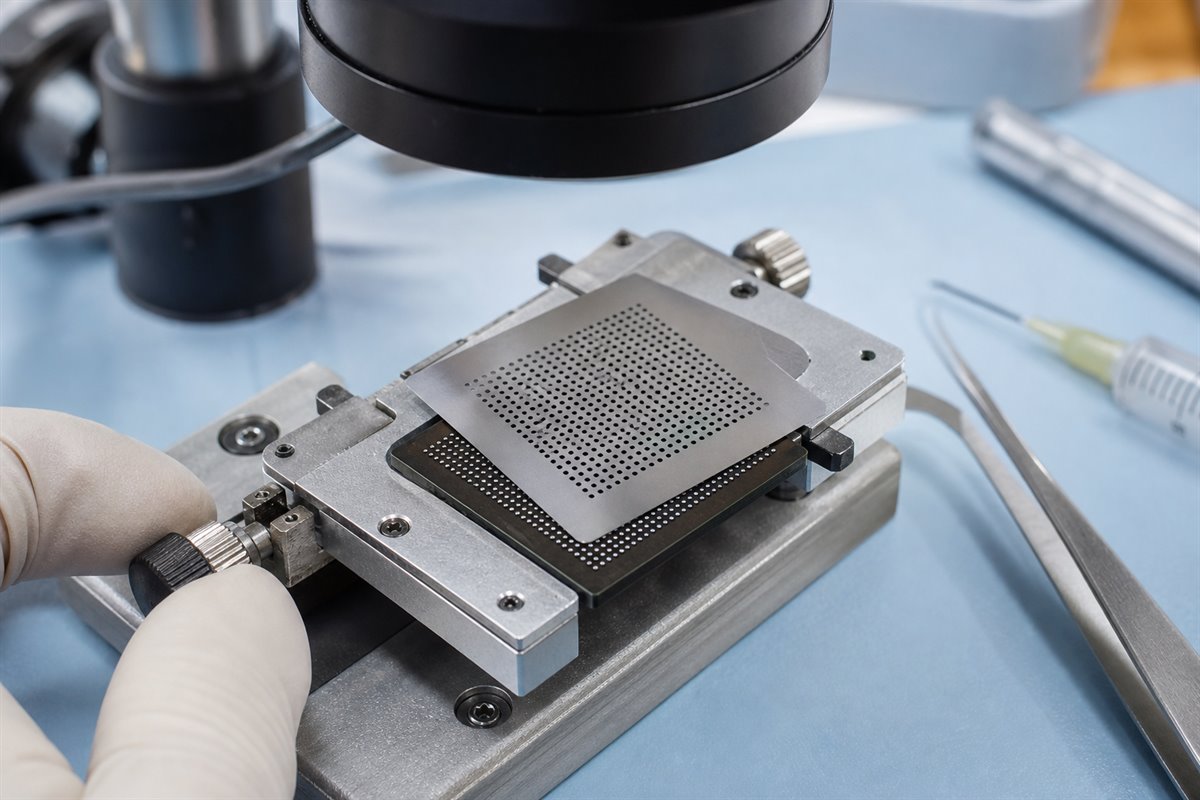
Illustrative eMMC replacement scene; package and board details vary by device.

Can eMMC Be Replaced on an Existing Board?

Yes, but a removable module and a soldered chip require different replacement methods. The first distinction is how the eMMC connects to the board.

  • Removable eMMC module. The storage sits on a small board connected through a socket or connector. A compatible module can be exchanged without BGA soldering, although it still needs suitable software.
  • Soldered eMMC chip. The device connects through solder balls underneath its BGA package. Replacement requires controlled removal, footprint preparation and installation. Underfill or damaged PCB pads can make the work more difficult.

An eMMC contains both NAND flash and a controller. Replacing the package changes both components; reballing the original package only renews its solder connections. Reballing therefore cannot repair worn flash memory or a failed internal controller.

Using the same part number reduces hardware differences, but a blank chip will not contain the original system image. A donor chip may contain another device’s settings. Neither is automatically ready to boot the receiving board.

What Makes an eMMC Replacement Compatible?

A compatible replacement must match the board’s physical connections, electrical requirements and host support. The full part number matters more than the capacity label or the name “eMMC 5.1.”

Physical fit

Package dimensions, ball pitch, orientation and signal assignments must suit the PCB footprint. Two chips can look similar while having connections that prevent a direct substitution.

Electrical and interface support

The device supply and I/O voltages must suit the board. The processor and replacement also need a compatible bus width and timing mode. A faster eMMC cannot make an unsupported host or PCB operate at a higher speed.

Boot compatibility

The processor’s startup code and bootloader must be able to initialize the device and load its software. Image layout and boot configuration matter alongside the hardware specifications.

Endurance and operating conditions

Temperature grade and write endurance affect suitability after the board starts working. A data logger that writes continuously places different demands on storage from a device that mainly reads a fixed application. Equal capacity does not guarantee equal write performance or service life.

Can a Higher-Capacity eMMC Replace the Original Chip?

Yes, when the board and software support it—but extra chip capacity does not automatically become usable storage. An upgrade can produce three different outcomes.

  • The board boots and uses the extra space. The replacement is compatible, and the image or setup process creates a suitable partition layout.
  • The board boots but shows the old capacity. Cloning the original image can preserve its smaller partitions. The relevant partition and filesystem then need expansion before the extra space is available.
  • The board does not boot correctly. The firmware or programming tools may assume a particular device size or layout. A revised image or platform support may be needed.

Capacity also needs to be understood by storage area. An eMMC has a user area and separate boot hardware partitions. A larger user area does not prove that the boot areas meet the platform’s requirements.

How Does eMMC Chip Replacement Work?

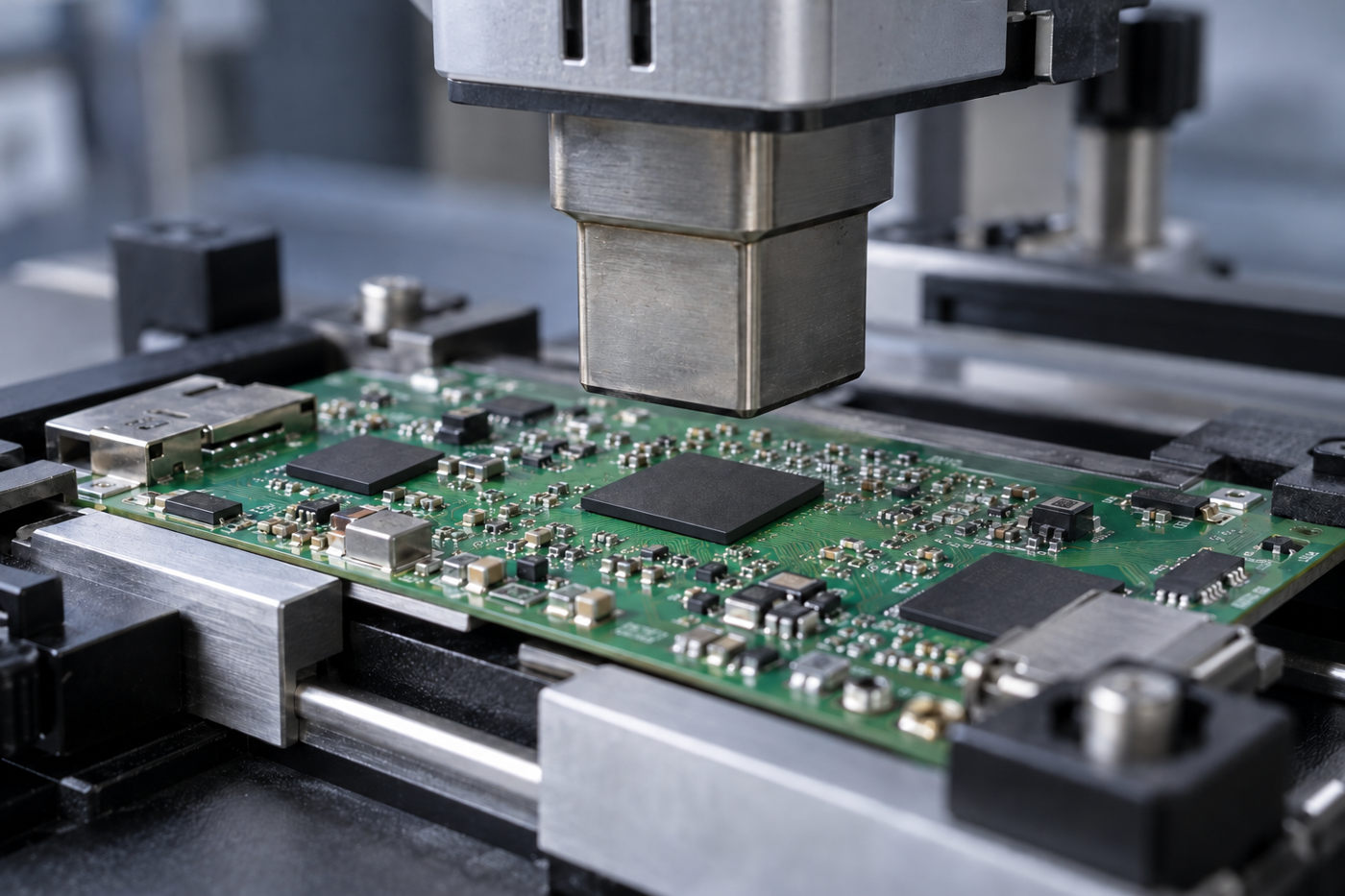
Chip replacement combines data preparation, BGA rework and software restoration. The sequence below describes the work; the heating profile and programming method remain specific to the board.

  1. Identify the fault and preserve readable data. Power, connection or software faults can resemble storage failure. If the original device remains readable, preserve the required contents before removal. A factory recovery image does not replace a backup of unique device data.
  2. Remove the original package. Support the PCB and use a controlled heating profile suited to the board and component. Nearby parts, moisture sensitivity and underfill affect removal. A hot-air station setting alone does not establish the solder-joint temperature.
  3. Prepare the pads and fit the replacement. Remove residual solder and contamination, address pad damage, then align and reflow the new device. Inspect the assembly for placement and solder-joint defects.
  4. Restore the system software. Program the required image, boot settings and supported device-specific configuration. Depending on the platform, programming occurs before installation or through the board’s recovery interface.
  5. Test operation beyond the first boot. Cold starts, restarts and application reads and writes reveal problems that a single successful startup may miss. Production qualification can also include temperature, workload and power-interruption tests.

There is no universal rework temperature or firmware file for every eMMC board. The component limits, PCB construction and platform recovery procedure determine those details.
eMMC replacement
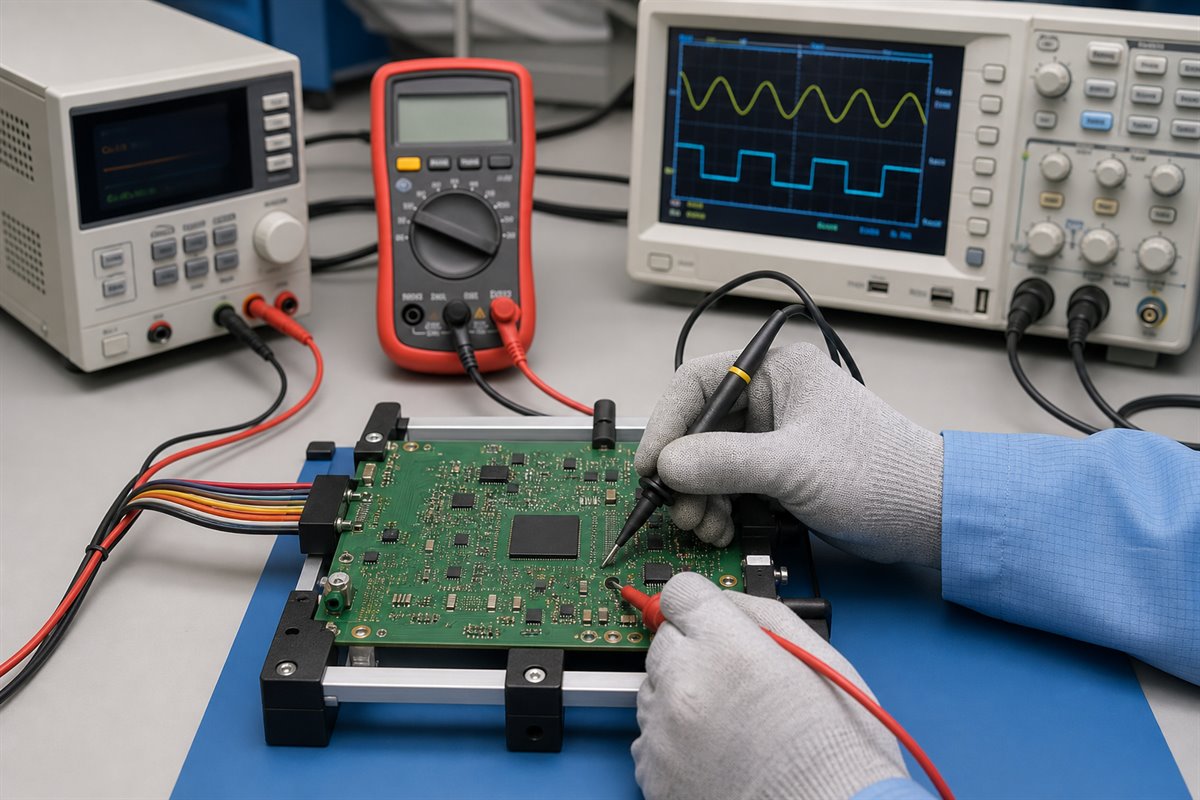
Illustrative BGA rework setup with a controlled hot-air nozzle and supported PCB.

Why Does a Board Fail to Boot After eMMC Replacement?

Successful soldering does not establish that the board can find and run its boot software. The point where startup stops helps distinguish communication problems from missing contents or security restrictions.

Startup symptom Possible cause
eMMC not detected Power, soldering or interface fault
Detected, but no bootloader Missing boot image or incorrect boot settings
Bootloader runs, OS fails Image, partition or filesystem mismatch
OS runs, protected functions fail Missing provisioning or security mismatch
Startup works intermittently Marginal power, signals or solder connections

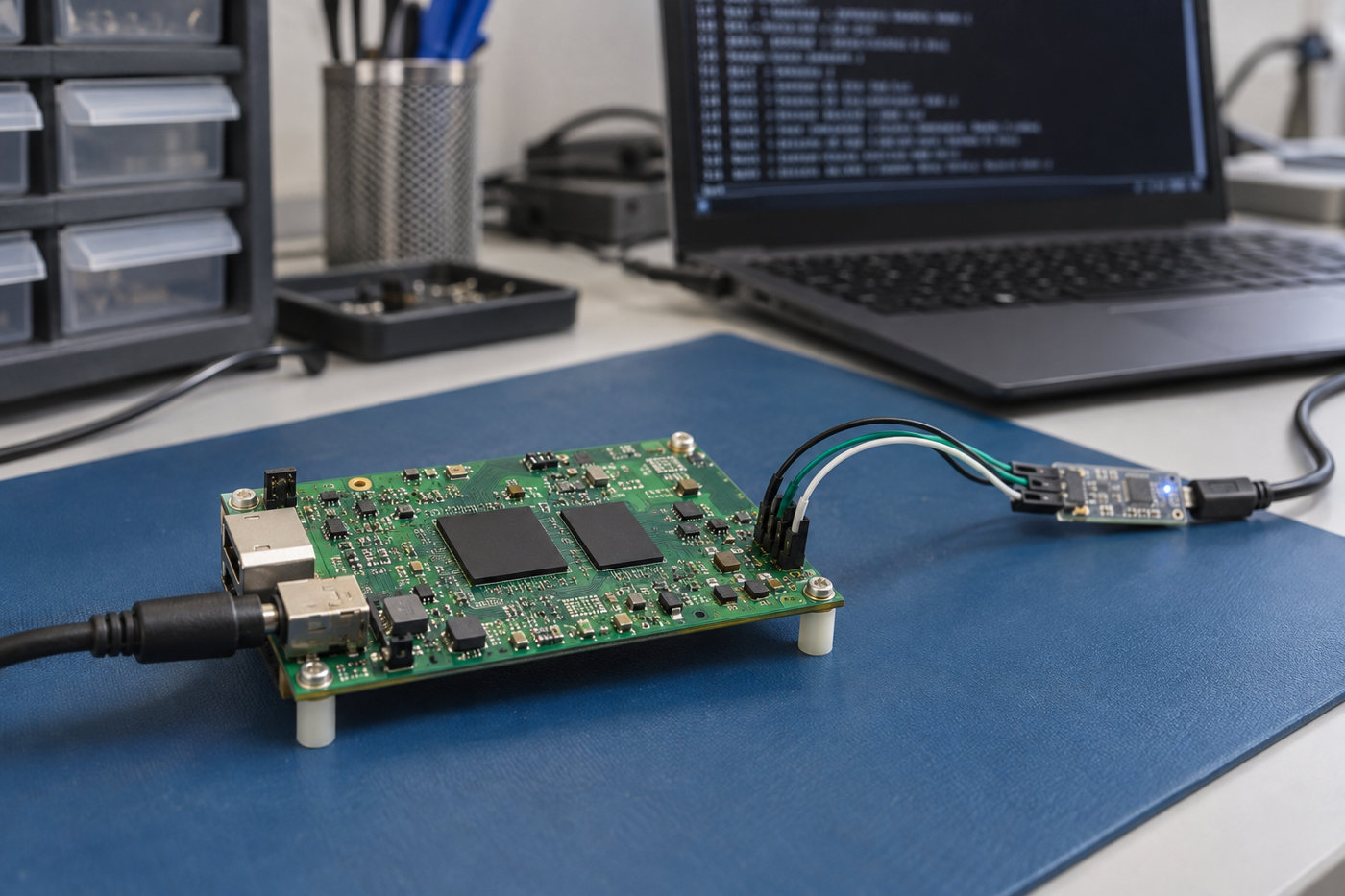
These are possible causes, not definitive diagnoses. A serial console or recovery interface can help identify the actual failure stage.

The copied image may not include the boot area

Copying the user area does not automatically copy the separate boot hardware partitions or reproduce the device’s boot configuration. If the processor expects its first-stage software in a boot partition, a correct user-area image alone will not start the board.

Device security may require separate provisioning

Some platforms use Replay Protected Memory Block (RPMB) storage for authenticated data. RPMB is not an ordinary filesystem partition that can be migrated with a normal disk copy. A supported provisioning or recovery procedure may be necessary, and some device-bound security states cannot be transferred through a generic chip swap.
eMMC replacement
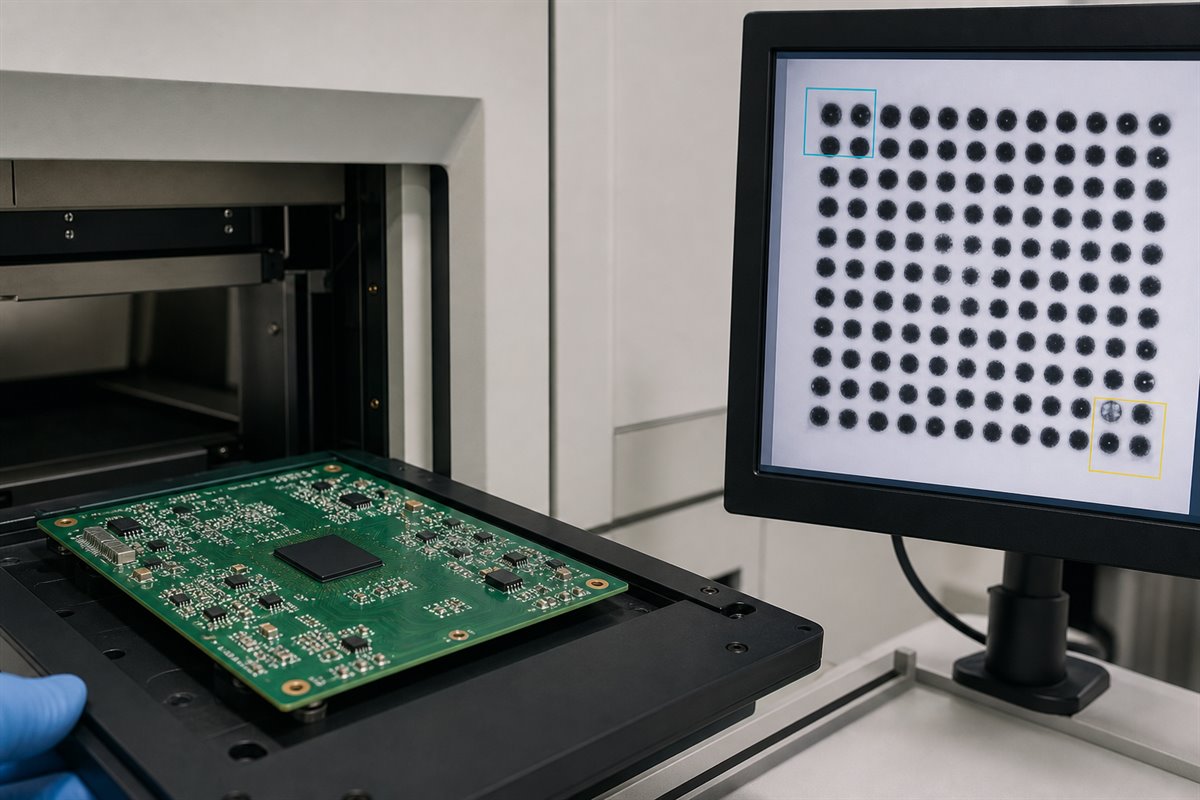
Illustrative board-level startup debugging through a serial-console connection.

What Changes When an eMMC Part Reaches End of Life?

A discontinued eMMC part can lead to a component substitution, a software update or a PCB revision. Which change is necessary depends on the replacement device, not simply on the end-of-life notice.

  • Component qualification. A different controller or NAND technology can change write behavior and endurance. A replacement that boots still needs to suit the application’s workload and operating temperature.
  • Software adaptation. The bootloader, image preparation or device provisioning may need adjustment. Hardware compatibility alone does not establish that the existing production image will work.
  • PCB changes. Different connections or power requirements can require a board revision. If these remain compatible, the existing PCB may be retained.

Artila’s May 2025 replacement notice illustrates a software-linked migration. For the affected products, an SLC-to-MLC eMMC change accompanied a Linux kernel update from 5.10.x to 5.15.x. This was specific to those products; it does not mean every replacement requires a kernel update.

For ongoing production, keeping the qualified memory part and software revision together helps avoid loading an old image onto a newly introduced device that requires different support.

FAQs About eMMC Replacement

Will eMMC replacement preserve the original data?

Not automatically. Recovery depends on readable original contents or a usable backup. Encrypted data also requires the appropriate keys. Restoring factory firmware may restore operation without bringing back user files.

Can an eMMC chip be replaced without programming?

A compatible module supplied with the correct software may work without a separate programming step. A blank chip used as boot storage normally needs an image and platform-specific configuration, loaded through recovery software or external programming equipment.

Can eMMC Be Replaced with SSD?

An SSD is not a direct replacement for a soldered eMMC chip. SATA and NVMe SSDs use different interfaces. Moving the operating system to an SSD requires a suitable board connection and firmware boot support; cloning software cannot provide either.

Why does eMMC replacement cost vary?

A module exchange involves less soldering work than a BGA chip replacement. Board access, damaged pads, programming and data recovery can add to the work. The component price alone therefore does not represent the total repair cost.

Has eMMC been discontinued?

An end-of-life notice applies to specified parts, not automatically to the entire eMMC category. Availability depends on the manufacturer and ordering code. The relevant notice is the one covering the component used in the design.

A successful eMMC replacement brings the memory, PCB and boot software into agreement. When the change leads to a revised board or production PCBA, EBest Circuit can support PCB fabrication, component sourcing and assembly. Discuss your board project with sales@bestpcbs.com.

You may also like

BGA Reballing: How to Reduce Rework and Reuse Risk
Wednesday, August 5th, 2026

BGA reballing can recover a reusable component or support a controlled PCBA rework, but only when the package, PCB lands, solder materials, thermal limits, and acceptance criteria are known. Approving the work from appearance alone can turn a recoverable assembly into a damaged board, a latent field failure, or a second rework charge.

For purchasing, NPI, and quality teams, the important question is not simply whether a supplier can place new balls on a BGA. It is whether the reballed component can be reinstalled without exceeding its condition limits and whether the completed PCBA can produce the evidence required for acceptance. This guide explains the decisions, records, inspections, and tests that reduce that risk.

BGA reballing
Evaluate component condition, PCB lands and acceptance evidence before approving BGA reuse.

When Can BGA Reballing Avoid an Unnecessary Component Replacement?

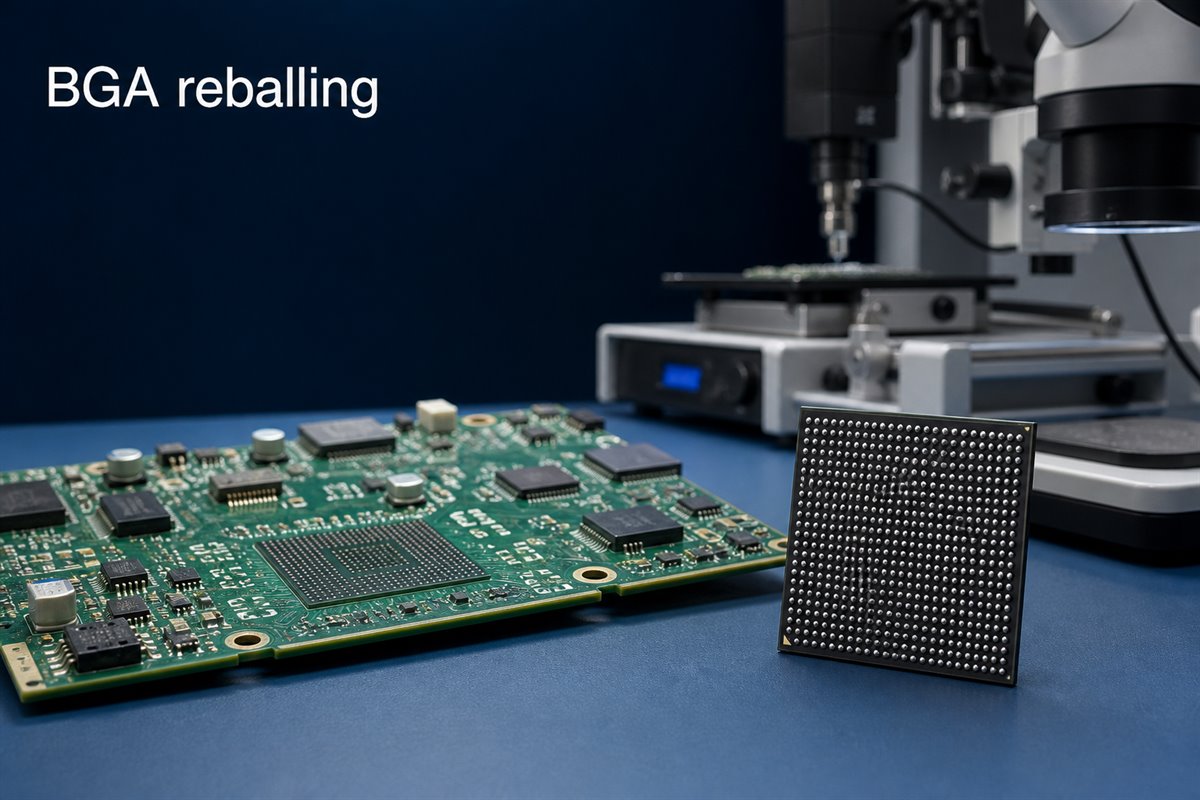
BGA reballing replaces the solder balls on the underside of a Ball Grid Array package. It may be considered after a component has been removed from a PCB, when its original balls are no longer suitable for another controlled attachment.

The customer benefit is straightforward: a suitable component may be recovered instead of being discarded. This can matter when the device is expensive, difficult to source, programmed, allocated, obsolete, or needed to keep a prototype validation schedule moving.

Reballing may be worth evaluating when:

  • the component was removed with a controlled thermal process;
  • the package body, substrate, pads, and solder mask remain intact;
  • the component identity and handling history are traceable;
  • the required ball diameter, pitch, and alloy can be confirmed;
  • reuse is permitted by the customer’s product and quality requirements;
  • the PCB lands remain suitable for another assembly cycle;
  • an agreed inspection and test plan can verify the completed rework.

This does not mean every removed BGA should be reused. Reballing restores the external solder-ball array; it does not repair an internally damaged die, substrate, bond connection, or package interconnect. If the original failure has not been isolated, new solder balls can reproduce the same failure on the next board.

Before approving reuse, ask for a disposition that answers three questions: why the BGA was removed, what evidence shows the package is still usable, and how the reworked assembly will be accepted.

When Is Replacing the BGA Safer Than Reballing It?

The cheapest rework is not always the lowest-cost decision. Reballing can save the price or lead time of a component, but another failed build may consume a PCB, engineering time, test capacity, and delivery margin.

Replacement is normally the safer path when the BGA has an uncertain origin or an uncontrolled removal history. The same applies when the package has visible substrate damage, missing or lifted package pads, discoloration, cracking, warpage outside the approved condition, or signs of excessive heating.

Do not approve reballing only because the component is expensive. Compare the value of the component with the cost of these consequences:

  • another BGA removal and installation cycle;
  • lifted or weakened PCB pads;
  • delayed prototype or production validation;
  • inconclusive fault diagnosis;
  • a latent defect that passes initial power-up;
  • loss of traceability or customer approval;
  • field-service and warranty exposure.

Use a decision gate. Classify the component as approved for reballing, approved for engineering evaluation only, or not approved for reuse. The decision should follow the released product requirements rather than an informal judgement made at the rework bench.

For high-reliability, safety-related, or tightly controlled products, the customer may require a new component even when reballing is technically possible. EBest Circuit can review manufacturability, assembly, sourcing, inspection, and agreed test requirements, but the customer retains authority over component reuse and product-level reliability acceptance.

What Evidence Should You Check Before Approving BGA Rework?

Reworking the wrong item wastes time twice: first during reballing and again when the original fault remains. Start with evidence that connects the failure symptom to the BGA or its solder connections.

Useful inputs may include:

  • the board serial number and assembly revision;
  • the BGA manufacturer, exact part number, lot information, and date code;
  • the observed failure mode and when it occurs;
  • X-ray, AOI, electrical, boundary-scan, or functional-test results, when available;
  • comparison results from a known-good board;
  • the number and type of previous thermal or rework cycles;
  • the original soldering and removal history;
  • customer authorization to remove, reuse, or replace the component.

Separate solder-joint evidence from device failure. Opens, bridges, head-in-pillow indications, abnormal joint shape, or placement offset may support a solder-process investigation. A non-booting board alone does not prove that the BGA balls are the cause. Power, clock, reset, firmware, surrounding components, PCB connectivity, and the device itself may produce similar symptoms.

The supplier should not invent a product diagnosis from incomplete files. If the available evidence cannot distinguish package failure from assembly failure, state the uncertainty and agree on the next diagnostic or replacement step before applying more heat to the board.

How Can You Reduce PCB Pad Damage During BGA Rework?

During PCB rework and repair, the PCB may be more difficult to recover than the component. Excessive temperature, heating time, lifting force, solder-wicking pressure, or repeated cleaning can damage copper lands, solder mask, laminate, nearby components, and via-in-pad structures.

Reduce that risk by confirming the rework plan before removal:

  • identify heat-sensitive parts, connectors, underfill, adhesives, and conformal coating near the BGA;
  • review board thickness, copper distribution, thermal planes, and local thermal mass;
  • use controlled top and bottom heating appropriate for the assembly;
  • monitor the actual assembly temperature instead of relying only on a machine setting;
  • lift the package only after solder melt has been confirmed;
  • use controlled land-cleaning methods that do not scrape or overheat the pads;
  • inspect the PCB lands before another component is installed;
  • stop when pad, mask, laminate, or via damage exceeds the agreed repair boundary.

IPC identifies IPC-7711/21 as the industry document for rework, modification, and repair of electronic assemblies. The current revision and the customer’s applicable workmanship and acceptance requirements should be stated in the order rather than assumed.

Limit unnecessary thermal cycles. IPC guidance does not provide one universal maximum number of rework actions for every assembly. The acceptable limit depends on the PCB, component, materials, process history, product class, and customer requirements. Record previous rework when it is known and escalate the decision when the history is uncertain.

How Should the BGA Ball Size and Solder Alloy Be Confirmed?

Using balls that merely fit the stencil is not enough. The ball diameter affects standoff, collapse, joint volume, coplanarity, and the ability of the package to form consistent connections with the PCB land pattern.

Confirm these inputs before material is released:

  • exact BGA manufacturer and part number;
  • package outline, pitch, and ball map;
  • original or customer-approved ball diameter;
  • ball alloy and lead-free or SnPb requirement;
  • package finish and compatibility with the assembly soldering process;
  • flux and cleaning requirements;
  • storage, moisture sensitivity, baking, and floor-life instructions;
  • approved substitution and deviation route.

Do not infer alloy from appearance. The package datasheet, manufacturer information, customer specification, or other approved record should control the choice. If a customer requires alloy conversion, treat it as a defined engineering requirement with documented approval—not as a routine material substitution.

A mixed-alloy process may require a different reflow profile and acceptance review. The PCBA supplier can confirm process compatibility against the released requirements, but should not independently change the customer’s material system.

BGA reballing
A controlled stencil, solder-ball and heating process helps produce a consistent ball array.

Which Process Controls Make BGA Reballing Repeatable?

A clean-looking ball array is not proof of a controlled process. Repeatability comes from controlling the package condition, materials, stencil or fixture, ball placement, heating, handling, and inspection as one documented operation.

A practical process plan should address:

  • incoming identification and condition photographs;
  • electrostatic-discharge controls;
  • moisture handling and any required bake;
  • removal of residual solder without damaging package pads;
  • cleaning and inspection before ball placement;
  • stencil or fixture compatibility with the package pitch and ball size;
  • flux type, amount, and application method;
  • ball coverage, alignment, and missing-ball checks;
  • controlled heating and measured profile parameters;
  • post-process cleaning requirements;
  • coplanarity and package-condition inspection;
  • traceability of operator, materials, equipment, and date.

Define the hold points. Useful hold points include inspection after the BGA is removed, after PCB land preparation, after package-pad preparation, after reballing, and after reinstallation. A defect found before reassembly costs less to resolve than one found after the board has completed another thermal cycle.

Where the customer has special workmanship criteria, reference samples, or inspection limits, include them with the work instruction. “Standard reballing” is too vague when the acceptance decision affects an expensive assembly.

BGA reballing
X-ray inspection helps reveal hidden BGA joint indications after reinstallation.

What Can X-Ray Inspection Reveal After BGA Reballing?

After the reballed package is installed through a controlled BGA soldering process, its solder joints are hidden. External visual inspection can confirm orientation, position, surface condition, and surrounding parts, but it cannot verify the entire solder-ball array.

X-ray inspection can help identify indications such as:

  • missing or open-looking connections;
  • solder bridges;
  • inconsistent joint size or shape;
  • abnormal alignment;
  • excessive or unusual voiding patterns;
  • solder distribution that differs from neighboring joints;
  • some signs associated with poor collapse or process imbalance.

X-ray is valuable evidence, but it is not a complete electrical or reliability test. A two-dimensional image may not separate every overlapping feature, and image interpretation depends on package construction, board design, equipment, image angle, and acceptance criteria. More advanced inspection may be appropriate for complex or high-value assemblies.

Agree on the report before rework. State whether the customer needs a pass/fail record, marked images, sample images, 100% inspection, defined regions of interest, or customer review before shipment. Without that agreement, the supplier and buyer may both say “X-ray inspected” while expecting different evidence.

BGA reballing
Functional testing checks whether the reworked PCBA performs against the customer-provided limits.

What Testing Should Be Completed Before Accepting the Reworked PCBA?

X-ray can support solder-joint assessment; it cannot prove that the product performs correctly. The acceptance plan should combine workmanship inspection with tests appropriate to the released design.

Depending on the product and available test access, the plan may include:

  • continuity and short checks;
  • resistance checks on critical power rails before power-up;
  • controlled power-up with current limits;
  • in-circuit or flying-probe tests where suitable;
  • boundary-scan testing when designed and supported;
  • programming or device-identification checks;
  • customer-provided functional testing;
  • comparison with a known-good PCBA;
  • thermal, cycling, or extended run testing when required by the customer.

Define what “pass” means. Provide test procedures, fixtures, firmware, limits, expected outputs, mating hardware, and safety notes with the order. If only partial testing is possible, the report should identify what was tested and what remains unverified.

EBest Circuit can support BGA assembly and assist with agreed PCBA inspection and testing based on customer-provided requirements. Product certification, firmware validation, and final product-level reliability decisions remain with the customer unless separately defined and authorized.

What Records Should Be Included With a BGA Reballing Order?

Clear records reduce quotation assumptions, speed up engineering review, and make the final disposition easier to approve. They also prevent the reworked board from becoming an untraceable exception in the next production or service lot.

Send a concise rework package containing:

  • PCBA part number, revision, serial number, and quantity;
  • Gerber or ODB++ data and the relevant assembly drawing;
  • BOM line and exact BGA part number;
  • placement data and orientation reference;
  • reason for removal and available failure evidence;
  • approval to reball and reuse, or instructions for conditional evaluation;
  • required solder-ball alloy and diameter;
  • applicable IPC, workmanship, and product acceptance requirements;
  • known prior rework and thermal history;
  • X-ray and inspection deliverables;
  • functional-test procedure, fixture, firmware, and limits;
  • required report format and approval contact.

For quotation, ask the supplier to separate component evaluation, removal, reballing, reinstallation, inspection, testing, replacement material, and any board repair. This makes unlike quotations easier to compare and exposes exclusions before the purchase order is released.

FAQs About BGA Reballing

What is BGA reballing? BGA reballing removes residual solder from a BGA package and forms a new solder-ball array so the component can be considered for another controlled attachment. It restores external solder connections; it does not repair an internally defective component.

Is BGA reballing better than replacing the component? It depends on component condition, traceability, availability, value, failure evidence, product requirements, and the cost of another failed attempt. A new component is usually safer when the removed BGA has an uncertain history or signs of package damage.

Can every removed BGA be reballed and reused? No. Package-pad damage, cracking, excessive warpage, uncontrolled heating, uncertain origin, internal failure, or customer restrictions may make reuse unacceptable.

Does X-ray prove that a reballed BGA is reliable? No. X-ray can reveal important solder-joint indications after reinstallation, but it should be combined with applicable workmanship criteria and electrical or functional testing.

What should I send for a BGA reballing quotation? Send the PCBA and BGA identification, revision and serial information, failure evidence, rework authorization, ball-alloy and size requirements, prior history, inspection criteria, and functional-test requirements. Include the PCB and assembly files needed to review the work area.

BGA reballing should leave the buyer with more than a component covered in new solder balls. It should produce a traceable decision, controlled rework, documented inspection, and a tested PCBA whose remaining limitations are understood.

If you need BGA PCBA manufacturability review, component sourcing, SMT assembly, controlled rework evaluation, X-ray inspection, or testing assistance, send the PCB files, BOM, assembly data, failure information, and acceptance requirements to sales@bestpcbs.com. EBest Circuit will review the available information and confirm what can be supported before work begins. Review our BGA reballing requirements before releasing the order.
You may also like