eMMC replacement can restore a board with failed storage, but matching the original chip’s capacity is not enough. The new device must fit the board, communicate with the processor and contain the software needed to start the system. A chip can be soldered correctly and still leave the board unable to boot.
For products moving to a new memory component or a revised PCB, EBest Circuit (Best Technology) provides PCB fabrication, component sourcing and PCB assembly. These services bring the component supply and board production stages together. For PCB and PCBA support on your hardware revision, contact sales@bestpcbs.com.
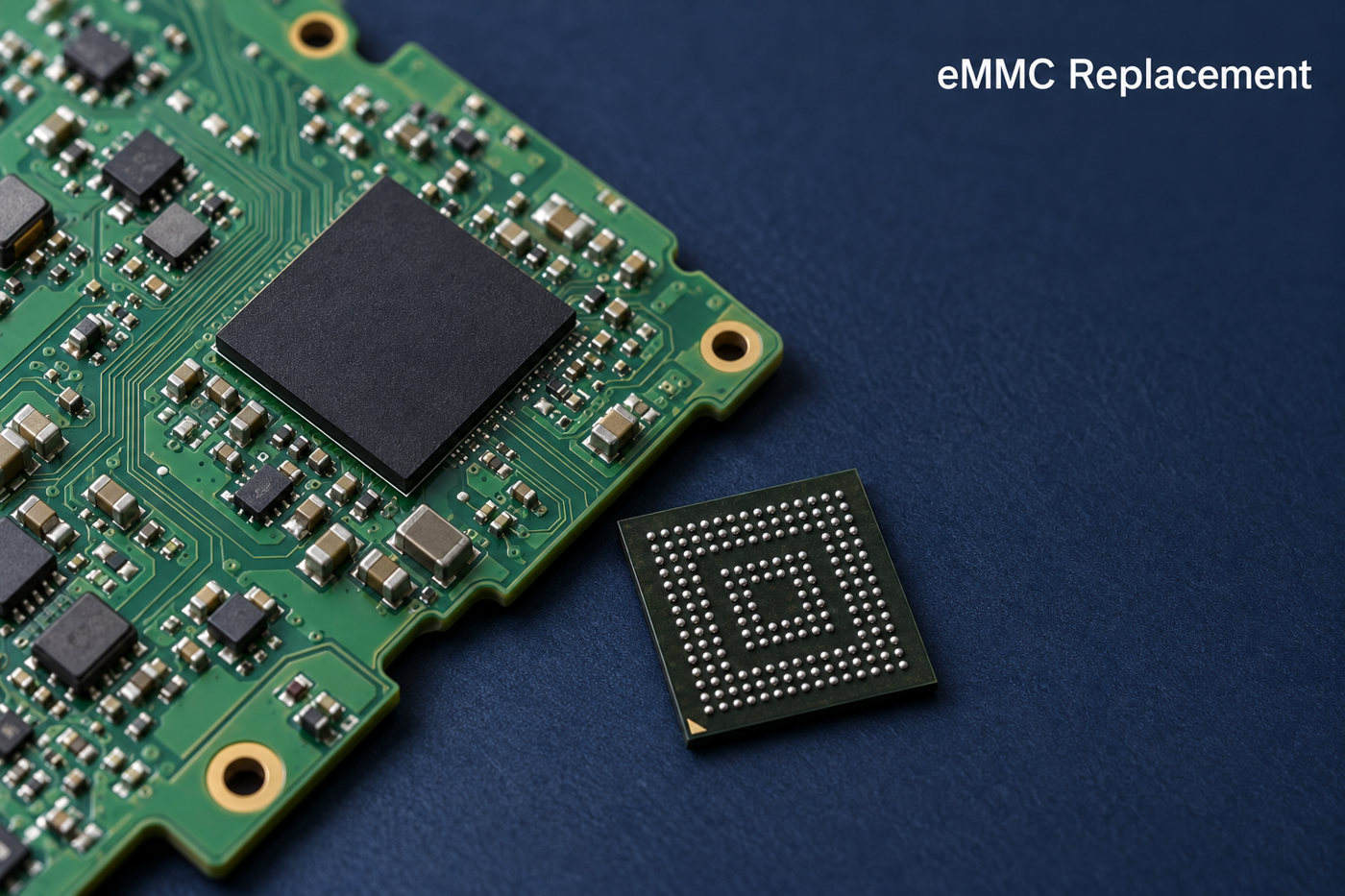
Can eMMC Be Replaced on an Existing Board?
Yes, but a removable module and a soldered chip require different replacement methods. The first distinction is how the eMMC connects to the board.
- Removable eMMC module. The storage sits on a small board connected through a socket or connector. A compatible module can be exchanged without BGA soldering, although it still needs suitable software.
- Soldered eMMC chip. The device connects through solder balls underneath its BGA package. Replacement requires controlled removal, footprint preparation and installation. Underfill or damaged PCB pads can make the work more difficult.
An eMMC contains both NAND flash and a controller. Replacing the package changes both components; reballing the original package only renews its solder connections. Reballing therefore cannot repair worn flash memory or a failed internal controller.
Using the same part number reduces hardware differences, but a blank chip will not contain the original system image. A donor chip may contain another device’s settings. Neither is automatically ready to boot the receiving board.
What Makes an eMMC Replacement Compatible?
A compatible replacement must match the board’s physical connections, electrical requirements and host support. The full part number matters more than the capacity label or the name “eMMC 5.1.”
Physical fit
Package dimensions, ball pitch, orientation and signal assignments must suit the PCB footprint. Two chips can look similar while having connections that prevent a direct substitution.
Electrical and interface support
The device supply and I/O voltages must suit the board. The processor and replacement also need a compatible bus width and timing mode. A faster eMMC cannot make an unsupported host or PCB operate at a higher speed.
Boot compatibility
The processor’s startup code and bootloader must be able to initialize the device and load its software. Image layout and boot configuration matter alongside the hardware specifications.
Endurance and operating conditions
Temperature grade and write endurance affect suitability after the board starts working. A data logger that writes continuously places different demands on storage from a device that mainly reads a fixed application. Equal capacity does not guarantee equal write performance or service life.
Can a Higher-Capacity eMMC Replace the Original Chip?
Yes, when the board and software support it—but extra chip capacity does not automatically become usable storage. An upgrade can produce three different outcomes.
- The board boots and uses the extra space. The replacement is compatible, and the image or setup process creates a suitable partition layout.
- The board boots but shows the old capacity. Cloning the original image can preserve its smaller partitions. The relevant partition and filesystem then need expansion before the extra space is available.
- The board does not boot correctly. The firmware or programming tools may assume a particular device size or layout. A revised image or platform support may be needed.
Capacity also needs to be understood by storage area. An eMMC has a user area and separate boot hardware partitions. A larger user area does not prove that the boot areas meet the platform’s requirements.
How Does eMMC Chip Replacement Work?
Chip replacement combines data preparation, BGA rework and software restoration. The sequence below describes the work; the heating profile and programming method remain specific to the board.
- Identify the fault and preserve readable data. Power, connection or software faults can resemble storage failure. If the original device remains readable, preserve the required contents before removal. A factory recovery image does not replace a backup of unique device data.
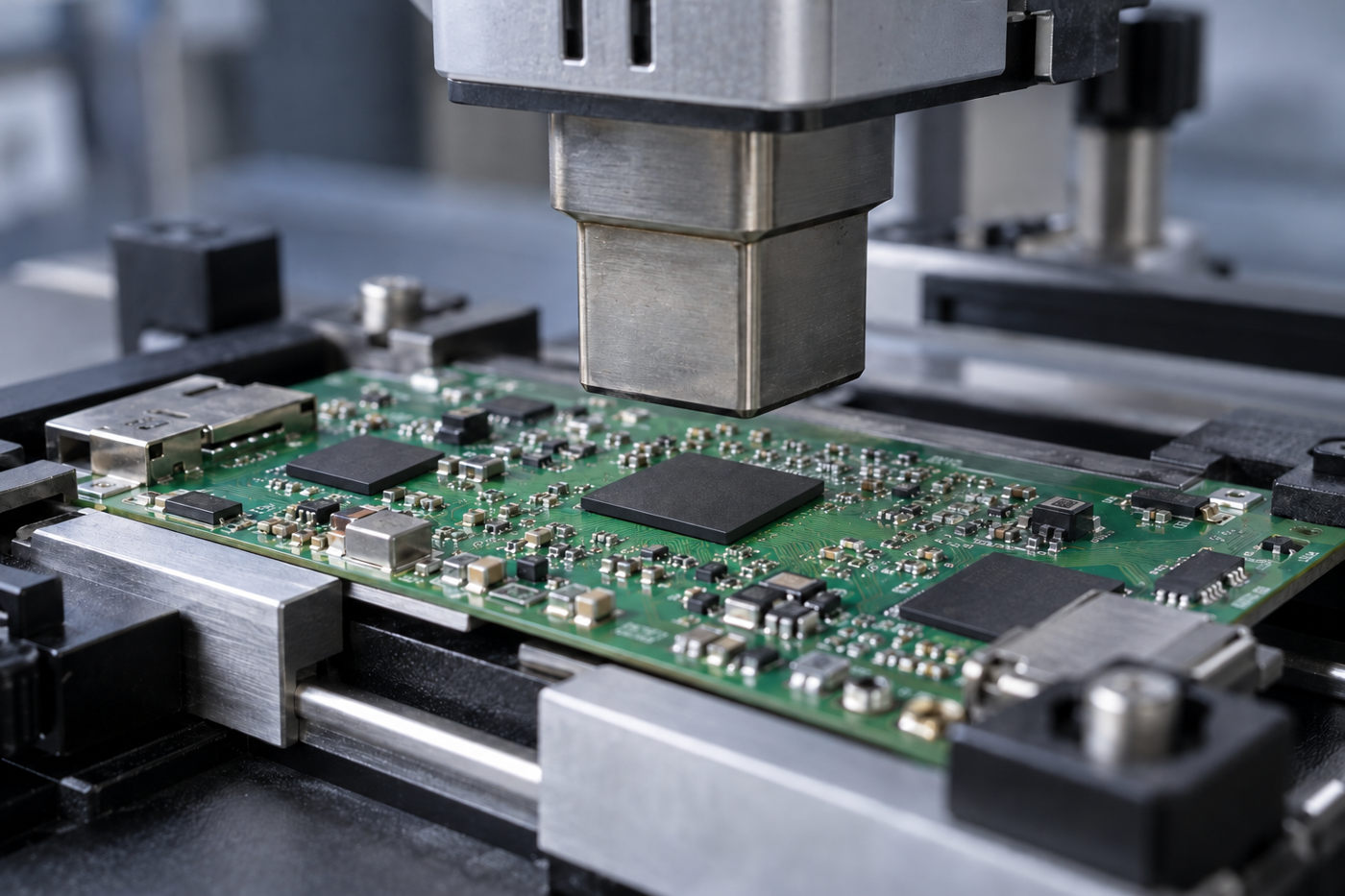
- Remove the original package. Support the PCB and use a controlled heating profile suited to the board and component. Nearby parts, moisture sensitivity and underfill affect removal. A hot-air station setting alone does not establish the solder-joint temperature.
- Prepare the pads and fit the replacement. Remove residual solder and contamination, address pad damage, then align and reflow the new device. Inspect the assembly for placement and solder-joint defects.
- Restore the system software. Program the required image, boot settings and supported device-specific configuration. Depending on the platform, programming occurs before installation or through the board’s recovery interface.
- Test operation beyond the first boot. Cold starts, restarts and application reads and writes reveal problems that a single successful startup may miss. Production qualification can also include temperature, workload and power-interruption tests.
There is no universal rework temperature or firmware file for every eMMC board. The component limits, PCB construction and platform recovery procedure determine those details.
Why Does a Board Fail to Boot After eMMC Replacement?
Successful soldering does not establish that the board can find and run its boot software. The point where startup stops helps distinguish communication problems from missing contents or security restrictions.
| Startup symptom | Possible cause |
|---|---|
| eMMC not detected | Power, soldering or interface fault |
| Detected, but no bootloader | Missing boot image or incorrect boot settings |
| Bootloader runs, OS fails | Image, partition or filesystem mismatch |
| OS runs, protected functions fail | Missing provisioning or security mismatch |
| Startup works intermittently | Marginal power, signals or solder connections |
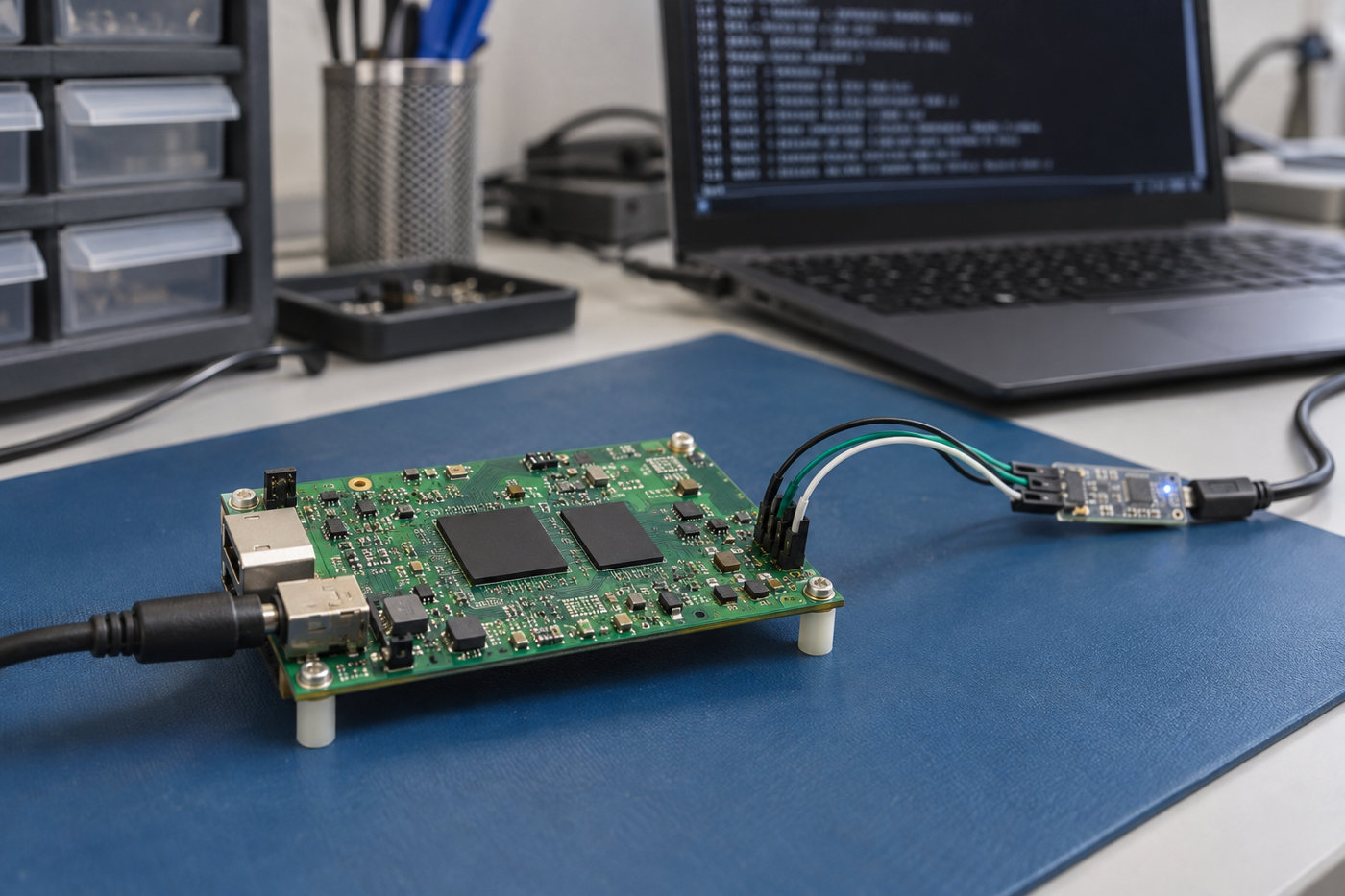
These are possible causes, not definitive diagnoses. A serial console or recovery interface can help identify the actual failure stage.
The copied image may not include the boot area
Copying the user area does not automatically copy the separate boot hardware partitions or reproduce the device’s boot configuration. If the processor expects its first-stage software in a boot partition, a correct user-area image alone will not start the board.
Device security may require separate provisioning
Some platforms use Replay Protected Memory Block (RPMB) storage for authenticated data. RPMB is not an ordinary filesystem partition that can be migrated with a normal disk copy. A supported provisioning or recovery procedure may be necessary, and some device-bound security states cannot be transferred through a generic chip swap.
What Changes When an eMMC Part Reaches End of Life?
A discontinued eMMC part can lead to a component substitution, a software update or a PCB revision. Which change is necessary depends on the replacement device, not simply on the end-of-life notice.
- Component qualification. A different controller or NAND technology can change write behavior and endurance. A replacement that boots still needs to suit the application’s workload and operating temperature.
- Software adaptation. The bootloader, image preparation or device provisioning may need adjustment. Hardware compatibility alone does not establish that the existing production image will work.
- PCB changes. Different connections or power requirements can require a board revision. If these remain compatible, the existing PCB may be retained.
Artila’s May 2025 replacement notice illustrates a software-linked migration. For the affected products, an SLC-to-MLC eMMC change accompanied a Linux kernel update from 5.10.x to 5.15.x. This was specific to those products; it does not mean every replacement requires a kernel update.
For ongoing production, keeping the qualified memory part and software revision together helps avoid loading an old image onto a newly introduced device that requires different support.
FAQs About eMMC Replacement
Will eMMC replacement preserve the original data?
Not automatically. Recovery depends on readable original contents or a usable backup. Encrypted data also requires the appropriate keys. Restoring factory firmware may restore operation without bringing back user files.
Can an eMMC chip be replaced without programming?
A compatible module supplied with the correct software may work without a separate programming step. A blank chip used as boot storage normally needs an image and platform-specific configuration, loaded through recovery software or external programming equipment.
Can eMMC Be Replaced with SSD?
An SSD is not a direct replacement for a soldered eMMC chip. SATA and NVMe SSDs use different interfaces. Moving the operating system to an SSD requires a suitable board connection and firmware boot support; cloning software cannot provide either.
Why does eMMC replacement cost vary?
A module exchange involves less soldering work than a BGA chip replacement. Board access, damaged pads, programming and data recovery can add to the work. The component price alone therefore does not represent the total repair cost.
Has eMMC been discontinued?
An end-of-life notice applies to specified parts, not automatically to the entire eMMC category. Availability depends on the manufacturer and ordering code. The relevant notice is the one covering the component used in the design.
A successful eMMC replacement brings the memory, PCB and boot software into agreement. When the change leads to a revised board or production PCBA, EBest Circuit can support PCB fabrication, component sourcing and assembly. Discuss your board project with sales@bestpcbs.com.