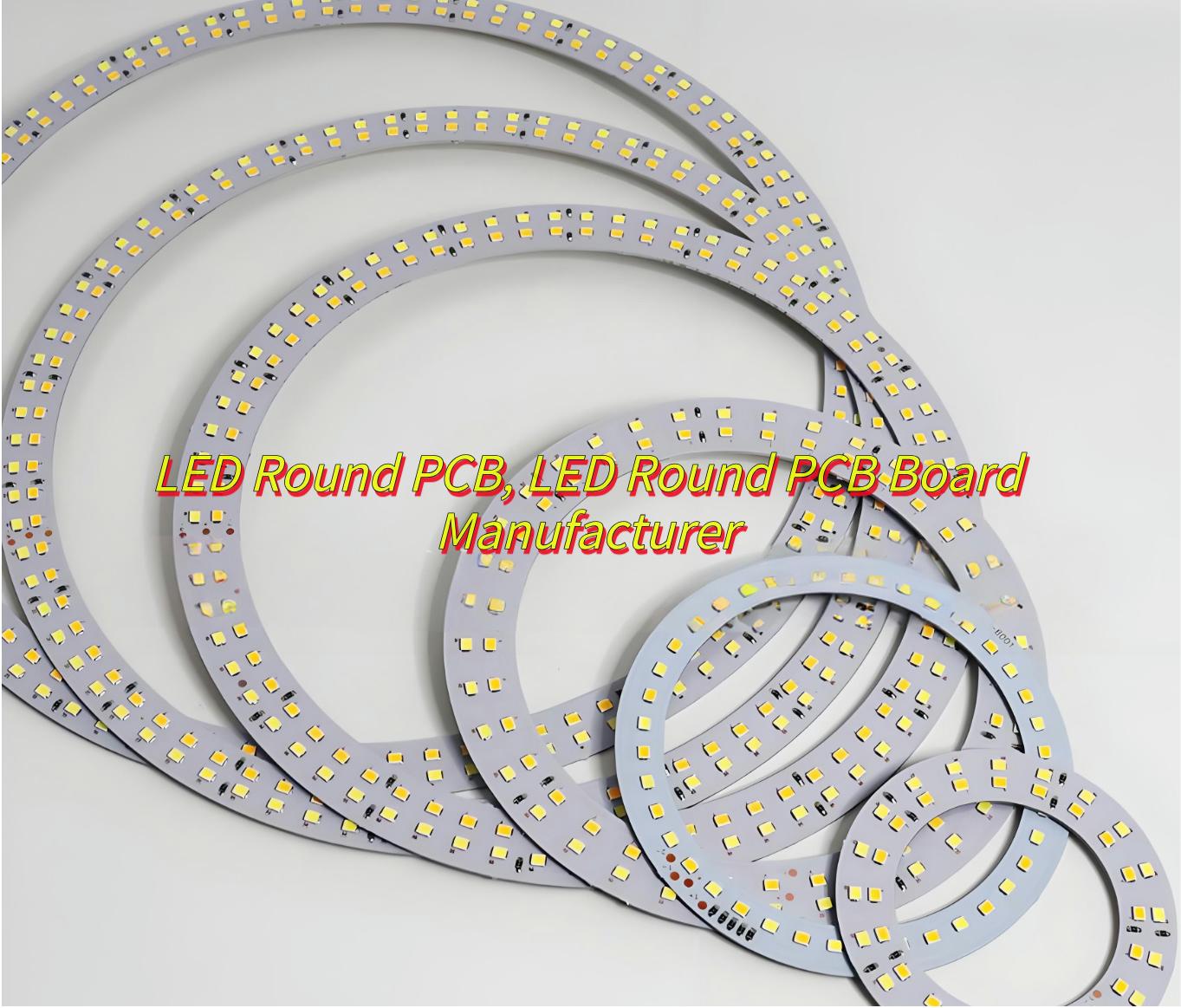
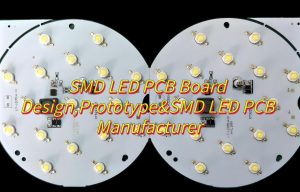
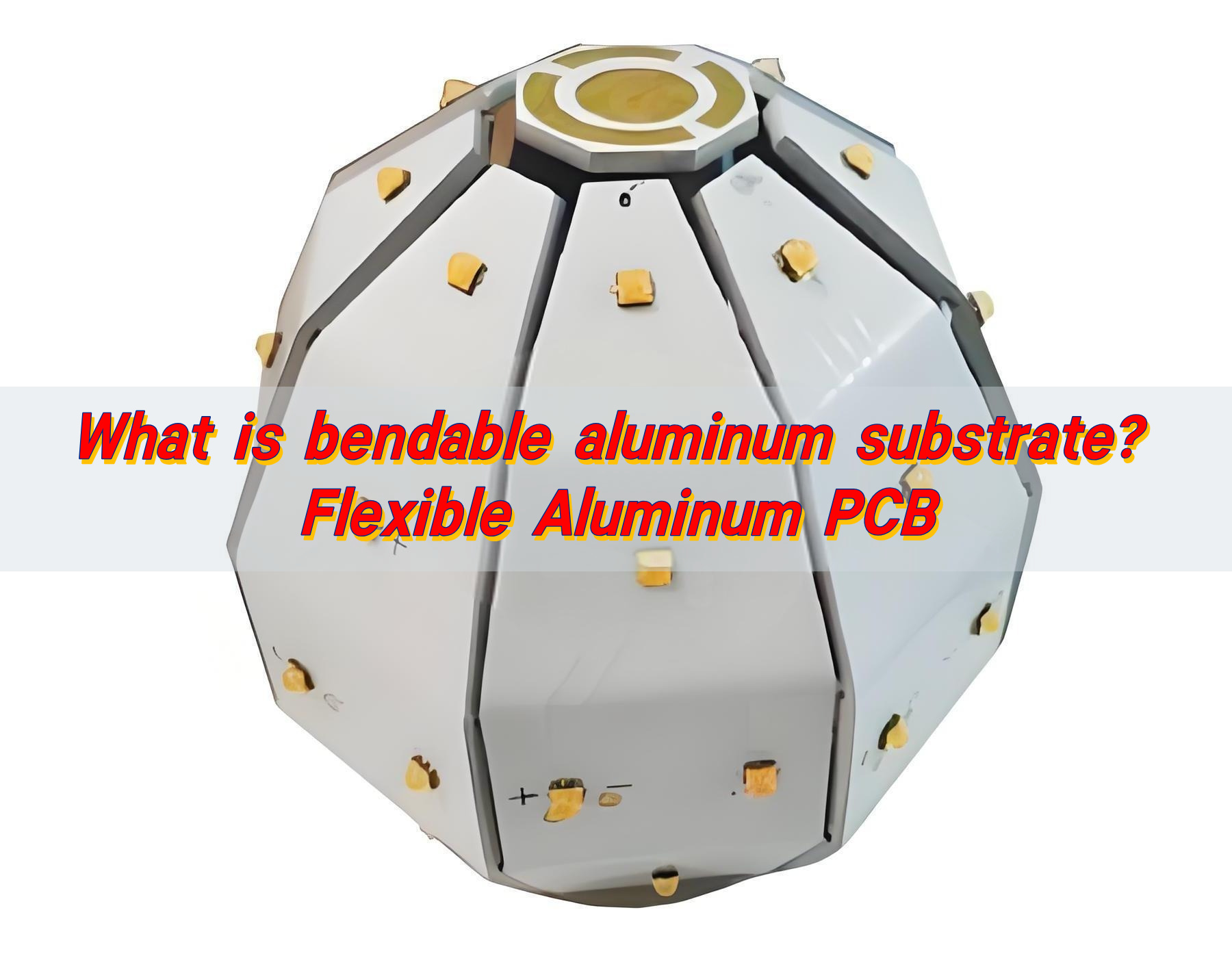
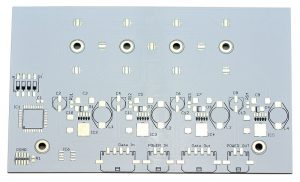
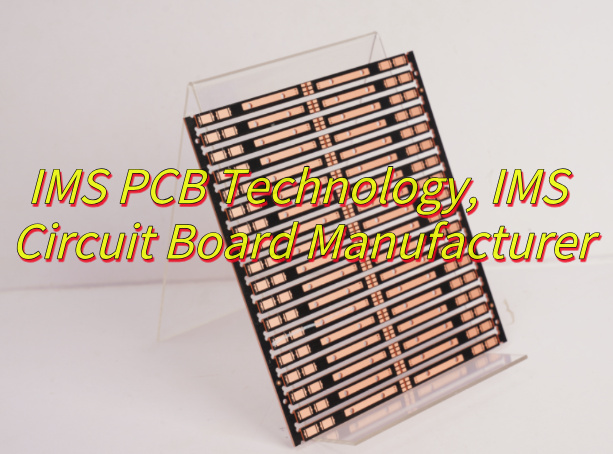
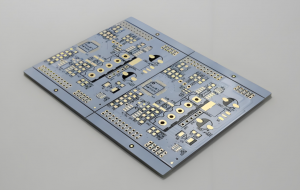
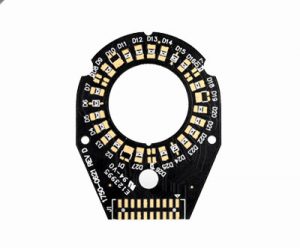
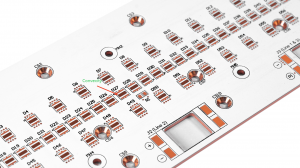
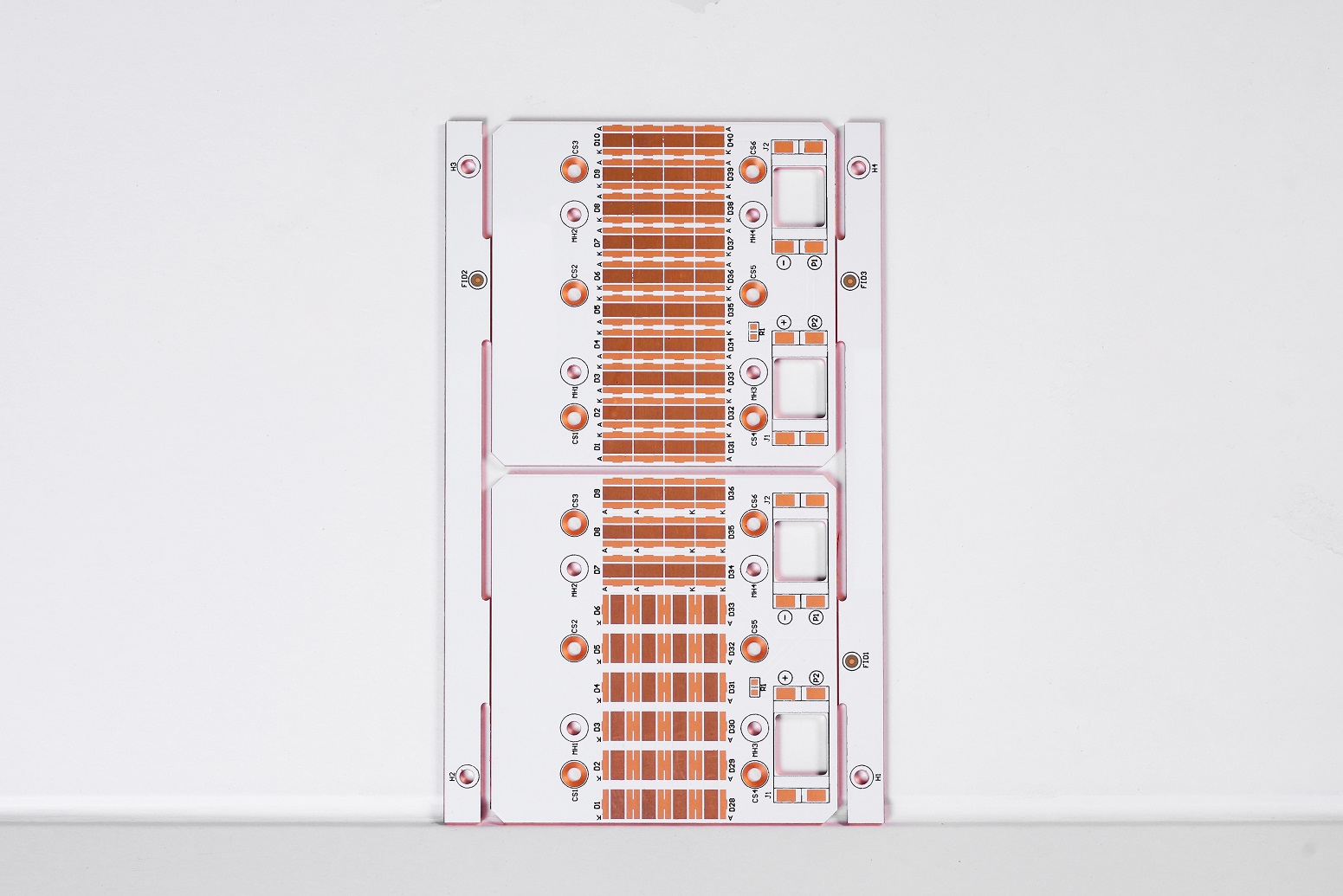
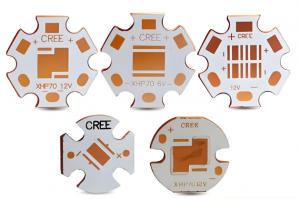
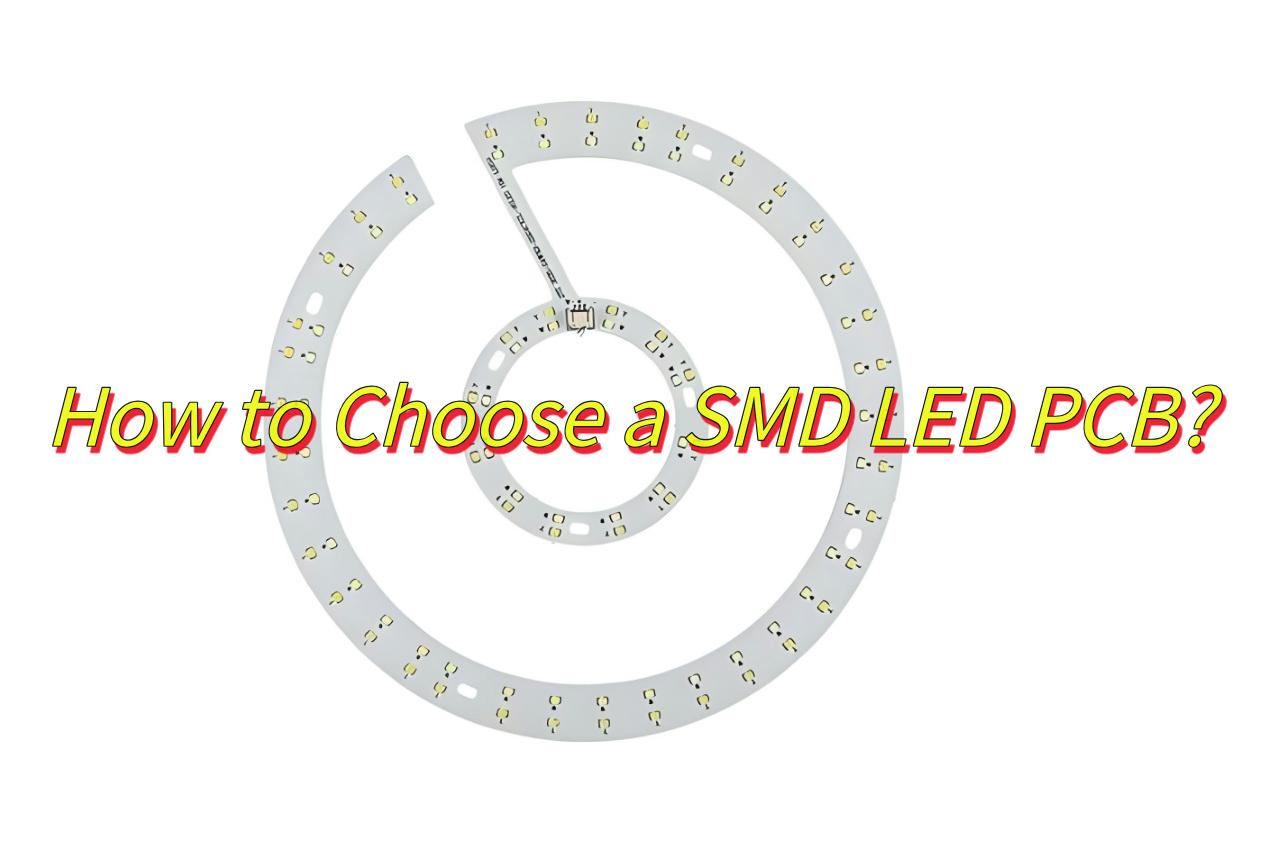
Are you looking for a reliable LED round PCB manufacturer? Let’s learn about structure and application of LED round PCBs as well as how to select a good LED round PCBs supplier.
EBest Circuit (Best Technology) focuses onLED round PCBmanufacturing, with high-density layout and aluminum/copper substrate heat dissipation technology, and has passed ISO/UL/IPC certification to ensure that the process can meet international standards. In addition, we provide one-stop service (from design to mass production), with the fastest 24-48 hours prototyping, combined with mixed substrate solutions and batch tiered quotations, reducing costs by 20%. Thermal cycle testing and fully automatic testing equipment are used to ensure the reliability of products in extreme environments. Choose us, and you will be ahead in technology, efficiency, and quality. Feel free to contact us sales@bestpcbs.com
What Is an LED Round PCB?
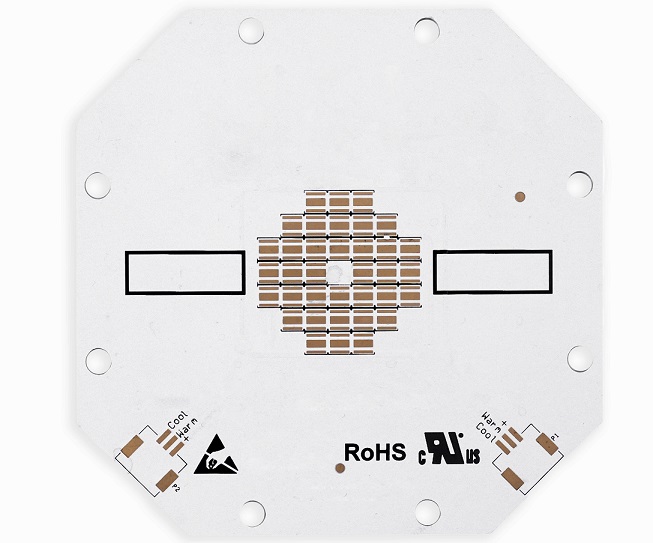
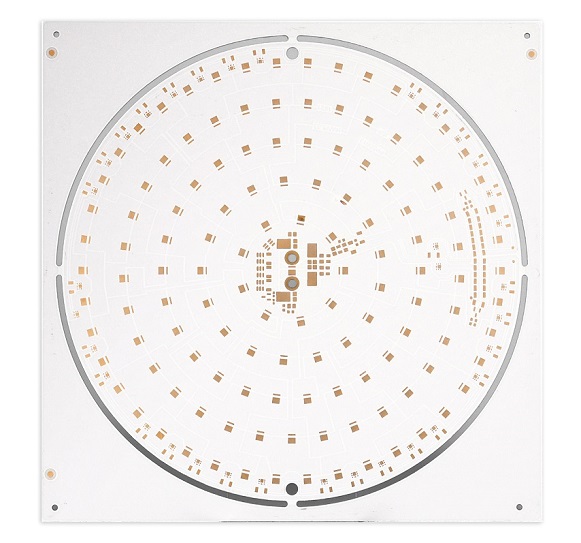
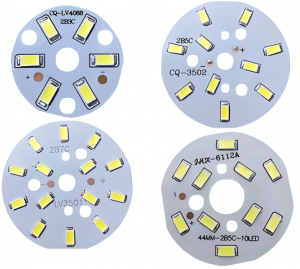
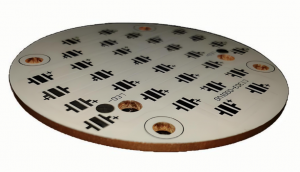
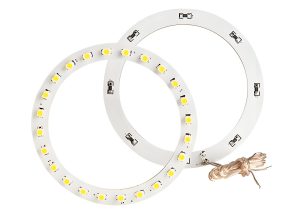
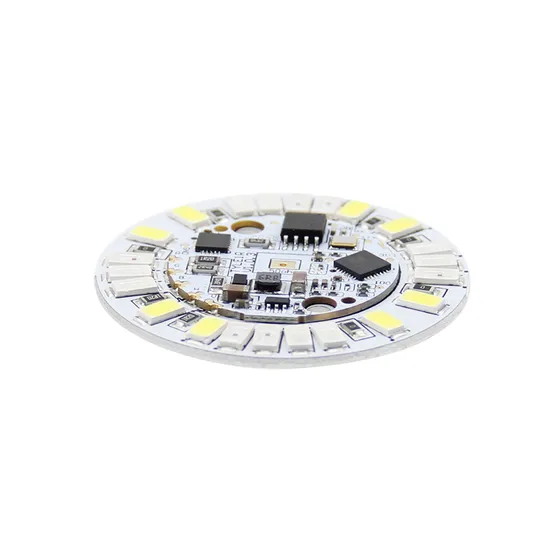
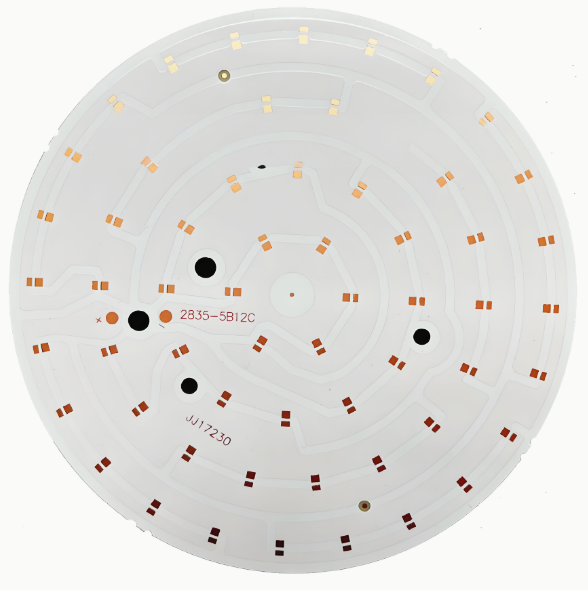
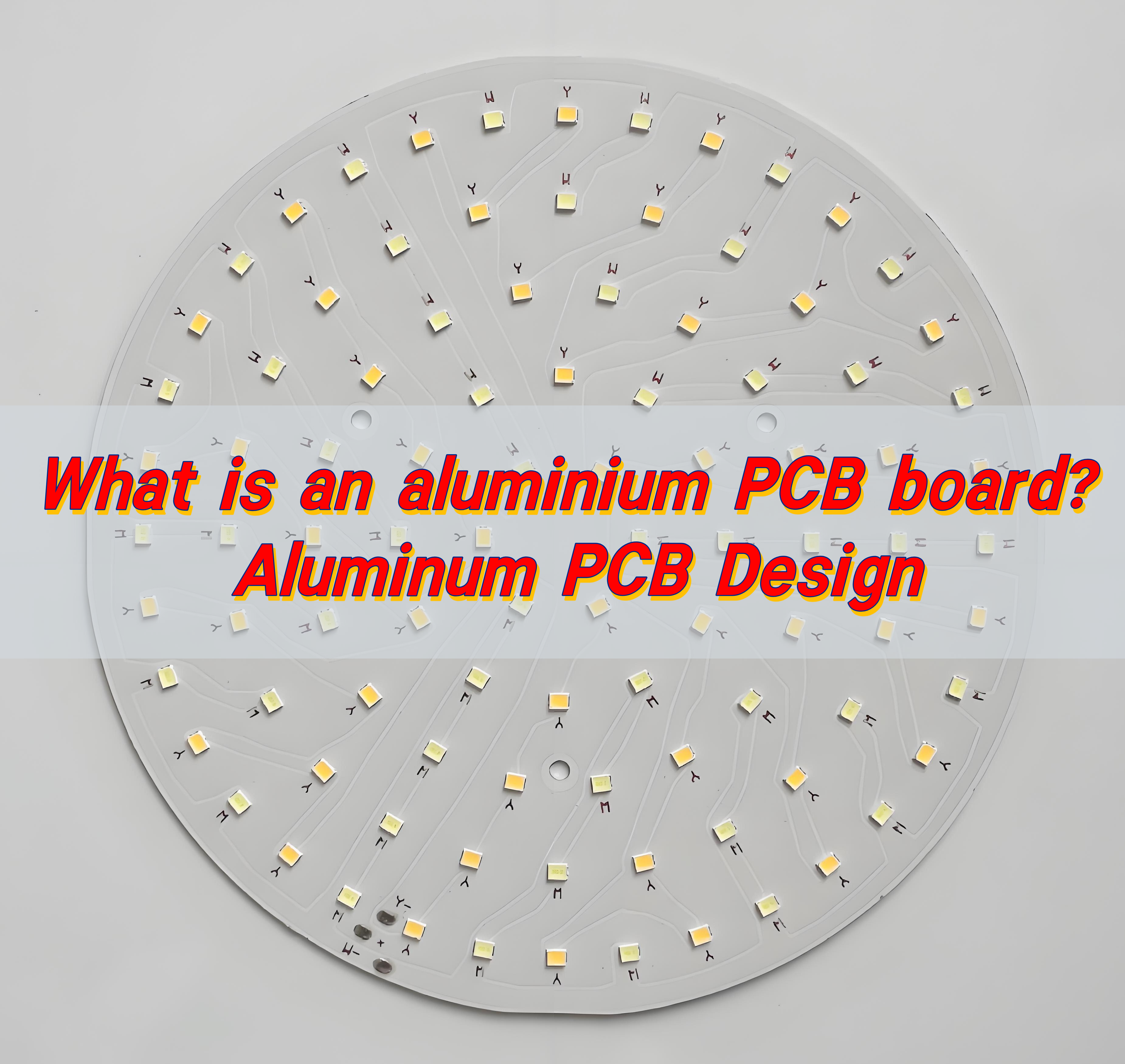
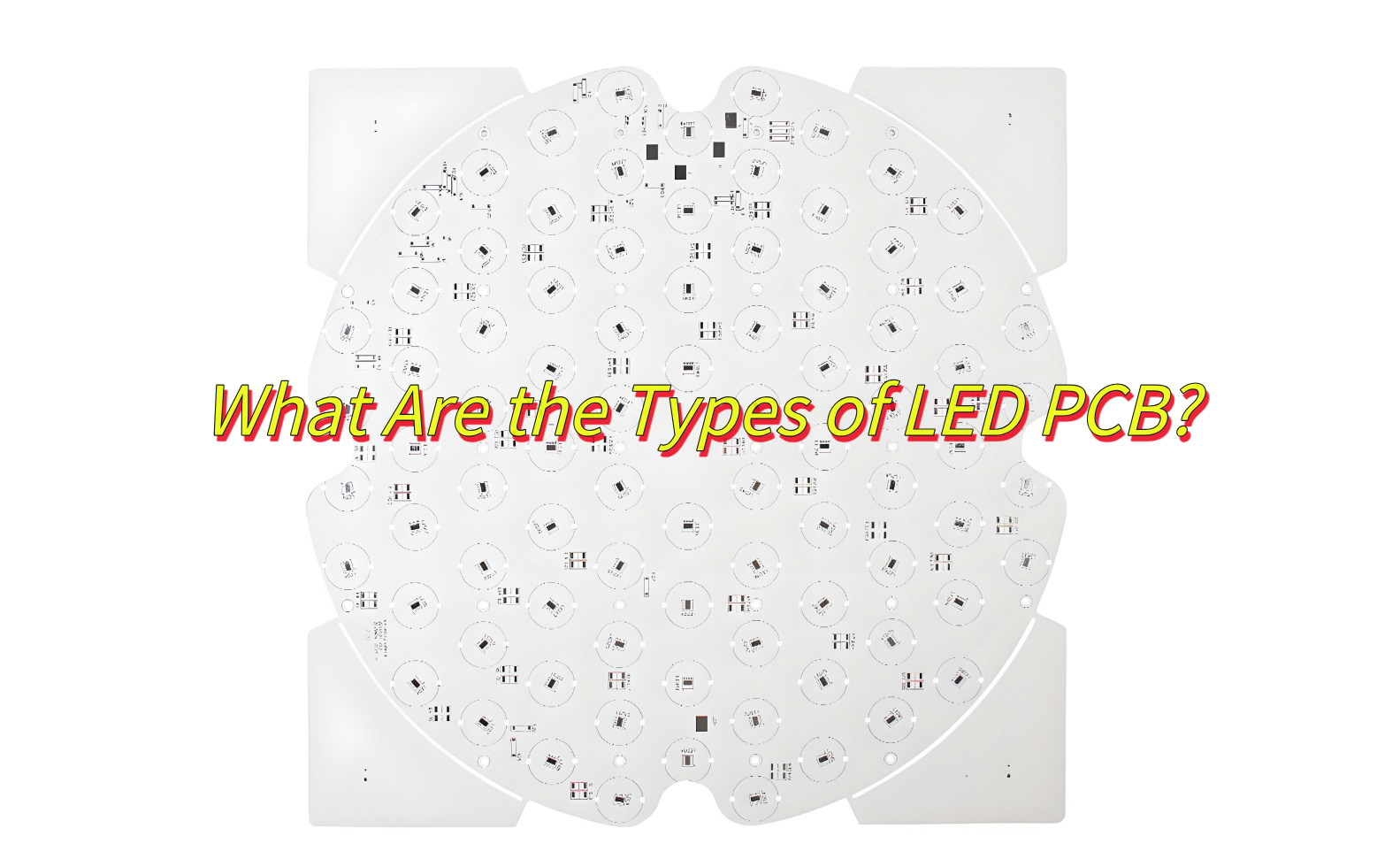
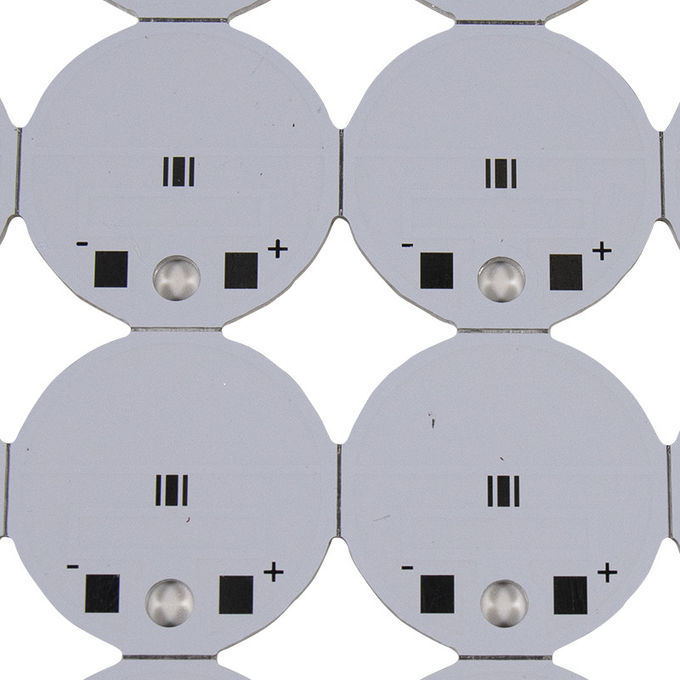
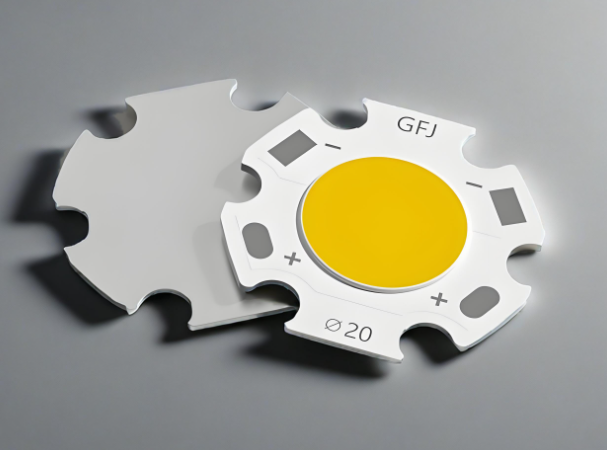
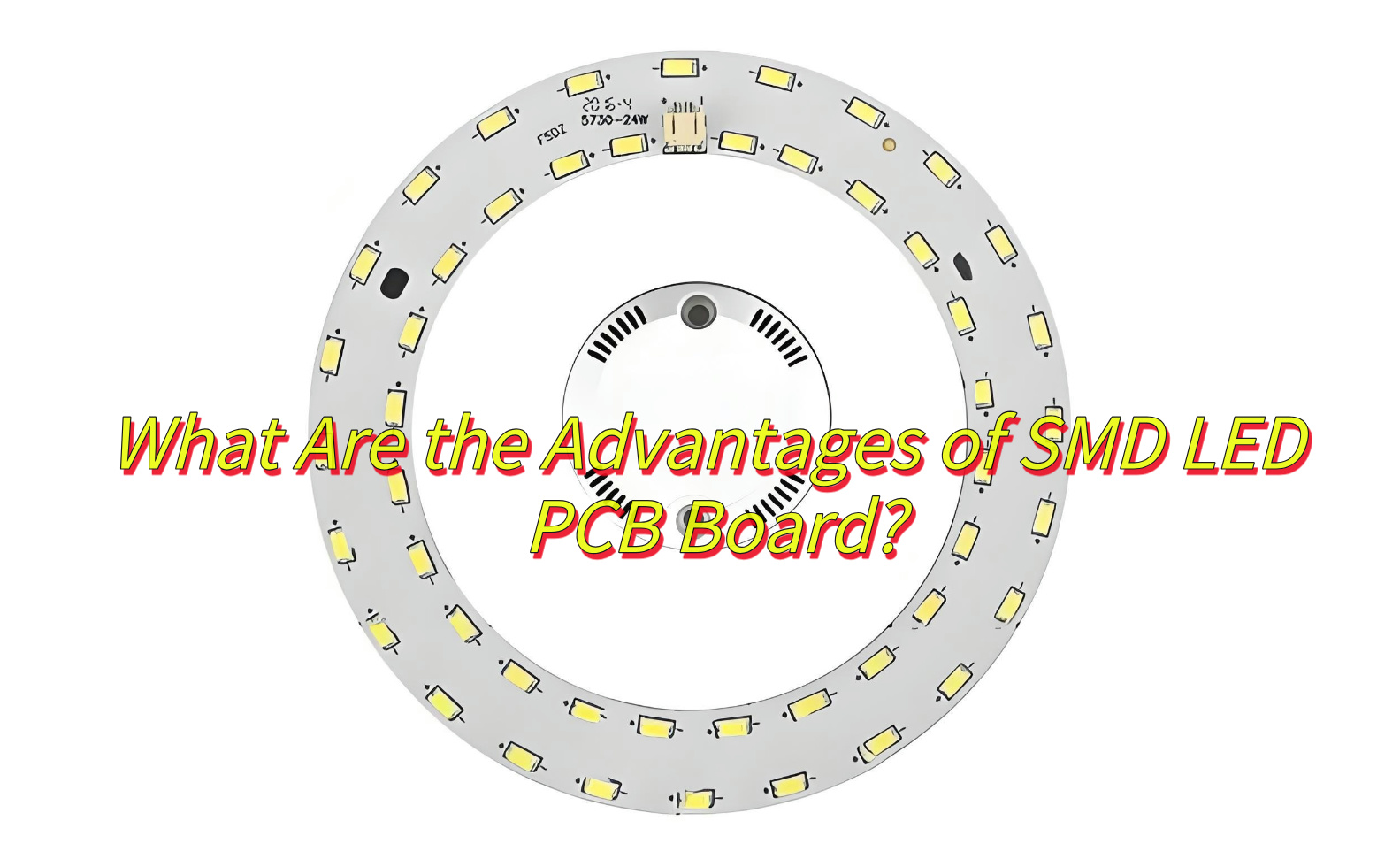
AnLED Round PCBis a circular printed circuit board designed to mount LEDs in a compact, space-efficient layout. Unlike traditional rectangular boards, its shape allows for innovative lighting designs in products requiring curvature or minimal footprint. Common variants include the 1.5-inch LED Round PCB Board (ideal for wearables) and Addressable Micro LED Round PCB (enabling pixel-level control for dynamic displays).
What Are Structure of LED Round PCB?
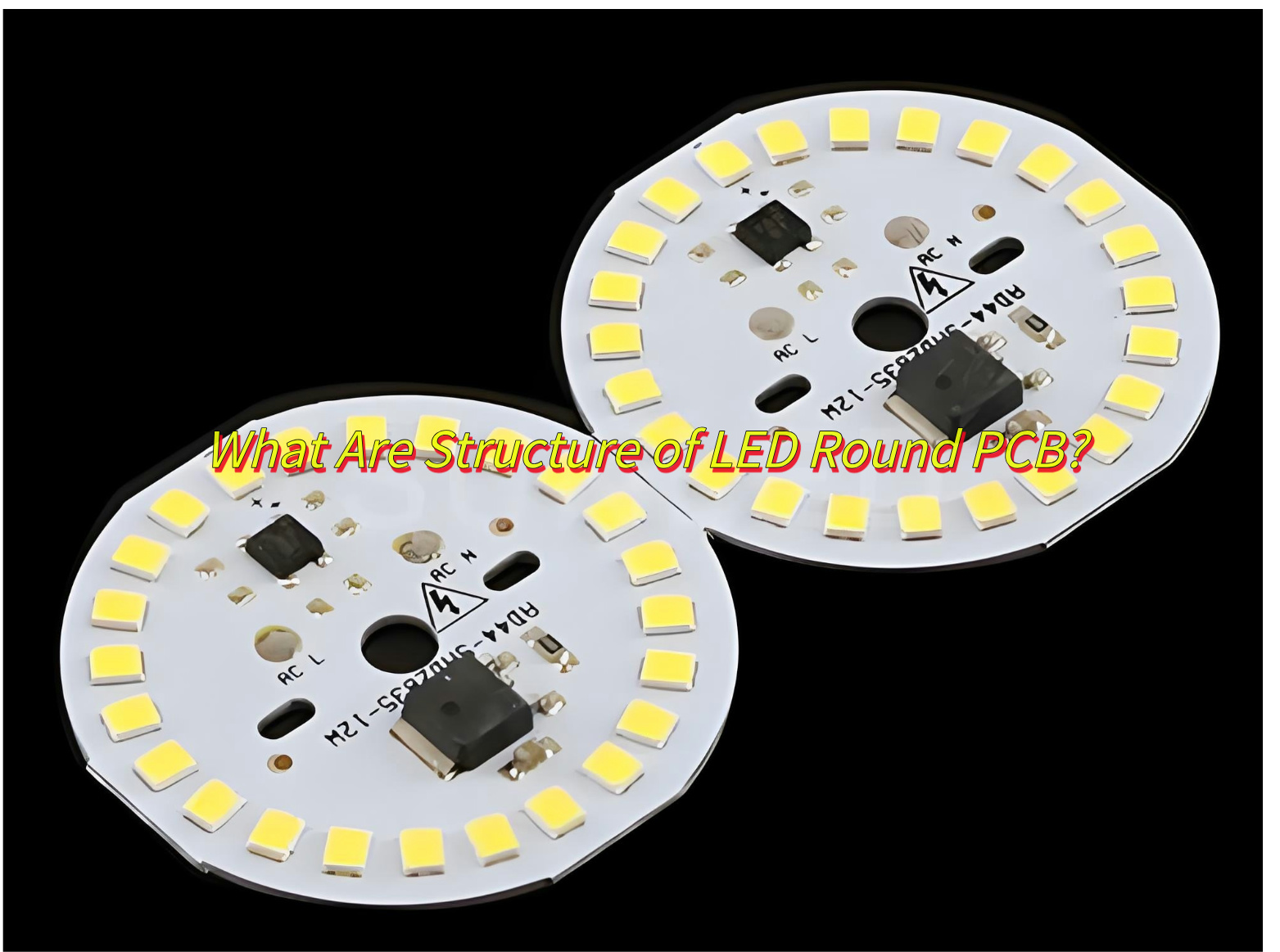
A typical Round LED PCB consists of:
Base Material: FR-4 (standard) or aluminum (for heat dissipation).
Copper Layer: Etched conductive pathways for electrical connectivity.
Solder Mask: Insulating layer to prevent short circuits.
Silkscreen: Component labels for assembly accuracy.
LED Mounting Pads: Precision-placed to ensure uniform light distribution.
Confirm that the manufacturer has round LED PCB special technology, including thermal management system design, multilayer board (4-16 layers) production capacity and precision drilling process, and requires the use of advanced equipment such as automated assembly lines and LDI exposure machines.
Require ISO 9001 certification, provide AOI/X-ray inspection reports, and verify the quality of sample solder joints, component alignment accuracy and heat dissipation performance.
Ensure the use of LED-specific substrates (such as aluminum substrates, CEM-3), prohibit non-certified components, and the thickness of copper foil must meet the high current carrying requirements.
Support 24-hour rapid prototyping, seamless switching from small batches to large batches, and provide design for manufacturability (DFM) optimization services.
Compare the price-marking scheme (including surface treatment costs such as HASL/ENIG), and negotiate long-term cooperation ladder prices and free first sample policies.
Confirm to provide 24-hour technical support and 48-hour response to after-sales issues, and give priority to integrating the whole process of design-procurement-assembly service providers.
How to Reduce the Production Cost of LED Round PCB board?
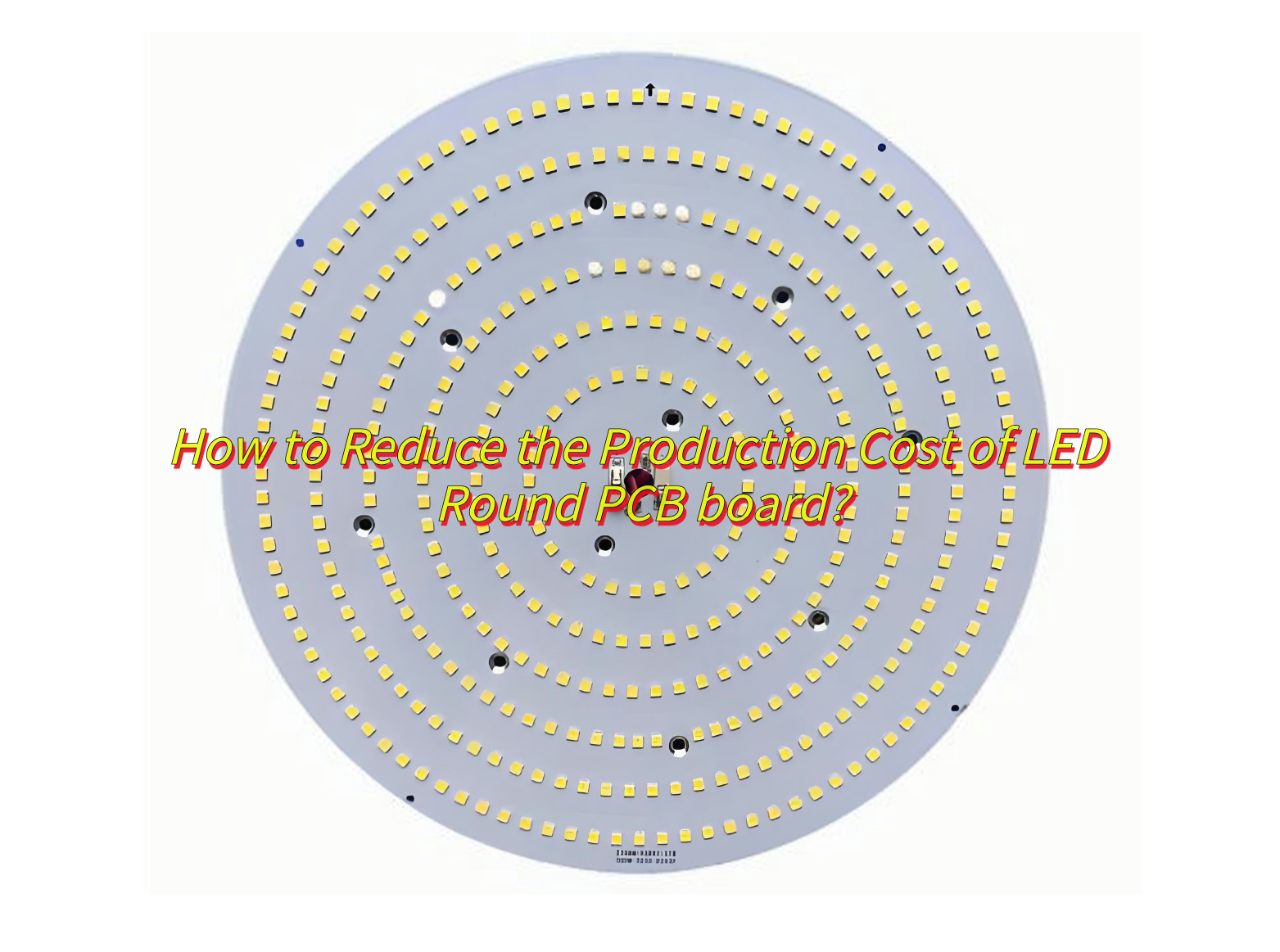
Design Optimization: Minimize board size and layers; reuse standardized layouts to cut material and design costs.
Material Selection: Use cost-effective substrates (e.g., CEM-3), optimize copper thickness, and prioritize generic LEDs.
Testing & QC: Validate with prototypes early and implement SPC to reduce defects.
Supply Chain: Bulk purchase materials and source locally to lower logistics costs.
LED-Specific: Adopt COB integration to eliminate packaging and optimize thermal design with aluminum-core substrates.
How Does Addressable Micro LED Round PCB Achieve Pixel-Level Control?
This is how addressable micro LED round PCB achieve pixel-level control:
Integrated CMOS Control-Each Micro LED connects to a dedicated CMOS driver for individual control, enabling ultra-fast response (25 ns) and low power use (5 mW/pixel). Shared P-electrode and isolated N-electrode structures ensure precise pixel activation.
High-Density Circuit Design-Precision drilling (≤50 μm holes) and multi-layer stacking (4-16 layers) achieve 4 μm pixel spacing (5100 PPI). Flip-chip bonding integrates LEDs and drivers, reducing signal delays.
Digital Signal Systems-Single-wire protocols (e.g., WS2811/WS2812) cascade RGB data to driver ICs for dynamic color control. Active drivers (TFT/NMOS) offer 450 MHz bandwidth for smooth brightness/grayscale adjustments.
Precision Manufacturing-Laser/elastic transfer methods place LEDs on PCB pads with >99% accuracy. Transparent epoxy encapsulation minimizes light interference and improves heat management.
Signal Stability-LVDS reduces noise; flexible polyimide substrates prevent circuit damage in curved layouts. Isolated power zones protect signal integrity between digital/analog components.
Smart Software Integration-Custom algorithms (PWM, gamma correction) sync with hardware via SPI/I2C for 240 Hz refresh rates. Backup circuits replace failed pixels automatically to maintain display quality.
Can 1.5 inch LED Round PCB Board Be Customized?
Yes, 1.5-inch LED round PCB boards can be customized and other sizes can be customized. Suppliers like EBest Circuit (Best Technology) offer tailored designs for circular layouts, including aluminum or copper-core materials for heat dissipation and signal integrity optimization. Customization options cover touchscreen integration, high-density LED arrangements, and compatibility with standard mounting structures.
To sum up, that’s all about definition, structure, application of round LED PCB, as well as how to select a trusted LED PCB round board manufacturers, how addressable micro LED round PCB works and if 1.5 inch LED round PCB board be customized. If you have any other issue for round LED PCBs, please leave a message below this blog.
A HASL lead free 94V-0 LED PCB is a printed circuit board that designed for LED lightings, while coating with HASL lead free surface treatment and meet the 94V-0 flame retardant standard. HASL, full name is Hot Air Solder Leveling, it is a cost-effective surface finish used in the PCB manufacturing process. In the HASL lead-free process, the traditional lead-based soldering is replaced with a lead-free solder material, which is in line with environmental regulations like RoHS.
The 94V0 rating refers to the flame retardant standard of the PCB material, usually indicating that the material will not catch fire easily and can withstand higher temperatures. For LED PCBs, this is particularly important as LED devices can generate significant heat. The combination of lead-free HASL and 94V0 flame retardant material creates a reliable, durable, and environmentally safe solution for LED circuit boards. These types of PCBs are typically used in consumer LED lighting, display systems, and other applications that require low toxicity, high reliability, and long service life.
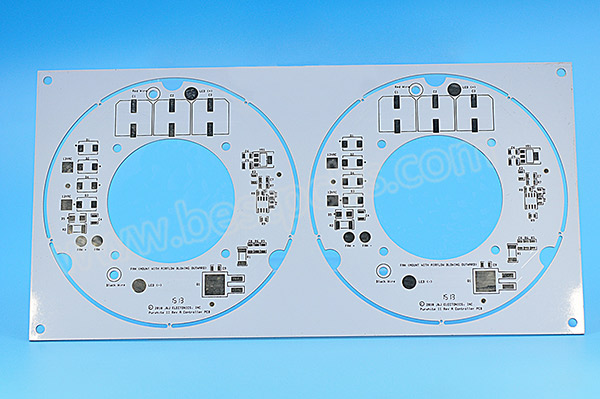
HASL Lead Free 94V0 LED PCB Product Photos
HASL Lead Free 94V0 LED PCBSpecifications
Product Name
HASL Lead Free 94V0 LED PCB
Base Material
Aluminum
Layer Count
1L (Single Sided)
Board Thickness
1.6mm +/-10%
Dielectric Thermal Conductivity
1W
Copper Thickness
1OZ
Solder Mask
White
Silkscreen
Black
Surface Finishing
HASL Lead-Free
Hole Tolerance
PTH: ±0.075; NTPH: ±0.05
Testing
Testing Jig
Assembly
YES
Shape
Round
Features of HASL Lead Free 94V0 LED PCB
Lead-Free Soldering Process: HASL Lead-Free uses a soldering process that does not involve lead. It means this kind of PCB is safer for the environment and human health, especially in applications like LED lighting, where ROHS environmental compliance is important.
Flame Retardant (94V-0): The 94V0 rating is one of the highest in terms of flame resistance and thermal stability. If a PCB has 94V-0 remarks, it means its PCB material can withstand high temperatures without catching fire. Because LED devices always generate much heat, it essential to use 94V-0 PCB to ensure the safety.
Good Solderability: The surface finish provided by HASL offers an excellent soldering surface, it offers a reliable connection for LED components, minimizing the risk of poor solder joints that could lead to failure.
Cost-Effective: The HASL process is one of the most cost-effective PCB finishes available. It offers an excellent balance between affordability and reliability, especially for high-volume production runs.
Durability: The HASL Lead-Free 94V0 PCB is durable and resistant to wear and tear, it performs well even under demanding conditions, such as prolonged exposure to high temperatures and physical stress.
Advantages of Lead-Free HASL LED PCB
The most significant advantage of lead-free HASL PCBs is that they are RoHS-compliant, meaning they do not contain any hazardous materials like lead.
These PCBs can withstand and manage the heat generated by LEDs, thanks to the 94V0 flame retardant material. Combined with aluminum base, it offers better heat dissipation and reduce the risks of overheating in the high-power applications.
The HASL process is less expensive compared to other surface finishes like ENIG, so it is a cost-effective solution for LED PCB manufacturing, especially in high-volume production.
The uniformity of the soldering surface reduces the risk of defects and improves the overall performance of the LED circuit.
The combination of a lead-free process and 94V0 flame-retardant rating means these PCBs are less likely to degrade over time due to high temperatures.
Lead-Free HASL vs ENIG LED PCB
The HASL process involves coating the PCB with a thin layer of solder, which is then leveled with hot air. Its full process is Clean PCB -> Micro-etch -> Apply high temperature flux -> Coated with tin -> Hot air smoothing -> Water washing. In the case of Lead-Free HASL, the solder used is free of lead, typically made of a combination of tin, silver, and copper. The result is a smooth, solderable surface, which is ideal for most standard PCB applications.
Pros:
More affordable for high-volume production.
Adequate for most standard LED applications.
Environmentally friendly due to the lead-free process.
Provides good solderability.
Cons:
The surface finish is not as flat as ENIG, which can pose challenges for fine-pitch components or high-density boards.
Less resistant to oxidation compared to ENIG.
Choose Lead-Free HASL if:
You are looking for a cost-effective solution for standard LED applications.
The operating environment is not excessively harsh.
You are working with larger components or moderate-density designs.
The application does not require extreme durability or long-term reliability.
In the ENIG process, a layer of nickel is first electroplated on the surface of copper then followed by immersion gold plating. The nickel acts as a barrier layer and the adhesion layer of gold, preventing oxidation and corrosion. And the gold layer provides good electrical conductivity and corrosion resistance, ensures a smooth and corrosion-resistant finish. ENIG provides a much flatter surface than HASL, which is ideal for fine-pitch components and high-density designs.
Pros:
Extremely flat and smooth surface, ideal for fine-pitch and high-density boards.
Superior corrosion resistance.
Longer shelf life and better performance for high-end applications.
Cons:
More expensive than HASL.
Requires more complex manufacturing processes.
Choose ENIG if:
You need premium performance for high-end applications.
Your design involves fine-pitch components or high-density circuits.
The LED application is exposed to harsh environments or requires long-term performance.
Corrosion resistance and soldering reliability are critical for the application.
LED PCB Manufacturing Capabilities in EBest Circuit (Best Technology)
LED PCB Prototype Lead Time
Prototype(<1m²)
Layers
Normal Service
Expedited Service
LED PCB
1 Layer
1 – 1.5 weeks
48 hours
2 Layers
2.5 – 3 weeks
168 hours
4 Layers
3 – 4 weeks
1.5 weeks
6 Layers
4 – 5 weeks
2 weeks
8 Layers
5 – 6 weeks
TBD
10 Layers
6 – 7 weeks
TBD
LED PCB Prototype Lead Time in EBest Circuit (Best Technology)
LED PCB Mass Production Lead Time
Mass Production
Layers
Normal Service
Expedited Service
LED PCB
1 Layer
2 – 2.5 weeks
1 week
2 Layers
3 – 4 weeks
1.5 – 2 weeks
4 Layers
4 – 5 weeks
2 weeks
6 Layers
5 – 6 weeks
2.5 weeks
8 Layers
6 – 7 weeks
3 – 4 weeks
10 Layers
7 – 8 weeks
TBD
LED PCB Mass Production Lead Time in EBest Circuit (Best Technology)
Package Method
Standard Packaging: PCBs are carefully packed in anti-static bags or ESD-safe boxes with vacuum to prevent damage during shipping, and outer standard carton box packing.
Custom Packaging: We also offer custom packaging based on customer specifications to suit unique shipping or storage requirements.
Payment & Shipping Terms
Payment Terms: We accept major payment methods, including T/T (Telegraphic Transfer), PayPal, and L/C (Letter of Credit) for large orders.
Shipping Terms: We offer various shipping methods including express (DHL, FedEx, UPS), air, and sea freight depending on urgency and order size.
Incoterms: EXW, FOB, CIF, DDP, DDU, as per customer preference.
Lead Time for Shipping: Typically 4-6 days for express and 15-30 days for sea freight, depending on the destination.
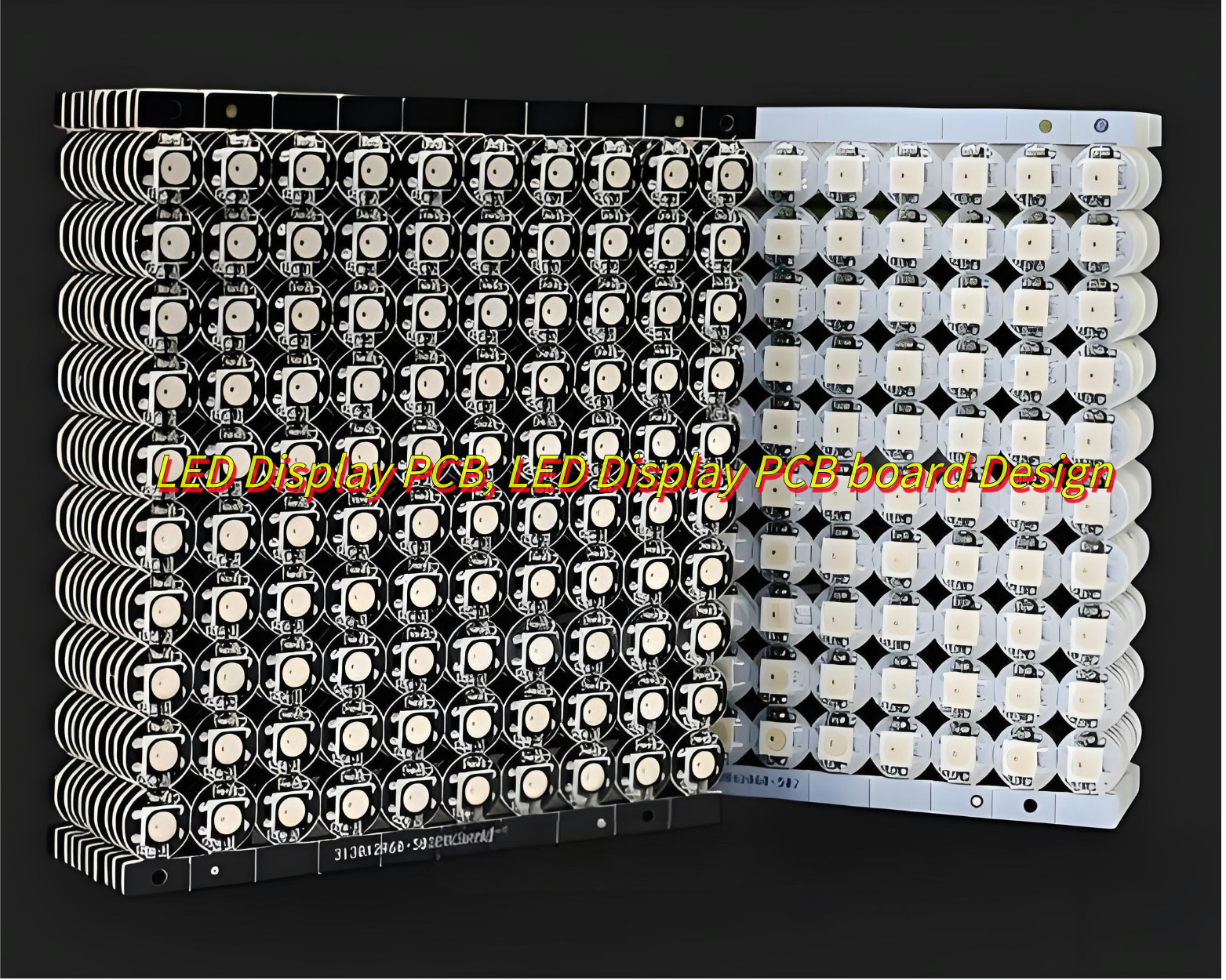
Would you like to know how to design LED display PCB to reduce costs? In this blog, Let’s learn more about the components and function of LED display PCB, as well as how it works, how to design to reduce costs.
EBest Circuit (Best Technology), we specialize in LED display PCBdesign and manufacturing over 18 years. We support special-shaped LED display PCB board design customization services. And we have professional engineer teams who can provide you with free design technical support 24 hours online. Then we can provide DFM analysis and EMC testing service to avoid cost risks caused by design errors. If you have any request for LED display PCB board, welcome to contact us: sales@bestpcbs.com
What Is LED Display PCB?
An LED Display PCB is the critical circuit board that connects and controls thousands of LEDs in a screen. It’s a high-performance system engineered to handle power distribution, heat dissipation, and signal integrity. Whether you’re building a curved video wall or an outdoor billboard, the PCB ensures precise color accuracy, brightness uniformity, and long-term reliability.
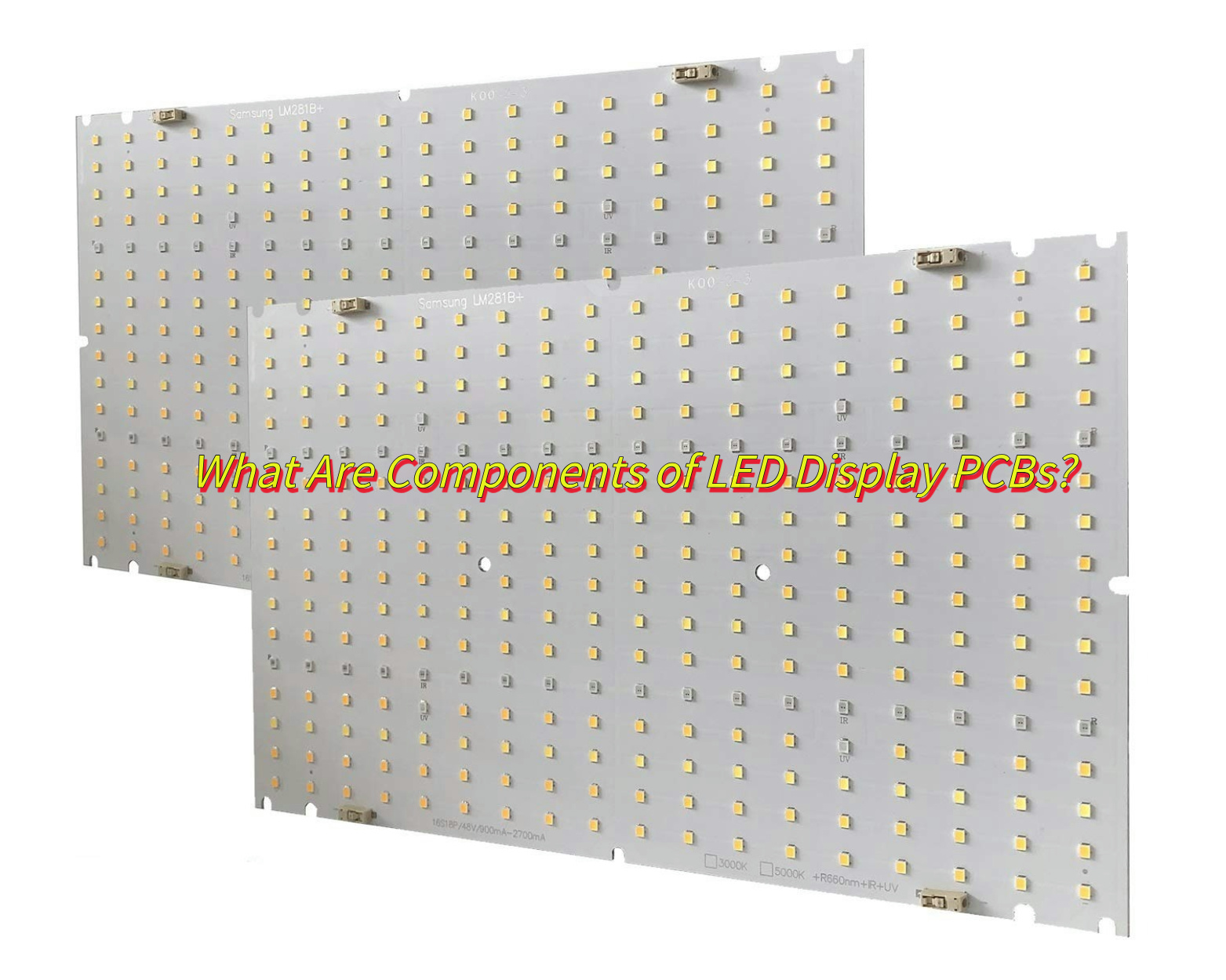
What Are Components of LED Display PCBs?
LED Arrays: Surface-mount (SMD) or chip-on-board (COB) LEDs arranged in grids for pixel-level control.
Driver Circuits: ICs like MBI5124 or TLC5947 convert data signals into precise current outputs.
PCB Substrate: Aluminum core For high-power outdoor screens; FR4 for indoor applications with moderate heat.
Thermal Management: Heat sinks, thermal vias, and copper layers to prevent overheating.
Control Interfaces: HDMI, DVI, or Ethernet ports for seamless integration.
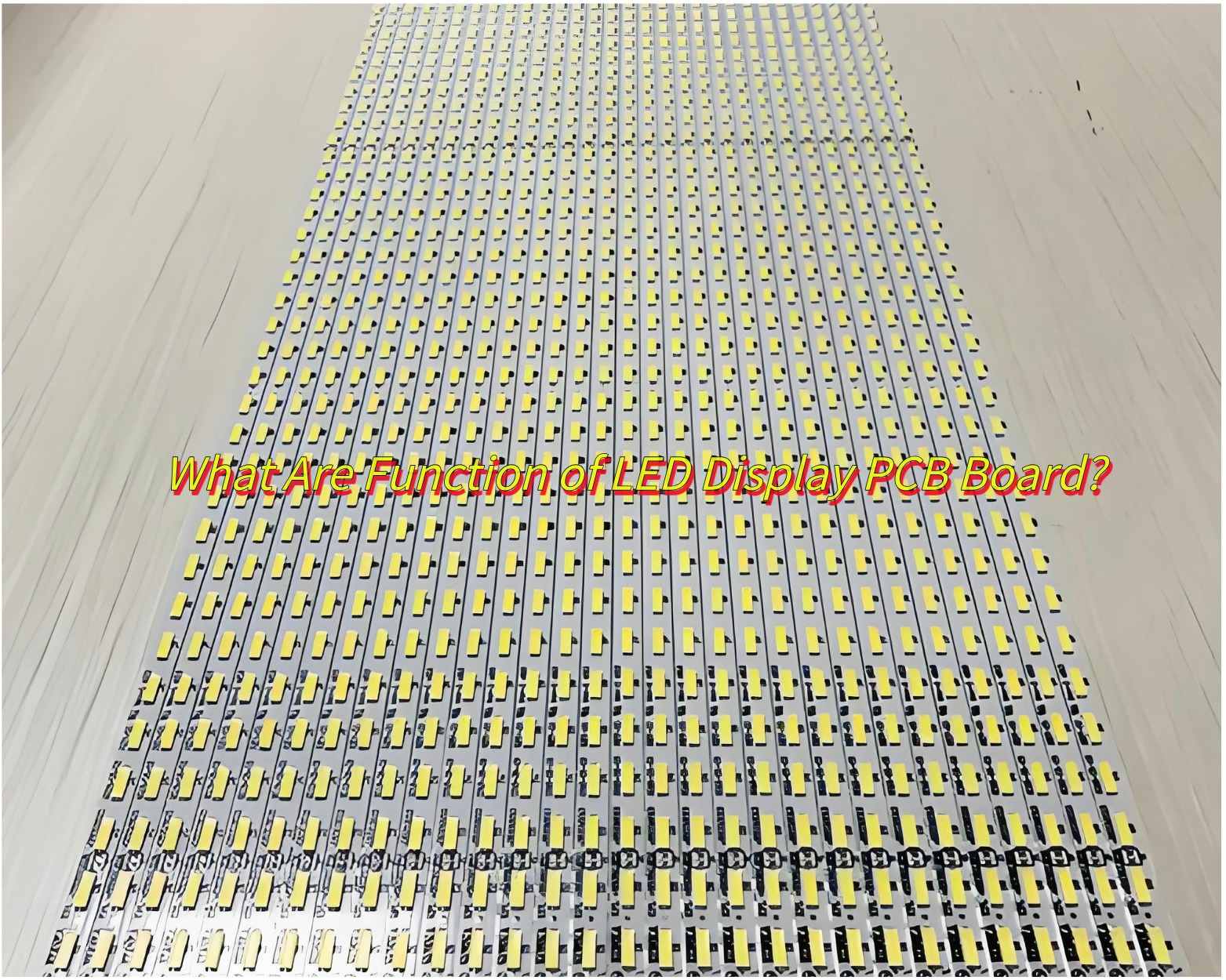
What Are Function of LED Display PCB Board?
Structural Support & Component Mounting— Provides rigid base for securing LED beads in precise pixel arrangements and integrates driver ICs, resistors, and other circuitry components.
Circuit Connectivity & Power Distribution— Copper traces deliver uniform power to all LEDs and transmit control signals to coordinate brightness adjustments and color transitions.
Thermal Regulation— Aluminum substrates or metal-core designs rapidly dissipate heat from high-intensity LEDs, preventing overheating and ensuring stable operation.
Signal Conversion & Control— Translates input control signals into executable commands, enabling precise on/off timing, grayscale modulation, and RGB color mixing for each LED.
System Protection—Incorporates surge protection, short-circuit prevention, and anti-interference designs to enhance reliability in humid/dusty environments.
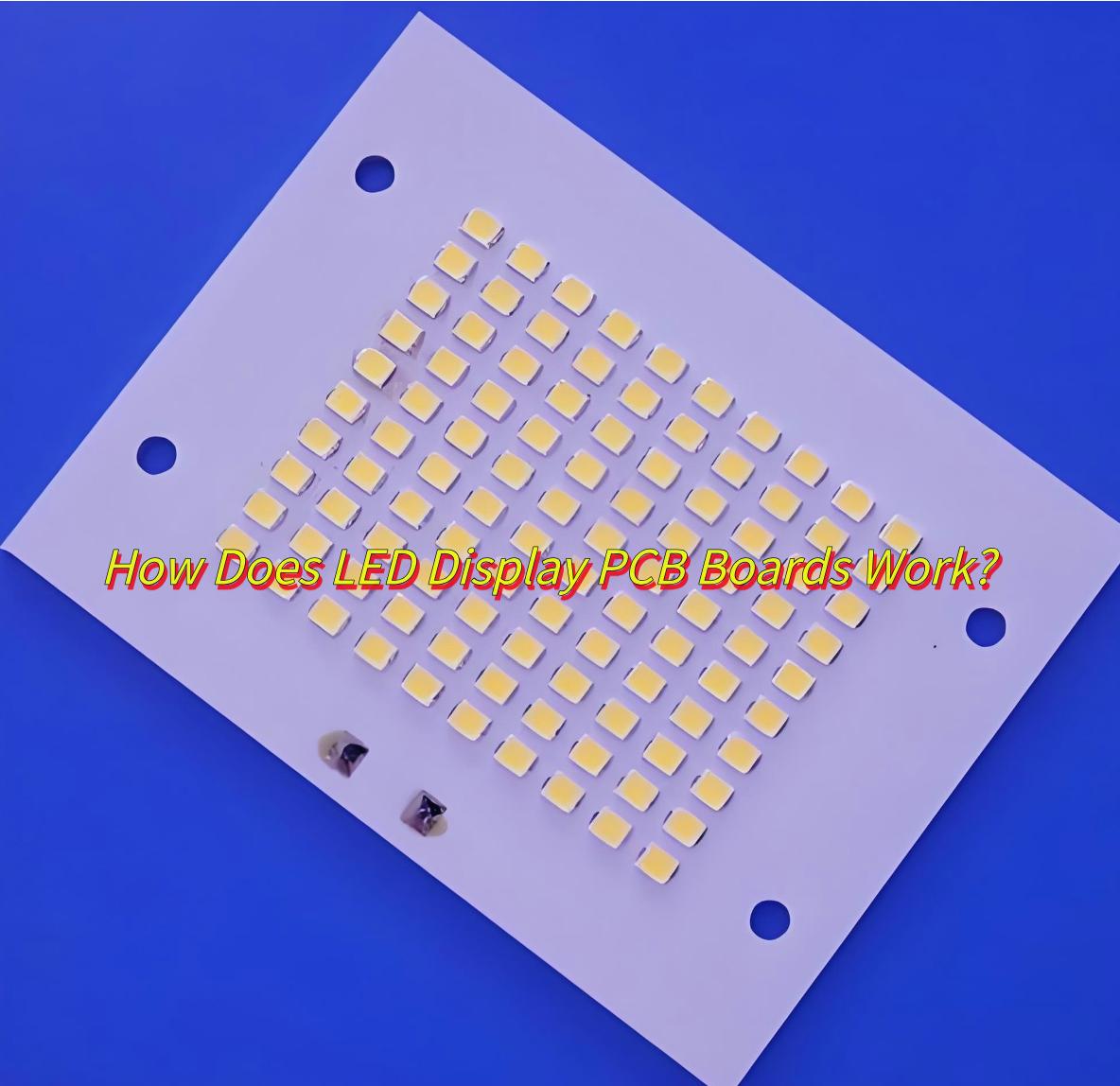
How Does LED Display PCB Boards Work?
Signal Processing: Video data is decoded by a controller and split into pixel-specific instructions.
Current Regulation: Driver ICs adjust current flow to each LED, controlling brightness and color.
Heat Dissipation: Aluminum substrates or thermal vias channel heat away from sensitive components.
Output: LEDs emit light at defined intensities, blending colors to create sharp, vibrant images.
Signal integrity control (long wiring such as CAN/SPI protocol).
Customization support:
Special-shaped PCB design (non-standard shapes such as round and curved).
Function expansion (touch screen, high refresh rate integration).
Modular compatibility (adaptation to standard installation structure).
Supply chain and cost control:
Whether to provide full-process services (PCB production, patch, component procurement).
Low-cost solution capabilities (such as FR-4 substrate selection, mass production optimization).
EBest Circuit (Best Technology) focuses on the full-process service of LED display PCB, integrating high-density layout (supporting small pitch optimization), aluminum substrate heat dissipation and precise signal control to ensure thermal stability and low latency; supporting special-shaped PCB processing, touch screen integration and modular design; relying on self-built factories to achieve one-stop delivery of PCB production, patch and component procurement, and reducing costs by 30%+ through FR-4 substrate and batch process optimization. If you’re interested in our service, please feel free to contact us.( The email is at the beginning of this blog)
Can LED Display PCBs Design Be Customized?
Yes, LED display PCBs design can be customized. Here are customizable options for LED display PCB boards:
Size/resolution: Adapt to different scenarios (indoor/outdoor), support modular splicing (such as 160mm×160mm standard module).
Special design: Support irregular shapes such as round and curved surfaces (additional process cost required).
Function expansion: Integrated touch, high refresh rate, CAN bus and other protocols.
Material selection: Aluminum substrate for high power, FR-4 for low cost; OSP/metallurgy optional surface process.
How to Design to Reduce LED Display PCB Costs?
Here is two kinds of methods to how to design to reduce LED display PCB costs:
Material Substitution: Use FR4 + thermal vias instead of aluminum for indoor screens (saves 30%). Driver Flexibility: Design boards compatible with multiple ICs (e.g., ICN2038S, MBI5124) to avoid vendor lock-in.
Standardized Modules: Pre-tested power and control circuits reduce development time by 40%. Case Study: High-Brightness Stadium Display
Here is a case want to share with you:
Challenge:A client needed a 12,000-nit LED board resistant to extreme heat and vibration.
Our Solution: 4-layer aluminum PCB with embedded copper heat sinks. Optimized driver placement to reduce trace length by 35%. Achieved 50,000+ hours MTBF with zero color degradation.
To sum up, the above content is all about the components and function of LED display PCB, as well as how it works, how to select a design service to reduce costs. If you want to get more information for LED display PCB, please feel free to leave a message below this blog. Looking forward to your message!
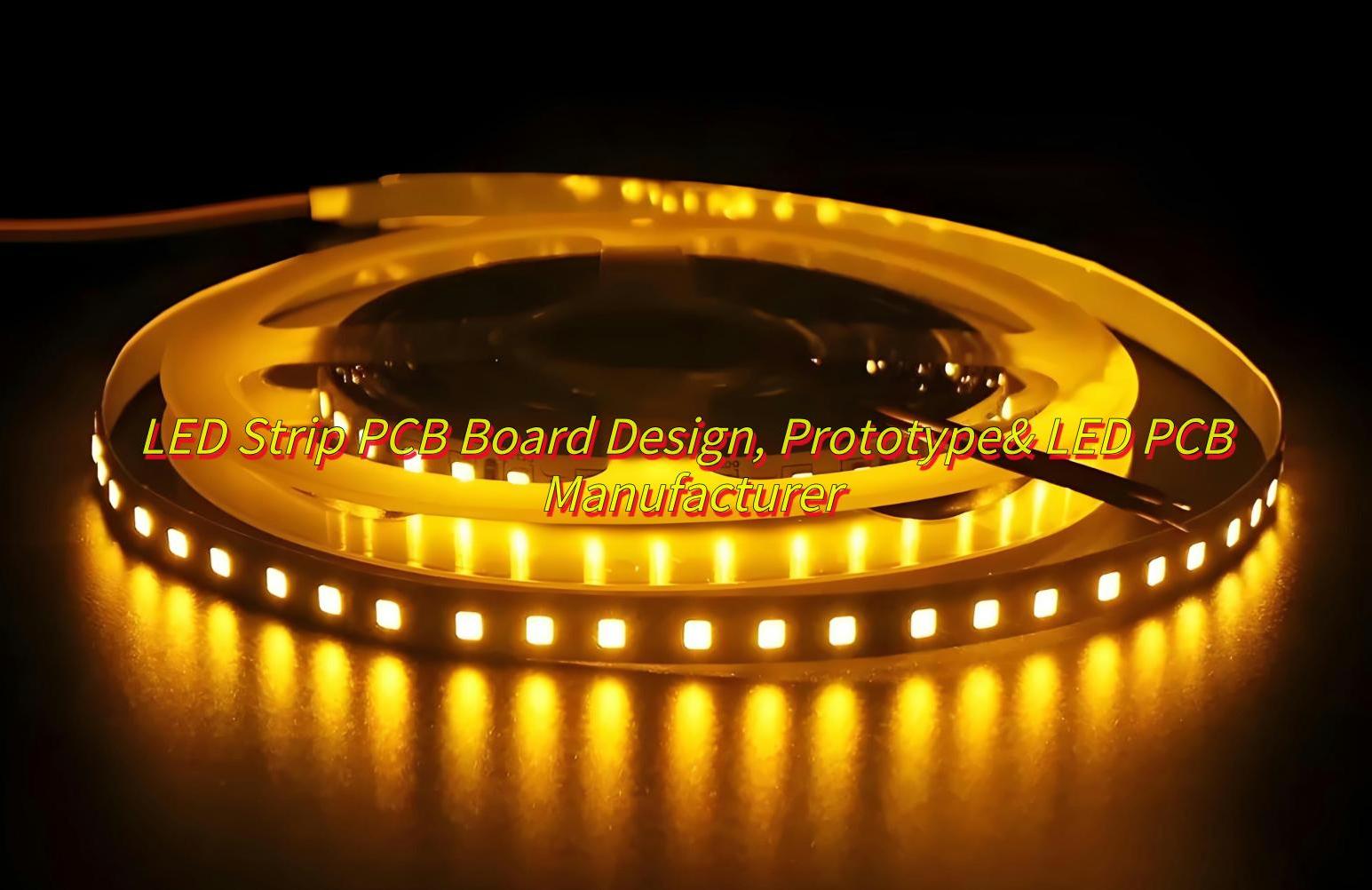
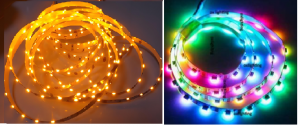
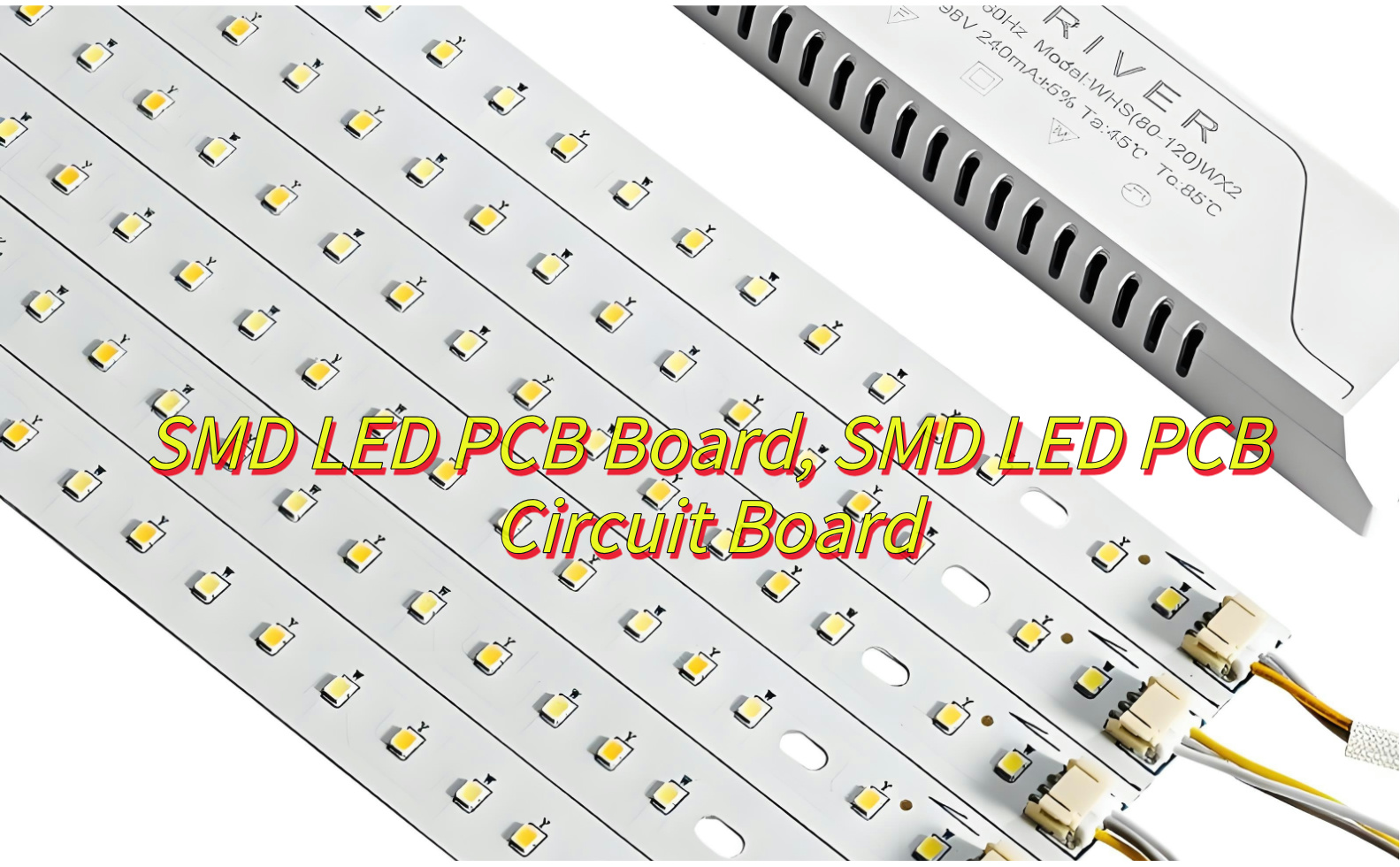
How to design a cost-effective LED strip PCB board? What mass production problems can be avoided through prototyping? How do manufacturers balance cost and quality control? This article will explores the fundamentals of LED strip PCB board, their types, cost-saving design strategies, prototyping processes, and tips for selecting a reliable LED strip PCB board manufacturer.
At EBest Circuit (Best Technology), we focus onLED strip PCB board designing, prototyping and manufacturing over 18 years. The team of senior engineers provides free design support and solution optimization online 24 hours a day to ensure accurate and reliable circuit layout. The company’s original expedited proofing system can achieve 24-hour rapid delivery, relying on DMF data analysis and engineers’ manual pre-examination of drawings to ensure the first-time success of the first version. The production end is equipped with industrial-grade automated production lines, which increase the abnormal response speed by 40%, and urgent large-volume orders can be delivered within two weeks, fully meeting the rapid development and stable mass production needs of high-difficulty LED strip PCB products. Please feel free to contact us sales@bestpcbs.com
What Is LED Strip PCB Board?
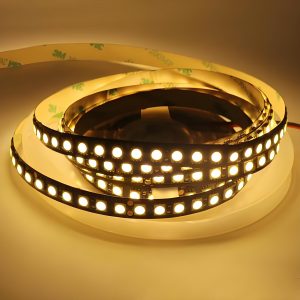
A LED Strip PCB boardcombines printed circuit board (PCB) technology with light-emitting diodes (LEDs) to create flexible or rigid lighting solutions. The PCB serves as the backbone, providing electrical connectivity and structural support. LED strips with PCB boards are widely used due to their compact design, high durability, and adaptability to curved surfaces. Black PCB LED strips, for instance, use dark substrates to minimize light reflection and enhance contrast in display applications.
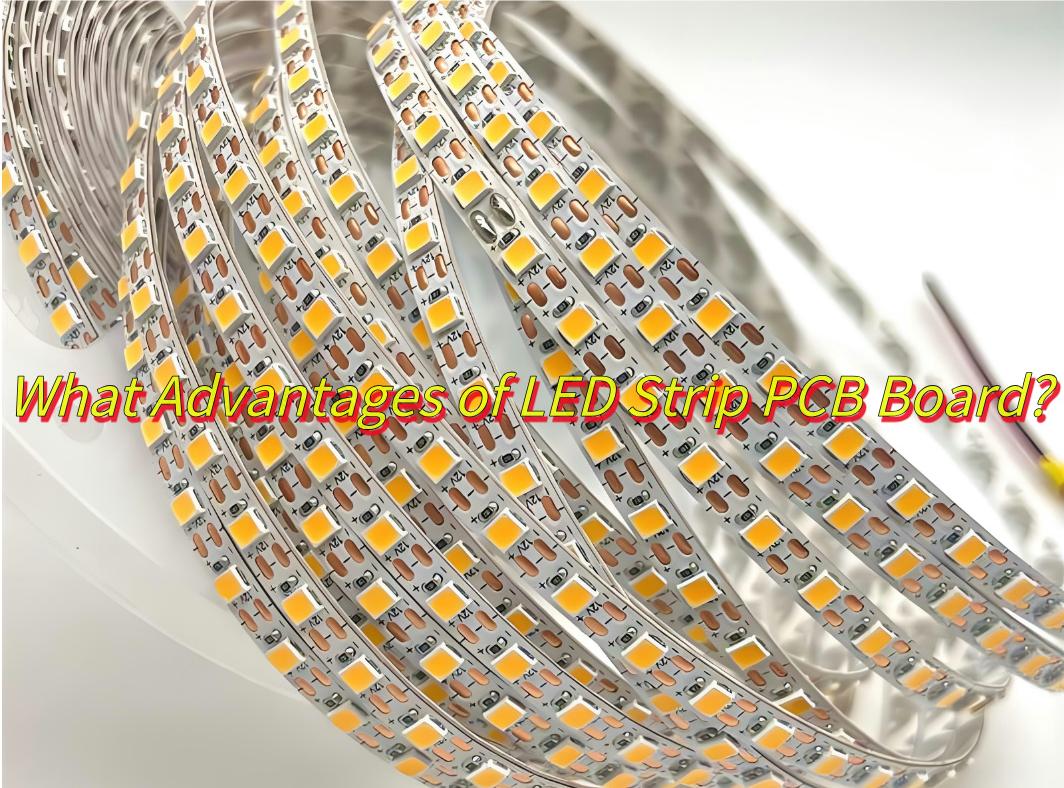
What Advantages of LED Strip PCB Board?
Here are advantages of LED strip PCB board:
Flexible design for easy installation at various angles
Displays 1600+ colors with dynamic lighting effects
Superior heat dissipation, lifespan exceeding 50,000 hours
Simplifying circuitry: Reduce complex traces to lower material waste.
Using standardized components:Off-the-shelf LEDs and resistors cut procurement costs.
Optimizing panel utilization:Arrange multiple PCBs on a single panel to reduce fabrication expenses.
Selecting cost-effective materials:Flexible PCBs with polyimide substrates balance durability and affordability.
What Is Prototyping Process of LED Strip Flexible PCB Board?
Here’s a simplified overview of the LED strip flexible PCB prototypingprocess, focusing on sampling and production steps:
1.Circuit Design & Layout
Circuit Design: Create schematics for LED placement, driver integration, and power distribution.
Layout: Plan bendable PCB dimensions, cut points, and connector placements.
2.Material Selection
Base Material: Flexible polyimide substrate (heat-resistant, bendable).
Conductive Layer: Thin copper foil for circuitry.
Encapsulation: Silicone or TPU for protection.
3.Conductive Layer Processing
Laser Cutting: Precision-etch copper traces to form circuits.
Plating: Apply anti-oxidation coatings (e.g., nickel/gold) on copper.
4.Component Assembly
SMT (Surface Mount Technology): Machine-mount LEDs, resistors, and drivers onto the PCB.
COB (Chip-on-Board): Directly bond LED chips to the PCB for high-density strips.
Soldering: Use reflow ovens for secure electrical connections.
5.Encapsulation
Coating: Apply silicone or TPU evenly over the PCB to waterproof and diffuse light.
Curing: Harden the coating under UV light or heat.
Heat Sinks: Attach aluminum strips to high-power LED sections for cooling.
6.Prototype Testing & Final Sampling
Electrical Tests: Verify voltage stability, current flow, and color consistency.
Flex Test: Bend the strip repeatedly to check for circuit integrity.
Environmental Tests: Expose to humidity, heat, and cold to validate durability.
Adjustments: Optimize trace thickness, LED spacing, or heat dissipation based on test results.
Final Sampling: Produce revised prototypes for client approval before mass production.
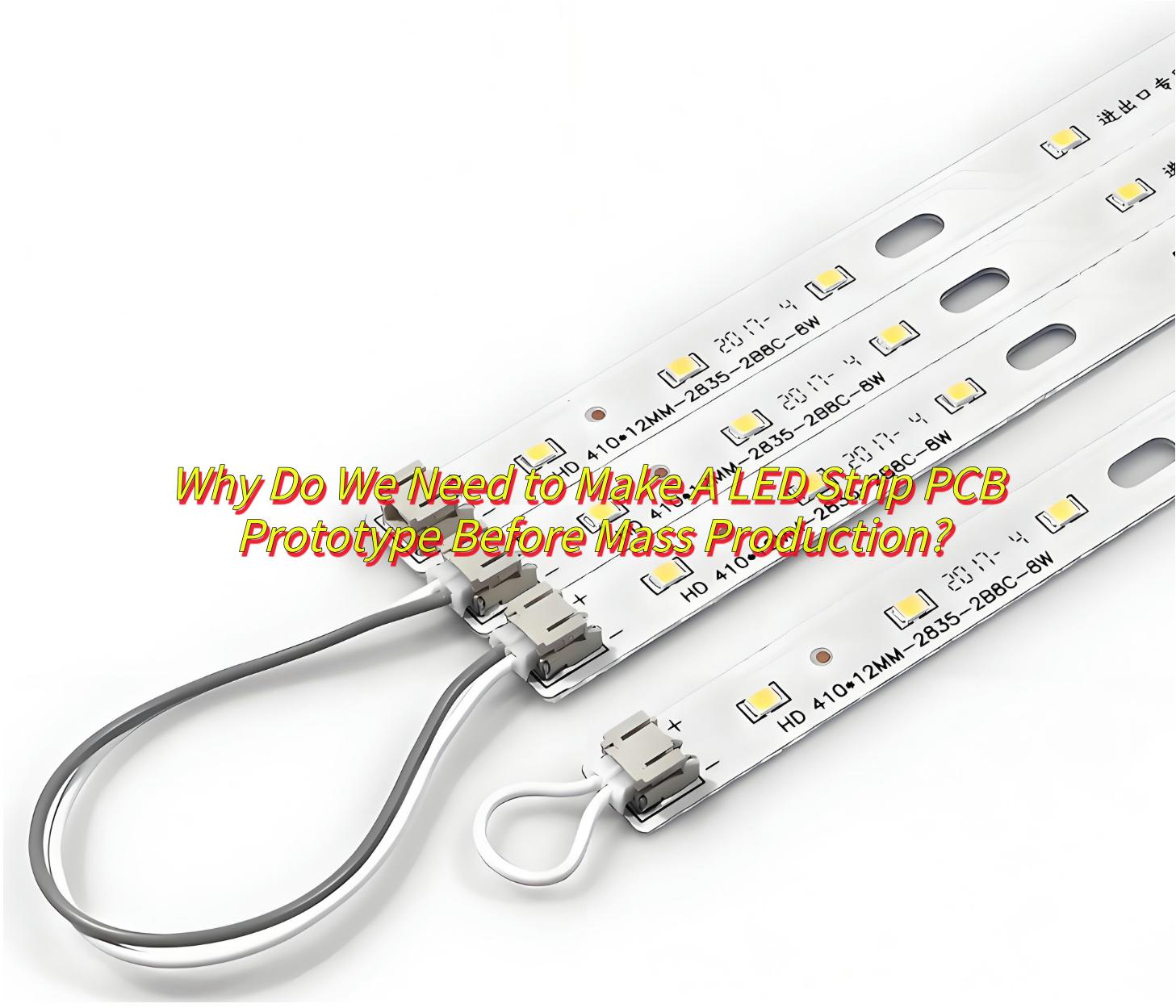
Why Do We Need to Make A LED Strip PCB Prototype Before Mass Production?
Making aLED Strip PCB prototype before mass production can identify design flaws early, preventing costly revisions before formal production. Benefits include:
Risk mitigation Fix issues like overheating or poor solder joints before scaling up.
Performance verification Ensure the strip meets brightness, color, and lifespan standards.
Client approval Prototypes help clients visualize the final product and request adjustments.
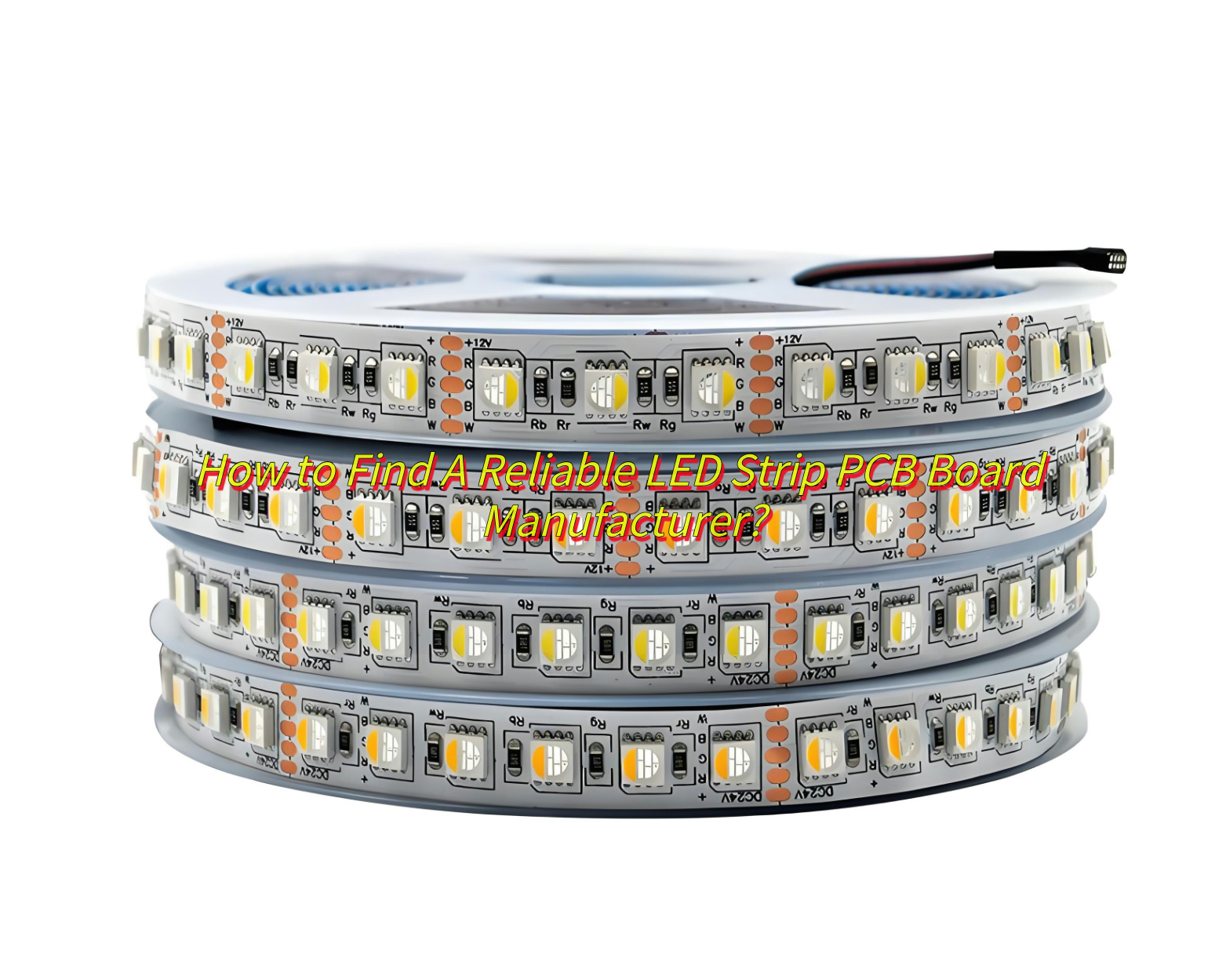
How to Find A Reliable LED Strip PCB Board Manufacturer?
Assess Production Capacity: Confirm ability to scale from prototyping to bulk orders without quality loss.
Read Client Feedback: Check reviews for on-time delivery, post-sales support, and defect resolution.
EBest Circuit (Best Technology) can meet all above requirements. If you’re interested in our LED strip PCB board design, prototyping and manufacturing service, welcome to leave a message below this blog.
How to Keep Costs Low and Quality High in LED Strip PCB Board Manufacturing?
Here are some tips for how to keep costs low and quality in LED strip PCB board manufacturing:
Simplify Design: Minimize layers, use standard specs.
Test Prototypes: Refine design before mass production.
In conclusion, that’s all about LED strip PCB Board design, prototyping and how to select a reliable LED strip PCB manufacturer. If you have any other issues about LED strip PCB board need our help, please feel free to contact us.( The email is at the beginning of this blog)
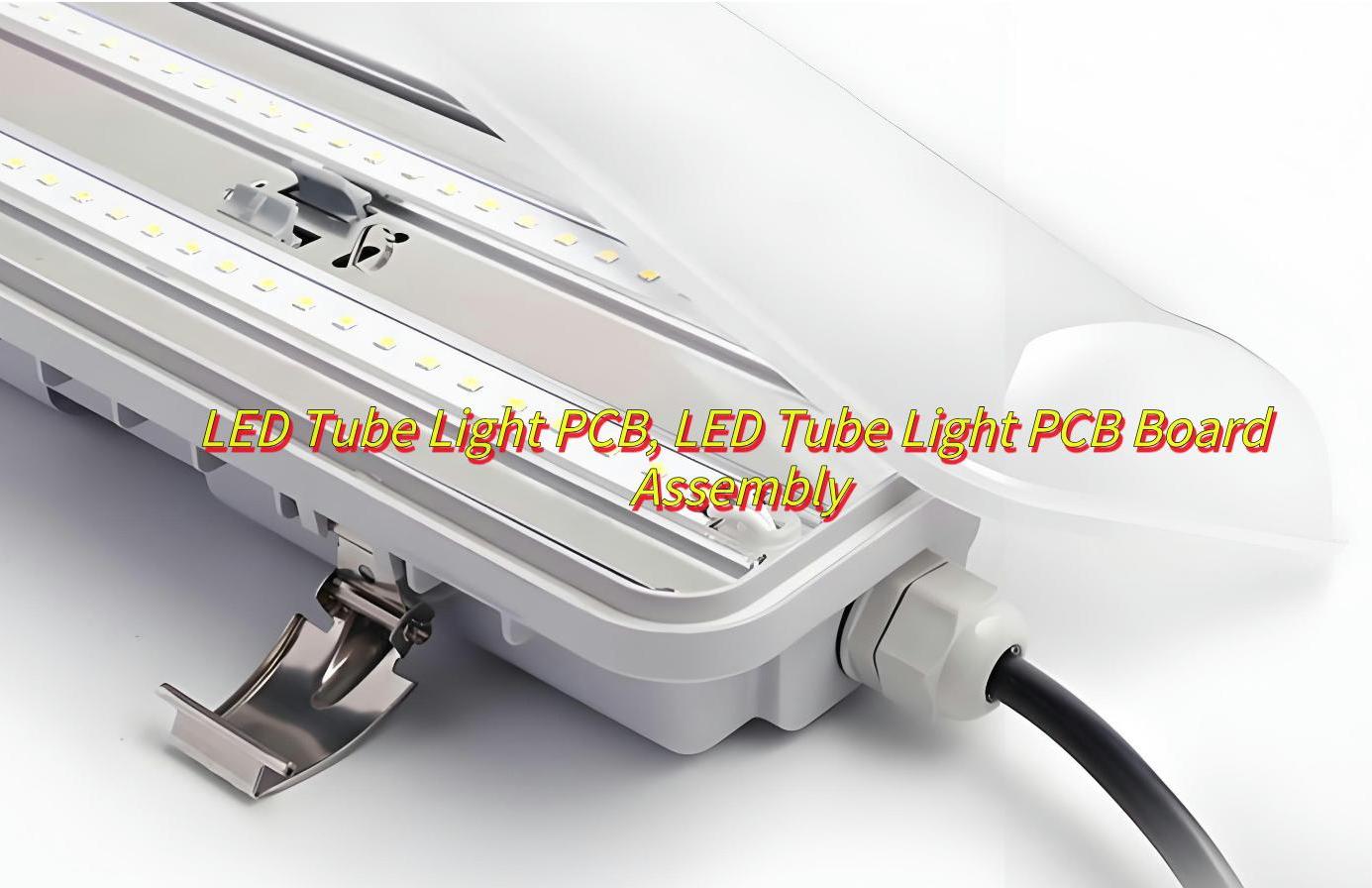
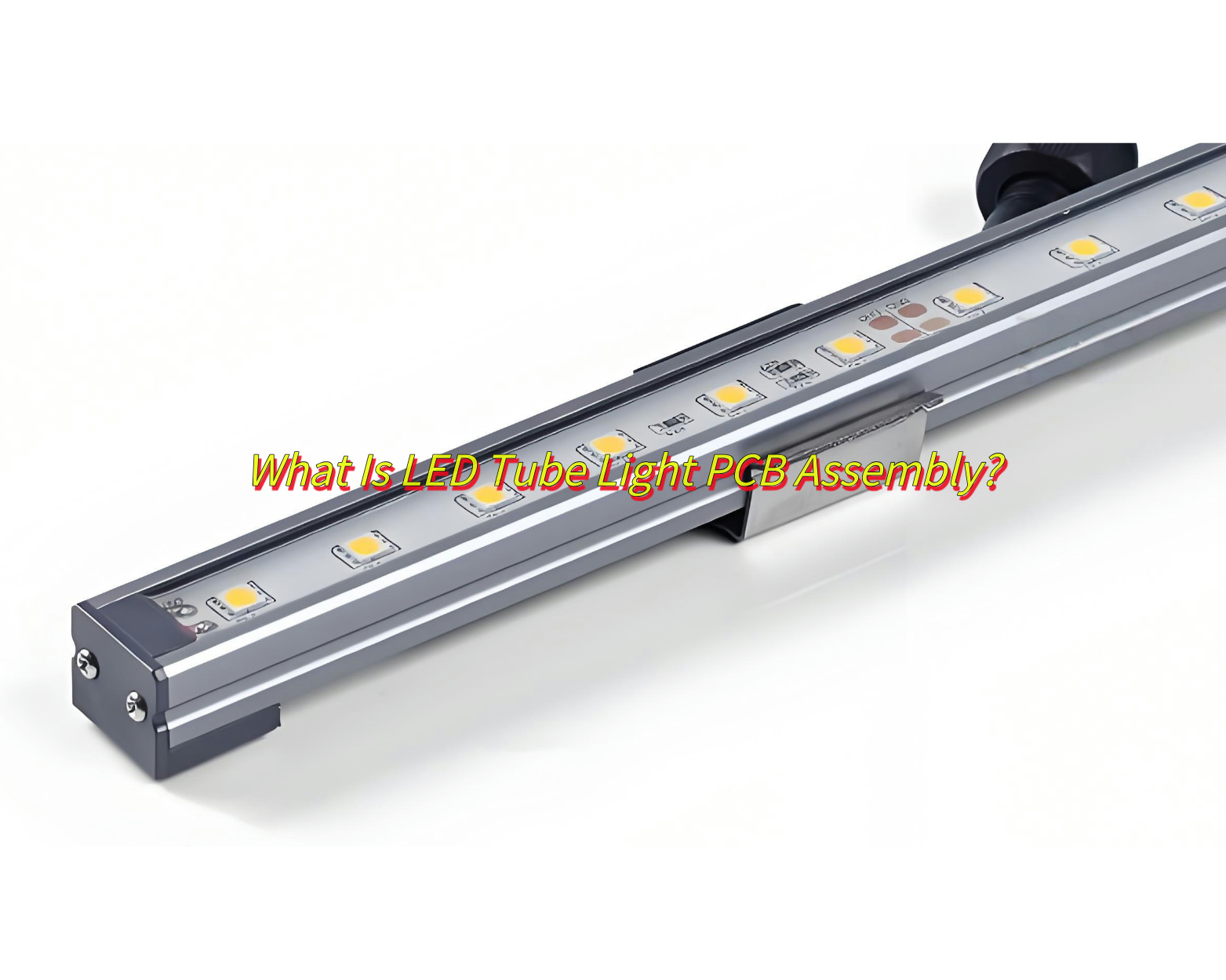
Are you find durable LED tube light PCB solutions? How do you choose a reliable LED Tube light assembly partner? This blog breaks down the essentials: materials, assembly processes, cost factors, and how to identify manufacturers that deliver precision, durability, and value.
EBest Circuit (Best Technology), we specialize in LED tube light PCB manufacturing and assembly over 18 years. We can achieve LED tube light PCB fast assembly (48-72hours delivery) by our own electronics supply chains, such as T8/T5 LED tube PCB. And we have four high precision SMT full-automatic production lines to ensure uniform distribution of the light beads and consistency in luminous efficiency. Then all the LED tube light PCB we produced and assembled will be full tested and inspected before and after assembly in order to reduce reworking cost. If you have any request for LED tube light PCB, please feel free to contact us sales@bestpcbs.com
What Is LED Tube Light PCB?
An LED tube light PCB is a printed circuit board designed to power and control LEDs in tubular fixtures. It acts as the electrical foundation, connecting components like LEDs, resistors, and drivers while managing heat and ensuring stable performance.
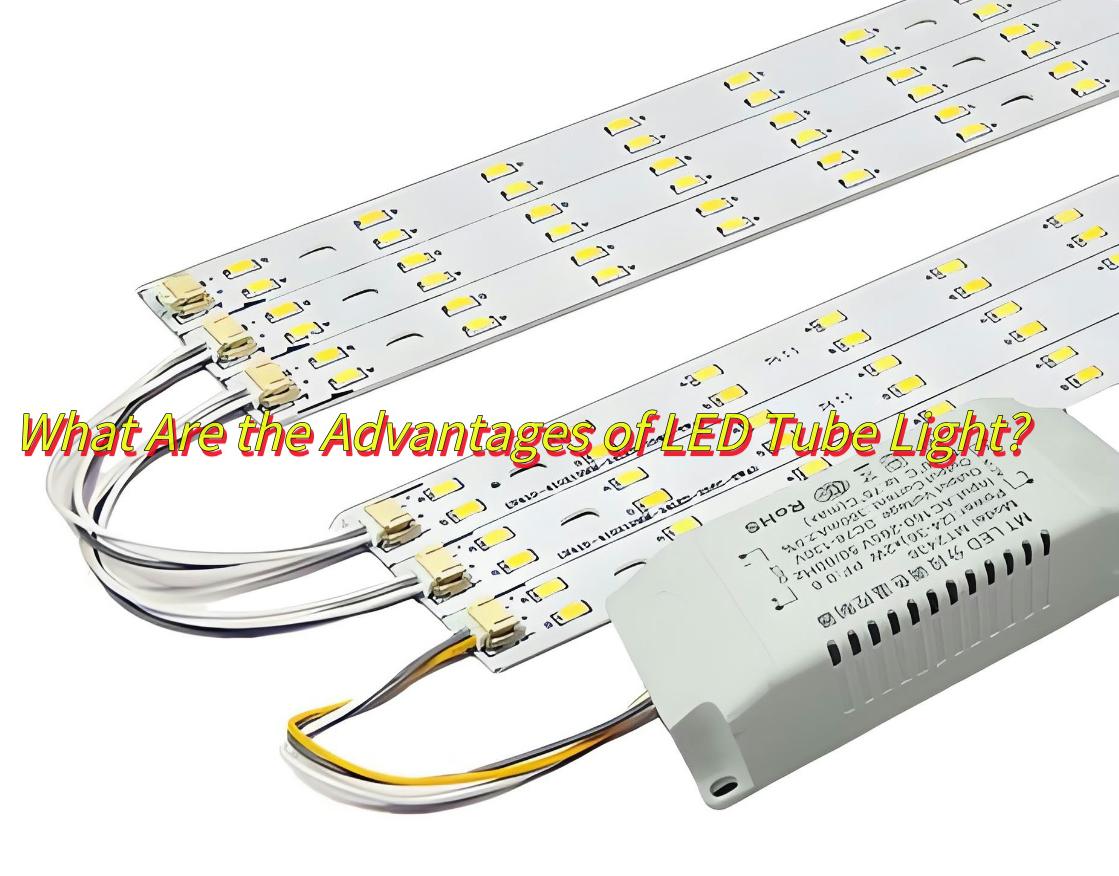
What Are the Advantages of LED Tube Light?
Here are advantages ofLED tube light PCB board:
Energy Efficiency – Minimizes power loss through optimized circuit design.
Heat Resistance – Built-in thermal management extends LED lifespan.
Customization – Supports dimming, smart controls, and varied lumen outputs.
Cost Savings – Reduces long-term maintenance and replacement expenses.
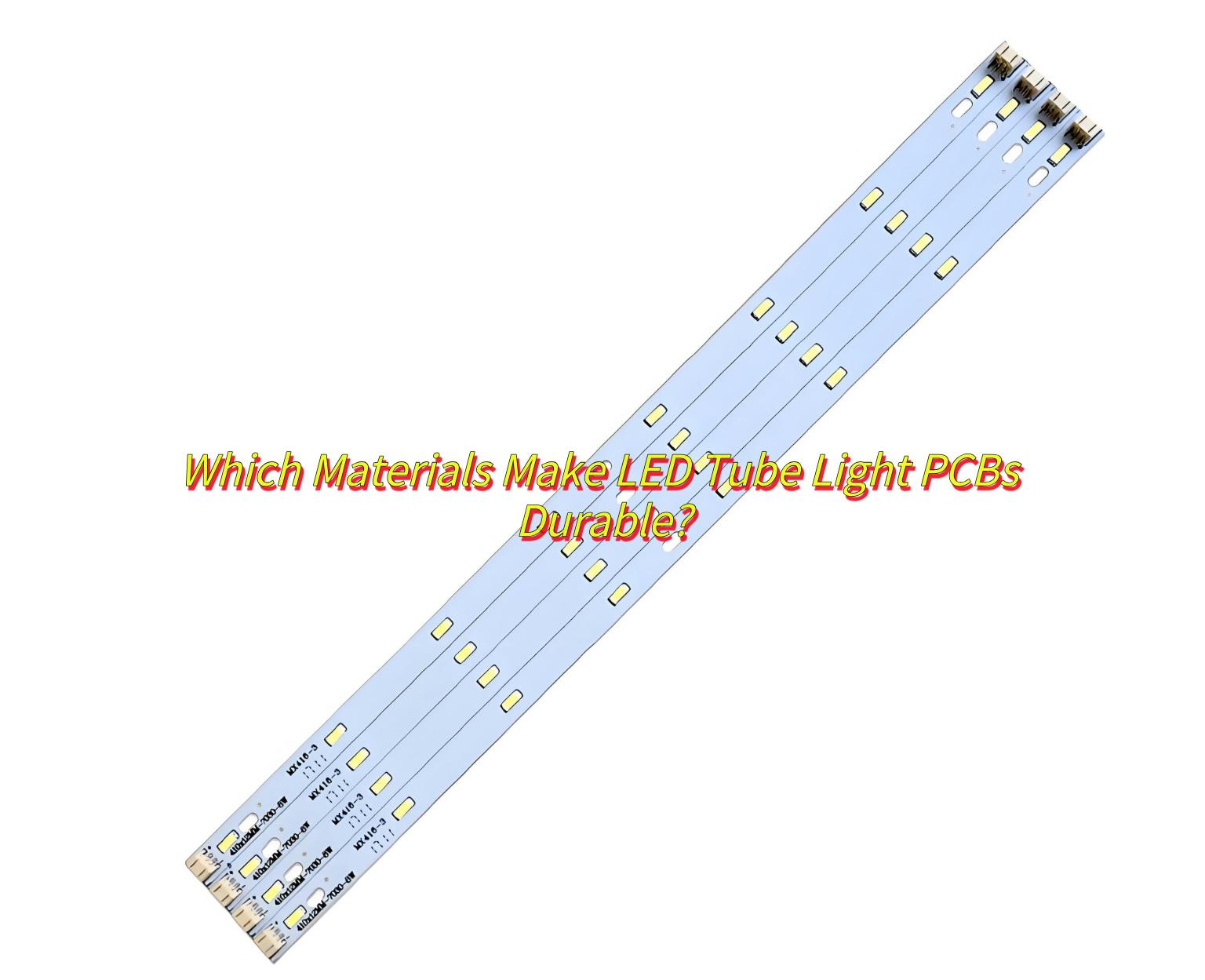
Which Materials Make LED Tube Light PCBs Durable?
Main materials include:
Aluminum cores for heat dissipation.
FR-4 fiberglass for electrical insulation.
High-purity copper for efficient current flow.
Ceramic coatings to resist moisture and corrosion.
What Is LED Tube Light PCB Assembly?
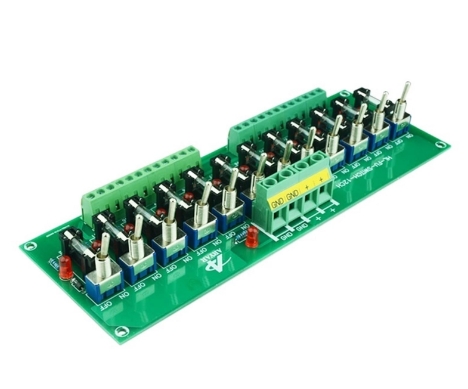
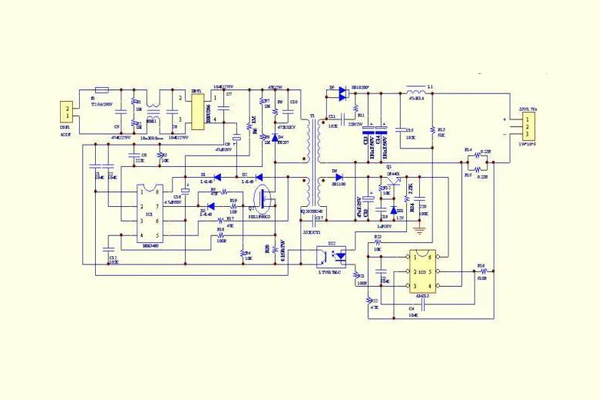
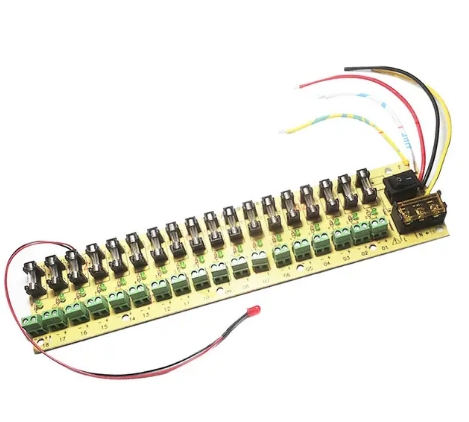
LED tube light PCB assembly involves mounting components onto the board through automated and manual processes. Precision here ensures functionality, safety, and compliance with lighting standards.
What Are Assembly Processes of LED Tube Light PCB Board?
Reverse Polarity-Mark polarity clearly on the PCB and test during in-circuit testing.
How to Choose a Reliable LED Tube Light PCB Board Assembly Manufacturer?
Technical Expertise & Certifications: Prioritize manufacturers with precision SMT assembly (e.g., ±0.01mm accuracy), automated soldering, and certifications like ISO 9001/IPC-A-610.
Quality Control & Testing: Ensure AOI, X-ray inspection, and burn-in testing (e.g., 48+ hours) to eliminate defects.
Supply Chain Integration: Choose suppliers offering end-to-end services (design, component sourcing, assembly) for faster delivery (e.g., 5-7 day prototyping).
Flexible Production: Verify support for small-batch orders (100+ units), custom designs (e.g., PCB length adjustments), and rapid engineering feedback.
Industry Experience: Select manufacturers with proven LED lighting projects (T8/T5 LED tube PCB) and certifications (UL/CE).
EBest Circuit (Best Technology) have obtained ISO9001, UL, CE, RoHS certifications and have industry experience in LED lighting projects, especially for T8/T5 LED tubes light PCB board. so we can support small quantity customized LED tube PCB board. Then we can achieve high precision SMT assembly and fast delivery by full automotive SMT production line and electronics supply chain. Please feel free to contact us if you are interested in our service.( The email is at the beginning of this blog)
How Much Does It Cost to Get a LED Tube Light PCB Assembled?
Costs range from $0.50 to $5 per unit, depending on layer count, component complexity, and order volume. Bulk orders typically lower per-unit prices by 20-40%.
In conclusion, the above contents all includes materials, assembly processes, cost factors of LED tube light PCB and how to select a good LED tube light PCB assembly manufacturer. If you have any other issues about LED tube light PCB, please leave a message below this blog. Looking forward to your message!
LED switching power supply PCB board design,In the design of switching power supplies, if the PCB board is not designed properly, it will radiate too much electromagnetic interference. The following seven tricks are summarized for the design of PCB boards that ensure stable power supply operation: by analyzing the matters that need to be paid attention to in each step, you can easily design the PCB board step by step!
Parameter setting: The spacing between adjacent wires must meet the electrical safety requirements, and the spacing should be as wide as possible for easy operation and production. The spacing should at least be suitable for the voltage to be tolerated. When the wiring density is low, the spacing between signal lines can be appropriately increased. The signal lines with high and low levels should be as short as possible and the spacing should be increased. In general, the wiring spacing is set to 8mil. The distance from the edge of the inner hole of the pad to the edge of the printed circuit board should be greater than 1mm to avoid pad defects during processing. When the trace connected to the pad is thin, the connection between the pad and the trace should be designed into a water drop shape. The advantage of this is that the pad is not easy to peel, but the trace and the pad are not easy to disconnect.
Step 3
Component layout practice has proved that even if the circuit schematic is designed correctly, improper printed circuit board design will have an adverse effect on the reliability of electronic equipment. For example, if two thin parallel lines on a printed circuit board are very close to each other, a delay in the signal waveform will be formed, and reflected noise will be formed at the end of the transmission line; interference caused by inconsiderate consideration of the power supply and ground line will reduce the performance of the product. Therefore, when designing a printed circuit board, you should pay attention to using the correct method. Each switching power supply has four current loops: (1) Power switch AC loop (2) Output rectifier AC loop (3) Input signal source current loop (4) Output load current loop The input loop charges the input capacitor through a current that is close to DC, and the filter capacitor mainly plays a broadband energy storage role; similarly, the output filter capacitor is also used to store high-frequency energy from the output rectifier and eliminate the DC energy of the output load loop. Therefore, the terminals of the input and output filter capacitors are very important. The input and output current loops should be connected to the power supply only from the terminals of the filter capacitors; if the connection between the input/output loop and the power switch/rectifier loop cannot be directly connected to the terminals of the capacitor, the AC energy will be radiated from the input or output filter capacitor to the environment. The AC circuit of the power switch and the AC circuit of the rectifier contain high-amplitude trapezoidal currents. The harmonic components in these currents are very high, and their frequencies are much higher than the switching base frequency. The peak amplitude can be as high as 5 times the continuous input/output DC current amplitude, and the transition time is usually about 50ns. These two circuits are prone to electromagnetic interference, so these AC circuits must be laid out before other printed wiring in the power supply. The three main components of each circuit, filter capacitors, power switches or rectifiers, and inductors or transformers, should be placed adjacent to each other, and the positions of the components should be adjusted to make the current path between them as short as possible. The method of establishing the layout of the switching power supply is similar to its electrical design. The design process is as follows: Place the transformer Design the power switch current loop Design the output rectifier current loop Control circuit connected to the AC power circuit Design the input current source loop and input filter Design the output load loop and output filter According to the functional units of the circuit, when laying out all the components of the circuit, the following principles must be met: (1) First, consider the size of the PCB. When the PCB size is too large, the printed lines are long, the impedance increases, the anti-noise ability decreases, and the cost increases; if it is too small, the heat dissipation is poor, and the adjacent lines are susceptible to interference. The shape of the circuit board is rectangular, with an aspect ratio of 3:2 or 4:3. The components located at the edge of the circuit board are generally not less than 2mm away from the edge of the circuit board. (2) When placing components, consider the subsequent welding and do not place them too densely; (3) The components of each functional circuit are centered and the layout is carried out around it. The components should be arranged evenly, neatly and compactly on the PCB. The leads and connections between the components should be minimized and shortened as much as possible, and the decoupling capacitor should be as close to the VCC of the device as possible. (4) For circuits working at high frequencies, the distribution parameters between components should be considered. Generally, the components of the circuit should be arranged in parallel as much as possible. This is not only beautiful, but also easy to assemble and solder, and easy to mass produce. (5) Arrange the positions of each functional circuit unit according to the circuit process, so that the layout is convenient for signal flow and the signal keeps the same direction as much as possible. (6) The first principle of layout is to ensure the wiring pass rate. When moving components, pay attention to the connection of flying wires and put the components with connection relationships together. (7) Reduce the loop area as much as possible to suppress the radiation interference of the switching power supply.
Step 4
Wiring The switching power supply contains high-frequency signals. Any trace on the PCB can act as an antenna. The length and width of the trace will affect its impedance and inductance, thereby affecting the frequency response. Even traces that pass DC signals can couple to RF signals from adjacent traces and cause circuit problems (even radiate interference signals again). Therefore, all traces that pass AC current should be designed to be as short and wide as possible, which means that all components connected to the traces and to other power lines must be placed very close. The length of the trace is proportional to the inductance and impedance it exhibits, while the width is inversely proportional to the inductance and impedance of the trace. The length reflects the wavelength of the trace response. The longer the length, the lower the frequency of the electromagnetic wave that the trace can send and receive, and it can radiate more RF energy. According to the size of the printed circuit board current, try to increase the width of the power line and reduce the loop resistance. At the same time, make the direction of the power line and ground line consistent with the direction of the current, which helps to enhance the anti-noise ability. Grounding is the bottom branch of the four current loops of the switching power supply. It plays an important role as a common reference point of the circuit. It is an important method to control interference. Therefore, the placement of the grounding wire should be carefully considered in the layout. Mixing various groundings will cause unstable power supply operation. The following points should be noted in the grounding design:
Correctly select single-point grounding. Usually, the common end of the filter capacitor should be the connection point where other grounding points are coupled to the AC ground of large current. The grounding points of the same circuit should be as close as possible, and the power filter capacitor of the circuit at this level should also be connected to the grounding point of this level. The main consideration is that the current flowing back to the ground from each part of the circuit is changing. The impedance of the actual flowing line will cause the ground potential of each part of the circuit to change and introduce interference. In this switching power supply, the inductance between its wiring and devices has little effect, while the loop current formed by the grounding circuit has a greater impact on interference. Therefore, a single-point grounding is used, that is, the ground wires of several devices in the power switch current loop are connected to the ground pin, and the ground wires of several devices in the output rectifier current loop are also connected to the ground pin of the corresponding filter capacitor. In this way, the power supply works more stably and is not easy to self-excite. When a single point cannot be achieved, two diodes or a small resistor are connected to the common ground. In fact, it can be connected to a relatively concentrated piece of copper foil.
Try to thicken the ground wire. If the ground wire is very thin, the ground potential changes with the change of current, causing the timing signal level of the electronic equipment to be unstable and the anti-noise performance to deteriorate. Therefore, it is necessary to ensure that each large current ground end uses a printed line as short and wide as possible, and try to widen the width of the power and ground wires. The ground wire is wider than the power line. Their relationship is: ground wire>power line>signal line. If possible, the width of the ground wire should be greater than 3mm, or a large copper layer can be used as a ground wire. On the printed circuit board, all unused areas are connected to the ground as ground wires. When performing global wiring, the following principles must be followed: (1) Wiring direction: From the welding surface, the arrangement of components should be kept consistent with the schematic diagram as much as possible, and the wiring direction should be consistent with the wiring direction of the circuit diagram. Because various parameters usually need to be tested on the welding surface during the production process, this is convenient for inspection, debugging and maintenance during production (Note: It refers to the premise of meeting the circuit performance and the requirements of the whole machine installation and panel layout). (2) When designing the wiring diagram, the wiring should have as few turns as possible, the line width on the printed arc should not change suddenly, the wire corner should be ≥90 degrees, and the lines should be simple and clear. (3) No cross circuits are allowed in the printed circuit. For lines that may cross, “drilling” and “winding” can be used to solve them. That is, let a lead “drill” from the gap under the feet of other resistors, capacitors, and transistors In the past, or from one end of a lead that may cross, in special cases, if the circuit is very complicated, in order to simplify the design, it is also allowed to use wire jumper to solve the problem of cross circuit. Because a single-sided board is used, the through-hole components are located on the top surface and the surface-mount components are located on the bottom surface, so when laying out, the through-hole components can overlap with the surface-mount components, but the pads must be avoided from overlapping.
Input ground and output ground This switching power supply is a low-voltage DC-DC. To feed the output voltage back to the primary of the transformer, the circuits on both sides should have a common reference ground, so after the ground wires on both sides are coppered separately, they must be connected together to form a common ground.
Step 5
Inspection: After the wiring design is completed, it is necessary to carefully check whether the wiring design conforms to the rules set by the designer. At the same time, it is also necessary to confirm whether the rules set meet the requirements of the printed circuit board production process. Generally, check whether the distance between lines, lines and component pads, lines and through holes, component pads and through holes, and through holes are reasonable and meet production requirements. Whether the width of the power line and the ground line is appropriate, and whether there is any place in the PCB that can widen the ground line. Note: Some errors can be ignored. For example, part of the outline of some connectors is placed outside the board frame, which will cause errors when checking the spacing; in addition, after each modification of the routing and vias, copper must be re-coated.
Step 6
Review According to the “PCB Checklist”, the content includes design rules, layer definition, line width, spacing, pads, and via settings. It is also necessary to focus on reviewing the rationality of the device layout, the routing of the power and ground network, the routing and shielding of the high-speed clock network, and the placement and connection of the decoupling capacitors.
Step 7
a. The layers that need to be output are the wiring layer (bottom layer), the silk screen layer (including the top silk screen and the bottom silk screen), the solder mask layer (bottom solder mask), the drilling layer (bottom layer), and the drilling file (NCDrill) b. When setting the layer of the silk screen layer, do not select PartType, select the Outline, Text, and Line of the top (bottom) and silk screen layers c. When setting the layer of each layer, select Board Outline, and when setting the layer of the silk screen layer, do not select PartType, select the Outline, Text, and Line of the top (bottom) and silk screen layers. d. When generating the drilling file, use the default settings of PowerPCB and do not make any changes.
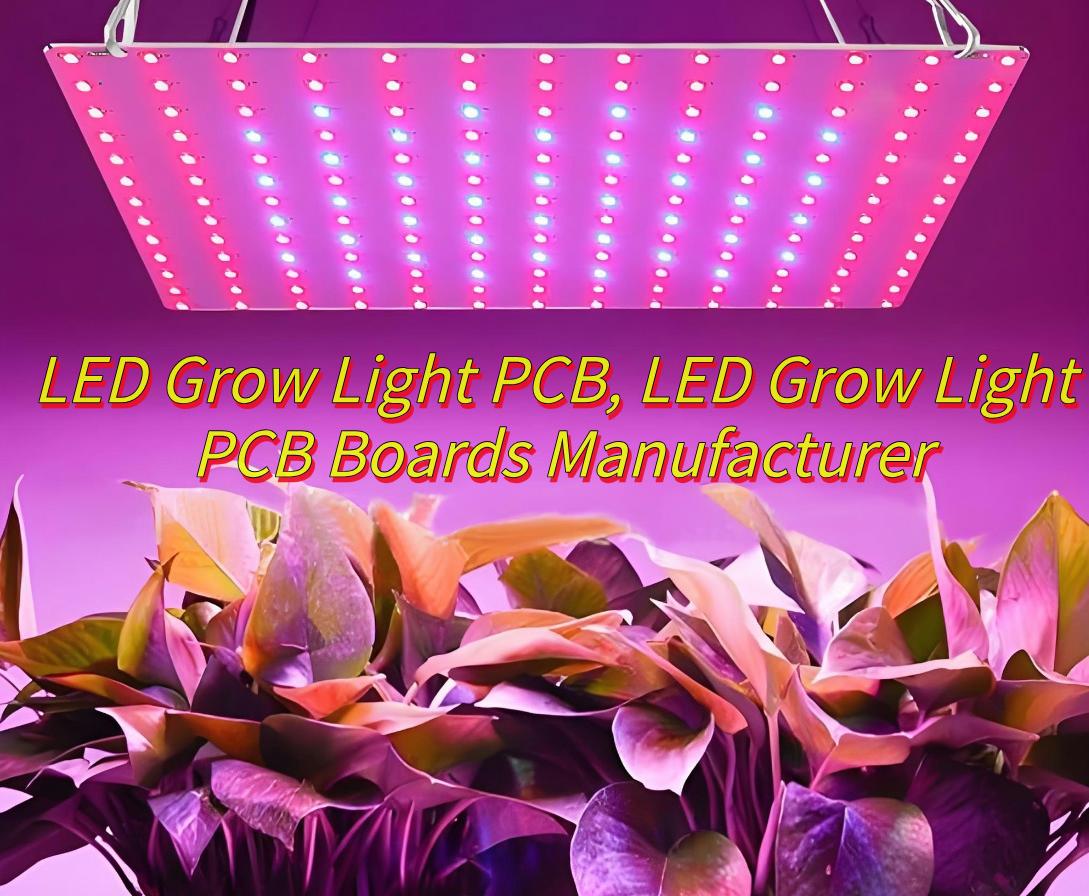
Would you like to know about what is LED grow light PCB and how to select a reliable LED grow light PCB manufacturer? Please see this blog if you want to know.
EBest Circuit (Best Technology) focus on LED grow light PCBdesign, prototyping and manufacturing since 2006. We adopted IP65 protection standard, epoxy resin glue curing and UVLED protective coating technology, it is suitable for high humidity and dusty planting environments. Then we provide OEM/ODM services with LED grow light PCB , support diversified solutions from single-layer aluminum substrates to multi-layer FR-4 substrates, and meet the needs of different scenarios such as home hydroponics and greenhouses. Lastly we have integrate high-speed or high-frequency PCB technology, support multi-channel spectrum adjustment (such as red and blue light ratio optimization), and accurately control the light parameters required for plant growth. If you have any request for LED grow light PCB, welcome to contact us sales@bestpcbs.com
What Is LED Grow Light PCB?
An LED Grow Light PCB(Printed Circuit Board) is a specialized board designed to power and control LED chips for indoor plant cultivation. These boards are engineered to deliver precise light wavelengths (such as red and blue spectra) that optimize photosynthesis. Unlike standard PCBs, they often use aluminum substrates for superior heat dissipation, ensuring stable performance in high-temperature environments like greenhouses or vertical farms.
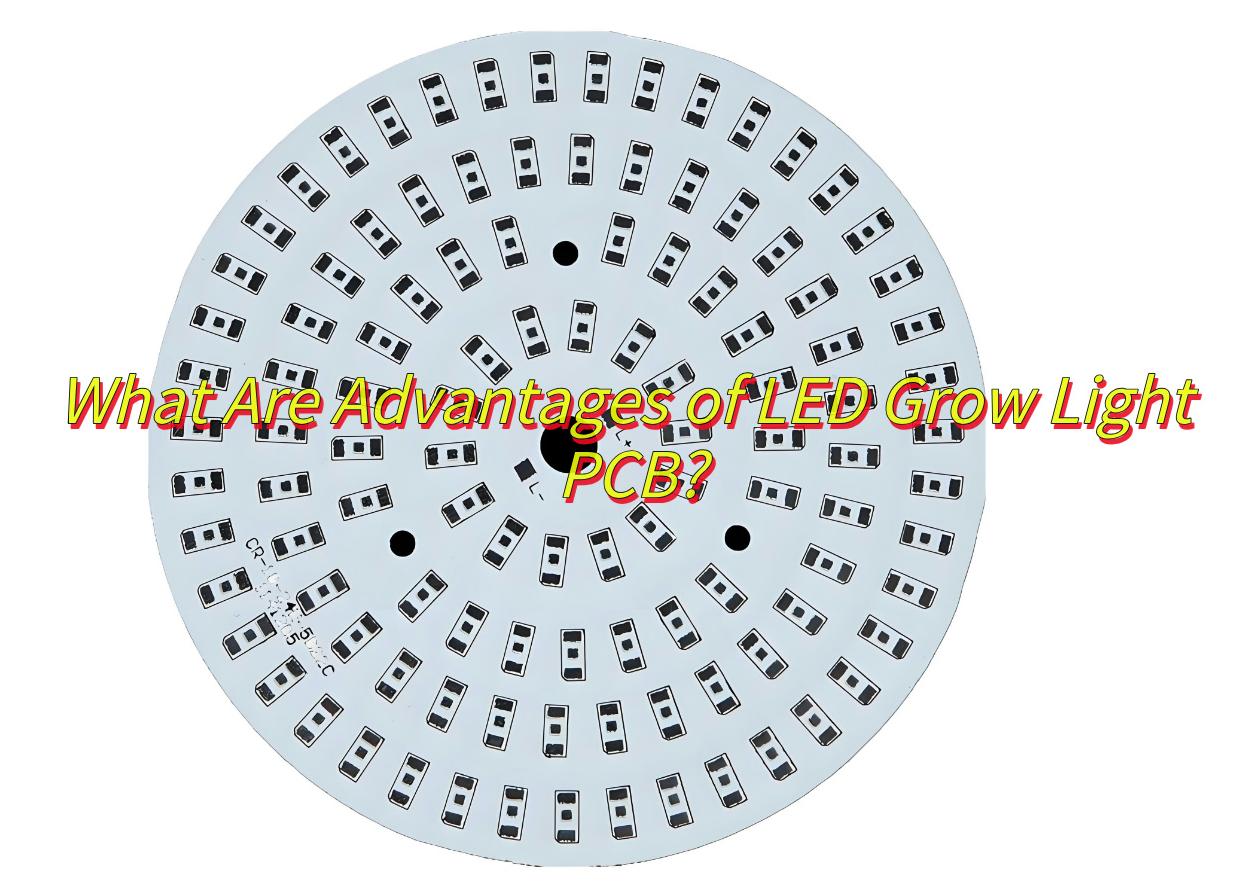
What Are Advantages of LED Grow Light PCB?
LED Grow Light PCBs dominate modern agriculture due to these unmatched benefits:
Energy Efficiency: Consumes 50-70% less power than traditional HID lamps.
Long Lifespan: Operates for 50,000+ hours with minimal light decay.
Customizable Spectra: Adjusts red (660nm) and blue (450nm) light ratios for different growth stages.
Low Heat Emission: Aluminum substrates reduce thermal stress on plants.
Compact Design: Enables modular installations in tight spaces.
Eco-Friendly: No mercury or harmful UV/IR radiation.
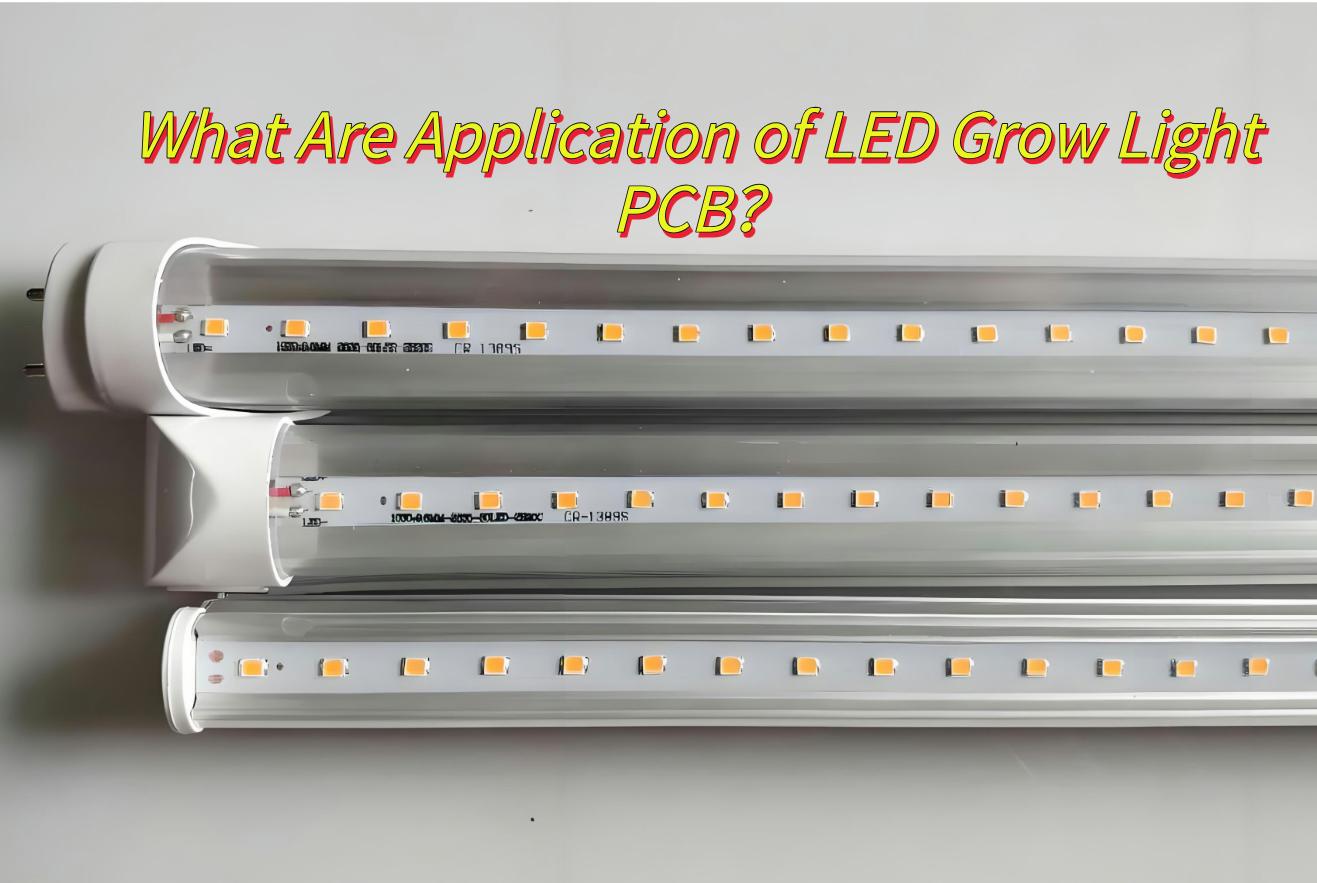
What Are Application of LED Grow Light PCB?
Indoor Vertical Farming-Custom red-blue light combinations speed up leafy green growth by 30%.
Greenhouse Lighting-Replace outdated bulbs to ensure consistent light levels, even on cloudy days.
Cannabis Cultivation-Adjustable light ratios improve cannabinoid content by 15-20%.
Home Hydroponics-Waterproof, low-power boards for growing herbs indoors.
Research Labs-Test how different light spectra affect plant growth.
Plant Nurseries-Full-spectrum light cuts seedling growth time by 40%.
Search Keywords: Use terms like “LED grow light PCB manufacturer” or “PCB LED grow light factories” or “LED grow light PCB exporters” on Google website or B2B platforms.
Trade Shows: Attend exhibitions like “The China Import and Export Fair” to meet verified suppliers.
Certifications: Filter factories with UL, CE, or RoHS compliance to ensure quality.
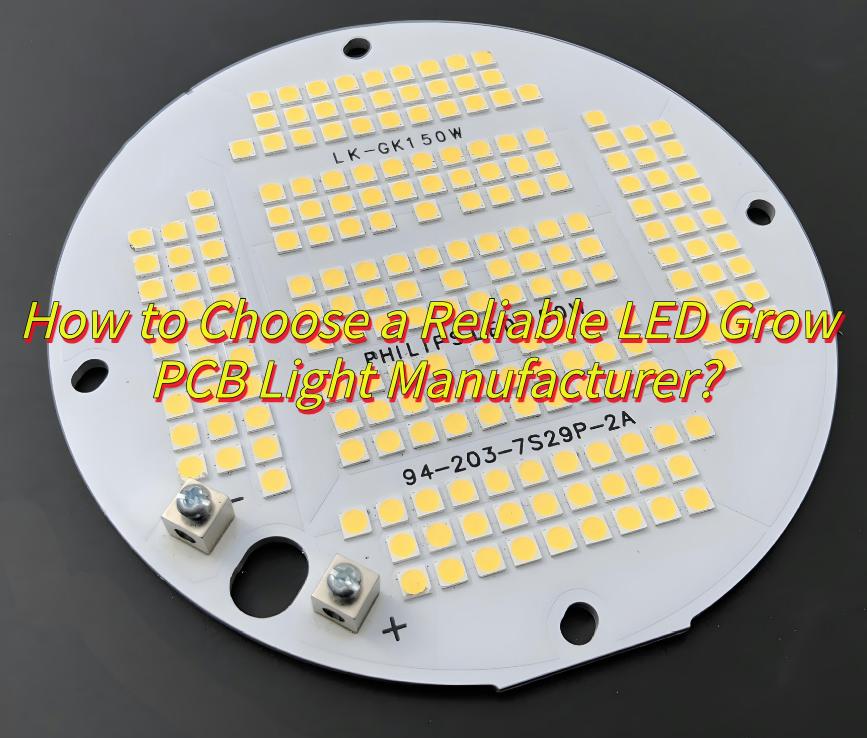
How to Choose a Reliable LED Grow PCB Light Manufacturer?
ISO 9001, RoHS, UL-certified factories for consistent quality.
Support OEM/ODM custom grow light PCB Service
Competitive Price and fast delivery.( 24 hours delivery)
Provide one to one free technical support and after-sales service
EBest Circuit (Best Technology) all meet these above requirements, if you’re interested in us, please leave a message below this blog.
How Much Does an LED Grow Light Board Cost?
The cost of an LED grow light PCB board varies based on material, design complexity, and order quantity. Basic aluminum PCBs cost around $1 to $5 per piece, while high-performance ceramic PCBs can be more expensive. Bulk orders typically lower the per-unit cost, making it essential to balance quality and pricing when choosing a supplier. If you want to get a quote for your case, please contact us.( The email is at the beginning of this blog)
How to Reduce the Production Cost of LED Grow Light PCB boards?
Design Simplification: Use standard PCB sizes (e.g., 300x300mm) to avoid custom tooling fees.
Bulk Purchasing: Negotiate discounts for LED chips and aluminum substrates.
Automation:Deploy SMT machines to cut labor costs by 40-60%.
Energy Savings: Switch to high-efficiency LEDs (e.g., 220 lm/W) to reduce the number of chips per board.
Recycling:Reuse defective boards for non-critical components.
FAQs of LED Grow Light PCB board
Q1:Can I customize an LED grow light PCB? A1:Yes, manufacturers like EBest Circuit (Best Technology) offer custom designs based on specific requirements.
Q2:What certifications should an LED grow light PCB manufacturer have? A2:ISO9001, RoHS, and UL certifications ensure quality compliance.
Q3:Which manufacturers provide customized spectrum LED plant light PCB?
A3:Professional manufacturers such as BEST technology support red and blue light ratio adjustment.
Q4:How does aluminum substrate PCB improve the life of plant lights?
A4:High thermal conductivity aluminum prevents LED light decay and is suitable for 24/7 greenhouse environments.
Q5:What is the waterproof standard for home hydroponic lamp PCB?
A5:Mainstream products use IP65 protection and are suitable for humid planting scenes.
In conclusion, that’s all about LED grow light PCB and how to select a LED grow light PCB manufacturer. More information you can contact Best technology.
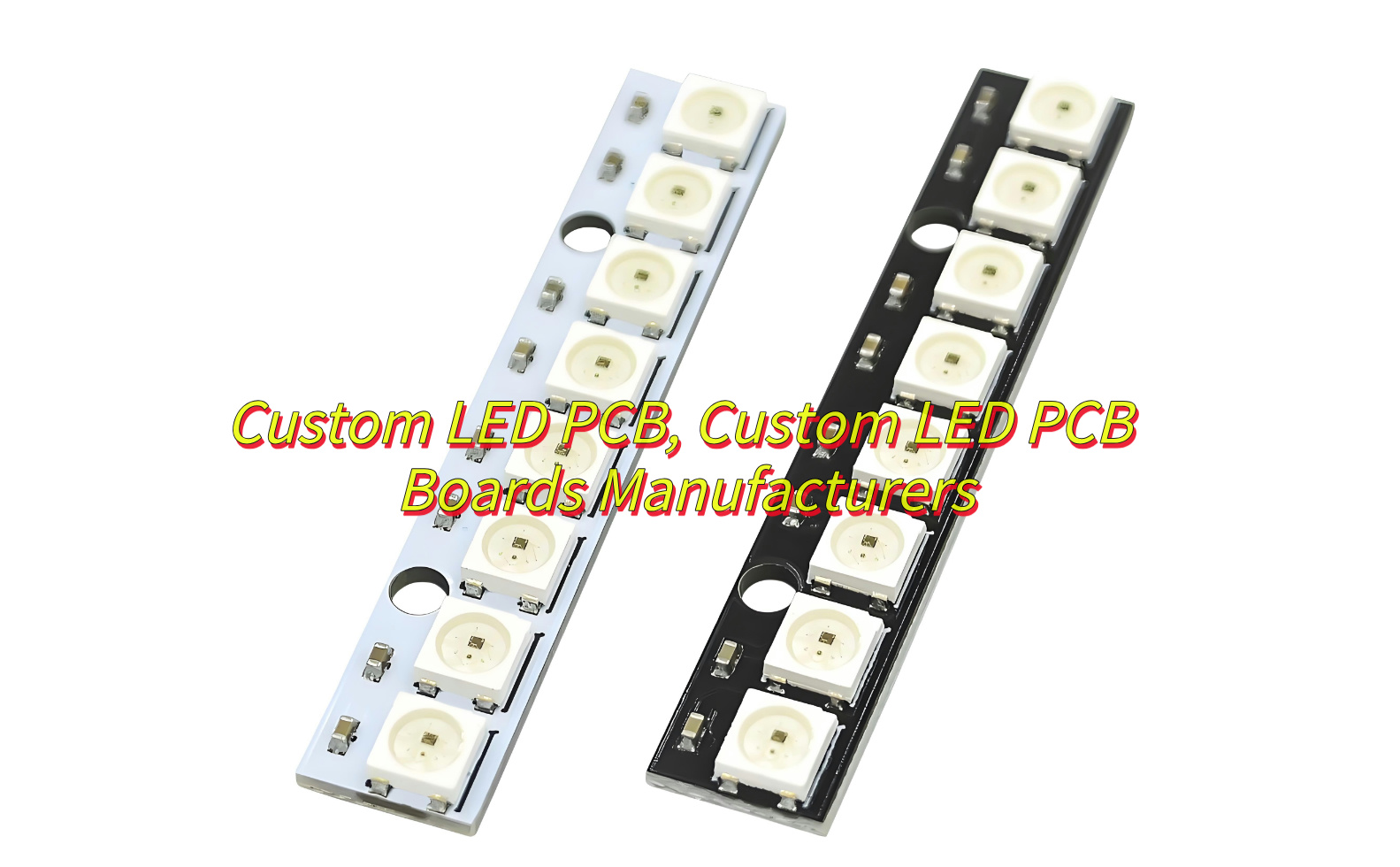
Custom LED PCB have revolutionized lighting solutions across industries, offering tailored performance for specialized applications. Let’s explores custom LED PCB from materials to manufacturing processes, helping you make informed decisions for your next project.
At Best technology, we focus on one stop solution PCB solution for custom LED PCB over 18 years. We support ODM and OEM customized LED PCB boards, and we have our own exclusive electronic supply chain, which can achieve low MOQ, multiple varieties, fast delivery, and professional engineers provide free technical services online one-to-one 24 hours a day. Welcome to contact us sales@bestpcbs.com if you have any request for custom LED PCB.
What Is LED PCB?
A LED PCB (Light-Emitting Diode Printed Circuit Board) is a specialized board designed to power and control LED arrays. Unlike standard PCBs, these boards prioritize thermal management, high-density layouts, and optical precision to maximize LED performance and lifespan. Custom LED PCBs are engineered to meet specific requirements such as brightness, color temperature, and environmental resilience.
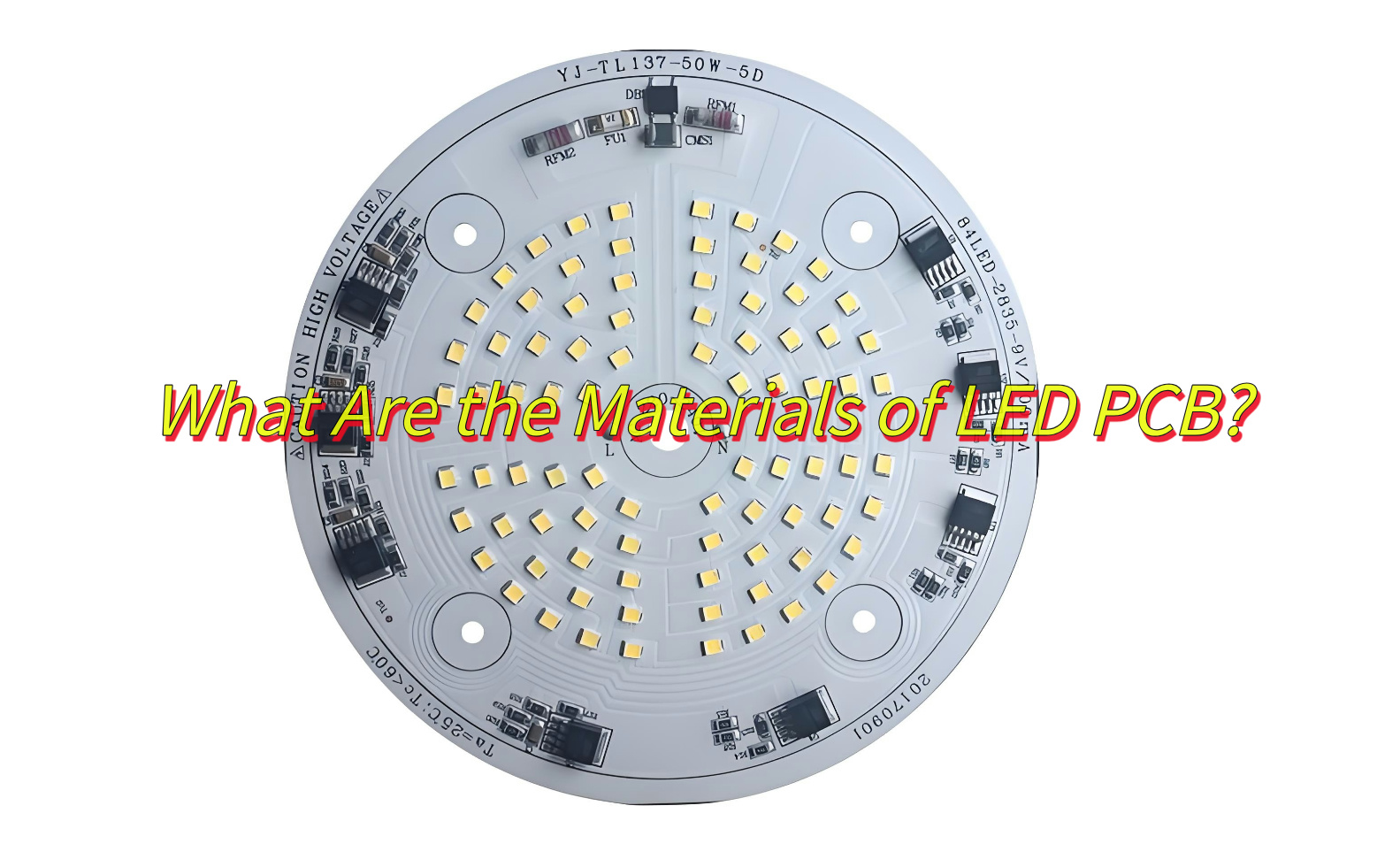
What Are the Materials of LED PCB?
Aluminum Base-Excellent heat dissipation, cost-effective, best for automotive lighting.
FR-4-Low cost, standard insulation, best for Consumer electronics.
Ceramic Base-Ultra-high thermal resistance, best for aerospace systems.
Flexible Base-Bendable, lightweight design, best for wearables, curved displays.
What Are the Advantages of LED PCB?
High Reliability-Withstand extreme temperatures (-40°C to 150°C), humidity, and vibrations.
Superior Thermal Management-Aluminum and ceramic substrates dissipate heat 5-10x faster than FR-4, preventing LED degradation.
Design Flexibility-Custom shapes, sizes, and LED densities (up to 200 LEDs/sq. inch) for unique applications.
Energy Efficiency-Optimized circuits reduce power loss by 15-30% compared to traditional wiring.
Cost-Effective Scaling-Bulk production cuts costs by 40-60% for large orders.
SMT patch: Fully automatic patch machine solders LED chips, resistors, capacitors and other micro components
Surface protection: Coating green oil to protect the circuit to prevent oxidation and solder short circuit.
Surface treatment: Surface spray tin or immersion gold treatment to enhance welding performance and corrosion resistance
Plug-in welding: Manual/mechanical supplementary installation of large-size plug-ins (such as connectors)
Functional test: Power on to detect LED brightness, color temperature and circuit stability
Final inspection and shipment: Appearance inspection + packaging shockproof treatment
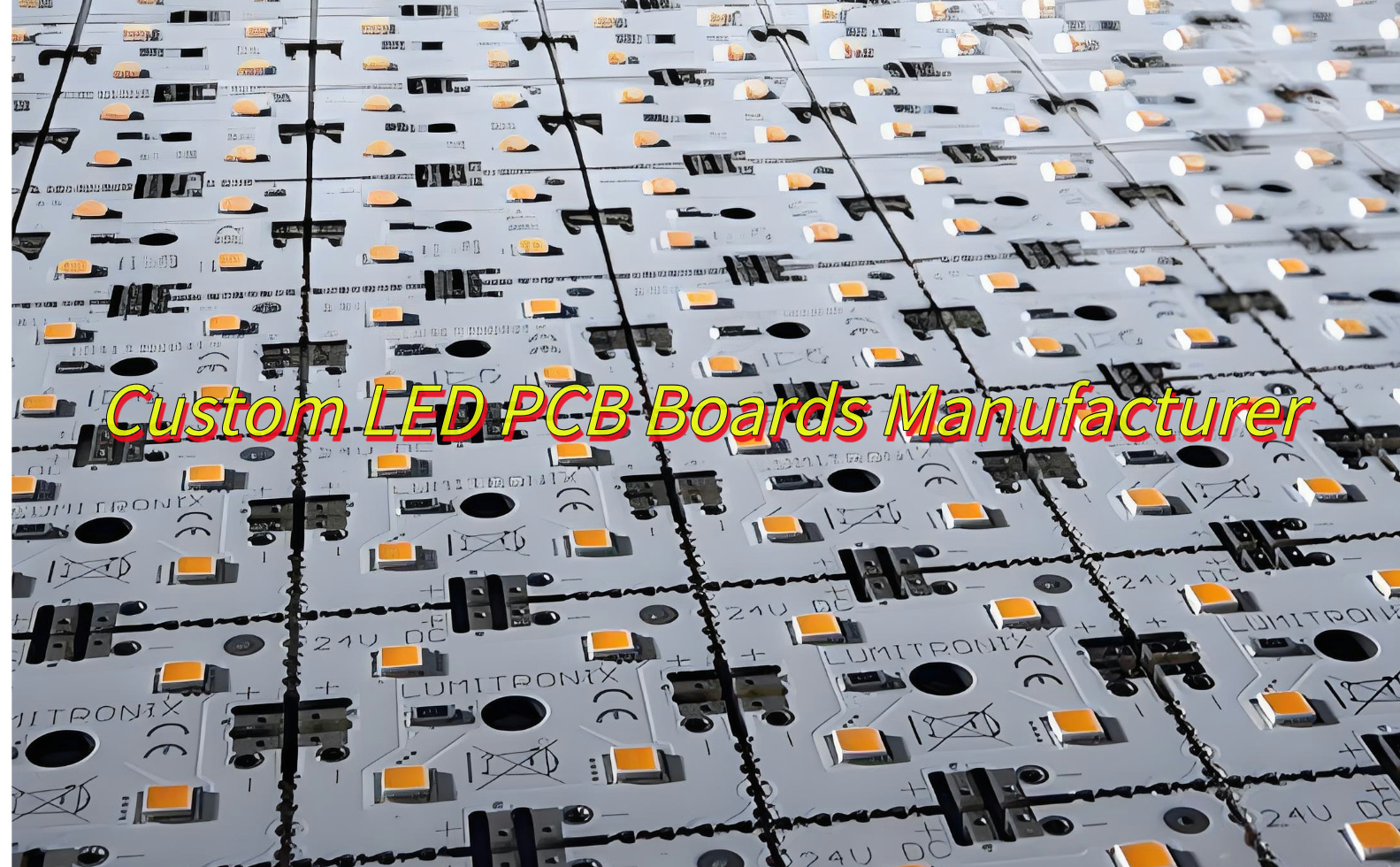
Custom LED PCB Boards Manufacturer
As acustom LED PCB boards manufacturer, EBest Circuit (Best Technology), establish on June 28, 2006, is a Hong Kong registered company whom focus on custom LED PCB boards manufacturing. We are dedicated to be your best partner of advance and custom LED PCB boards manufacturer. Here are more information about us:
Quality assurance both for our products and before/after-sales service.
Accept small order and mixed order, samples are welcomed.
Discounts are offered base on large order quantities with custom led PCB.
Great variety of LED PCB products with competitive price, welcome OEM and ODM.
Provide expedited custom LED PCB board prototyping service.
If you are interested in our service, welcome to contact us at any time.
FAQs of Custom LED PCB
1.How to improve heat dissipation in custom LED PCBs?
Use aluminum substrates with 2-3 oz copper layers and thermal vias.
2.What’s the minimum order quantity (MOQ) of custom led PCB?
EBest Circuit (Best Technology) accept one piece MOQ for custom led PCB prototyping.
3.Can custom LED PCBs be repaired?
Yes, but rework costs often exceed replacement costs for high-density boards.
4.How much does a custom LED PCB cost?
Price range from $0.50-$20 per piece normal FR-4 board.
5.What’s the lifespan of custom LED PCBs?
Properly designed boards last 50,000-100,000 hours (5-11 years).
To sum up, that’s all about custom LED PCB. Start your project today by partnering with a certified PCB manufacturer to turn your design into reality.
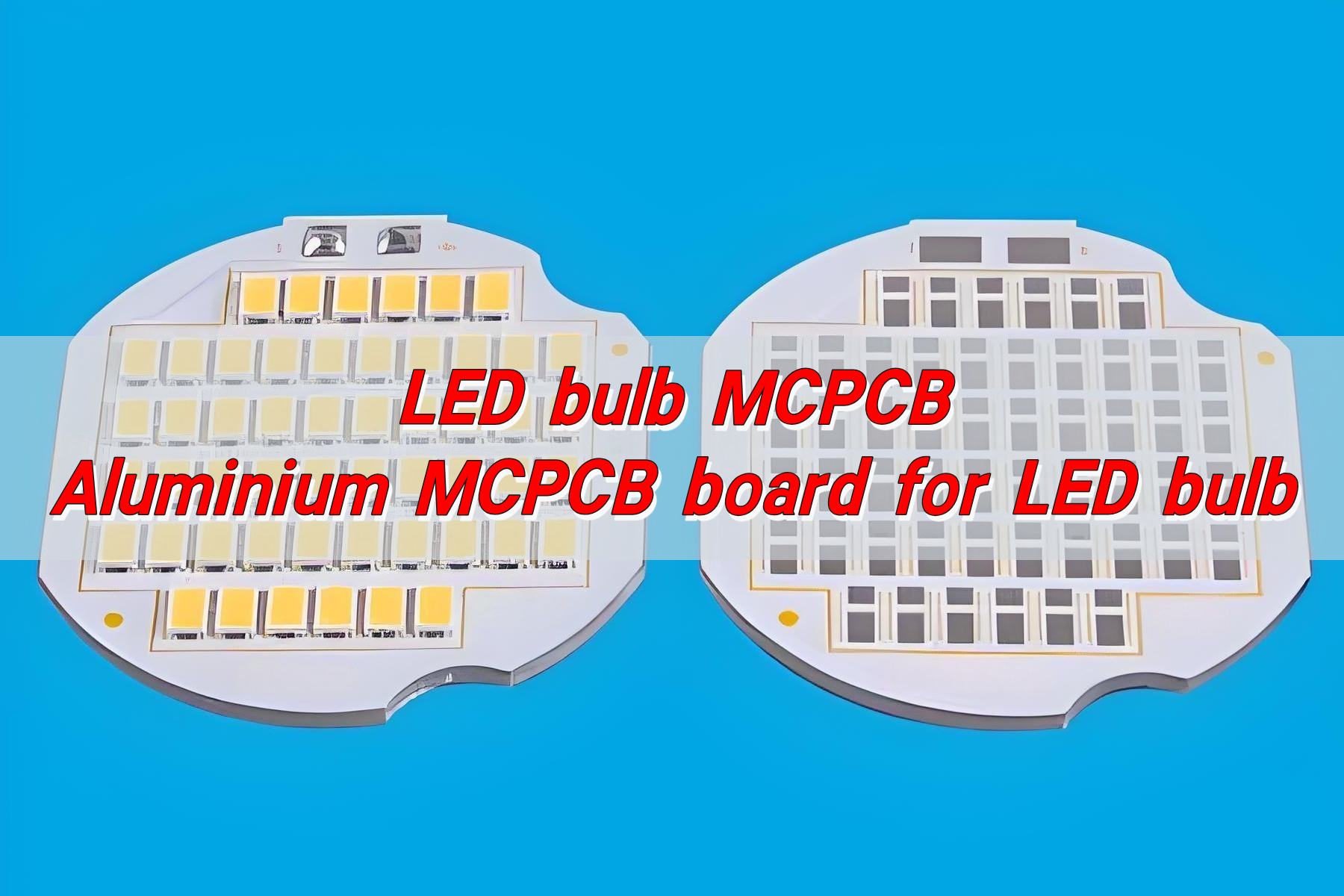
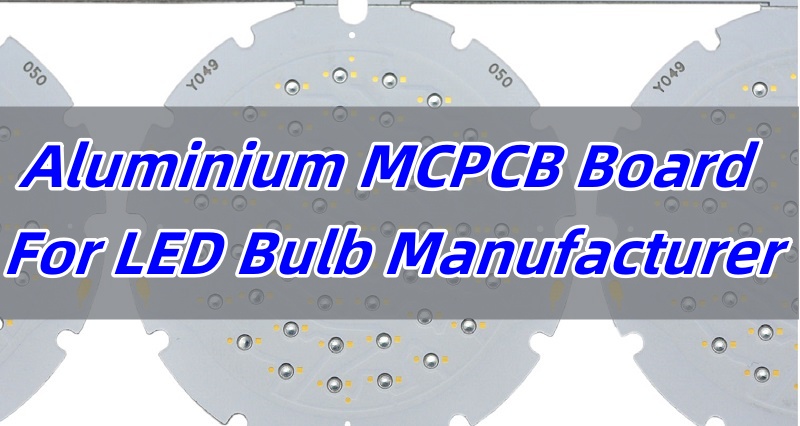
Aluminium MCPCB Board For LED Bulb plays a crucial role in ensuring efficient performance and heat dissipation in LED lighting. These boards provide a stable and thermally conductive foundation for LED components, allowing them to function optimally while extending their lifespan. Whether you are looking for reliable solutions for home lighting, automotive applications, or industrial illumination, aluminium MCPCB boards deliver unmatched durability and efficiency. This article will explore everything you need to know about LED bulb MCPCB, from its types and manufacturing process to its advantages and applications.
EBest Circuit (Best Technology) is a professional Aluminium MCPCB Board For LED Bulb Manufacturer. We focused on high Thermal conductivity board up to 3 Watts per MK, with heavy copper up to 10 ounces, 0.3mm extra thin MCPCB, as well as COB PCB. If you need any LED Bulb MCPCB information, like led mcpcb price, just feel free to contact us at sales@bestpcbs.com.
What is PCB in LED bulb?
A PCB (Printed Circuit Board) in an LED bulb provides the foundation for electrical connections, allowing components to function efficiently. It is responsible for conducting electricity and managing heat dissipation. Since LEDs generate heat, using an aluminium MCPCB board for LED bulbs ensures better thermal management, improving performance and longevity.
What Are the Different Types of Aluminium MCPCB Board for LED Bulb?
Selecting the right type of aluminium MCPCB board for an LED bulb is crucial for ensuring optimal performance and longevity. Different types of MCPCBs cater to varying applications and power requirements.
Single-Layer MCPCB: This type consists of one copper layer and is widely used in standard LED bulbs due to its affordability and efficiency. It is widely used in standard LED bulbs, indicator lights.
Double-Layer MCPCB: These have two conductive layers, enhancing durability and allowing more complex circuits. It is widely used in medium-power LED bulbs, automotive lighting.
Multi-Layer MCPCB: Suitable for high-power LED applications, these boards manage heat more effectively and support advanced lighting technologies. It is widely used in high-power LED bulbs, industrial lighting, stage lighting.
Hybrid MCPCB: A combination of metal and non-metal layers to optimize performance while reducing overall weight and cost. It is widely used in specialized LED bulbs, cost-sensitive projects.
Understanding the different types of aluminium MCPCB boards helps in choosing the best option based on the application and power requirements of LED bulbs.
How to Make a LED Bulb Circuit Board?
Manufacturing an LED bulb circuit board involves several steps to ensure high efficiency and long-lasting performance. A well-designed MCPCB ensures proper electrical conductivity and heat management.
Designing the Circuit: Using specialized software, engineers create a layout that optimizes current flow and thermal dissipation.
Material Selection: Aluminium MCPCB boards are chosen for their heat dissipation properties.
Etching and Layering: Copper layers are etched to form circuits, followed by insulating layers and solder masks.
Component Placement: LEDs, resistors, and drivers are mounted using automated machinery.
Soldering and Testing: Components are soldered onto the board, and the final product undergoes rigorous testing to ensure reliability.
A precise manufacturing process ensures that LED bulb MCPCBs meet industry standards, providing efficient and long-lasting lighting solutions.
Which Material is Used in LED Bulb?
The materials used in LED bulbs significantly impact their efficiency, durability, and performance. The selection of high-quality components ensures optimal operation and long service life.
Aluminium MCPCB: For heat dissipation and durability.
Copper Traces: To conduct electricity efficiently.
Silicone Encapsulation: Protects LEDs from dust and moisture.
Phosphor Coating: Converts blue LED light into white light for better illumination.
Each material used in an LED bulb serves a specific function, contributing to its overall performance and reliability.
What Are the Advantages of Led Bulb MCPCB?
Choosing the right LED bulb MCPCB can enhance performance and efficiency. Aluminium MCPCB boards provide various benefits for LED lighting applications.
Better Heat Dissipation: Aluminium-based MCPCBs efficiently transfer heat, preventing LED damage.
Improved Energy Efficiency: Reduces power consumption while maintaining brightness.
Enhanced Lifespan: Lower thermal resistance extends the durability of LED bulbs.
Compact Design: Allows for thinner and more lightweight LED lighting solutions.
The advantages of LED bulb MCPCBs make them essential for long-lasting and energy-efficient lighting solutions.
What Are the Applications of Led Bulb MCPCB?
LED bulb MCPCBs are widely used in various industries due to their reliability and efficiency. Their ability to handle heat efficiently makes them a preferred choice for many applications.
Home and Commercial Lighting: Energy-saving LED bulbs for residential and office use.
Automotive LED Lights: Headlights, brake lights, and interior car lighting.
Street Lights: High-power LED solutions for urban and highway lighting.
Industrial Lighting: Factories and warehouses require bright and long-lasting LED solutions.
Decorative Lighting: Used in LED strips and creative lighting designs.
From home lighting to industrial applications, LED bulb MCPCBs provide versatile solutions for various lighting needs. When selecting an LED bulb, it’s also important to consider the quality of the MCPCB (Metal Core Printed Circuit Board), which ensures durability and efficient heat dissipation. EBest Circuit (Best Technology) specializes in high-quality aluminium MCPCB board for LED bulb, offering customized solutions to meet your specific requirements. Warm welcome to reach out to us at sales@bestpcbs.com for more information or details.
Why Should You Choose EBest Circuit (Best Technology) as Your Aluminium MCPCB Board for LED Bulb?
Selecting the right manufacturer for aluminium MCPCB boards is crucial for ensuring quality and performance. EBest Circuit (Best Technology) is a leading led bulb MCPCB manufacturer with expertise in producing high-quality aluminium MCPCB boards for LED bulbs. Our advantages include:
Advanced Manufacturing Techniques: Using the latest technology and high-tech production equipment, we continuously improve the production process, test and measurement technology, and optimize the quality management system.
High-Quality Materials: Only the good quality aluminium MCPCBs are used for longevity. The pursuit of quality and innovation is the driving force of EBest Circuit (Best Technology). ISO quality standard was applied to each step from raw material purchasing, production, inspection, and packing, to sales and marketing.
Customizable Solutions: We provide tailored PCB designs based on your needs. With the core technology, Thermal conductivity value tester, and laminator in-house, EBest Circuit (Best Technology) can make sure high-efficiency Thermal conducting and special parameters of MCPCB can be produced promptly.
Excellent Customer Support: Dedicated professionals to assist with your orders and inquiries. Combined with a strong R&D team and engineers with more than 10 years of experience, EBest Circuit (Best Technology) is able to reply to customers within 12 hours wherever you are on Earth and ship out goods always on time.
Over 18 Years of Industry Expertise: Since established in 2006, during the 18 years, EBest Circuit (Best Technology) focused on oversea market and implemented the professional separation of sales and production. So that we can provide more efficient service to customer and going to be one of the most reliable partners in China.
Full Turnkey LED Bulb MCPCB Solutions: As a chief manufacturer partner for aluminium PCB, EBest Circuit (Best Technology) supports LED bulb MCPCB design, LED bulb MCPCB prototype, LED bulb MCPCB assembly, providing full turn-key solutions.
Choosing EBest Circuit (Best Technology) ensures you get high-quality aluminium MCPCB boards designed for durability, efficiency, and optimal performance.
Put it in a nutshell, choosing the right aluminium MCPCB board for LED bulb is crucial for durability, efficiency, and performance. With superior thermal management, enhanced lifespan, and reliable conductivity, MCPCB technology is the backbone of modern LED lighting. Whether you need 9W, 12W, 30W, or 50W LED bulb MCPCB, selecting a trusted LED bulb MCPCB manufacturer ensures consistent quality and innovation.
At EBest Circuit (Best Technology), we specialize in manufacturing high-quality aluminium MCPCB boards for LED bulbs, offering customized solutions to meet various lighting applications. With over 18 years of expertise, we guarantee precision, durability, and cost-effective solutions. Contact us at sales@bestpcbs.com and get the best MCPCB LED solutions for your lighting projects!
FAQs of Led Bulb MCPCB
1. What is a 9 watt LED bulb equivalent to?
A 9W LED bulb is approximately equivalent to a 60W incandescent bulb in terms of brightness.
2. Is 9W the same as 60W?
No, 9W refers to the power consumption of an LED bulb, whereas 60W is typically used for incandescent bulbs. However, a 9W LED bulb can produce the same brightness as a 60W incandescent bulb while using less energy.
3. What does E26 mean on a light bulb?
E26 is a standard screw-type base for light bulbs, commonly used in North America.
4. What do the numbers on LED bulbs mean?
The numbers on LED bulbs typically indicate wattage (power consumption), lumen output (brightness), color temperature (light appearance, measured in Kelvin), and sometimes CRI (Color Rendering Index). These details help you choose the right bulb for your needs.
5. How do I know what type of LED bulb I have?
You can check the wattage, base type, color temperature, and lumens mentioned on the bulb or its packaging.
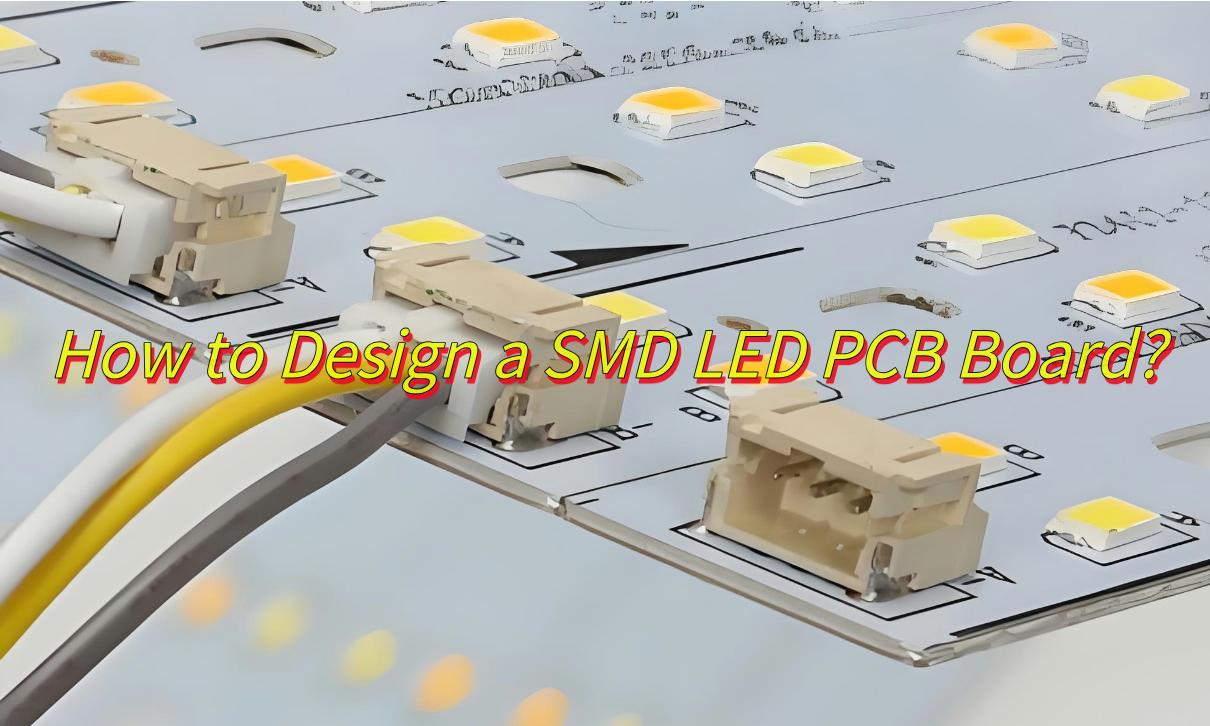
Today let us explore everything about SMD LED PCB, their advantages, design tips, and the main differences between SMD LED and COB LED PCBs together.
At Best technology, we focus on one stop solution PCB solution for SMD LED PCB over 18 years, and we have a SMT patch line that can support mass production with fast delivery. And we can provide you PI Analysis, SI Analysis, EMC Testing with the SMD LED PCB you designed. Then we can provide you with one piece MOQ rapid prototyping at 24-72 hours delivery. Welcome to contact us sales@bestpcbs.com if you have any request for SMD LED PCB.
What Is SMD LED PCB ?
SMD LED PCB, or Surface-Mounted Device Printed Circuit Board, is designed specifically for mounting and connecting SMD LEDs, which are compact and efficient light sources. Unlike traditional through-hole LEDs, SMD LEDs are mounted directly onto the surface of the PCB, saving space and enabling more intricate designs. These boards are commonly used in modern electronics, offering versatility in applications like lighting, displays, and automotive systems.
What Are the Advantages of SMD LED PCB Board?
Space Efficiency: 50–70% smaller than traditional through-hole LED designs.
1. Thermal Design: Use 1.5–2mm thick aluminum PCBs for >3W LEDs. And add thermal vias under LED pads (0.3–0.5mm diameter).
2. Trace Width: 0.5mm traces for 1A current (FR4) / 0.3mm (aluminum).
3. Pad Layout: Match pad dimensions to LED specs (e.g., 2.8×3.5mm for 2835 LEDs).
4. Optical Spacing: Maintain 5–10mm between LEDs to avoid color mixing.
5. Circular PCB Design Tips: Rotate LED placement at 15–30° angles for uniform illumination.
If you have any other issues with SMD LED PCB design, please feel free to leave a message below this blog.
SMD LED PCB Board Manufacturer
As a SMD LED PCB board manufacturer, EBest Circuit (Best Technology),establish on June 28, 2006, is a Hong Kong registered company whom specialize in one stop solution PCB solution forSMD LED PCB.We are dedicated to be your best partner of advance and high-precision SMD LED PCB boards manufacturer. Here are more information about us:
With SMT patch production line, AOI/X-RAY inspection equipment
Obtained RoHS, ISO, UL certificates that can promise quality assurance.
Provide expedited proofing service, and ship within 24 hours at the fastest
Provide DFM data analysis service, predict problems encountered in design in advance, and reduce production costs
One-to-one customer service online 24 hours a day to answer your product questions.
If you want to get a quote for your case, please feel free to contact us.
Which is better SMD LED PCB or COB LED PCB?
Packaging method
SMD: independent lamp bead patch, point light source.
COB: control room, medical screen (micro pitch below P1.25).
Display effect
SMD: slight graininess, no color difference when squinting.
COB: no graininess, color deviation may occur when squinting.
Maintenance and protection
SMD: lamp beads can be replaced individually, but easy to bump.
COB: fully sealed waterproof and dustproof, need to return to the factory for repair.
Power consumption and cost
SMD: high power consumption, low cost.
COB: 20-30% lower power consumption, 50% higher cost.
How Do You Know If a SMD LED Terminal Is Positive or Negative?
Markings:Look for a green dot, notch, or “+” symbol on the anode.
Pin Length: The anode (positive) pin is slightly longer in some packages.
Datasheet Check: Cross-reference the part number (e.g., Cree X-Lamp XM-L2 anode = left pin).
In conclusion, that’s all about SMD LED PCB. At EBest Circuit (Best Technology), we specialize in producing high-quality LED SMD PCBs tailored to your needs, ensuring superior performance and durability. With over 18 years of experience in the industry, our commitment to excellence makes us a trusted partner in PCB manufacturing.
This website uses cookies to enhance your experience, remember your preferences, and help us understand how visitors use our site. You can accept all cookies, reject non-essential cookies, or manage your settings.
This website uses cookies to improve your experience while you navigate through the website. Out of these cookies, the cookies that are categorized as necessary are stored on your browser as they are essential for the working of basic functionalities of the website. We also use third-party cookies that help us analyze and understand how you use this website. These cookies will be stored in your browser only with your consent. You also have the option to opt-out of these cookies. But opting out of some of these cookies may have an effect on your browsing experience.
Necessary cookies are absolutely essential for the website to function properly. These cookies ensure basic functionalities and security features of the website, anonymously.
Cookie
Duration
Description
cookielawinfo-checkbox-analytics
11 months
This cookie is set by GDPR Cookie Consent plugin. The cookie is used to store the user consent for the cookies in the category "Analytics".
cookielawinfo-checkbox-functional
11 months
The cookie is set by GDPR cookie consent to record the user consent for the cookies in the category "Functional".
cookielawinfo-checkbox-necessary
11 months
This cookie is set by GDPR Cookie Consent plugin. The cookies is used to store the user consent for the cookies in the category "Necessary".
cookielawinfo-checkbox-others
11 months
This cookie is set by GDPR Cookie Consent plugin. The cookie is used to store the user consent for the cookies in the category "Other.
cookielawinfo-checkbox-performance
11 months
This cookie is set by GDPR Cookie Consent plugin. The cookie is used to store the user consent for the cookies in the category "Performance".
viewed_cookie_policy
11 months
The cookie is set by the GDPR Cookie Consent plugin and is used to store whether or not user has consented to the use of cookies. It does not store any personal data.
Functional cookies help to perform certain functionalities like sharing the content of the website on social media platforms, collect feedbacks, and other third-party features.
Performance cookies are used to understand and analyze the key performance indexes of the website which helps in delivering a better user experience for the visitors.
Analytical cookies are used to understand how visitors interact with the website. These cookies help provide information on metrics the number of visitors, bounce rate, traffic source, etc.
Advertisement cookies are used to provide visitors with relevant ads and marketing campaigns. These cookies track visitors across websites and collect information to provide customized ads.