PCB manufacturing PCB manufacturing
Home > Blog

What Is a Start Stop Circuit and How Does It Work?

April 28th, 2026

A start stop circuit is a control circuit used to start, hold, and stop electrical equipment safely. You will often see it in motor control panels, pumps, fans, conveyors, compressors, automation machines, and industrial control systems. The basic idea is simple: press the Start button to energize the system, and press the Stop button to shut it down.

However, behind this simple action is an important control logic. A good start and stop circuit must handle electrical safety, operator control, machine protection, relay or contactor operation, overload protection, and signal reliability. For PCB and PCBA manufacturing, this type of circuit is also closely related to control board design, relay output design, terminal block layout, isolation spacing, copper thickness, soldering quality, and functional testing.

In this article, we will explain how a start stop circuit works, how different wiring methods are used, what a start stop circuit diagram should include, and how PCB design affects long-term reliability.

start stop circuit

What Is a Start Stop Circuit?

A start stop circuit is an electrical control circuit that allows a machine or device to be started and stopped using separate push buttons. It is commonly used with relays, contactors, motor starters, PLC input modules, and industrial control PCBs.

In a traditional control panel, the circuit usually includes:

PartCommon Contact TypeFunction
Start buttonNormally open, NOStarts the circuit when pressed
Stop buttonNormally closed, NCOpens the circuit when pressed
Relay or contactor coilCoil loadEnergizes the control device
Auxiliary holding contactNormally open, NOKeeps the circuit running after Start is released
Overload relayNormally closed, NCStops the motor during overload
LoadMotor, pump, fan, machineThe equipment being controlled

The most important feature is the holding circuit, also called a latching circuit or seal-in circuit. This allows the machine to keep running after the operator releases the Start button.

For example, when an operator presses Start, the contactor coil receives power. Once the contactor pulls in, an auxiliary contact closes in parallel with the Start button. That closed contact keeps current flowing to the coil. The machine continues running until the Stop button is pressed or a safety device opens the circuit.

In PCB-based control products, the same logic may be created with:

  • Mechanical relays
  • MOSFETs
  • Optocouplers
  • MCU logic
  • PLC input and output terminals
  • Solid-state relay modules
  • Power control ICs

So, a start stop circuit can be built as a classic relay-control circuit or as a modern electronic control board.

How Does a Start Stop Circuit Work?

A start stop circuit works by controlling the power path to a relay coil, contactor coil, motor starter, or electronic switching device. The circuit has two basic operating states: stopped and running.

When the system is stopped, the Start button is open, so the control coil does not receive power. The machine remains off.

When the operator presses the Start button, the button closes for a short moment. Current flows through the Stop button, overload contact, Start button, and finally into the relay or contactor coil. The coil energizes and closes its main contacts. These main contacts allow power to reach the motor or load.

At the same time, an auxiliary contact closes. This auxiliary contact is wired in parallel with the Start button. Once it closes, it creates a second path for the control current. That is why the machine keeps running after the Start button is released.

When the operator presses the Stop button, the normally closed contact opens. This breaks the control circuit. The coil loses power, the contactor opens, and the motor stops.

The logic can be summarized like this:

ActionCircuit ResultMachine Status
Start button pressedCoil energizedMachine starts
Start button releasedHolding contact keeps coil energizedMachine keeps running
Stop button pressedControl circuit opensMachine stops
Overload tripsControl circuit opensMachine stops for protection
Power loss occursCoil drops outMachine stops

This design is widely used because it supports safe manual control. After a power failure, the machine usually does not restart automatically unless the circuit is intentionally designed for that behavior. This helps protect operators and equipment.

In industrial PCBA design, the same control logic must be handled carefully. The PCB may need input filtering, surge suppression, EMI protection, and isolation between control voltage and power switching areas.

What Are the Main Components in a Start and Stop Circuit?

A start and stop circuit may look simple on paper, but each component has a clear purpose. If one part is selected incorrectly, the whole control system may become unstable.

Start push button

The Start button is normally open. It only closes when pressed. In most machines, it is green or marked with “I”. Its job is to send a temporary start signal to the control circuit.

For PCB control boards, the Start signal may come from a panel button, membrane switch, metal dome keypad, touch input, or external terminal block. The PCB input circuit should be designed to prevent false triggering caused by noise, contact bounce, or long cable interference.

Stop push button

The Stop button is normally closed. It opens when pressed. This design is preferred because it is safer. If a wire breaks, a terminal loosens, or the button fails open, the machine stops instead of continuing to run.

This is an important point for industrial control boards. Safety-related stop signals are usually designed as active-open signals rather than active-close signals.

Relay or contactor

A relay is used for smaller loads or signal switching. A contactor is used for larger motors and higher current loads. In a motor start stop circuit, the contactor usually controls the three-phase power line, while the start stop control circuit operates at a lower voltage.

For PCBA manufacturing, relays need enough PCB spacing, suitable copper width, solid solder joints, and proper mechanical support. Large relays and terminal blocks may also need wave soldering or selective soldering after SMT assembly.

Auxiliary holding contact

The auxiliary contact is what makes the circuit stay on after Start is released. It creates the latching function. Without this contact, the machine would only run while the Start button is being held down.

On an electronic control PCB, this function can also be performed by MCU firmware, a flip-flop circuit, or relay feedback logic.

Overload protection

Motor circuits often include an overload relay. If the motor draws too much current for too long, the overload relay opens its normally closed contact and stops the control circuit. This protects the motor winding and the equipment.

PCB terminal blocks and connectors

In real industrial products, the start button, stop button, limit switch, motor starter, alarm output, and power supply often connect through terminal blocks. Good PCB layout should leave enough room for wiring, labels, screw access, creepage distance, and service inspection.

What Is the Difference Between a 2 Wire and 3 Wire Start Stop Circuit?

A common search question is the difference between a 2 wire start stop circuit and a 3 wire start stop circuit. These two designs behave differently.

TypeMain FeatureCommon Use
2 wire circuitUses a maintained contact deviceSimple remote control, float switch, thermostat
3 wire circuitUses momentary Start and Stop buttons with holding contactMotor starters, industrial machines, control panels

A 2 wire circuit usually uses one maintained switch. When the switch is closed, the circuit runs. When the switch is open, the circuit stops. This is simple, but it may restart automatically after a power failure if the switch remains closed.

A 3 wire start stop circuit uses three control paths: Stop, Start, and holding contact. The Start button is momentary. The Stop button is normally closed. The auxiliary contact holds the circuit after starting.

The 3 wire method is preferred for many motor control systems because it gives better operator control. After power is lost, the circuit drops out. The operator usually needs to press Start again after power returns. This reduces unexpected restart risk.

A simplified 3 wire logic looks like this:

Power → Stop NC → Overload NC → Start NO → Coil → Neutral
                         │
                         └── Auxiliary NO Holding Contact ──┘

When the coil energizes, the auxiliary contact closes. That contact bypasses the Start button and keeps the coil active.

For PCB and PCBA design, the 3 wire logic can be implemented with external wiring or integrated into the control board. If the board handles the latching logic electronically, engineers must define what happens during power loss, brownout, emergency stop, reset, and fault recovery.

This is where manufacturing experience matters. A PCB used in industrial control should not only match the schematic. It should also support stable field operation.

How Does a Motor Start Stop Circuit Control Industrial Equipment?

A motor start stop circuit controls the motor by energizing or de-energizing a motor contactor. The control circuit does not usually carry the full motor current. Instead, it controls the coil of the contactor. The contactor then switches the higher-power motor line.

For a 3 phase motor start stop circuit, the power section usually includes:

  • Three-phase input power
  • Main breaker or fuse
  • Magnetic contactor
  • Thermal overload relay
  • Three-phase motor

The control section usually includes:

  • Stop button
  • Start button
  • Contactor coil
  • Auxiliary holding contact
  • Overload relay auxiliary contact
  • Indicator lamp
  • Optional emergency stop
  • Optional PLC signal

This structure is used in many industrial applications:

ApplicationStart Stop Circuit Function
Conveyor systemStarts and stops material movement
Pump controllerControls water, oil, or chemical pumping
Ventilation fanControls airflow in equipment rooms
CompressorControls motor operation and protection
Packaging machineManages operator start and emergency stop logic
CNC auxiliary equipmentControls coolant pumps, fans, and fixtures

In modern equipment, the start stop function may be part of a PCBA control module. The board may include low-voltage control input, relay output, current sensing, LED indicators, and communication interfaces.

For this kind of board, PCB manufacturing quality is directly related to equipment reliability. Poor soldering, weak relay joints, narrow copper traces, or insufficient spacing can cause field failures. A control board may pass a simple power-on test, but it also needs to survive vibration, heat, repeated switching, and electrical noise.

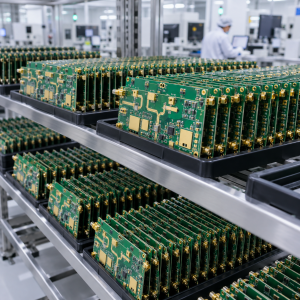
That is why an experienced PCB and PCBA manufacturer should review the design before production. DFM checks, component verification, solder joint inspection, and functional testing can reduce many hidden risks before the boards are shipped.

What Should a Start Stop Circuit Diagram Include?

A good start stop circuit diagram should be easy to read, safe to wire, and clear enough for troubleshooting. It should not only show buttons and coils. It should show the real control logic and protection path.

A proper start stop circuit schematic or drawing should include:

Diagram ItemWhy It Matters
Power sourceShows control voltage, such as 24VDC, 110VAC, or 220VAC
Stop button contact typeConfirms NC safety logic
Start button contact typeConfirms NO start logic
Relay or contactor coil ratingPrevents wrong voltage selection
Auxiliary holding contactShows latching path
Overload relay contactShows motor protection path
Emergency stopShows safety stop function
Terminal numbersHelps assembly and field wiring
Wire labelsSupports maintenance and troubleshooting
Indicator lampsShows run, stop, or fault status
Grounding and isolation notesImproves safety and EMC performance

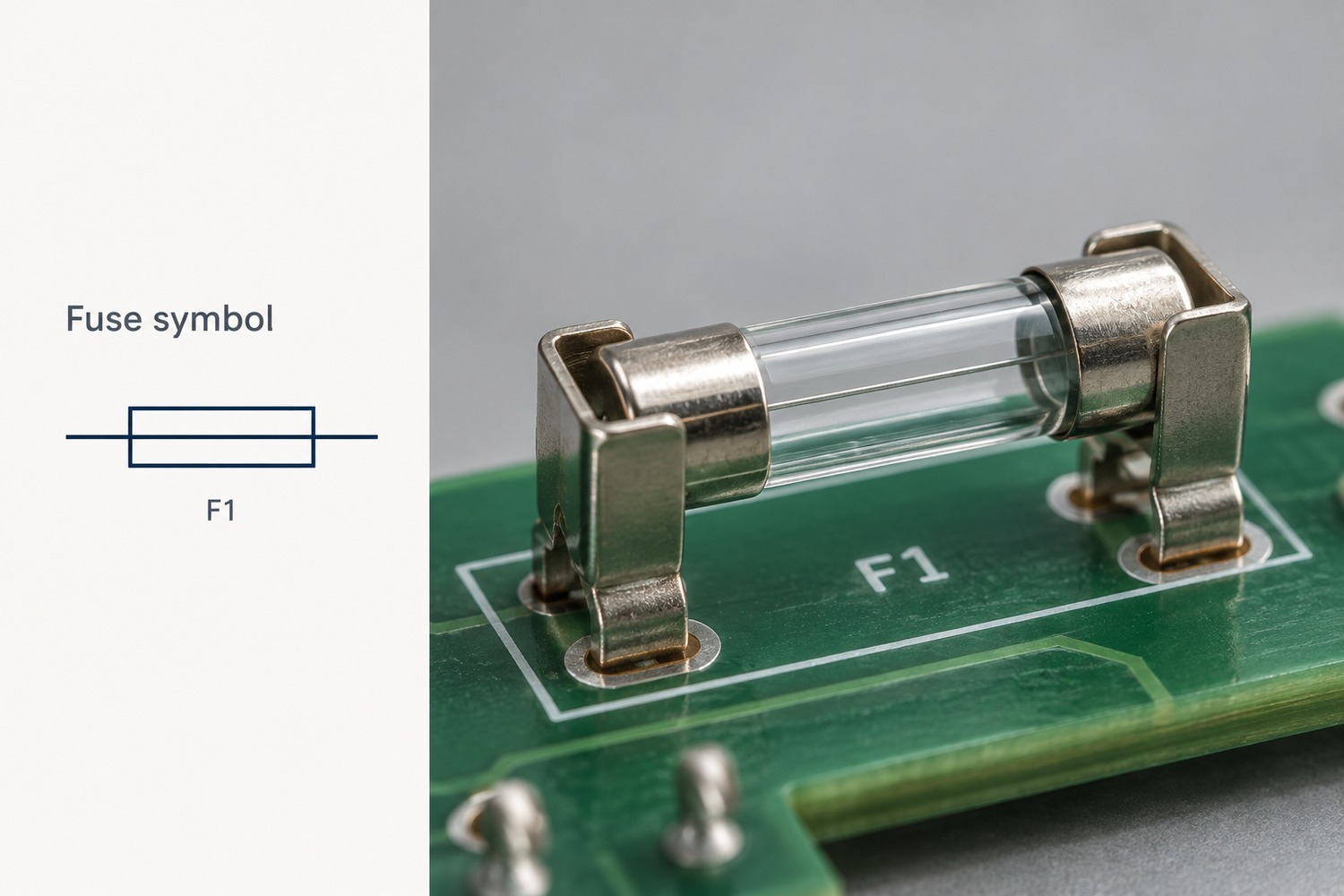
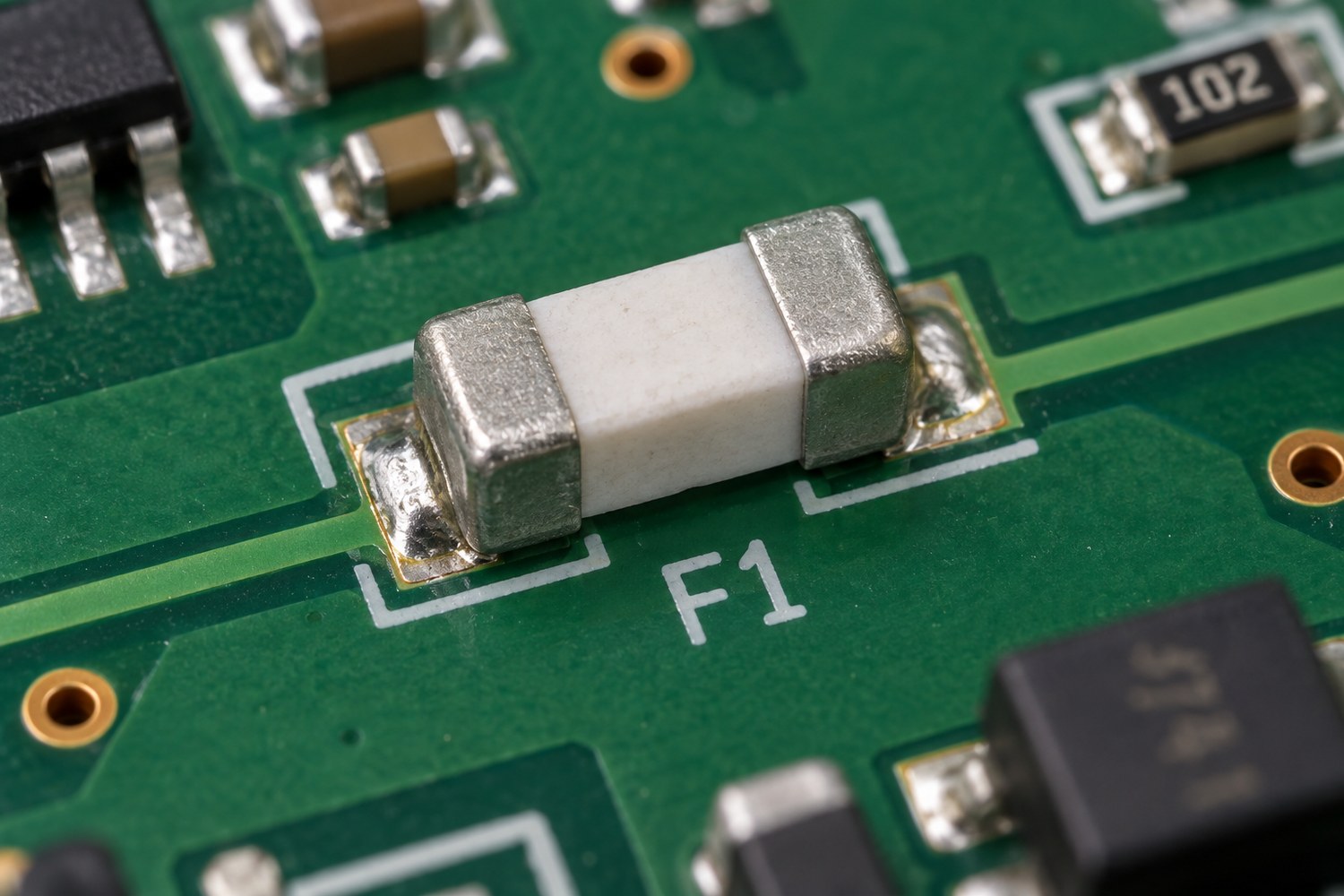
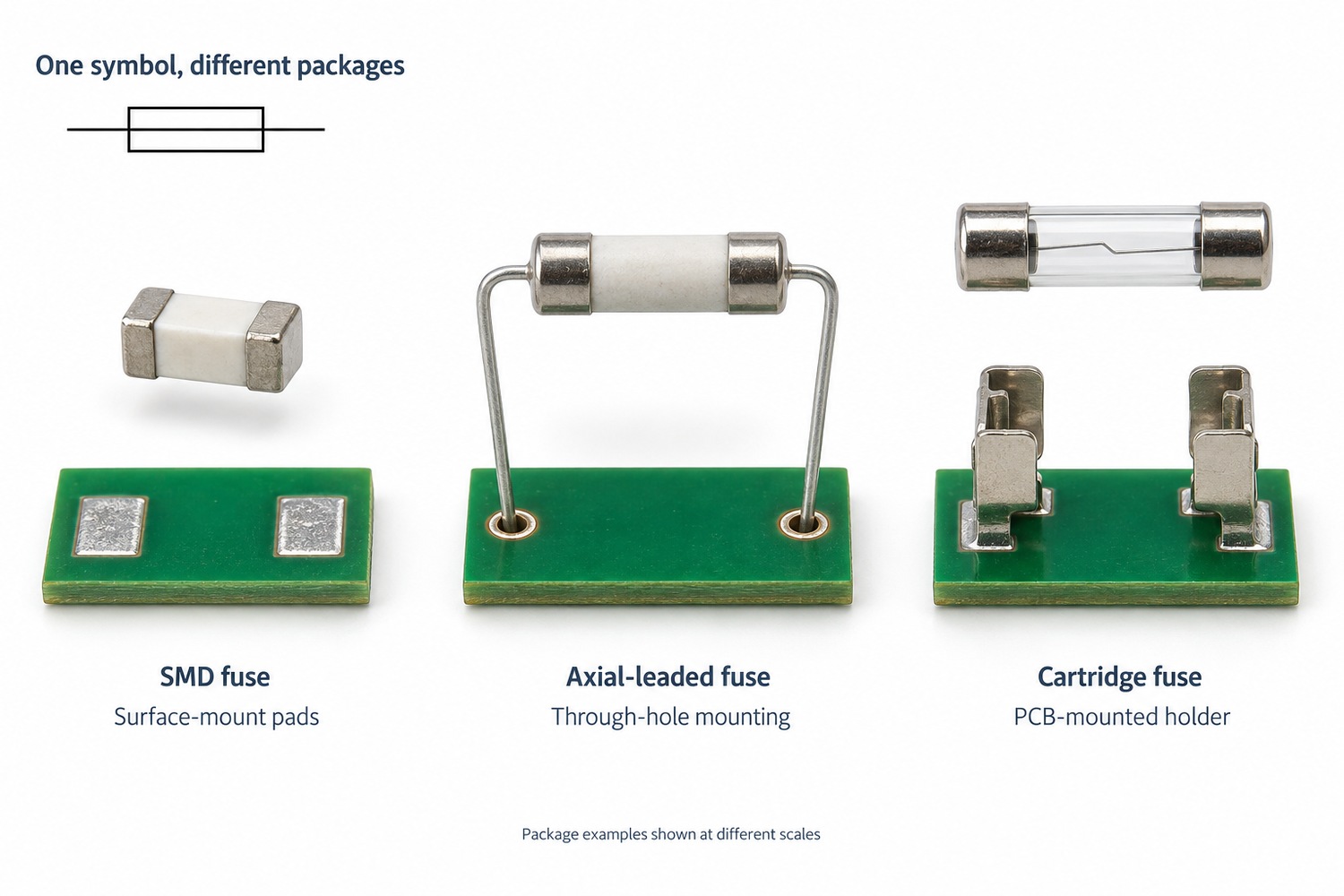
For PCB production, the schematic should also match the PCB layout and BOM. If a circuit uses relays, terminal blocks, optocouplers, fuses, MOVs, TVS diodes, or current sensors, these parts must be clearly specified.

One common problem in control PCB projects is that the schematic looks correct, but the layout is not robust enough. For example:

  • Relay contact spacing is too small.
  • High-voltage and low-voltage areas are too close.
  • Copper width is not enough for load current.
  • Terminal blocks are too close to tall components.
  • Silkscreen labels are unclear.
  • Surge protection is missing near field wiring.
  • Screw terminal solder pads do not have enough mechanical strength.

A professional PCBA manufacturer can help check these points before mass production. This is especially useful for industrial control boards, motor control boards, power control modules, and equipment interface boards.

How Does PCB Design Affect Start Stop Circuit Safety and Reliability?

PCB design has a strong influence on the safety and reliability of a start stop control board. Even when the circuit logic is correct, weak PCB design can cause heating, arcing, noise problems, relay failure, or unstable operation.

Copper thickness and trace width

If the PCB carries relay contact current or load current, the copper width must match the actual current. Higher current may require wider traces, heavier copper, or reinforced copper areas. For motor-related control boards, inrush current and switching current should also be considered.

Creepage and clearance distance

Start stop circuits may involve different voltage areas. For example, a board may have 24VDC logic and 220VAC relay output on the same PCB. The spacing between these areas must follow safety requirements. Slots, isolation gaps, and clear silkscreen marking can improve safety.

Relay and contactor interface design

Relay coils can create voltage spikes when switched off. A good PCB design may use flyback diodes, RC snubbers, MOVs, or TVS protection depending on whether the coil is DC or AC. This protects the control circuit and improves switching life.

Input signal stability

Start and Stop buttons may connect through long wires. Long wires can pick up electrical noise in industrial environments. Input filtering, pull-up or pull-down resistors, optocoupler isolation, and debounce design help the board read signals correctly.

Thermal management

Relays, power resistors, regulators, and protection devices generate heat. Component placement should allow heat to spread. In higher-power applications, copper pours, thermal vias, and proper enclosure airflow are useful.

Mechanical strength

Industrial control boards often use screw terminals, large relays, connectors, and manual wiring. These components receive mechanical stress during installation. Larger pads, through-hole plating quality, and proper soldering processes are important.

Manufacturing test points

A well-designed PCBA should include test points for power input, ground, relay coil signal, MCU reset, button input, and output status. This makes ICT, flying probe testing, and functional testing more efficient.

From a manufacturing viewpoint, the best design is not only electrically correct. It is also easy to assemble, inspect, test, and maintain.

What Testing Is Needed for Start Stop Circuit PCBA?

Testing is essential for start stop circuit boards because they are often used in equipment where stable operation matters. A small fault can stop a machine, damage a motor, or create downtime for the user.

For PCB and PCBA production, testing may include several stages.

Bare PCB inspection

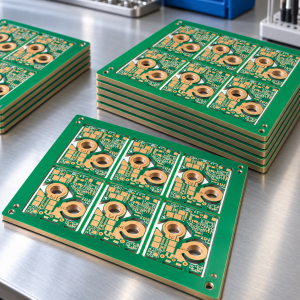
Before assembly, the bare PCB should be checked for open circuits, short circuits, hole quality, solder mask quality, copper thickness, and surface finish. For control boards with high-voltage areas, spacing and routing should also be inspected.

SMT and DIP assembly inspection

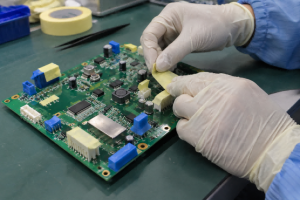
After assembly, AOI can check component placement, polarity, solder bridges, missing parts, and wrong orientation. For through-hole relays and terminal blocks, visual inspection and solder joint inspection are also important.

Relay output testing

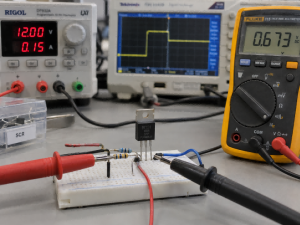
If the board includes relay outputs, each relay should be switched during testing. The test should confirm coil operation, contact continuity, LED indication, and output terminal behavior.

Button input testing

Start, Stop, Reset, Emergency Stop, limit switch, and sensor inputs should be tested under real signal conditions. For boards with optocoupler inputs, the input voltage range should be confirmed.

Functional testing

Functional testing checks whether the board behaves as expected. For example:

  • Apply control power.
  • Confirm the board remains in Stop state.
  • Trigger the Start input.
  • Confirm relay output turns on.
  • Release Start.
  • Confirm latch or run state remains active.
  • Trigger Stop input.
  • Confirm relay output turns off.
  • Simulate overload or fault input.
  • Confirm safe shutdown behavior.

Burn-in or aging test

Some industrial control boards benefit from burn-in testing. The board runs for a defined time under voltage and load conditions. This helps reveal early component or soldering problems.

Traceability check

For industrial, medical, automotive, and high-reliability projects, material traceability matters. Batch records, component sources, inspection data, and testing records help customers manage quality over the product lifecycle.

At EBest Circuit (Best Technology), we can support PCB fabrication, component sourcing, SMT assembly, DIP assembly, relay soldering, functional testing, and box-build related support for control board projects.

How to Choose a Reliable PCB and PCBA Manufacturer for Start Stop Circuits?

Choosing the right PCB and PCBA manufacturer is important when your start stop circuit is used in industrial control, motor control, automation equipment, or power switching products. These boards need more than basic assembly. They need engineering review and process control.

A reliable manufacturer should understand both PCB production and circuit application requirements.

Here are several points to check:

Selection PointWhy It Helps
PCB fabrication capabilitySupports proper copper thickness, spacing, drilling, and surface finish
PCBA assembly experienceHandles SMT, DIP, relays, connectors, and terminal blocks
Engineering DFM reviewFinds layout, soldering, spacing, and manufacturability issues early
Component sourcing supportReduces counterfeit risk and improves BOM stability
Functional testing abilityConfirms the circuit works before shipment
Traceability systemSupports batch control and quality records
Industrial control experienceHelps with relay boards, motor control boards, and equipment PCBA
Flexible productionSupports prototypes, small batches, and mass production

For start stop circuit boards, it is helpful to work with a manufacturer that can review practical details, such as:

  • Are the relay contacts rated correctly?
  • Is the control input protected from noise?
  • Is the spacing enough for the voltage?
  • Are terminal blocks easy to wire?
  • Can the board pass functional testing?
  • Are high-current traces wide enough?
  • Are through-hole components soldered reliably?
  • Can replacement components be sourced safely?

EBest Circuit (Best Technology) provides one-stop PCB and PCBA manufacturing services for industrial control boards, power control boards, relay boards, motor control PCBs, automation equipment boards, and custom electronic assemblies. Our team can support PCB fabrication, component sourcing, assembly, inspection, and testing, helping customers move from prototype to stable production with better confidence.

If your project includes a start stop circuit, motor control board, relay control module, or industrial PCBA, you can send your schematic, Gerber files, BOM, and testing requirements for engineering review. If any questions, pls feel free to contact us via sales@bestpcbs.com.

To sum up, a start stop circuit is one of the most widely used control circuits in electrical and industrial systems. It allows operators to start equipment, keep it running through a holding contact, and stop it safely when needed. Although the working principle is simple, the real design requires careful attention to wiring logic, contact ratings, overload protection, PCB layout, isolation spacing, and functional testing.

For PCB and PCBA projects, start stop circuits often appear in motor control boards, relay modules, automation controllers, power control boards, and industrial equipment interfaces. A reliable board should be easy to wire, stable in noisy environments, safe under voltage stress, and tested before delivery.

Working with an experienced PCB and PCBA manufacturer helps reduce design risk and improve production quality. From DFM review to component sourcing, assembly, inspection, and functional testing, every step contributes to a more dependable control board.

FAQs About Start Stop Circuit

What is a start stop circuit used for?
A start stop circuit is used to control equipment startup and shutdown. It is common in motors, pumps, fans, conveyors, machine tools, and industrial automation systems.

What is a 3 wire start stop circuit?
A 3 wire start stop circuit uses a Stop button, Start button, and auxiliary holding contact. It allows the machine to keep running after the Start button is released.

Why is the Stop button normally closed?
The Stop button is normally closed for safety. If the wire breaks or the button fails open, the control circuit opens and the machine stops.

What is the difference between a start stop circuit and a latching circuit?
A latching circuit keeps its output active after a temporary input signal. A start stop circuit often uses latching logic to keep a motor or relay running after the Start button is released.

Can a start stop circuit be built on a PCB?
Yes. A start stop function can be built on a PCB using relays, transistors, MOSFETs, optocouplers, MCU logic, or PLC interface circuits.

What should be checked before producing a start stop circuit PCBA?
The manufacturer should check schematic logic, PCB spacing, copper width, relay rating, terminal layout, component availability, soldering process, and functional test requirements.

What is a motor start stop circuit?
A motor start stop circuit controls a motor contactor. The control circuit energizes or de-energizes the contactor coil, and the contactor switches motor power.

Why does PCB quality matter in start stop circuits?
PCB quality affects electrical safety, solder joint strength, relay performance, signal stability, and long-term reliability in industrial environments.

You may also like

Why Choose ENEPIG PCB Finish for High-Reliability Circuit Boards?

April 28th, 2026

ENEPIG PCB Finish​ stands for Electroless Nickel Electroless Palladium Immersion Gold. It is a sophisticated, lead-free surface finishing process for printed circuit boards (PCBs) that provides exceptional reliability for demanding applications. This article will explore the key advantages of ENEPIG, compare it with other finishes like ENIG, and outline why it is the superior choice for high-reliability electronics.

Are you struggling to find a surface finish that balances superior solderability, long-term shelf life, and robust performance under stress, all without breaking the bank?

  • Poor Wire Bonding Performance:​ Traditional finishes like ENIG can suffer from “black pad” nickel corrosion, leading to weak and unreliable gold or aluminum wire bonds, a critical failure point in advanced packaging.
  • Limited Multiple Reflow Capability:​ Many finishes degrade after 2-3 solder reflow cycles, causing solder joint defects and limiting design flexibility for complex, double-sided assemblies.
  • Short Shelf Life and Rapid Oxidation:​ Finishes like Immersion Silver or OSP quickly oxidize, leading to poor wetting and solderability defects if boards are not assembled within a short timeframe.
  • Inconsistent Contact Reliability for Connectors:​ Repeated mating and unmating of connectors can wear through thin gold layers, exposing underlying nickel that corrodes and increases contact resistance.
  • High Cost of Pure Gold Finishes:​ While thick hard gold offers excellent durability, its high material cost makes it prohibitively expensive for most commercial and industrial applications.

The solution to these persistent challenges lies in adopting the advanced ENEPIG surface finish. This technology directly addresses each pain point with a robust, multi-layer metallic structure.

  • Superior Wire Bonding Integrity:​ The thin, uniform palladium layer in ENEPIG acts as a barrier, preventing nickel corrosion (“black pad”) and ensuring strong, reliable gold and aluminum wire bonds for IC packaging.
  • Excellent Multiple Reflow Performance:​ The robust nickel-phosphorus and palladium layers withstand multiple solder reflow cycles (typically 5+), enabling complex, high-density assemblies without solderability loss.
  • Extended Shelf Life:​ The final immersion gold layer provides excellent oxidation resistance, offering a typical shelf life of 12 months or more, which is perfect for pcb surface finish enepig needs in projects with long lead times.
  • Enhanced Wear Resistance for Connectors:​ The combination of a hard nickel layer and a ductile palladium layer creates a durable surface that resists wear from connector cycles, maintaining stable contact resistance.
  • Cost-Effective Alternative to Hard Gold:​ ENEPIG provides performance comparable to thick hard gold in many applications but at a significantly lower cost, as it uses only a thin layer of immersion gold.

At EBest Circuit (Best Technology), we are a specialized PCB and PCBA manufacturer with deep expertise in advanced surface finishes. Our state-of-the-art production lines and stringent quality control processes ensure that every ENEPIG PCB finish​ we deliver meets the highest standards of consistency and reliability. We partner with our clients to navigate technical challenges and deliver optimized solutions. For a consultation on your next project, pls feel free to contact us at sales@bestpcbs.com.

ENEPIG PCB Finish

What Is ENEPIG PCB Finish?

ENEPIG (Electroless Nickel Electroless Palladium Immersion Gold) is a multi-layer, metallic surface finish applied to the exposed copper circuitry of a PCB. It is renowned for its versatility and high reliability. Unlike single-layer finishes, ENEPIG builds a robust, composite barrier that protects the underlying copper and provides multiple functional benefits, making it ideal for demanding, high-value electronics.

The finish is constructed through a sequential chemical plating process:

  • Electroless Nickel (EN):​ A nickel-phosphorus (Ni-P) alloy layer, typically 3-6 µm thick, is deposited on the copper. This layer acts as the primary diffusion barrier and provides a flat, hard surface.
  • Electroless Palladium (EP):​ A thin palladium layer (0.05-0.2 µm) is plated over the nickel. This is the key differentiator. Palladium prevents the corrosion of the nickel layer (solving the “black pad” issue) and enhances wire bondability.
  • Immersion Gold (IG):​ A very thin, pure gold layer (0.03-0.1 µm) is deposited over the palladium. Its primary function is to prevent oxidation of the palladium, ensuring excellent solderability and wire bondability over a long shelf life.

The synergy of these three layers creates a finish that is greater than the sum of its parts, offering a unique combination of solderability, bondability, and durability.

What Are the Main Advantages of ENEPIG PCB Finish?

ENEPIG PCB finish offers a compelling set of advantages that address the limitations of other common surface treatments, making it a top-tier choice for high-reliability applications. Its benefits stem from the intelligent design of its three-layer structure.

  • Exceptional Solder Joint Reliability:​ The nickel layer provides a strong, intermetallic compound (IMC) formation with solder, while the palladium and gold layers ensure excellent wetting. This results in strong, void-free solder joints that withstand thermal cycling and mechanical stress.
  • Superior Wire Bonding Capability:​ It is excellent for both gold and aluminum wire bonding. The palladium layer eliminates the risk of “black pad” syndrome associated with ENIG, ensuring high bond strength and low electrical resistance for chip-on-board (COB) and advanced packaging.
  • Excellent Multiple Reflow Performance:​ The finish maintains its solderability through multiple reflow cycles (often 5 or more), which is critical for complex double-sided SMT assemblies, rework, and prototyping.
  • Long Shelf Life:​ The inert gold surface provides superior anti-oxidation properties. ENEPIG-finished boards typically have a shelf life of 12 months under standard storage conditions, compared to 3-6 months for ENIG or just weeks for OSP/Immersion Silver.
  • Good Electrical Performance:​ The finish provides a flat, smooth surface, which is beneficial for high-frequency signal integrity. It offers stable contact resistance, making it suitable for pcb surface finish enepig​ applications involving connectors and switches.
  • Lead-Free and RoHS/REACH Compliant:​ The process is entirely lead-free and uses no hazardous substances restricted by major environmental regulations, ensuring global compliance.

ENEPIG vs. ENIG: What Is the Difference?

While both ENEPIG and ENIG (Electroless Nickel Immersion Gold) are widely used, the presence of the palladium layer in ENEPIG creates significant performance differences. Understanding these distinctions is crucial for selecting the right finish for your application.

The table below provides a direct comparison:

FeatureENIG (Ni/Au)ENEPIG (Ni/Pd/Au)Advantage
Layer StructureNickel + Immersion GoldNickel + Palladium + Immersion GoldENEPIG has an extra Pd barrier layer.
Wire BondingProne to “Black Pad”, weaker bonds.Excellent for both Au & Al wire bonding.ENEPIG​ is far superior for packaging.
Multiple ReflowGood for 2-3 cycles.Excellent for 5+ cycles.ENEPIG​ offers better durability.
Shelf LifeGood (~6-12 months).Very Good (12+ months).ENEPIG​ has a slight edge.
CostLower.Moderately higher.ENIG​ is more cost-effective for standard needs.
Best ForStandard SMT, moderate reliability.High-reliability, packaging, connectors.Depends on application requirements.

In summary, ENIG is a robust, cost-effective general-purpose finish. ENEPIG is the premium upgrade, specifically excelling in applications requiring superior wire bonding integrity, extended thermal cycle resistance, and maximum long-term reliability. The choice often comes down to whether the critical need for bonding or extreme reflow justifies the additional cost of the palladium layer.

What Applications Commonly Use ENEPIG PCB Finish?

ENEPIG PCB finish​ is the go-to solution for applications where failure is not an option. Its balanced portfolio of properties makes it indispensable in several high-tech and demanding sectors.

  • Advanced IC Packaging & Semiconductor Testing:​ This is the primary application. ENEPIG is essential for chip-on-board (COB), flip-chip, and BGA substrates where reliable gold or aluminum wire bonding is critical. Its resistance to “black pad” is paramount here.
  • Aerospace, Defense, and Medical Electronics:​ These fields demand extreme reliability over long product lifecycles and under harsh conditions (vibration, thermal cycling). ENEPIG’s robust solder joints and long shelf life are vital.
  • Automotive Electronics (especially ADAS and powertrain):​ Under-hood modules and advanced driver-assistance systems require finishes that can withstand high temperatures, humidity, and constant vibration. ENEPIG’s multiple reflow capability supports complex designs.
  • High-Frequency/RF Components:​ The smooth, flat surface of ENEPIG is beneficial for controlled impedance and low signal loss at high frequencies, making it suitable for RF PCBs, though other finishes like Immersion Silver may be preferred for ultimate performance.
  • Connectors and Interposers:​ Applications involving frequent mating/unmating (e.g., board-to-board connectors, test sockets) benefit from ENEPIG’s wear resistance and reliable contact surface.

Is ENEPIG PCB Finish Suitable for High-Frequency and High-Speed PCBs?

Yes, ENEPIG PCB finish​ is a suitable and often excellent choice for many high-frequency and high-speed PCB applications, though with some important considerations compared to specialized finishes.

  • Advantages for HF/HS Designs:
    • Surface Smoothness:​ The electroless nickel layer provides a very flat and smooth surface, which minimizes signal scattering and skin effect losses at high frequencies, leading to better signal integrity.
    • Good Consistency:​ The auto-catalytic process ensures uniform thickness across the board, which is critical for maintaining consistent impedance control.
    • Reliable Solder Joints:​ For the components attached to these sensitive boards, ENEPIG ensures strong, reliable interconnections that won’t become points of failure.
  • Considerations and Limitations:
    • Nickel Layer Skin Effect:​ At very high frequencies (e.g., > 10 GHz), the nickel layer can become a concern. Nickel has higher resistivity and magnetic permeability compared to copper or silver. The signal, traveling on the skin of the conductor, encounters this nickel layer, which can introduce slightly higher insertion loss compared to a pure silver or copper finish.
    • Comparison to ENIG:​ For HF applications, ENEPIG is generally similar to or slightly better than ENIG, as the thin palladium layer does not significantly worsen the high-frequency performance.
    • Best Alternatives for Extreme HF:​ For millimeter-wave applications (e.g., 5G, radar) where minimal loss is absolutely critical, finishes like Immersion Silver (IAg) or Electroless Silver (EPAg) are often preferred due to silver’s superior conductivity. However, they trade off shelf life and wire bondability.

Conclusion for HF Use:​ ENEPIG is a high-reliability, all-rounder finish​ that performs very well for high-speed digital and most RF applications up to several GHz. It is chosen when the design also requires wire bonding, long shelf life, or extreme solder joint reliability. For loss-sensitive, ultra-high-frequency designs where bonding is not needed, a silver-based finish may be optimal.

How Long Is the Shelf Life of ENEPIG PCB Finish?

The shelf life of ENEPIG PCB finish is typically 12 months or more​ when stored under proper conditions, which is one of its key strengths. This extended shelf life is a direct result of its structure: the thin immersion gold layer on top perfectly seals the surface, preventing the oxidation of the underlying palladium and nickel layers.

  • Standard Storage Conditions:​ To achieve this 12-month shelf life, boards should be stored in a temperature and humidity-controlled environment (e.g., < 30°C, < 70% relative humidity). They should be kept in sealed, moisture-barrier bags with desiccant.
  • Comparison with Other Finishes:
    • OSP & Immersion Silver:​ 3-6 months (prone to oxidation).
    • HASL:​ 6-12 months (but with planarity issues).
    • ENIG:​ 6-12 months.
    • ENEPIG:12+ months.
  • Key Factor for Longevity:​ The quality and integrity of the final gold layer are crucial. A continuous, pore-free gold layer is essential for maximum oxidation resistance. Reputable suppliers like EBest Circuit employ strict process controls to ensure this quality.

This long shelf life provides tremendous logistical flexibility for manufacturers, allowing for longer inventory holding, global shipping, and assembly scheduling without the urgency imposed by more reactive finishes.

What Quality Control Tests Are Needed for ENEPIG Surface Finish?

Implementing rigorous Quality Control (QC) is non-negotiable for ENEPIG surface finish​ due to its complex multi-layer structure. Key tests focus on verifying the thickness, composition, and functionality of each layer.

A comprehensive QC regimen includes:

  • X-Ray Fluorescence (XRF):​ This is the primary non-destructive test. It measures the thickness of each metal layer​ (Ni, Pd, Au) accurately and ensures they are within the specified range (e.g., Ni: 3-6 µm, Pd: 0.05-0.2 µm, Au: 0.03-0.1 µm).
  • Solderability Test (e.g., Wetting Balance Test):​ Quantitatively measures the solder wetting force and speed, verifying the finish’s performance for the actual assembly process, even after accelerated aging.
  • Wire Bondability Test:​ For applications requiring it, destructive pull and shear tests are performed on bonded wires (both gold and aluminum) to validate bond strength and ensure the absence of “black pad” defects.
  • Cross-Sectional Analysis:​ A destructive test where a sample is potted, polished, and examined under a microscope. It checks for layer uniformity, adhesion, and the absence of voids or corrosion at the interfaces.
  • Visual Inspection & Adhesion Test:​ Automated Optical Inspection (AOI) checks for discoloration, blotches, or skipping. A simple tape test can verify the adhesion of the finish to the underlying copper.
  • PCT/HAST Testing:​ Pressure Cooker Test or Highly Accelerated Stress Test subjects boards to high temperature and humidity to simulate long-term aging and verify the finish’s resistance to corrosion and oxidation.

How to Evaluate a PCB Supplier’s ENEPIG Surface Finish Capability?

Choosing the right supplier for your ENEPIG PCB finish​ is as important as specifying the finish itself. Here is a framework for evaluation:

  • Process Control & Certification:​ Inquire about their process control charts, chemical bath maintenance schedules, and industry certifications (e.g., IATF 16949 for automotive, ISO 13485 for medical). A disciplined process is the foundation of consistency.
  • Quality Control Data & Reports:​ Request sample QC reports. A reputable supplier should readily provide XRF thickness data, solderability test results, and even cross-sectional micrographs as evidence of their capability and consistency.
  • Technical Support & DFM Feedback:​ Assess their engineering team’s expertise. Can they provide Design for Manufacturability (DFM) feedback specific to ENEPIG, such as optimal pad design for wire bonding or solder mask dam requirements?
  • Sample Evaluation:​ Before placing a production order, always request physical samples. Perform your own solderability tests, and if applicable, wire bonding trials. Examine the surface finish for uniformity and color consistency.
  • Application Experience:​ Ask for case studies or references for projects similar to yours, especially in your target industry (e.g., medical, automotive). Proven experience in high-reliability sectors is a strong positive indicator.
  • Supply Chain Transparency:​ Understand the source of their chemicals and palladium. Suppliers partnering with reputable chemical vendors typically achieve more stable and higher-quality results.

In closing, ENEPIG PCB Finish​ represents the pinnacle of versatility and reliability in PCB surface finishes. This article has detailed its structure, advantages over alternatives like ENIG, and its critical role in high-reliability sectors from aerospace to advanced packaging. By understanding its long shelf life, rigorous QC needs, and supplier evaluation criteria, you can confidently specify pcb surface finish enepig​ for your most demanding projects.

At EBest Circuit (Best Technology), we specialize in manufacturing high-reliability PCBs with advanced finishes like ENEPIG. Our commitment to stringent process control, comprehensive testing, and expert technical support ensures your boards perform as designed, batch after batch. Pls feel free to contact our engineering team anytime at sales@bestpcbs.com​ for a consultation.

You may also like

What is IPC-J-STD-001? IPC-J-STD-001 vs IPC-A-610

April 28th, 2026

If you work with soldered electrical and electronic assemblies, you’ve likely heard of IPC-J-STD-001, but do you truly understand what it entails, why it matters, and how it differs from other key standards like IPC-A-610? This guide breaks down everything you need to know about IPC-J-STD-001, from its definition and latest version to its requirements, certification process, and common FAQs. Whether you’re looking to ensure compliance, prepare for certification, or resolve common pain points with soldering standards, this resource delivers clear, actionable information designed to simplify complex technical concepts.

IPC-J-STD-001, https://www.bestpcbs.com/blog/2026/04/ipc-j-std-001/

What Is IPC-J-STD-001?

IPC-J-STD-001 is the global industry standard for soldered electrical and electronic assemblies, developed and maintained by the IPC formerly known as the Institute of Printed Circuits. It establishes uniform requirements for soldering processes, materials, and acceptable practices across all electronic manufacturing sectors, from consumer electronics to aerospace and medical devices.

The standard is widely recognized as the benchmark for ensuring soldering quality, reliability, and consistency, helping manufacturers avoid defects such as cold joints, bridging, and insufficient solder coverage that can lead to product failure.

Unlike standards that focus on inspection alone, IPC-J-STD-001 emphasizes process control and preventive measures. It provides detailed guidelines for every stage of the soldering process, including material selection, equipment setup, temperature profiles, and operator training.

By following IPC-J-STD-001, manufacturers can reduce rework costs, improve product durability, and ensure compatibility with global market requirements. The standard is regularly updated to keep pace with technological advancements, such as the shift to lead free soldering and the miniaturization of electronic components.

What Does IPC J-STD-001 Stand For?

IPC J-STD-001 is an acronym that breaks down into clear, industry-specific terms, each with a distinct purpose in the electronic manufacturing landscape.

  • IPC: Stands for the IPC, the global association that develops standards for the electronic interconnection industry.
  • J-STD: Refers to a joint standard, meaning it is collaboratively developed by industry experts, manufacturers, and stakeholders to ensure broad applicability and consensus.
  • 001: Designates it as the first standard in the J-STD series, which focuses specifically on soldering requirements.

Together, IPC J-STD-001 translates to the IPC Joint Standard 001, the foundational document for soldered electrical and electronic assemblies. This naming convention aligns with other IPC standards, creating a consistent framework for electronic manufacturing professionals to reference and follow.

What Is The Latest Version of IPC J-STD-001?

The latest version of IPC J-STD-001 is Revision H, commonly referred to as IPC-J-STD-001H. Released to address emerging technologies and industry needs, this version incorporates several key updates from previous revisions, including the integration of IPC-J-STD-001G-AM1 into the main document.

Revision H was developed with input from representatives from 27 countries, expanding its global relevance and ensuring it reflects current manufacturing practices.

Key Updates in IPC-J-STD-001H

  • A new chapter on cleaning and residue requirements, replacing outdated guidance on solvent extractor resistivity testing.
  • An appendix on using X ray for welding connection acceptance, addressing the need for non-destructive inspection of complex assemblies.
  • Removal of references to international space station symbols to avoid confusion in general manufacturing applications.
  • New standards for coil wound terminals, aligning with advancements in component design.
  • A new automotive application appendix, providing tailored guidance for the automotive electronics sector’s unique reliability requirements.

Staying current with the latest version is critical for compliance, as older revisions may not address modern technologies like miniaturized components or lead free soldering processes. Manufacturers and professionals should always reference IPC-J-STD-001H to ensure their processes meet current industry standards.

IPC-J-STD-001, https://www.bestpcbs.com/blog/2026/04/ipc-j-std-001/

What Are The IPC J-STD-001 Requirements For Soldered Electrical And Electronic Assemblies?

IPC J-STD-001 outlines comprehensive requirements for soldered assemblies, covering three main areas. These requirements are structured to ensure consistency, reliability, and performance across all soldered connections, regardless of the application or component type.

1. Material Requirements

The standard specifies strict criteria for all materials used in soldering, with clear guidelines for each material type:

  • Solder Alloys: Must meet specific chemical composition and mechanical property requirements, with separate guidelines for lead containing and lead free options.
  • Flux: Classified by activity level and halide content, with recommendations tailored to different soldering processes.
  • Cleaning Agents: Must be compatible with assembly materials and effective at removing flux residues without damaging components.

IPC-J-STD-001H updates the cleaning requirements to align with modern environmental regulations, restricting harmful substances and providing clear guidelines for residue limits.

2. Process Requirements

Process requirements cover every step of the soldering process, from pre-solder preparation to post-solder inspection. Key process guidelines include:

  • Pre-solder Preparation: Components and PCBs must be cleaned and dried to remove contaminants that could affect solder adhesion. Oxidation on component leads and PCB pads must be removed using appropriate methods.
  • Temperature Profiles: Soldering temperatures must be carefully controlled based on the solder alloy and component type. For example, lead containing solder typically requires a temperature range of 350-400°C for hand soldering, while lead free solder requires higher temperatures (380-420°C).
  • Soldering Methods: The standard provides guidelines for hand soldering, wave soldering, and reflow soldering. For wave soldering, contact time with the solder wave must be 3-5 seconds, and wave height should be 1.0-1.5mm to prevent bridging.
  • Post-solder Cleaning: Residue removal is required unless the flux is designated as no-clean and meets residue limits specified in the standard. Ion contamination testing must be performed to ensure residue levels are below 6.45μg/cm² (per IPC-TM-650 2.3.26).

3. Quality Requirements

Quality requirements focus on acceptable solder joint characteristics, with clear criteria for compliance:

  • Wetting Angle: Solder joints must have a wetting angle between 15° and 45°.
  • Solder Fillet Shape: Solder fillets must fully cover the component lead and PCB pad.
  • Defect Prevention: Defects such as cold joints, voids, bridging, and insufficient solder are not permitted, with stricter requirements for high reliability applications (Class 3).

What Is The Minimum Electrical Clearance For IPC J-STD-001?

IPC J-STD-001 does not specify a single minimum electrical clearance value. Clearance requirements vary based on the application voltage, component type, and environmental conditions. Instead, the standard references other IPC standards, such as IPC-2221, which provides detailed electrical clearance guidelines based on voltage levels and insulation type.

Common Minimum Electrical Clearance Values

  • For most consumer and industrial applications operating at 50-250V:1.7mm for circuits before the fuse and 1.0mm after the fuse (air gap between conductors).
  • For higher voltage applications (250-500V): 3.0mm before the fuse and 2.0mm after the fuse.

These values prevent electrical arcing and ensure safe operation. Note that electrical clearance (air gap) differs from creepage (surface path along insulation) — both must be considered for IPC J-STD-001 compliance, with additional clearance needed for high-reliability applications like aerospace and medical devices.

What Is The Difference Between J-STD-001 and IPC-A-610?

J-STD-001 and IPC-A-610 are complementary standards but address distinct stages of the electronic manufacturing process. The key differences are clearly outlined in the table below:

CriteriaJ-STD-001IPC-A-610
Core FocusGoverns the soldering process and materials, outlining how to perform soldering correctly.Defines the acceptability of the finished electronic assembly, focusing on inspection criteria.
PurposePrevent defects by establishing consistent, repeatable soldering processes.Verify that the finished assembly meets acceptable quality levels.
Application StageUsed during the manufacturing phase to guide soldering steps.Used during the inspection phase to evaluate finished assemblies.
Key GuidelinesMaterial selection, equipment setup, temperature control, operator training.Visual criteria for solder joints, component placement, and overall assembly quality.
ClassificationsNo specific classes; requirements align with application reliability needs.Three classes (1: consumer, 2: industrial, 3: high reliability) for acceptability.

Recent updates to both standards (IPC-J-STD-001H and IPC-A-610H) have aligned their requirements, with both adding new guidelines for coil wound terminals and removing outdated content. This alignment makes it easier for manufacturers to comply with both standards simultaneously.

Where Can I Get IPC J-STD-001 PDF?

The official IPC J-STD-001 PDF, including the latest Revision H, is available for purchase directly from the IPC website. The standard is not available for free download, as it is a copyrighted document developed through extensive industry collaboration and research.

Purchasing the official PDF ensures you have access to the most accurate, up-to-date content, including all updates and appendices.

Supplementary Resources

  • IPC-J-STD-001H Redline document: Highlights changes between Revision H and the previous version (Revision G), useful for understanding specific updates.
  • Authorized training providers: Some may include a digital copy of the standard as part of their training programs.

It is important to ensure any PDF obtained is an official, unaltered version to avoid relying on incorrect or outdated information. Unauthorized copies of the standard may contain errors or missing content, which can lead to non-compliance.

 IPC J-STD-001 PDF, https://www.bestpcbs.com/blog/2026/04/ipc-j-std-001/

How To Prepare For IPC J-STD-001?

Preparing for IPC J-STD-001 compliance or certification requires a structured approach that covers training, process review, and documentation. Follow these steps to ensure full preparation:

1. Review the Latest Standard: Obtain the official IPC-J-STD-001H document and review all chapters. Pay special attention to updates related to cleaning requirements, X ray inspection, and automotive applications. Focus on sections relevant to your specific manufacturing processes (e.g., wave soldering, reflow soldering).

2. Train Personnel: Ensure all personnel involved in soldering, setup, and inspection receive formal IPC training. Training programs should cover the requirements of IPC J-STD-001, proper soldering techniques, and defect identification. Many authorized training providers offer courses specifically focused on IPC J-STD-001 compliance.

3. Review and Update Processes: Evaluate your current soldering processes against IPC J-STD-001 requirements. Check temperature profiles, material selection, cleaning procedures, and equipment maintenance. Make adjustments as needed—for example, updating flux selection to meet new residue limits or adjusting wave soldering parameters to prevent bridging.

4. Implement Quality Control Measures: Establish regular testing and inspection procedures to ensure ongoing compliance. This includes ion contamination testing, solder joint inspection, and process validation. Maintain detailed records of all tests and adjustments.

5. Prepare Documentation: Document all processes, materials, and training records to demonstrate compliance. This includes solder alloy specifications, flux data sheets, temperature profiles, and operator training certificates. Proper documentation is critical for certification and audits.

    How Long Does It Take To Acquire IPC-J-STD-001?

    The time required to acquire IPC-J-STD-001 certification varies based on several factors, including the size of the organization, the current state of existing processes, and the type of certification sought.

    Individual Certification

    • Typically takes 2-3 days of training followed by an exam.
    • Most training programs are 2-3 days long, with the exam administered on the final day.

    Organizational Certification

    • Timeline is longer, typically 4-8 weeks.
    • Includes reviewing and updating processes, training personnel, conducting internal audits, and scheduling an external audit by an authorized IPC certification body.
    • The external audit itself usually takes 1-3 days, depending on the size of the facility and the scope of the certification.

    Organizations with existing soldering processes that are already close to IPC J-STD-001 requirements may be able to complete the certification process in 4 weeks or less. Those with outdated processes or limited training may need 8 weeks or more to make necessary adjustments and prepare for the audit.

    How Much Is IPC J-STD-001 Certification?

    The cost of J-STD-001 certification varies based on the type of certification (individual vs. organizational) and the certification body. Below are typical cost ranges:

    Individual Certification

    • Costs typically range from $500 to $1,500 per person.
    • Includes training materials, instruction, and the certification exam.
    • Group discounts may be available for organizations training multiple personnel.

    Organizational Certification

    • Costs are higher, ranging from $3,000 to $10,000 or more.
    • Includes application fees, audit fees, and any necessary process adjustments.
    • Audit fees are typically calculated based on the number of audit days required, with each day costing$1,000 to $3,000.

    Additional Costs

    • Purchasing the official IPC J-STD-001 document ($150-$300).
    • Training materials and equipment upgrades needed to meet the standard’s requirements.
    • Ongoing costs: Recertification (required every 2-3 years) and training updates for new employees.

    How To Get IPC J-STD-001 Certification?

    Obtaining IPC J-STD-001 certification involves a structured process that varies slightly for individuals and organizations. Follow the step-by-step guides below:

    Individual Certification

    1. Choose an authorized IPC training provider: Select a training provider certified by the IPC to offer IPC J-STD-001 training. Ensure the provider offers courses for the latest version (Revision H).

    2. Enroll in a training course: Complete a 2-3 day training course that covers all requirements of IPC J-STD-001. The course includes both classroom instruction and hands-on practice.

    3. Pass the certification exam: At the end of the course, take the IPC J-STD-001 exam. The exam consists of multiple choice questions and practical assessments of soldering skills. A passing score of 70% or higher is typically required.

    4. Receive certification: Upon passing the exam, you will receive an IPC J-STD-001 certification certificate, which is valid for 2-3 years. Recertification is required to maintain active status.

      Organizational Certification

      1. Prepare processes and documentation: Review and update all soldering processes to meet IPC J-STD-001H requirements. Prepare all necessary documentation, including process records, material specifications, and training records.

      2. Conduct an internal audit: Perform an internal audit to identify any gaps in compliance. Address any issues found before proceeding to the external audit.

      3. Select an authorized certification body: Choose an IPC authorized certification body to conduct the external audit. Ensure the body has experience with IPC J-STD-001 certification.

      4. Schedule and complete the external audit: The certification body will conduct an on-site audit to verify compliance with IPC J-STD-001. The audit includes a review of processes, documentation, and personnel training.

      5. Address non-conformities: If any non-conformities are identified during the audit, address them within the specified timeframe and provide evidence of correction.

      6. Receive certification: Upon successful completion of the audit, the organization will receive an IPC J-STD-001 certification certificate, valid for 3 years. Regular surveillance audits are required to maintain certification.

      IPC J-STD-001 Certification, https://www.bestpcbs.com/blog/2026/04/ipc-j-std-001/

        FAQs About IPC-J-STD-001

        Q1: Does IPC J-STD-001 require lead free soldering?

        A1: IPC J-STD-001 does not mandate lead free soldering, but it provides detailed guidelines for both lead containing and lead free solder alloys. Many industries, such as automotive and consumer electronics, require lead free soldering due to environmental regulations, and IPC J-STD-001H includes specific requirements for lead free processes, including higher soldering temperatures and different flux requirements.

        Q2: Is IPC J-STD-001 certification mandatory for electronic manufacturers?

        A2: IPC J-STD-001 certification is not universally mandatory, but it is often required by customers, especially in industries like aerospace, medical devices, and automotive. Compliance with IPC J-STD-001 is also necessary to meet global market requirements and ensure product reliability. Many manufacturers pursue certification voluntarily to demonstrate their commitment to quality.

        Q3: Can I use IPC J-STD-001 for both through hole and surface mount assemblies?

        A3: Yes, IPC J-STD-001 applies to both through hole and surface mount soldered assemblies. The standard provides specific guidelines for each type of assembly, including solder joint requirements, temperature profiles, and material selection. It also includes guidance for mixed technology assemblies that combine both through hole and surface mount components.

        Q4: How often is IPC J-STD-001 updated?

        A4: IPC J-STD-001 is updated periodically to keep pace with technological advancements and industry needs. The average update cycle is 5-7 years, with minor amendments (addenda) sometimes released between major revisions. The latest major revision, H, was released in 2020, following the previous revision G released in 2014.

        Q5: What is the difference between IPC J-STD-001 and IPC J-STD-003?

        A5: IPC J-STD-001 focuses on soldering processes and requirements for electrical and electronic assemblies, while IPC J-STD-003 focuses on PCB solderability testing methods. IPC J-STD-003 provides guidelines for testing the solderability of PCB pads and component leads, including methods like board edge dipping and wave soldering simulation. The two standards work together to ensure both the process (J-STD-001) and the materials (J-STD-003) meet industry standards.

        Q6: How does IPC J-STD-001 address component miniaturization?

        A6: IPC J-STD-001H includes updated guidelines to address component miniaturization, such as 01005 components (0.4×0.2mm). The standard provides specific solder joint requirements for small components, including proper solder fillet formation and wetting requirements. It also includes guidance for using X ray inspection to verify solder joints on miniaturized components that are not visible to the naked eye.

        Q7: What happens if my assembly fails to meet IPC J-STD-001 requirements?

        A7: If an assembly fails to meet IPC J-STD-001 requirements, it must be reworked or scrapped. Rework must be performed according to IPC J-STD-001 guidelines, with proper documentation of the rework process. Failure to address non-compliant assemblies can lead to product failure, customer complaints, and loss of certification. Regular process monitoring and inspection can help prevent non-compliance.

        You may also like

        What Are Copper Bus Bars in PCB and PCBA Applications?

        April 28th, 2026

        Copper bus bars are solid copper conductors used to carry and distribute high current with lower resistance, lower voltage drop, and better heat dissipation than many standard PCB copper traces. In PCB and PCBA applications, copper bus bars are often mounted onto exposed copper pads, soldered into power areas, mechanically fixed to the board, or integrated into a complete box build assembly.

        In simple words, a copper bus bar works like a high-current electrical highway. Instead of forcing strong current through long, wide PCB traces, engineers use a copper bar to create a shorter, stronger, and more efficient current path.

        At EBest Circuit (Best Technology), we support customers with PCB fabrication, component sourcing, PCBA assembly, copper bus bar integration, functional testing, and box build service. For high-current products, this one-stop capability helps customers reduce design risk, improve assembly reliability, and move from prototype to production more smoothly.

        Copper Bus Bars

        What Are Copper Bus Bars Used for in Electronics?

        Copper bus bars are used in electronics to carry, collect, and distribute electrical current between power sources, PCB assemblies, batteries, connectors, terminals, power modules, and load devices. They are especially useful when the current is too high for ordinary PCB traces to handle efficiently.

        In many electronic products, the power path is not a small signal route. It may connect an input power terminal to a power conversion circuit, a battery pack to a protection board, a charger circuit to an output connector, or a PCB assembly to a metal enclosure. In these situations, a copper bus bar can provide a low-resistance and mechanically stable current path.

        Common applications include:

        • High-current PCB power distribution
        • Battery pack and BMS connection
        • Charger PCB output connection
        • Inverter and converter power paths
        • Motor controller current transfer
        • Industrial power module assembly
        • Grounding and chassis bonding
        • Energy storage system connection
        • Power supply input and output connection
        • Box build internal power connection

        You may also see related terms such as busbar, busbars, electrical bus bars, bus bar copper, and bus bars copper. These terms are widely used in electrical systems. In PCB applications, the meaning is more specific. The copper bus bar must match the PCB pad design, soldering process, mechanical fixation, creepage and clearance requirements, thermal design, and final product structure.

        A copper ground bus bar or copper grounding bus bar is mainly used to provide a stable grounding or bonding path. In electronic equipment, it can help reduce ground impedance, improve EMC performance, and create a reliable connection between the PCB, chassis, enclosure, or power ground.

        For customers building high-current electronics, EBest Circuit (Best Technology) can review whether a copper bus bar is needed, whether a heavy copper PCB is enough, and how the bus bar should be assembled to the PCB for stable long-term performance.

        Copper Bus Bars

        What Is the Difference Between Copper Bus Bars and PCB Copper Traces?

        The main difference between copper bus bars and PCB copper traces is structure. PCB copper traces are flat conductive paths formed during PCB fabrication. Copper bus bars are separate solid copper conductors mounted onto or connected with the PCB assembly.

        PCB traces are excellent for signals, control circuits, power planes, and moderate-current paths. Their current capacity depends on trace width, copper thickness, copper area, layer position, board material, airflow, and acceptable temperature rise.

        Copper bus bars are used when the current path needs more cross-sectional copper area than a normal PCB trace can provide. Because the bus bar is thicker and stronger, it can carry more current while reducing voltage drop and heat concentration.

        ItemPCB Copper TracesCopper Bus Bars
        StructureFlat copper pattern on PCBSolid copper strip, bar, or formed conductor
        ProcessMade during PCB fabricationAdded during assembly or box build
        Current capacityLimited by trace width and copper weightHigher due to larger copper cross-section
        Thermal behaviorDepends on PCB copper area and stack-upBetter heat spreading in strong current paths
        PCB spaceMay require very wide tracesCan save board routing space
        Mechanical strengthPart of PCB laminateStronger, but needs reliable mounting
        Best useSignal, control, low to medium powerHigh-current power and grounding paths

        For example, a charger PCB may use normal copper traces for control signals, wider copper planes for power regulation, and a copper bus bar for the main output current path. This mixed structure makes the design more compact and practical.

        From a manufacturing viewpoint, copper bus bars require more than a simple PCB layout. The PCB pad area, solder mask opening, surface finish, solder volume, heat control, fixture design, and inspection method must all be considered. This is why early DFM review is important before production.

        EBest Circuit (Best Technology) provides DFM support before PCB fabrication and PCBA assembly. Our engineering team can help customers check whether the copper pad is large enough, whether the bus bar can be soldered properly, and whether additional mechanical fixation is needed.

        Copper Bus Bars

        Copper Bus Bars vs Heavy Copper PCB: What Is the Difference?

        Copper bus bars and heavy copper PCBs both help carry higher current, but they solve the problem in different ways.

        A heavy copper PCB increases the copper thickness inside or on the surface of the board. Instead of standard 1 oz or 2 oz copper, the board may use 3 oz, 4 oz, 6 oz, or higher copper weight. This allows PCB traces and copper planes to carry more current while staying integrated into the board.

        A copper bus bar adds a separate copper conductor to the PCB or PCBA. It may be soldered onto exposed copper pads, fastened with screws, connected through terminals, or integrated into the final product structure.

        Both options are useful. The best choice depends on current rating, board size, thermal design, production quantity, cost target, assembly structure, and reliability requirements.

        ComparisonCopper Bus BarsHeavy Copper PCB
        Current handlingExcellent for very high-current pathsGood for high-current PCB routing
        PCB layout spaceCan reduce wide trace requirementsMay need large copper areas
        Manufacturing complexityAdds assembly processAdds PCB fabrication complexity
        Thermal performanceStrong heat spreading through solid copperGood heat spreading through copper planes
        Mechanical functionCan connect terminals, batteries, or modulesMainly part of PCB circuit structure
        Best forPower terminals, battery paths, output bus, groundingIntegrated power planes and current routing

        Copper Bus Bars vs Heavy Copper PCB Cost Comparison

        Cost should be evaluated from the whole product level, not only from the PCB price.

        A heavy copper PCB may look simple because the copper is built into the board. But when copper thickness increases, PCB fabrication becomes more complex. Etching tolerance, solder mask coverage, lamination control, hole plating, and line spacing all become more demanding. For high layer count or very thick copper designs, PCB cost can rise quickly.

        Copper bus bars add material and assembly cost, but they can reduce PCB size, avoid extreme copper thickness, and create a more direct current path. In some designs, using a copper bus bar with a moderate heavy copper PCB is more cost-effective than making the whole board with very thick copper.

        A practical decision should consider:

        • Required operating current
        • Peak current and surge current
        • Temperature rise limit
        • PCB size and layout space
        • Copper thickness requirement
        • Bus bar material and plating
        • Soldering or fastening method
        • Assembly fixture cost
        • Testing requirement
        • Production quantity
        • Long-term reliability target

        EBest Circuit (Best Technology) has experience in both heavy copper PCB manufacturing and PCBA assembly. For high-current projects, we do not recommend one solution blindly. We review the current path, thermal condition, mechanical structure, and production process together, then suggest whether the design should use heavy copper PCB, copper bus bars, or a combined solution.

        This engineering-first approach helps customers avoid overdesign, reduce unnecessary cost, and improve production reliability.

        How Do Copper Bus Bars Affect PCB Layout?

        Copper bus bars have a direct impact on PCB layout. They affect current flow, pad design, soldering area, mechanical clearance, thermal behavior, and inspection access.

        The first layout concern is the current path. A copper bus bar should create a short and direct route between high-current nodes. If the bus bar is placed too far from the power path, or if the PCB copper connection under it is too narrow, current crowding may still occur.

        The second concern is the pad structure. A soldered bus bar needs large exposed copper pads. The solder mask opening must be designed properly. The pad must provide enough area for solder wetting, current transfer, and mechanical bonding.

        The third concern is thermal balance. Copper bus bars have high thermal mass. During soldering, they absorb heat quickly. If the heating process is not controlled well, the solder joint may be insufficient, or the PCB may suffer from thermal stress. The layout should support manufacturable soldering, not only electrical performance.

        Important layout points include:

        • Keep the high-current path short and direct.
        • Use large copper pads under the bus bar.
        • Avoid narrow copper neck-down areas.
        • Provide proper solder mask opening.
        • Consider thermal relief carefully.
        • Maintain enough creepage and clearance.
        • Leave mechanical space around the bus bar.
        • Avoid placing heat-sensitive components nearby.
        • Add mounting holes if screws or brackets are required.
        • Ensure the solder joint can be inspected after assembly.

        For box build products, the layout also needs to consider the enclosure, cable direction, heat sink, screws, insulation sheet, terminal block, and service access. A copper bus bar may fit perfectly on the PCB but still interfere with the housing or wiring if the whole product structure is not reviewed.

        This is where EBest Circuit’s one-stop PCB, PCBA, and box build service can reduce communication loss. We can review the PCB layout, assembly process, and mechanical integration together, instead of treating them as separate steps.

        What Is the Standard Soldering Method for PCB Copper Bus Bars?

        The standard method for PCB copper bus bar assembly is usually soldering the copper bus bar onto large exposed PCB copper pads. The exact process depends on bus bar size, copper thickness, surface finish, solder alloy, PCB structure, and production volume.

        Because copper has high thermal conductivity, bus bar soldering needs careful heat control. If the heating energy is too low, the solder may not wet properly. If the heating is too aggressive, the PCB laminate, solder mask, or nearby components may be affected.

        Common soldering and attachment methods include:

        • Selective soldering
        • Manual soldering with controlled temperature tools
        • Fixture-assisted soldering
        • Hot bar soldering for suitable structures
        • Reflow soldering for smaller or specially designed bus bars
        • Wave soldering for certain through-hole bus bar designs
        • Soldering combined with screws or mechanical fixation

        How Are Copper Bus Bars Attached to PCB Pads?

        Copper bus bars are commonly attached to PCB pads by soldering. The PCB is designed with large exposed copper pads, and the bus bar is placed onto these areas. Then solder is applied and heated to create a strong electrical and mechanical joint.

        For larger bus bars, soldering alone may not be enough to handle mechanical stress. In these cases, screws, rivets, threaded inserts, standoffs, or brackets may be added. The solder joint provides electrical conductivity, while the mechanical structure helps absorb vibration, pulling force, or assembly stress.

        This is especially important in automotive electronics, industrial control, power modules, and products with cable connections. If a cable pulls on the bus bar, the force should not be transferred only to the solder joint.

        Are Copper Bus Bars Soldered or Welded to PCBs?

        In most PCB and PCBA applications, copper bus bars are soldered to PCB pads rather than welded directly to the PCB.

        Welding is more common for metal-to-metal joints, such as bus bar to battery tab, bus bar to copper terminal, bus bar to nickel strip, or bus bar to another metal conductor. Laser welding or resistance welding may be used in battery and power module manufacturing.

        However, direct welding to a PCB is usually not recommended. PCB materials such as FR4, solder mask, copper foil, and plated layers are not designed for arc welding heat. Excessive heat can damage the laminate, reduce copper adhesion, burn the solder mask, deform the board, or affect nearby components.

        Arc welding is generally not suitable for attaching copper bus bars directly to PCB pads. For PCB bus bar assembly, controlled soldering and mechanical fastening are usually safer and more manufacturable.

        At EBest Circuit (Best Technology), we review the customer’s bus bar drawing, PCB files, pad design, plating requirement, and current rating before recommending the assembly method. Our goal is to help customers choose a process that is not only possible for one prototype, but also stable for repeat production.

        What Industries Use PCB Copper Bus Bars?

        PCB copper bus bars are used in industries where current density, heat control, voltage drop, and long-term reliability are important.

        Electric vehicles and automotive electronics

        Automotive products often need stable high-current paths in compact spaces. Copper bus bars may be used in onboard chargers, DC-DC converters, motor controllers, battery management systems, lighting modules, and power distribution units. These products also require vibration resistance, thermal stability, and traceable production.

        Energy storage systems

        Battery energy storage products use copper bus bars to connect battery modules, protection boards, current sensors, and power terminals. The design must consider current capacity, temperature rise, insulation, fastening, and service life.

        Battery chargers and power supplies

        Chargers, industrial power supplies, fast-charging equipment, and high-power adapters may use copper bus bars to reduce voltage drop and improve output current performance. In these products, soldering quality and thermal management are critical.

        Industrial control

        Motor drives, automation controllers, power control boards, and industrial switching modules may use copper bus bars to carry high current inside robust assemblies. Industrial customers often care about stable production quality, long product lifecycle, and reliable sourcing.

        Telecommunications

        Telecom power systems and base station power modules may use bus bars for low-resistance power distribution and grounding. Grounding busbars can also support EMC and system stability.

        Medical electronics

        Some medical power equipment and control modules require reliable current delivery, clean assembly, documentation, and traceability. For medical-related PCBA projects, manufacturing discipline is especially important.

        Aerospace and high-reliability electronics

        In demanding applications, copper bus bars may be used when current handling, weight, thermal performance, and mechanical reliability must be balanced carefully.

        EBest Circuit (Best Technology) serves customers across industrial, medical, automotive, communication, and power electronics fields. With ISO 9001, ISO 13485, IATF 16949, AS9100D, UL, RoHS, and REACH-related quality experience, we understand that high-current PCB assembly is not only about conductivity. It is also about process control, documentation, traceability, and repeatable quality.

        How Are Copper Bus Bars Integrated in PCBA and Box Build Projects?

        Copper bus bars are often integrated during PCBA or box build assembly. In a complete product, the bus bar may connect the PCB to terminals, cables, batteries, power modules, heat sinks, grounding points, or metal enclosures.

        A typical integration process includes:

        Design and DFM review

        The manufacturer reviews PCB files, bus bar drawings, copper thickness, current rating, pad design, surface finish, mounting structure, and soldering feasibility. Problems should be found before production, not after assembly.

        PCB fabrication

        The PCB is produced with the required copper thickness, pad openings, surface finish, mounting holes, and insulation design. For high-current boards, copper balance and warpage control also need attention.

        Component sourcing and PCBA

        Components are sourced and assembled through SMT, through-hole, selective soldering, or mixed assembly processes. For power electronics, component authenticity and BOM stability are also important.

        Copper bus bar placement

        The bus bar is placed onto the designed pad or mounting structure. Fixtures may be used to control alignment and repeatability.

        Soldering or mechanical fastening

        Depending on the product design, the bus bar may be soldered, screwed, riveted, or combined with multiple fixing methods.

        Inspection and testing

        The assembly is checked for solder wetting, alignment, contact condition, resistance, insulation, and function.

        Box build assembly

        The PCBA is installed into the enclosure. The bus bar may connect to external terminals, cable harnesses, grounding points, heat sinks, or power modules.

        Final functional test

        The finished product is tested before shipment to confirm that the complete assembly works as required.

        EBest Circuit’s advantage is the ability to handle this process as a connected workflow. We are not only a PCB supplier. We support PCB fabrication, PCBA assembly, component procurement, testing, and box build integration. For customers developing high-current electronics, this reduces supplier coordination time and improves engineering communication.

        What DFM Checks Are Needed Before Copper Bus Bar Assembly?

        DFM review is essential before copper bus bar assembly. Small design issues can cause soldering defects, poor wetting, overheating, unstable resistance, or mechanical failure.

        Before production, both the PCB and the bus bar structure should be reviewed.

        DFM Check ItemWhy It Matters
        Bus bar dimensionsConfirms fit, solder area, and clearance
        Copper thicknessAffects current capacity and thermal behavior
        PCB pad sizeDetermines solder joint strength and contact resistance
        Surface finishAffects solderability and oxidation resistance
        Solder mask openingSupports proper solder wetting
        Mounting hole positionEnsures mechanical alignment
        Creepage and clearanceImportant for high-voltage safety
        Component spacingAvoids interference during assembly
        Heat-sensitive partsReduces soldering damage risk
        Solder volumeSupports reliable bonding
        Fixture requirementImproves production repeatability
        Inspection accessMakes quality control easier

        Why tin plating on copper bus bars?

        Tin plating is commonly used because it improves solderability and protects copper from oxidation. A tin plated copper bus bar is often easier to solder onto PCB pads than bare copper. For PCBA production, stable solder wetting is a major advantage.

        Why silver plated copper bus bar?

        Silver plating provides excellent conductivity and contact performance. A silver plated copper bus bar may be used in demanding electrical applications, but it is usually more expensive than tin plating. The decision should consider performance needs, environment, and budget.

        What are copper bus bars made out of?

        Copper bus bars are usually made from high-conductivity copper. The exact material grade, thickness, shape, and plating depend on current rating, thermal requirement, mechanical structure, and soldering process.

        At EBest Circuit (Best Technology), our DFM support helps customers review these details before mass production. We can advise on PCB pad design, solder mask opening, surface finish, copper thickness, assembly method, and test strategy. This is especially helpful when customers are still moving from prototype design to stable production.

        What Testing Is Needed for High-Current PCB Bus Bar Assembly?

        High-current PCB bus bar assembly should be tested for electrical performance, thermal behavior, mechanical reliability, and assembly quality.

        A board may pass a simple power-on test but still have hidden risks. For example, a weak bus bar solder joint may heat up under load. A narrow copper transition area may create local temperature rise. A mechanically unsupported bus bar may fail after vibration or repeated cable movement.

        Common tests include:

        Visual inspection

        Checks solder wetting, alignment, pad coverage, solder cracks, contamination, and mechanical position.

        Continuity test

        Confirms that the bus bar is connected to the correct electrical net.

        Contact resistance test

        Measures the resistance of the bus bar connection. This is important because small resistance can create significant heat at high current.

        High-current load test

        Verifies whether the assembly can carry the required current under controlled conditions.

        Temperature rise test

        Measures heat buildup during operation. This test helps confirm whether the bus bar, solder joint, PCB copper, and surrounding components can work safely under real load.

        Insulation resistance test

        Checks isolation between high-current conductors and other circuits.

        Hi-pot test

        Used for high-voltage applications to verify insulation strength.

        Vibration or mechanical stress test

        Important for automotive, industrial, transportation, and outdoor products.

        Thermal cycling test

        Checks reliability under repeated temperature changes. This matters because copper, solder, and PCB laminate expand at different rates.

        Functional test

        Confirms that the full PCBA or box build performs as required.

        EBest Circuit (Best Technology) supports multiple inspection and testing methods, including AOI, X-ray inspection where applicable, flying probe test, ICT, functional testing, burn-in support, and customized test fixtures. For high-current PCBA, we can work with customers to define the right test plan based on current level, application environment, and reliability target.

        How to Choose the Right PCB Manufacturer for Copper Bus Bar Projects?

        Choosing the right PCB manufacturer for copper bus bar projects requires more than checking whether the supplier can make a PCB. The manufacturer should understand high-current design, PCB fabrication limits, PCBA soldering process, mechanical integration, and final reliability testing.

        A suitable supplier should be able to support:

        • PCB fabrication with suitable copper thickness
        • Heavy copper PCB when required
        • Large exposed pad design review
        • Copper bus bar soldering process evaluation
        • Surface finish recommendation
        • Component sourcing and BOM review
        • High-current PCBA assembly
        • Mechanical fastening review
        • Thermal management suggestions
        • Inspection and functional testing
        • Box build assembly
        • Production traceability
        • Engineering communication before and during production

        If your project includes a copper bus bar connector, battery bus bar copper part, copper grounding bus bar, tin plated copper bus bar, silver plated copper bus bar, or custom plated copper bus bar, the manufacturer should ask the right technical questions before quoting.

        Useful project information includes:

        • PCB Gerber files
        • PCB stack-up
        • Bus bar drawing
        • Copper thickness
        • Plating requirement
        • Current rating
        • Voltage rating
        • Temperature rise limit
        • Surface finish
        • Soldering requirement
        • Mechanical fastening design
        • Enclosure or box build drawing
        • Testing standard
        • Production quantity

        EBest Circuit (Best Technology) has more than 20 years of PCB and PCBA manufacturing experience. We support prototype, small-batch, and production projects for customers in industrial, medical, automotive, communication, power electronics, and other fields. Our service covers PCB fabrication, component sourcing, PCBA assembly, testing, and box build integration.

        For high-current copper bus bar projects, this integrated capability helps customers reduce risk at the design stage, improve process stability during production, and simplify supplier management.

        In summary, copper bus bars are widely used in high-current PCB and PCBA applications because they provide a stronger current path, lower resistance, lower voltage drop, and better thermal performance than many ordinary PCB traces. They are commonly used in chargers, inverters, battery systems, power supplies, motor controllers, industrial electronics, and energy storage products.

        For PCB applications, copper bus bars are usually soldered onto large exposed copper pads or combined with mechanical fastening. Heavy copper PCB can replace copper bus bars in some designs, but many high-current products benefit from using both together. Arc welding is generally not suitable for direct PCB attachment because it may damage the board structure.

        For customers, the success of a copper bus bar project depends on more than the copper part itself. It depends on PCB design, pad structure, copper thickness, surface finish, soldering process, inspection, testing, and final product integration.

        EBest Circuit (Best Technology) provides one-stop support for PCB fabrication, PCBA assembly, component sourcing, copper bus bar integration, testing, and box build assembly. With strong engineering support, strict process control, and experience in high-current electronics, we help customers turn copper bus bar PCB designs into reliable finished products.

        If you are developing a PCB or PCBA project with copper bus bars, heavy copper circuits, high-current power paths, or box build integration, pls feel free to contact EBest Circuit (Best Technology) via sales@bestpcbs.com for engineering review and quotation.

        FAQs About Copper Bus Bars on PCBs

        Can heavy copper PCB replace copper bus bars?

        Yes, heavy copper PCB can replace copper bus bars in some designs, especially when current is moderate and the PCB has enough space for wide copper areas. For very high-current paths, compact layouts, power terminals, or battery connections, copper bus bars may still be a better choice. Many reliable products use both heavy copper PCB and copper bus bars together.

        Are copper bus bars usually soldered onto PCB pads?

        Yes. In many PCB and PCBA applications, copper bus bars are soldered onto large exposed PCB copper pads. For larger or mechanically stressed structures, soldering may be combined with screws, rivets, or brackets.

        Can copper bus bars be arc-welded to a PCB?

        Arc welding is generally not recommended for direct PCB attachment. The heat can damage FR4 laminate, solder mask, copper adhesion, plated holes, and nearby components. For PCB bus bar assembly, controlled soldering and mechanical fastening are usually more suitable.

        You may also like

        Standard PCB Board Thickness: Complete Guide for 2-Layer, 4-Layer and 6-Layer PCBs

        April 28th, 2026

        Standard PCB board thickness is commonly 1.6mm, also written as 1.57mm or 0.062 inch. This thickness is widely used for 2-layer, 4-layer, and many 6-layer FR4 PCBs because it provides a practical balance of mechanical strength, assembly compatibility, cost, and manufacturability.

        However, PCB thickness can also range from 0.2mm to 3.2mm or more depending on product size, layer count, copper weight, impedance control, connector fit, and application requirements. For example, a wearable device may use a 0.6mm PCB, while an industrial power control board may use 2.0mm or 2.4mm for better rigidity.

        Standard PCB Board Thickness: Complete Guide for 2-Layer, 4-Layer and 6-Layer PCBs

        What Is the Standard PCB Board Thickness?

        The standard PCB board thickness is usually 1.6mm, or about 0.062 inch. This is the most common finished thickness for rigid FR4 printed circuit boards used in industrial electronics, consumer products, control boards, communication devices, and general electronic assemblies.

        In PCB manufacturing, “standard” does not mean every PCB must use this thickness. It means this value is widely available, easy to produce, compatible with many assembly processes, and accepted by most enclosure and connector designs.

        Common PCB thickness options include:

        PCB ThicknessInch EquivalentCommon Use
        0.2mm0.008 inchUltra-thin rigid PCB, special compact devices
        0.4mm0.016 inchThin electronics, compact modules
        0.6mm0.024 inchSmall consumer devices, handheld products
        0.8mm0.031 inchCompact control boards, plug-in modules
        1.0mm0.039 inchSpace-limited electronics
        1.2mm0.047 inchMedium-thin boards with better rigidity
        1.6mm0.062 inchMost common standard PCB thickness
        2.0mm0.079 inchIndustrial control, stronger mechanical demand
        2.4mm0.094 inchHigh-strength PCB, larger boards
        3.2mm0.126 inchHeavy-duty power boards, backplanes

        For most standard FR4 boards, 1.6mm is a safe starting point. It is thick enough to resist bending in normal use, yet not so thick that it increases cost unnecessarily. It also works well with standard SMT assembly, through-hole components, mechanical supports, and many types of connectors.

        Still, the best thickness should always match the product structure. A PCB for a small sensor cannot be selected the same way as a PCB for an inverter, a battery charger, or an automotive control module.

        Why Is 1.6mm Considered the Standard PCB Thickness?

        1.6mm became the most common PCB thickness because it offers a strong balance between strength, cost, and manufacturing convenience. It is thick enough for stable handling during fabrication and assembly, while still being economical for mass production.

        For many engineers, 1.6mm is the default thickness unless there is a clear reason to change it.

        You may keep 1.6mm when:

        • The PCB is a normal 2-layer or 4-layer FR4 board.
        • There is no strict enclosure height limit.
        • The board needs general mechanical strength.
        • The design uses common connectors or terminals.
        • The project is cost-sensitive.
        • There is no unusual impedance, bending, or thermal requirement.

        You may choose another thickness when:

        • The product must be very thin.
        • The board must fit a special card-edge connector.
        • The enclosure has tight mechanical limits.
        • The PCB is large and needs more rigidity.
        • The circuit carries higher current.
        • The design needs a special impedance stackup.
        • The PCB is used in automotive, aerospace, medical, or harsh industrial environments.

        So, 1.6mm is not a rule. It is a practical default.

        How Thick Is a PCB Board in Common Applications?

        A PCB board can be as thin as 0.2mm or thicker than 3.2mm, depending on its application. The most common thickness for a general rigid PCB is 1.6mm, but thinner boards are popular in compact electronics, and thicker boards are used where strength, current capacity, or mechanical stability is important.

        ApplicationCommon PCB ThicknessEngineering Reason
        Wearable electronics0.4–0.8mmLightweight structure and thin product profile
        Mobile accessories0.6–1.0mmCompact enclosure and lower weight
        IoT sensor boards0.8–1.2mmSmall size with moderate rigidity
        Consumer electronics1.0–1.6mmCost, strength, and assembly balance
        Standard FR4 control board1.6mmMost common and economical option
        LED control PCB1.0–1.6mmDepends on housing and current demand
        Industrial control PCB1.6–2.0mmBetter strength and connector support
        Power supply PCB1.6–2.4mmHigher current, larger components, better stability
        Automotive electronics1.6–2.0mmVibration resistance and long-term durability
        Backplane PCB2.4mm or thickerConnector force and structural support

        For most projects, thickness selection starts with the mechanical design. The engineer should check the enclosure height, screw position, connector slot, component height, and assembly method first. After that, the electrical and thermal requirements should be reviewed.

        A thin PCB can save space, but it may warp more easily during assembly. A thicker PCB improves rigidity, but it may increase cost and may not fit some connectors. A good PCB thickness decision balances both sides.

        How Thick Is a PCB Board in Common Applications?

        Standard PCB Thickness for 2-Layer Boards

        The standard PCB thickness for a 2-layer board is usually 1.6mm. This is the most common choice for general FR4 double-sided PCBs used in control circuits, LED products, power adapters, small instruments, test boards, and electronic modules.

        A 2-layer PCB has copper on the top and bottom layers. The base material between them is usually FR4 core. Because the structure is simpler than a multilayer PCB, 2-layer boards are easier to manufacture and usually offer more flexible thickness choices.

        Common 2-layer PCB thickness options include:

        2-Layer PCB ThicknessTypical Use
        0.4mmVery thin electronics, compact module boards
        0.6mmSmall devices with limited space
        0.8mmPlug-in modules, small control boards
        1.0mmCompact products with better rigidity
        1.2mmMedium-thin boards
        1.6mmStandard 2-layer PCB thickness
        2.0mmStronger industrial or power boards
        2.4mm+Special mechanical or high-strength designs

        For most 2-layer PCB designs, 1.6mm works well. It gives enough stiffness for manual handling, soldering, connector insertion, and screw mounting. It also helps reduce bending during wave soldering or reflow soldering.

        However, if the board is part of a small product, such as a handheld sensor, remote controller, or compact communication module, 0.8mm or 1.0mm may be more suitable. If the board carries large terminals, relays, or heavy components, 2.0mm may be a stronger option.

        The main point is simple: 2-layer does not automatically mean 1.6mm. The product structure decides the best thickness.

        Standard PCB Thickness for 4-Layer Boards

        The standard PCB thickness for a 4-layer board is also commonly 1.6mm. Many 4-layer FR4 PCBs use 1.6mm because it supports a stable stackup, good mechanical strength, and practical cost control.

        A 4-layer PCB usually has two outer copper layers and two inner copper layers. A common stackup may include:

        • Top signal layer
        • Inner ground layer
        • Inner power layer
        • Bottom signal layer

        This structure improves routing density, EMI control, power distribution, and signal return path compared with a 2-layer board.

        For 4-layer PCB thickness, the final value depends on:

        • Core thickness
        • Prepreg thickness
        • Copper weight
        • Inner layer copper
        • Outer layer copper plating
        • Solder mask thickness
        • Surface finish
        • Lamination pressure
        • Impedance requirements

        This is why 4-layer PCB thickness should not be selected only by habit. If the board has USB, Ethernet, RF, DDR, LVDS, HDMI, or other high-speed signals, the stackup should be checked before production. In these cases, dielectric thickness between signal and reference plane may be more important than the total board thickness.

        4-Layer PCB ThicknessSuitable Situation
        0.8mmCompact electronics with controlled stackup
        1.0mmThin multilayer modules
        1.2mmSmaller boards with moderate rigidity
        1.6mmMost common standard 4-layer PCB
        2.0mmStronger board or special structure
        2.4mmLarger PCB, connector-heavy design

        For standard digital control boards, 1.6mm is usually practical. For compact devices, 1.0mm or 1.2mm may be better. For high-speed boards, the manufacturer should provide a stackup before fabrication.

        Standard PCB Thickness for 6-Layer Boards

        The standard PCB thickness for a 6-layer board is often 1.6mm, but 1.2mm, 2.0mm, and other custom thicknesses are also common depending on the design. A 6-layer PCB has more internal copper layers, so stackup planning becomes more important.

        A 6-layer PCB may include signal layers, ground planes, power planes, and controlled impedance routing layers. Because more layers must fit into the same finished thickness, the manufacturer needs to carefully select core and prepreg materials.

        A typical 6-layer board may use:

        • Top signal layer
        • Ground plane
        • Inner signal layer
        • Inner signal or power layer
        • Power or ground plane
        • Bottom signal layer

        In many designs, the board can still be manufactured at 1.6mm. But the dielectric spacing, copper distribution, and lamination balance must be reviewed carefully. Poor layer balance may increase the risk of warpage, especially on larger boards.

        What Is the Standard PCB Thickness for 6-Layer Boards?

        What Is the Standard Thickness and Weight of a Copper Layer on a PCB?

        The standard copper thickness on a PCB is often 1 oz copper, which is about 35μm or 1.37 mil thick. Copper weight describes the copper thickness, not the total PCB thickness.

        This is a common area of confusion. A 1.6mm PCB with 1 oz copper does not mean the whole board has 1 oz thickness. It means each specified copper layer uses copper foil with a weight of one ounce per square foot, which corresponds to around 35μm thickness before considering final plating effects.

        What Is the Standard Thickness and Weight of a Copper Layer on a PCB?

        Common PCB copper weights include:

        Copper WeightApprox. Copper ThicknessTypical Application
        0.5 oz17–18μmFine traces, compact signal boards
        1 oz35μm / 1.37 milStandard PCB copper thickness
        2 oz70μm / 2.8 milPower circuits, higher current paths
        3 oz105μmHeavy copper PCB, motor control
        4 oz+140μm+High-current and thermal applications

        Copper weight affects current capacity, trace width, etching accuracy, thermal behavior, and cost. A board with thicker copper can carry more current, but it also requires wider spacing and more careful manufacturing control.

        For example, a power supply PCB may use 2 oz copper to handle higher current. A fine-pitch signal board may use 0.5 oz or 1 oz copper to support narrow traces and small spacing. A heavy copper PCB may use 3 oz or more for power conversion, battery systems, industrial equipment, and motor drives.

        For multilayer PCBs, inner copper and outer copper may also be different. Outer layers usually gain additional copper thickness during plating, while inner layers remain closer to the original copper foil thickness. This should be considered when calculating current capacity and impedance.

        How Does PCB Thickness Tolerance Affect Your Design?

        PCB thickness tolerance is the allowed difference between the specified board thickness and the actual finished thickness. For example, a PCB ordered as 1.6mm may not measure exactly 1.600mm after fabrication. A reasonable manufacturing tolerance must be expected.

        Thickness tolerance matters because PCB fabrication includes lamination, copper plating, solder mask coating, surface finish, and final routing. These processes all introduce small variations.

        For ordinary control boards, standard tolerance is often acceptable. For card-edge products, backplanes, connectors, press-fit assemblies, or controlled-impedance boards, the tolerance should be defined clearly in the drawing or fabrication notes.

        For example:

        Finished PCB thickness: 1.6mm ±10%, FR4, 1 oz outer copper, ENIG surface finish, impedance control required.

        How Do You Choose the Right PCB Thickness for Your Project?

        To choose the right PCB thickness, start with mechanical requirements first, then review electrical, thermal, and manufacturing needs. A good PCB thickness should fit the product, support the components, meet electrical performance, and remain manufacturable at a reasonable cost.

        Here is a practical selection guide:

        Design RequirementRecommended Direction
        General FR4 control boardUse 1.6mm
        Cost-sensitive prototypeUse standard 1.6mm when possible
        Compact enclosureConsider 0.8mm, 1.0mm, or 1.2mm
        Wearable or lightweight productConsider 0.4mm to 0.8mm
        Large PCB areaUse 1.6mm or thicker to reduce bending
        Heavy componentsConsider 2.0mm or stronger mechanical support
        High-current circuitFocus on copper weight and trace width
        High-speed signal designConfirm impedance stackup before fabrication
        Card-edge connectorMatch the connector thickness requirement
        Industrial environmentConsider 1.6mm, 2.0mm, or thicker
        Automotive applicationCheck vibration, thermal, and reliability needs
        Backplane PCBConsider 2.4mm or thicker

        A simple rule can help:

        • Use 1.6mm for standard designs.
        • Use 0.8mm–1.2mm for compact electronics.
        • Use 2.0mm or thicker for high-strength or heavy-component boards.
        • Use a custom stackup when impedance, RF, thermal, or mechanical requirements are strict.

        Thickness should also be discussed early with the PCB manufacturer. If the design uses special materials, controlled impedance, buried vias, blind vias, heavy copper, or HDI structures, the stackup should be confirmed before layout is finalized.

        How Do You Choose the Right PCB Thickness for Your Project?

        Can a PCB Thickness Calculator Give the Final Board Thickness?

        A PCB thickness calculator can provide a useful estimate, but it cannot always give the final finished PCB thickness. Final thickness depends on actual laminate materials, prepreg flow, copper thickness, lamination pressure, solder mask, plating, surface finish, and manufacturing tolerance.

        A calculator is helpful when you need early-stage estimation. For example, it can help you understand how core thickness, prepreg thickness, and copper layers may build up into the final board thickness. It can also support early stackup planning for 4-layer or 6-layer PCBs.

        However, a calculator should not replace the manufacturer’s stackup confirmation.

        This is especially true for:

        • Impedance-controlled PCB
        • High-speed digital PCB
        • RF PCB
        • HDI PCB
        • Heavy copper PCB
        • Rigid-flex PCB
        • Automotive PCB
        • Medical electronics PCB
        • Aerospace PCB

        For standard 2-layer FR4 boards, the thickness is usually easier to predict. For multilayer boards, the actual lamination result is more complex. Prepreg may compress during lamination, resin may flow into copper gaps, and copper distribution may influence final thickness.

        The safest process is:

        1. Choose a target finished thickness.
        2. Define copper weight.
        3. Define layer count.
        4. Share impedance requirements if any.
        5. Ask the PCB manufacturer to provide a stackup.
        6. Review the stackup before final layout.
        7. Confirm tolerance before mass production.

        A PCB thickness calculator is a planning tool. The approved manufacturing stackup is the production reference.

        What PCB Board Sizes and Thicknesses Are Commonly Available?

        Standard PCB board sizes do not mean every PCB has one fixed size. In PCB manufacturing, board size is usually customized according to the customer’s Gerber files. What manufacturers often standardize are material panel sizes, laminate thicknesses, copper weights, and production capability ranges.

        For most FR4 PCBs, common finished thicknesses include:

        Common Finished ThicknessTypical Availability
        0.4mmAvailable for thin rigid PCB
        0.6mmCommon for compact products
        0.8mmCommon for small modules
        1.0mmCommon for thin electronic products
        1.2mmCommon for medium-thin PCB
        1.6mmMost standard PCB board thickness
        2.0mmCommon for industrial boards
        2.4mmAvailable for stronger structures
        3.2mmUsed for special heavy-duty boards

        Board size also affects thickness choice. A small PCB can use thinner material more easily because it has less bending area. A large PCB may need 1.6mm or thicker material to reduce flexing during assembly and field use.

        For example, a 30mm × 50mm sensor PCB can often use 0.8mm without major mechanical concerns. A 250mm × 180mm industrial control PCB may need 1.6mm or 2.0mm to remain stable. A backplane with multiple connectors may need even greater thickness.

        How Does PCB Thickness Affect Cost and Lead Time?

        PCB thickness affects cost and lead time mainly through material availability, lamination complexity, copper weight, and special processing requirements. Standard 1.6mm FR4 boards are usually easier to manufacture quickly because materials are widely available and production processes are mature.

        Cost usually increases when:

        • Thickness is non-standard.
        • Material is not commonly stocked.
        • Copper weight is heavy.
        • Layer count is high.
        • Impedance control is required.
        • Tolerance is very tight.
        • The board is very thin and large.
        • The board is thick with small drilled holes.

        For cost-sensitive designs, use common FR4 thickness and standard copper weight whenever possible. For performance-critical products, choose thickness based on engineering needs first, then optimize cost with the manufacturer.

        How Should You Specify PCB Thickness in Fabrication Files?

        You should specify PCB thickness as a finished board thickness, not only as a material preference. The fabrication drawing should include finished thickness, tolerance, copper weight, layer count, material type, surface finish, and any controlled impedance requirement.

        A clear fabrication note helps prevent misunderstanding between the designer, buyer, and PCB manufacturer.

        A basic example:

        Material: FR4, finished thickness 1.6mm ±10%, 2 layers, 1 oz finished copper, green solder mask, white silkscreen, HASL lead-free finish.

        A more advanced example:

        Material: High Tg FR4, 4-layer PCB, finished thickness 1.6mm ±0.16mm, outer copper 1 oz finished, inner copper 0.5 oz, ENIG surface finish, controlled impedance required according to approved stackup.

        For a high-speed PCB, the stackup document should be treated as part of the design. It should define each copper layer, dielectric layer, material type, dielectric thickness, copper weight, and target impedance.

        Good communication at this stage can greatly reduce sample issues and improves production consistency.

        FAQs About Standard PCB Board Thickness

        1. What is the most common standard PCB board thickness?
        The most common standard PCB board thickness is 1.6mm, also written as 1.57mm or 0.062 inch. It is widely used for FR4 2-layer, 4-layer, and many 6-layer PCB designs because it offers good strength, stable manufacturing, and broad assembly compatibility.

        2. Is 1.6mm PCB thickness required for all PCB designs?
        No, 1.6mm is common but not required for all designs. Thin products may use 0.4mm, 0.6mm, 0.8mm, or 1.0mm, while industrial control boards, power electronics, and backplanes may use 2.0mm, 2.4mm, or thicker boards.

        3. What is the standard PCB thickness for a 2-layer board?
        The standard PCB thickness for a 2-layer board is usually 1.6mm. However, 0.8mm and 1.0mm are also common for compact electronics, while 2.0mm may be used when the board needs stronger mechanical support.

        4. Can I use a PCB thickness calculator for final production?
        A PCB thickness calculator is useful for early estimation, but it should not be the only reference for final production. The final board thickness should be confirmed by the PCB manufacturer through an approved stackup and fabrication specification.

        If your PCB project requires controlled thickness, special copper weight, impedance stackup, or manufacturability review, you can send your Gerber files, BOM, and technical requirements to EBest PCB for engineering support.

        Contact: sales@bestpcbs.com

        You may also like

        Wire Bonding Pad Design Guideline: Rules, Sizes & Parameter

        April 28th, 2026

        What critical factors determine the reliability and performance of wire bonding pad design, and how can designers avoid common pitfalls that lead to poor bonding quality and reduced yield? Wire bonding pad design is a foundational element of semiconductor and PCB manufacturing, directly impacting the mechanical strength, electrical conductivity, and long-term stability of interconnects.

        This guideline breaks down the essential rules, materials, size specifications, and practical parameters needed to create robust, manufacturable wire bonding pad designs, addressing the most pressing questions and challenges faced during the design process.

        Wire Bonding Pad Design, https://www.bestpcbs.com/blog/2026/04/wire-bonding-pad-design/

        What Are the Rules of Wire Bonding Pad Design in the Guideline?

        Wire bonding pad design rules are non-negotiable standards that ensure compatibility with bonding processes, prevent structural failures, and maintain electrical performance. Key rules are as follows:

        • Adhere to Manufacturer Design Rules: Strictly follow manufacturer-specific design rule documents, which outline minimum dimensions, spacing, and layout requirements tailored to their equipment and processes. This is the most critical rule to avoid compatibility issues.
        • Maintain Uniform Pad Layout: Arrange pads in straight lines or circular patterns for easier alignment during bonding. Avoid irregular shapes or misaligned pads, as these increase the risk of bonding errors and wire misplacement.
        • Ensure Precise Solder Mask Openings: All pads must be fully exposed with solder mask openings slightly larger than the pad itself. This prevents solder mask contamination while avoiding excessive exposure that weakens the PCB structure.
        • Keep Pad Surfaces Clean and Flat: Do not place vias or traces on the pad surface, as these create unevenness that disrupts bond formation and reduces mechanical strength.
        • Align Pads with Chip Bond Pads: Ensure pads are aligned with the chip’s bond pads to minimize wire length and loop height, which reduces parasitic inductance and improves signal integrity.
        • Verify Pad Count and Position: Cross-check pad count and position against the chip’s specifications to ensure one-to-one correspondence, avoiding mismatches that lead to bonding failures.
        What Material Is Used for Wire Bonding Pads?

        Wire bonding pad materials are selected based on bonding process compatibility, electrical conductivity, and resistance to oxidation and metal diffusion. Key materials and their characteristics are as follows:

        • Aluminum: The most widely used base material for wire bonding pads, valued for its excellent bondability with both gold and aluminum bonding wires. It features low cost and good compatibility with mainstream bonding processes, making it suitable for most general-purpose semiconductor and PCB applications.
        • Aluminum-Copper Alloys: An upgraded version of pure aluminum, typically containing 1-2% copper. It enhances mechanical strength and electromigration resistance compared to pure aluminum, making it ideal for high-power, high-reliability scenarios such as automotive electronics and industrial control devices.
        • Copper: Preferred for high-frequency and advanced process designs, thanks to its superior electrical conductivity and thermal performance. It enables better signal transmission and heat dissipation, but requires additional surface treatment (such as ENIG) to prevent oxidation, which would otherwise compromise bond quality.
        • Titanium-Tungsten (TiW): A common barrier layer material, used to prevent metal diffusion between the pad and internal circuitry. It avoids the formation of brittle intermetallic compounds that can cause bond failure, ensuring long-term structural stability of the pad.
        • Titanium Nitride (TiN) / Tantalum Nitride (TaN): Alternative barrier layer materials, offering excellent corrosion resistance and diffusion barrier performance. They are often used in high-reliability and high-frequency designs to further enhance pad durability.
        • Titanium / Chromium: Mainly used as adhesion layers, ensuring strong bonding between the wire bonding pad and the PCB’s passivation layer or semiconductor substrate. They eliminate the risk of pad detachment, improving the overall reliability of the interconnect structure.

        What Is the Appropriate Size of Wire Bonding Pad Design for Different Bonding Processes?

        Wire bonding pad size varies by bonding process, wire diameter, and equipment capabilities, with standardized dimensions to ensure consistent bond formation. For ball bonding, the most common process for high-volume manufacturing, pad size is determined by the wire diameter and ball size, which is in line with IPC standards that recommend pad sizes proportional to wire/ball dimensions.

        Gold wire ball bonding (most widely used for general-purpose bonding):

        • 0.8-1.0 mil wire diameter: Recommended pad size: 60-100 μm (diameter or square), ensuring the bond ball can fully adhere to the pad surface without overflow or insufficient contact.
        • 1.2-1.5 mil wire diameter: Pad size increases to 100-150 μm to accommodate the larger bond ball, following the principle that pad size should be 1.5-2 times the wire diameter for reliable bonding.

        Copper wire ball bonding (for high-conductivity, high-reliability scenarios):

        Requires slightly larger pads than gold wire bonding, typically 70-120 μm for 0.8-1.0 mil wires, due to copper’s higher hardness and different bond formation characteristics, which demand a larger contact area for stable bonding.

        Wedge bonding (commonly used for aluminum wires and fine-pitch scenarios, critical for tight-spacing designs):

        • 1.0 mil aluminum wedge bonding: Minimum pad size: 60 μm (wide) × 90 μm (tall); suggested size: 120 μm × 120 μm for improved manufacturability, ensuring alignment accuracy and reducing bonding defects during SMT processing.
        • Fine-pitch wedge bonding (≤50 μm pitch): Usessmaller pads, down to 40 μm in width, but requires tighter tolerance control to maintain reliability, which is essential for HDI boards and fine-pitch ICs with narrow pad spacing.
        Wire Bonding Pad Design, https://www.bestpcbs.com/blog/2026/04/wire-bonding-pad-design/

        How to Determine the Spacing of Wire Bonding Pad Design to Ensure Reliability?

        Key determinants of wire bonding pad spacing: wire diameter, bond ball size, loop height, and wire-to-wire shorting risk. Minimum spacing must prevent wire contact, accounting for loop height variations and manufacturing tolerances.

        Ball bonding spacing:

        • Minimum center-to-center spacing: Typically 1.5 times the pad size; at least 50 μm for fine-pitch designs. Example: 100 μm pads require 150 μm minimum spacing to avoid wire crossover/shorting.

        Wedge bonding spacing:

        • Critical due to directional bonding: 50 μm minimum for standard scenarios; 30-40 μm for fine-pitch (smaller wires).
        • Loop height consideration: Ranges 150-250 μm for most scenarios; overly close pads increase loop contact risk, especially under thermal cycling/mechanical stress.

        Key requirement: Consult bonding equipment specifications for minimum spacing; add 10-20% buffer to offset manufacturing variations and alignment errors.

        What Are the Considerations for Wire Bonding Pad Design in High-Frequency Scenarios?

        Wire bonding pad design for high-frequency scenarios focuses on minimizing parasitic inductance and capacitance, maintaining impedance matching, and reducing signal loss. Key considerations are as follows:

        • Optimize Pad Size and Shape: Use smaller, compact pads tailored to the wire diameter and bonding process to reduce parasitic capacitance (larger pads act as capacitors, degrading high-frequency performance). Ensure pad edges are smooth to avoid signal scattering and reflections caused by irregular shapes.
        • Minimize Wire Length: Place pads as close as possible to the signal source to reduce wire length, which directly lowers parasitic inductance, it is critical for preserving signal integrity at high frequencies.
        • Select High-Performance Materials: Prioritize copper pads over aluminum, as copper offers lower resistance and better thermal conductivity, facilitating efficient signal transmission and heat dissipation (high-frequency signals generate more heat).
        • Adopt Suitable Surface Treatments: Use surface treatments that reduce contact resistance (e.g., thin gold plating) to improve signal transmission, ensuring stable electrical contact even at high frequencies.
        • Maintain Consistent Pad Spacing: Ensure uniform pad spacing to preserve uniform impedance across all interconnects, preventing signal distortion and maintaining consistent high-frequency performance.

        How to Avoid Common Mistakes in Wire Bonding Pad Design?

        Avoiding common mistakes in wire bonding pad design requires strict adherence to process rules, thorough validation, and attention to detail. The most frequent mistake is ignoring manufacturer design rules, which leads to pads that are too small, spaced too closely, or improperly aligned with bonding equipment.

        • Never use non-standard pad sizes or shapes without verifying compatibility with the bonding process. Always reference the equipment’s design rule document for minimum dimensions and spacing.
        • Avoid placing vias, traces, or solder mask over the pad surface, as these create unevenness and disrupt bond formation. Solder mask openings must be precise, neither too small (which covers part of the pad) nor too large (which weakens the PCB).
        • Do not misalign pads with the chip’s bond pads, as this increases wire length and loop height, leading to higher inductance and reduced reliability. Always cross-verify pad positions against the chip’s datasheet.
        • Avoid inconsistent pad spacing or layout, which complicates bonding alignment and increases the risk of wire crossover. Maintain uniform spacing and arrange pads in regular patterns.
        • Do not skip surface treatment or use improper materials, as this leads to poor bond adhesion, oxidation, and premature failure. Select surface treatments compatible with the bonding wire and process.
        Wire Bonding Pad Design, https://www.bestpcbs.com/blog/2026/04/wire-bonding-pad-design/

        What Surface Treatment Is Required for Wire Bonding Pad Design?

        Wire bonding pad surface treatment is essential to improve bond adhesion, prevent oxidation, and ensure consistent electrical contact. The choice of treatment depends on the pad material, bonding wire type, and scenario requirements, with specific treatments detailed below:

        • Aluminum Pads (General Scenarios): The most common surface treatment is chemical nickel gold (ENIG), which provides a thin, uniform gold layer (0.05-0.1 μm) over a nickel barrier. ENIG prevents aluminum oxidation, improves bondability with gold and copper wires, and offers excellent corrosion resistance.
        • Aluminum Pads (High-Reliability Scenarios): Use ENIG with a thicker gold layer (0.2-0.3 μm) to enhance bond strength, suitable for high-power, high-reliability applications like automotive electronics.
        • Copper Pads (Standard Treatment): Adopt ENIG, where the nickel layer acts as a barrier between copper and gold, effectively preventing copper oxidation and ensuring stable bond adhesion.
        • Copper Pads (Low-Cost Scenarios): Use immersion gold (IG) as an alternative. It is more cost-effective than ENIG but offers thinner gold layers and lower corrosion resistance, suitable for non-critical applications.
        • Aluminum Pads for Aluminum Wire Bonding: No additional surface treatment is needed, but the pad surface must be clean and free of oxides, contaminants, or scratches. A thin oxide layer can be removed via plasma cleaning before bonding to improve adhesion.

        How Does Wire Bonding Pad Design Affect Bonding Quality and Yield?

        Wire bonding pad design directly impacts bonding quality and yield by influencing bond strength, alignment accuracy, and resistance to environmental stress. Poorly designed pads lead to frequent bond failures, misaligned wires, and increased manufacturing defects, reducing yield and increasing costs.

        Key impacts of pad design:

        • Pad size too small: Results in weak bonds that fail during pull testing.
        • Oversized pads: Increases material costs and parasitic capacitance.
        • Improper spacing: Causes wire-to-wire shorting or crossover, leading to electrical failures.
        • Uneven pad surfaces: Results in inconsistent bond formation and reduced mechanical strength.
        • Surface treatment issues: Leads to poor bond adhesion and premature failure under thermal cycling or humidity.

        Properly designed pads, with correct size, spacing, surface treatment, and layout, ensure consistent bond formation, reduce defects, and improve yield. Well-designed pads also enhance long-term reliability, reducing field failures and warranty costs.

        What Are the Differences in Wire Bonding Pad Design for Ball Bonding and Wedge Bonding?

        Design CharacteristicsBall BondingWedge Bonding
        Pad ShapeRound or square, to accommodate the spherical bondRectangular, to match the wedge tool’s shape
        Pad SizeLarger relative to wire diameter (typical ratio 1.5:1)Minimum 60 μm wide by 90 μm tall (standard); 40×80 μm (fine-pitch)
        Pad ArrangementAny pattern, less direction-sensitiveStraight line with consistent spacing, more direction-sensitive
        Surface TreatmentCommonly ENIG, to improve bondability with gold/copper wiresNo additional treatment for aluminum pads (only cleaning required)
        Fine-Pitch CompatibilityMinimum pitch 50 μmBetter for fine-pitch (down to 30 μm), requires tighter spacing control
        Solder Mask OpeningsStandard openings, no special requirementsSlightly larger openings to accommodate directional bond formation

        Wire Bonding Pad Design Parameter Table: Standard Specifications and Reference Values

        Bonding ProcessWire Diameter (mil)Pad Size (μm)Minimum Pad Spacing (μm)Surface TreatmentRecommended Pad Shape
        Gold Ball Bonding0.8-1.060-100100ENIG (0.05-0.1 μm gold)Square/Circular
        Gold Ball Bonding1.2-1.5100-150150ENIG (0.1-0.2 μm gold)Square/Circular
        Copper Ball Bonding0.8-1.070-120120ENIG/IGSquare
        Aluminum Wedge Bonding1.060×90 (min), 120×120 (suggested)50None (clean aluminum)Rectangular
        Fine-Pitch Wedge Bonding0.5-0.840×8030-40ENIG (for copper pads)Rectangular

        How to Optimize Wire Bonding Pad Design for Cost and Performance Balance

        Optimizing wire bonding pad design for cost and performance balance focuses on avoiding over-engineering, matching design to actual scenario requirements, and reducing unnecessary costs while ensuring basic reliability and performance. Specific optimization measures are detailed below:

        • Adopt Standard Pad Sizes and Shapes: Prioritize standard sizes and shapes (e.g., square/circular for ball bonding, rectangular for wedge bonding) instead of custom designs. Custom pad sizes require specialized manufacturing processes and additional tooling, which significantly increase production costs. Standard designs also improve compatibility with mainstream bonding equipment.
        • Select Materials Based on Scenario Requirements: For low-power, non-critical applications (e.g., general consumer electronics), use aluminum pads with no additional surface treatment. They are low-cost and meet basic bonding needs. Reserve copper pads (with higher cost and better performance) for high-frequency, high-power, or high-reliability scenarios (e.g., automotive electronics, industrial controls).
        • Optimize Pad Size to Reduce Material Waste: Minimize pad size to the minimum requirement specified by the bonding process and wire diameter. Avoid oversized pads, as they waste conductive materials (aluminum/copper) and increase material costs. Ensure the reduced size still meets bond strength and alignment requirements to avoid performance issues.
        • Choose Cost-Effective Surface Treatments: For non-critical, low-humidity scenarios where corrosion resistance is not a priority, use immersion gold (IG) instead of the more expensive chemical nickel gold (ENIG). IG reduces costs while still providing basic bond adhesion, and ENIG should be reserved for high-reliability or harsh-environment applications.
        • Collaborate with Manufacturers Early: Engage with bonding equipment manufacturers and PCB fabricators in the early design stage. They can provide professional advice on cost-saving opportunities (e.g., compatible standard parameters, material alternatives) without compromising pad reliability and performance, which helps avoid costly design modifications later.
        Wire Bonding Pad Design, https://www.bestpcbs.com/blog/2026/04/wire-bonding-pad-design/

        What Testing Methods Are Used to Verify the Rationality of Wire Bonding Pad Design

        Several testing methods verify the rationality of wire bonding pad design, ensuring it meets mechanical, electrical, and reliability requirements. These tests validate bond strength, electrical performance, and resistance to environmental stress. Below are common testing methods:

        • Wire pull testing: Measures the force required to pull a bonded wire from the pad. Evaluates bond strength and identifies weak bonds caused by improper pad size, surface treatment, or layout. Follows international standards with minimum pull force requirements based on wire diameter and pad material.
        • Shear testing: Measures the force required to shear the bond from the pad surface. Evaluates the bond’s mechanical integrity, particularly useful for verifying wedge bond quality and pad surface flatness.
        • Electrical testing: Includes resistance measurement to ensure low contact resistance, and signal integrity testing to verify impedance matching and parasitic effects (critical for high-frequency designs).
        • Thermal cycling testing: Exposes pads to extreme temperature changes to evaluate resistance to thermal stress, identifying failures from material mismatches or poor design.
        • Microscopic inspection: Examines pad surface quality, bond alignment, and intermetallic compound formation, ensuring no defects that could impact performance.

        FAQs About Wire Bonding Pad Design

        Q1: What happens if wire bonding pad size is smaller than the recommended minimum?

        A1: Pads smaller than the recommended minimum lead to weak bonds that fail during pull or shear testing. The bond ball or wedge cannot fully adhere to the pad, reducing mechanical strength and increasing the risk of bond separation under thermal cycling or mechanical stress. This also increases manufacturing defects and reduces yield, as bonds are more likely to misalign or fail during the bonding process.

        Q2: Can the same wire bonding pad design be used for both gold and aluminum wires?

        A2: No, the same design cannot be used for both gold and aluminum wires. Gold wires require pads with surface treatments like ENIG to prevent oxidation and improve bond adhesion, while aluminum wires can bond directly to clean aluminum pads without additional treatment. Pad size also differs slightly, with gold wire ball bonding requiring larger pads relative to wire diameter compared to aluminum wire wedge bonding.

        Q3: How does pad surface roughness affect wire bonding pad design performance?

        A3: Excessive surface roughness disrupts bond formation, leading to inconsistent bond strength and poor electrical contact. Rough surfaces create gaps between the wire and pad, reducing adhesion and increasing contact resistance. Pad surfaces must be smooth and free of scratches, dents, or contaminants to ensure uniform bond formation and reliable electrical connectivity.

        Q4: What is the minimum solder mask opening size for wire bonding pads?

        A4: The minimum solder mask opening size is typically 10-20 μm larger than the pad size on all sides. This ensures the pad is fully exposed without solder mask contamination, while preventing excessive exposure that weakens the PCB structure. For example, a 100 μm pad requires a solder mask opening of 120-140 μm to ensure proper exposure.

        Q5: How to adjust wire bonding pad design for fine-pitch bonding processes?

        A5: For fine-pitch bonding, reduce pad size and spacing while maintaining strict tolerance control. Use rectangular pads for wedge bonding or small square pads for ball bonding, with minimum pad sizes down to 40 μm. Increase alignment precision to ensure pads are properly positioned relative to the chip’s bond pads, and use surface treatments that improve bondability with smaller wires. Consult the bonding equipment’s design rules for specific fine-pitch requirements.

        Q6: Does wire bonding pad design affect thermal performance?

        A6: Yes, wire bonding pad design impacts thermal performance. Larger pads with higher thermal conductivity materials such as copper dissipate heat more effectively, reducing thermal stress on the bond and improving long-term reliability. Proper pad spacing also allows for better heat distribution, preventing hotspots that can degrade bond quality. For high-power scenarios, larger pads and thermal vias near the pad can enhance heat dissipation.

        You may also like

        What is the Ideal Soldering Temperature for Circuit Boards?

        April 27th, 2026

        What is the ideal soldering temperature for circuit boards, and why does this value vary across projects? The ideal soldering temperature is not a fixed number but a calibrated range that balances solder melting, component safety, and joint reliability.

        For most standard circuit boards, the ideal soldering temperature falls between 250°C and 300°C for manual soldering, while reflow processes use 210°C to 260°C based on solder type. This range ensures proper wetting of copper pads, activates flux effectively, and avoids thermal damage to sensitive components. Understanding this core range is critical for engineers to produce consistent, high-quality solder joints and avoid common defects like cold joints or lifted pads.

        Ideal Soldering Temperature, https://www.bestpcbs.com/blog/2026/04/ideal-soldering-temperature/

        Is There a Universal Ideal Soldering Temperature for All Circuit Boards?

        No, there is no universal ideal soldering temperature that works for all circuit boards, as the optimal range depends on three core variables: solder alloy type, assembly method, and component thermal tolerance. A one-size-fits-all temperature setting will either fail to melt solder fully or damage delicate parts, making tailored settings mandatory for every project. Even identical board designs can require adjustments if components or solder types change, confirming the need for project-specific temperature calibration.

        Key Variables That Eliminate a Universal Temperature:

        • Solder Alloy Composition: Leaded and lead-free solders have distinct melting points, creating separate ideal temperature ranges.
        • Assembly Method: SMT, through-hole, manual, and reflow soldering each demand unique temperature profiles.
        • Component Sensitivity: Delicate parts like LEDs and fine-pitch ICs require lower temperatures than robust components like connectors.
        • PCB Material: FR-4 and flexible boards have different thermal limits, altering safe temperature ranges.

        What is the Ideal Soldering Temperature for Leaded Solder on Circuit Boards?

        The ideal soldering temperature for leaded solder (typically Sn63/Pb37 eutectic alloy) on circuit boards is 300°C to 350°C for manual soldering and 210°C to 230°C for reflow soldering. Leaded solder melts at 183°C, so the ideal soldering temperature is set 120°C to 170°C above the melting point to ensure full wetting and flux activation without overheating. This range is forgiving, with a wide process window that tolerates minor temperature fluctuations, making it ideal for prototyping and low-volume production.

        Leaded Solder Temperature Guidelines

        • Manual Soldering Iron: 300°C–350°C (tip temperature), with 2–3 second contact time per joint.
        • Reflow Soldering: Peak temperature 210°C–230°C, with 60–90 seconds above melting point.
        • Wave Soldering: 230°C–250°C, ideal for through-hole components on mass-production boards.

        What is the Ideal Soldering Temperature for Lead-free Solder on Circuit Boards?

        The ideal soldering temperature for lead-free solder (commonly SAC305: Sn96.5/Ag3/Cu0.5) on circuit boards is 350°C to 400°C for manual soldering and 240°C to 250°C for reflow soldering. Lead-free solder melts at 217°C–227°C, requiring a higher ideal soldering temperature than leaded solder to overcome poorer wetting properties. This range has a narrower process window (only 15°C–20°C between success and failure), demanding precise temperature control to avoid component damage or incomplete joints.

        Lead-Free Solder Temperature Guidelines

        • Manual Soldering Iron: 350°C–380°C (tip temperature), with 3–4 second contact time per joint.
        • Reflow Soldering: Peak temperature 240°C–250°C, with 50–70 seconds above melting point.
        • Wave Soldering: 250°C–260°C, with titanium-lined pots to resist tin scavenging.
        Ideal Soldering Temperature, https://www.bestpcbs.com/blog/2026/04/ideal-soldering-temperature/

        Does the Ideal Soldering Temperature Differ for SMT and Through-Hole Circuit Boards?

        Yes, the ideal soldering temperature differs significantly for SMT and through-hole circuit boards due to differences in component size, pad design, and heat distribution. SMT components have small, low-mass pads that heat quickly, requiring lower ideal temperatures to avoid damage. Through-hole components have large leads and high-mass pads that act as heat sinks, demanding higher ideal temperatures to ensure solder flows through plated holes and forms strong joints.

        SMT vs. Through-Hole Temperature Comparison

        Assembly TypeIdeal Manual TemperatureIdeal Reflow/Wave TemperatureKey Reason
        SMT280°C–320°C220°C–240°C (reflow)Small pads, delicate components
        Through-Hole320°C–380°C250°C–280°C (wave)Large leads, heat-sink pads

        SMT soldering relies on precise reflow profiles with slow ramp rates (1–3°C/s) to prevent component warping. Through-hole soldering uses higher temperatures to penetrate holes, with longer dwell times to ensure full solder coverage.

        What Factors Affect the Ideal Soldering Temperature for Circuit Boards?

        The ideal soldering temperature for circuit boards is shaped by six critical factors, each requiring careful evaluation to avoid defects. Ignoring any factor leads to poor joint quality or component damage, making systematic assessment essential for every project.

        1. Solder Alloy Type

        Leaded solders (183°C melting point) need lower ideal temperatures than lead-free solders (217°C–227°C melting point). Alloy variations like bismuth-doped lead-free solders lower melting points, adjusting the ideal range by 20°C–30°C.

        2. PCB Material and Thickness

        • FR-4: Most common, Tg 130°C–140°C; ideal peak temperature ≤250°C to avoid warping.
        • Flexible Boards: Polyimide-based, lower thermal resistance; ideal temperature reduced by 30°C–50°C.
        • Thickness: Boards >2mm or with 2oz+ copper layers need 10°C–20°C higher temperature to compensate for heat sinking.

        3. Component Thermal Sensitivity

        • Delicate Parts: LEDs, MLCCs, fine-pitch ICs (e.g., QFN, BGA) require 280°C–320°C ideal temperature.
        • Robust Parts: Connectors, transformers, through-hole resistors tolerate 350°C–400°C.
        • Critical Rule: Never exceed the component’s maximum rated temperature (typically 260°C for 10 seconds).

        4. Soldering Method

        • Manual: Iron tip temperature 300°C–400°C, adjusted by joint size.
        • Reflow: Controlled profile with preheat (150°C–180°C), soak, and peak zones.
        • Wave: Solder pot temperature 230°C–260°C, with board preheating to 100°C–150°C.

        5. Flux Type and Activation

        Flux activates at specific temperatures: no-clean flux at 150°C–180°C, water-soluble flux at 180°C–200°C. The ideal soldering temperature must align with flux activation to remove oxides and improve wetting.

        6. Joint Size and Thermal Mass

        Large joints (e.g., ground pads, power connectors) need higher ideal temperatures due to greater heat loss. Small joints (01005 SMDs) require lower temperatures to avoid overheating adjacent components.

        What is the Ideal Soldering Temperature for Delicate Circuit Board Components?

        The ideal soldering temperature for delicate circuit board components (including LEDs, MLCC capacitors, fine-pitch ICs, and small SMDs) is 280°C to 320°C for manual soldering and 220°C to 235°C for reflow soldering. This lower ideal soldering temperature prevents thermal shock, component cracking, or internal damage while still melting solder and activating flux. Delicate components have tight thermal margins, even 30 seconds at 350°C can cause permanent failure.

        Critical Guidelines for Delicate Components

        • Use Lead-Free Solder with Low Melting Point: SAC0307 or bismuth alloys (melting point 200°C–210°C) reduce required temperature.
        • Short contact time: ≤2 seconds per joint to minimize heat exposure.
        • Preheat the PCB: 100°C–120°C for 60 seconds to reduce thermal gradient.
        • Use Fine-Tipped Irons: 0.5mm–1mm tips for precise heat application, avoiding adjacent components.
        Ideal Soldering Temperature, https://www.bestpcbs.com/blog/2026/04/ideal-soldering-temperature/

        How to Determine the Ideal Soldering Temperature for Your Circuit Board Project?

        Determining the ideal soldering temperature for your circuit board project requires a systematic, step-by-step process that balances all critical factors. This method ensures you select a temperature range that maximizes joint reliability while minimizing component risk.

        Step 1: Identify Solder Alloy Specifications

        Check the solder wire or paste datasheet for melting point and recommended temperature range. Note if it is leaded (183°C) or lead-free (217°C–227°C) as this sets the baseline ideal soldering temperature.

        Step 2: Review PCB Material and Stackup

        • Confirm substrate type (FR-4, polyimide, aluminum).
        • Check thickness and copper weight (1oz, 2oz).
        • Calculate thermal mass: thicker boards or heavy copper require +10°C to +20°C.

        Step 3: Audit Component Thermal Ratings

        • List all components and their maximum soldering temperature (from datasheets).
        • The lowest component rating sets the upper limit for your ideal temperature.
        • Flag delicate parts (LEDs, fine-pitch ICs) for reduced temperature settings.

        Step 4: Select Assembly Method and Adjust

        • Manual: Start at 320°C for leaded, 360°C for lead-free; adjust ±20°C based on joint size.
        • Reflow: Program peak temperature 30°C–50°C above solder melting point; set ramp rate ≤2°C/s.
        • Wave: Set pot temperature 240°C–250°C; preheat board to 120°C–150°C.

        Step 5: Test and Validate with a Trial Run

        Use a spare PCB with identical components for a test solder.

        Inspect joints for:

        • Good: Shiny, smooth, full wetting (ideal temperature achieved).
        • Cold Joints: Dull, grainy (temperature too low).
        • Bridging/Lifted Pads: Excess heat (temperature too high).

        Adjust temperature by 10°C increments until optimal results are achieved.

        What Happens If You Exceed the Ideal Soldering Temperature for Circuit Boards?

        Exceeding the ideal soldering temperature for circuit boards causes severe, often irreversible damage to components, PCBs, and solder joints. The risks increase exponentially with temperature and exposure time, making strict adherence to the ideal range critical.

        Key Consequences of Excessive Temperature

        1. Component Damage:

        • Delicate ICs suffer internal circuit damage or package cracking.
        • Electrolytic capacitors bulge or leak due to electrolyte breakdown.
        • LEDs experience brightness reduction or permanent failure from thermal stress.

        2. PCB Degradation:

        • FR-4 substrates warp or delaminate when Tg (130°C–140°C) is exceeded.
        • Copper pads lift from the board, destroying electrical connections.
        • Solder mask peels or discolors, exposing copper to oxidation.

        3. Solder Joint Defects:

        • Excessive intermetallic compound (IMC) growth (Cu6Sn5 → Cu3Sn) weakens joints, causing premature failure.
        • Solder oxidizes rapidly, forming brittle, non-conductive joints.
        • Solder balling occurs, creating short circuits between adjacent pads.

        4. Reliability Issues:

        • Overheated joints have reduced mechanical strength, failing under vibration or thermal cycling.
        • Oxidized joints develop high resistance, leading to electrical failures over time.

        What if the Soldering Temperature is Lower Than the Ideal Soldering Temperature for Circuit Boards?

        Using a soldering temperature lower than the ideal soldering temperature results in incomplete solder melting, poor wetting, and weak, unreliable joints. While less immediately destructive than excessive heat, low temperature causes latent defects that lead to field failures and increased rework costs.

        Key Consequences of Insufficient Temperature

        Cold Solder Joints:

        • Dull, grainy appearance with poor adhesion to pads and leads.
        • Brittle joints that break easily under minor stress or vibration.
        • High electrical resistance, causing signal loss or intermittent connections.

        Incomplete Wetting:

        • Solder beads up on pads instead of spreading, creating partial connections.
        • Plated through-holes fail to fill, leaving voids that weaken joints.
        • Flux activation is incomplete, leaving oxides on copper pads that corrode over time.

        Rework and Yield Loss:

        • Low-temperature joints require frequent rework, increasing labor costs.
        • Unreliable joints lead to field failures, damaging product reputation.
        • Inconsistent solder flow reduces production yield, wasting materials and time.
        Ideal Soldering Temperature, https://www.bestpcbs.com/blog/2026/04/ideal-soldering-temperature/

        Is the Ideal Soldering Temperature the Same for FR-4 and Flexible Circuit Boards?

        No, the ideal soldering temperature is not the same for FR-4 and flexible circuit boards due to differences in substrate material, thermal resistance, and mechanical flexibility. Flexible boards require a lower ideal soldering temperature to avoid damaging their delicate polyimide-based structure, while FR-4 can tolerate higher temperatures due to its rigid, heat-resistant composition.

        FR-4 vs. Flexible Board Temperature Differences

        Board TypeMaterialIdeal Manual TemperatureIdeal Reflow TemperatureKey Limitation
        FR-4Epoxy-glass composite300°C–380°C220°C–250°CTg 130°C–140°C (warp risk above)
        FlexiblePolyimide (PI)260°C–300°C200°C–220°CThin structure, low thermal resistance

        Flexible circuit boards are typically 0.1mm–0.2mm thick, making them prone to burning, warping, or delamination at temperatures above 300°C. Their copper traces are also thinner, increasing the risk of pad lifting at high heat. FR-4 boards (1mm–2mm thick) have better thermal stability, allowing use of the full ideal soldering temperature range for leaded and lead-free solders.

        How to Adjust a Soldering Iron to Reach the Ideal Soldering Temperature for Circuit Boards?

        Adjusting a soldering iron to reach the ideal soldering temperature for circuit boards requires precise calibration and technique, tailored to solder type, joint size, and component sensitivity. Proper adjustment ensures you hit the ideal temperature range consistently, avoiding defects and damage.

        Step 1: Select the Right Iron and Tip

        • Use a temperature-controlled soldering iron (40W–60W) for precise adjustment.
        • Choose tip size: 0.5mm–1mm for small SMT joints, 2mm–3mm for through-hole joints.
        • Ensure the tip is clean and tinned (coated with a thin layer of solder) for accurate heat transfer.

        Step 2: Calibrate the Iron Temperature

        1. Plug in the iron and turn it on; allow 5–10 minutes to reach stable temperature.

        2. Use a temperature meter (contact or infrared) to measure the tip temperature.

        3. Adjust the temperature dial up or down until the meter reads the target ideal temperature:

        • Leaded solder: 300°C–350°C
        • Lead-free solder: 350°C–380°C
        • Delicate components: 280°C–320°C

        4. Recheck the temperature after adjustment; repeat until stable.

        Step 3: Optimize Technique for Ideal Heat Transfer

        1. Tin the Tip: Apply a small amount of solder to the tip before soldering to improve thermal contact.

        2. Heat Both Pad and Lead: Touch the iron tip to both the copper pad and component lead simultaneously for 1–2 seconds.

        3. Apply Solder: Feed solder into the joint until it flows smoothly and covers the pad and lead.

        4. Remove Iron Quickly: Pull the iron away once the joint is complete to avoid overheating.

        Step 4: Adjust for Joint Size and Environment

        • Large Joints: Increase temperature by 20°C–30°C or use a wider tip.
        • Small Joints: Decrease temperature by 10°C–20°C and use a fine tip.
        • Cold Environments: Increase temperature by 10°C–20°C to compensate for heat loss.
        • Humid Conditions: Ensure the tip is clean and tinned to maintain heat transfer efficiency.

        FAQs About Ideal Soldering Temperature

        Q1: What is the ideal soldering temperature for mass production of circuit boards?

        A1: The ideal soldering temperature for mass production uses reflow ovens with leaded solder at 210°C–230°C peak and lead-free solder at 240°C–250°C peak. This controlled profile ensures consistent joint quality across thousands of boards, with precise ramp and soak zones to minimize defects.

        Q2: Can I use the same ideal soldering temperature for both prototyping and mass production?

        A2: Prototyping often uses manual soldering with higher ideal temperatures (300°C–380°C), while mass production uses automated reflow with lower peak temperatures (210°C–250°C). Adjustments are needed due to differences in heat application speed and consistency between manual and automated processes.

        Q3: How often should I recheck the ideal soldering temperature during a production run?

        A3: Recheck the iron or oven temperature every 30 minutes during production, or after 50–100 joints. Temperature drift can occur due to tip wear, power fluctuations, or environmental changes, requiring minor adjustments to maintain the ideal range.

        Q4: What is the ideal soldering temperature for aluminum-backed PCBs?

        A4: Aluminum-backed PCBs require an ideal soldering temperature 20°C–40°C higher than standard FR-4 boards (340°C–400°C manual, 250°C–260°C reflow) due to aluminum’s high thermal conductivity, which dissipates heat quickly. Preheating the board to 150°C–180°C is critical to ensure proper solder flow.

        Q5: Does the ideal soldering temperature change with solder wire diameter?

        A5: Thicker solder wire (1.0mm–1.5mm) may require a 10°C–20°C higher ideal temperature to melt fully, while thinner wire (0.3mm–0.5mm) works best at the lower end of the ideal range. The core factor remains the solder alloy’s melting point, with diameter affecting only melt rate.

        You may also like

        Circuit Card Assembly Testing: A Complete Guide for Reliable PCBA Quality

        April 27th, 2026

        Circuit card assembly testing is the process of inspecting and verifying a fully assembled PCB to ensure electrical integrity, functionality, and reliability. This article explains key testing methods, workflows, common defects, and how to choose a reliable PCBA manufacturer.

        EBest Circuit (Best Technology) is an experienced PCB and PCBA manufacturer providing one-stop support from PCB fabrication, component sourcing, assembly, inspection, and final testing. With strong engineering support, EBest Circuit helps customers review Gerber files, BOMs, assembly drawings, test points, and manufacturability risks before production. Our testing capability can include AOI, X-ray inspection, flying probe testing, ICT, functional testing, and final quality verification based on project requirements. For high-reliability electronics, we also focus on component traceability, process control, defect analysis, and stable delivery from prototype to volume production. Pls feel free to contact us at sales@bestpcbs.com to discuss your circuit card assembly testing project.

        Circuit Card Assembly Testing

        What Is Circuit Card Assembly Testing?

        Circuit card assembly testing refers to the systematic inspection and validation process applied to a fully assembled PCB (commonly called a PCBA or CCA) to ensure it performs according to design specifications.

        In simple terms, once components are mounted onto the board, testing verifies three critical aspects:

        • Electrical connectivity
        • Functional performance
        • Manufacturing integrity

        Unlike bare PCB inspection, circuit card assembly testing focuses on the interaction between components, solder joints, and circuit behavior under real conditions.

        For engineers, this stage is not optional. It directly determines whether a product will operate reliably in the field or fail prematurely.

        Why Is Circuit Card Assembly Testing Important?

        A circuit card assembly without proper testing is essentially an unverified system. Even with precise SMT placement and controlled soldering processes, defects can still occur.

        Testing plays several essential roles:

        1. Early Defect Detection
        Identifies issues such as cold solder joints, missing components, or incorrect polarity before shipment.

        2. Cost Reduction
        Fixing a defect during production is significantly cheaper than addressing field failures or recalls.

        3. Reliability Assurance
        Ensures the product meets performance expectations under real operating conditions.

        4. Compliance and Certification
        Industries such as medical, automotive, and aerospace require documented testing procedures for regulatory approval.

        In high-reliability sectors, skipping testing is not just risky—it is unacceptable.

        What Are the Main Types of Circuit Card Assembly Testing?

        Different testing methods target different failure modes. A robust testing strategy often combines multiple techniques.

        Automated Optical Inspection (AOI)

        AOI uses high-resolution cameras to inspect the board visually after component placement and soldering.

        What it detects:

        • Missing or misplaced components
        • Solder bridging
        • Tombstoning
        • Polarity errors

        AOI is fast and ideal for high-volume production, but it cannot evaluate electrical performance.

        In-Circuit Testing (ICT)

        ICT is a fixture-based testing method that probes specific nodes on the board.

        Capabilities:

        • Measure resistance, capacitance, and voltage
        • Detect open and short circuits
        • Verify component values

        It provides precise electrical validation but requires custom test fixtures, which increase upfront cost.

        Flying Probe Testing

        Flying probe testing performs similar checks as ICT but without dedicated fixtures.

        Advantages:

        Limitations:

        • Slower than ICT
        • Not ideal for high-volume production

        Functional Testing (FCT)

        Functional testing evaluates whether the assembled board performs its intended operation.

        Example:

        • Power supply output verification
        • Signal processing validation
        • Communication interface testing

        This is the closest simulation to real-world usage and is critical for product validation.

        X-ray Inspection

        X-ray inspection is used to analyze hidden solder joints, especially in:

        • BGA (Ball Grid Array) components
        • QFN packages
        • Multi-layer solder structures

        It helps detect voids, insufficient solder, and internal defects that are invisible to AOI.

        Burn-in Testing

        Burn-in testing exposes the board to elevated stress conditions such as high temperature and voltage.

        Purpose:

        • Identify early-life failures
        • Improve long-term reliability

        This is commonly used in mission-critical applications like aerospace and medical electronics.

        How Does Circuit Card Assembly Testing Work Step by Step?

        A typical circuit card assembly with testing follows a structured workflow:

        Step 1: Visual Inspection
        Initial manual or AOI-based inspection after SMT placement.

        Step 2: Electrical Testing (ICT/Flying Probe)
        Verification of circuit integrity and component values.

        Step 3: Functional Testing
        Simulation of actual operating conditions.

        Step 4: Environmental or Stress Testing
        Optional stage for high-reliability applications.

        Step 5: Final Quality Validation
        Review and documentation before shipment.

        Each step builds on the previous one, creating a layered quality assurance system.

        What Defects Can Circuit Card Assembly Testing Detect?

        Testing is designed to capture a wide range of manufacturing and design issues:

        • Open circuits and short circuits
        • Solder joint defects
        • Incorrect or missing components
        • Component orientation errors
        • Signal integrity issues
        • Power instability
        • Thermal performance problems

        In advanced applications, testing can also reveal marginal defects that only appear under load or temperature variation.

        What Is the Difference Between Basic Testing and Advanced Testing?

        Not all testing strategies are equal. The depth of testing depends on product requirements.

        Testing LevelCoverageTypical Use Case
        Basic TestingVisual + AOIConsumer electronics
        Standard TestingAOI + ICTIndustrial products
        Advanced TestingAOI + ICT + FCT + X-ray + Burn-inMedical, aerospace

        For high-value or safety-critical systems, relying on basic testing alone introduces unnecessary risk.

        How Does PCB Design Affect Circuit Card Assembly Testing?

        Testing effectiveness is heavily influenced by design decisions made early in the PCB layout stage.

        Key design considerations:

        • Test Point Accessibility
          Ensure sufficient test pads for ICT probing.
        • Component Spacing
          Avoid overcrowding that prevents inspection.
        • Signal Routing
          Design for measurable and stable signals.
        • DFM and DFT Integration
          Design for Manufacturability and Design for Testability must be considered together.

        A well-designed PCB simplifies testing, reduces cost, and improves yield.

        What Are the Challenges in Circuit Card Assembly Testing?

        Despite advanced tools, testing still faces practical challenges:

        • High fixture cost for ICT
        • Limited access in high-density designs
        • Increasing complexity of modern electronics
        • Time constraints in mass production
        • Difficulty testing high-speed or RF circuits

        Engineers must balance coverage, cost, and production efficiency when defining a testing strategy.

        How to Choose a Reliable Circuit Card Assembly Testing Partner?

        Selecting the right manufacturing partner is just as important as the testing methods themselves.

        Look for:

        • Integrated PCB + PCBA capabilities
        • Multiple testing technologies (AOI, ICT, FCT, X-ray)
        • Strong DFM and DFT engineering support
        • Traceability systems for components and processes
        • Experience in your target industry

        A qualified partner does not just execute tests—they help optimize your entire product lifecycle.

        Real-World Applications of Circuit Card Assembly Testing

        Circuit card assembly testing is used across nearly every electronics sector:

        • Medical Devices – Ensures patient safety and regulatory compliance
        • Automotive Electronics – Validates reliability under vibration and temperature extremes
        • Telecommunications – Maintains signal integrity and uptime
        • Industrial Control Systems – Guarantees stable long-term operation
        • Consumer Electronics – Reduces return rates and improves user experience

        The higher the reliability requirement, the more comprehensive the testing approach.

        In conclusion, circuit card assembly testing is not just a quality checkpoint—it is a strategic process that directly influences product reliability, cost efficiency, and market success.

        From AOI to functional validation and stress testing, each method contributes to building confidence in the final product. Engineers who prioritize testing early in the design and manufacturing process consistently achieve better outcomes.

        For companies developing high-performance electronics, investing in a comprehensive circuit card assembly with testing approach is one of the most effective ways to reduce risk and accelerate time to market. Pls feel free to contact us at sales@bestpcbs.com to discuss your circuit card assembly project requirements and get expert support.

        FAQs About Circuit Card Assembly Testing

        1. What is the difference between PCB testing and circuit card assembly testing?
        PCB testing focuses on the bare board, while circuit card assembly testing evaluates the fully assembled product.

        2. Is functional testing always required?
        For simple products, it may not be mandatory, but for most commercial and industrial applications, it is highly recommended.

        3. Can small batch production skip ICT?
        Yes, flying probe testing is often used as a cost-effective alternative.

        4. How much does circuit card assembly testing cost?
        Costs vary depending on complexity, test coverage, and volume. ICT fixtures typically involve higher initial investment.

        5. What is the most critical test method?
        There is no single answer. Functional testing is often considered the most representative of real-world performance.

        You may also like

        What is Stitch Bond in Chip Packaging? Ball Bond vs Stitch Bond

        April 27th, 2026

        What exactly is stitch bond in chip packaging, and why is it a foundational process in modern semiconductor assembly? For engineers navigating packaging design, understanding this interconnect method is critical for optimizing yield, reliability, and cost. This article breaks down stitch bond fundamentals, compares it to ball bond, and addresses core challenges to help you make informed decisions for your projects.

        Stitch Bond in Chip Packaging

        What is Stitch Bond in Chip Packaging?

        Stitch bond in chip packaging is a wire bonding technique that forms the second connection (second bond) between a metal wire and a substrate or lead frame, following the first bond on the chip pad. Also called a wedge bond or tail bond, it creates a flat, stitch-like joint by compressing the wire with a capillary tool, often with heat and ultrasonic energy.

        As a key part of thermosonic wire bonding, it works alongside ball bond to establish electrical pathways between the chip and external circuits. Stitch bond in chip packaging is distinct from ball bond in its joint shape, formation process, and mechanical properties.

        It is the most common second bond method in high-volume packaging, used in over 80% of traditional wire-bonded ICs.

        How Does Stitch Bond in Chip Packaging Work in Semiconductor Assembly?

        Stitch bond in chip packaging operates as the final step in the wire bonding cycle, following ball bond formation on the chip. The process starts with an electronic flame-off (EFO) that melts the wire tip into a free-air ball (FAB). The capillary tool presses the ball onto the chip pad to form the first bond (ball bond).

        The capillary then rises, forms a precise wire loop, and moves to the target substrate pad. At the second bond site, the capillary compresses the wire withheat (150–250°C), ultrasonic vibration (60–120 kHz), and pressure (50–200 gf).

        This crushes the wire into a flat, stitch-shaped joint, shears the wire, and leaves a small tail for the next cycle. The result is a robust mechanical and electrical connection. Key steps include:

        1. EFO ball formation at the wire tip.

        2. First bond (ball bond) on the chip pad.

        3. Wire loop formation and capillary movement to the substrate.

        4. Stitch bond formation via compression, heat, and ultrasound.

        5. Wire shearing and tail retention for the next bond.

          What Materials Are Used for Stitch Bond in Chip Packaging?

          Stitch bond in chip packaging relies on high-conductivity, ductile metals that form reliable bonds under thermosonic conditions. The most common materials are:

          • Gold (Au) Wire: The traditional standard. Excellent ductility, oxidation resistance, and bondability. Ideal for fine-pitch applications (25–50 μm diameter).
          • Copper (Cu) Wire: The dominant modern choice. Lower cost than gold, higher tensile strength, and better electrical conductivity. Requires a nitrogen-hydrogen atmosphere to prevent oxidation.
          • Palladium-Coated Copper (Pd-Cu) Wire: Combines copper’s cost benefits with palladium’s oxidation resistance. Reduces corrosion risks in harsh environments.
          • Aluminum (Al) Wire: Used for ultrasonic wedge bonding at room temperature. Common in power devices and automotive applications.

          Substrates and lead frames also matter. Stitch bond in chip packaging typically bonds to copper lead frames, ceramic substrates, or organic PCBs with gold or palladium plating.

          What Equipment is Needed for Stitch Bond in Chip Packaging?

          Stitch bond in chip packaging requires precision wire bonding machines and specialized tools. Core equipment includes:

          • Thermosonic Wire Bonder: The primary machine. Integrates EFO, capillary movement, heat control, and ultrasonic generators. Achieves accuracies of ±1 μm.
          • Capillary Tool: A tiny ceramic or tungsten needle with a central hole for the wire. Its tip geometry (angle, diameter) directly impacts stitch bond quality.
          • Heated Workholder: Maintains substrate temperature at 150–250°C to enhance bond formation.
          • Ultrasonic Generator: Delivers high-frequency vibration to the capillary, breaking surface oxides and promoting metal diffusion.
          • Wire Feeder & Spool: Holds the metal wire and feeds it through the capillary at controlled tension.
          • Inspection System: Uses optical or SEM imaging to verify stitch bond integrity, loop height, and wire alignment.

          Advanced systems add automated wire changing, real-time process monitoring, and AI-driven defect detection for high-volume production.

          What Are the Applications of Stitch Bond in Chip Packaging?

          Stitch bond in chip packaging is ubiquitous across semiconductor packaging, serving diverse industries and device types. Key applications include:

          • Consumer Electronics: Smartphones, wearables, and memory chips (DRAM, Flash) use fine-pitch stitch bonds for compact, high-density interconnects.
          • Automotive Semiconductors: ECUs, sensors, and power modules rely on stitch bond’s mechanical stability and resistance to temperature cycling.
          • Industrial & Power Devices: MOSFETs, IGBTs, and rectifiers use heavy-gauge copper wire stitch bonds for high-current, high-temperature operation.
          • Medical Devices: Implantable sensors and diagnostic ICs use gold wire stitch bonds for biocompatibility and reliability.
          • Aerospace & Defense: High-reliability ICs for avionics and satellites use stitch bonds to withstand extreme vibration and thermal stress.

          It is used in all traditional wire-bonded packages: DIP, SOP, QFP, SOIC, and BGA (for wire-bonded BGAs).

          What Are the Advantages of Stitch Bond in Chip Packaging?

          Stitch bond in chip packaging offers unique benefits that make it indispensable in modern assembly. Key advantages include:

          • High Mechanical Strength: The flat, compressed joint provides a large bonding area, delivering pull strengths of 5–15 gf (gold wire) and 10–25 gf (copper wire).
          • Cost Efficiency: Copper wire stitch bonds reduce material costs by 30–50% compared to gold ball bonds.
          • Fine Pitch Capability: Supports pad pitches as small as 40 μm, critical for miniaturized devices.
          • Process Flexibility: Compatible with gold, copper, and aluminum wires; works on diverse substrates (copper, ceramic, PCB).
          • High Throughput: Modern bonders achieve 8–12 bonds per second, ideal for mass production.
          • Loop Height Control: Enables precise, low-profile wire loops (50–200 μm) to avoid mold flash and improve package density.
          Stitch Bond in Chip Packaging

          What Are the Common Challenges of Stitch Bond in Chip Packaging?

          Despite its benefits, stitch bond in chip packaging faces persistent challenges that impact yield and reliability. Key issues include:

          • Bond Lifting: Insufficient heat, ultrasound, or surface contamination causes the stitch bond to peel from the substrate.
          • Wire Breakage: Excessive tension, improper loop formation, or capillary damage leads to wire fracture at the stitch site.
          • Substrate Damage: High pressure or ultrasonic energy can crack brittle ceramic substrates or damage thin copper plating.
          • Oxidation: Copper wires oxidize rapidly without inert gas protection, weakening bonds and increasing resistance.
          • Pitch Limitations: Below 40 μm pitch, capillary interference and wire bridging become critical issues.
          • Thermal Stress: Mismatched coefficients of thermal expansion (CTE) between wire and substrate cause bond fatigue in temperature cycling.

          What is the Difference Between a Ball Bond and a Stitch Bond?

          Ball bond and stitch bond in chip packaging are the two core wire bonding steps, differing in formation, shape, and function. The table below summarizes key differences:

          FeatureBall BondStitch Bond
          Bond PositionFirst bond (chip pad)Second bond (substrate/lead frame)
          Formation MethodEFO melts wire tip into a ball; pressed onto padCapillary compresses wire into a flat stitch; shears wire
          ShapeSpherical or hemisphericalFlat, wedge-shaped, stitch-like
          Key EnergyHeat + ultrasound + pressureHeat + ultrasound + pressure (higher compression)
          Wire TypeGold, copper, Pd-CuGold, copper, Pd-Cu, aluminum
          Primary FunctionSecure chip-side connection; enable loop formationSecure substrate-side connection; complete electrical path
          Typical Strength10–20 gf (gold)5–15 gf (gold)

          In short, ball bond initiates the connection on the chip, while stitch bond finalizes it on the substrate.

          Which is More Reliable: Ball Bond or Stitch Bond in Chip Packaging?

          Reliability comparisons between ball bond and stitch bond in chip packaging focus on thermal stability, mechanical strength, and resistance to environmental stress. Below is a clear, side-by-side breakdown of their reliability performance:

          Thermal Stability

          • Ball Bond: Superior thermal stability in high-temperature/thermal cycling (-40°C to 150°C+), with even thermal stress distribution and stable intermetallic compound (IMC) growth, reducing fatigue and lifting.
          • Stitch Bond: Lower thermal stability, flat wedge shape concentrates stress, leading to IMC thickening and fatigue; more prone to oxidation-related degradation without inert gas protection.

          Mechanical Strength

          • Ball Bond: Moderate pull strength (10–20 gf for gold wire); good vertical pull resistance but weaker against lateral shear/vibration; prone to chip pad cratering if parameters are unoptimized.
          • Stitch Bond: Superior pull strength (5–15 gf gold, 10–25 gf copper) due to larger bonding area; better vibration/resistance, but prone to wire breakage with incorrect loop tension or capillary alignment.

          Failure Modes

          • Ball Bond: chip pad cratering, ball lifting, IMC brittleness (gold-aluminum), and copper oxidation (without inert gas).
          • Stitch Bond: bond lifting (insufficient heat/ultrasound/contamination), wire breakage, and substrate cracking (ceramic substrates with aggressive parameters).

          Application-Specific Reliability

          • Ball Bond: More reliable for high-temperature, high-reliability applications (automotive, aerospace, medical implants) and fine-pitch chip pads.
          • Stitch Bond: More reliable for high-mechanical-stress applications (industrial power devices) and standard commercial products (consumer electronics) with optimized parameters.

          Overall: Ball bond excels in thermal-critical scenarios; stitch bond in mechanical stress resistance. Most commercial projects use stitch bond, while high-reliability designs optimize both or use BBOS to enhance stitch bond strength.

          Ball Bond vs Stitch Bond

          Which is More Cost-Effective: Ball Bond or Stitch Bond in Chip Packaging?

          Material Costs

          • Ball Bond: Higher cost, requires high-purity wires (gold, copper, Pd-Cu) for consistent FAB formation. Gold wire costs 4x more than copper for large-diameter power device wires.
          • Stitch Bond: 30–50% lower material costs vs. gold ball bonds; uses low-cost copper/aluminum/Pd-Cu wires without high-purity requirements; aluminum wire is cheaper than gold/copper.

          Process Efficiency & Cycle Time

          • Ball Bond: Less efficient, EFO step adds cycle time; requires precise EFO parameter control, reducing throughput.
          • Stitch Bond: More efficient, no EFO step; 8–12 bonds/second; less wire alignment tuning, reducing setup time and errors.

          Equipment & Maintenance Costs

          • Ball Bond: Higher costs, needs specialized EFO systems, frequent EFO electrode replacement/calibration, and complex inert gas systems (copper bonding).
          • Stitch Bond: Lower costs, simpler capillary tools (no EFO), less frequent calibration; cheaper capillary replacement and longer maintenance cycles, reducing downtime.

          Yield & Defect Costs

          • Ball Bond: Higher defect costs; FAB errors and cratering reduce yield; rework/scrapping increases per-unit costs; copper bonds have higher oxidation risks.
          • Stitch Bond: Lower defect costs; simpler process reduces errors; defects (bond lifting, wire breakage) are easier to rework; Pd-Cu wires minimize oxidation failures.
          Volume-Scale Cost Savings

          • Ball Bond: Minimal high-volume savings; material/equipment costs remain high; only cost-effective for low-volume, high-reliability, thermal-critical applications.
          • Stitch Bond: Significant high-volume savings; material/efficiency benefits compound; ideal for mass-produced devices (consumer electronics, standard ICs); heavy-gauge copper wires cut costs for power devices.

          Conclusion: Stitch bond is more cost-effective for standard high-volume applications; ball bond is only justified for low-volume, high-reliability, thermal-critical projects. Copper/Pd-Cu wires widen the cost gap, making stitch bond preferred for cost-sensitive designs.

          Ball Bond vs Stitch Bond in Chip Packaging

          How to Improve the Reliability of Stitch Bond in Chip Packaging?

          Enhancing stitch bond in chip packaging reliability requires optimizing materials, processes, and equipment to address common failure modes. Key strategies include:

          • Surface Preparation: Use plasma or UV-ozone cleaning to remove organic contaminants and oxides from substrates, improving bond adhesion.
          • Material Selection: Choose Pd-Cu wire for oxidation resistance; use gold wire for high-reliability applications.
          • Parameter Optimization: Fine-tune temperature (180–220°C), ultrasonic power (70–100 kHz), and pressure (80–150 gf) to balance bond strength and substrate integrity.
          • Capillary Maintenance: Use high-quality ceramic capillaries with optimized tip geometry; replace worn capillaries regularly to avoid wire damage.
          • Inert Atmosphere: Enclose the bonding area in nitrogen-hydrogen mix (for copper wire) to prevent oxidation.
          • BBOS Technique: Add a small ball on top of the stitch bond to increase bonding area and strength.
          • Loop Design Optimization: Use low, stable wire loops (100–150 μm) to reduce stress during molding and thermal cycling.
          • Post-Bond Inspection: Implement automated optical inspection (AOI) to detect defects early and improve process control.

          FAQs About Stitch Bond in Chip Packaging

          Q1: What is the main purpose of stitch bond in chip packaging?

          A1: To form a robust electrical/mechanical connection between metal wire and substrate/lead frame, completing the wire bonding circuit after the chip’s ball bond.

          Q2: Can stitch bond be used as the first bond instead of ball bond?

          A2: Rarely (called wedge bonding)—ball bond offers better alignment, strength, and fine-pitch compatibility.

          Q3: What causes stitch bond lifting during reliability testing?

          A3: Surface contamination, insufficient heat/ultrasound, substrate oxidation, or poor wire-substrate compatibility.

          Q4: Is copper wire stitch bond reliable for automotive applications?

          A4: Yes, Pd-coated copper wire stitch bonds are reliable if processed in an inert atmosphere with proper cleaning and parameter optimization.

          Q5: What is the typical stitch bond pull strength for gold wire?

          A5: 5–15 gf for 25 μm gold wire, depending on process parameters and substrate material.

          Q6: How does stitch bond differ from wedge bond?

          A6: Stitch bond is a second bond in ball-wedge bonding; wedge bond refers to the full wedge-wedge (first+second) bonding process.

          Q7: Can stitch bond be used in flip-chip packaging?

          A7: No, flip-chip uses solder bumps; stitch bond is exclusive to traditional wire-bonded packages.

          Q8: What is the maximum wire diameter for stitch bond?

          A8: 50 μm (gold wire), 75 μm (copper wire), limited by capillary size and substrate pitch.

          Q9: How to reduce stitch bond defects in high-volume production?

          A9: Implement AOI, optimize parameters, maintain capillaries, use clean substrates, and train operators.

          Q10: What is BBOS, and how does it improve stitch bond reliability?

          A10: BBOS (Bond Ball on Stitch) adds a small ball on the stitch bond, increasing bonding area and mechanical strength to resist lifting and fatigue.

          You may also like

          Definition for Open Circuit | Clear PCB Fault Analysis and Engineering Support

          April 27th, 2026

          This article provides a clear definition for open circuit, analyzes its effects, and explains how to identify and prevent it in PCB manufacturing and everyday electronics. An Open Circuit​ is defined as a break or interruption in an electrical path that prevents current from flowing.

          When an electrical device fails, the culprit is often a break in the conductive path. For engineers and procurement managers, these failures translate into delays, costs, and reputational damage. Have you ever faced these frustrating scenarios?

          • Unexpected Device Failure:​ A fully assembled product is dead on arrival during final testing.
          • Intermittent Faults:​ A device works intermittently, leading to unreliable performance and difficult debugging.
          • Costly Rework:​ Identifying the exact location of a break in a complex, multi-layer PCB requires expensive equipment and skilled labor.
          • Production Delays:​ Faulty batches halt assembly lines, pushing back delivery schedules and disappointing clients.
          • Field Returns and Warranty Claims:​ Latent open circuit defects that escape factory testing result in customer returns, harming your brand.

          These issues underscore the critical need for robust design, manufacturing, and testing processes. The solution lies in partnering with a manufacturer that prioritizes prevention and precision at every step.

          • Prevention-First Design:​ Implementing DFM (Design for Manufacturing) checks to eliminate thin trace designs and thermal stress points prone to cracking.
          • Advanced Process Control:​ Utilizing automated optical inspection (AOI) and controlled lamination processes to prevent micro-cracks and plating voids.
          • Comprehensive Electrical Testing:​ Employing 100% electrical test (E-test) and flying probe testing to verify the continuity of every net on the PCB.
          • Accelerated Life Testing:​ Subjecting boards to thermal cycling and stress tests to identify weak points before they reach your assembly line.
          • Expert Engineering Support:​ Providing direct access to FA (Failure Analysis) engineers who can quickly diagnose root causes and implement corrective actions.

          At EBest Circuit (Best Technology), we are a professional PCB and PCBA manufacturer focused on delivering zero-defect reliability. Our engineering team specializes in designing and building robust circuits, implementing stringent quality control, and offering expert PCB fault analysis and engineering support​ to ensure your products are free from open circuits and other common failures. For a reliable partnership, pls feel free to contact us at sales@bestpcbs.com.

          Definition For Open Circuit

          What Is the Definition for Open Circuit?

          In electrical and electronic engineering, the definition for open circuit​ is fundamental. It describes an incomplete path in a circuit where the conductive continuity is broken. This break acts as an infinite resistance, stopping the flow of electric current entirely, much like a switch in the “OFF” position. Understanding this is crucial for both basic electronics and complex PCB manufacturing, as it is a primary failure mode that engineers must design against and test for.

          • Core Concept:​ An interruption in a conductive path.
          • Electrical Behavior:​ Infinite resistance, zero current flow (I=0).
          • Voltage State:​ The full voltage of the source appears across the open point (per Ohm’s Law, V=IR).
          • Analogy:​ A water pipe that has been pinched shut or severed.
          • In Circuit Theory:​ Represented as a switch that is open.

          In summary, an open circuit is not a designed state but a fault condition that disrupts the intended function of any electrical device, making its prevention and detection a top priority in quality control.

          How Does an Open Circuit Affect a Simple Electrical Circuit?

          In a simple circuit—comprising a power source, conductive wires, and a load like a lamp—an open circuit completely halts operation. The break, which could be a severed wire or a loose connection, creates a gap that current cannot cross. According to Ohm’s Law (V = IR), if the resistance (R) becomes infinitely high, the current (I) must drop to zero. Consequently, the load receives no power and ceases to function.

          • Current Flow Stops:​ The primary and most direct effect is that no current flows through the circuit.
          • Load De-energizes:​ Without current, the load (e.g., bulb, motor, resistor) does not operate, produce light, or generate heat.
          • Voltage Distribution Shifts:​ The voltage from the power source appears entirely across the open point, while the voltage across the load drops to zero.
          • No Power Dissipation:​ Since power (P = I²R) depends on current, the load dissipates no power.
          • Safe but Non-Functional:​ While often safe from overheating (no current means no heat generation from the load), the circuit is rendered useless.

          Therefore, in any simple circuit, an open circuit is synonymous with total failure. This foundational understanding scales directly to the far more complex networks found on printed circuit boards.

          What Happens When a Circuit Becomes Open?

          When an active circuit transitions from closed to open, an immediate and definitive sequence of electrical events occurs. The moment the path breaks—whether from physical stress, corrosion, or a failed component—the previously flowing current collapses to zero. This sudden change can have secondary effects, especially in circuits with inductive elements like motors or coils, which can generate high voltage spikes.

          • Instantaneous Current Cessation:​ The flow of electrons stops abruptly at the break point.
          • Full Source Voltage at the Break:​ The voltage potential difference appears across the two ends of the open, which can sometimes lead to arcing in high-voltage scenarios.
          • Load Shutdown:​ All downstream components from the open point lose their operating power and stop functioning.
          • Potential for Voltage Spikes:​ In inductive loads, the rapid change in current (dI/dt) can induce a high reverse voltage (V = -L * dI/dt), potentially damaging other components.
          • Transition to a High-Impedance State:​ The circuit node on the powered side of the open becomes “floating” and can be susceptible to external electrical noise.

          This transition is a critical fault scenario in PCB and PCBA quality control, as it represents a hard failure that must be caught before the board leaves the factory.

          What Is the Difference Between an Open Circuit and a Closed Circuit?

          Understanding electronics requires mastering the distinction between an open circuit and a closed circuit. They are two fundamental states that define whether a circuit is operational or not. The core difference lies in the continuity of the conductive path.

          FeatureOpen CircuitClosed Circuit
          Path ContinuityBroken / InterruptedComplete / Unbroken
          Current Flow (I)Zero (I = 0)Flowing (I = V/R)
          Resistance at BreakIdeally InfiniteN/A (No intentional break)
          Circuit FunctionNon-operational / FaultOperational / Normal
          Common AnalogyA light switch in the OFF positionA light switch in the ON position
          Voltage Across Load0V (No current flow)Varies per Ohm’s Law
          Primary CauseFault (crack, bad solder, failed component)Design Intent

          In essence, a closed circuit​ is the desired, functional state, while an open circuit​ represents a failure mode. Effective design and testing aim to ensure circuits remain reliably closed during their operational life.

          What Are Common Examples of Open Circuits in Daily Life?

          Open circuits​ are not just abstract concepts; they are behind many everyday electrical failures. Recognizing these examples helps in troubleshooting simple devices. Here are some common examples of open circuits in daily life:
          • Blown Fuse:​ The thin metal strip inside a fuse melts (opens) to break the circuit and prevent damage from overcurrent, creating a deliberate open circuit for safety.
          • Burnt-Out Light Bulb:​ The filament inside an incandescent bulb breaks due to overheating and age, creating an open circuit that stops current flow.
          • Tripped Circuit Breaker:​ A safety device that mechanically opens (trips) the circuit in your home’s electrical panel during an overload or short circuit.
          • Severed Power Cord:​ Physical damage to a wire, like from a vacuum cleaner running over a cord, can cut the internal conductors, creating an open.
          • Loose Battery Contact in a Remote:​ Corrosion or a weak spring can break the electrical connection between the battery and the device terminals.

          • Faulty Wall Switch:​ A broken or worn-out light switch internally fails to connect the contacts, leaving the circuit open even when flipped “on.”

          These failures highlight the practical importance of maintaining a closed, low-resistance path for electricity to flow as intended.
          What Does an Open Circuit Mean in PCB Manufacturing?

          In the context of PCB manufacturing, an open circuit​ refers specifically to a break in a designed conductive trace, via, or pad that prevents electrical connection between two points on the board. This is a critical defect that can render a PCB assembly (PCBA) completely non-functional. It is a primary target for detection during electrical testing. Opens can occur due to various process issues:

          • Trace Cracks:​ From mechanical stress during depaneling or flexing, or due to thermal cycling stress.
          • Plating Voids in Vias:​ Incomplete copper deposition inside a via barrel during the plating process, creating a discontinuity between layers.
          • Poor Etching:​ Over-etching can cause “mouse bites” or sever thin traces, while under-etching can cause shorts, not opens.
          • Lifted Pads:​ Excessive mechanical or thermal stress (e.g., during rework) can cause a pad to separate from the substrate, breaking connections to its trace.
          • Solder Mask Over Trace:​ Incorrect solder mask application can cover a pad or a thin trace section, preventing solder wetting and electrical connection during assembly.

          Preventing these defects requires meticulous process control, which is central to our PCB fault analysis and engineering support​ at EBest Circuit.

          Why Is Open Circuit Testing Important in PCB and PCBA Quality Control?

          Open circuit testing​ is a non-negotiable pillar of PCB and PCBA quality control. Its importance cannot be overstated, as it directly correlates to first-pass yield, functional reliability, and overall product cost. Testing verifies the physical integrity of the manufactured board against its designed netlist.

          • Ensures Basic Functionality:​ Catches catastrophic faults that would 100% cause a board to fail.
          • Prevents Costly Rework Downstream:​ Finding an open on a bare PCB is far cheaper than after expensive components are soldered on in PCBA.
          • Validates Manufacturing Process:​ Serves as a key metric for process health (e.g., plating, etching, lamination).
          • Reduces Field Failure Rates:​ Boards that pass electrical testing are exponentially more reliable in the end product, reducing warranty claims.
          • Supports Complex Assemblies:​ In high-density interconnect (HDI) or multi-layer boards, visual inspection is insufficient; electrical testing is the only sure verification.

          Without comprehensive open and short circuit testing, manufacturers ship boards with a high probability of failure, passing immense risk and cost onto their customers.

          How Can You Identify an Open Circuit in a PCB or Electrical Device?

          Identifying an open circuit​ requires a systematic approach, moving from simple checks to sophisticated tools. Here is a standard troubleshooting methodology:

          1. Visual Inspection:​ Use a magnifier or microscope to look for obvious signs like cracked traces, damaged vias, or poor solder joints (cold solder joints can be opens).
          2. Continuity Test with a Multimeter:​ The most common method. Set a digital multimeter (DMM) to continuity or resistance mode (beep mode). Place probes on both ends of the suspected trace/connection. No beep or infinite resistance (OL) indicates an open.
          3. Voltage Tracing:​ Power the circuit. Use the DMM in voltage mode. Start from the power source and follow the intended path, measuring voltage at successive points. A point where voltage is present but the next point in line is 0V (with respect to ground) is likely just after an open.
          4. Advanced Tools:
            • Flying Probe Tester:​ Used in manufacturing to automatically test continuity on every net of a bare or assembled PCB.
            • Time Domain Reflectometry (TDR):​ Sends a signal pulse down a trace; the reflection from an open (or other impedance discontinuity) helps locate the fault with pinpoint accuracy, even on inner layers.

          For complex failures, leveraging a manufacturer’s engineering support​ team, like ours at EBest Circuit, with access to these advanced tools is the most efficient path to resolution.

          Definition For Open Circuit

          To sum up, an Open Circuit​ is defined as a break in an electrical path that halts current flow, representing a fundamental failure mode in any electronic system. This article has provided a clear definition for open circuit, explored its effects, differences, and real-world examples, and emphasized its critical importance in PCB manufacturing and quality control.

          Preventing and detecting opens requires expertise at every stage, from design to final test. EBest Circuit (Best Technology)​ specializes in this exact discipline. We combine rigorous process control, 100% electrical testing, and deep engineering analysis to deliver PCBs and assemblies with exceptional reliability, minimizing the risk of open circuits in your products. For boards you can trust, pls feel free to contact our team at any time at sales@bestpcbs.com.

          FAQs About Definition For Open Circuit

          Q: Can an open circuit be dangerous?

          A: While generally safer than a short circuit (which causes high current and heat), an open circuit can be dangerous in certain contexts. The voltage present across the open gap can cause arcing in high-voltage systems, posing a fire or shock risk. Also, an open circuit in a safety-critical system (e.g., a brake sensor) creates a functional failure hazard.

          Q: Is an open circuit the same as a high resistance connection?

          A: Not exactly, but it is on the same spectrum. A perfect open has infinite resistance. In practice, a severely corroded or cracked connection may have a very high but not infinite resistance (e.g., several megaohms). This can cause intermittent operation, voltage drops, and heat generation, and is often called a “high-resistance open” or a “partial open.”

          Q: How can I prevent open circuits in my PCB design?

          A: Follow DFM guidelines: avoid overly thin traces, use tear drops for trace-to-pad connections, follow appropriate annular ring sizes for vias, and consider the board’s mechanical stress points. Partnering with an experienced manufacturer early in the design phase is the best prevention.

          Q: What’s the difference between an ‘open’ and a ‘short’ on a PCB?

          A: They are opposite failure modes. An Open Circuit​ is a breakwhere there should be a connection (high resistance). A Short Circuit​ is an unintended connectionbetween two nets that should be separate (very low resistance). Both are critical defects tested for in PCB manufacturing.

          You may also like