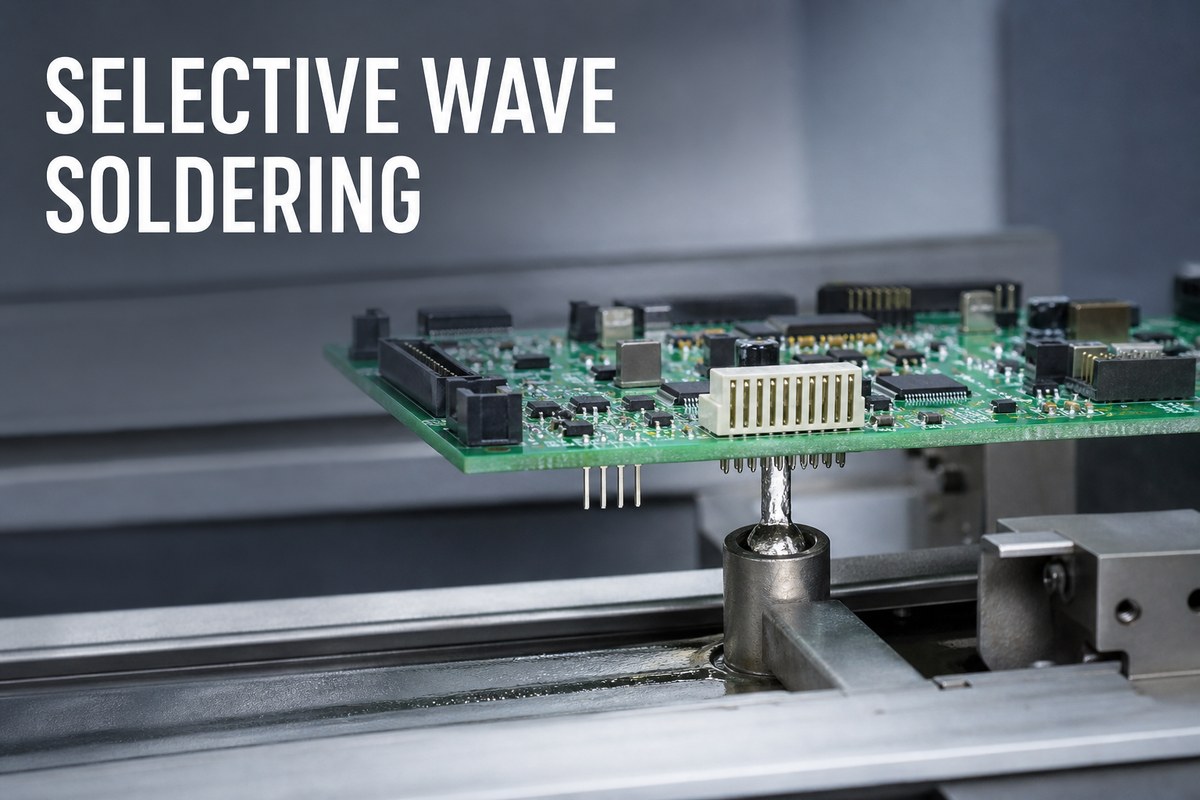
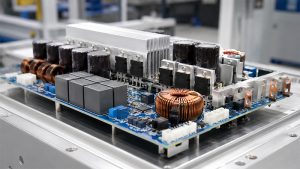
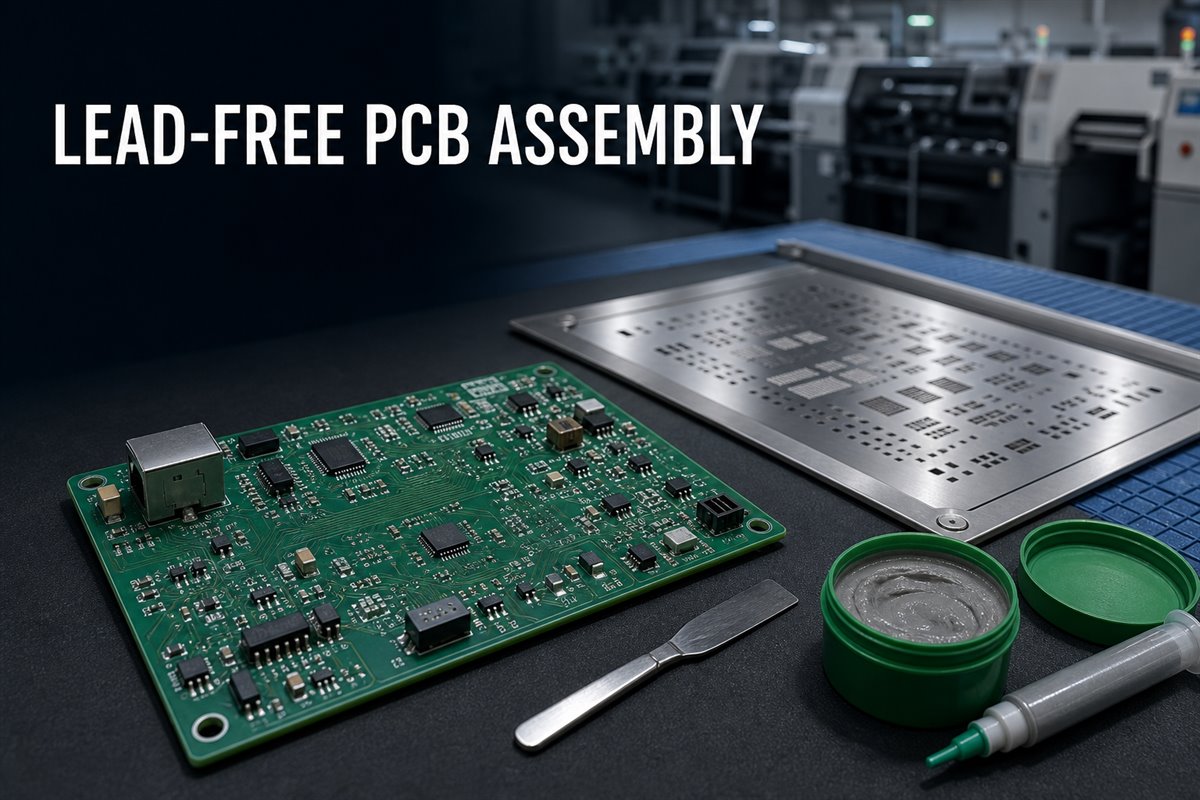
Selective wave soldering targets programmed through-hole joints instead of exposing the full board underside. It can protect reflowed components and improve consistency, but only when the layout, nozzle access, production volume, and acceptance criteria support the process.
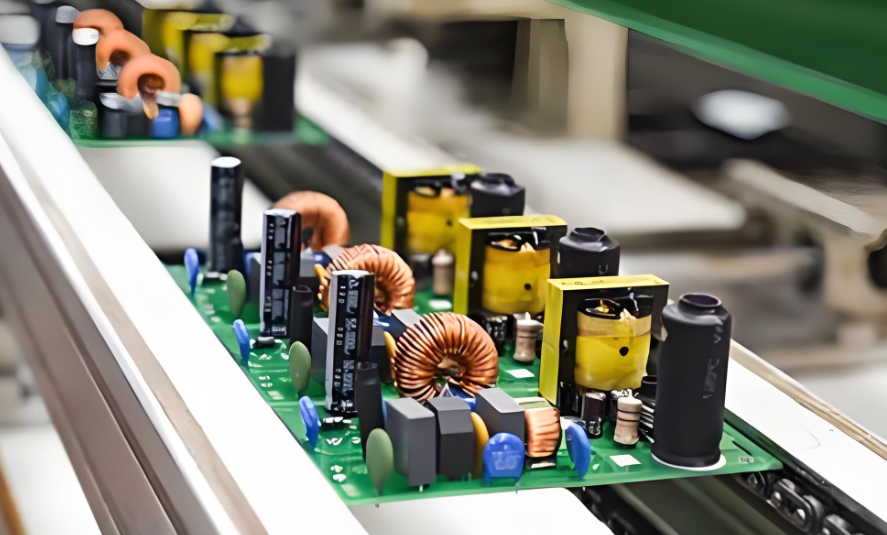
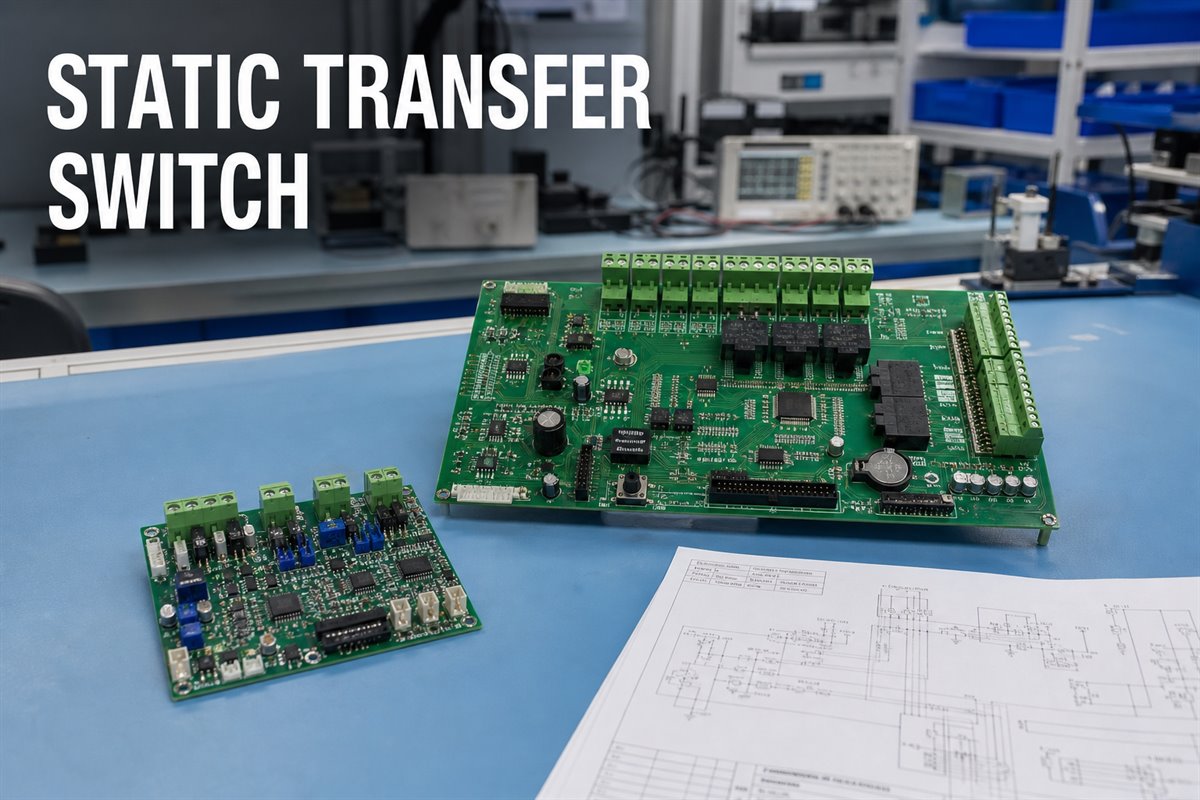
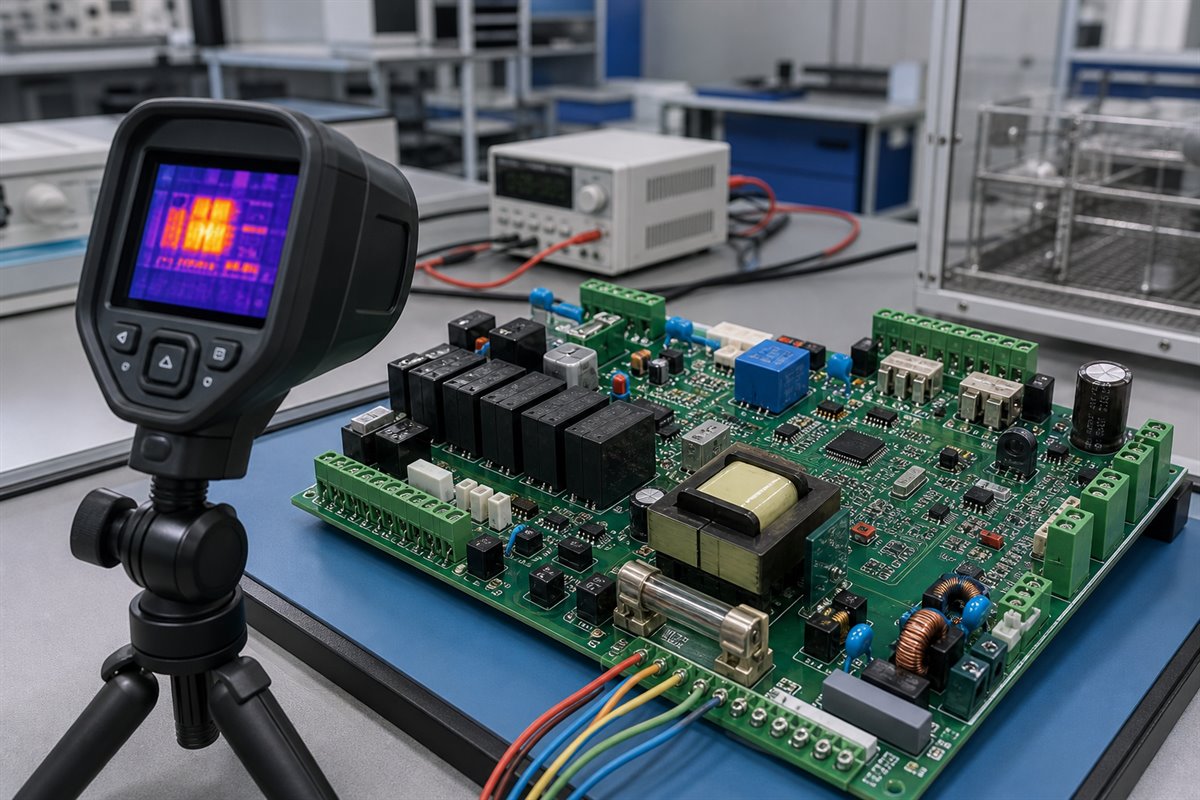
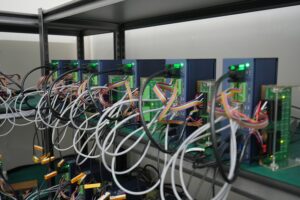
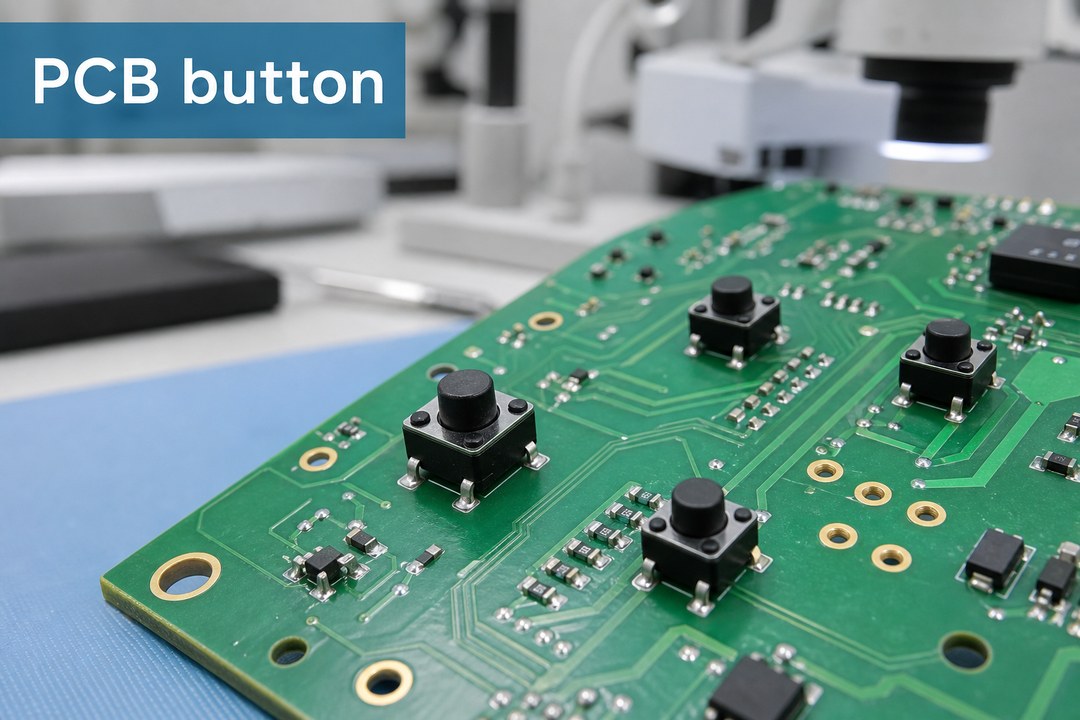
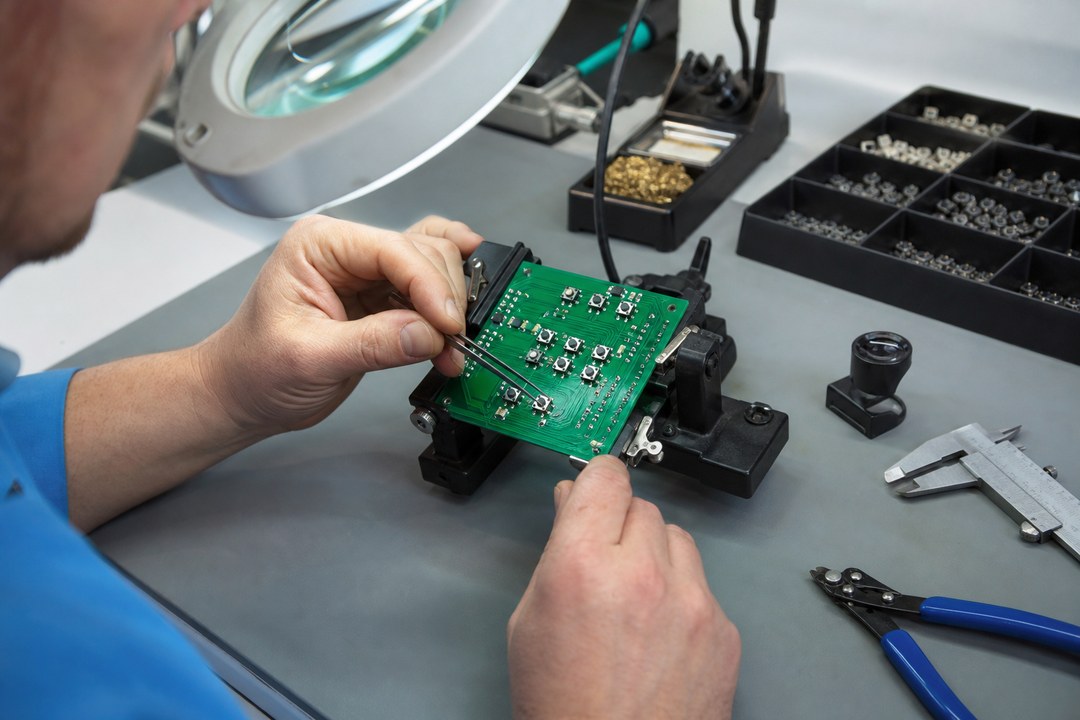
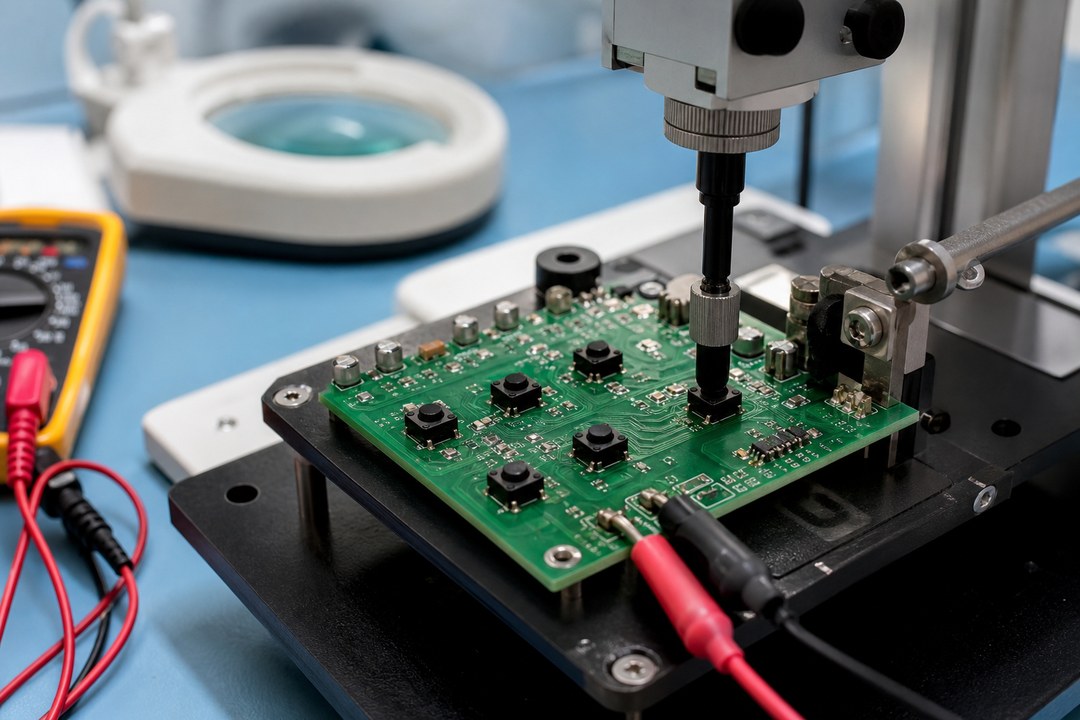
Selective wave soldering for targeted through-hole joints on a mixed-technology PCB assembly.
What Is Selective Wave Soldering?
Selective wave soldering is an automated process that applies flux, heat, and molten solder to chosen plated through-hole joints. A small nozzle or mini-wave reaches the target area without deliberately exposing the full board underside.
It is often used after SMT reflow to solder connectors, relays, transformers, terminals, and switches. Compared with extensive hand soldering or full-wave exposure, it can reduce masking, operator variation, and touch-up.
The process still needs enough nozzle clearance, flux coverage, and heat transfer. The real question is whether the released assembly provides a stable and inspectable process window.
When Does Selective Wave Soldering Prevent Rework?
Selective wave soldering is most useful when a board has reflowed SMDs on the bottom side but only a limited number of through-hole joints.
It may reduce rework when:
Bottom-side SMDs are close to through-hole joints.
Heat-sensitive parts should avoid a full solder wave.
High-pin-count connectors need repeatable soldering.
Hand soldering would add too much variation.
Product variants require different through-hole locations.
It is not always the lowest-cost choice. Full wave soldering may suit a through-hole-heavy board, while controlled hand soldering may suit a simple prototype. Early supplier review helps identify access or layout problems before production.
Selective Soldering vs Wave Soldering
Both processes create through-hole joints, but they expose the PCB differently. The best choice depends on layout, volume, setup cost, cycle time, and rework risk.
Factor
Selective soldering
Wave soldering
Contact
Targeted joints
Full underside
Best fit
Mixed SMT/THT
THT-heavy boards
Setup
Program and nozzle
Profile and pallet
Speed
Slower path
Faster for many joints
Main risk
Access and cycle time
Heat, masking, rework
Compare total cost, not only unit price. Include programming, pallets, first-article inspection, manual touch-up, and scrap risk. A selective process may cost more per cycle but less overall if it prevents masking and rework.
How Does the Selective Wave Soldering Process Work?
The selective wave soldering process normally includes five stages:
Flux: A controlled amount reaches the selected joints.
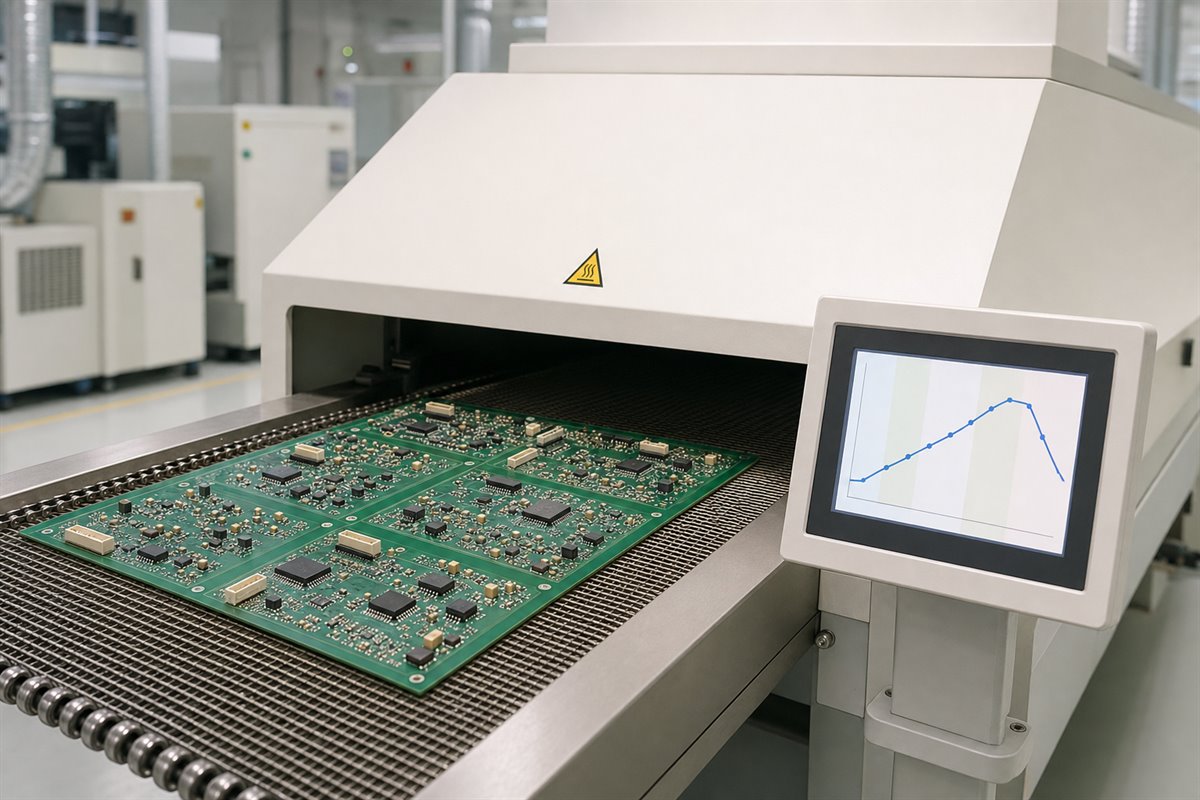
Preheat: Heat activates the flux and reduces thermal shock.
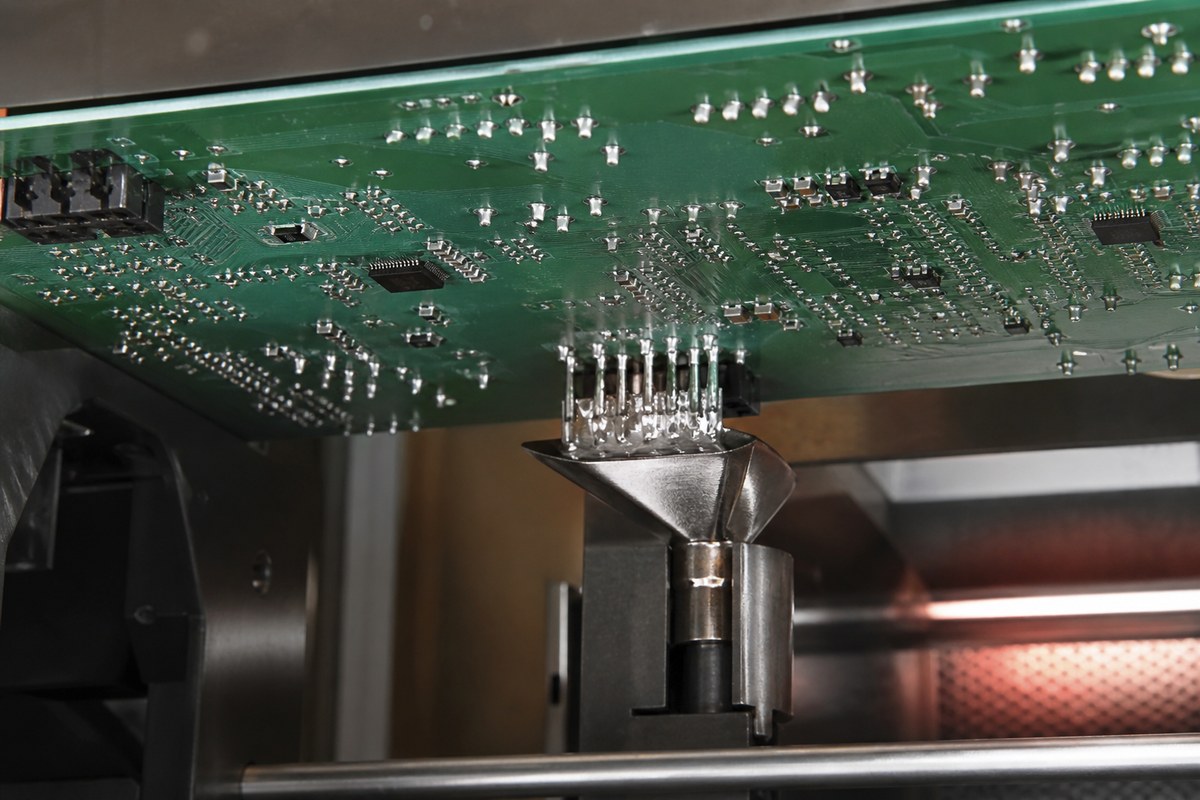
Soldering: A programmed nozzle contacts each joint or joint group.
Cooling: Joints solidify without disturbance.
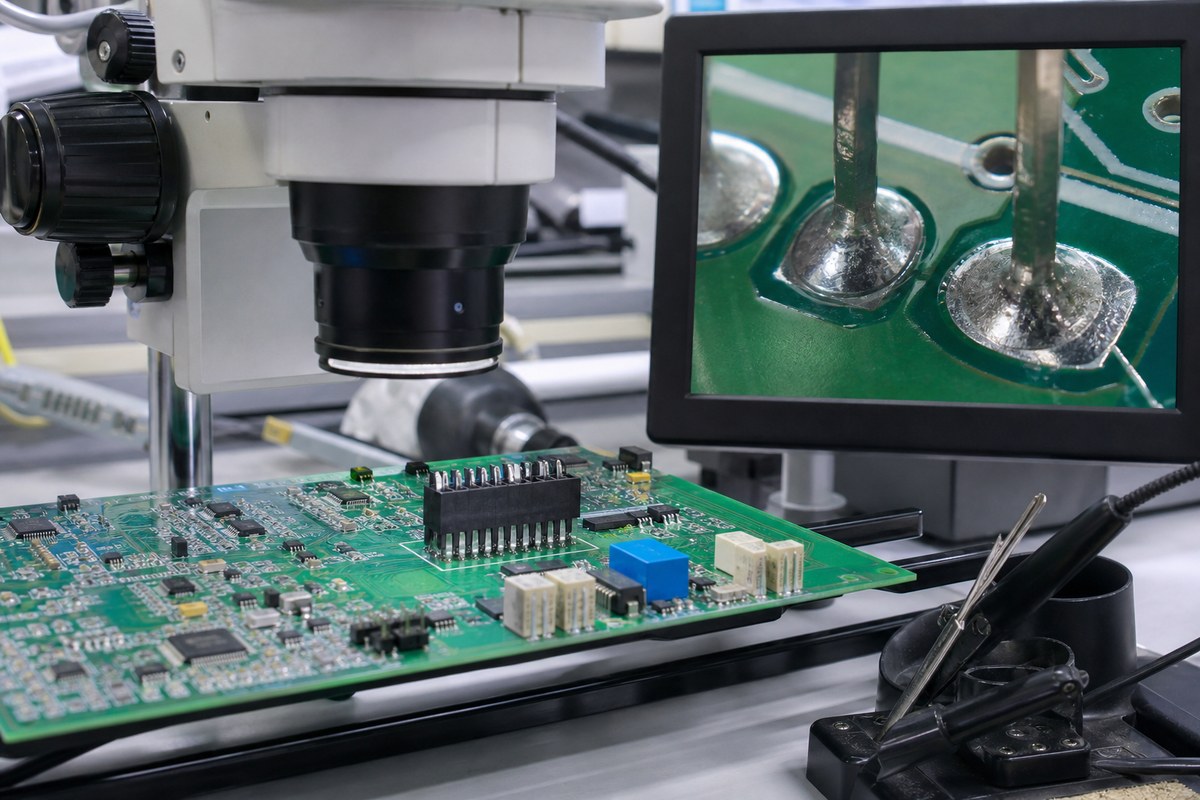
Inspection: Results are checked against the approved criteria.
Board thickness, copper distribution, surface finish, hole fit, alloy, flux, and component mass all affect the process window. A generic temperature or dwell time cannot fit every PCB.
A first article should prove that the selected settings work on the actual assembly. Approved programs, materials, and inspection criteria should then remain under revision control.
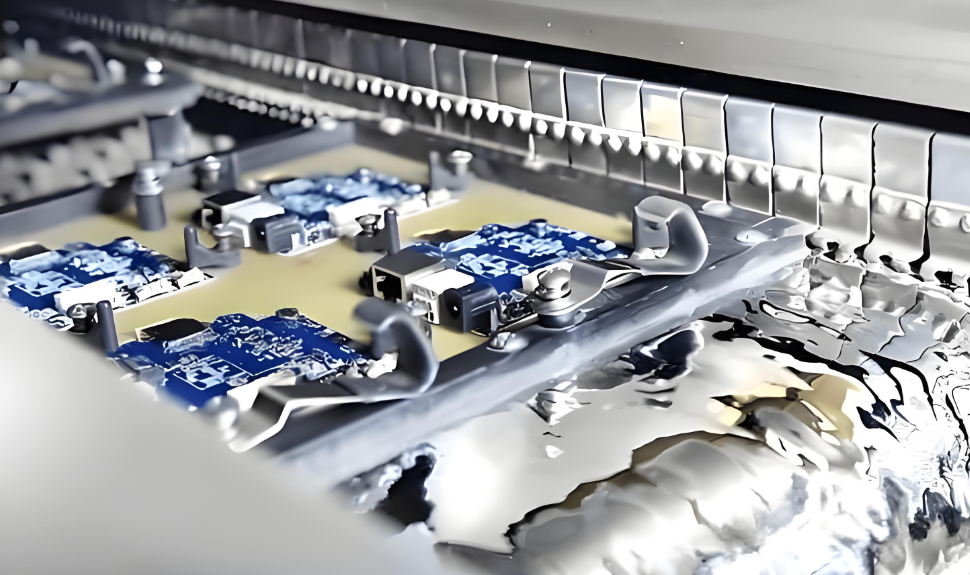
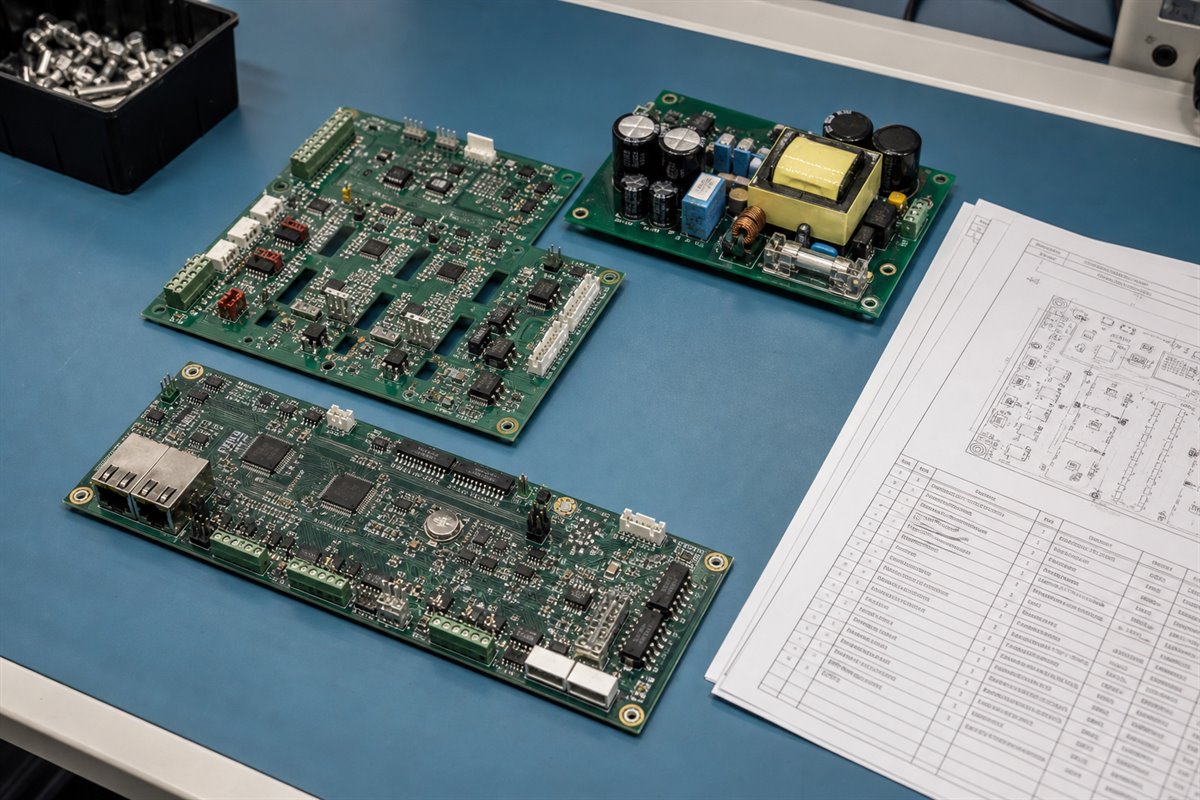
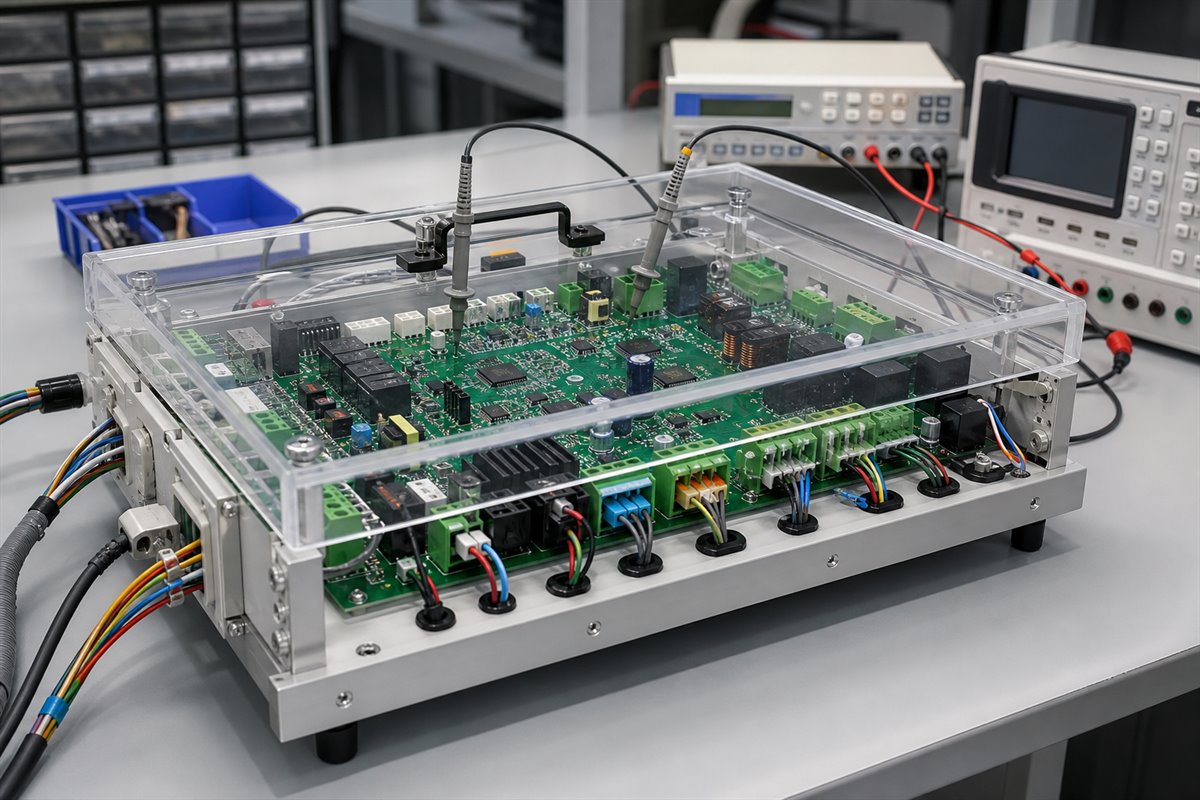
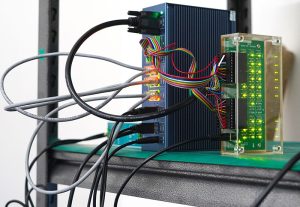
A localized solder nozzle targets a selected through-hole connector area.
Selective Wave Soldering Design Rules
Selective wave soldering design rules should protect nozzle access and support consistent heat transfer.
Review before PCB release:
Nozzle access: Nearby parts must not block the target joint.
Clearance: Keep enough space from SMDs, shields, and tall bodies.
Lead protrusion: Allow solder contact without creating shorting risk.
Hole fit: Support component insertion and solder flow.
Pad and mask: Promote wetting without encouraging bridges.
Thermal balance: Review joints connected to planes or heavy copper.
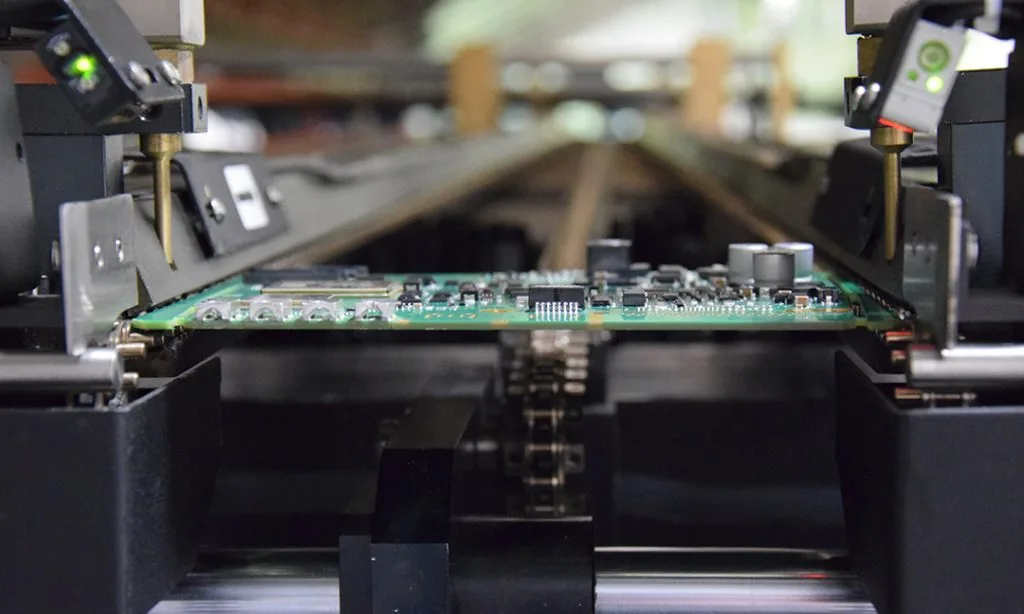
Panel access: Rails and tooling must not block the path.
Inspection access: Finished joints must be assessable.
Missing these checks can lead to blocked nozzles, connector bridging, or poor fill on high-mass pins. The result may be manual rework, new tooling, or a PCB revision.
EBest Circuit (Best Technology) can review manufacturability and assembly access within the agreed production scope. The customer remains responsible for component approval, circuit function, safety spacing, and the released design.
How Do You Prevent Selective Soldering Defects?
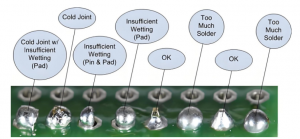
Selective soldering defects should be traced to the actual board condition and process variable. Increasing heat without finding the cause may fix one joint and damage another.
Defect
Common cause
Check
Bridging
Tight spacing or excess solder
Mask, path, withdrawal
Poor barrel fill
Low heat or high thermal mass
Preheat, dwell, hole fit
Non-wetting
Oxidation or weak flux action
Storage, finish, flux
Icicles
Poor withdrawal or excess contact
Path, dwell, nozzle
Solder balls
Excess flux or splashing
Flux, preheat, setup
Pad damage
Excess heat or repeated repair
Profile and repair history
A practical validation plan includes:
Confirm the BOM, PCB revision, drawing, and program.
Run a first article with production materials and equipment.
Inspect ordinary and high-thermal-mass joints.
Agree on barrel fill, bridging, residue, and damage criteria.
Record approved settings and permitted touch-up.
Revalidate after significant material or design changes.
Inspection must follow the customer’s specified workmanship and contractual requirements. The assembler should provide evidence for the agreed PCBA scope, while the customer owns final product acceptance.
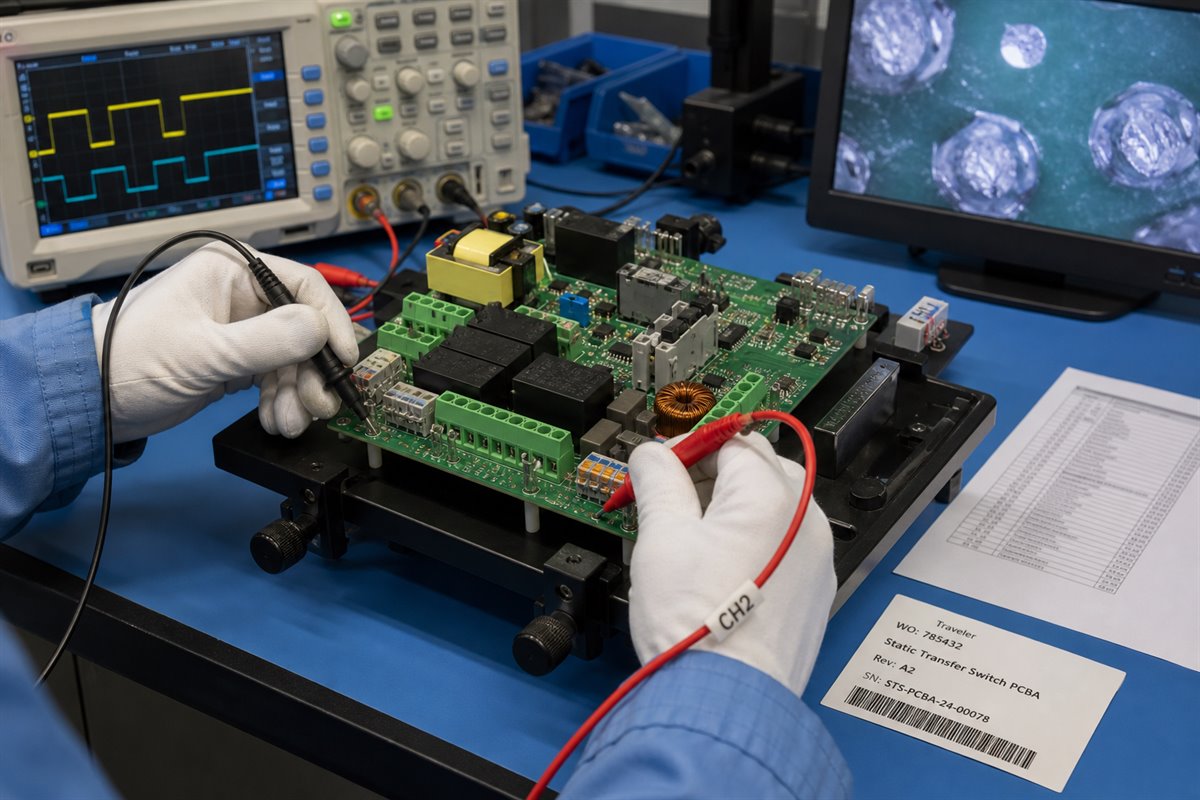
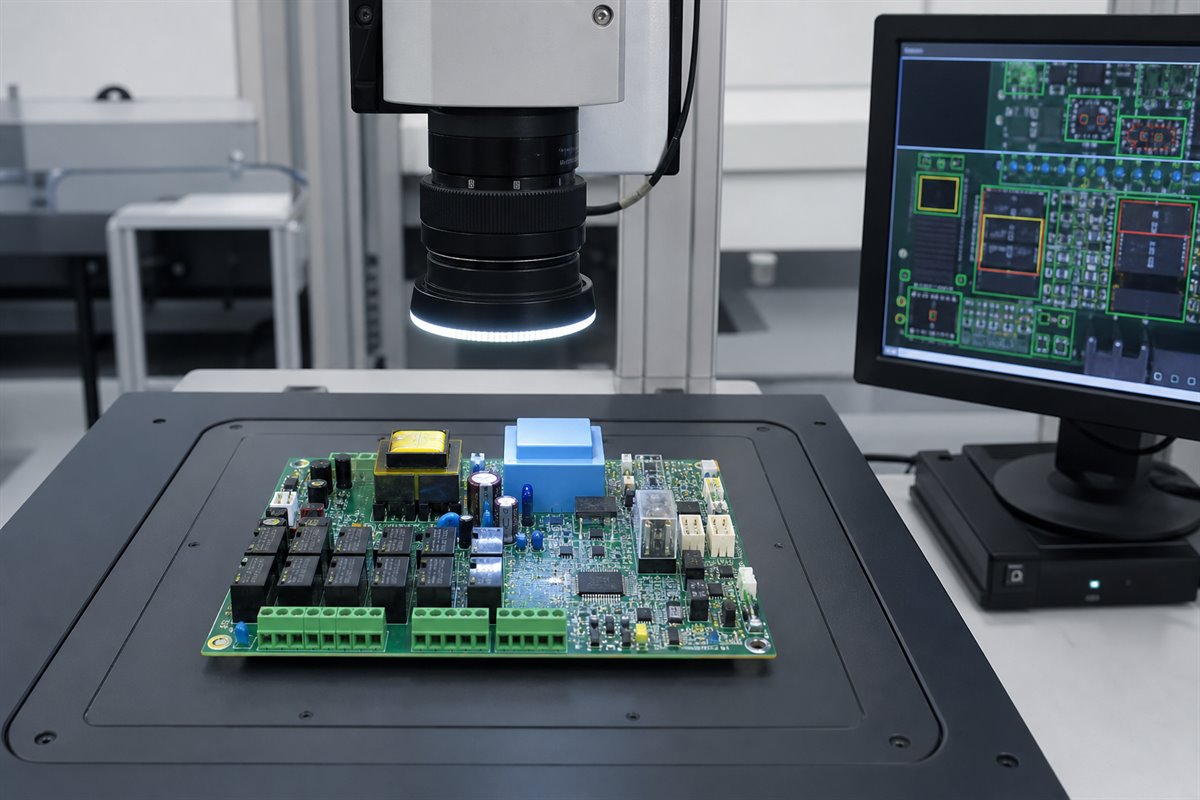
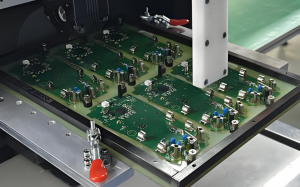
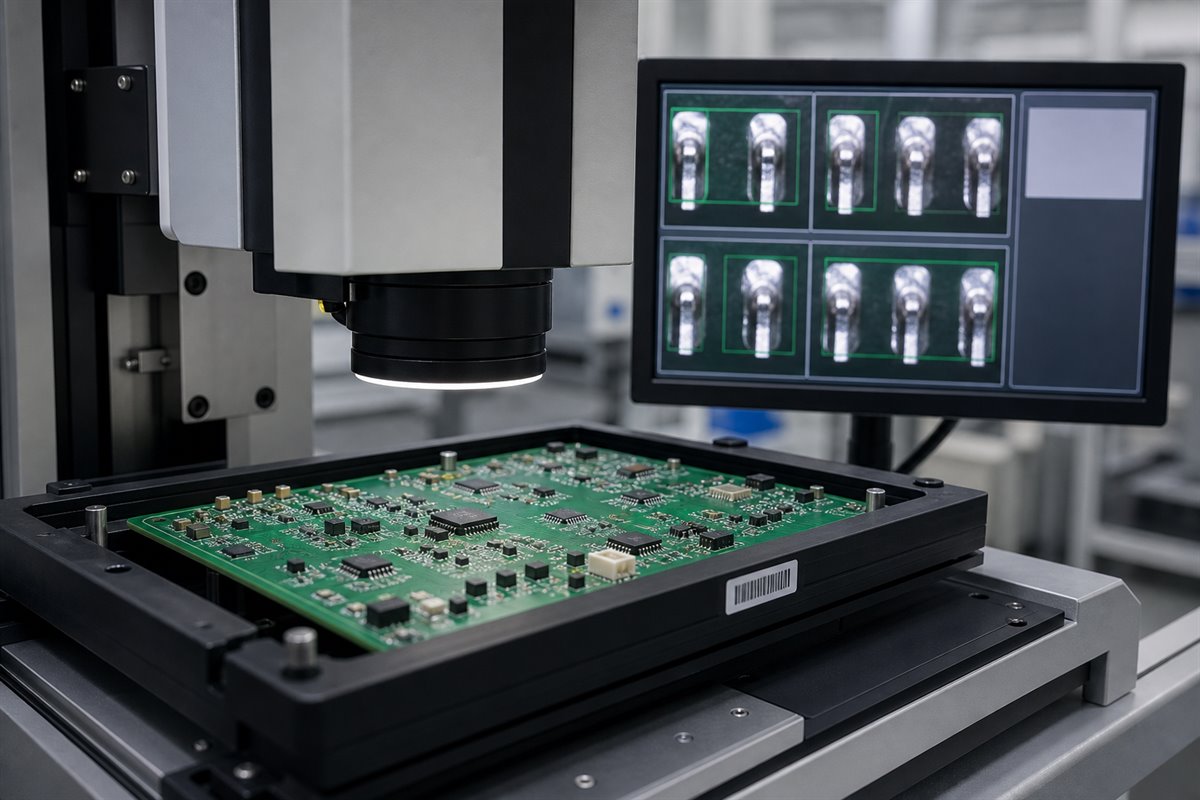
Inspection helps verify solder-joint quality against the agreed acceptance criteria.
What Should a Selective Wave Soldering RFQ Include?
An incomplete RFQ can hide access conflicts, difficult connectors, and special inspection needs. These discoveries often lead to quotation changes later.
Send the following files and requirements:
Gerbers, drill data, and fabrication drawing.
BOM with approved manufacturer part numbers.
Placement data and assembly drawings.
Panel requirements and relevant component datasheets.
Order quantity, repeat demand, and product variants.
Solder alloy, cleaning, and material restrictions.
Workmanship, hole-fill, and inspection requirements.
Test, traceability, and packaging instructions.
Also identify areas where touch-up is prohibited or downstream coating creates a special constraint. A complete package helps the supplier compare selective soldering, wave soldering, hand soldering, or a hybrid route on the same released scope.
A Mixed-Technology PCB Assembly Example
Consider a double-sided SMT assembly with a multi-pin connector, power terminal, and relay added after reflow. Bottom-side passives sit near the connector, while the terminal connects to a large copper area.
Full wave soldering may require a pallet to protect the SMDs. Hand soldering may add variation and labor. A selective-soldering review would instead check:
Nozzle access around the connector pins.
Extra heat demand at the power terminal.
Relay clearance and lead protrusion.
First-article results at both normal and difficult joints.
If the process window is stable, selective soldering may reduce masking and touch-up. If the nozzle cannot reach the connector, the layout, tooling, or soldering method should change before production.
This is a manufacturing example, not a claim about a specific customer project. The final decision depends on the actual PCB, BOM, volume, and acceptance requirements.
How Can EBest Support Selective Wave Soldering?
EBest Circuit (Best Technology) supports customers within the PCB and PCBA manufacturing scope. Support may include:
The customer retains responsibility for circuit design, component approval, firmware, regulatory requirements, certification, and final product validation. Responsibilities should be defined by the quotation, released files, and approved inspection or test requirements.
Selective Wave Soldering FAQs
Is selective wave soldering the same as selective soldering?
It is a common selective-soldering method that uses a localized solder wave or nozzle. Because “selective soldering” can also describe other localized methods, the RFQ should name the intended process.
Can selective soldering replace wave soldering on every PCB?
No. Nozzle access, joint count, cycle time, thermal mass, volume, and cost may make wave soldering or another process more suitable.
Does selective wave soldering eliminate hand soldering?
It can reduce manual work when joints are accessible and the program is stable. Blocked or very low-quantity joints may still require an approved alternative.
What causes insufficient hole fill during selective soldering?
Common causes include inadequate heat, high copper mass, poor hole fit, weak solderability, flux problems, or an unstable nozzle path.
What files are needed for a selective-soldering quotation?
Provide PCB fabrication data, BOM, assembly files, component details, quantities, panel information, inspection criteria, and test or traceability requirements.
Need help deciding whether selective wave soldering fits your mixed-technology PCBA? Send your released PCB files, BOM, quantities, and acceptance requirements to sales@bestpcbs.com for a manufacturing review and quotation.
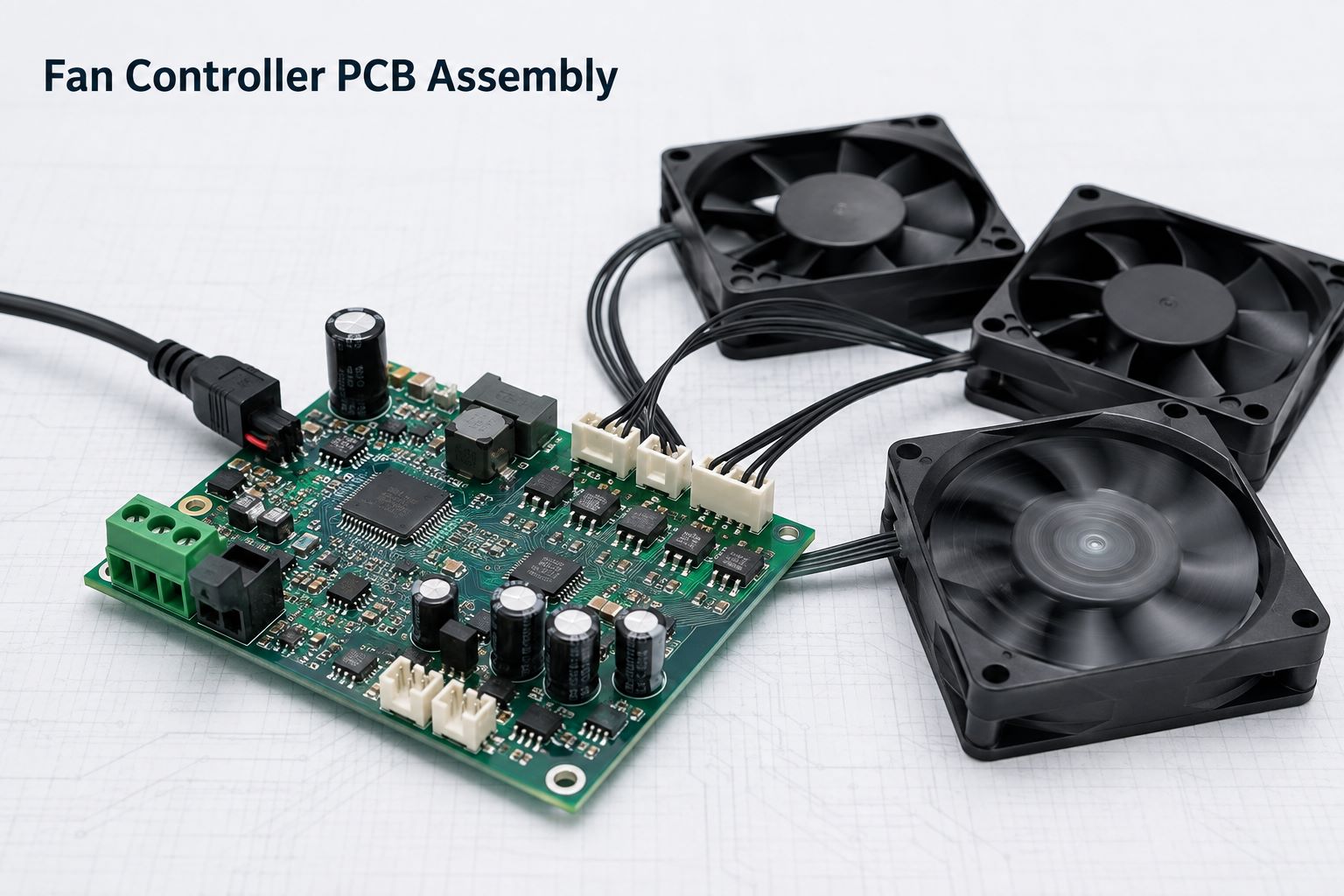
A reliable fan controller PCB assembly must do more than switch a fan on and off. It must tolerate startup current, maintain stable PWM control, read TACH feedback accurately, manage heat, and behave safely during fan stalls or cable faults. Before production, review the following 12 checks against the actual fan, power supply, firmware, enclosure, and test requirements.
12 Fan Controller PCB Assembly Checks at a Glance
Confirm the fan interface and pinout.
Check whether the input can handle startup current.
Verify MOSFET temperature under real load.
Review the complete PCB high-current path.
Check whether PWM noise affects TACH feedback.
Match input protection to the operating environment.
Confirm connector polarity and orientation.
Verify mechanical support for through-hole power parts.
Complete firmware programming requirements.
Test the PCBA with the actual fan load.
Prepare complete RFQ and production files.
Confirm the PCBA supplier can control these risks.
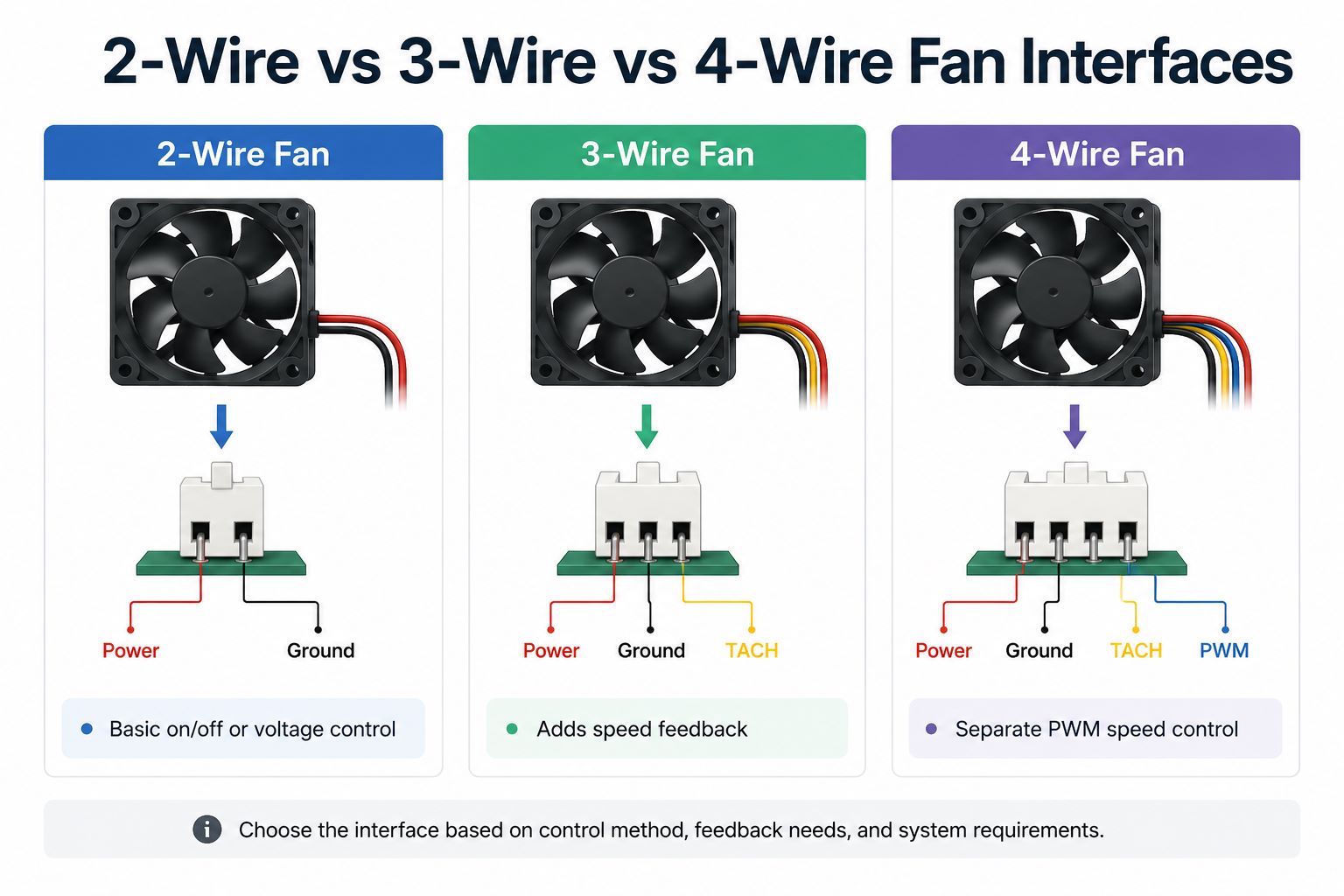
1. Which Fan Interface Must the PCBA Support?
Start with the actual fan interface. A connector can fit mechanically while its pinout, signal voltage, or control method remains incompatible.
Fan interface
Connections
Speed control
Speed feedback
2-wire
Power, ground
Supply voltage or power switching
Usually unavailable
3-wire
Power, ground, TACH
Supply voltage or power switching
Available
4-wire
Power, ground, TACH, PWM
Dedicated PWM input
Available
A 2-wire fan is simple, but reducing its supply voltage may affect low-speed startup. A 3-wire fan adds speed feedback. A 4-wire fan separates power delivery from PWM control and is more suitable for precise thermal management.
Confirm these points before layout:
Rated voltage and operating range
Connector and mating cable
Pin sequence and polarity
PWM logic level and frequency
TACH output type and pull-up voltage
Pulses per revolution
Minimum reliable duty cycle
Number of independently controlled channels
Do not rely on a generic fan pinout. Use the selected fan’s datasheet.
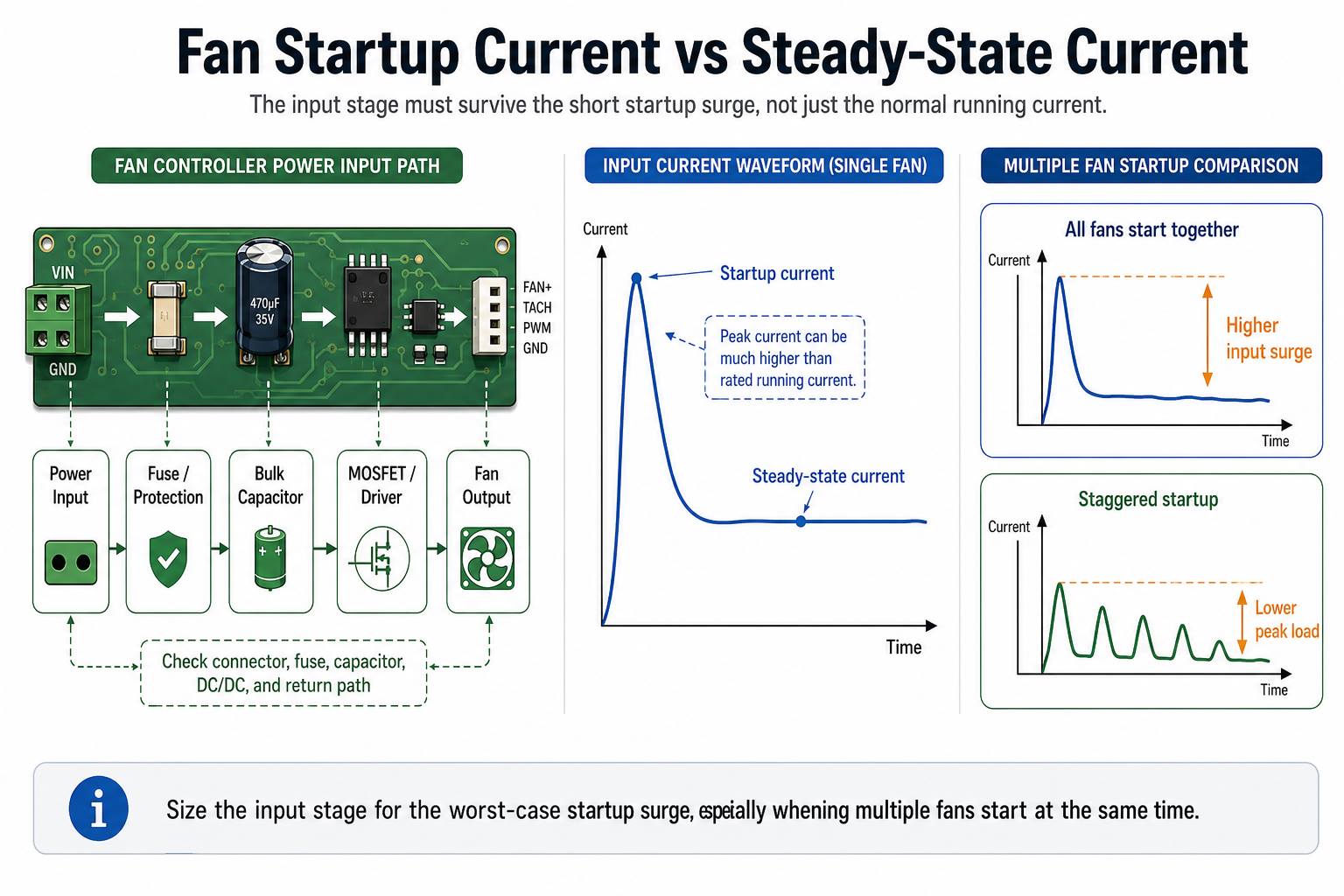
2. Can the Power Input Handle Fan Startup Current?
Fan rated current describes normal operation, not necessarily startup. When the rotor is stationary, the motor may briefly draw much more current.
For several fans starting together:
Where:
N = number of fans
Istartup = startup current per fan
M)= design margin
For four fans drawing 1.2 A each at startup with a 25% margin:
The complete input path must tolerate that peak, including the connector, fuse, protection devices, DC/DC converter, capacitors, current-sense parts, and return path.
A common failure occurs when several fans start together and pull the supply below the MCU brownout threshold. The controller resets, PWM disappears, and the startup cycle repeats.
Possible corrections include staggered startup, lower-resistance power paths, more appropriate bulk capacitance, and a power supply with stronger transient response.
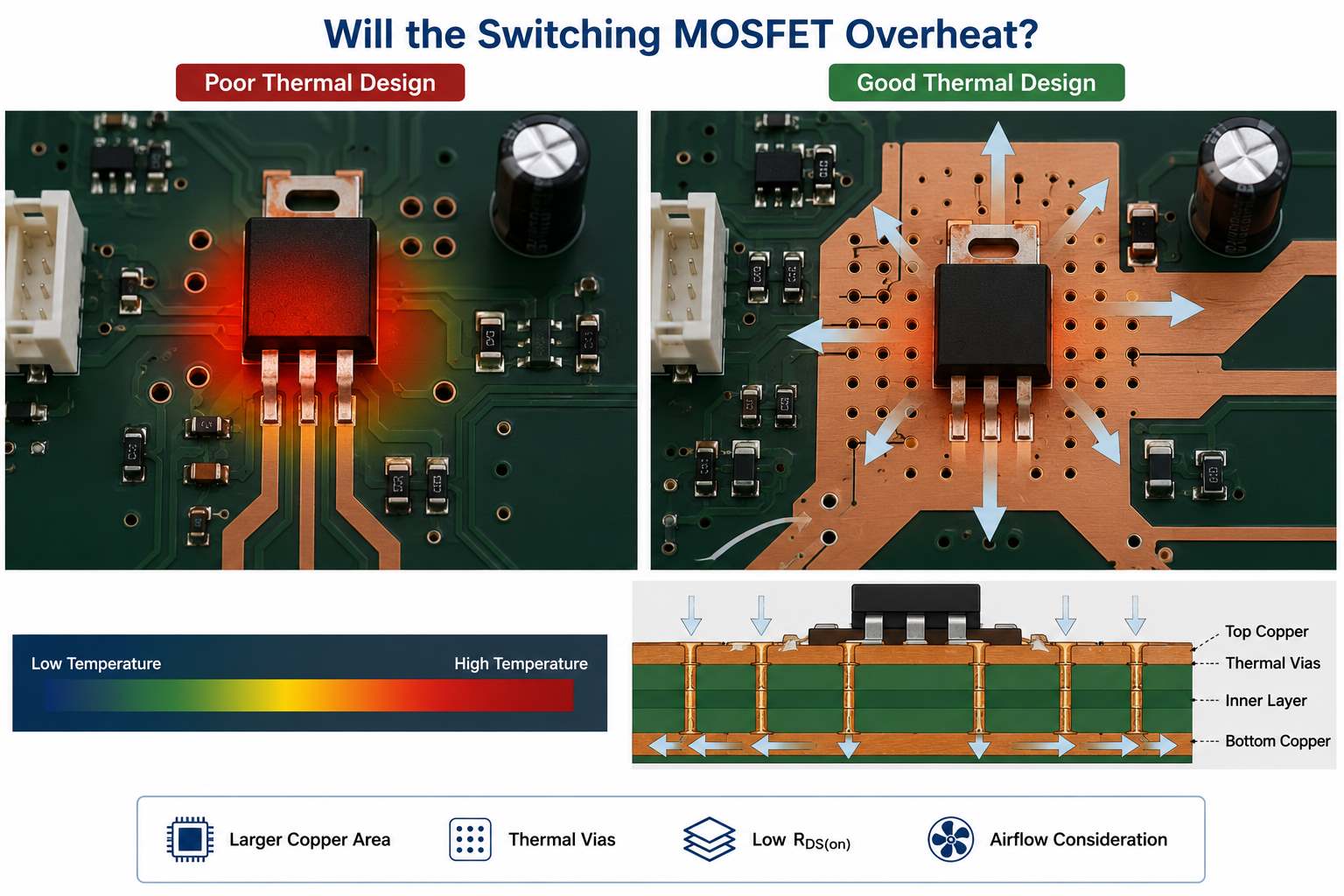
3. Will the Switching MOSFET Overheat?
A MOSFET may satisfy its headline current rating and still overheat on the assembled board. Current ratings are often based on ideal thermal conditions that do not match a compact PCB inside an enclosure.
Its basic conduction loss is:
For 3 A through a MOSFET with an effective on-resistance of 25 mΩ:
This excludes switching loss, gate-drive loss, nearby heat sources, and the rise in RDS(on) at higher junction temperatures.
Check:
On-resistance at the actual gate voltage
On-resistance at operating temperature
PWM frequency and switching speed
MOSFET package and thermal resistance
Drain copper area and thermal vias
Enclosure temperature
Airflow direction
Locked-rotor operating time
A device characterized at a 10 V gate voltage may perform poorly when driven by a 3.3 V MCU. Prototype temperature measurements should therefore be made under real load and enclosure conditions.
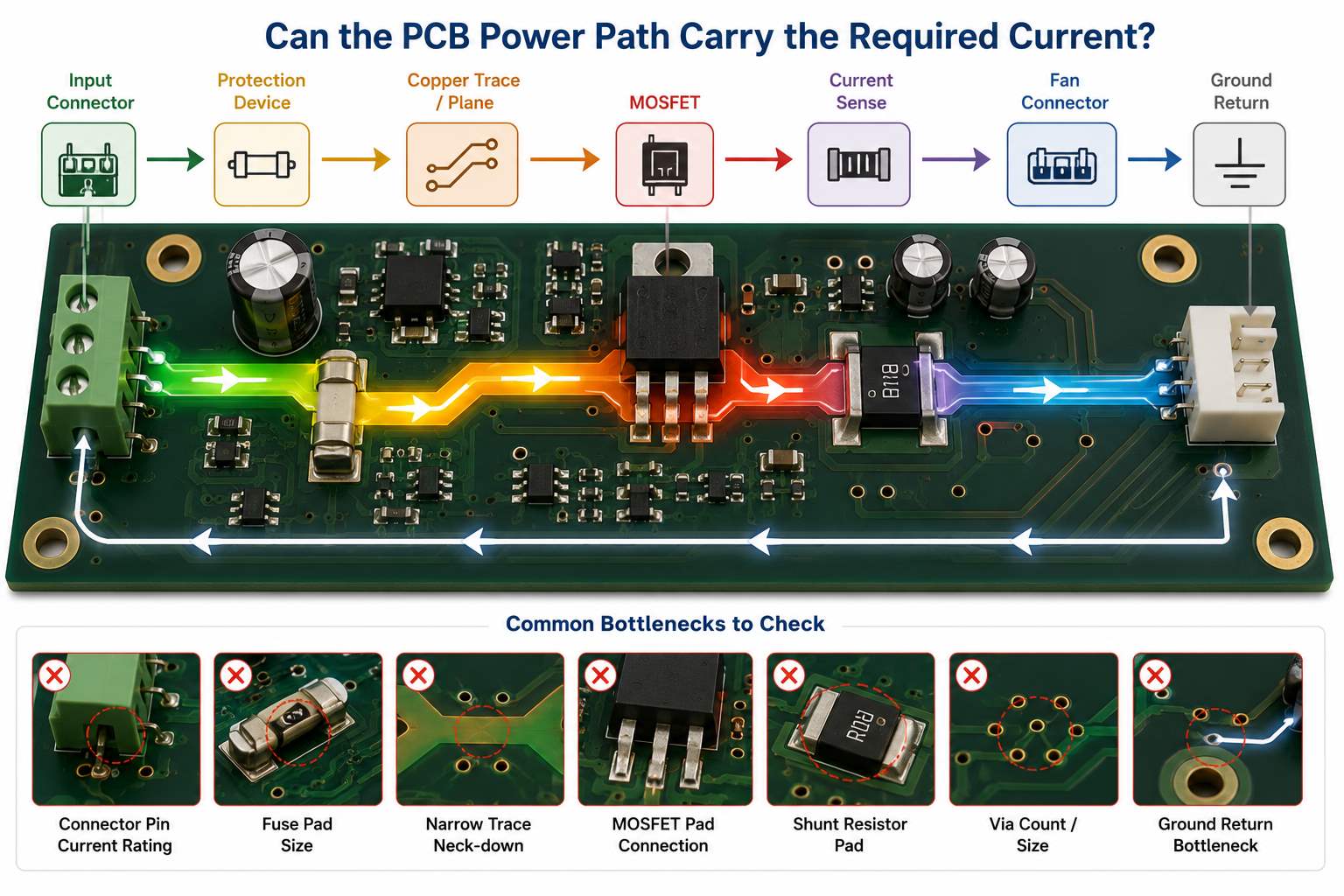
4. Can the PCB Power Path Carry the Required Current?
The power path is limited by its weakest section, not by its widest copper pour.
Review the complete route:
Input connector
→ Protection device
→ Copper trace or plane
→ MOSFET
→ Current-sense element
→ Fan connector
→ Ground return
Check both temperature rise and voltage drop:
At 4 A through a total path resistance of 80 mΩ:
That drop may be significant in a low-voltage fan system.
Inspect connector pins, fuse pads, MOSFET connections, shunt-resistor pads, layer-transition vias, thermal reliefs, and narrow copper necks. Return paths deserve the same attention as positive supply traces.
Copper weight should be selected from current, trace geometry, allowable temperature rise, and voltage-drop limits. Higher-current boards may require wider pours, parallel layers, more vias, or 2 oz copper. Heavy copper alone will not correct an underrated connector or poor current-path layout.
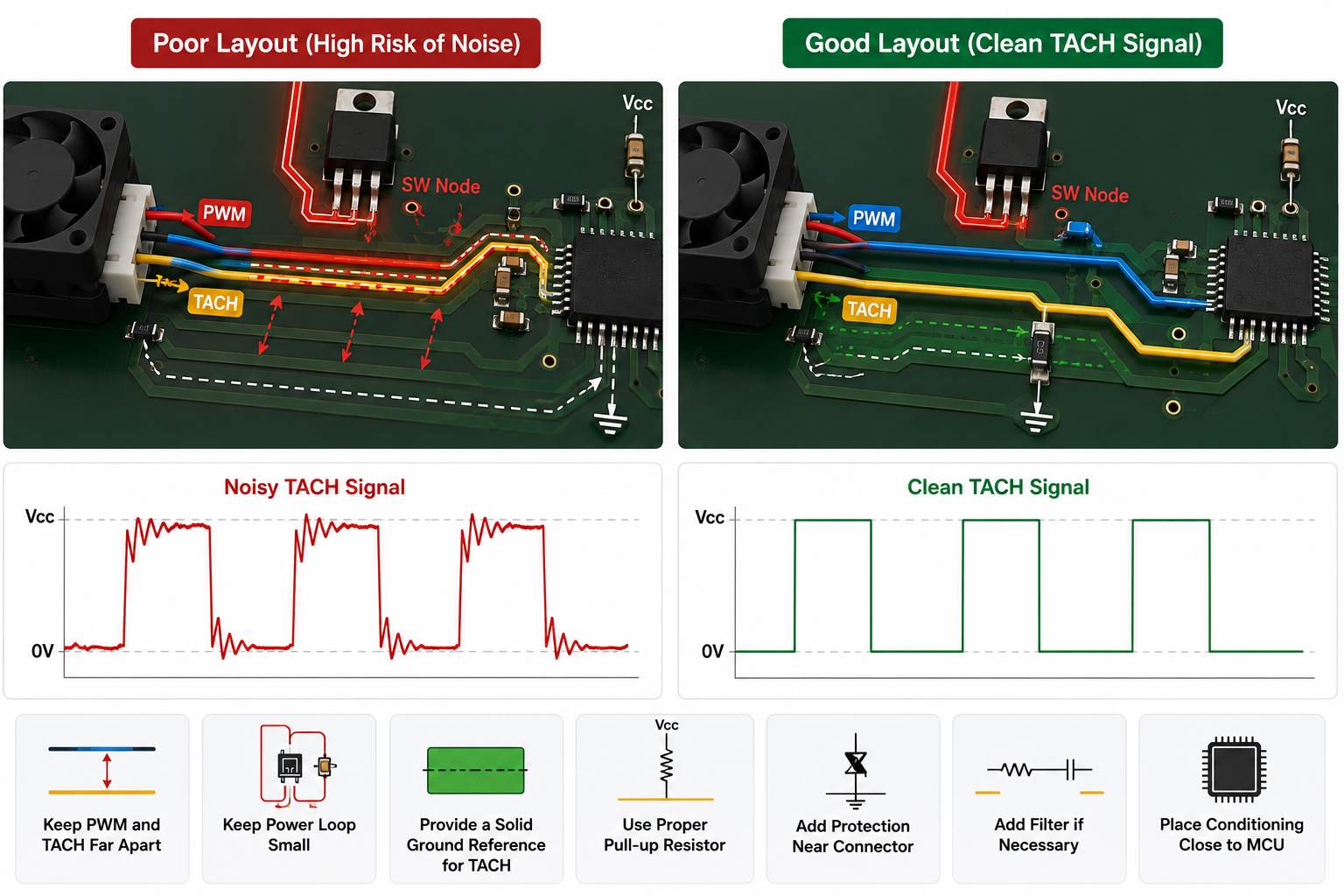
5. Can PWM Switching Corrupt the TACH Signal?
PWM edges can couple into the tachometer signal through parallel routing, shared return impedance, switching loops, or the fan cable. The result may be unstable RPM readings or false stall alarms.
The TACH signal path normally includes:
Fan TACH output
→ Connector
→ ESD protection
→ Pull-up
→ Filter or buffer
→ MCU input
Fan speed can be calculated from:
Where (P) is the number of pulses per revolution. If the fan provides two pulses per revolution:
To protect signal integrity:
Keep TACH away from MOSFET switching nodes
Avoid long parallel routing with PWM
Keep the gate-drive loop compact
Provide a continuous TACH return path
Place input conditioning near the MCU
Add connector-side ESD protection
Verify pull-up voltage and MCU thresholds
An RC filter may help, but excessive filtering can distort valid pulses at high speed. Verify the waveform with the fan connected across the full PWM range.
6. Does the Input Protection Match the Installation Environment?
Protection should reflect the actual installation rather than a generic circuit template.
Environment
Protection to review
Indoor appliance
Fuse, reverse polarity, basic surge protection
Industrial 24 V system
TVS, overvoltage, EFT, reverse polarity
Long external cable
ESD, surge, cable-induced transients
Automotive supply
Reverse battery, load dump, cranking transients
Multi-fan power bank
Short circuit, overcurrent, thermal shutdown
The protection network must coordinate the fuse, TVS diode, reverse-polarity device, input capacitor, and power converter. A TVS with insufficient pulse capability may fail, while a slow fuse may not protect the downstream MOSFET.
Review the expected fault conditions:
Reversed supply
Hot plugging
Fan cable short circuit
Locked rotor
Supply overshoot
ESD at external connectors
Long-cable transients
Incorrect field wiring
These functions should be verified during prototype testing rather than assumed from component selection alone.
7. Are Fan Connector Polarity and Orientation Unambiguous?
Connector errors can survive visual inspection and make an otherwise correct PCBA unusable.
The following documents must agree:
Schematic
PCB silkscreen
BOM
CPL file
Assembly drawing
Cable drawing
Fan datasheet
Test procedure
Document the pinout explicitly:
Pin
Signal
Example condition
1
GND
Power return
2
VIN
Fan supply
3
TACH
Open-collector output
4
PWM
Fan control input
The real sequence may differ, so it must be confirmed for each fan.
First-article inspection should verify Pin 1, connector keying, right-angle orientation, cable exit direction, CPL rotation, and mating-cable compatibility. Similar connectors placed close together should also be clearly differentiated.
8. Do Through-Hole Power Parts Have Enough Mechanical Support?
Fan control boards often contain through-hole connectors, relays, fuse holders, transformers, terminal blocks, and large capacitors. These parts experience cable pull, insertion force, vibration, and thermal cycling.
Review:
Finished-hole diameter
Lead-to-hole clearance
Annular ring
Pad dimensions
Hole-wall copper
Solder fill
Component seating
Board-edge clearance
Mounting or retention features
A connector near the board edge can act as a lever and transfer cable force directly into its solder joints. Depending on the application, additional mounting holes, latches, brackets, larger pads, or controlled adhesive may be needed.
Wave or selective soldering parameters should also account for large thermal masses and ground-connected pins. The solder result should be inspected on the actual component rather than inferred from a standard process profile.
9. Are Firmware Programming Requirements Complete?
A HEX or BIN file alone is not a complete production instruction.
The programming package should define:
Exact target MCU or memory
Approved firmware file and revision
Supported hardware revision
SWD, JTAG, UART, ISP, or other interface
Programming pinout and voltage
Fuse bits, option bytes, or boot settings
Checksum or read-back method
Serialization rules
Code-locking requirements
Firmware label format
Traceability records
Programming pads must remain accessible during production. When conformal coating is required, programming and testing should be completed before coating unless the process plan provides protected access.
Version control is particularly important when prototype builds use different fan curves, temperature thresholds, or fault-handling logic.
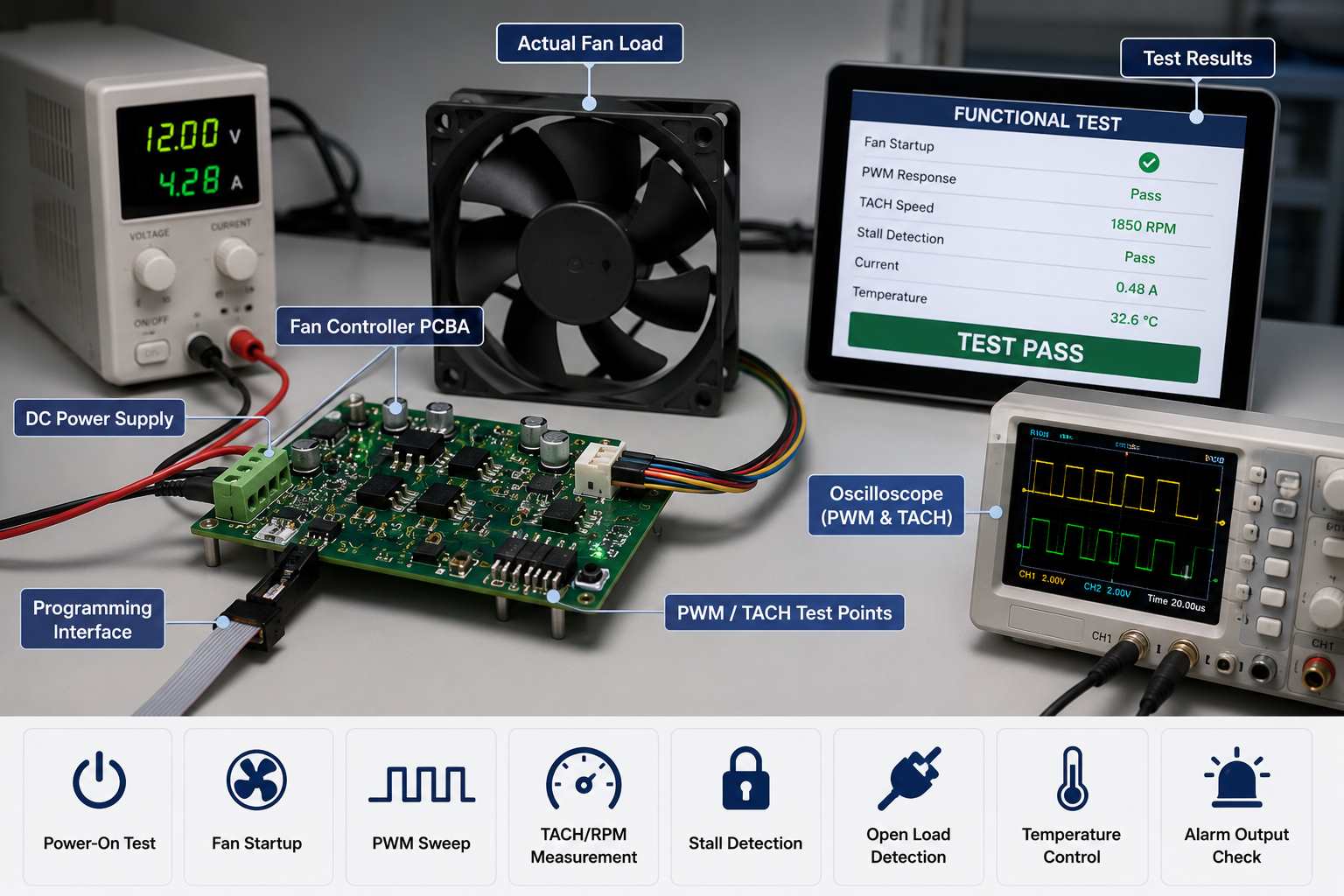
10. Does the Functional Test Use the Actual Fan Load?
Voltage at an empty connector does not prove that a fan controller works. Functional testing should use the specified fan, an approved equivalent, or a validated load fixture.
Test item
Required verification
Power-on
No reset or excessive current
Startup
Fan starts within the required time
PWM response
Speed follows duty-cycle changes
TACH feedback
Reported speed matches operation
Stall
Fault is detected correctly
Fan disconnect
Open-load alarm operates
Temperature input
Speed follows the programmed curve
Fail-safe mode
Fan enters the defined safe state
A practical sequence is:
Power-on
→ Firmware check
→ Fan startup
→ PWM sweep
→ TACH verification
→ Fault simulation
→ Final pass/fail record
Acceptance limits should be measurable. “Fan spins” is not enough. A specification might define startup time, acceptable RPM tolerance, fault-detection delay, current limits, and recovery behavior.
For multi-channel boards, every output should be tested. Sampling one channel can miss assembly or firmware faults elsewhere.
11. Are the RFQ and Production Files Complete?
Incomplete files lead to inaccurate quotations, repeated engineering questions, and delayed production.
File or specification
Purpose
Gerber or ODB++
PCB fabrication
BOM
Component sourcing
CPL
SMT placement
Assembly drawing
Orientation and special notes
Schematic
Engineering and test review
Fan datasheet
Current, PWM, TACH, connector
Firmware package
Programming
Functional test procedure
Pass/fail criteria
Panel drawing
Assembly and depaneling
Coating drawing
Coverage and masking
The BOM should contain manufacturer part numbers rather than generic descriptions such as “MOSFET” or “4-pin connector.”
The assembly drawing should identify connector orientation, Pin 1, polarized parts, do-not-fit positions, test points, programming pads, and coating exclusions.
Without the fan datasheet, the manufacturer cannot reliably review startup current, signal levels, connector compatibility, or load testing.
12. Can the PCBA Supplier Control These Production Risks?
A suitable supplier should be evaluated against the project’s specific risks, not a generic equipment list.
Check whether the supplier can:
Assemble mixed SMT and through-hole components
Provide SPI, AOI, and X-ray where applicable
Review high-current and thermal areas before production
Control connector orientation during first-article inspection
Program the selected MCU with verification
Track firmware versions by batch
Test the PCBA with a real fan or approved load
Verify PWM, TACH, startup, stall, and alarm functions
Apply conformal coating with controlled masking
Maintain PCB, component, firmware, and test traceability
For a fan control board PCB assembly, manufacturing capability means more than accurate component placement. The supplier must confirm that the power stage, fan interface, firmware, feedback signals, and protection functions operate together as a complete system.
FAQs About Fan Controller PCB Assembly
What is a fan controller PCB?
A fan controller PCB manages one or more fans through voltage control, PWM, temperature inputs, or feedback signals. It may also detect fan speed, stalls, overcurrent, and fan disconnection.
What is the difference between a fan controller PCB and PCBA?
The PCB is the bare circuit board. The PCBA includes the assembled components, connectors, programmed devices, and soldered parts required for fan control.
Can one fan controller operate several fans?
Yes, provided the input stage, copper path, connectors, switching devices, and power supply support the combined startup and operating current. The design must also define shared or independent PWM and TACH channels.
How should a fan controller PCBA be tested?
Testing should verify startup, PWM response, TACH feedback, fault detection, temperature response, and fail-safe behavior using the specified fan or a validated equivalent load.
What files are needed for a fan controller PCBA quotation?
Provide Gerber or ODB++, BOM, CPL, assembly drawing, schematic, fan datasheet, firmware, programming instructions, production quantity, and functional-test requirements.
Ready to build a custom fan controller PCB assembly or OEM industrial controller PCBA? Send your Gerber files, BOM, CPL, fan datasheet, firmware, and testing requirements to sales@bestpcbs.com. Our engineering team can review manufacturability, component availability, programming, connector orientation, and load-testing risks before production.
A static transfer switch can move a critical load between two AC power sources fast enough to avoid an unacceptable interruption. For the OEM building that equipment, however, fast transfer depends on more than a switching specification. The sensing, control, gate-driver, power-supply, communication, and protection circuits must also be manufactured from the correct files and components.
If those PCB assemblies are quoted from incomplete information, the project can lose time through material substitutions, high-voltage spacing questions, thermal changes, connector mismatches, or an inspection plan that arrives too late. EBest Circuit (Best Technology) supports released-design PCB manufacturability review, PCB fabrication, BOM sourcing, SMT and through-hole assembly, and agreed testing assistance. Send your fabrication files, BOM, assembly data, and test requirements to sales@bestpcbs.com for a project-specific review.
Control, sensing, gate-driver, and auxiliary-power PCBAs must match the released static transfer switch design.
What Does a Static Transfer Switch Do?
A static transfer switch monitors two available AC sources and transfers the connected load when the preferred source no longer meets the system’s defined conditions. Unlike a mechanically operated transfer device, the power path normally uses solid-state switching devices such as SCRs or thyristors. The exact transfer conditions, sequence, and timing depend on the released product design.
For an OEM, the practical benefit is continuity for a sensitive load. The manufacturing implication is that several electronic functions must work together:
source-voltage and frequency sensing;
synchronization or phase-related measurement, when required by the design;
decision and protection logic;
isolated gate-drive control;
auxiliary power conversion;
status indication, alarms, and communications;
temperature monitoring and cooling control.
These functions may be divided among several PCBAs or combined differently in each product. A PCB supplier should therefore manufacture the customer’s released architecture, not assume that every static switch uses the same board set.
The customer remains responsible for the STS topology, sensing thresholds, transfer logic, component selection, firmware, safety analysis, and final equipment validation. The PCB/PCBA manufacturer can check whether the released board data is manufacturable and whether the quoted build matches that data.
How Does STS vs ATS Change the Electronics You Need to Build?
The useful question in an STS vs ATS comparison is not simply which device is faster. It is which electronic scope the OEM must release, source, assemble, and test.
An ATS commonly depends on mechanical switching elements, while an STS uses solid-state power devices and electronic sensing and control. This difference can increase the amount of circuitry associated with gate drive, isolation, signal conditioning, auxiliary power, protection, and thermal monitoring. It can also create different PCB spacing, copper, component, and test requirements.
Do not turn the comparison into a universal timing promise. Transfer performance depends on source conditions, load characteristics, control strategy, device ratings, and the completed equipment. Instead, use the comparison to define the manufacturing package:
Which PCBAs belong to the static transfer switch?
Which high-voltage and low-voltage domains appear on each board?
Which components are safety-critical or substitution-controlled?
Which firmware is needed before functional testing?
Which tests can be completed at board level, and which require the full system?
This distinction prevents a supplier from treating an STS control board as an ordinary low-voltage controller and quoting only from board dimensions and layer count.
Clear board part numbers, BOMs, and assembly drawings help suppliers quote the same STS manufacturing scope.
Which PCB Assemblies Matter Most in a Static Transfer Switch?
Knowing the board-level scope helps purchasing teams compare equivalent quotations and helps engineers avoid missing interfaces. Depending on the released architecture, a static transfer switch may include:
Control PCBA. Processes measurements, executes customer-developed logic, manages alarms, and coordinates the commanded transfer.
Sensing PCBA. Conditions voltage, current, frequency, phase, temperature, or status signals for the controller.
Gate-driver PCBA. Provides the isolation, pulse control, and interfaces required by the selected power-switching devices.
Auxiliary power-supply PCBA. Produces the regulated rails needed by the controller, sensors, drivers, relays, displays, and communications.
Interface or communication PCBA. Supports indicators, controls, network interfaces, or remote monitoring defined by the product.
Protection or interconnection board. Carries customer-defined protection components, connectors, terminal interfaces, or distribution paths.
Not every design separates these functions. The RFQ should use the actual board part numbers and revisions rather than a generic label such as “STS boards.” That gives the supplier a clear deliverable and prevents one quotation from including three PCBAs while another includes five.
For each PCBA, identify whether the order covers bare PCB fabrication, customer-supplied components, full BOM sourcing, assembly, programming, conformal coating, inspection, or testing assistance. Clear scope produces a quotation that purchasing can use instead of a low initial price followed by additions.
Which Manufacturing Risks Can Delay an STS Build?
Most avoidable delays begin before assembly. The supplier receives enough information to calculate a price, but not enough to confirm that the board can be built and accepted.
Release these risk items before material is purchased:
Unclear high-voltage boundaries. The fabrication data may not show the voltage domains, required spacing, slotting, barriers, or customer-approved constraints.
Late stack-up changes. A changed dielectric construction can affect finished thickness, copper geometry, controlled impedance, isolation features, and mechanical fit.
Heavy-copper or current-path assumptions. Copper weight alone does not define current capacity or thermal performance. The approved layout, copper construction, temperature limits, and system cooling remain essential.
Mixed component technologies. Large terminals, transformers, relays, heat-sensitive parts, fine-pitch devices, and through-hole power components may require different assembly controls.
Uncontrolled substitutions. A component that looks electrically similar may differ in package, isolation rating, thermal behavior, qualification status, or firmware compatibility.
Incomplete test access. Important nodes may be inaccessible after assembly, while the required fixture or firmware has not been released.
Mechanical interface errors. Connector height, orientation, mounting holes, heat-sink interfaces, and enclosure clearances can stop final integration even when the PCBA passes electrical inspection.
A manufacturability review can identify conflicts between the released files and the intended fabrication or assembly process. It does not replace the customer’s electrical, thermal, mechanical, or safety design decisions.
What Should You Confirm Before Ordering Static Switch PCBAs?
Before ordering static switch PCBAs, make the approved requirement visible in the fabrication drawing, assembly drawing, BOM notes, purchase order, and test specification. A requirement mentioned only in an email is easy to miss during sourcing or production.
Confirm the following before the purchase order:
current PCB and PCBA part numbers with revision status;
complete Gerber or ODB++ data, drill files, drawings, and stack-up;
voltage domains and customer-specified spacing, slots, barriers, or isolation requirements;
exact connector, terminal, transformer, optocoupler, driver, controller, and power-device part numbers;
do-not-substitute items and the approval route for alternatives;
polarity, orientation, torque, heat-sink, insulation, and mechanical-interface notes;
programming files, version control, and device-programming instructions;
inspection standard, acceptance class, sample plan, and required records;
test procedure, fixture responsibility, limits, and report format.
If any requirement is still pending, identify it as pending. That is safer than allowing each supplier to build a different assumption into the quote.
How Can BOM Sourcing Prevent SCR and Driver-Component Delays?
Critical components can hold up the entire build even when the PCBs are ready. The buyer benefits when availability and substitution rules are checked before the order is released, not after assembly is scheduled.
The BOM should provide the manufacturer part number, description, package, quantity, approved alternatives, and substitution authority for every line. Pay particular attention to:
SCRs, thyristors, IGBTs, or other customer-selected switching devices;
isolated gate drivers and optocouplers;
voltage and current sensing components;
microcontrollers, DSPs, programmable logic, and memory;
isolation transformers and auxiliary power modules;
safety-rated capacitors, resistors, fuses, and protection devices;
connectors, terminal blocks, relays, and mechanically constrained parts.
For components mounted outside the PCBA, clarify whether they are included in the sourcing scope. A switching module shown on a system drawing may not appear on the assembly BOM, yet purchasing may still expect the PCBA supplier to provide it.
EBest Circuit can source components against a customer-released BOM and raise availability or substitution questions for approval. The customer retains responsibility for selecting the components and approving any alternative that could affect electrical performance, isolation, thermal behavior, compliance, or firmware.
Inspection and functional-test evidence should follow the customer-approved procedure and acceptance limits.
What Inspection and Testing Evidence Should an STS Order Include?
Inspection records help the customer decide whether the delivered PCBAs match the released order. They should be defined before production so that the supplier can price the necessary work and preserve the required evidence.
Match each record to a real acceptance decision:
material and stack-up confirmation for the bare PCB;
certificate of conformance when required;
solder paste inspection and automated optical inspection records where applicable;
X-ray inspection for hidden joints or selected power and BGA components when specified;
polarity, orientation, workmanship, and through-hole solder inspection;
dimensional, connector-position, or mechanical-interface checks;
programming verification and firmware-version record;
electrical or functional test results based on customer-provided limits;
nonconformance, repair, and deviation records;
serial-number or lot traceability when required.
Board-level testing cannot prove the completed STS will meet its transfer-time, load, fault, thermal, EMC, safety, or reliability requirements. Those are system-level acceptance responsibilities unless a separately defined and authorized test scope says otherwise.
When EBest Circuit assists with functional testing, the RFQ should identify the customer-provided fixture, software, firmware, operating instructions, safe power conditions, expected readings, pass/fail limits, and report format. This turns “function test required” into a test that can actually be quoted and repeated.
Which Files Produce a More Accurate Static Transfer Switch Quote?
An accurate static transfer switch PCBA quote starts with a package that lets the supplier understand what must be delivered. Sending only Gerber files may produce a bare-board price, but it cannot define sourcing, assembly, programming, inspection, or test scope.
Send one controlled RFQ package containing:
PCB fabrication data and fabrication drawing;
approved stack-up or construction requirements;
assembly drawings for top and bottom sides;
complete BOM with approved manufacturers and substitution rules;
centroid or pick-and-place data;
schematic for engineering reference when permitted;
polarity, orientation, connector, and mechanical-interface notes;
programming files and instructions;
workmanship and acceptance requirements;
inspection and test specifications;
prototype quantity, expected production quantity, and delivery target;
required reports, traceability, labeling, and packaging instructions.
Ask the supplier to list assumptions, exclusions, separately priced options, and unresolved engineering questions. This makes quotations easier to compare because each supplier is pricing the same manufacturing outcome.
How Can One PCB and PCBA Supplier Reduce STS Production Handoffs?
Using one supplier for PCB fabrication, BOM sourcing, assembly, and agreed testing assistance can reduce the number of handoffs the OEM must coordinate. The benefit is not simply fewer purchase orders. It is a clearer path from the released PCB construction to the assembled and documented PCBA.
EBest Circuit can support:
PCB layout manufacturability review against the released requirements;
prototype and production PCB fabrication;
BOM sourcing with customer-controlled substitutions;
SMT and through-hole assembly;
inspection, programming, and agreed test assistance;
production records and traceability defined in the order.
This combined scope is useful when a static transfer switch contains several related board assemblies with shared components, connectors, revisions, or inspection requirements. Engineering questions can be raised before fabrication or material purchasing rather than being discovered during final assembly.
The boundary remains important: EBest Circuit does not take ownership of the STS electrical architecture, transfer algorithm, firmware validation, product certification, or final equipment safety unless a separate written scope explicitly defines an authorized activity. We manufacture and assemble to the customer’s released and approved requirements.
FAQs About Static Transfer Switch PCB Manufacturing
Is a static transfer switch the same as an automatic transfer switch? No. An STS normally uses solid-state switching devices, while an ATS commonly uses mechanical switching elements. The resulting transfer behavior and electronic manufacturing scope can differ. The product designer must determine which architecture suits the application.
Can a PCB supplier select the SCR or thyristor for an STS? The system designer should select and approve the power-switching device based on the electrical, thermal, fault, control, safety, and qualification requirements. A sourcing supplier can check availability and propose alternatives for customer review, but should not silently replace the approved device.
Does PCBA functional testing prove the complete STS will transfer correctly? Not by itself. A board-level test can verify specified inputs, outputs, programming, or communication functions. Complete transfer performance depends on the assembled system, sources, load, firmware, switching devices, sensing, cooling, protection, and customer-defined operating conditions.
What should be marked as do not substitute in the BOM? Mark any component whose replacement could affect electrical performance, isolation, safety, thermal behavior, mechanical fit, programming, qualification, or regulatory evidence. Also state who may approve an alternative and what evidence is required.
Can EBest Circuit manufacture all PCBAs used in a static transfer switch? EBest Circuit can review and quote released PCB/PCBA packages that fit its manufacturing, sourcing, assembly, and agreed testing capabilities. Feasibility depends on the board construction, components, assembly process, inspection needs, quantities, and test scope. Send the current files to sales@bestpcbs.com for review.
Before releasing your next static transfer switch prototype or production order, confirm the board list, revision, BOM controls, manufacturing requirements, and acceptance evidence. A complete package helps EBest Circuit return a more usable quotation and identify manufacturability or sourcing questions before they become schedule delays.
Searching for PCA vs PCB often starts with a terminology question, but the answer affects cost, lead time, and what arrives at your receiving department. If you request a PCB while expecting an assembled board, the quote may cover only bare boards. If you request a PCA without defining sourcing, inspection, programming, or testing, important work may still be excluded.
EBest Circuit (Best Technology) can coordinate PCB manufacturability review, PCB fabrication, BOM sourcing, SMT and through-hole assembly, inspection, and agreed testing assistance under one production order. This gives you fewer handoffs and a clearer quote. Send your released PCB files, BOM, placement data, assembly drawings, and test requirements to sales@bestpcbs.com for a scope review and quote.
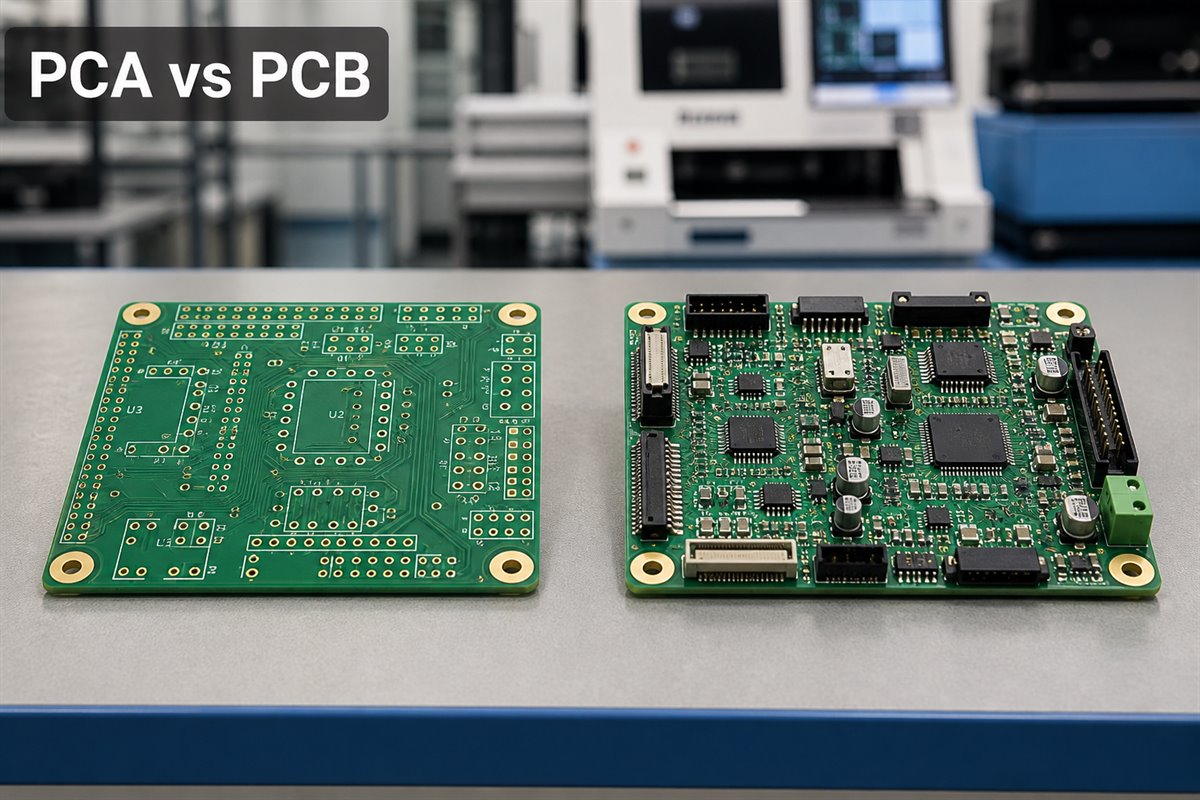
A bare PCB and a populated PCA represent different purchasing and manufacturing scopes.
What Is the Difference Between PCB and PCA?
A PCB is the manufactured printed circuit board before electronic components are assembled onto it. It provides the copper circuitry, holes, pads, solder mask, surface finish, mechanical outline, and other features required by the released fabrication data.
A PCA is a printed circuit assembly: a PCB populated with specified electronic components. In many companies, PCA and PCBA refer to the same assembled-board stage. The terminology may vary, but the difference in purchasing scope remains important.
The buyer-facing difference is the expected deliverable:
A PCB order normally covers bare-board fabrication and its agreed inspection records.
A PCA order normally adds component sourcing or consigned-material handling, assembly, and agreed inspection.
Programming, functional testing, conformal coating, cables, enclosure assembly, and product certification are not automatically included just because the order says PCA.
An assembled board is therefore not automatically a fully validated product. It may still need firmware, system integration, regulatory evaluation, or customer-level acceptance testing. Define those requirements separately instead of relying on an abbreviation.
How Can Confusing PCA and PCB Create an Incomplete Quote?
The wrong term can make a quote look complete while leaving out the production stage the buyer actually needs. A request containing only Gerber files and a quantity will usually be treated as a bare-PCB inquiry. Even if an email mentions an assembled board, the supplier cannot reliably quote components and assembly without the corresponding BOM and placement information.
This creates several avoidable problems:
The initial price may cover only PCB fabrication, making it appear lower than a complete assembly quote.
Component lead time is discovered only after the PCB order has already started.
Stencil, SMT, through-hole, X-ray, programming, or testing costs are added later.
The buyer has to restart the supplier-selection process because the original quotes did not cover the same scope of work.
A prototype schedule slips while missing BOM, placement, polarity, or test information is collected.
Prevent the mismatch before requesting quotes: state whether you need bare PCBs, assembled boards, or a defined combination of fabrication, sourcing, assembly, inspection, and testing assistance.
The words in the subject line matter less than the deliverables listed in the RFQ. A clear scope of work lets every supplier price the same services and gives the buyer a fair basis for comparison.
What Does a PCA Board Quote Include—and What May Still Be Excluded?
There is no universal rule that makes every PCA quote identical. One supplier may include PCB fabrication and all component procurement. Another may quote assembly labor only and expect the customer to supply the bare boards and parts. Buyers should compare what is included before comparing total prices.
A PCA board quote may include:
PCB fabrication based on the released fabrication package;
BOM sourcing, approved alternatives, or consigned-component handling;
solder-paste stencil;
SMT placement and reflow soldering;
through-hole insertion and soldering;
standard visual inspection and AOI where applicable;
X-ray inspection for specified hidden-joint packages;
cleaning, depanelization, and agreed packaging;
agreed electrical or functional testing assistance.
Items that often require separate confirmation include:
firmware programming and version control;
customer-specific test fixtures and software;
flying-probe or in-circuit testing;
conformal coating, potting, or special cleaning requirements;
cable, wire-harness, display, or enclosure integration;
serialized traceability and special reports;
regulatory testing or final product certification.
Do not assume that a short line such as “complete PCBA” settles these details. Ask the supplier to identify what is included, what depends on customer-provided tools or instructions, and what is excluded from the quote.
Which Files Prevent Delays in Printed Circuit Assembly?
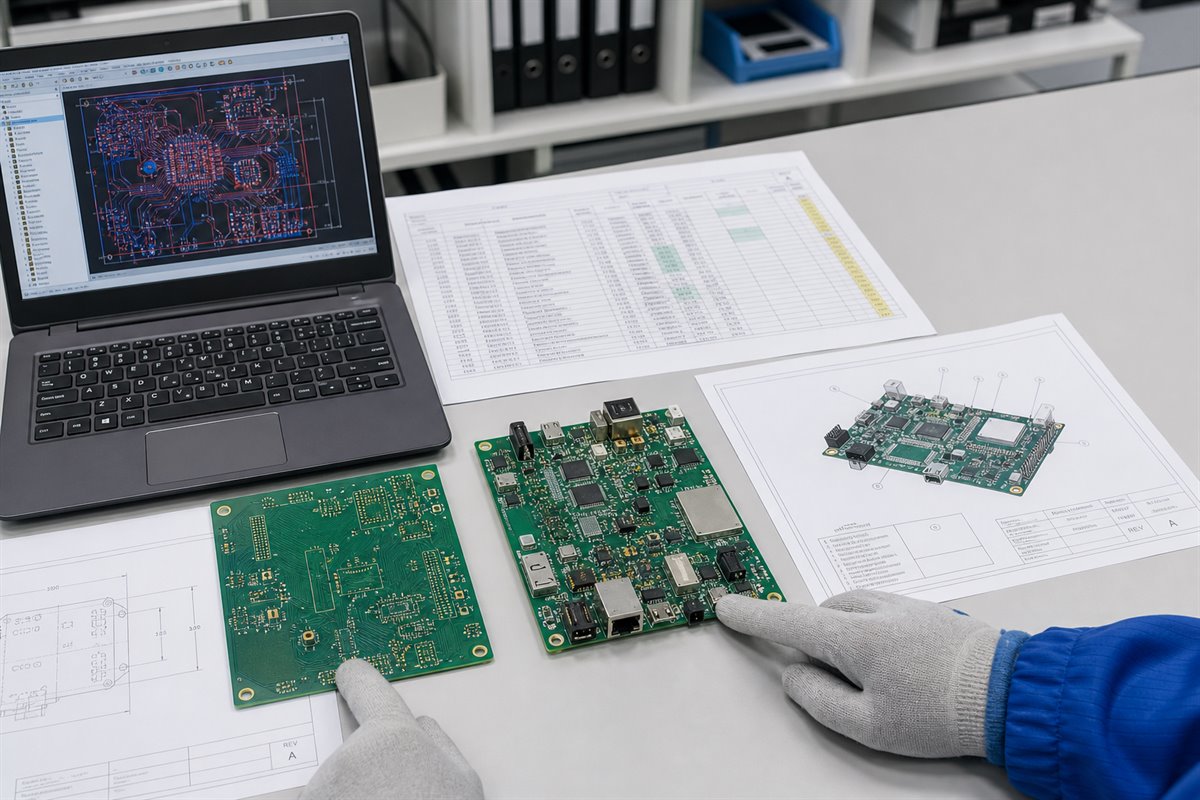
A supplier can quote and build only from the information released by the customer. Clear files reduce engineering questions, sourcing assumptions, orientation errors, and the risk of fabrication and assembly teams working from different revisions.
For PCB fabrication, provide:
Gerber or ODB++ fabrication data;
NC drill files;
fabrication drawing and board dimensions;
layer stack-up and controlled-impedance requirements, when applicable;
material, copper, thickness, surface-finish, solder-mask, and marking requirements;
panel or delivery-format requirements, if already defined.
For printed circuit assembly, also provide:
a BOM with manufacturer names and complete manufacturer part numbers;
approved-alternative rules and do-not-substitute items;
centroid or pick-and-place data;
assembly drawings showing polarity, orientation, and special notes;
the required assembly revision and matching fabrication revision;
programming files and instructions, when programming is requested;
test procedures, limits, fixtures, firmware, and expected outputs, when testing is requested.
The file package should also identify consigned parts, customer-supplied boards, moisture-sensitive components, special handling, and any required traceability. A complete release package reduces clarification cycles that can hold up a quote or production lot.
Matching PCB, BOM, placement, and assembly revisions reduces quote and production delays.
How Can a PCB-Only Quote Turn Into an Unexpected PCA Cost?
Consider a buyer who sends Gerber files and requests 100 “boards.” Supplier A returns a low price for PCB fabrication. Supplier B asks for the BOM and placement data, then quotes fabricated boards, sourced components, stencil, SMT assembly, AOI, X-ray for BGAs, and functional-test assistance.
Supplier A appears less expensive, but the two prices do not cover the same deliverable. After the purchase order is placed, the buyer discovers that important work was never included.
The buyer must now request another quote, confirm component availability, and revise the schedule. PCB fabrication did not suddenly become more expensive. The problem is that the buyer compared a bare-board quote with a PCA quote.
A useful comparison separates each quote into clear cost categories: PCB fabrication, components, tooling, assembly, inspection, testing, and optional services. This shows where the cost comes from and reveals missing work before the buyer selects a supplier.
When Should You Order PCB vs PCA?
The correct choice depends on the next production step in your project—not on which abbreviation sounds more complete.
Order a PCB when:
you need bare boards for material, stack-up, dimensional, or fabrication evaluation;
your own facility or another approved supplier will assemble the components;
components and assembly data are not yet released;
the purchase order is intentionally limited to bare-board fabrication.
Order a PCA when:
you have a released BOM, placement data, and assembly drawings;
you need the supplier to source or manage the specified components;
the order must include SMT, through-hole, or mixed-technology assembly;
inspection and test requirements can be defined before quoting;
you want fabricated boards and assembly managed under one coordinated production order.
If the design is still changing, clarify which revision is approved for quoting and which revision is released for production. A PCA quote based on an incomplete BOM or an unreleased layout may need to be updated once the final manufacturing data becomes available.
What Should Be Verified Before Accepting a PCA Delivery?
Receiving populated boards does not prove that every required step was completed. Acceptance should be based on the purchase order, released drawings, approved BOM, workmanship requirements, and agreed inspection or test plan.
Before accepting the delivery, verify:
part number, revision, quantity, and serialization where required;
approved PCB construction and surface finish;
installed component part numbers and authorized substitutions;
polarity, orientation, placement, and workmanship;
inspection results required by the order, such as AOI or X-ray;
programming version and programming record, if programming was included;
test scope, limits, results, and any untested functions;
deviations, rework, shortages, or customer-approved concessions;
packaging and moisture-control requirements for shipment.
The test report should state exactly what was tested. A result marked “Passed” has little value if the order never defined the fixture, test procedure, firmware version, limits, or expected result. Likewise, inspecting solder joints does not prove that the complete product functions as intended.
Customers remain responsible for released design requirements, product-level compliance decisions, firmware function, and final acceptance unless a different responsibility is explicitly agreed. The manufacturer can support manufacturability review, assembly inspection, and testing against customer-provided requirements.
Acceptance should follow the agreed inspection and test scope, not component placement alone.
How Can One Supplier Reduce Handoffs Across PCA and PCB Orders?
Using separate suppliers for bare-board fabrication, component procurement, and assembly can work, but every handoff creates another opportunity for revisions and responsibilities to fall out of sync.
Common handoff risks include:
the PCB factory and assembly house receiving different data revisions;
a fabrication adjustment not reaching the assembly team;
component substitutions being approved without considering footprint or process compatibility;
the buyer repeatedly answering the same engineering questions;
unclear responsibility when a defect may involve the board, component, or soldering process;
added transport, incoming inspection, and schedule coordination between suppliers.
EBest Circuit (Best Technology) can coordinate PCB layout manufacturability review, PCB fabrication, BOM sourcing, SMT and through-hole assembly, inspection, and agreed testing assistance under one production order. For the customer, that means fewer handoffs, one point of contact, clearer revision control, and faster answers when a manufacturing issue involves both the bare board and the assembly process.
This coordinated service does not transfer product-design ownership to the manufacturer. The customer still controls circuit function, approved files, BOM decisions, firmware, regulatory requirements, and final product acceptance. The benefit is a better-coordinated manufacturing process—not an assumption that the supplier will redesign or certify the product.
How Should You Write a Clear PCA or PCB RFQ?
A good RFQ lets the supplier understand the deliverable without guessing. It also makes the quotes easier to compare because each supplier is pricing the same scope of work.
State the required outcome first:
bare PCB only;
PCB fabrication plus customer-supplied component assembly;
PCB fabrication, BOM sourcing, and assembly;
assembly plus defined programming, inspection, or test assistance.
Then include:
project name, board part number, and revision;
prototype and expected production quantities;
complete fabrication and assembly files;
BOM sourcing responsibility and substitution rules;
customer-supplied materials and delivery timing;
workmanship or acceptance requirements;
inspection, X-ray, programming, and testing scope;
required reports, traceability, packaging, and delivery date;
a list of optional items that should be priced separately.
Ask the supplier to document assumptions and exclusions in the quote. If a requirement cannot yet be defined, mark it as pending instead of allowing each supplier to make a different assumption.
For a quote covering PCB fabrication, BOM sourcing, PCBA, and agreed testing assistance, send the released project package to sales@bestpcbs.com. EBest Circuit (Best Technology) can review the scope of work and identify missing production inputs before the order is released.
FAQs About PCA vs PCB
Does PCA mean the same thing as PCBA? In common electronics manufacturing use, both usually describe a PCB populated with components. Because company terminology varies, define the required fabrication, sourcing, assembly, inspection, and testing deliverables in the RFQ.
Can I request a PCA quote with Gerber files only? Gerber files are not enough for a reliable assembly quote. The supplier also needs a BOM, placement data, assembly drawings, quantity, sourcing responsibility, and any programming or testing requirements.
Does a PCA quote always include the PCB? No. Some quotes cover full turnkey fabrication and assembly, while others cover only assembly labor using customer-supplied boards and components. Confirm the material and service scope in writing.
Is a completed PCA ready to install in the final product? Not necessarily. The board may still require programming, functional testing, cable or enclosure integration, system validation, and product-level compliance work.
What is the fastest way to compare PCA quotes? Compare the same released revision and separate each quote into PCB fabrication, components, tooling, assembly, inspection, testing, optional services, lead time, and stated exclusions. Do not compare total prices until the scopes match.
Choosing between PCA vs PCB should leave no doubt about what will arrive at your receiving department. Define the deliverable, release the matching files, and agree on inspection and testing before the purchase order. That preparation prevents a simple terminology gap from becoming a cost, schedule, or acceptance problem.
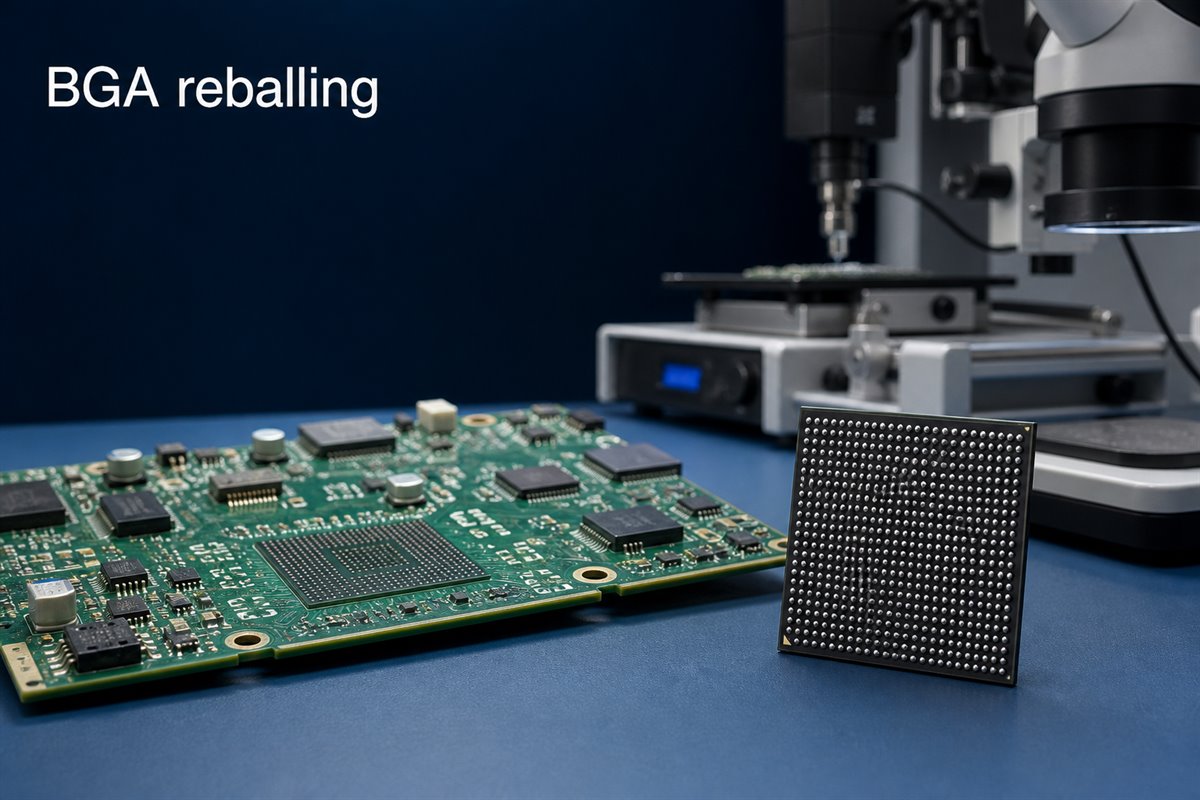
BGA reballing can recover a reusable component or support a controlled PCBA rework, but only when the package, PCB lands, solder materials, thermal limits, and acceptance criteria are known. Approving the work from appearance alone can turn a recoverable assembly into a damaged board, a latent field failure, or a second rework charge.
For purchasing, NPI, and quality teams, the important question is not simply whether a supplier can place new balls on a BGA. It is whether the reballed component can be reinstalled without exceeding its condition limits and whether the completed PCBA can produce the evidence required for acceptance. This guide explains the decisions, records, inspections, and tests that reduce that risk.
Evaluate component condition, PCB lands and acceptance evidence before approving BGA reuse.
When Can BGA Reballing Avoid an Unnecessary Component Replacement?
BGA reballing replaces the solder balls on the underside of a Ball Grid Array package. It may be considered after a component has been removed from a PCB, when its original balls are no longer suitable for another controlled attachment.
The customer benefit is straightforward: a suitable component may be recovered instead of being discarded. This can matter when the device is expensive, difficult to source, programmed, allocated, obsolete, or needed to keep a prototype validation schedule moving.
Reballing may be worth evaluating when:
the component was removed with a controlled thermal process;
the package body, substrate, pads, and solder mask remain intact;
the component identity and handling history are traceable;
the required ball diameter, pitch, and alloy can be confirmed;
reuse is permitted by the customer’s product and quality requirements;
the PCB lands remain suitable for another assembly cycle;
an agreed inspection and test plan can verify the completed rework.
This does not mean every removed BGA should be reused. Reballing restores the external solder-ball array; it does not repair an internally damaged die, substrate, bond connection, or package interconnect. If the original failure has not been isolated, new solder balls can reproduce the same failure on the next board.
Before approving reuse, ask for a disposition that answers three questions: why the BGA was removed, what evidence shows the package is still usable, and how the reworked assembly will be accepted.
When Is Replacing the BGA Safer Than Reballing It?
The cheapest rework is not always the lowest-cost decision. Reballing can save the price or lead time of a component, but another failed build may consume a PCB, engineering time, test capacity, and delivery margin.
Replacement is normally the safer path when the BGA has an uncertain origin or an uncontrolled removal history. The same applies when the package has visible substrate damage, missing or lifted package pads, discoloration, cracking, warpage outside the approved condition, or signs of excessive heating.
Do not approve reballing only because the component is expensive. Compare the value of the component with the cost of these consequences:
another BGA removal and installation cycle;
lifted or weakened PCB pads;
delayed prototype or production validation;
inconclusive fault diagnosis;
a latent defect that passes initial power-up;
loss of traceability or customer approval;
field-service and warranty exposure.
Use a decision gate. Classify the component as approved for reballing, approved for engineering evaluation only, or not approved for reuse. The decision should follow the released product requirements rather than an informal judgement made at the rework bench.
For high-reliability, safety-related, or tightly controlled products, the customer may require a new component even when reballing is technically possible. EBest Circuit can review manufacturability, assembly, sourcing, inspection, and agreed test requirements, but the customer retains authority over component reuse and product-level reliability acceptance.
What Evidence Should You Check Before Approving BGA Rework?
Reworking the wrong item wastes time twice: first during reballing and again when the original fault remains. Start with evidence that connects the failure symptom to the BGA or its solder connections.
Useful inputs may include:
the board serial number and assembly revision;
the BGA manufacturer, exact part number, lot information, and date code;
the observed failure mode and when it occurs;
X-ray, AOI, electrical, boundary-scan, or functional-test results, when available;
comparison results from a known-good board;
the number and type of previous thermal or rework cycles;
the original soldering and removal history;
customer authorization to remove, reuse, or replace the component.
Separate solder-joint evidence from device failure. Opens, bridges, head-in-pillow indications, abnormal joint shape, or placement offset may support a solder-process investigation. A non-booting board alone does not prove that the BGA balls are the cause. Power, clock, reset, firmware, surrounding components, PCB connectivity, and the device itself may produce similar symptoms.
The supplier should not invent a product diagnosis from incomplete files. If the available evidence cannot distinguish package failure from assembly failure, state the uncertainty and agree on the next diagnostic or replacement step before applying more heat to the board.
How Can You Reduce PCB Pad Damage During BGA Rework?
During PCB rework and repair, the PCB may be more difficult to recover than the component. Excessive temperature, heating time, lifting force, solder-wicking pressure, or repeated cleaning can damage copper lands, solder mask, laminate, nearby components, and via-in-pad structures.
Reduce that risk by confirming the rework plan before removal:
identify heat-sensitive parts, connectors, underfill, adhesives, and conformal coating near the BGA;
review board thickness, copper distribution, thermal planes, and local thermal mass;
use controlled top and bottom heating appropriate for the assembly;
monitor the actual assembly temperature instead of relying only on a machine setting;
lift the package only after solder melt has been confirmed;
use controlled land-cleaning methods that do not scrape or overheat the pads;
inspect the PCB lands before another component is installed;
stop when pad, mask, laminate, or via damage exceeds the agreed repair boundary.
IPC identifies IPC-7711/21 as the industry document for rework, modification, and repair of electronic assemblies. The current revision and the customer’s applicable workmanship and acceptance requirements should be stated in the order rather than assumed.
Limit unnecessary thermal cycles. IPC guidance does not provide one universal maximum number of rework actions for every assembly. The acceptable limit depends on the PCB, component, materials, process history, product class, and customer requirements. Record previous rework when it is known and escalate the decision when the history is uncertain.
How Should the BGA Ball Size and Solder Alloy Be Confirmed?
Using balls that merely fit the stencil is not enough. The ball diameter affects standoff, collapse, joint volume, coplanarity, and the ability of the package to form consistent connections with the PCB land pattern.
Confirm these inputs before material is released:
exact BGA manufacturer and part number;
package outline, pitch, and ball map;
original or customer-approved ball diameter;
ball alloy and lead-free or SnPb requirement;
package finish and compatibility with the assembly soldering process;
flux and cleaning requirements;
storage, moisture sensitivity, baking, and floor-life instructions;
approved substitution and deviation route.
Do not infer alloy from appearance. The package datasheet, manufacturer information, customer specification, or other approved record should control the choice. If a customer requires alloy conversion, treat it as a defined engineering requirement with documented approval—not as a routine material substitution.
A mixed-alloy process may require a different reflow profile and acceptance review. The PCBA supplier can confirm process compatibility against the released requirements, but should not independently change the customer’s material system.
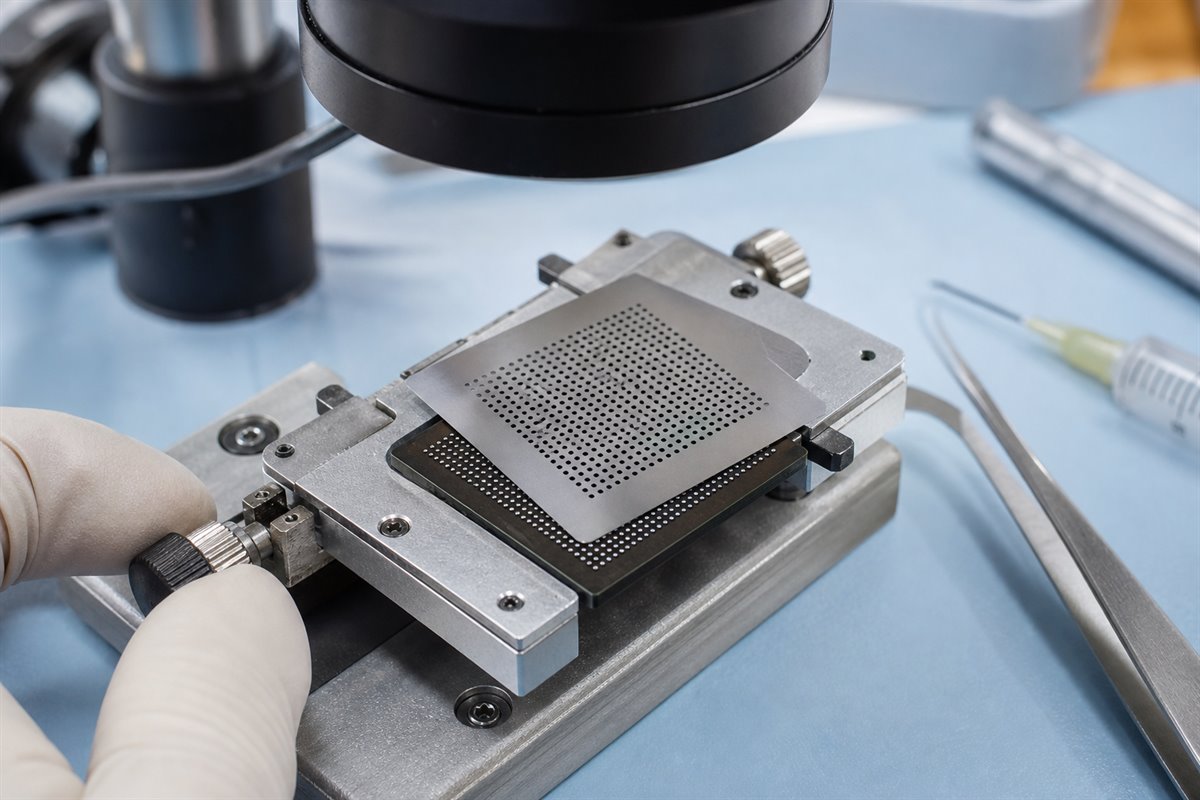
A controlled stencil, solder-ball and heating process helps produce a consistent ball array.
Which Process Controls Make BGA Reballing Repeatable?
A clean-looking ball array is not proof of a controlled process. Repeatability comes from controlling the package condition, materials, stencil or fixture, ball placement, heating, handling, and inspection as one documented operation.
A practical process plan should address:
incoming identification and condition photographs;
electrostatic-discharge controls;
moisture handling and any required bake;
removal of residual solder without damaging package pads;
cleaning and inspection before ball placement;
stencil or fixture compatibility with the package pitch and ball size;
flux type, amount, and application method;
ball coverage, alignment, and missing-ball checks;
controlled heating and measured profile parameters;
post-process cleaning requirements;
coplanarity and package-condition inspection;
traceability of operator, materials, equipment, and date.
Define the hold points. Useful hold points include inspection after the BGA is removed, after PCB land preparation, after package-pad preparation, after reballing, and after reinstallation. A defect found before reassembly costs less to resolve than one found after the board has completed another thermal cycle.
Where the customer has special workmanship criteria, reference samples, or inspection limits, include them with the work instruction. “Standard reballing” is too vague when the acceptance decision affects an expensive assembly.
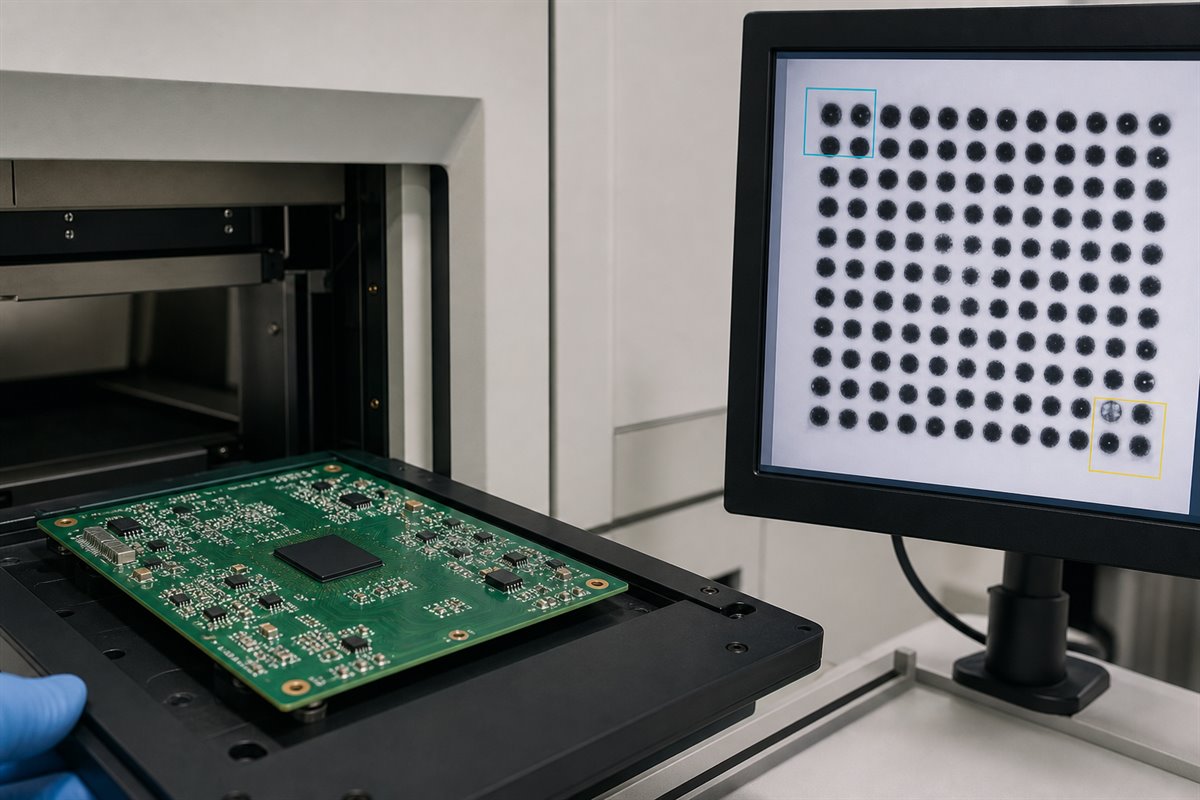
X-ray inspection helps reveal hidden BGA joint indications after reinstallation.
What Can X-Ray Inspection Reveal After BGA Reballing?
After the reballed package is installed through a controlled BGA soldering process, its solder joints are hidden. External visual inspection can confirm orientation, position, surface condition, and surrounding parts, but it cannot verify the entire solder-ball array.
X-ray inspection can help identify indications such as:
missing or open-looking connections;
solder bridges;
inconsistent joint size or shape;
abnormal alignment;
excessive or unusual voiding patterns;
solder distribution that differs from neighboring joints;
some signs associated with poor collapse or process imbalance.
X-ray is valuable evidence, but it is not a complete electrical or reliability test. A two-dimensional image may not separate every overlapping feature, and image interpretation depends on package construction, board design, equipment, image angle, and acceptance criteria. More advanced inspection may be appropriate for complex or high-value assemblies.
Agree on the report before rework. State whether the customer needs a pass/fail record, marked images, sample images, 100% inspection, defined regions of interest, or customer review before shipment. Without that agreement, the supplier and buyer may both say “X-ray inspected” while expecting different evidence.
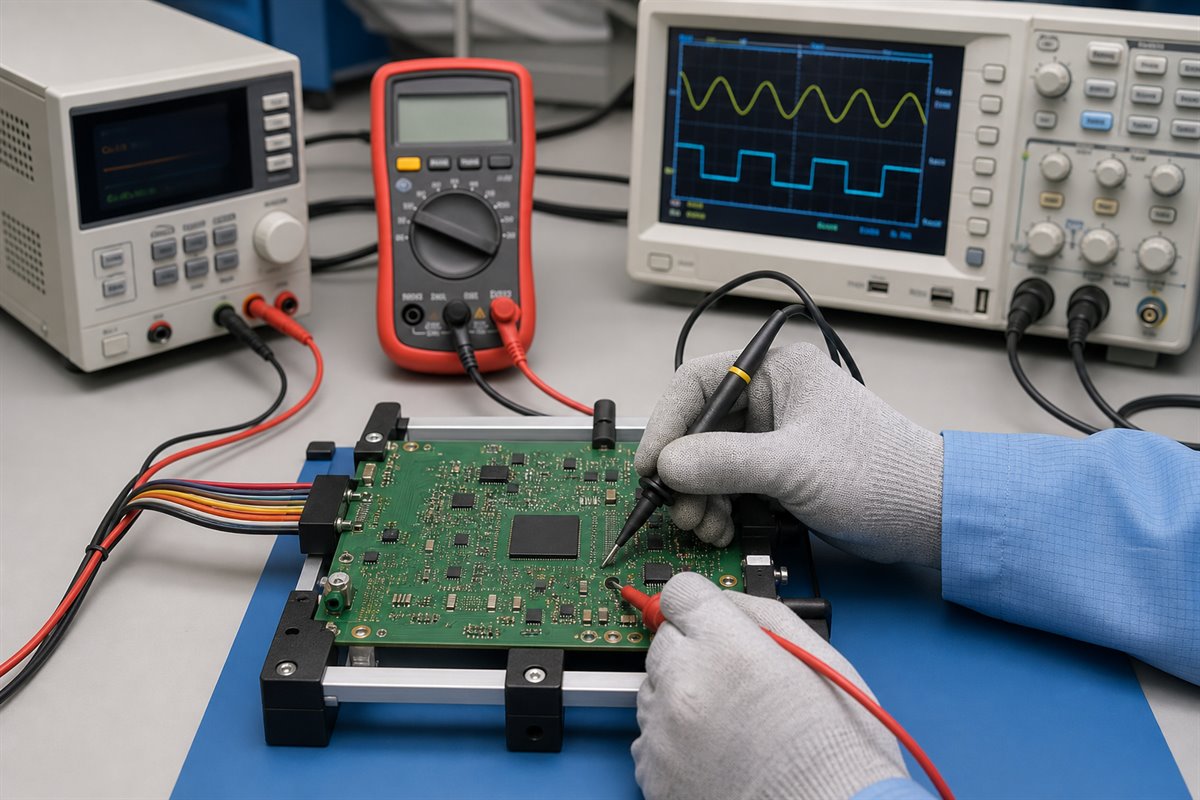
Functional testing checks whether the reworked PCBA performs against the customer-provided limits.
What Testing Should Be Completed Before Accepting the Reworked PCBA?
X-ray can support solder-joint assessment; it cannot prove that the product performs correctly. The acceptance plan should combine workmanship inspection with tests appropriate to the released design.
Depending on the product and available test access, the plan may include:
continuity and short checks;
resistance checks on critical power rails before power-up;
controlled power-up with current limits;
in-circuit or flying-probe tests where suitable;
boundary-scan testing when designed and supported;
programming or device-identification checks;
customer-provided functional testing;
comparison with a known-good PCBA;
thermal, cycling, or extended run testing when required by the customer.
Define what “pass” means. Provide test procedures, fixtures, firmware, limits, expected outputs, mating hardware, and safety notes with the order. If only partial testing is possible, the report should identify what was tested and what remains unverified.
EBest Circuit can support BGA assembly and assist with agreed PCBA inspection and testing based on customer-provided requirements. Product certification, firmware validation, and final product-level reliability decisions remain with the customer unless separately defined and authorized.
What Records Should Be Included With a BGA Reballing Order?
Clear records reduce quotation assumptions, speed up engineering review, and make the final disposition easier to approve. They also prevent the reworked board from becoming an untraceable exception in the next production or service lot.
Send a concise rework package containing:
PCBA part number, revision, serial number, and quantity;
Gerber or ODB++ data and the relevant assembly drawing;
BOM line and exact BGA part number;
placement data and orientation reference;
reason for removal and available failure evidence;
approval to reball and reuse, or instructions for conditional evaluation;
required solder-ball alloy and diameter;
applicable IPC, workmanship, and product acceptance requirements;
known prior rework and thermal history;
X-ray and inspection deliverables;
functional-test procedure, fixture, firmware, and limits;
required report format and approval contact.
For quotation, ask the supplier to separate component evaluation, removal, reballing, reinstallation, inspection, testing, replacement material, and any board repair. This makes unlike quotations easier to compare and exposes exclusions before the purchase order is released.
FAQs About BGA Reballing
What is BGA reballing? BGA reballing removes residual solder from a BGA package and forms a new solder-ball array so the component can be considered for another controlled attachment. It restores external solder connections; it does not repair an internally defective component.
Is BGA reballing better than replacing the component? It depends on component condition, traceability, availability, value, failure evidence, product requirements, and the cost of another failed attempt. A new component is usually safer when the removed BGA has an uncertain history or signs of package damage.
Can every removed BGA be reballed and reused? No. Package-pad damage, cracking, excessive warpage, uncontrolled heating, uncertain origin, internal failure, or customer restrictions may make reuse unacceptable.
Does X-ray prove that a reballed BGA is reliable? No. X-ray can reveal important solder-joint indications after reinstallation, but it should be combined with applicable workmanship criteria and electrical or functional testing.
What should I send for a BGA reballing quotation? Send the PCBA and BGA identification, revision and serial information, failure evidence, rework authorization, ball-alloy and size requirements, prior history, inspection criteria, and functional-test requirements. Include the PCB and assembly files needed to review the work area.
BGA reballing should leave the buyer with more than a component covered in new solder balls. It should produce a traceable decision, controlled rework, documented inspection, and a tested PCBA whose remaining limitations are understood.
If you need BGA PCBA manufacturability review, component sourcing, SMT assembly, controlled rework evaluation, X-ray inspection, or testing assistance, send the PCB files, BOM, assembly data, failure information, and acceptance requirements to sales@bestpcbs.com. EBest Circuit will review the available information and confirm what can be supported before work begins. Review our BGA reballing requirements before releasing the order.
A reliable boiler PCB helps appliance manufacturers avoid no-start failures, intermittent shutdowns, repeated service calls, delayed approvals, and costly board revisions. Reducing these risks before the first build means reviewing the PCB data, BOM, assembly drawings, operating environment, programming instructions, and acceptance tests as one complete manufacturing package.
EBest Circuit (Best Technology) gives engineering and purchasing teams one coordinated path from approved files to a controlled prototype or production build. We support DFM review, PCB fabrication, component sourcing, PCBA assembly, inspection, and customer-defined testing coordination. The customer remains responsible for the boiler’s system architecture, firmware, combustion-safety logic, and finished-appliance certification.
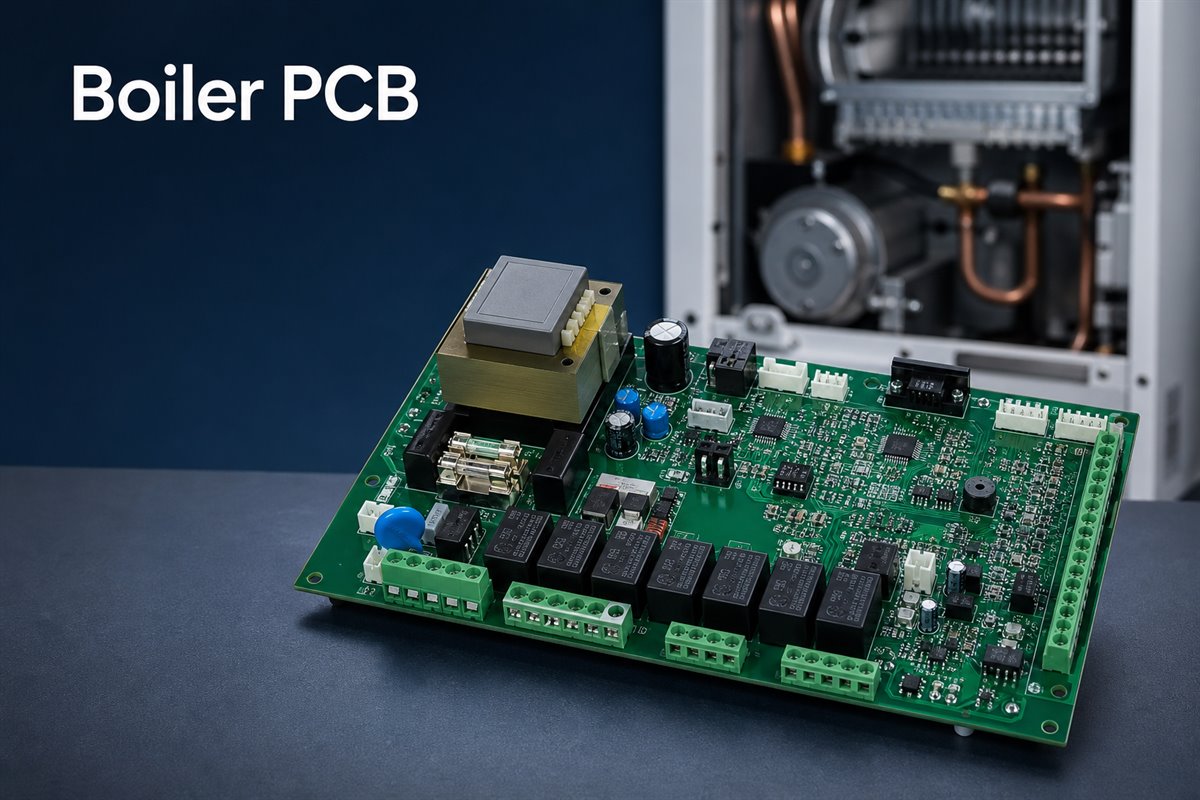
A boiler PCB project should align board construction, components, assembly, and application requirements before production.
What Is a Boiler PCB?
A misunderstanding at the specification stage can cause buyers to source the wrong board type or compare quotations that do not include the same work. A boiler PCB is the printed circuit board—or, more commonly in practical sourcing, the assembled PCBA—that connects and controls the electronic functions defined by the boiler designer.
Depending on the system, the assembly may interface with temperature and pressure sensors, pumps, fans, valves, ignition-related circuits, displays, communication modules, and power supplies. It can contain low-voltage logic, mains-connected sections, relays, transformers or isolated power components, connectors, protection devices, and programmed control devices on the same assembly.
The term is often used loosely. Buyers should separate the following scopes before comparing quotations:
Requested product
What it normally includes
What the buyer should confirm
Bare boiler PCB
Copper circuitry, solder mask, silkscreen, surface finish, and mechanical features
Stackup, copper, finish, tolerances, slots, and testing
Boiler PCBA
Bare PCB plus soldered electronic components
BOM, placement data, assembly drawings, inspection, and acceptance criteria
Programmed and tested PCBA
Assembled board plus agreed programming and test operations
Firmware revision, fixture, test limits, records, and failed-unit handling
Buyers should also state whether components are consigned by the customer, sourced by the supplier, or handled through a mixed purchasing model. This prevents a low bare-board quotation from being compared with a turnkey PCBA quotation that includes sourcing, programming, and testing.
A boiler PCB is also part of the wider HVAC circuit board family, but its exact interfaces and operating sequence depend on the boiler platform. That is why manufacturing requirements should come from the customer’s approved design files and product risk assessment rather than from a generic “boiler board” specification.
How Does a Boiler PCB Control the Heating Sequence?
An unclear sequence can create false fault reports because a manufacturing problem and a system-design problem may look similar during final testing. In a typical application, the board reads input conditions, applies the control logic supplied by the OEM, switches defined outputs, and monitors feedback to decide whether the sequence may continue.
For example, a heating request may require the controller to perform a sequence such as:
Read the required sensor and interlock states.
Energize a pump, fan, or other defined output.
Operate an ignition-related output according to the approved firmware.
Monitor the expected feedback within the specified time.
Continue, stop, or lock out according to the customer’s control logic.
The exact order, timing, thresholds, and safety responses are product-specific. They should be defined and validated by the boiler manufacturer—not assumed by the PCBA supplier.
From a manufacturing perspective, this sequence becomes useful test information.
The customer should define:
which inputs must be simulated;
which outputs must be measured;
which firmware and configuration revision must be loaded;
the expected timing and measurement limits;
what constitutes a pass, failure, or retest condition.
Without this information, a supplier may confirm workmanship and electrical continuity but cannot independently prove that the assembly performs every intended boiler function.
Before quotation, the project package should therefore explain whether the supplier is expected to provide unprogrammed assemblies, load customer firmware, run a fixture-based functional test, or support final testing in the customer’s product.
Which Boiler PCB Types Require Different Manufacturing Decisions?
Treating every boiler board as the same can lead to the wrong material, component, assembly, coating, or test assumptions. The manufacturing plan should reflect how the board is used and where its main risks are concentrated.
Common application differences include:
Gas-boiler control boards with ignition-related interfaces, valve and fan outputs, flame-detection circuitry, and strict system safety requirements.
Electric-boiler boards with significant heater-control loads, contactors, relays, current sensing, and thermal-management concerns.
Combi-boiler controllers coordinating space heating and domestic hot-water functions.
Condensing-boiler electronics operating in equipment where moisture management and enclosure airflow require careful review.
Interface or display boards that may carry lower power but face connector, handling, and human-interface demands.
Communication or expansion boards connecting the appliance to thermostats, building controls, or service tools.
These categories do not automatically determine a laminate, copper weight, coating, or test method. A compact display board and a mains-switching control board may need very different stackups and process controls even when installed in the same boiler. The customer should provide rated voltages and currents, isolation requirements, operating environment, board location, mechanical constraints, expected service life, and applicable product standards.
EBest Circuit can review whether the supplied fabrication and assembly package communicates those requirements consistently. Any change to the electrical architecture or safety function must be approved by the customer’s responsible engineers.
What Causes Boiler PCB Failures?
Field returns become expensive when the team replaces a board without identifying whether the root cause came from design margin, component selection, assembly variation, installation stress, contamination, or another part of the boiler. A useful failure review separates the observed symptom from the physical mechanism.
Common PCB and PCBA failure mechanisms include:
Solder-joint cracking around relays, transformers, terminal blocks, and other heavy or mechanically loaded parts.
Local overheating at relays, power resistors, connectors, copper bottlenecks, or poorly cooled components.
Corrosion or leakage paths caused by condensation, ionic contamination, or unsuitable coating coverage.
Intermittent connections caused by fretting, weak connector retention, cable strain, or repeated thermal cycling.
Incorrect component value, polarity, package, or approved-vendor substitution.
Insufficient spacing or contamination across high-voltage and low-voltage regions.
Firmware, programming, or configuration mismatch between otherwise identical-looking assemblies.
Damage introduced by handling, electrostatic discharge, mounting stress, or enclosure interference.
A production supplier can help investigate workmanship, material records, component traceability, inspection evidence, and test results. However, a no-heat or lockout symptom does not by itself prove that the PCB is defective. Sensors, wiring, pumps, fans, valves, power quality, firmware, and other system conditions may produce similar symptoms. Troubleshooting gas or mains-powered boilers should be performed by appropriately qualified personnel.
For new projects, the best action is to convert known failure risks into drawing notes, BOM controls, inspection points, and test criteria before production begins.
How Can Boiler PCB Reliability Be Improved?
Reliability improves when the project prevents predictable stresses instead of relying on final inspection to find damage after it occurs. Heat, moisture, vibration, contamination, and handling should be translated into specific design inputs and manufacturing controls.
Focus the reliability review on three stress groups:
Heat: Identify high-loss components and realistic current conditions. Review copper width, copper weight, thermal vias, component spacing, airflow, enclosure temperature, and component ratings against the approved design. Thermal images or measured temperatures from an engineering sample are more useful than a general request for a “high-temperature PCB.”
Moisture and contamination: Define the expected condensation, contamination, and cleaning environment. Conformal coating can help in suitable applications, but it is not a universal cure. The coating must be compatible with the PCB surface, components, operating temperature, service process, and product requirements. A masking drawing should identify connectors, test points, switches, heat sinks, and other no-coat areas. Cleanliness and curing also matter because coating over contamination can trap the problem.
Vibration and mechanical stress: Provide adequate support, hole and pad geometry, solder-joint design, and spacing for heavy components. Review connector insertion force, cable pull, depaneling stress, screw torque, and enclosure fit. If adhesive, staking, or other retention is required, document its material, location, height, and acceptance standard.
These controls should be tied to measurable drawings, samples, or test requirements. Phrases such as “high reliability” or “moisture resistant” are not enough for repeatable production.
EBest Circuit can review these requirements for manufacturability and process consistency. Environmental validation and lifetime targets must still be defined and approved by the OEM.
Thermal inspection helps engineers evaluate high-loss components and load-related heating on a boiler PCB assembly.
How Should Power and Control Circuits Be Separated?
Poor separation can expose low-voltage logic to noise, leakage, arcing, or unsafe energy. It can also make inspection difficult if the project files do not clearly distinguish circuit domains.
The design team should identify mains, high-current, isolated, protective-earth, sensor, communication, and logic areas. Creepage and clearance values must be selected from the product’s applicable safety requirements, working voltage, insulation system, pollution degree, material group, altitude, and other relevant conditions. A generic spacing copied from another board is not a substitute for a product-specific compliance decision.
Before releasing the data, confirm:
required creepage and clearance dimensions;
isolation slots, barriers, and keep-out areas;
copper width and current requirements for load paths;
fuse, relay, connector, and protection-device ratings;
grounding and protective-earth instructions;
test voltages and which nets or regions they apply to;
coating or potting effects that are recognized by the applicable standard;
silkscreen, assembly, and inspection markings that help prevent mistakes.
DFM review can flag narrow spacing, small isolation slots, copper-to-edge risk, solder-mask concerns, and manufacturing tolerances that may reduce the intended separation. It cannot decide the finished boiler’s required insulation architecture on the customer’s behalf. When a rule affects safety, the controlling value should come from the customer’s authorized engineering and compliance documentation.
What Should Engineers Check Before PCB Fabrication?
Missing or conflicting files often create more delay than the actual board fabrication. A quotation based only on Gerber files may omit component sourcing, programming, special assembly, coating, fixtures, or acceptance-test costs.
A controlled release package should normally include:
Gerber or ODB++ data and drill files.
Fabrication drawing with stackup, finished thickness, copper, surface finish, tolerances, slots, cutouts, and controlled-impedance requirements where applicable.
BOM with manufacturer part numbers, approved alternatives, do-not-substitute items, and sourcing responsibility.
Pick-and-place data and assembly drawings showing polarity, orientation, reference designators, and special installation notes.
Panelization, breakaway, edge-clearance, and tooling requirements when these are customer-controlled.
Firmware files, programming method, device configuration, checksums, and version-control instructions when programming is required.
Coating, adhesive, masking, cleaning, and cosmetic requirements.
Test specification, fixture interface, expected readings, pass limits, and failure-record requirements.
Golden sample or approved photographs when visual details cannot be communicated reliably by drawings alone.
The files should carry matching revisions. If the BOM is revision C while the assembly drawing is revision B, production can follow two individually valid documents and still build the wrong result. A formal release checklist and written resolution of engineering questions reduce that risk.
EBest Circuit can provide a DFM review and BOM optimization list within the supplied project scope. The customer should approve substitutions, functional changes, and any deviation from the released design before procurement or production.
How Are Boiler PCB Assemblies Inspected?
Inspection gaps allow a visually acceptable board to reach functional testing with the wrong component, weak solder joint, missing operation, or undocumented rework. A suitable inspection plan combines process evidence instead of depending on one machine or one final visual check.
A practical inspection flow may include:
Incoming verification: Check PCB identity, component labels, quantities, moisture-sensitive handling, date or lot information, and selected high-risk parts.
Solder-paste control: Use solder-paste inspection when the package mix and process risk justify it.
Placement and solder inspection: Use automated optical inspection to check placement, polarity, solder appearance, and component presence.
Hidden-joint inspection: Select X-ray for bottom-terminated or other concealed joints where it adds useful coverage; it is not required for every package or board.
Manual process inspection: Check connectors, terminal blocks, relays, transformers, through-hole soldering, coating boundaries, adhesive, and mechanical hardware.
First-article confirmation: Compare the initial assembly with the BOM, drawings, approved sample, and special requirements before the full batch proceeds.
No inspection method proves every electrical or functional requirement. The control plan should be based on component packages, process risks, customer requirements, and the consequences of an escape. Inspection records should also connect to the batch and revision so that a later question can be traced to the correct material and production history.
Optical inspection checks placement, polarity, solder appearance, and component presence during boiler PCB assembly.
What Testing Should Be Defined Before Production?
Undefined testing creates two opposite risks: the supplier may perform only basic workmanship checks, or the quotation may assume a complex test that the customer did not budget or provide data for. The test level should be agreed before the order.
Bare-board electrical testing checks PCB continuity and isolation against the supplied net data. After assembly, automated or fixture-based checks may verify selected components, shorts, opens, programmed devices, voltage rails, communication, and controlled input/output behavior. The exact method depends on access, volume, fault coverage, product risk, and available customer data.
For a functional test, the OEM should define safe simulated inputs, expected outputs, timing or measurement limits, firmware revision, connection method, and handling of failed units. If mains or load simulation is involved, fixture safety and operator protection require particular attention. A PCBA supplier should not invent combustion or appliance-safety acceptance limits.
Useful test-release questions include:
Which faults must the test detect?
Which nets and interfaces are accessible?
Is programming performed before or during the test?
Are real loads, simulated loads, or a customer-supplied appliance required?
What are the numeric pass limits and allowed tolerances?
How are results linked to the PCB serial number or batch?
Who approves fixture changes and test-software revisions?
Answering these questions early helps the supplier estimate fixture effort, cycle time, coverage, and responsibilities accurately.
How Do Prototype Builds Reduce Boiler PCB Risk?
Moving directly from released files to a large order can multiply a small documentation or assembly error across the whole batch. A prototype or pilot build gives the engineering team a controlled point to verify the board, assembly process, programming, mechanical fit, and test method before volume commitments.
A practical pilot-build flow is:
Review DFM findings, BOM risk, and unresolved engineering questions.
Purchase a controlled quantity of approved material.
Assemble and inspect the first article before continuing the batch.
Verify component orientation, solderability, connector alignment, and enclosure clearance.
Confirm firmware loading, fixture access, coating masks, and defined functional behavior.
Record issues and close them through an approved revision or deviation process.
Consider an illustrative boiler-controller project containing relays, terminal blocks, a programmed controller, temperature-sensor inputs, and a communication connector. During the first build, the supplier may discover that a connector drawing does not define the mating-cable exit direction, a relay alternative has a different height, or a test point becomes inaccessible after the board is installed. Resolving those items before the repeat order avoids enclosure rework, purchasing confusion, and incomplete production testing. This example describes a realistic workflow, not a claim about a specific customer project.
EBest Circuit supports prototype PCB assembly and small-quantity PCB and PCBA builds for engineering validation. Prototype approval should record the final files, BOM decisions, firmware, test revision, and open issues so that the next batch repeats the approved build rather than an earlier version.
A controlled prototype fixture helps validate programming, interfaces, and customer-defined functional tests before volume production.
How Does EBest Circuit Support Boiler PCB Projects?
Coordinating separate PCB, component, assembly, and test suppliers can slow engineering communication and make responsibility unclear when files change. EBest Circuit (Best Technology) provides one-stop support covering PCB manufacturing, component sourcing, PCBA assembly, inspection, and testing coordination for customer-owned boiler PCB designs.
Our service model combines one sales contact with engineering support across the project.
Project support can include:
DFM review before fabrication and assembly;
BOM review for sourcing risk, package conflicts, long-lead items, and customer-approved alternatives;
PCB fabrication and component purchasing coordination;
SMT, through-hole, and mixed PCBA assembly as required by the approved data;
inspection and traceability aligned with the project requirements;
programming and customer-defined test coordination when files and criteria are available;
prototype and small-batch builds before production scaling.
EBest Circuit operates PCB and PCBA manufacturing resources, works with an established component supply network, and supports traceability of materials, batches, and production progress. Company quality-system certifications include ISO 9001, ISO 13485, IATF 16949, and AS9100D. The applicable process, documentation, and certification requirements for each boiler project must be confirmed during quotation; these company certifications do not replace finished-boiler approval.
To request a manufacturing review, send Gerber files, BOM, pick-and-place data, assembly drawings, expected quantity, application requirements, and test instructions to sales@bestpcbs.com. Our team can then identify open questions and prepare a quotation around the actual project scope.
FAQs About Boiler PCBs
What is the difference between a boiler PCB and a general HVAC control board?
A boiler PCB is an HVAC-related control board developed for a particular boiler platform and its defined sensors, outputs, loads, communications, and operating sequence. “HVAC control board” is a broader term that also covers air conditioners, furnaces, heat pumps, ventilation equipment, and other systems. Manufacturing requirements should follow the specific product files rather than the category name alone.
What files are needed to manufacture a boiler PCB assembly?
A typical turnkey package includes Gerber or ODB++ data, drill files, fabrication drawing, BOM with manufacturer part numbers, pick-and-place data, assembly drawings, and quantity. Add firmware and programming instructions, coating or masking drawings, mechanical requirements, test specifications, and an approved sample where applicable. All documents should have consistent revision control.
Does a boiler PCB need conformal coating?
Not automatically. The decision depends on condensation, contamination, component compatibility, temperature, serviceability, enclosure protection, and applicable product requirements. If coating is specified, the customer should define the material or performance requirement, thickness where relevant, no-coat areas, cleanliness, cure, inspection, and test expectations.
How should relay and connector loads be tested?
The OEM should define the rated and worst-case loads, switching conditions, duty cycle, temperature limits, acceptable voltage drop, contact behavior, connector requirements, and pass criteria. Prototype testing may combine electrical measurements, temperature checks, repeated switching, and inspection. The method must reflect the actual circuit and product risk; it should not be replaced by a generic relay test.
Can boiler PCB assemblies be built in small batches before volume production?
Yes. A prototype or small batch can validate component availability, assembly workmanship, programming, mechanical fit, coating, inspection, and customer-defined functional testing before volume production. The approved pilot configuration should then be frozen through controlled files, BOM decisions, firmware records, and test documentation.
Need to move a boiler PCB from engineering files to a controlled prototype or production build? Send your Gerber files, BOM, pick-and-place data, assembly drawings, quantity, coating requirements, and test instructions to sales@bestpcbs.com. EBest Circuit (Best Technology) can review manufacturability and sourcing risks, then support PCB fabrication, component procurement, PCBA assembly, inspection, and customer-defined testing coordination within the agreed project scope.
A battery cell monitoring system helps a battery pack collect cell-level voltage, temperature, and status data so the control system can make safer decisions. In electric mobility, energy storage, industrial backup power, test equipment, and smart battery products, a weak monitoring board can turn a promising pack into a difficult validation project.
For engineers and buyers, the practical question is not only how the monitoring circuit works. The harder question is whether the PCB, connectors, sampling paths, insulation spacing, component sourcing, SMT assembly, coating, testing, and packing can stay controlled from the first prototype to small-batch production.
EBest Circuit (Best Technology) supports battery-related PCB and PCBA projects with PCB fabrication, BOM sourcing, SMT assembly, inspection, functional test coordination, and manufacturing review. If you already have Gerber files, BOM, stackup, connector notes, test requirements, or assembly drawings, send them to sales@bestpcbs.com for an engineering review before production starts.
Battery monitoring PCBA projects need connector, sampling, testing, and assembly details controlled together.
What Is a Battery Cell Monitoring System?
A battery cell monitoring system is the part of a battery pack that observes individual cell conditions and sends that information to the battery management system or control unit. It may monitor cell voltage, temperature, balancing status, communication signals, and fault-related conditions.
On the PCB side, this usually means the board must connect safely to many cells, route small sensing signals cleanly, keep high-voltage and low-voltage areas separated, and allow the assembled board to be tested before shipment.
For a real PCBA project, the files should make these points clear:
cell count and connector pin order;
cell voltage sampling paths;
temperature sensor locations;
battery monitoring chip part number;
communication interface, such as CAN, UART, SPI, or isolated communication;
creepage, clearance, slots, coating, or insulation requirements;
test method and pass/fail criteria;
packing method for assembled boards.
This article does not try to replace the customer’s battery algorithm, pack architecture, or protection strategy. It focuses on the manufacturing details that decide whether a released battery cell monitoring system board can be built and verified reliably.
Battery Cell Monitoring System vs Battery Management System
A battery cell monitoring system and a battery management system are closely related, but they are not always the same scope. Many search results use these terms together, so it helps to separate the board-level manufacturing view from the full system view.
Term
Practical Meaning
Battery cell monitoring system
Measures cell-level data
Battery management system
Controls protection and pack behavior
BMS PCB
PCB used inside a BMS product
Monitoring PCBA
Assembled board for sensing and communication
A full BMS may include protection logic, balancing strategy, current sensing, contactor control, state estimation, communication, firmware, and safety decisions. The monitoring board may be one part of that system.
For PCB and PCBA manufacturing, the responsibility should be clear. The customer defines the electrical design, monitoring IC, firmware, pack architecture, and safety logic. The PCB/PCBA supplier checks whether the released files can be fabricated, assembled, inspected, and tested according to the agreed production requirements. For broader background, this related guide explains what a BMS PCB board is.
Battery Cell Voltage Monitoring System for Accurate Readings
A battery cell voltage monitoring system depends on small voltage differences that must be routed from the pack connector to the monitoring IC without avoidable assembly or manufacturing errors. A wrong connector pin order, unclear net name, poor soldering, missing test pad, or contaminated connector area can make debugging painful.
Cell sensing lines, connector pins, and test pads should be clear before SMT assembly.
Before production, useful checks include:
matching the connector drawing with the PCB footprint;
checking connector orientation and pin 1 location;
confirming test pads for key sensing nets;
reviewing resistor and capacitor placement near the sampling path;
checking solder mask openings around dense connector pins;
making sure sampling nets are not confused during harness assembly;
confirming inspection access after SMT.
If the first prototype shows unstable cell readings, the root cause may not be the monitoring IC itself. It may be a connector issue, soldering defect, poor test access, wrong component value, or file mismatch. That is why BOM, Gerber, CPL, connector drawing, and test notes should be reviewed together.
Cell Monitoring System PCB Interfaces That Reduce Assembly Risk
A cell monitoring system is usually connector-heavy. The PCB may connect to cell taps, NTC thermistors, pack current paths, communication lines, programming pads, external harnesses, and sometimes an enclosure or shield structure. Each interface is a possible failure point if the drawings are incomplete.
The most useful interface details are the ones that prevent rework:
connector series, pitch, height, locking direction, and mating part;
wire harness direction and keep-out areas;
current rating for power or balancing paths;
mechanical support for heavy connectors;
test access for production verification;
polarity and pin sequence markings;
packing protection for exposed connector pins.
For buyers, this is where a one-stop PCB and PCBA workflow reduces handoff risk. If PCB fabrication, component sourcing, SMT, through-hole soldering, cleaning, inspection, and packing are coordinated separately, connector notes can be missed. EBest Circuit keeps these notes visible from file review to shipment.
Battery Monitoring Chip Placement for Stable PCBA Performance
A battery monitoring chip is often the most important IC on the board. Its placement affects sensing trace length, filter component placement, isolation strategy, thermal exposure, programming or communication access, and inspection after SMT.
EBest Circuit does not choose the customer’s monitoring chip or define the battery algorithm. The approved IC, circuit, and firmware come from the customer’s engineering team. The manufacturing review focuses on whether the selected package, footprint, BOM data, and assembly files match the physical build.
Typical PCBA risks around the monitoring IC include:
wrong IC package or footprint version;
pin 1 mismatch between datasheet, PCB footprint, and CPL file;
fine-pitch solder bridging;
insufficient solder on small passives near the IC;
missing test access for communication or programming;
thermal exposure from nearby power components;
unclear firmware or test-step requirements.
If the project includes customer-provided firmware or programming files, the programming method and verification step should be defined before assembly. For related production flow, this article on IC programming explains how firmware loading can fit into PCBA production.
Battery Monitoring System PCB Safety for High-Voltage Packs
Battery monitoring system PCB safety becomes more important as cell count, pack voltage, and enclosure constraints increase. A monitoring board may carry only sensing current, but it can still connect to high pack potential through the cell tap harness. Manufacturing details must respect the customer’s released safety spacing and insulation requirements.
Clearance, slots, coating edges, and connector areas should be checked before battery monitoring PCB production.
Safety-related PCB manufacturing points may include:
creepage and clearance between cell groups;
slots, cutouts, or keep-out areas;
solder mask dams and exposed copper control;
board thickness and mechanical stiffness;
surface finish and solderability;
conformal coating or potting notes;
connector spacing and insulation barriers;
mounting hole clearance from high-voltage nets.
The PCB manufacturer should not change the safety spacing or net relationships without approval. However, the supplier should flag unclear drawings, missing slots, tight copper spacing, or coating conflicts before production. For boards used in sealed or harsh environments, PCB encapsulation or conformal coating requirements should also be reviewed before assembly.
Battery Management System Cell Monitoring Diagram Before Production
A battery management system cell monitoring diagram is useful only when it can be translated into clear PCB and PCBA files. A diagram may show cell taps, sense resistors, NTCs, isolation, communication, balancing circuits, and pack connectors, but the factory still needs released manufacturing data.
Before quotation or production, prepare:
Gerber or ODB++ files;
NC drill files;
stackup and finished board thickness;
BOM with manufacturer part numbers;
CPL or pick-and-place file;
assembly drawing;
connector drawings and mating connector notes;
coating, cleaning, and packing requirements;
test instructions and acceptance criteria.
The diagram helps explain intent, but it should not replace production files. If a diagram and Gerber data conflict, the customer should confirm which document controls the build before PCB fabrication starts. The same principle applies to custom BMS PCB projects where the board must fit both electrical and mechanical requirements.
Battery Monitoring Unit Assembly for Prototype and Small-Batch Builds
A battery monitoring unit prototype is often small in quantity but high in consequence. One incorrect connector, one wrong resistor value, or one missing test point can delay pack validation and make the engineering team question whether the issue comes from the circuit, assembly, harness, or test setup.
A test fixture helps verify assembled battery monitoring boards before delivery.
For prototype and small-batch PCBA, the useful production path is:
review PCB files, BOM, CPL, drawings, and connector notes together;
confirm unavailable or risky components before SMT scheduling;
check polarity, pin 1, connector orientation, and test access;
prepare SMT, through-hole, cleaning, and inspection steps;
run AOI, visual inspection, and agreed functional checks;
pack finished boards to protect connectors and exposed pins.
Small quantity does not remove process risk. A two-piece prototype still needs correct materials, controlled assembly, and usable inspection. For projects moving from prototype to pilot build, PCB assembly support should be aligned with the test plan and delivery schedule.
Battery Cell Monitoring System Case Study for a PCBA Project
A European customer needed a small-batch monitoring PCBA for an industrial battery pack used in energy storage validation. The customer had already released the electrical design, monitoring IC selection, and firmware. The main request was to build a small quantity of boards that could support stable connector contact, cell voltage sampling, communication testing, and clean inspection before pack-level validation.
Project snapshot:
Customer region: Europe;
Application: industrial energy storage battery module;
Build type: prototype to small-batch PCBA;
PCB: multilayer FR4 monitoring board;
Key concerns: connector order, cell sampling stability, isolation spacing, SMT quality, and test access;
Delivery need: engineering validation boards before next pack test round.
Manufacturing challenge:
The board used dense connectors for cell tap inputs and temperature signals.
Several sampling nets needed clear test access after assembly.
Connector direction and harness routing had to match the customer’s enclosure plan.
The project required a practical inspection path before the boards were packed.
Checked connector footprint, orientation, and polarity markings before SMT.
Confirmed test pads for key sensing and communication nets.
Coordinated PCB fabrication, component sourcing, SMT assembly, inspection, and packing under one workflow.
Kept engineering questions visible before production rather than during final inspection.
The customer received assembled monitoring boards for pack validation with connector, sampling, inspection, and packing details controlled as one project. The value was not only receiving the boards. The value was reducing uncertainty before the customer connected the PCBA to a real battery module.
Why this matters for battery monitoring PCBA projects: battery monitoring builds are not forgiving. If the board has unclear connector notes, unstable sampling access, poor soldering, weak traceability, or missing test instructions, the customer may lose time during pack validation. EBest Circuit is useful when the buyer needs PCB fabrication and PCBA assembly details coordinated by one team.
Support that matters during a battery monitoring build:
PCB fabrication and stackup review;
BOM sourcing based on approved part numbers;
SMT and through-hole assembly;
connector and polarity review;
AOI, visual inspection, and agreed test coordination;
coating, cleaning, and packing notes when required;
prototype, sample, and small-batch production support.
EBest Circuit has supported PCB and PCBA manufacturing since 2006, with ISO9001, ISO13485, IATF16949, AS9100D, RoHS, REACH, and UL-related quality support. For battery-related projects, that background helps keep file review, purchasing, assembly, inspection, and delivery communication connected.
FAQs About Battery Cell Monitoring System PCBA
1. Is a battery cell monitoring system the same as a BMS?
No. A battery cell monitoring system usually focuses on collecting cell-level data. A BMS has a broader role and may include protection, balancing, current measurement, firmware, communication, and pack control.
2. What files are needed for battery monitoring PCBA assembly?
Useful files include Gerber or ODB++, drill files, stackup, BOM, CPL, assembly drawing, connector drawings, coating notes, test requirements, and packing instructions.
3. Can EBest Circuit design the battery management algorithm?
No. The battery algorithm, pack architecture, protection logic, and firmware should come from the customer’s engineering team. EBest Circuit supports PCB fabrication, BOM sourcing, PCBA assembly, inspection, and agreed testing coordination.
4. Why are connectors important in battery cell monitoring boards?
The connectors carry cell tap, temperature, communication, or power-related signals. Wrong orientation, unclear pin order, weak soldering, or poor packing can create validation problems.
5. Should battery monitoring PCBAs be tested before shipment?
Yes. The test scope depends on the customer requirement, but visual inspection, AOI, connector checks, continuity-related checks, and agreed functional verification can reduce avoidable risk before delivery.
All in all, a battery monitoring board should arrive ready for the customer’s validation work, not as another source of uncertainty. If your next battery cell monitoring system project includes dense connectors, cell sampling paths, coating notes, test requirements, or small-batch PCBA assembly, send the released files to sales@bestpcbs.com. EBest Circuit can review the manufacturing path before the build moves into production.
A lead-free PCB assembly order can still fail even when every supplier agrees to use lead-free solder. A mismatched surface finish, an unapproved BOM substitution, a moisture-sensitive component or an incomplete inspection requirement can stop production after materials have already been purchased.
You can reduce that risk before quotation. Give your PCB/PCBA supplier one controlled set of fabrication files, BOM data, assembly requirements and acceptance criteria. The result is a quote you can compare, a process the factory can repeat and clearer evidence for accepting the finished boards.
Align the PCB, components, solder materials and acceptance requirements before lead-free production begins.
What Changes When You Request Lead-Free PCB Assembly?
The main change is not simply the removal of lead. Lead-free production affects the PCB finish, solder alloy, component compatibility, thermal exposure, storage controls, inspection plan and documentation that must work together.
Avoid a false sense of compliance. “Lead-free” describes a material or process requirement. It does not, by itself, prove that a finished product meets every applicable RoHS requirement. RoHS restricts several substances, includes scope rules and exemptions, and places product-level responsibilities on the organization putting the equipment on the market. Define the exact declaration or supporting records you need instead of asking only for “RoHS assembly.”
Make the requirement visible throughout the order. State the lead-free requirement in the RFQ, BOM notes, assembly drawing and purchase order. Identify any approved alloy, PCB finish, component termination or marking requirement. This reduces the chance that fabrication, sourcing and assembly teams work from different assumptions.
The customer remains responsible for released design requirements, product-level compliance decisions and applicable legal obligations. The PCB/PCBA manufacturer can then review manufacturability, source against the approved BOM and build to the agreed assembly and inspection plan.
What Must Be Confirmed to Avoid Requotes and Schedule Changes?
A short RFQ can produce a fast price, but missing requirements often return later as engineering questions, material changes or added cost. Confirm the decisions that affect purchasing and production before comparing quotations.
Define the production scope. State whether the order covers bare PCB fabrication, component sourcing, SMT, through-hole assembly, programming, functional test assistance, coating, cleaning, packaging or another agreed operation. A quote for SMT placement alone cannot be compared with a turnkey PCBA quote.
State what is fixed and what may change. Mark customer-controlled items such as approved manufacturers, do-not-substitute parts, PCB finish, solder alloy and acceptance class. If alternatives are allowed, define who can approve them. This gives purchasing a usable path when the original part is unavailable without allowing silent substitutions.
Identify the evidence required at shipment. If you need certificates of conformity, material declarations, lot traceability, inspection reports, X-ray records or test results, include them in the RFQ. Records requested after production may not exist in the form your quality team expects.
A complete quotation should show major assumptions, exclusions and customer confirmations. That lets you compare risk and total scope—not only unit price.
How Can You Prevent PCB, BOM and Component Mismatches?
The safest lead-free process begins with one released data package. When the PCB revision, BOM revision and placement data do not match, the assembly may be technically buildable but still be the wrong product.
Use exact component identities. Each BOM line should include the manufacturer, manufacturer part number, quantity, reference designators and an approved-alternative rule. Descriptions such as “10 µF capacitor” are not enough to confirm package, voltage rating, dielectric, tolerance or lead-free termination.
Match footprints before purchasing. Check the land pattern, package dimensions, pin-one orientation, polarity and component height against the assembly data. A sourcing substitute may be electrically similar but mechanically incompatible with the released PCB.
Keep revisions synchronized. Gerber or ODB++ data, drill files, fabrication drawing, BOM, centroid/XY file, assembly drawing and test instructions should carry the same released revision. Remove obsolete files from the RFQ package so the factory does not have to guess which version controls the order.
Resolve availability before it becomes a line stop. An early PCB assembly manufacturer RFQ review can identify obsolete parts, long lead times, minimum order quantities and uncertain lead-free status. The supplier can propose sourcing options, but the customer should approve changes that affect form, fit, function, compliance or reliability.
How Can You Avoid a Surface Finish and Solder Alloy Mismatch?
The lowest-risk choice is the combination already approved for your product—not a universal “best” finish or alloy. Confirming that combination before PCB fabrication prevents bare boards from arriving with a finish that conflicts with the assembly plan.
Specify the PCB finish clearly. ENIG, immersion silver, immersion tin, OSP and lead-free HASL have different handling, storage, planarity and process considerations. The correct choice depends on the released design, component mix, shelf-life needs and customer requirements.
Name the solder material when it matters. If the product requires a particular lead-free solder alloy or solder-paste specification, state it in the assembly documentation. Do not assume every supplier uses the same alloy for reflow, wave soldering, selective soldering and hand operations.
Control mixed-finish and mixed-alloy risks. Component terminations, PCB finish, solder paste and any secondary soldering operation should be reviewed as one assembly system. If a legacy or exempt lead-bearing component is involved, identify it before quotation and agree on handling, labeling and process requirements.
This confirmation protects more than solderability. It also prevents a late material change from invalidating an approved process, test plan or customer record.
A production reflow profile must fit the populated PCB, component limits and approved solder material.
How Can You Protect Boards and Components During Lead-Free Reflow?
Lead-free assembly often uses a different thermal process from conventional tin-lead production. The useful question is not “What temperature does the factory use?” It is “Can this specific PCB and component set pass through the agreed process without damage or inadequate solder joints?”
Build the profile around real constraints. Component temperature ratings, solder-paste guidance, board thickness, copper distribution, thermal mass and oven capability all influence the usable process window. A single peak-temperature promise does not describe the complete heating and cooling cycle.
Review heat-sensitive items early. Large packages, fine-pitch devices, bottom-terminated components, plastic connectors, LEDs, switches, batteries and other sensitive parts may require special attention. Identify parts with limited reflow exposure or separate assembly instructions before materials are released.
Reduce board-level thermal risk. Thin boards, heavy-copper areas, uneven copper distribution and large thermal-mass differences can make uniform heating more difficult. PCB manufacturability review and assembly review can flag concerns, but the customer retains responsibility for product design and reliability targets.
When the process window is narrow, an agreed profiling plan gives both sides a better production reference than a generic oven setting.
Moisture-barrier packaging, desiccant and exposure records help protect sensitive components before reflow.
How Can You Prevent Moisture Damage Before Reflow?
Moisture controls protect components from internal damage and help avoid schedule disruption caused by uncertain storage history. The risk is highest when moisture-sensitive devices remain open beyond their allowed exposure or arrive without clear packaging records.
Provide or retain moisture-sensitivity information. The BOM and component documentation should make sensitive devices identifiable. Packaging labels, moisture barrier bags, desiccant, humidity indicators and opening records help production determine whether a part remains ready for assembly.
Do not improvise baking conditions. Baking can restore process readiness in some situations, but the permitted temperature and duration depend on the component, packaging and applicable instructions. Excessive or unsuitable baking can damage parts, trays, tape or solderability. Use component-manufacturer and agreed process guidance rather than a universal rule.
Plan for split lots and partial use. If a reel will return to storage, define resealing and tracking expectations. This prevents the next build from inheriting an unknown floor-life history.
These controls reduce the chance of popcorning, delamination, latent damage and avoidable production holds without pretending that visual inspection alone can prove internal condition.
Which Process Controls Reduce Rework and Solder Defects?
Rework becomes less likely when the process is controlled at the points where variation enters—not only inspected after assembly.
Solder-paste control: Confirm the approved paste, storage condition, thawing/handling method and usable life.
Printing control: Match stencil design and printing parameters to pad geometry and component needs; monitor paste deposition when the assembly requires it.
Placement control: Verify package data, polarity, orientation and feeder setup before the full lot runs.
Reflow control: Use a profile based on the assembly and record the agreed production parameters.
Secondary soldering control: Define alloy and flux for wave, selective or hand soldering so later operations do not introduce an uncontrolled material.
Cleaning control: State cleanliness or no-clean requirements, especially when residues could affect coating, high-impedance circuits or customer acceptance.
Rework control: Agree on authorized repair methods, acceptance criteria and traceability before repeated heating changes the assembly.
IPC J-STD-001 addresses soldered assembly process and material requirements, while IPC-A-610 addresses post-assembly acceptability. If your order invokes a standard, specify the required revision, class and any customer-specific criteria. A standard number without those details can still leave two parties using different acceptance rules.
Inspection records should connect the agreed acceptance criteria to the delivered PCBA lot.
What Inspection and Test Records Help You Accept the Assembly?
Ask for evidence that supports your acceptance decision. More records are not automatically better; the right records connect the agreed requirement to the delivered lot.
Use inspection where it can reveal the defect. Automated optical inspection can check visible placement and solder conditions. X-ray inspection can provide evidence for hidden joints such as BGAs or bottom-terminated components when included in the inspection plan. Neither method replaces electrical or functional testing.
Separate workmanship checks from product verification. Visual or X-ray acceptance addresses assembly conditions. In-circuit test, flying-probe test, programming and functional test answer different questions and require suitable fixtures, software, limits or customer instructions. Define what is included before quotation.
Request traceable, usable outputs. Depending on the project, useful records may include:
certificate of conformity;
PCB and component lot references;
first-article inspection results;
AOI or X-ray records for agreed locations;
electrical or functional test results;
approved deviation or substitution records;
assembly revision and quantity accepted.
The acceptance plan should state who reviews failures, what constitutes a pass and how nonconforming assemblies are handled. This prevents a folder of test files from becoming a substitute for an agreed decision process.
What Files Help You Get an Accurate Quote the First Time?
Send files that let fabrication, purchasing and assembly quote the same product. The following package gives the supplier a practical starting point:
Gerber or ODB++ fabrication data and NC drill files;
PCB fabrication drawing, stack-up and controlled-impedance requirements where applicable;
BOM with exact manufacturer part numbers, approved alternatives and do-not-substitute items;
centroid/XY placement data;
assembly drawings showing polarity, orientation and special instructions;
lead-free requirement, approved surface finish and solder alloy information;
applicable workmanship standard, revision, class and customer criteria;
test method, test limits, fixtures, firmware and programming files where included;
required compliance, inspection, traceability and shipment records;
target quantity, panel or delivery needs and approved revision.
Before sending the RFQ, remove superseded files and identify anything still awaiting approval. An open issue is manageable when it is visible. A hidden assumption usually appears later as a requote, an engineering hold or rework.
EBest Circuit (Best Technology) can review the released PCB data for manufacturability, support PCB fabrication, source against the approved BOM, assemble SMT and through-hole components, and coordinate agreed inspection and testing assistance. Send the complete package to sales@bestpcbs.com for review and quotation.
FAQs About Lead-Free PCB Assembly
Does lead-free PCB assembly automatically make a product RoHS compliant?
No. Lead-free soldering addresses only part of the material picture. Product scope, restricted substances, exemptions, components, documentation and market responsibilities must also be evaluated by the responsible organization.
Which lead-free solder alloy should I specify?
Use the alloy approved for your product and process. Consider component terminations, PCB finish, reliability requirements and any secondary soldering operations. The assembly supplier should not change a specified alloy without approval.
Can the same PCB be used for leaded and lead-free assembly?
Sometimes, but it should not be assumed. Review the PCB finish, component compatibility, land patterns, thermal exposure, labeling and product requirements before using one design in both processes.
What causes the most avoidable delays in a lead-free PCBA order?
Common causes include mismatched file revisions, incomplete BOM data, unapproved substitutions, unclear finish or alloy requirements, unavailable components, missing test inputs and documentation requested only after production.
What should I send first for a lead-free PCB assembly quote?
Send the released PCB fabrication files, fabrication drawing, BOM/AVL, centroid data, assembly drawings, lead-free and finish requirements, quantity, acceptance criteria, test inputs and required shipment records. A complete package supports a clearer circuit board assembly process and reduces assumptions and makes competing quotations easier to compare.
Ready to review a lead-free PCB assembly project? Send your released files and requirements to sales@bestpcbs.com. EBest Circuit will identify manufacturability, sourcing and assembly questions before they become purchasing or production delays.
A PCB enclosure project should reach assembly without hand-drilled openings, forced connectors or boards that no longer fit. Check the board outline, mounting holes, connector cutouts, component height, grounding and thermal interfaces before releasing orders, so your team can reduce rework, protect the schedule and receive a quote based on the real assembly scope.
Use this guide to confirm what your team should define and which files your manufacturer needs for a useful fit review. You keep control of the mechanical, electrical, thermal and EMC requirements; EBest Circuit (Best Technology) can review PCB manufacturability, fabricate the boards, support BOM sourcing and PCBA, and assist with agreed fit checks and testing against your released enclosure files.
Check PCB-to-enclosure fit before fabrication and assembly orders are released.
What Is a PCB Enclosure, and Why Does Fit Matter?
A correctly matched PCB enclosure helps your team move from prototype to repeat assembly without trimming boards, modifying housings or forcing parts into position. It is the housing around a bare PCB or assembled PCBA and may provide mechanical protection, environmental separation, user safety, cable organization, heat transfer, grounding or electromagnetic shielding.
To make that protection usable in production, check these interfaces together:
The PCB outline must fit inside the internal cavity.
Mounting holes must align with standoffs or brackets.
Connectors, switches, indicators and displays must align with openings.
Components must remain clear of the cover, walls, fasteners and cables.
Grounding and shielding contacts must connect only where intended.
Heat-producing components must work with the approved thermal path.
If the first assembled unit becomes the fit check, your team may face PCB rework, hand-machined housings, stressed connectors and an inaccurate assembly quotation. Check the mechanical model, PCB data and assembly information before ordering, and make sure every file describes the same released version.
Which PCB Enclosure Material Fits the Operating Environment?
Choosing the enclosure material early helps you avoid late changes to grounding, cooling, mounting hardware and cost. Material affects rigidity, weight, shielding behavior, heat transfer, insulation, machining options and corrosion exposure. The right choice depends on the environment and compliance requirements your team defines—not on a generic claim that one material is always better.
Enclosure option
Common reason to consider it
Interface issue to confirm
Molded plastic
Electrical insulation, low weight, shaped features
Boss strength, wall movement and insert locations
Aluminum
Lower weight with conductive shielding and heat spreading potential
Grounding points, finish and galvanic contact
Steel
Rigidity and conductive shielding
Weight, corrosion protection and sharp-edge clearance
Die-cast or machined metal
Rigid structure and repeatable mechanical features
Tolerance, coating and thermal-interface flatness
Before the enclosure material is released, confirm:
indoor or outdoor use and expected temperature range;
exposure to moisture, chemicals, dust, vibration or impact;
insulation, grounding and shielding requirements;
flammability or industry-specific requirements identified by the customer;
surface finish or coating at electrical contact points;
whether heat is transferred through the enclosure;
prototype and production manufacturing methods.
Share the approved material and interface requirements with the PCB/PCBA supplier. A conductive enclosure may need controlled ground contacts and copper keep-outs. A molded plastic housing may use bosses and threaded inserts that require different hole and washer clearances. Your team keeps control of the product requirement; the supplier checks whether the released PCB and assembly details can follow it.
What Must Match Between the PCB Outline and Enclosure?
Using one mechanical datum for the PCB and enclosure reduces the risk that a board fits in CAD but binds in production. Nominal board length and width are not enough; compare the released outline with the usable internal space after ribs, bosses, rails, ledges and wall tapers are included.
Match these dimensions from one controlled origin:
board outline, corner radii, slots and cutouts;
internal ribs, bosses, rails, ledges and wall tapers;
PCB thickness and any permitted thickness range;
mounting-hole coordinates and hole type;
edge connectors and board-entry direction;
component overhang beyond the PCB outline;
assembly insertion and removal path.
Allow for variation in both parts. With too little allowance, a sample may fit while later units bind. With too much clearance, the board can move, stress connectors or misalign with the front panel. Define the real keep-in area in the enclosure drawing or 3D model, then show the final outline in the PCB fabrication data. Clearly dimension any slot, contour or corner radius that controls fit.
How Do Mounting Holes and Standoffs Prevent Assembly Problems?
Well-defined mounting points let operators install the PCB without drilling, bending the board or risking an unintended short. A small hole can stop the screw; an oversized hole can let the board move; a misplaced standoff can bend the PCB. Even when the drill is clear, a washer or screw head may still touch a component, trace or exposed pad.
For every mounting point, define:
hole coordinates, finished diameter and tolerance;
plated or non-plated construction;
fastener, washer, insert and standoff dimensions;
copper, solder mask and component keep-out;
whether the point is isolated or intentionally grounded;
tightening method and any customer-defined torque requirement;
support required near heavy or mechanically loaded components.
Show the approved net connection and copper geometry instead of asking production to guess. Not every plated mounting hole should connect to ground; that remains your team’s electrical and EMC decision. Identify non-plated holes correctly so they are not converted into plated holes during data preparation.
Our detailed guide to PCB mounting holes explains the relationship among hole size, placement, keep-outs and enclosure fastening.
Mounting holes, enclosure bosses and connector cutouts must share the same mechanical datum.
How Can You Align Connectors and Cutouts Before Production?
Checking connectors against the panel before production helps you avoid blocked ports, hidden LEDs and switches that bind. A PCB can fit inside the housing while its USB connector sits too high or its button requires side force. The final position depends on the complete tolerance chain: PCB outline, mounting holes, standoff height, connector placement, solder joints, panel thickness and cutout tolerance.
Check every user or cable interface in the assembled condition:
connector centerline relative to the enclosure datum;
cutout width, height, corner radius and panel thickness;
component body and mating-plug clearance;
insertion direction and room for the cable bend;
LED, button, display or sensor viewing/access angle;
allowed connector overhang from the PCB edge;
mechanical support for connectors exposed to repeated force.
Use the component manufacturer’s drawing and the approved 3D model where available; a silkscreen outline and centroid file are not complete mechanical definitions. For early builds, inspect the PCBA in a real or dimensionally representative housing. If a connector works only when the board is pushed sideways, correct the interface before production instead of accepting a fragile workaround.
What Component Clearance Is Needed Inside a PCB Enclosure?
Verifying the full component envelope helps you avoid cracked parts, pinched cables and covers that will not close. Check height as well as distance from the walls: capacitors, transformers, heat sinks, relays, connectors and through-hole leads can interfere with the cover, fasteners, ribs or cables. BOM or library height alone may miss soldering, lead forming, adhesive, insulation, thermal pads and component tolerances.
Build a clearance review around actual assembly risks:
maximum component height on both PCB sides;
enclosure ribs, bosses, screws and lid features above the PCB;
solder-joint and through-hole lead clearance below the PCB;
copper keep-out around conductive mechanical hardware;
spacing needed for hand insertion, cable routing and rework;
movement caused by vibration, cable force or flexible parts;
access required for programming and test points.
Use correct component models and released revisions for the CAD interference check. For critical areas, add a dimensioned note or keep-out instead of relying on a model that may have the right footprint but the wrong height. Also check service access. Defining cable and PCB removal steps before production lets the supplier quote the real labor and tooling instead of discovering extra work on the line.
How Should Grounding, Shielding and Heat Transfer Be Coordinated?
Clear grounding, shielding and thermal interfaces help your team avoid intermittent contact, ineffective shielding and thermal pads that never touch. Because these functions cross the PCB–enclosure boundary, your electrical, mechanical and thermal teams should define them as buildable details.
Identify intentional electrical contact points in the drawings. Paint or anodizing may block contact unless the finish is controlled; spring fingers, conductive gaskets, plated holes and metal hardware also need space and an approved assembly method. For heat transfer, control component height, pad thickness and compression, enclosure flatness and fastener sequence. A thermal pad cannot compensate for an unknown gap, and the supplier should not choose a thermal solution without your approval.
Coordinate these items before requesting production:
ground and chassis connection points;
copper and solder-mask treatment around contacts;
coating or finish exclusions on the enclosure;
shielding gasket, clip or spring-finger locations;
heat-producing component location and allowable temperature;
thermal-interface material and installed thickness;
inspection or continuity checks required after assembly.
When high-speed or controlled-impedance signals are involved, enclosure integration does not remove the need for a released PCB construction. Review the PCB stack-up and impedance control guidelines before routing and fabrication.
Verify component height, intentional ground contact and the thermal-interface gap in the assembled condition.
What Should You Check Before PCB Enclosure Assembly?
Finding a mismatch before the first production lot protects your schedule and avoids paying for parts that cannot be assembled. Compare the PCB fabrication package, assembly package and enclosure documentation together instead of approving each file set in isolation.
Use this pre-assembly gate:
Confirm that the PCB, BOM, CPL, assembly drawing and enclosure drawing use the same revision.
Compare the PCB outline and mounting coordinates against the mechanical datum.
Review connector, indicator, switch and display alignment.
Check top-side and bottom-side component envelopes.
Confirm fasteners, washers, standoffs and insulating parts.
Identify intentional grounding, shielding and thermal interfaces.
Define the assembly sequence and cable-routing order.
Agree on inspection, programming and functional-test responsibilities.
Build and approve a representative sample before scaling the quantity.
A realistic fit-check example. An industrial controller PCBA fits the enclosure cavity, but its panel connector is slightly low after the board is tightened to four standoffs. Enlarging the panel opening would hide the immediate problem but could weaken sealing and leave an inconsistent gap. The useful response is to inspect the complete tolerance chain: PCB mounting coordinates, standoff height, connector placement, panel cutout and assembly sequence. The customer then approves the correct drawing or layout change before repeat production.
This review turns “does not fit” into a specific, solvable engineering question and prevents an unauthorized PCB or enclosure modification from becoming an undocumented production workaround.
When the requested scope goes beyond the PCBA and includes enclosure installation, wiring, labels or final testing, define it as a box build PCB assembly project rather than assuming those tasks are included in a normal PCBA quotation.
What Files Make a PCB Enclosure RFQ Faster and More Accurate?
A complete RFQ helps you receive a more accurate price, fewer engineering questions and a clearer delivery plan. The supplier needs both the board requirements and assembly interfaces; a Gerber file and enclosure photo leave too many assumptions.
For PCB fabrication and PCBA, provide:
Gerber or ODB++ fabrication data;
NC drill data and fabrication drawing;
BOM with approved manufacturer part numbers and sourcing rules;
centroid or component-placement file;
assembly drawing and special workmanship notes;
quantity, build stage and required delivery schedule;
inspection, programming and test requirements.
For enclosure integration, also provide:
dimensioned enclosure drawing and available 3D model;
PCB mounting datum, standoff and fastener information;
connector and panel-cutout details;
cable, harness and wiring drawings where applicable;
grounding, shielding and thermal-interface instructions;
labels, hardware and customer-supplied parts list;
approved sample or acceptance criteria.
State which parts you will supply and which parts need sourcing. If alternates are allowed, define who approves them. A photograph can explain the product, but controlled drawings and released files are what make the quote and production plan repeatable.
A useful RFQ combines PCB data, enclosure dimensions, assembly information, hardware and the BOM.
FAQs About PCB Enclosures
What is the main purpose of a PCB enclosure?
It protects and supports the PCB or PCBA while providing the mechanical interfaces required by the product. Depending on the approved design, it may also contribute to grounding, shielding, environmental protection and heat transfer.
How do I know whether a PCB will fit an enclosure?
Compare the released PCB outline, mounting-hole coordinates, component envelopes and connector locations with the enclosure’s usable internal dimensions, standoffs, ribs and cutouts. Include manufacturing and assembly tolerances rather than checking only nominal dimensions.
Should I choose the enclosure or design the PCB first?
Either sequence can work, but the interfaces must be coordinated early. A standard enclosure may constrain the PCB outline and connector positions. A custom enclosure may be developed around the PCBA. In both cases, control the same datums and revisions before production.
Can a PCB manufacturer design the complete enclosure for me?
Do not assume this is included. Full industrial and mechanical enclosure design is a separate discipline. EBest Circuit (Best Technology) can review PCB manufacturability, fabricate the PCB, support BOM sourcing and PCBA, and assist with agreed enclosure integration and testing according to customer-released drawings and requirements.
What should I send for a PCB enclosure assembly quotation?
Send the PCB fabrication files, BOM, placement data, assembly drawing, enclosure drawing or 3D model, mounting and cutout details, wiring information, test requirements, quantity and approved assembly instructions.
If you need PCB fabrication, component sourcing, PCBA and an enclosure-fit review based on released mechanical files, send the package to sales@bestpcbs.com. EBest Circuit (Best Technology) will identify missing manufacturing information and clarify the assembly scope, so you can resolve fit risks before they become production rework. A complete PCB enclosure package also gives both teams a clearer basis for quotation and sample approval.
PCB button is a small input structure on a printed circuit board, but it can decide whether a product feels reliable, passes assembly smoothly, or creates repeated field complaints. In real manufacturing projects, “PCB button” may refer to a tactile switch soldered to a PCB, a metal dome contact pad, a push button switch mounted through the board, or a custom keypad area built into the board design.
For engineers and buyers, the key question is not only what the button does electrically. The bigger production question is whether the PCB footprint, surface finish, enclosure height, soldering method, inspection plan, and test method are clear before the order moves into fabrication and assembly.
EBest Circuit (Best Technology) supports customized PCB fabrication, PCB layout manufacturability review, component sourcing coordination, PCBA assembly, inspection, and testing support for button PCB projects used in control panels, handheld devices, industrial equipment, medical electronics, consumer products, and smart hardware. If your project includes PCB button structures or push-button switch assembly, you can contact sales@bestpcbs.com for engineering review before production.
PCB button projects should be reviewed as PCB fabrication, component fit, assembly quality, and final product usability.
What Is a PCB Button?
A PCB button is a button function built on or mounted to a printed circuit board. It allows a user to press a physical area or switch and send an electrical signal to the circuit.
In real products, a PCB button can appear in several forms:
A tactile switch soldered by SMT or through-hole assembly
A metal dome placed over PCB contact pads
A rubber keypad pressing onto carbon or plated contacts
A panel-mounted push button connected to the PCB
A small board-level switch used for reset, mode selection, power, pairing, or user input
This is why buyers should not treat “PCB button” as one fixed structure. Two products may both use PCB buttons, but the manufacturing risk can be completely different.
For example, a simple reset button on an internal control board may only need a low-profile tactile switch and basic functional testing. A user-facing button on an industrial controller may require repeated pressing, stable tactile feedback, accurate enclosure alignment, strong solder joints, and contact surfaces that do not oxidize too quickly.
The first RFQ question should be:
Is the button a soldered component?
Is it a metal dome/contact pad structure?
Is it part of a rubber keypad?
Is it a panel switch connected to the PCB?
Does the customer need PCB fabrication only, or PCB fabrication plus PCBA assembly?
When these points are clear, the PCB manufacturer can review the layout, material, surface finish, assembly process, and test plan more accurately.
PCB Button vs PCB Switch: What Should Buyers Specify?
A PCB button usually describes the user input function. A PCB switch usually describes the actual component or switching structure that opens or closes the circuit. In sourcing and manufacturing communication, the two terms are often mixed, but they should not be treated as identical.
A buyer may say, “We need a PCB button,” while the production file may actually require a tactile switch, a side-actuated switch, a metal dome array, or a through-hole push button.
What buyers should specify:
Item
Why It Matters
Button type
Determines footprint, soldering, and assembly method.
Mounting method
SMT, through-hole, panel mount, or contact pad.
Actuator direction
Top-press, side-press, or enclosure-driven.
Height requirement
Affects enclosure fit and user feel.
Operating force
Affects tactile feedback and component choice.
Expected use
Reset, power, mode, emergency, keypad, or signal input.
Testing method
Continuity, functional, fixture, or product-level test.
A common mistake is choosing a PCB switch only by size or price. In production, the better question is whether the switch matches the PCB footprint, soldering process, enclosure design, operator access, and product reliability target.
If the button will be pressed frequently, the project may need stronger solder joint control, better mechanical support, and functional testing after assembly. If the button is rarely used, such as an internal reset button, cost and space may be more important than long-term tactile feel.
How Does a Button PCB Work in Real Products?
A button PCB works by converting a physical press into an electrical signal. When the user presses the button, the circuit changes state. The product may turn on, reset, select a mode, trigger a command, or send an input signal to a controller.
But from a PCB/PCBA manufacturing point of view, the button is not just a simple on/off point. It is a mechanical-electrical interface. That interface has to survive soldering, handling, enclosure assembly, repeated pressing, vibration, and possible contamination.
A button PCB normally needs attention to:
Copper pad shape and spacing
Solder mask opening
Surface finish
Switch footprint accuracy
Component height and orientation
Enclosure clearance
Cable or connector access near the button
Test point access
Rework possibility
Cleaning and contamination risk
For metal dome or contact pad style buttons, the surface condition is especially important. If the pad design, plating, or cleanliness is not controlled, the button may feel correct mechanically but fail electrically after repeated use.
For SMT tactile switches, the biggest risks are usually solder bridging, insufficient solder, floating parts, shifted components, weak joints, or wrong orientation. For through-hole buttons, risks often include poor hole fit, insufficient solder fill, tilted assembly, or stress from the enclosure.
That is why button PCB projects should be reviewed as PCB + component + assembly + mechanical fit, not as a single isolated circuit symbol.
Button PCB inspection should confirm switch placement, solder joints, actuator direction, and access for testing or rework.
PCB Push Button Switch Options for SMT and Through-Hole Assembly
A PCB push button switch can be assembled in different ways depending on product structure, force requirement, board thickness, and production volume.
Common assembly options include:
SMT tactile switch: compact, common for small electronics, suitable for automated placement
Through-hole push button: stronger mechanical anchoring, useful when pressing force is higher
Right-angle switch: useful when the user presses from the side of the enclosure
Illuminated switch: used when the product needs both input and visual indication
Metal dome contact: thin structure, often used in keypads and control interfaces
Rubber keypad over PCB contacts: useful for sealed or multi-button interfaces
Each option changes the PCB and PCBA requirements.
SMT switches are efficient for automated assembly, but they need accurate stencil design, stable placement, and reflow compatibility. If the switch is too close to tall components, a shield, a housing wall, or a connector, it may be difficult to inspect or rework.
Through-hole assembly may provide stronger mechanical support, but it needs correct hole diameter, pad size, soldering method, and solder fill inspection. If the board is too thin or the switch is pressed heavily without enclosure support, the solder joints may carry too much mechanical stress.
Metal dome buttons can save height and provide a clean keypad feel, but the contact pad design, surface finish, adhesive layer, dome position, and cleanliness must be controlled carefully.
The best choice depends on the product, not only the switch price.
For a handheld tester, a low-profile SMT switch may be enough. For an industrial control panel, a through-hole or mechanically supported switch may be safer. For a sealed keypad, a metal dome or rubber keypad structure may fit better.
PCB Board Button Requirements Before Manufacturing
Before manufacturing a PCB board button project, the engineering files should make the button structure clear. If the drawing only says “button” without component details, the supplier may quote the PCB but miss assembly risks.
Project requirements should include:
Gerber files
BOM with manufacturer part number
Pick-and-place file for assembly
Assembly drawing
Switch footprint or land pattern
Button height requirement
Enclosure or mechanical drawing if available
Surface finish requirement
Test requirement
Expected order quantity
Prototype or mass production schedule
If the button is part of a customer-facing interface, the mechanical drawing becomes especially important. A button may pass electrical testing but still fail in the final enclosure if the actuator is too low, too high, off-center, or blocked by a housing rib.
Another important point is panelization. If the PCB includes edge buttons, side buttons, or buttons near a cutout, the panel design must not create stress during depaneling. Poor depaneling can crack solder joints, shift components, or damage nearby pads.
For buyers, the safest approach is to send both electrical and mechanical information before quotation. This helps the supplier check not only whether the board can be made, but whether the button can be assembled, inspected, tested, and used reliably.
Circuit Board Push Button Switch Assembly Risks to Check Early
A circuit board push button switch looks simple, but it can create production problems if reviewed too late. Many issues are not found in the schematic. They appear during SMT placement, soldering, enclosure assembly, or functional testing.
Key assembly risks include:
Wrong footprint: the switch pins do not match the PCB pads or holes.
Wrong orientation: the actuator direction does not match the enclosure.
Weak solder joint: the switch receives pressing force but has limited mechanical support.
Height mismatch: the button does not reach the enclosure keycap correctly.
Poor clearance: nearby parts block pressing, inspection, or rework.
Solder bridging: fine switch terminals receive too much solder paste.
Insufficient solder: the switch works at first but fails after repeated pressing.
Flux or contamination: contact areas become unstable.
Missing test access: the button function cannot be checked efficiently after assembly.
A real production issue often begins with one small assumption. For example, a customer may reuse a tactile switch footprint from an older project. The new switch looks similar, but the terminal spacing is slightly different. During assembly, the switch can still sit on the board, but solder wetting is uneven. The first samples may pass, while some production units later show intermittent button response.
This is exactly the type of issue that DFM and assembly review should catch before production.
EBest Circuit can help review button-related manufacturing risks from the PCB and PCBA side, including footprint consistency, soldering method, component orientation, layout manufacturability, inspection access, and test requirements.
PCB Button Reliability Checks Before Mass Production
PCB button reliability is not only about whether the button works once. It is about whether the button keeps working after repeated operation, transportation, enclosure assembly, and real product use.
For prototype orders, the main goal is usually to confirm function and mechanical fit. For small-batch or production orders, the focus should move toward repeatability.
Important review points include:
Does the button align with the enclosure opening?
Does the switch height match the mechanical design?
Is the switch protected from excessive pressing force?
Are the pads strong enough for repeated operation?
Is the surface finish suitable for the contact structure?
Can AOI or visual inspection see the solder joints?
Does the test fixture confirm button response?
Is rework possible without damaging nearby components?
Are the switch and PCB process compatible with lead-free reflow?
Does the assembly drawing clearly show polarity or orientation?
A good PCB button production review connects footprint, height, soldering, inspection, and functional testing before mass production.
For contact pad or metal dome style PCB buttons, surface finish and cleanliness deserve extra attention. ENIG, hard gold, carbon contacts, or other contact finishes may be considered depending on the product requirement, but the final selection should be confirmed based on use conditions and manufacturer capability.
For tactile switch assembly, the focus is usually solder joint quality, placement accuracy, reflow profile compatibility, and mechanical stress after enclosure installation.
A good production plan should define what is checked at incoming material, SMT/THT assembly, visual inspection, functional testing, and final packing. Without this plan, button failures may only appear after the product is assembled into the housing, when repair becomes much slower and more expensive.
How EBest Circuit Supports PCB Button PCB and PCBA Projects
EBest Circuit (Best Technology) supports PCB button projects by reviewing the manufacturing and assembly details that affect real production quality. The goal is not to replace the customer’s product design team, but to help make approved PCB files easier to manufacture, assemble, inspect, and test.
EBest Circuit supports PCB button projects with:
PCB fabrication for prototype, small-batch, and production orders
PCB layout manufacturability review
DFM review before production
BOM and component sourcing coordination
SMT assembly
Through-hole assembly
Mixed SMT and THT assembly
Inspection support such as AOI, visual inspection, and solder joint checks
Functional testing support according to customer requirements
One-stop PCB and PCBA service for engineering teams
For button PCB projects, EBest Circuit can help check whether the switch footprint matches the BOM, whether the assembly drawing is clear, whether the button position may create soldering or inspection risk, and whether the project should use SMT, through-hole, or mixed assembly.
This is useful for engineers who already have product design files but need a manufacturing partner to help turn those files into reliable boards and assembled PCBAs.
If the project includes uncertain component availability, EBest Circuit can also help review sourcing options and communicate with the customer before production. This reduces the risk of replacing a switch with a “similar” part that does not match the footprint, height, actuator direction, or production process.
For project review, send Gerber files, BOM, pick-and-place file, assembly drawing, and any enclosure or test requirement to sales@bestpcbs.com.
PCB Button Project Example for an Industrial Control Panel
A practical PCB button project may look simple at the RFQ stage, but the details decide whether production is smooth.
A customer developing an industrial control panel needed a small PCBA with several user-input buttons, indicator LEDs, and connectors. The first prototype used SMT tactile switches because the product needed a compact board size and automated assembly. The electrical function was simple, but the mechanical use condition was not: operators would press the buttons repeatedly while wearing gloves, and the board would be fixed behind a plastic front panel.
Main concern: button alignment, solder joint strength, and functional testing
Delivery goal: fast prototype build for enclosure trial
During manufacturability review, several issues needed attention.
The first issue was switch height. The selected tactile switch was close to the required height, but the enclosure keycap tolerance was not clearly shown. If the switch sat slightly lower after soldering, the user might feel weak feedback. If it sat too high, the button might be partially pressed after enclosure assembly.
The second issue was component clearance. Two connectors were placed close to the button area. Electrically, the layout worked. Mechanically, the operator’s pressing direction and enclosure ribs could make inspection and rework difficult.
The third issue was soldering repeatability. The switch pads were small, and too much solder paste could cause uneven seating. Too little paste could create weak joints. The stencil opening and placement accuracy needed to be controlled for the prototype.
The fourth issue was testing. The customer originally planned only a visual check, but visual inspection could not confirm whether every button triggered correctly after assembly. A simple functional test was added to confirm button response before packing.
EBest Circuit solution:
Reviewed the switch footprint against the BOM
Checked button position and assembly direction
Confirmed SMT assembly process for the tactile switches
Flagged mechanical clearance points for customer confirmation
Supported PCBA assembly and functional testing based on customer files
Helped the customer prepare the prototype for enclosure validation
This kind of project shows why a PCB button should be reviewed as part of the full product build. The circuit may be simple, but the final success depends on PCB layout, component match, assembly control, enclosure fit, and test coverage.
FAQs About PCB Button
What is a PCB button? A PCB button is a button function built on or mounted to a printed circuit board. It may use a tactile switch, metal dome, contact pad, rubber keypad, or push-button switch structure.
Is a PCB button the same as a PCB switch? Not always. A PCB button usually describes the user input function, while a PCB switch describes the switching component or structure used to create that function.
Can EBest Circuit manufacture PCB button boards? Yes. EBest Circuit can support PCB fabrication, DFM review, component sourcing coordination, PCBA assembly, inspection, and testing support for PCB button projects based on customer-approved files.
What files are needed for a PCB button PCBA quote? Gerber files, BOM, pick-and-place file, assembly drawing, switch part number, button height requirement, surface finish requirement, and test requirement are recommended.
What causes PCB button failure after assembly? Common causes include wrong footprint, poor solder joints, wrong switch orientation, enclosure interference, weak mechanical support, contamination, poor contact pad design, or missing functional testing.
In Conclusion, a PCB button may be small, but it connects electrical design, PCB fabrication, component sourcing, PCBA assembly, mechanical fit, and final user experience. To avoid production delays or unreliable button response, buyers should define the switch type, footprint, height, surface finish, assembly method, and test requirement before manufacturing.
EBest Circuit (Best Technology) supports PCB and PCBA projects that need reliable button assembly, DFM review, sourcing coordination, inspection, and testing support. If you need help reviewing a PCB button project before prototype or production, contact sales@bestpcbs.com.
This website uses cookies to enhance your experience, remember your preferences, and help us understand how visitors use our site. You can accept all cookies, reject non-essential cookies, or manage your settings.
This website uses cookies to improve your experience while you navigate through the website. Out of these cookies, the cookies that are categorized as necessary are stored on your browser as they are essential for the working of basic functionalities of the website. We also use third-party cookies that help us analyze and understand how you use this website. These cookies will be stored in your browser only with your consent. You also have the option to opt-out of these cookies. But opting out of some of these cookies may have an effect on your browsing experience.
Necessary cookies are absolutely essential for the website to function properly. These cookies ensure basic functionalities and security features of the website, anonymously.
Cookie
Duration
Description
cookielawinfo-checkbox-analytics
11 months
This cookie is set by GDPR Cookie Consent plugin. The cookie is used to store the user consent for the cookies in the category "Analytics".
cookielawinfo-checkbox-functional
11 months
The cookie is set by GDPR cookie consent to record the user consent for the cookies in the category "Functional".
cookielawinfo-checkbox-necessary
11 months
This cookie is set by GDPR Cookie Consent plugin. The cookies is used to store the user consent for the cookies in the category "Necessary".
cookielawinfo-checkbox-others
11 months
This cookie is set by GDPR Cookie Consent plugin. The cookie is used to store the user consent for the cookies in the category "Other.
cookielawinfo-checkbox-performance
11 months
This cookie is set by GDPR Cookie Consent plugin. The cookie is used to store the user consent for the cookies in the category "Performance".
viewed_cookie_policy
11 months
The cookie is set by the GDPR Cookie Consent plugin and is used to store whether or not user has consented to the use of cookies. It does not store any personal data.
Functional cookies help to perform certain functionalities like sharing the content of the website on social media platforms, collect feedbacks, and other third-party features.
Performance cookies are used to understand and analyze the key performance indexes of the website which helps in delivering a better user experience for the visitors.
Analytical cookies are used to understand how visitors interact with the website. These cookies help provide information on metrics the number of visitors, bounce rate, traffic source, etc.
Advertisement cookies are used to provide visitors with relevant ads and marketing campaigns. These cookies track visitors across websites and collect information to provide customized ads.