PCB manufacturing PCB manufacturing
Home > Blog

What is a heavy copper PCB?

August 19th, 2024

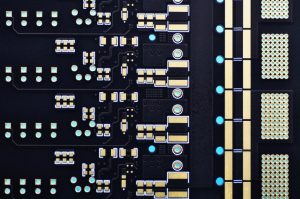
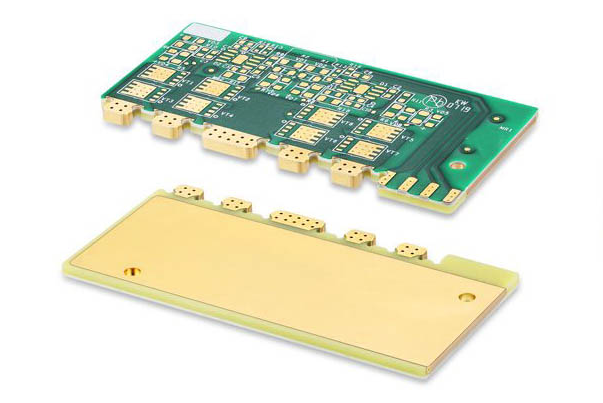
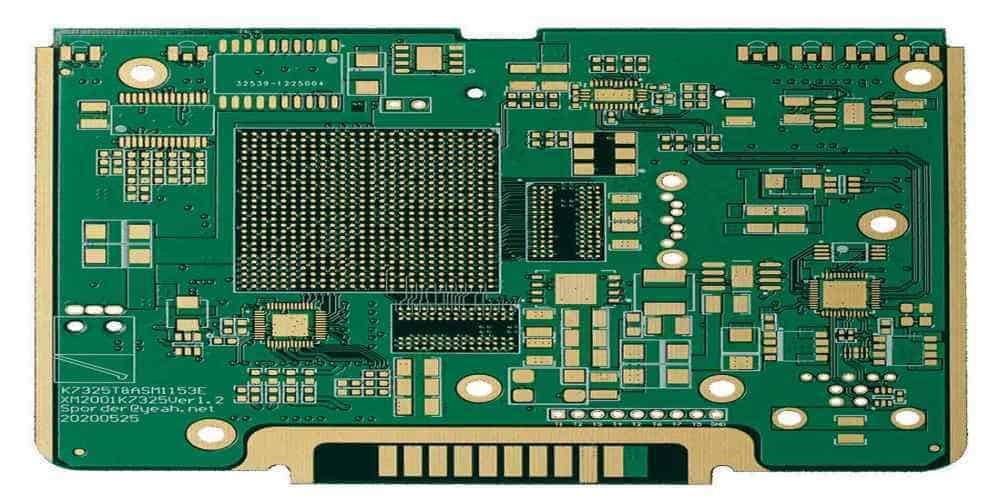
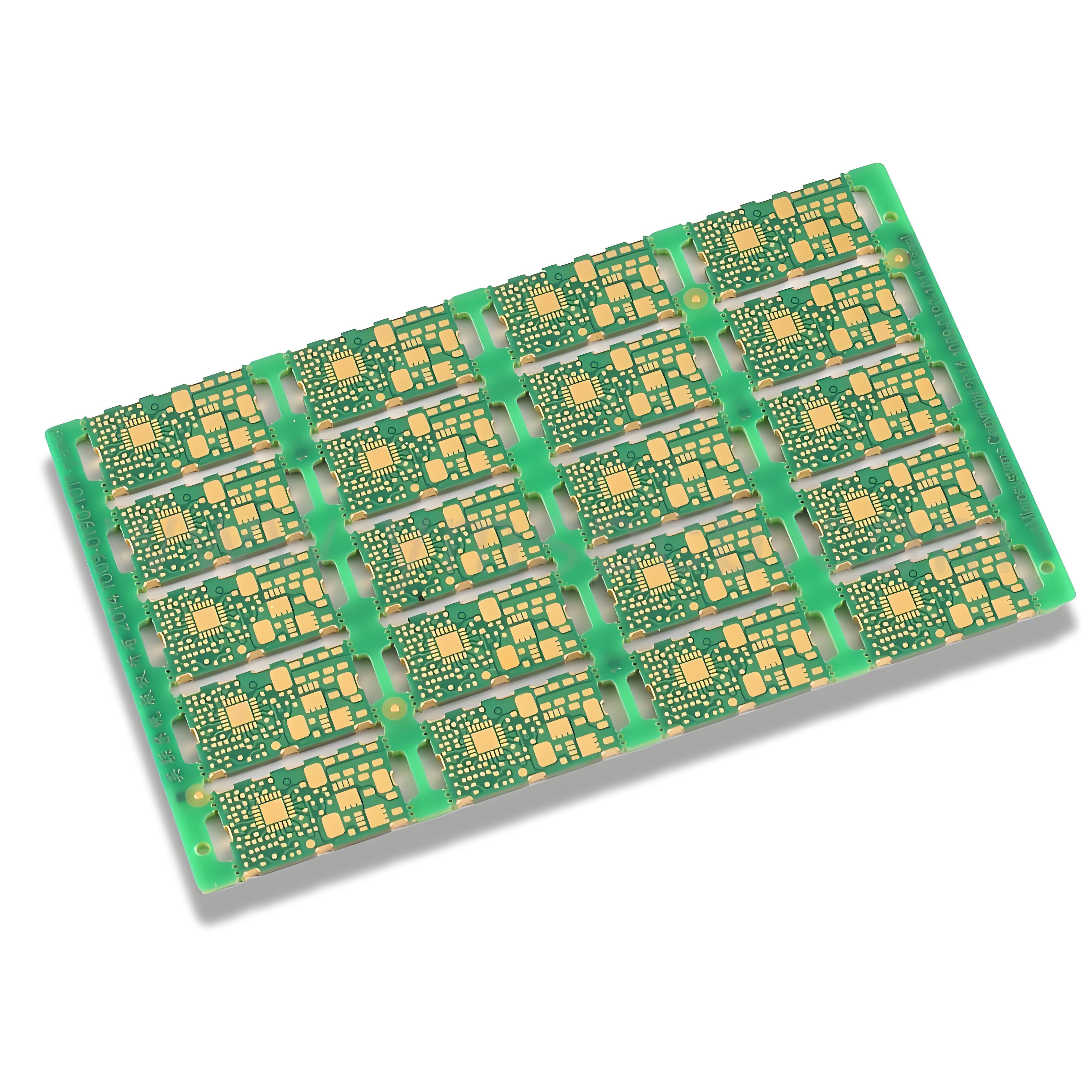
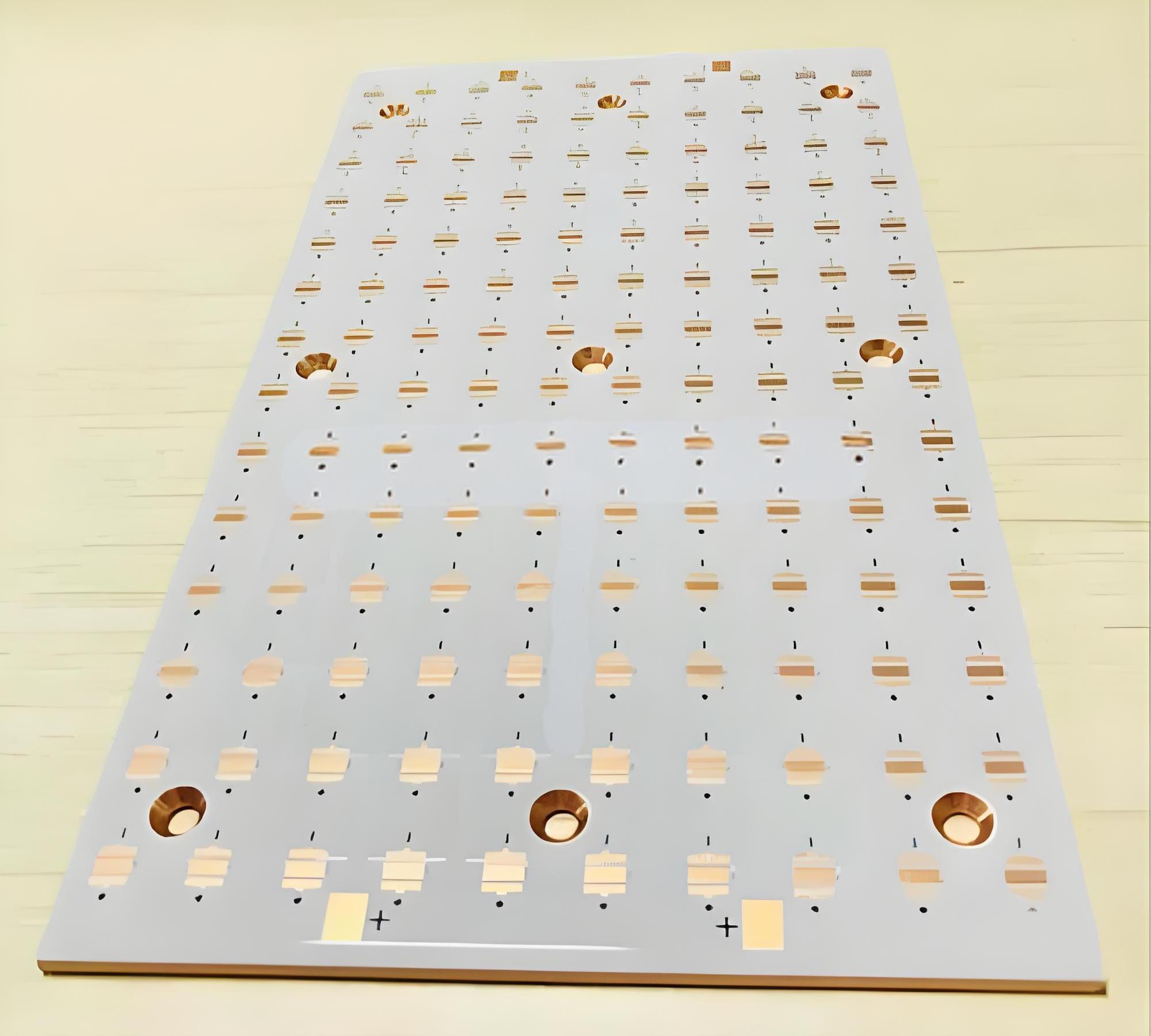
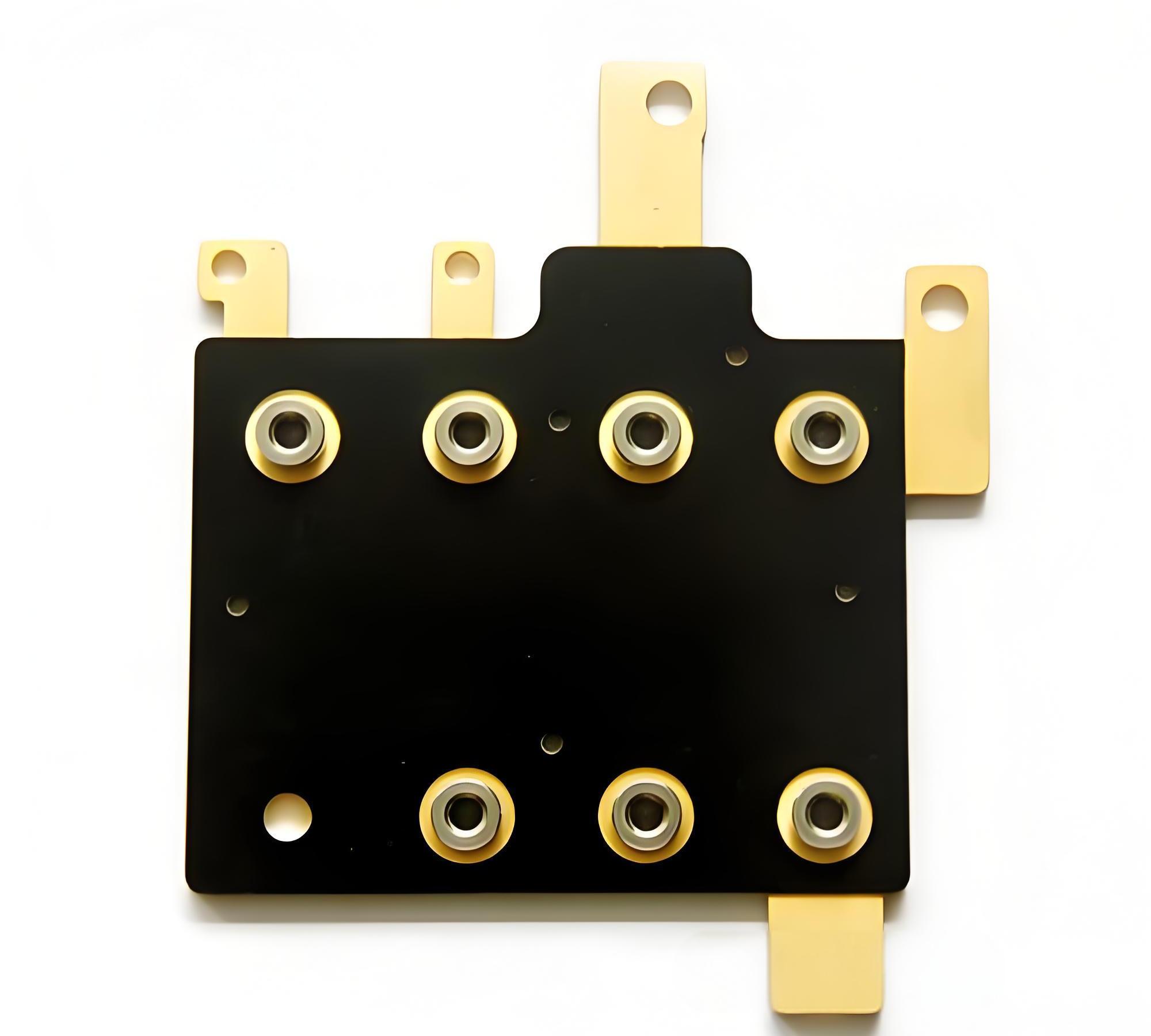
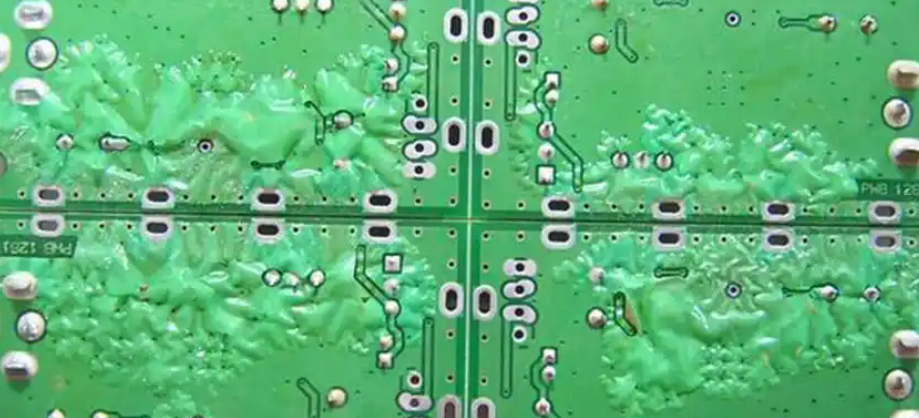
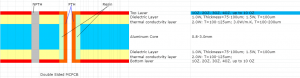
With the development of society, the demand for heavy copper PCBs in different industries has become increasingly greater. At present, heavy copper PCBs have been widely used in various electronic industries. Generally speaking, heavy copper technology can realize complex switches in a limited space, combine circuits with high current levels, and is conducive to heat dissipation. Multilayer and double-sided are the most common designs we know. More importantly, heavy copper PCB technology makes it possible to combine good layout structures on the outer layer and Heavy copper layers on the inner layer.

What is a heavy copper PCB?

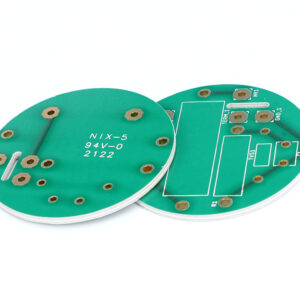
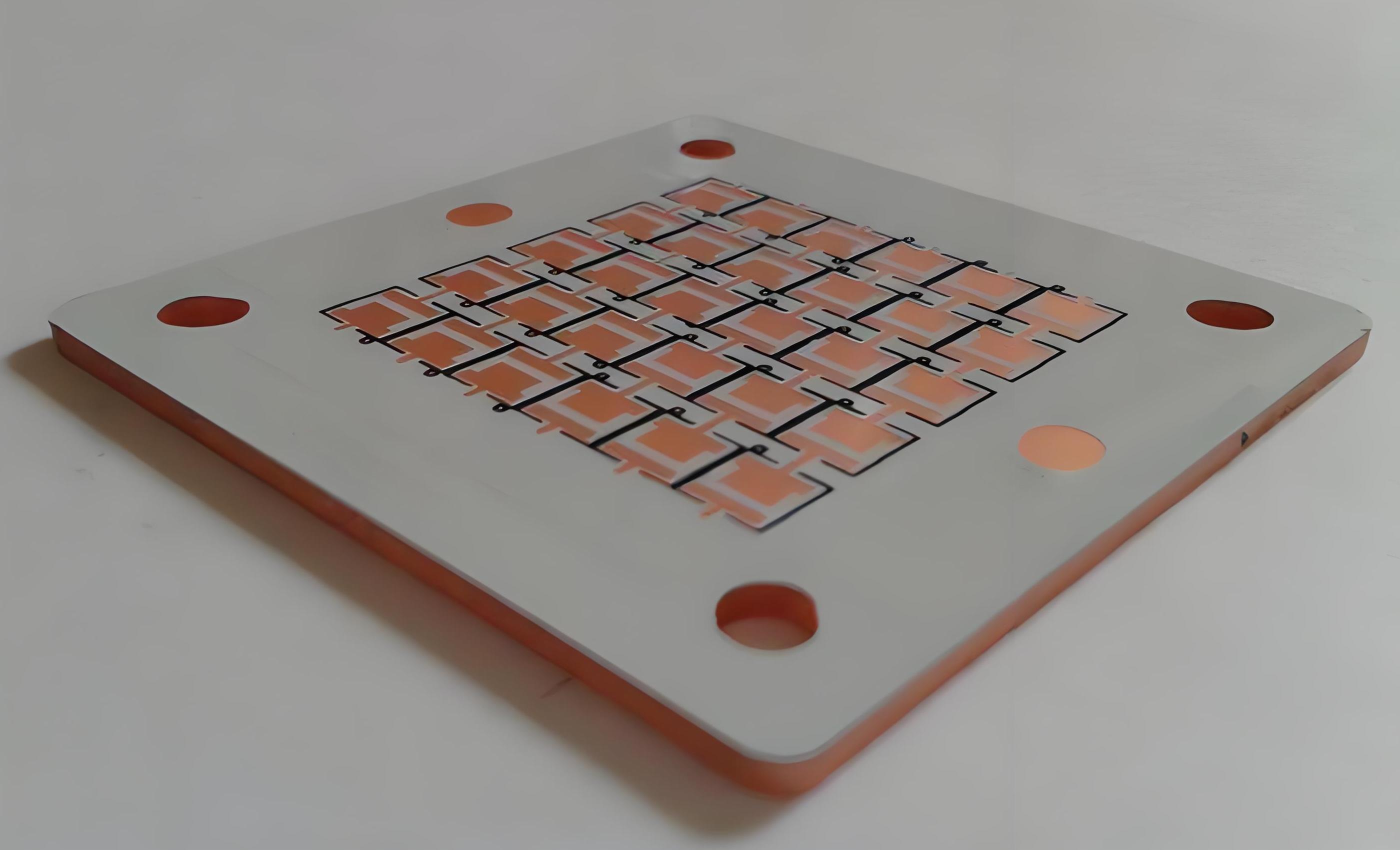
Heavy copper PCB is a special printed circuit board (PCB) characterized by a very high concentration of copper, usually up to 200 ounces per square foot, and the copper content of the inner and outer layers of the circuit board is above 3 ounces (oz), which enables heavy copper PCBs to conduct extremely high currents, achieve good heat distribution, and realize complex circuit layouts in a limited space.

What is a heavy copper PCB?

In the design and manufacturing process of heavy copper PCBs, thermal stress handling is an important consideration. Engineers need to eliminate thermal stress as much as possible to maintain the circuit while minimizing the power budget, while taking into account environmentally friendly design.

With the development of PCB manufacturing process, modern manufacturing technology such as the use of aluminum PCB can better handle thermal stress problems.

The heat dissipation capacity of Heavy copper PCB is better than the traditional solution of using external heat sink, because it prints the heat sink directly on the circuit board during the manufacturing process, and achieves rapid heat transfer through conductive through-holes, thereby improving heat dissipation performance.

In general, Heavy copper PCB is a high-performance electronic component carrier, which provides an ideal solution for applications requiring high power and high reliability through its high copper content and optimized thermal management characteristics.

What is the difference between PCB and Heavy copper PCB?

Copper board and Heavy copper board look similar in name, and people tend to think that they are the same PCB, but in fact they refer to different things.

1. PCB:

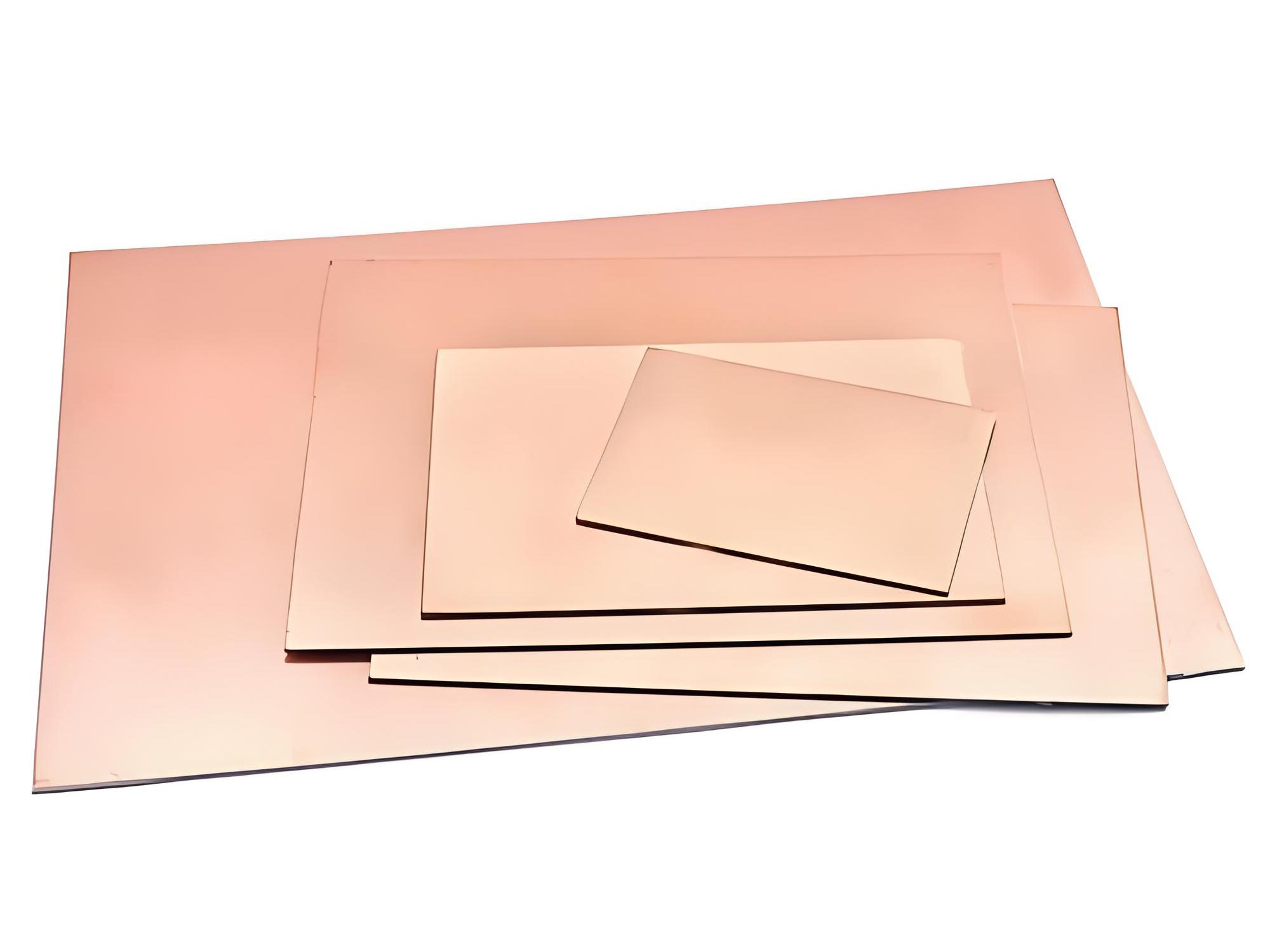
PCB refers to a copper-based PCB. The use of copper as a substrate is to better dissipate heat and extend the life of components on the PCB. The copper substrate is to allow heat to be quickly transferred from the PCB to the outside, such as a heat sink or a metal casing. Because the thermal conductivity of copper is several times that of aluminum or other metals, up to 401W/MK.

What is a heavy copper PCB?

2. Heavy copper PCB:

Heavy copper PCB refers to PCB with copper thickness exceeding 3OZ. The substrate can be aluminum or FR4. Heavy copper is to enable PCB to carry large current. Please note that Heavy copper here does not refer to the thickness of PCB, but the thickness of copper foil on PCB. Both aluminum PCB and FR4 PCB can thicken the copper foil.

What is the maximum copper thickness on Heavy copper PCB?

‌The maximum thickness of copper on Heavy copper PCB can reach 20oz. ‌

In circuit board design and manufacturing, copper thickness is an important parameter, which directly affects the electrical performance, heat dissipation capacity and mechanical strength of the circuit board. For applications that need to carry large currents, it is necessary to choose a thicker copper layer.

The copper layer thickness of Heavy copper ultra-thick PCB is generally between 2oz and 20oz. This range of copper layer thickness can ensure the stability and reliability of the circuit board while providing good heat dissipation performance.

 In practical applications, according to international standards, the copper thickness of PCB boards can be divided into standard copper thickness and non-standard copper thickness. Standard copper thickness includes 1oz (35um) and 2oz (70um), while non-standard copper thickness covers 0.5oz (17um), 3oz (105um) and 4oz (140um). For some special applications, such as high-power LED lights, electronic high-frequency circuits, etc., a higher copper thickness may be required. At this time, non-standard copper thickness will be selected, up to 20oz.

During the manufacturing process, a Heavy copper foil is first adhered to the substrate, and then the circuit pattern is transferred to the copper foil through a photolithography process. Then chemical etching is performed to remove excess copper, and finally the thickness of the copper layer is further increased through an electroplating process to ensure that the Heavy copper PCB can meet the requirements of high current and high power applications.

Finally, surface treatment is performed to protect the copper circuit from oxidation and corrosion. Common surface treatment methods include hot air leveling (HASL), lead-free tin spraying, nickel gold (ENIG), etc. During the entire manufacturing process, process parameters must also be strictly monitored to ensure the uniformity and thickness consistency of the copper layer.

What are the advantages of Heavy copper PCBs?

1. Heavy copper PCBs have better current conductivity and can withstand excessive current loads. Because thicker copper wires have higher current carrying capacity, their current carrying capacity can be increased by increasing the copper wire width.

2. Heavy copper inner layers are ideal power distribution layers in multi-layer PCBs, which minimize ground bounce and power supply noise

3. Improve thermal performance and increase heat dissipation. Can withstand repeated thermal cycles during manufacturing and assembly.

4. Provide high mechanical strength in connector locations and plated through holes.

5. Due to the presence of copper layers, the size of the circuit board is reduced.

What are the disadvantages of Heavy copper PCBs?

1. Heavy copper PCBs are more expensive to manufacture than standard PCBs because more specialized equipment and richer expertise are required.

2. Heavy copper PCBs are more difficult to process because the PCBs may be heavier and bulkier than other PCBs.

What are the properties of Heavy copper PCBs?

High mechanical strength: After Heavy copper is applied to the circuits and vias of the board, the printed circuit board has super high mechanical strength, and the weather resistance of the circuit board and electrical system is more stable and has a high melting point. Hot melt welding methods such as oxygen blowing can be used, and it is not easy to become brittle at low temperatures. Even in an extremely corrosive atmospheric environment, Heavy copper PCBs can form a strong, non-toxic passivation protective layer.

Excellent weather resistance: Because Heavy copper PCB boards support the selection of a variety of dielectric materials. It improves the overall weather resistance of the board and can ensure the stability of circuit transmission signals under certain high temperature or extreme special environments.

Thermal management: With the advancement of modern technology, PCBs are becoming more and more complex, and high-density currents increase the difficulty of thermal management. Excessive temperature will affect the normal operation of electronic equipment and even cause damage. Heavy copper PCB boards can provide stronger heat dissipation capabilities. With heat sinks and copper plating on through holes, the heat generation of the board can be greatly reduced.

Excellent current conductivity: In the operation of electronic equipment, Heavy copper printed circuit boards are excellent current conductors that can connect and transmit power between various boards.

Diversity: Plating of Heavy copper circuits allows Heavy copper PCB manufacturers to increase the copper weight of via sidewalls and plated holes, thereby reducing the number of layers and occupied space.

Ductility: Heavy copper PCBs have the best ductility and are not limited by processing temperature.

High performance: Heavy copper plating integrates high current and control circuits, allowing high density with a simple board structure.

Where are Heavy copper PCBs used?

1. Automotive electronics

What is a heavy copper PCB?

2. Grid switching systems

3. Power line monitors

4. Security and signal systems

5. Radar monitoring systems

6. Industrial control

7. Aerospace

8. Telecommunications

9. Medical devices

Conclusion:

In PCB production, Heavy copper PCBs require special processes, are difficult to operate, and have certain technical barriers, so the production cost of Heavy copper PCBs is higher than other ordinary circuit boards. Although the price is not cheap, the quality and service are the best.

BEST Technology has more than 18 years of PCB manufacturing experience. Focusing not only on fast PCB prototyping and PCB assembly, but also on small and medium batch PCB manufacturing, customer satisfaction is our goal, we will do our best to manufacture your circuit boards in the highest quality to meet your needs, and are committed to complying with the most stringent standards in PCB manufacturing and assembly. ‌

You may also like

The influence of copper thickness on PCB

August 19th, 2024

Copper thickness has a very important impact on the performance of PCB, and PCBs with different copper thicknesses also have very different applications. The fundamental reason why copper is widely used in circuit board manufacturing is its electrical conductivity, so different copper thicknesses correspond to different electrical conductivities. In addition, copper also has low resistance and thermal stability.

Why fill PCB with copper?

The main purpose of using copper to fill PCB (Printed Circuit Board) is to improve the electrical conductivity of the circuit board, enhance mechanical strength and stability, protect the circuit board from oxidation or corrosion, and improve heat dissipation capabilities. ‌

The influence of copper thickness on PCB

As an excellent conductive material, copper plays a vital role in PCB design. By covering the surface of the PCB with copper foil, the conductive performance of the circuit board can be significantly improved and the connection between various components can be ensured to be more stable and reliable.

Copper foil itself has high mechanical strength and stability, which can effectively prevent PCB from being damaged or deformed due to the influence of the external environment. The corrosion resistance of copper foil can also protect the circuit board from oxidation or corrosion, thereby extending the service life of the circuit board and ensuring its stability and reliability during work.

Since metal has good electrical and thermal conductivity, copper coating can increase the heat dissipation surface area of the PCB, help distribute heat evenly, and prevent the generation of local high-temperature areas. This can not only reduce local heat concentration, but also reduce the temperature gradient of the heat source and improve heat dissipation efficiency.

To sum up, the role of copper-filled PCB is multi-faceted. It can not only improve the conductivity and mechanical stability of the circuit board, but also protect the circuit board from environmental influences, while enhancing the heat dissipation capacity and ensuring the stable operation of electronic equipment. and long-term use‌.

Is a thicker PCB copper better?

The copper thickness of PCB is not as thick as possible, but the appropriate copper thickness needs to be selected according to the design requirements and actual application of the circuit board. ‌

The importance of copper thickness in PCB manufacturing cannot be ignored because it directly affects the conductive performance, heat dissipation performance, mechanical strength and signal integrity of the circuit board. Proper copper thickness can provide good electrical and thermal conductivity while ensuring the reliability and stability of the circuit board.

Although an excessively thick copper layer can improve current carrying capacity and heat dissipation performance, it will also increase cost and weight, which may lead to serious glue flow and increased processing difficulty. Therefore, when selecting copper thickness, factors such as circuit board design requirements, application environment, and cost need to be comprehensively considered.

During the PCB design and manufacturing process, the optimal copper thickness should be selected based on specific application requirements and cost considerations to achieve optimal circuit performance, heat dissipation, and mechanical strength‌.

How thick is the copper on a 1 ounce copper PCB?

The thickness of 1 ounce of copper on a PCB is 35 microns. ‌

The influence of copper thickness on PCB

In the PCB industry, ounces (oz) are the unit used to express copper foil thickness, not weight. Specifically, the thickness of 1oz of copper refers to the thickness achieved by spreading 1oz of copper evenly over an area of 1 square foot.

According to different information, the thickness of 1oz copper can be obtained by different calculation methods, but the generally accepted value is that 1oz copper is equal to 1.4mil (milliinch), which is equivalent to 35 microns. Therefore, whether in international standards or practical applications, the thickness of 1oz copper on PCB is usually considered to be 35 microns.

In addition, the copper thickness of the PCB has a direct impact on the circuit board’s current carrying capacity, heat dissipation, reliability and other performance indicators. Commonly used PCB copper thickness specifications include 1oz, 2oz, 3oz, 4oz, 5oz, 6oz, etc., which correspond to different copper layer thicknesses. The copper layer thickness of 1oz is 35 microns, 2oz is 70 microns, and so on, 6oz is 210 microns. . These specifications provide the basis for selecting different copper thicknesses based on specific application needs to meet different electrical performance and physical requirements.

What is the conventional PCB copper thickness?Thick copper plate, FPC

‌Regular PCB copper thickness is 1oz (35ÎŒm). When the thickness of the copper foil reaches or exceeds 2oz, such a PCB board is defined as a thick copper board; for flexible circuit boards (FPC), the copper thickness also has different specifications, for example, 0.5oz copper thickness is used for flexible circuit boards is being manufactured. ‌

The influence of copper thickness on PCB

In PCB manufacturing, the choice of copper thickness is determined based on specific application requirements. Common copper thickness classifications include:

1. ‌1oz copper thickness: ‌

This is the most common and standard copper foil thickness and is widely used in everyday electronic devices and general applications. 1oz (ounce) means 1 ounce of copper foil weighs 1 square foot. In the PCB manufacturing process, 1 ounce corresponds to a copper foil thickness of approximately 35 microns, which has good electrical and thermal conductivity.

2. ‌2oz copper thickness: ‌

Copper foil of this thickness is usually used in circuits that require higher current carrying capabilities, such as power amplifiers, high-power LEDs, etc. 2oz copper thickness corresponds to a copper foil thickness of approximately 70 microns, which has better performance in electrical conductivity and heat dissipation than 1oz copper thickness.

3. ‌0.5oz copper thickness: ‌

This thinner copper foil thickness is suitable for some light and small electronic products, such as electronic watches, mobile phones, etc. 0.5oz (18ÎŒm) copper foil is suitable for equipment that has strict requirements on circuit board size and weight.

How to choose PCB copper thickness?

Choosing PCB copper thickness depends primarily on the board’s purpose, current requirements, signal integrity requirements, cost budget, and manufacturing process capabilities.

1. ‌Circuit board usage and current requirements‌: For circuit boards that need to handle large currents, such as power boards, it is recommended to use thicker copper foil, such as 2oz (about 70ÎŒm) or 3oz (about 105ÎŒm). For signal transmission, a copper thickness of 1oz (~35ÎŒm) is usually sufficient. Ordinary double-sided boards generally use 1oz copper thickness, while multi-layer boards generally use 1/2oz, 1/3oz copper thickness for the inner layer, and 1oz, 1/2oz, 1/3oz copper thickness for the outer layer.

2. Signal integrity requirements: For high-density interconnect (HDI) boards or high-frequency circuits, thinner copper foil may be required to reduce parasitic effects and ensure signal integrity.

3. ‌Cost considerations‌: The thicker the copper foil, the higher the cost is usually.

4. Environmental factors: For PCBs in extreme working environments (such as high temperature, high humidity or high vibration environments), the thickness of the copper foil may need to be adjusted to enhance the stability and durability of the circuit.

In summary, selecting PCB copper thickness is a process that comprehensively considers multiple factors and needs to be determined based on specific application scenarios and design requirements.

What is the difference between different copper thicknesses on PCB?

‌The main differences between different copper thicknesses on PCBs are their conductive properties, load-bearing capacity, anti-interference performance, cost and manufacturing difficulty. ‌

The influence of copper thickness on PCB

‌Outer copper thickness‌ is commonly used for circuit board routing and connections, and its selection depends on the application requirements and design needs of the circuit board. The outer copper thickness range is generally between 1-5oz, and the more common ones are 1oz, 2oz, 3oz and 4oz. The thicker the outer copper layer, the stronger the circuit board’s load-bearing capacity, and the better its anti-interference performance and electrical conductivity. But at the same time, the increase in the thickness of the outer copper layer will also lead to an increase in cost and manufacturing difficulty.

‌Inner layer copper thickness‌ is used for internal connections and signal transmission of the circuit board, and its selection also depends on the application requirements and design needs of the circuit board. The thickness of the inner copper layer generally ranges from 0.5-2oz, with the more common ones being 0.5oz, 1oz, and 2oz. If the circuit board needs to transmit high-speed signals, a larger inner copper thickness should be selected. The increase in the thickness of the inner copper layer will also lead to an increase in cost and manufacturing difficulty.

‌Copper Thickness Standard‌According to international standards, the copper thickness of PCB boards can be divided into standard copper thickness (such as 1oz and 2oz) and non-standard copper thickness (such as 0.5oz, 3oz and 4oz). In practical applications, some special PCB boards may require higher copper thickness, such as high-power LED lights, electronic high-frequency circuits, etc.

To sum up, the choice of different copper thicknesses is to meet specific circuit board design needs, including conductive performance, anti-interference performance and other requirements. At the same time, the choice of copper thickness also needs to consider aspects such as cost and manufacturing difficulty.

Conclusion:

By controlling the thickness of copper on the PCB to meet different usage requirements, applications that require large currents will naturally require PCBs with thicker copper foils. However, PCBs that require thicker copper foils are a great test of the capabilities of PCB manufacturers. BEST Technology has accumulated rich production experience in the PCB manufacturing industry and has many years of manufacturing experience for PCBs with different copper thicknesses. We can meet any PCB copper thickness requirements.

You may also like

HASL Lead Free vs ENIG: Understanding Their Differences

August 13th, 2024

When it comes to PCB surface finishes, choosing the right one is essential for the longevity and performance of your circuit board. Among the many options available, two of the most popular are Hot Air Solder Leveling (HASL) and Electroless Nickel Immersion Gold (ENIG). These two methods offer distinct advantages depending on the application, and understanding their differences can help you select the best finish for your project.

HASL Lead Free vs ENIG: Understanding Their Differences

What Does HASL Stand For?

HASL stands for Hot Air Solder Leveling. It is a surface finish process used in PCB manufacturing. The term describes the method where solder is applied to the copper pads on a PCB and then leveled using hot air to ensure even coating. HASL is widely used because of its simplicity and effectiveness in providing a reliable solderable surface.

What Is HASL in PCB?

In PCB manufacturing, HASL is a surface finish applied to the exposed copper pads to protect them from oxidation and to provide a good surface for soldering components. The HASL process involves dipping the PCB into molten solder, typically composed of a lead-free alloy, and then using hot air to remove excess solder, ensuring a smooth and even layer. This finish is particularly valued for its excellent solderability and cost-effectiveness.

HASL Lead Free vs ENIG: Understanding Their Differences

Characteristics of Hot Air Solder Leveling

Hot Air Solder Leveling is a widely used surface finish in PCB manufacturing due to its unique set of characteristics that make it suitable for various applications. Below are the key attributes that define HASL:

1. HASL provides one of the most solderable surfaces available for PCB assembly. The molten solder applied during the HASL process creates a coating that is highly receptive to soldering, making it easy to attach components.

2. Compared to other surface finishes like ENIG or OSP, HASL is generally more affordable.

3. The solder coating provided by HASL serves as a protective layer for the copper pads on the PCB. This layer helps prevent oxidation and corrosion.

4. Variability in coating thickness. The hot air leveling process can result in uneven distribution of solder, leading to variations in thickness across the PCB. While this might be a drawback for designs requiring fine-pitch components or precise tolerances, it is often acceptable in less demanding applications where slight variations are not critical.

5. Thermal resistance. The solder layer provided by HASL can withstand multiple thermal cycles during the PCB assembly process, such as during solder reflow.

6. The HASL process creates a strong bond between the solder and the underlying copper pads.

What Is the HASL Method?

The HASL coating process is a critical step in PCB manufacturing, designed to protect the exposed copper pads and good solderability during the assembly of electronic components. The process is under several steps, each carefully controlled to achieve a uniform and reliable coating. Here’s a detailed look at how HASL is applied to a PCB:

1. Pre-Cleaning the PCB

The HASL process begins with thoroughly cleaning the PCB to remove any contaminants such as oxidation, oils, or residues from previous manufacturing steps. This is typically done using a combination of chemical cleaning agents and mechanical scrubbing.

2. Flux Application

After cleaning, a layer of flux is applied to the PCB. Flux is a chemical agent that serves multiple purposes: it removes any remaining oxidation from the copper pads, improves the wetting of the solder, and helps the solder adhere more effectively to the copper. The type of flux used can vary, but it must be compatible with the solder alloy to ensure a reliable coating.

3. Solder Bath Dipping

The PCB is then dipped into a bath of molten solder. For lead-free HASL, the solder typically consists of a tin-silver-copper (SAC) alloy, which is heated to a temperature between 240°C and 260°C (464°F to 500°F). The molten solder covers the entire surface of the PCB, including the copper pads and through-holes, forming a protective layer.

4. Hot Air Leveling

Once the PCB is removed from the solder bath, it immediately undergoes the leveling process. The board is passed through a pair of hot air knives positioned on either side. These knives blow high-pressure, heated air across the surface of the PCB, removing any excess solder and ensuring a uniform layer remains on the pads.

5. Cooling

After leveling, the PCB is cooled to solidify the solder coating. This cooling is typically done using an air or water-based cooling system, depending on the specific requirements of the manufacturing process. Rapid cooling can sometimes introduce stresses into the solder layer, so the cooling rate must be carefully controlled to avoid defects like cracking or warping.

6. Post-Process Cleaning

In some cases, the PCB may undergo a final cleaning step to remove any flux residues or other contaminants that might remain after the HASL process. And then testing and inspection.

What Is the Difference Between HASL and ENIG Finish?

While both HASL and ENIG are popular PCB surface finishes, they differ significantly in their composition, application, and performance:

CharacteristicHASLENIG
CostLower cost, suitable for budget-sensitive projectsHigher cost, but justifiable for high-reliability needs
SolderabilityExcellent, but may vary with coating thicknessConsistent, even for fine-pitch components
DurabilityReasonable, but less effective in harsh environmentsSuperior, with excellent corrosion resistance
Thermal PerformanceGood, but uneven surface might cause issuesExcellent, with consistent performance in high-heat scenarios
Best Suited ForGeneral-purpose electronics, consumer productsHigh-reliability applications, aerospace, medical, and high-density PCBs
Surface FlatnessMay have uneven surface, less ideal for fine-pitch componentsExtremely flat surface, ideal for precise component placement
Environmental ImpactLead-free HASL is environmentally safer, but traditional HASL uses lead which is harmfulEnvironmentally friendly, as it doesn’t use lead or other harmful materials
Shelf LifeShorter shelf life due to potential oxidation over timeLonger shelf life due to gold’s resistance to oxidation
ReworkabilityEasier to rework due to the nature of solderMore challenging to rework due to hard nickel layer

HAL vs. HASL

HAL (Hot Air Leveling) and HASL (Hot Air Solder Leveling) are terms often used interchangeably, but they can refer to slightly different processes. HAL is a broader term that encompasses any method of leveling solder using hot air. In contrast, HASL specifically refers to using solder to coat the PCB’s surface. Essentially, all HASL processes are HAL, but not all HAL processes are HASL.

What Is the Composition of HASL?

At present, the solder of lead-free solder alloy hot air leveling is mainly Sn-Cu-Ni+Ge (germanium) or Sn-Cu-Ni+Co (cobalt). The components of Sn-Cu-Ni+Ge (Germanium) in the OPA2544T are Sn, 0.7% Cu, 0.05% Ni and Ge with a nominal content of 65×10-6. Germanium can not only prevent the growth of oxides, but also prevent the solder joints on the PCB pad coating surface from yellowing and tarnishing during the HASL process and subsequent reflow welding and wave soldering processes. In addition, germanium can also inhibit the formation of slag in lead-free wave soldering.

The biggest problem in the lead-free HASL process is the problem of sinking copper in the tin tank during the use of the equipment.

The typical operating temperature range of the HASL process is 265 to 275 ° C, and this temperature range can be used for almost all actual manufactured laminates. At this temperature, even CEM1, there is no problem of delamination and degradation. However, the actual process temperature increases with the increase of copper composition in the tin tank. When the copper composition is 0.3% higher than the optimal value of 1.2%, then the welding temperature must be increased to 285 ° C, which is not the laminate can withstand. Although a copper-free solder alloy can be added to reduce the copper content in the tin tank, it is difficult to control the proportion.

The so-called “freeze-drying” method can also be used. When the tin lead eutectic solder (63Sn-37Pb) temperature drops to about 190℃, the melting tin copper intermetallic compound (Cri6Sn5) will be “freeze-dried”. In high-density lead solders, Cu6Sn5 floats on the surface of the molten solder and can be skimmed out using a slotted spoon. However, in lead-free solder, Ct16SIl5 is denser than lead-free solder, and CLJ6Sn5 will settle to the bottom of the tin tank. There is a mechanism to reduce the temperature to about 235 ° C (about 8 ° C higher than the melting point temperature), the tin tank shut down for at least two hours, preferably all night, at this time, most of the alloy is still in a molten state, you can design special tools, from the bottom of the tin tank out of the precipitation of Cr16Sn5, but it is still very difficult.

What Is the Minimum Pitch for HASL?

The minimum pitch for HASL refers to the smallest distance between two adjacent pads that can be reliably soldered using the HASL process. Due to the nature of the hot air leveling process, which can create uneven surfaces, HASL is generally not recommended for very fine-pitch components. The minimum pitch is typically around 0.65mm, but it can vary depending on the specific requirements and the quality of the HASL process used.

Does HASL Oxidize?

One of the main concerns with any PCB finish is oxidation, which can affect solderability and reliability. While HASL provides a protective solder layer that helps prevent oxidation, it is not entirely immune. Over time, especially in harsh environments, the solder can oxidize, leading to potential issues during assembly. However, proper storage and handling can minimize this risk, making HASL a reliable choice for many applications.

How Thick Is the HASL Coating?

The thickness of the HASL coating can vary depending on the process parameters and the type of solder used. Typically, the thickness ranges from 1 to 25 microns. This variability can be a drawback for applications requiring precise and consistent thickness, especially for fine-pitch components. However, for many general-purpose applications, the thickness provided by HASL is more than sufficient.

What Is the Black Pad Syndrome?

Black pad syndrome is a phenomenon associated with the ENIG finish, not HASL. It occurs when there is an issue with the nickel layer during the ENIG process, leading to poor solder joints and potential failures. The term “black pad” refers to the appearance of the affected nickel layer, which turns black due to oxidation and contamination. While this issue is unrelated to HASL, it’s important to note that HASL does not suffer from black pad syndrome, making it a more straightforward and reliable finish in this regard.

When choosing between lead-free HASL and ENIG surface finishes for your PCB, it’s important to consider the specific needs of your project. For reliable and high-quality PCB manufacturer, consider working with EBest Circuit (Best Technology), a leader in the field. With our expertise and advanced technology, we ensure that your PCBs meet the highest standards of quality and performance. Whether you choose HASL or ENIG, we have the experience and capability to deliver the best results for your project.

You may also like

What Does An Audio Board Do? – EBest Circuit (Best Technology)

August 9th, 2024

An audio board, often referred to as a soundboard or mixer, is a crucial device in the world of sound engineering. Whether you’re working on a live concert, recording in a studio, or simply enhancing audio for a video production, understanding the role of an audio board is essential. This guide will walk you through what an audio board does, its various names, and how to set one up effectively.

What Does An Audio Board Do? - EBest Circuit (Best Technology)

What Does an Audio Board Do?

An audio board, or soundboard, manages and controls audio signals. It’s used in many settings, from live concerts to recording studios. The primary function of an audio board is to mix different audio sources, such as microphones and instruments, to create a balanced sound output. This device allows sound engineers to adjust levels, equalize sound frequencies, and add effects to enhance the overall audio experience.

In more technical terms, an audio board receives input signals, processes them, and sends them to an output device. This processing can include adjusting volume levels, panning audio between speakers, and applying effects like reverb or delay. The result is a well-mixed audio output that sounds harmonious and professional.

What is Also Called an Audio Board?

An audio board goes by several names, depending on its use and context. Commonly, it’s known as a soundboard or mixing console. In professional settings, you might hear it referred to as an audio mixer or sound mixer. These terms are often used interchangeably, but they all refer to the same essential device that manages and manipulates audio signals.

What Does An Audio Board Do? - EBest Circuit (Best Technology)

Other names include audio mixing board and professional mixing board. These names highlight the device’s role in combining multiple audio inputs into a single or multiple outputs. Whether you’re shopping for an audio board online or looking to upgrade your studio equipment, understanding these terms will help you find the right product for your needs.

What is the Working Principle of Audio Board?

The working principle of audio circuit refers to the process of audio signal transmission and processing in the circuit. In general, the frequency range of audio signals is 20Hz to 20kHz, and they are electrical signals used to transmit sound. The processing of audio signal includes amplification, mixing, filtering and so on.

Amplification refers to increasing the amplitude of the audio signal so that it can drive the speaker to produce a sound. The amplification process is generally achieved using an amplifier, the principle is to use the amplifier tube of the amplifier to amplify the input signal and then output it to the speaker.

Mixing refers to the process of mixing multiple audio signals into one signal. In a mixing circuit, multiple audio signals are mixed together through a mixer to output a composite signal. The mixer is generally composed of an operational amplifier and a mixer. The operational amplifier is responsible for adding multiple input signals, while the mixer is responsible for adjusting the volume ratio of each input signal.

Filtering refers to filtering the audio signal through a filter to remove unwanted frequency components. Filters are generally divided into low-pass filters, high-pass filters and band-pass filters. A low-pass filter only allows low-frequency signals to pass through, a high-pass filter only allows high-frequency signals to pass through, and a bandpass filter only allows signals in a certain frequency range to pass through.

Is a Sound Board the Same as a Mixer?

Yes, a soundboard and a mixer are essentially the same device. Both terms describe equipment used to blend and adjust audio signals. The term “mixer” is often used in professional audio production environments, while “soundboard” is more common in live sound settings.

The confusion between these terms arises from their varied applications. A soundboard is typically associated with live events, where audio engineers manage the sound in real-time. A mixer, on the other hand, might be used more broadly, encompassing both live and studio environments. Regardless of the term, the device’s primary function remains the same: to mix audio signals and produce a balanced sound output.

What is the Function of a Soundboard?

A soundboard, or audio mixer, plays a critical role in sound engineering by managing and manipulating audio signals. Let’s delve deeper into its functions:

  • Mixing Audio Signals
  • Equalization (EQ)
  • Volume Control
  • Panning
  • Adding Effects
  • Routing
  • Dynamic Processing
  • Monitoring

How Do You Hook Up a Soundboard?

Hooking up a soundboard needs to proceed several steps. Each step is the key point to make sure all audio sources are correctly connected and configured. Here’s a step-by-step guide:

  1. Prepare all necessary cables, microphones, instruments, and speakers.
  2. Plug your microphones and instruments into the input channels on the soundboard. Each channel corresponds to a specific input source.
  3. Connect the output channels of the soundboard to your speakers or recording devices. This usually involves using XLR or quarter-inch cables.
  4. Turn on the soundboard and all connected equipment.
  5. Adjust the input gain for each channel to ensure the signal is neither too weak nor too strong.
  6. Test each input and output to ensure everything is working correctly. Make necessary adjustments to the levels and EQ settings.
  7. Use headphones or monitor speakers to listen to the audio and make final adjustments.

How to Set Up a Sound Mixing Board?

Setting up a sound mixing board involves more than just connecting cables. Here are detailed steps to set up your sound mixing board effectively:

  • Plan Your Setup

Determine the layout of your equipment and where each input and output will be connected. This planning stage helps avoid confusion during the actual setup.

  • Label Everything

Label each input and output cable to know which source they correspond to. This step is crucial in complex setups with many audio sources.

  • Connect Your Inputs

Plug in microphones, instruments, and any other audio sources into the appropriate input channels on the mixing board.

  • Connect Your Outputs

Connect the main outputs to your speakers or PA system. Also, connect any auxiliary outputs to additional monitors or recording devices.

  • Power Everything On

Turn on your mixing board and connected equipment. Make sure to power on any external preamps or processors first if you’re using them.

  • Adjust Gain Levels

Set the gain for each input channel. Start with the faders at unity (0 dB) and adjust the gain until each input is at a proper level.

  • Set EQ and Effects

Adjust the EQ settings for each channel to achieve a balanced sound. Add effects as needed to enhance the audio.

  • Create a Mix

Use the faders to balance the levels of all input sources. Make sure each source is heard clearly without overpowering the others.

  • Monitor and Adjust

Continuously monitor the sound through headphones or monitor speakers. Make adjustments as necessary to maintain a balanced mix.

EBest Circuit (Best Technology) has rich experience in the audio board manufacturing, we have served more than 2000+ customers and provide excellent turn-key solutions. If you are interested in the audio board pcb assembly, welcome to contact us.

You may also like

How Much Does A PCB Board Cost?

August 6th, 2024

When communicate with clients, they always ask why the PCB board are so expensive? Is there any basis for that? Actually, the price of PCBs are made specifically according to its manufacturing process, layers, complexities and so on. Today, EBest Circuit (Best Technology) is deeply sharing the composition of PCB cost. Welcome to keep reading.

Why is PCB Board So Expensive?

The cost of a PCB can sometimes seem high due to several reasons. Firstly, the complexity of the design plays a significant role. High-density interconnect (HDI) PCBs, multi-layer PCBs, and those requiring advanced materials or special finishes can drive up the cost. Additionally, stringent quality control measures and the need for precise manufacturing processes add to the expense.

Another factor is the cost of raw materials. Copper, laminates, and specialty substrates can vary in price, affecting the overall cost of the PCB. Furthermore, labor costs in the region where the PCB is manufactured, along with overhead costs such as utilities and facility maintenance, contribute to the final price.

What Factors Affect the PCB Board Cost?

PCB board can cost from $10 to $500 to produce. Buyers are always amazing that why PCB cost so high? But they don’t know there are numerous factors a manufacturer considers in determining PCB costs. If you are in the market to design a PCB, this guide provides factors to consider that could increase or decrease the cost of circuit boards.

  • Manufacture technology

The specific technology used in the PCB can significantly impact the cost. Advanced technologies such as HDI (High-Density Interconnect), embedded busbar or flexible PCBs often require more complex manufacturing processes, which can increase the cost.

  • Material Type

The type of materials used for the PCB, such as standard FR4, high-frequency laminates, or other specialty substrates, can influence the cost. Higher quality or specialized materials typically cost more.

  • IPC Grade

The IPC standards and grades indicate the quality and reliability requirements of the PCB. In electronics manufacturing, printed circuit boards are divided into three levels: level 1, level 2 and level 3. These grades reflect the quality level of each board type, from the lowest (Level 1 standard) to the highest (Level 3 standard). This classification system was developed and defined by IPC and is specified in the IPC-6011 series.

  • Circuit Design

The complexity of the circuit design, including the number of layers, trace width, and spacing, affects the cost. More intricate designs require more precision and advanced techniques, leading to increased expenses.

  • PCB Size & Yield

The physical dimensions of the PCB and the yield rate during production play a role in the overall cost. Larger boards or designs with lower yield rates (more defects) will typically cost more to produce.

  • Material Thickness

The thickness of the materials used in the PCB construction, such as the substrate and copper layers, can impact the cost. Thicker materials may be more expensive and require more resources to process.

  • Copper Thickness

The thickness of the copper used in the PCB, measured in ounces per square foot, can affect the cost. Thicker copper layers provide better electrical performance but are more expensive.

  • Stack-up

The method of layering and stacking the materials in the PCB, known as the stack-up configuration, can influence the cost. Complex stack-ups with multiple layers and specific arrangements can be more costly to manufacture. Read our another post of How Can I Reduce and Optimize the Cost of My PCB in A Best Way?

Manufacturing Process of A Standard PCB

How Much Does A PCB Board Cost?

PCB Design and Layout

The manufacturing process begins with the design phase, where engineers use CAD (Computer-Aided Design) software to create the PCB layout. This includes defining the circuit paths, components, and layers, ensuring the design meets the electrical and mechanical requirements.

Once the design is finalized, a photomask is created, which is a transparent film with the PCB design printed on it. The PCB substrate, typically made of FR4, is then coated with a light-sensitive material called photoresist.

Drilling

Precise holes are drilled into the board for through-hole components and vias using computer-controlled drilling machines. The board is cleaned and deburred to remove any rough edges or debris from the drilling process.

Plating and Copper Deposition

A thin layer of copper is deposited on the surface of the board and inside the drilled holes through an electroless plating process, providing a conductive base. Additional copper is electroplated onto the board, building up the thickness of the copper traces and plated through-holes.

Pattern Transfer

The photomask is placed over the photoresist-coated substrate and exposed to ultraviolet (UV) light. The UV light hardens the photoresist where the design allows light to pass through, and the board is then developed to wash away the unhardened photoresist, leaving behind the desired circuit pattern.

Etching

The PCB undergoes an etching process using a chemical solution to remove unwanted copper, leaving only the copper traces that form the circuits. The remaining hardened photoresist is then stripped away to reveal the clean copper pattern.

Applying Solder Mask

A layer of solder mask is applied to the board to protect the copper traces from oxidation and prevent solder bridges during assembly. The solder mask is cured using UV light, hardening it and making it durable.

Surface Finish/Surface Treatment

A surface finish is applied to the exposed copper areas to protect them and facilitate soldering. Common finishes include HASL (Hot Air Solder Leveling), ENIG (Electroless Nickel Immersion Gold), and OSP (Organic Solderability Preservatives).

Outline Routing

One the surface treatment finish, it will be routed according to the manufacturing file by CNC machine. And then individual PCBs are cut from the larger panel using routing or V-scoring, depending on the board design and requirements.

Electrical Testing & FQC

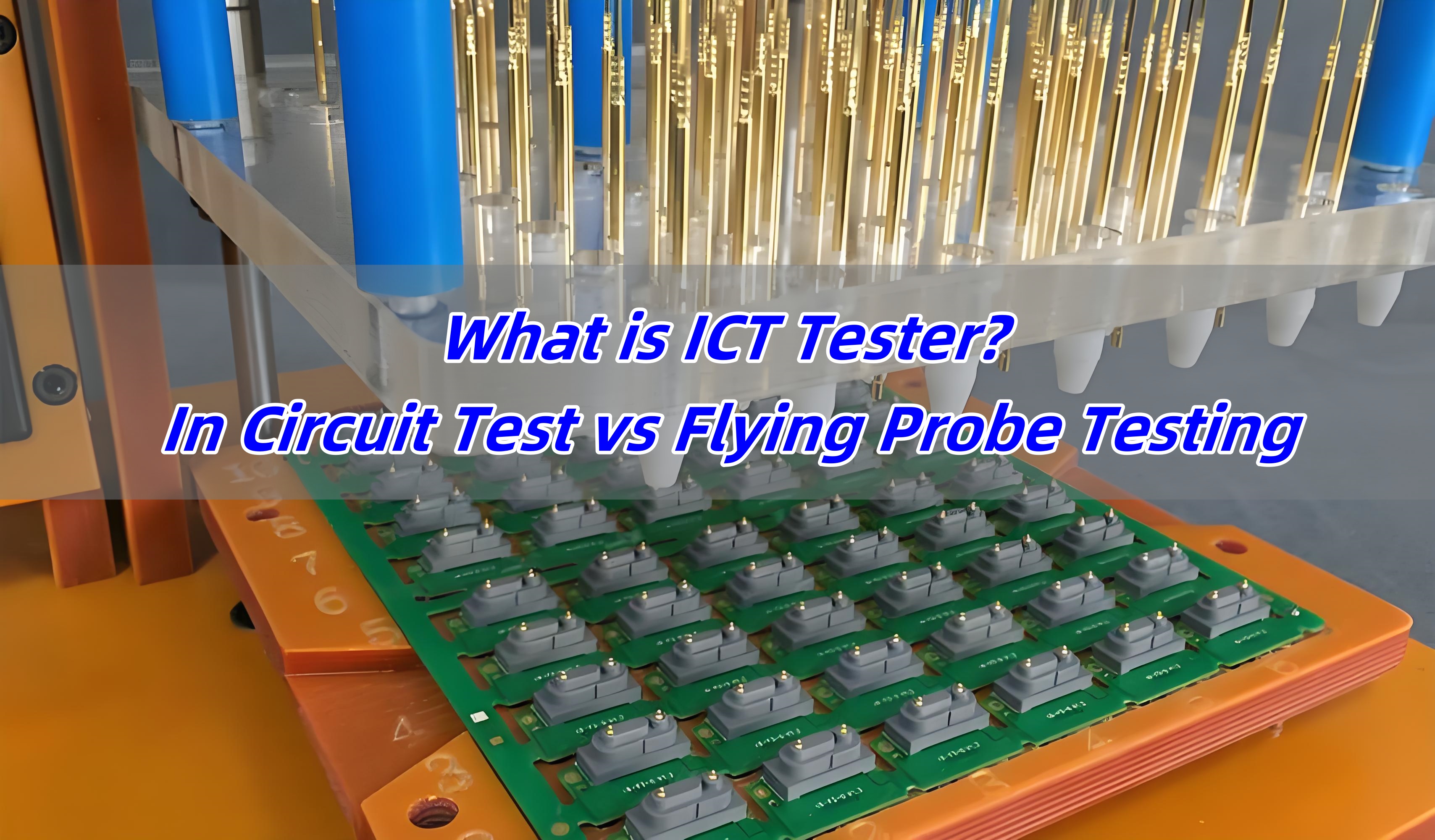
The PCB undergoes electrical testing to check for short circuits, open circuits, and other defects. This is typically done using a flying probe tester or a bed-of-nails tester. Then the board is visually inspected for any cosmetic defects or anomalies, and further tests and inspections are performed to ensure the PCB meets all specified requirements and standards. Below you can see the full manufacturing process video of a PCB:

EBest Circuit (Best Technology) – A 18+ Years Experience PCB Manufacturer

When you are looking for a reliable PCB manufacturer, considering EBest Circuit (Best Technology). We have transparent price and 5years quality warranty. We 24/7 hours online and welcome all the technical questions and PCB inquiries. Contact us for more!

You may also like

How to Check PCB with a Multimeter?

August 5th, 2024

Common PCB failures are mainly concentrated on components such as capacitors, resistors, inductors, diodes, transistors, MOSFETs, integrated chips (IC), and crystals. Some obvious damages can be visually detected, while others require the use of tools. Today, let’s learn how to troubleshoot PCB faults using a multimeter.

How to Check PCB with a Multimeter?

How Will You Diagnose a Faulty PCB By Visually?

For some printed circuit boards, we can check by our naked eyes. Here are some common ways to follow:

1. Check the condition of components

When you get a faulty PCB, first observe if there are any obvious component damages, such as burnt or swollen electrolytic capacitors, burnt resistors, and damaged power devices.

2. Inspect the soldering of the PCB

Check if the printed circuit board (PCB) is deformed or warped; if there are any loose or poorly soldered joints; if the copper cladding on the PCB is lifted, burnt, or blackened.

3. Examine the component plug-ins

Ensure the correct orientation of integrated circuits, diodes, and the PCB power transformer.

How to Check PCB with a Multimeter?

Before you start testing your PCB, ensure you have the right tools and environment. Here’s a checklist to get you started:

1. Safety First: Wear anti-static gloves and ensure you are working on an anti-static mat to prevent damage to the PCB.

2. Multimeter Selection: Choose a multimeter with the ability to measure voltage, resistance, and continuity. A digital multimeter is preferred for accuracy.

3. Visual Inspection: Examine the PCB for visible signs of damage such as burnt components, broken traces, or solder bridges.

4. Power Off the Board: Always test the PCB with the power off to avoid any electrical hazards and damage to the multimeter.

How Do You Test Individual Components on a PCB?

Testing individual components like resistors, capacitors, and diodes can pinpoint the exact failure. Here’s a general approach:

  • Diode
  • Transistor
  • MOSFET
  • Electrolytic Capacitors

How to Test Diodes?

1. Set the MF47-type multimeter to measure resistance.

2. Place the red and black probes on the two ends of the diode and read the value.

3. Swap the probes and measure again.

4. Judge based on the two measurements: the forward resistance of small power germanium diodes is 300-500Ω, silicon diodes are about 1kΩ or larger. The reverse resistance of germanium diodes is tens of kilo-ohms, and silicon diodes are above 500kΩ (values are much smaller for high-power diodes). A good diode has low forward resistance and high reverse resistance, and the larger the difference, the better.

How to Check PCB with a Multimeter?

5. If both forward and reverse resistances are very low, the diode is short-circuited; if both are very high or infinite, the diode is open-circuited and needs to be discarded.

How to Test Transistors?

1. Set the digital multimeter to the diode mode.

2. Measure the PN junction with the probes. If it conducts forward, the displayed value is the forward voltage drop of the PN junction.

3. Determine the collector and emitter: measure the forward voltage drop of the two PN junctions, the larger drop is the emitter (e), and the smaller drop is the collector (c). If the red probe is connected to the common terminal, the transistor is NPN type, and the common terminal is the base (b); if the black probe is connected to the common terminal, the transistor is PNP type, and the common terminal is the base (b).

4. For in-circuit testing, measure the forward and reverse resistance of the PN junction to determine if the transistor is damaged. If the branch resistance is larger than the forward resistance of the PN junction, there should be a clear difference between the forward and reverse resistances, otherwise, the PN junction is damaged.

How to Check PCB with a Multimeter?

The Way to Test MOSFETs?

1. Connect the black probe to the drain (D) and the red probe to the source (S), the resistance should be 500-600.

2. Without moving the black probe, touch the gate (G) with the red probe, then measure the source (S) again; it should conduct.

3. Connect the red probe to the drain (D), touch the gate (G) with the black probe, then measure the source (S); the resistance should be the same as the first measurement, indicating the MOSFET is working normally.

How to Test Electrolytic Capacitors?

1. Select the appropriate range on the MF47-type multimeter based on the capacitor’s capacity. Use R×1K range for capacitors below 47ÎŒF, and R×100 range for those above 47ÎŒF.

2. Connect the red probe to the negative lead and the black probe to the positive lead of the capacitor.

3. On initial contact, the multimeter needle will deflect right and then gradually return to the left until it stops at a certain position (close to infinity). This value is the capacitor’s forward leakage resistance; the larger the value, the better the capacitor’s performance.

4. Swap the probes and repeat the process. The measured value will be the reverse leakage resistance, slightly smaller than the forward leakage resistance.

5. If no charging phenomenon occurs (the needle doesn’t move), the capacitor is either open or short-circuited internally. If the resistance is very small or zero, the capacitor is leaky or has broken down and cannot be used.

This is the end of this article, if you want to know more about it, welcome to contact us.

You may also like

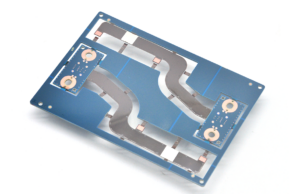
What is Thermal-Electric Separation Copper Substrate with Flexible PCB?

August 3rd, 2024

As electronic devices become increasingly miniaturized and high-performance, traditional circuit boards are no longer sufficient for certain high-demand applications. To address these challenges, the Thermal-Electric Separation Copper Substrate with Flexible PCB has emerged. This innovative composite circuit board combines the efficient heat dissipation characteristics of thermal-electric separation copper substrates with the flexibility of flexible PCBs (FPC). It is widely use for high-performance electronic products, which requires efficient heat dissipation and complex circuit.

What is Thermal-Electric Separation Copper Substrate with Flexible PCB?

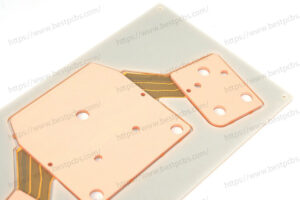
The Thermal-Electric Separation Copper Substrate with Flexible PCB is a composite material that combines a rigid thermal-electric separation copper substrate with a flexible circuit board. It integrates the advantages of both, providing superior performance in high-power and high-density applications.

What is Thermal-Electric Separation Copper Substrate with Flexible PCB?

1. Thermal-Electric Separation Copper Substrate

The thermal-electric separation copper substrate is designed for high-power electronic devices, providing an efficient heat dissipation solution. It separates the paths of heat and electrical signals to avoid thermal interference with electrical performance. Its structure typically includes:

  • Single-sided design: Electronic components are placed on one side of the copper substrate, while the other side is used for heat dissipation.
  • High thermal conductivity materials: Such as copper or aluminum, which can quickly conduct heat, like copper is 400W/m.k, aluminum is 237W/m.k.
  • Thermal vias: Vertical heat conduction paths that rapidly transfer heat to the dissipation layer.

2. Flexible PCB (FPC)

Flexible PCBs (Flexible Printed Circuits, FPC) use flexible materials like polyimide (PI) or polyester (PET) that can bend and fold to adapt to complex three-dimensional structures and dynamic application scenarios. Their advantages include:

  • Lightweight: Reducing the overall weight of the device.
  • High-density wiring: Achieving complex circuit designs in limited space.
  • Flexibility: Meeting diverse design needs.

Structure and Characteristics

The structure of the Thermal-Electric Separation Copper Substrate with Flexible PCB includes rigid and flexible parts, connected together using conductive adhesives or other bonding materials to form a unified whole.

1. Rigid Part

The rigid part uses the thermal-electric separation copper substrate, responsible for efficient heat dissipation and mechanical support. This part usually carries high-power components to ensure rapid heat transfer and dissipation.

2. Flexible Part

The flexible part uses the flexible PCB, which can bend and fold to fit the complex internal structure of devices. This part is typically used to connect the rigid part with other modules that require flexible connections.

3. Bonding Method

The flexible and rigid parts are bonded together using conductive adhesives, welding, or mechanical connections. The design of the bonding area ensures stable electrical connections and reliability during bending and dynamic use.

Thermal-Electric Separation Copper Substrate with Flexible PCB Advantages

1. Efficient Heat Dissipation

The thermal-electric separation copper substrate provides excellent heat dissipation, effectively conducting away the heat generated by high-power components to maintain a reasonable operating temperature range. This is especially important for applications like high-power LEDs and power semiconductor devices.

2. Flexibility

The use of the flexible PCB offers great design freedom, allowing adaptation to the complex three-dimensional structures and dynamic application needs within devices. This enables designers to achieve more complex circuit designs in limited spaces, increasing device integration and functionality.

3. Reliability

The thermal-electric separation design and high thermal conductivity materials enhance the reliability of the circuit board, reducing the impact of heat on electrical performance. The flexible part reduces the number of connection points, lowering the risk of failure.

4. Space Saving

Combining the advantages of rigid and flexible circuit boards allows for efficient heat dissipation and complex circuit in limited space. This is crucial for modern miniaturized and high-density electronic product designs.

Where Thermal-Electric Separation Copper Substrate with Flexible PCB used?

1. High-Power LED Lighting

High-power LEDs generate a significant amount of heat during operation. The thermal-electric separation copper substrate provides an efficient heat dissipation solution, ensuring the stable operation and long lifespan of LEDs. The flexible part is used to connect different LED modules, accommodating diverse design requirements.

2. Automotive Electronics

In automotive electronics, such as in-vehicle cameras and sensor modules, efficient heat dissipation and compact design are required. The thermal-electric separation copper substrate with flexible PCB can meet these demands, enhancing device reliability and performance.

What is Thermal-Electric Separation Copper Substrate with Flexible PCB?

3. Consumer Electronics

Devices like smartphones and tablets require lightweight and miniaturized designs. The thermal-electric separation copper substrate with flexible PCB offers efficient heat dissipation and flexible circuit, optimizing device performance and user experience.

4. Medical Devices

In applications that require flexibility and reliability, such as portable diagnostic equipment and implantable medical devices, the thermal-electric separation copper substrate with flexible PCB can help to enhancing device performance and reliability.

How does Thermal-Electric Separation Copper Substrate with Flexible PCB manufactured?

The manufacturing process for the thermal-electric separation copper substrate with flexible PCB is complex, typically including the following steps:

  1. Material Preparation: Selecting appropriate rigid and flexible materials and performing pre-treatment.
  2. Circuit Printing: Printing circuit patterns on both rigid and flexible materials.
  3. Lamination and Bonding: Combining the flexible circuit board with the thermal-electric separation copper substrate, usually using conductive adhesives or other bonding materials.
  4. Drilling and Plating: Drilling holes and electroplating to form conductive paths on the combined board.
  5. Surface Treatment: Performing surface treatments such as pad coating on the circuit board.
  6. Testing and Inspection: Conducting electrical and mechanical performance tests to ensure the quality and reliability of the board.

The thermal-electric separation copper substrate with flexible PCB, as an innovative composite circuit board, combines the advantages of efficient heat dissipation and flexible wiring. It is widely used in high-performance and complex design electronic products. With continuous technological advancements and growing market demand, this composite circuit board will play an important role in more fields, driving the ongoing innovation of electronic manufacturing technology. Want know more about it, just feel your free to contact us.

You may also like

How to Test a PCB Board? – EBest Circuit (Best Technology)

August 2nd, 2024

Nowadays, PCBs became more and more important and you can see it in every electronic device. The PCB plays a critical role in our daily life. With circuit board, the device can power on and help to transmit signals, manage heat and perform electricity. A good PCB can help to improve the overall of your device. However, not all the PCBs are work good and within your expectable, you must know how to test it and ensure it enables a good performance. As an experienced PCB manufacturers in Asia, today we want to share with you how we test a PCB, and we try to use simple words to make you sense.

How to Test a PCB? - EBest Circuit (Best Technology)

What is a printed circuit board?

Before knowing the methods of testing circuit board, let’s understand the definition of PCB. A PCB is a flat board made from insulating materials like fiber glasses with conductive pathways etched onto its surface. The pathways we called circuit or traces. These pathways connect different electronic components, so that they can communicate and function together. PCBs come in various materials, shapes and sizes, which always is customized to meet specific applications and performance requirements.

PCBs can be divided into different types according to substrate material used. They are – normal FR4 PCB, polyimide flexible PCB, metal core PCB, ceramic PCB, rogers PCB. Different has its own properties and advantages. The choice of materials and the design of the PCB significantly impact the performance and reliability of the final product. Understanding the materials used in PCBs is crucial for anyone involved in electronics, from hobbyists to professional engineers/designers.

How to Test a PCB? - EBest Circuit (Best Technology)

Common PCB Circuit Board Issues

Though PCB has a strong construction, they are easy to be broken or failure since they always encounter a range of issues. These problems can stem from manufacturing defects, wear and tear, or improper handling. Identifying and diagnosing these issues promptly is crucial for maintaining the reliability and performance of electronic devices. Common issues we faced are including:

  • Open Circuits: These occur when a break in the circuits prevents current flow normally. Open circuits can result from physical damage or manufacturing errors.
  • Short Circuits: Due to improper soldering, unreasonable circuit design and other reasons, resulting in a short circuit between two or more points in the circuit that should not be connected. This can cause excessive current flow, potentially damaging components.
  • Grounding: The unreasonable design of ground area leads to interference signals on the grounding, which affects the normal operation of the circuit.
  • Signal: The signal circuit design is not reasonable, resulting in interference signals on the signal.
  • Component Failures: Individual components on a PCB can fail due to aging, overheating, or electrical stress breakdown. And incorrect orientation will lead to the failure of PCB.
  • Soldering Issues: Poor soldering can lead to weak connections, causing intermittent faults or complete circuit failure. This including the dents in the solder joints, this also can make the PCB failure.
  • Corrosion: PCB exposure to moisture and contaminants for a long time can cause corrosion, degrading the conductive pathways and component leads.

How to check a PCB?

In generally, there are four common ways to check whether if your PCB are good or failure.

1. Visual inspection

The easiest way is visual inspection. Through naked eye observation, check whether the solder joint on the PCB circuit board is firm, whether there is short circuit, open circuit and other phenomena. And look for burnt components, discolored areas, or broken traces, such as somewhere became black or be burned obviously. These are clear indicators of damage.

2. Use a multimeter

Multimeter is a common tool used for measuring PCB. Multimeter is versatility and it has multiplied modes. Select the appropriate mode on the multimeter, such as continuity, voltage, or resistance mode, depending on what you are testing. Before testing, make sure probes are in good condition and properly connected to the multimeter, with the red probe typically being positive and the black probe negative or ground. Click here to read What is the PCB flying probe test?

3. E-tester

E-tester is a good way to test short or open circuit when it is a mass production. If you just want to test one piece PCB, multimeter is much better.

How to Test a PCB? - EBest Circuit (Best Technology)

4. Use oscilloscope

An oscilloscope is a powerful diagnostic tool used to observe the waveform of electrical signals in a circuit. Connect the oscilloscope probes to the test points on the PCB, it can capture the waveform. By observing the waveform, determine whether the circuit is working normally.

5. Use a thermal imager

A thermal imager also is a effective way to check the condition of PCB. It can capture the temperature distribution on the PCB. It helps identify areas with excessive heat, which can indicate potential issues.

How to Test a Circuit Board with a Multimeter Effectively?

Testing a circuit board with a multimeter is essential for diagnosing and fixing electronic issues. A multimeter can measure voltage, current, and resistance, helping you identify problems with the PCB. The main way to test a PCB with a multimeter is to measure voltage, ‌ resistance, and ground. ‌

  • Measuring voltage

By measuring the voltage on the circuit board, ‌ can quickly test whether the circuit is working properly. Use the voltage gear of the multimeter, ‌ select the appropriate range, ‌ then measure the input and output of the power supply on the circuit board respectively, ‌ to check whether the voltage is within the normal range. If the voltage is abnormal, ‌ may indicate that the circuit is open or short. ‌

  • Measuring resistance value

By measuring the resistance value on the circuit board, can detect whether the circuit is smooth. Use the resistance level of the multimeter, select the appropriate range, then measure the key nodes on the circuit board, check whether the resistance value is within the normal range. If the resistance value is abnormal, may indicate that the circuit is open or short. ‌

How to Test a PCB? - EBest Circuit (Best Technology)
  • Check the grounding

Grounding is critical to the proper operation of the circuit board. Use the multimeter’s ground test function, to check that key points on the board are properly grounded, ‌ this helps to spot potential electrical connection problems. ‌

In addition, for industrial-grade PCB measurement, the use of higher-precision multimeters and special pens can improve the accuracy and efficiency of the measurement. ‌ For example, the ‌ Fluke 17B Max multimeter is equipped with an extra-pointed stylus, enables more accurate measurement of patch components and pins, and ‌ improves measurement fineness and accuracy.

Generally speaking, using a multimeter to test the PCB board needs to master the correct measurement methods and skills. At the same time according to the complexity of the circuit board to choose the appropriate measurement tools, to ensure the accuracy and efficiency of the test.

How to Tell if a Circuit Board is Bad?

Identifying a bad circuit board requires a combination of visual inspection and multimeter testing. Here are some signs and methods to determine if a PCB is faulty:

  • Visual Signs

Look for burnt components, discolored areas, or broken traces, such as somewhere became black or be burned obviously. These are clear indicators of damage.

  • Component Testing

Use the multimeter to test individual components. A component that doesn’t show the expected resistance or voltage is likely faulty.

  • Continuity Testin

Check for open circuits. Lack of continuity in a path indicates a broken trace or solder joint.

  • Short Circuit Detection

Identify any unintended connections between different paths. This can be done by checking for continuity where there should be none.

  • Functionality Testing

Test the circuit board in its intended application. If the device does not function correctly, there may be an issue with the PCB.

Why Choose EBest Circuit (Best Technology)?

By reading this post, you may know how to test a PCB by multimeter already and other methods to identify them. EBest Circuit (Best Technology) has engaging in the PCB manufacturing for more than 18 years, we have served over 2000+ customers all around the world. We have strong R&D team and equipped with advanced equipment to improve the yield and product quality.

At EBest Circuit (Best Technology), we provide various PCB manufacturing, including metal core PCBs, ceramic PCBs, rigid-flex PCBs and some other special PCBs like HDI PCB, busbar PCB, heavy copper PCB. If you have similiar projects, you are welcome to contact us.

You may also like

Dry Soldering: How to Prevent and Fix Dry Solder Joint?

July 25th, 2024

It’s essential to ensure that solder joints are made correctly in any electronics construction. Poor and dry soldering cause equipment not to work once. Or there is a possibility that the solder joint could fail. In this blog, we will introduce why dry soldering occurs and how to solve it.

What is Meant by Dry Soldering?

Dry soldering refers to a poor solder joint that lacks proper electrical connectivity on a PCB assembly product. This issue occurs when the solder does not properly melt and bond to the components, leading to weak connections. These joints are often brittle and prone to failure, which can result in intermittent or complete loss of electrical connectivity.

Dry Soldering: How to Prevent and Fix Dry Solder Joint?

Why Dry Solder Joint Causes?

Dry solder joints occur due to several reasons, each impacting the quality of the solder connection. First of all, the solder paste reflow process is only a small area, which is easier to harden than the solder paste in the solder paste can. At this time, the solder paste will not melt, and the flux cannot cover the solder joint, resulting in poor welding of the solder joint. Meanwhile, the solder paste is easier to heat transfer, and the high temperature actually makes the solder paste not easy to melt, so we can slightly adjust the reflow welding temperature curve to solve the problem, or welding in a nitrogen environment is basically a good way to solve this problem.

Secondly, the solder paste does not melt because its own composition contains a very volatile flux, which is also the reason why the solder paste is easy to harden. Among them, the flux with the largest content of solder paste is rosin, rosin contains a lot of rosin acid, rosin acid is easy to lose activity at too high temperature. Therefore, the temperature of the welding process should be controlled to ensure that the temperature is about 200 ° C, which is not suitable for too high or too low. At the same time, the quality of thixotropic agent will also lead to the solder paste is easy to dry, the quality of thixotropic agent is not good will affect the viscosity of the solder paste, the viscosity of the solder paste is easy to dry. Therefore, the choice of high-quality solder paste can fundamentally solve the problem that the solder paste is easy to harden.

In addition, the use of solder paste scene, humidity, temperature and other external factors will also affect the solder paste in the use of hard non-melting phenomenon. So these external factors should be paid attention to. I hope these solutions can solve your problems.

How Do You Fix Dry Solder?

Solder paste is one of the very important materials in the electronics industry, and it has an important impact on the production quality of the entire component. Here are some tips that can help to fix the dry solder paste.

1.Add flux

              Usually, if the solder paste is too dry, you can try to add some water to the right amount of flux, stir well and add it to the solder paste. This can play a certain role in alleviating drying and improve the fluidity of the solder paste.

              Dry Soldering: How to Prevent and Fix Dry Solder Joint?

              2. Take some measurements during management

                a. Keep the ambient temperature moderate during storage;

                b. Stir well before use;

                c. Cover the solder paste in time after welding to avoid exposure to the air.

                3. Replace it with new one

                If the solder paste becomes too dry, adding flux is difficult to restore its original properties, it is recommended to replace the solder paste to avoid affecting the quality of the components.

                Therefore, we need to regularly maintain and manage the solder paste to ensure that its quality meets the standard requirements.

                What Does a Dry Solder Look Like?

                Recognizing a dry solder joint is crucial for proper diagnosis and repair. Unlike a good solder joint, which is shiny and smooth, a dry joint looks matte and rough. The joint might have visible cracks or look brittle. It might not be fully bonded to the component lead or the PCB pad. Identifying these visual cues can help in quickly addressing the issue.

                How Do You Prevent Dry Solder?

                Preventing dry solder joints is key to maintaining the reliability of your electronic projects. You can try to use these tips to prevent your solder paste become dry.

                • Proper heating
                • Clean surfaces
                • Use quality solder
                • Steady hand
                • Maintain equipment
                • Fast usage and storage

                If you want to know more about solutions of dry solder paste, you can read our another post, How to Solve Dry Solder Paste.

                How to Tell If Solder is Bad?

                Bad solder can lead to dry joints and other issues. So, how can we identify if my solder paste is bad? May you can follow these points. If everything matches up, there’s no doubt that your solder paste is broken.

                • Appearance of solder joints

                Bad solder joints often appear dull or matte instead of shiny and smooth. They may also show cracks or a brittle texture, indicating poor bonding or excessive heating. These visual signs suggest that the solder did not properly melt or flow.

                Dry Soldering: How to Prevent and Fix Dry Solder Joint?
                • Solder flow and coverage

                If the solder does not adequately cover the component leads or PCB pads, or if it spreads unevenly, it is likely bad. Proper soldering should result in a well-formed, consistent fillet around the leads, ensuring reliable electrical connections.

                • Difficulty in melting

                Solder that requires unusually high temperatures or takes a long time to melt may be old or contaminated. Proper solder should melt easily at the recommended temperature and flow smoothly to create a solid joint.

                • Contamination indicators

                Oxidized or tarnished solder indicates contamination and can affect its performance. Excessive residue or debris also points to poor quality, affecting how well the solder adheres and flows.

                EBest Circuit (Best Technology) is a one-stop PCB manufacture and PCBA service provider, our SMT factory is equipped with more than 6 assembly lines. Meanwhile, we have automatic SPI machine and solder paste printing machine, with good management system, we can ensure the good quality of solder paste. In addition, there are many advanced equipment in our workshop, including online dual AOI, X-ray, Nitrogen reflow oven, dry-ice cleaning machine, and so on.

                Trust us, we are the one of most reliable PCBA manufacturer in China and Vietnam. Contact us for more.

                You may also like

                What is a Zero PCB Board? – EBest Circuit (Best Technology)

                July 24th, 2024

                A zero PCB, also known as a prototype PCB or breadboard, is a type of circuit board used for building and testing prototypes. Unlike traditional PCBs, which have pre-defined paths for electric connections, zero PCBs offer a grid of holes. This grid allows for custom circuit designs using wires and components. Engineers and hobbyists use zero PCBs to experiment and develop new electronic circuits without committing to a specific design.

                What is a zero PCB?

                Zero PCBs are particularly helpful in testing circuit designs for any shortcomings. They provide a cost-efficient way to evaluate the circuitry before committing to a final solution. The term ‘zero’ in this context signifies a fundamental distinction. It implies that there are no predefined connections, layouts, or functions on the PCB.

                What is a Zero PCB Board? - EBest Circuit (Best Technology)

                Generally, there is no solder mask and silkscreen on the zero board. The primary purpose of a zero PCB is to offer a blank canvas for users to create and test custom circuits. As a result, they are intentionally kept simple in structure to allow for maximum customization. Users are free to design and solder their circuits and components directly onto the board without the constraints of a predefined layout or solder mask.

                What is the use of a zero board?

                Zero boards serve a variety of purposes in the electronics industry. They are particularly useful for prototyping and testing new circuit designs. Here are some common uses:

                • Prototyping
                • Educational purposes
                • Quick fixes
                • Small-scale production

                Zero PCBs have a layer of copper traces or pads on the substrate. These copper elements provide the conductive pathways for soldering electronic components and forming connections. However, the copper traces on zero PCBs are usually unconnected, meaning there is no predefined circuit layout. You can build a circuit on them by inserting components into the holes and then connecting them with wires.

                What is the cost of a zero PCB board?

                The cost of zero PCB boards varies based on size, material, and supplier. Generally, they are quite cost-effective, so that both professional engineers and hobbyists can afford it. Prices can range from a few cents for small boards to several dollars for larger or more specialized versions. Bulk purchasing often reduces the cost per unit. Additionally, different materials, such as fiberglass or phenolic, can affect the price.

                What size is a zero PCB board?

                Zero PCB boards come in various sizes to accommodate different project needs. Common sizes include:

                • Small: Typically around 5×7 cm, ideal for simple projects.
                • Medium: Sizes like 10×15 cm offer more space for complex circuits.
                • Large: Boards as large as 30×30 cm are available for extensive projects.

                The grid pattern usually remains consistent, with a standard pitch of 2.54 mm (0.1 inches) between holes, regardless of the board’s overall size.

                What is a bare board?

                A bare board, also known as a blank PCB, is a printed circuit board that has not yet been populated with any electronic components. It is essentially the foundation of a PCB, consisting only of the substrate material (such as fiberglass) and the copper traces that form the circuit pathways. A bare board typically include base core, prepreg and copper trace layer.

                What is a Zero PCB Board? - EBest Circuit (Best Technology)

                Features of a bare board

                • Substrate material

                The base material of a bare board is usually fiberglass, FR4, or other insulating materials that provide mechanical support.

                • Copper traces

                These are the conductive pathways etched onto the substrate. They form the circuit’s electrical connections but are not yet connected to any components.

                • Pads and holes

                Bare boards include pads (flat areas of copper for soldering components) and drilled holes for through-hole components.

                • Pre-defined layout

                The copper traces and pads are arranged according to a specific design, determined during the PCB design process.

                • No components

                A bare board does not have any electronic components soldered onto it yet. It is essentially a “blank slate” ready to be populated.

                • Coated solder mask and silkscreen

                Most bare boards have a solder mask, a protective layer that prevents solder from bridging between conductive areas, and a silkscreen, which provides component labels and other information.

                If you are looking for a reliable supplier for your PCB needs, consider companies like EBest Circuit (Best Technology), who is known for their quality and customer service. EBest Circuit (Best Technology) offers a range of options to support your electronic projects from prototyping to production. Contact us right now to get your quotation.

                You may also like