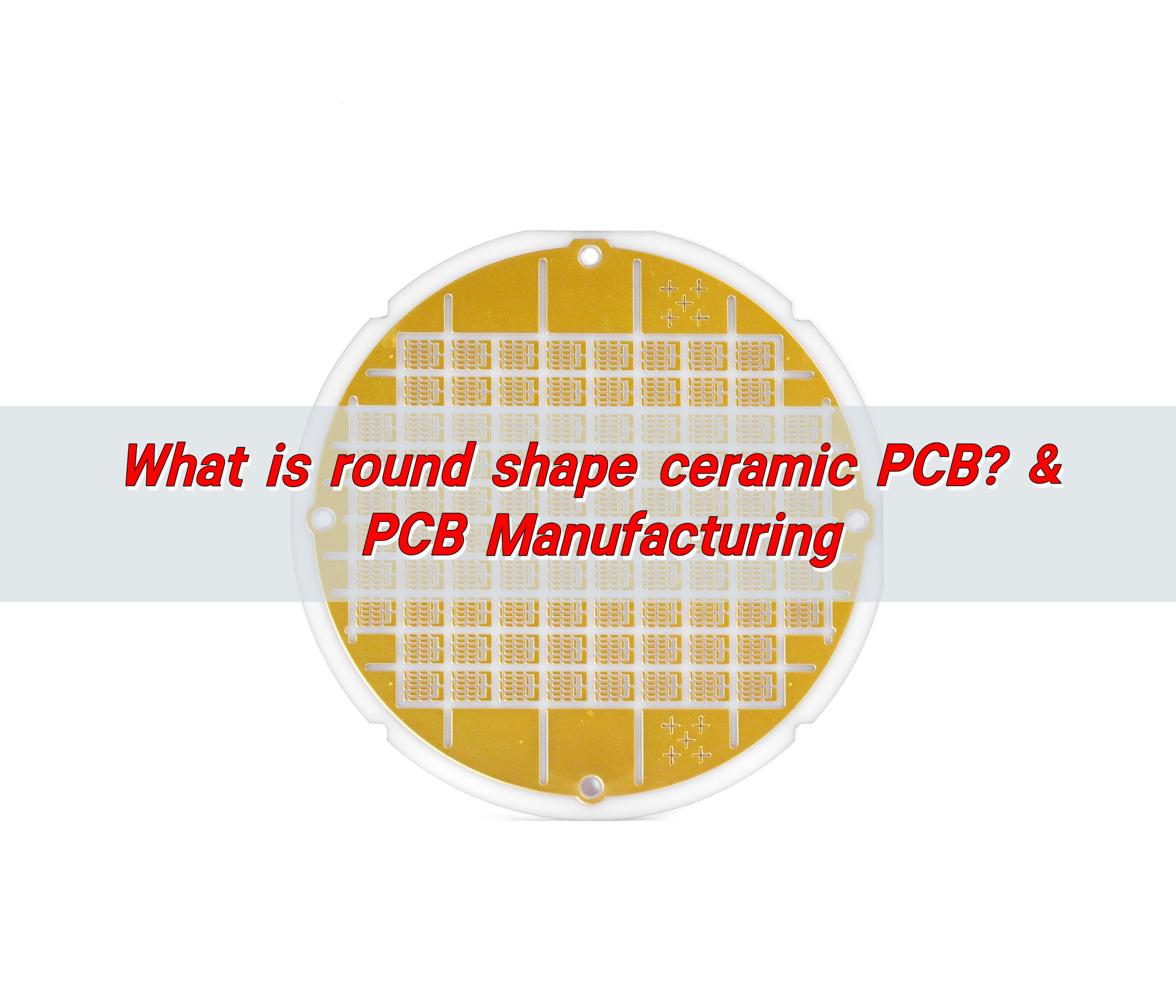
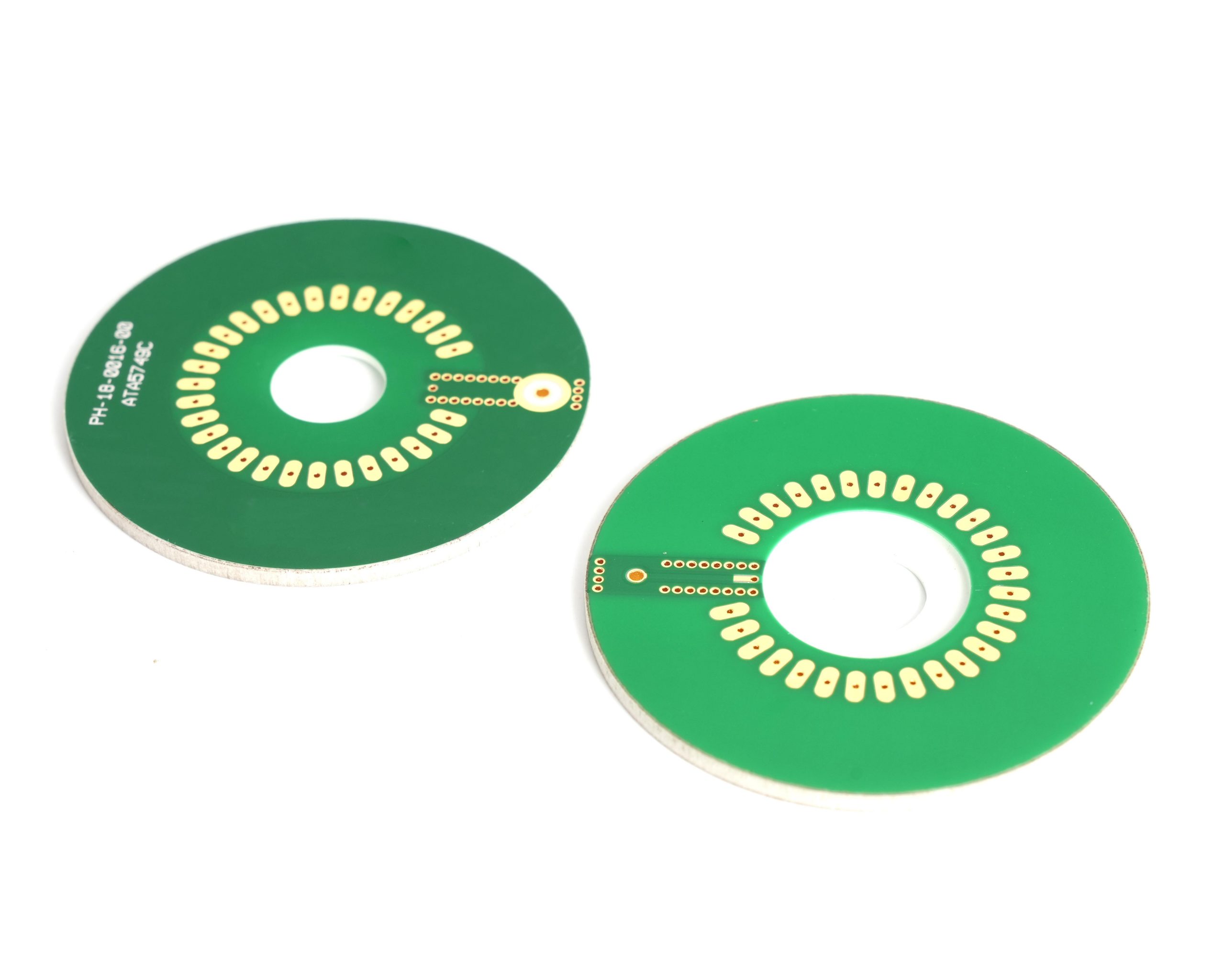
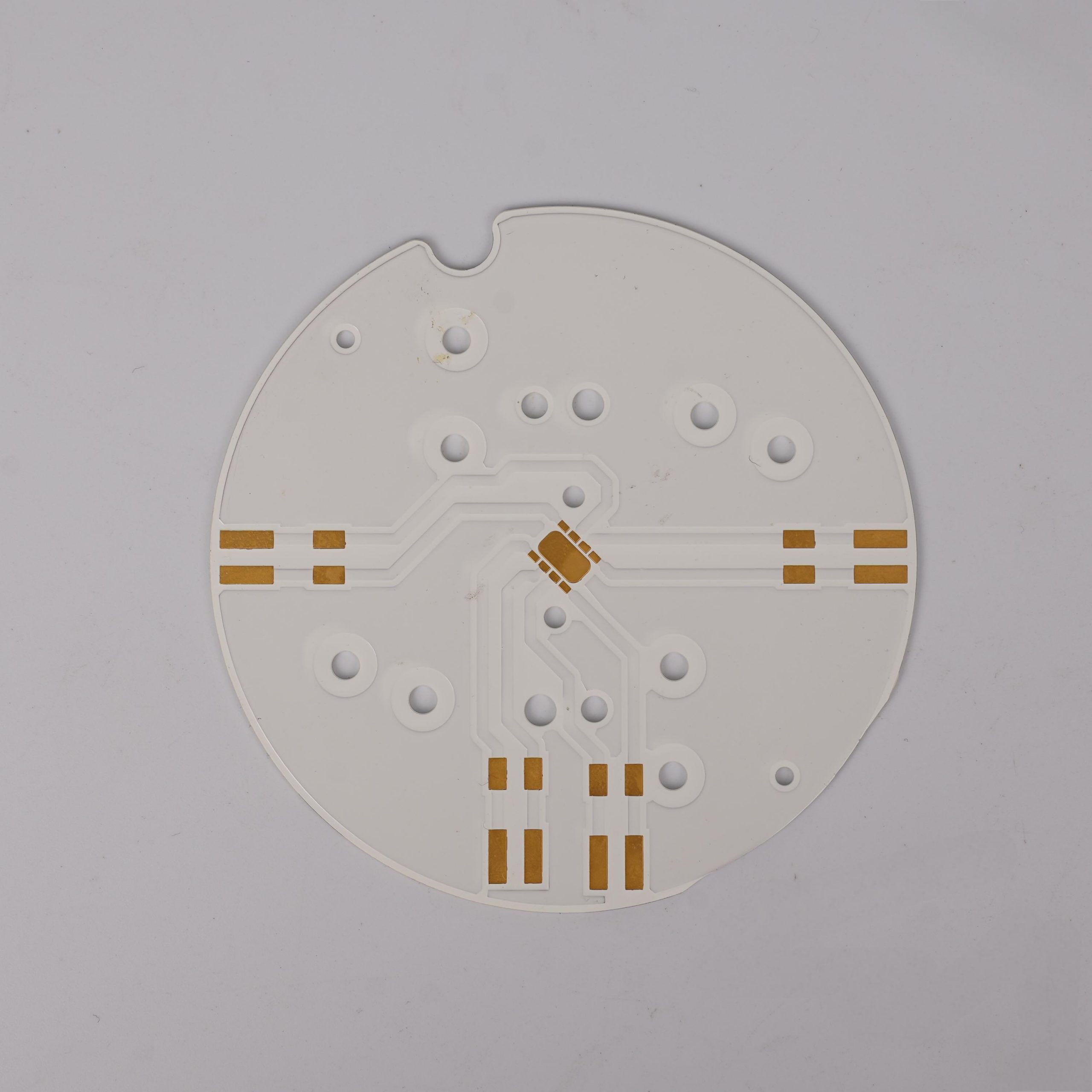
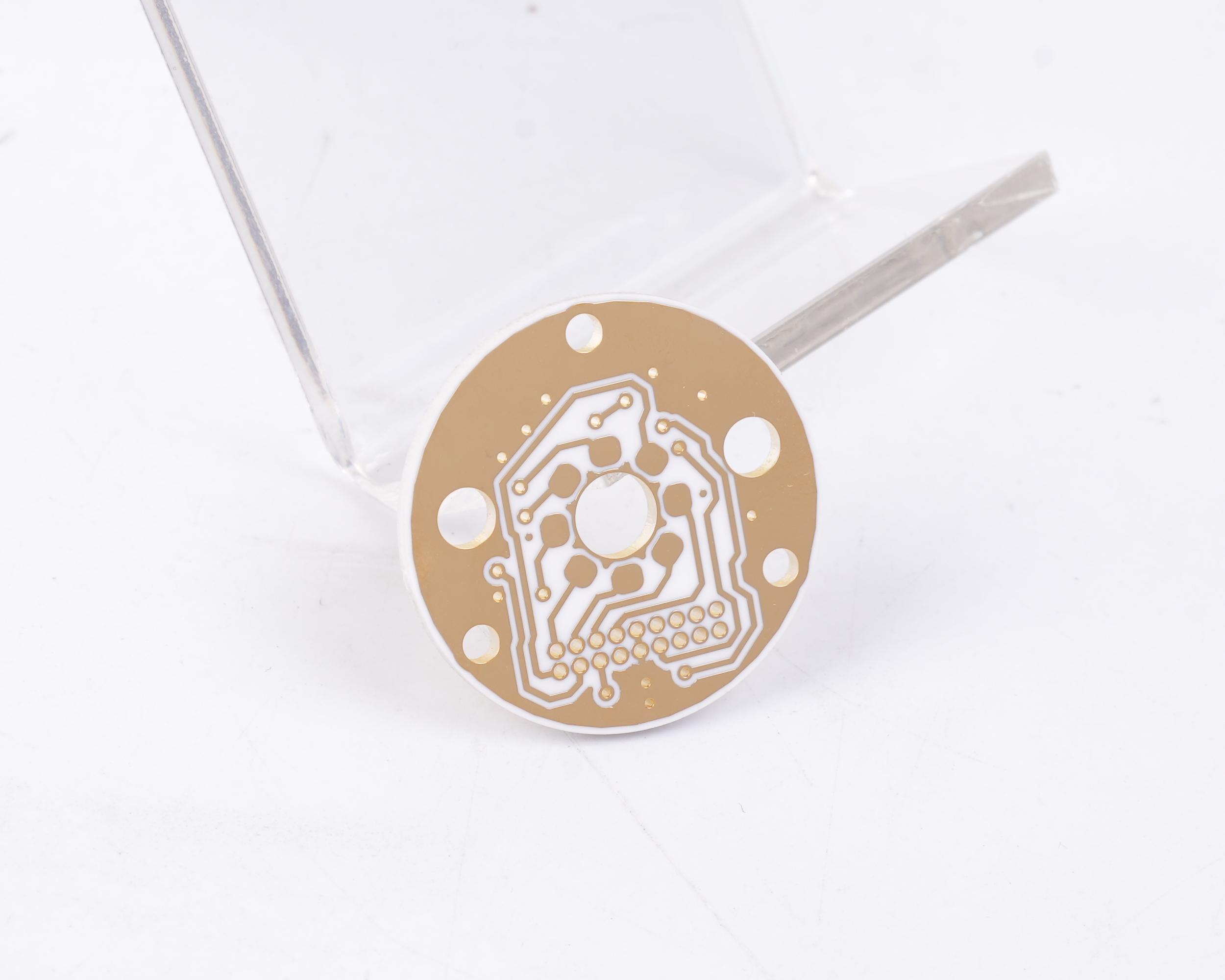
PCB manufacturing PCB manufacturing
Home > Blog

Meet EBest Circuit (Best Technology) at Electronica Munich 2024

October 19th, 2024

Exciting News! EBest Circuit (Best Technology), a leading PCB assembly manufacturer from China, will be exhibiting at Electronica Munich 2024 in Germany. Join us at Booth No. 212 (Hall C6) from November 12 – 15, 2024 (Western Time). If you missed us at PCB West or AEMS, this is your chance!

At our booth, you’ll have the opportunity to explore our advanced PCB manufacturing and assembly technologies. For reference, here is a booth location detail.

Meet EBest Circuit (Best Technology) at Electronica Munich 2024

Actually, we have participated such exhibitions for several times, like PCB west, electronica in China, AEMS and so on. Here are some pictures:

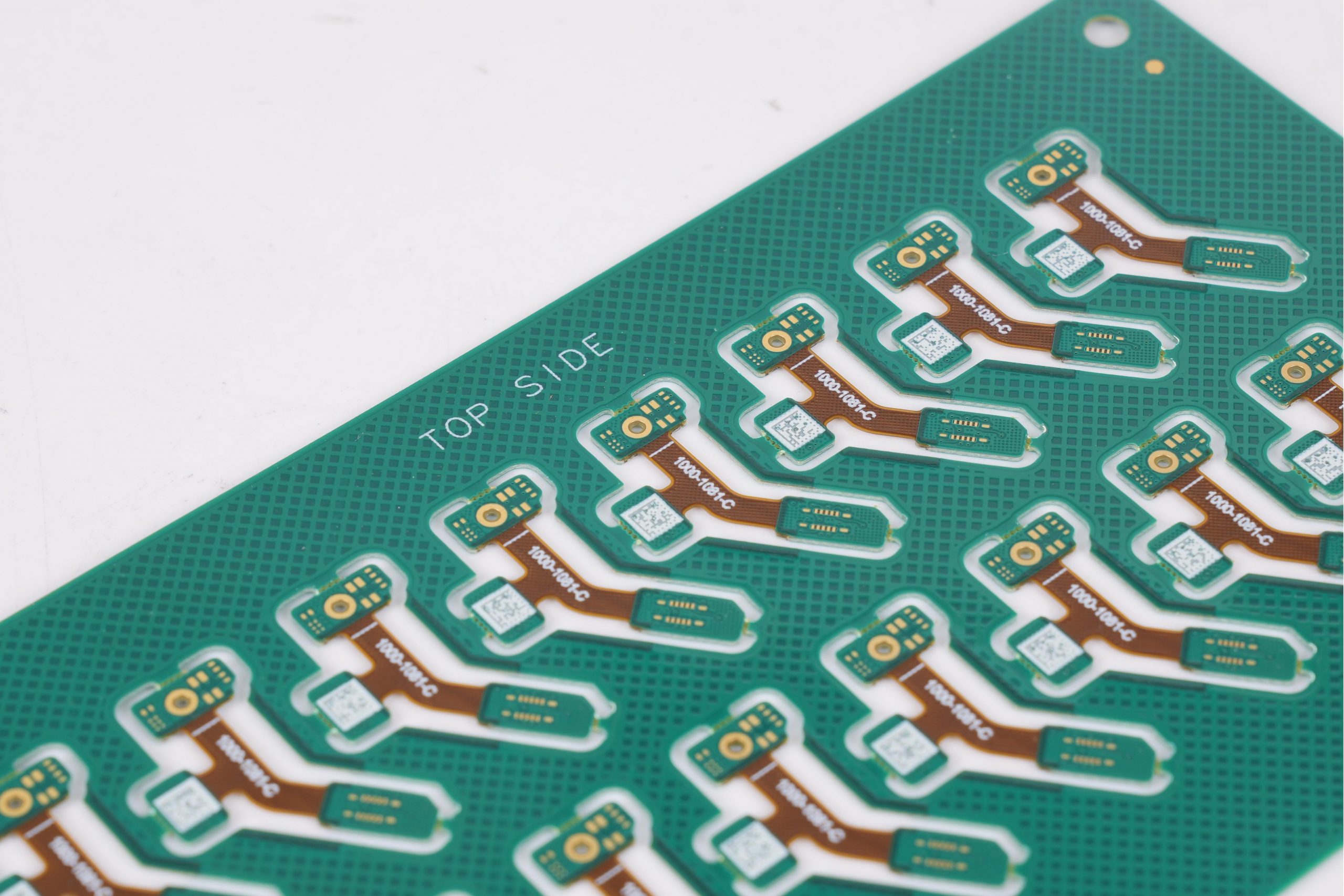
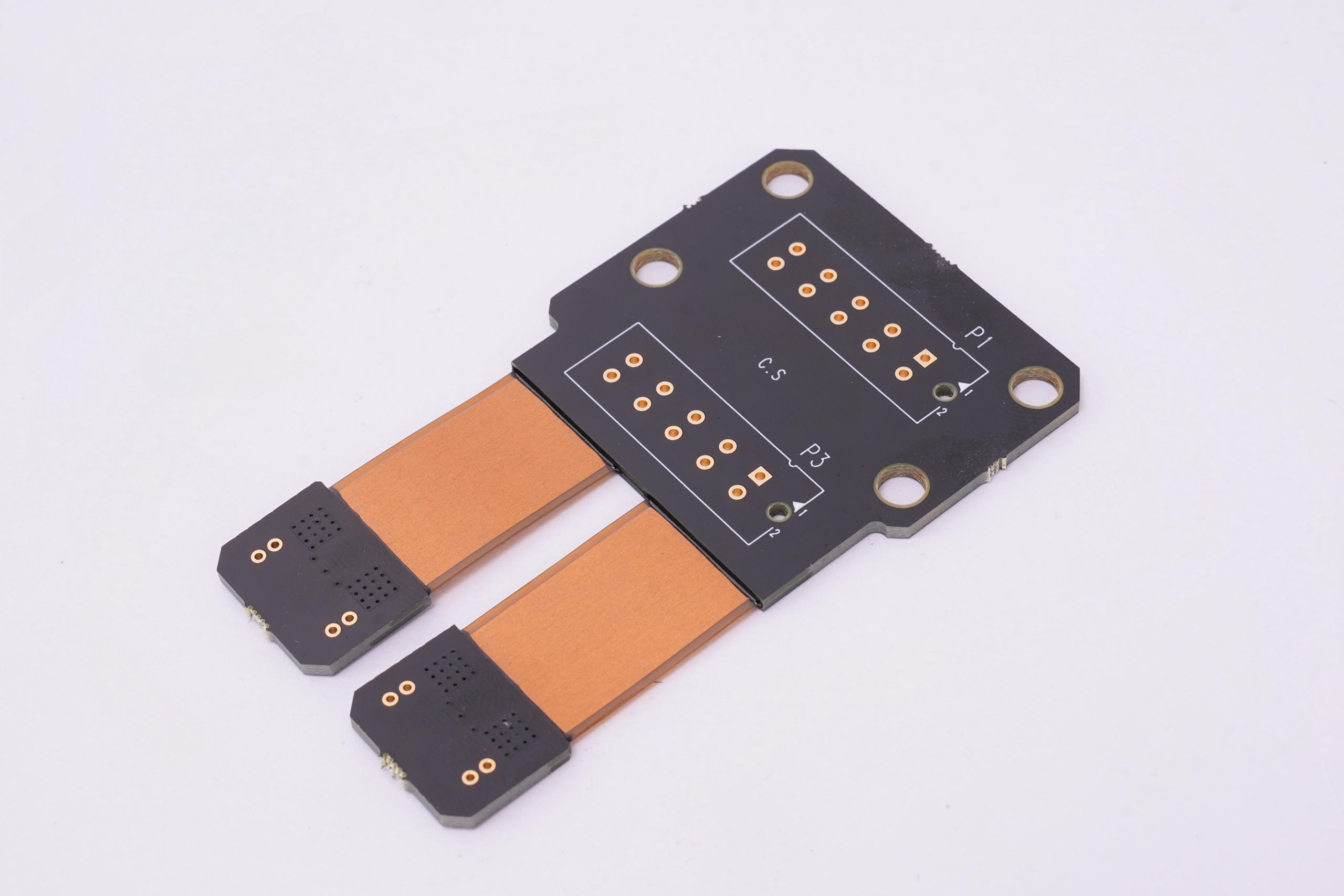
In the exhibition, our team of experts will be available to share in-depth knowledge about PCB assembly, from prototyping to low and high-volume production. We invite all interested professionals/engineers to visit and discover our capabilities in flexible circuit boards, rigid-flex circuits (2 to 50 layers), copper weights from 1/2 OZ to 30 OZ, and ultra-thin PCBs (0.15mm FR4) to heavy copper options. EBest Circuit (Best Technology) offers a full turn-key service including component sourcing, board fabrication (FPC, PCB, MCPCB, Ceramic PCB), final assembly, programming, testing, and more.

Additionally, we’ll showcase our metal dome products, widely used as tactile switches in conjunction with PCBs, flex circuits, or membrane keypads. Available in four varieties—four-leg domes (5mm-20mm), triangle domes (4mm-12mm), round domes (4mm-16mm), and oblong domes (3.7mm-58.1mm)—our metal domes come with or without adhesive (dome arrays).

Meet EBest Circuit (Best Technology) at Electronica Munich 2024

We welcome you to explore how we manage component wastage and boost efficiency, helping you save time, money, and resources.

About Electronica Munich

Electronica is the world’s premier trade show for electronic components, systems, and applications, showcasing cutting-edge innovations and developments across industries. It’s the perfect place to learn about the latest trends in PCB manufacturing, power engineering, system peripherals, and EMS.

Openning Hours of Electronica Munich 2024

Openning Hours of Electronica Munich 2024

Please keep in mind that your visitor ticket does not allow you to reenter the fair and will not open the turnstiles a second time if you leave the fair!

For the visit/travel information about transportation, welcome to click electronica 2024 website or click here.

Don’t miss out! We look forward to seeing you at Booth 212 from November 12 to November 15, 2024 (Western Time).

6 Layer PCB Stackup, Thickness, Impedance Control

October 18th, 2024

What is a 6 Layer PCB?

A 6 layer PCB is a printed circuit board that has six conductive layers. It consists of 4 inner layers and 2 outer layers, of which the inner layer is made of copper foil and located in the center of the board (we cannot see it by our eyes), while the outer layer is located on the top and bottom of the board. This design packs a punch, letting you fit more complex circuitry into a smaller space. It’s perfect for small electronic devices that need to do a lot.

6 Layer PCB Stackup, Thickness, Impedance Control

6 Layer PCB Structure

In a typical 6 layer PCB stackup, the conductive layers are numbered from top to bottom, starting with Layer 1. Here’s what a standard configuration looks like:

  • Layer 1: Top Layer
  • Layer 2: Reference Plane 1
  • Layer 3: Signal or Plane Layer 2
  • Layer 4: Signal or Plane Layer 3
  • Layer 5: Reference Plane 2
  • Layer 6: Bottom Layer

The top and bottom layers are the two most common layers in a 6-layer PCB. They are often used to mount large components and connectors. The main role of the top and bottom layer is to provide the structure and support of the circuit board, and can also be used to connect external devices. The middle layers handle signals and reference planes (like ground and power).

Common 6 Layer PCB Stack-Up

When it comes to stacking up those layers, you have a few common configurations:

6 Layer PCB Stackup, Thickness, Impedance Control

Stack-Up Option 1: S G S S P S

  1. Top Layer (Signal)
  2. Layer 2 (Ground)
  3. Layer 3 (Signal)
  4. Layer 4 (Signal)
  5. Layer 5 (Power)
  6. Bottom Layer (Signal)

This kind of stack up has more signal layers, which is conducive to the wiring work between components; Because POWER and GND are far apart and not tightly coupled, the signal layers are directly adjacent, which is easy to cause crosstalk. Therefore, staggered wiring is required during wiring. When the power supply impedance is low.

Stack-Up Option 2: S S G P S S

  • 1.     Top Layer (Signal)
  • 2.     Layer 2 (Signal)
  • 3.     Layer 3 (Ground)
  • 4.     Layer 4 (Power)
  • 5.     Layer 5 (Signal)
  • 6.     Bottom Layer (Signal)

POWER and GND are tightly coupled, but the plane reference is too far away and the signal isolation is not good, which is easy to cause crosstalk.

Stack-Up Option 3: S G S G P S (preferred solution)

  • 1.     Top Layer (Signal)
  • 2.     Layer 2 (Ground)
  • 3.     Layer 3 (Signal)
  • 4.     Layer 4 (Ground)
  • 5.     Layer 5 (Power)
  • 6.     Bottom Layer (Signal)

POWER and GND layers are tightly coupled, with good EMI characteristics, and the signal layer is directly adjacent to the internal electrical layer, and is effectively isolated from other signal layers, which is not easy to crosstalk.

Stack-Up Option 4: S G S P G S

  • 1.     Top Layer (Signal)
  • 2.     Layer 2 (Ground)
  • 3.     Layer 3 (Signal)
  • 4.     Layer 4 (Power)
  • 5.     Layer 5 (Ground)
  • 6.     Bottom Layer (Signal)

POWER and GND are tightly coupled. The signal layer is adjacent to the ground layer, the power layer is paired with the ground layer, the impedance of each line layer can be better controlled, and the magnetic field line can be well absorbed by both layers. This layered scheme is suitable for the design of high chip density and high clock frequency.

6 Layer PCB Thickness

The total thickness of a 6 layer PCB usually ranges from 0.8 mm to 2.0 mm. Of course, this can vary based on materials and what you’re aiming for. Each layer contributes to this thickness, and the copper thickness often ranges from 1 oz to 3 oz. Thicker boards tend to offer better durability and heat dissipation, but they can also be less flexible, which is something to consider depending on your application. The common thickness structure are showing as below:

6 Layer PCB Stackup, Thickness, Impedance Control

Above are the common structure and thickness of a 6 layer multi-layer PCB, if you want thicker thickness, welcome to contact with us, our expertise team will give you the best and cost-effective solution!

6 Layer PCB Manufacturing Process

6 Layer PCB Stackup, Thickness, Impedance Control

6 Layer PCB Price

The price of a 6 layer PCB doesn’t have a standard number/value. It varies based on factors like material, size, and complexity. Generally, they are more expensive than simpler designs due to the increased number of layers and the advanced manufacturing processes involved. However, the investment often leads to improved performance and durability. Here are some factors that will effect your 6 layer PCB price:

  1. Design complexity: If the design is intricate, expect a higher price.
  2. Material quality: Premium materials can drive up the cost but often improve performance.
  3. Volume: Producing in bulk usually lowers the cost per unit.
  4. Manufacturing process: The more difficult process, it will cost much more. Like a normal 6 layer FR4 PCB with through holes is cheaper than 6layer HDI PCB with blind or buried via holes.
  5. Surface treatment: Different treatment you choose will affect your overall price.

In general, you’re looking at prices that range from $5 to $50 or more per unit. It might sound steep, but investing in a quality 6 layer PCB can really pay off in terms of performance and reliability.

6 Layer PCB vs. 4 Layer PCB

6 layer PCB is different with 4 layer PCB, from the board thickness, cost, line width and spacing and etc. Here we listing three main differences between them:

1. Board thickness

The thickness of the PCB board is the thickness of the fingerboard, usually in millimeters. There is a difference in thickness between six-layer and four-layer plates. The thickness of the six-layer plate is usually between 1.6mm and 2.0mm, while the thickness of the four-layer plate is between 1.0mm and 1.6mm. Therefore, the thickness of the six-layer plate is thicker than that of the four-layer plate.

2. Line width

The line width refers to the width of the wire on the circuit board. There is also a difference in line width between six-ply and four-ply panels. The line width of a six-layer board is wider than that of a four-layer board. This is because in a six-layer board, there are more circuit layers, so it is easier to accommodate a wider line width.

3. Drilling

Drilling is an indispensable part of the PCB board production process. It is usually used to punch holes in the board so that electronic components can be installed. There is also a difference in the number of holes drilled between six-ply and four-ply panels. Because the six-layer board has more circuit layers, the number of holes is relatively high.

Impedance Control for 6 Layer PCB

‌The impedance control of 6-layer PCB is to control the impedance value of signal transmission by designing the geometry and material of the circuit board to improve the speed and quality of signal transmission, and reduce signal reflection and interference. ‌ Common methods of controlling impedance include adjusting parameters such as the width, spacing and thickness of the signal lines, using differential lines to reduce signal interference and noise, and using interlayer isolation to prevent signal interference.

In the 6-layer PCB design, the specific implementation methods of impedance control include:

  • Signal line width and spacing control

Signal line width and spacing is a key factor affecting the impedance. Strictly control the line width tolerance within ±10%, and pay attention to the possible pinholes, notches, dents and other problems on the wire, which will further affect the line width and impedance.

6 Layer PCB Stackup, Thickness, Impedance Control
  • Dielectric layer thickness control

Dielectric layer thickness has a significant effect on impedance. Use advanced manufacturing technology and equipment to ensure the uniformity and consistency of the thickness of the medium layer, and strictly control the thickness tolerance of the medium layer within the design requirements.

  • ‌The use of differential line

Differential line can effectively reduce signal interference and noise, improve the quality of signal transmission and anti-interference ability.

6 Layer PCB Stackup, Thickness, Impedance Control
  • Partially filled with copper and grounded

Fill the area without components or wires with copper, and ensure that the copper filled area is connected to the internal ground layer or power layer at multiple points. The distance between the connection holes does not exceed 1/20 of the highest harmonic wavelength of the signal ‌

6 Layer PCB Design Considerations

When you’re designing a 6 layer PCB, there are several things to keep in mind:

Reference Plane Placement

For the best performance, reference planes (usually ground and power) should be placed next to the routing layers. This setup helps maintain controlled impedance, which is critical for high-speed designs. Having a continuous ground plane right next to signal layers is a great practice.

Plane Splits

Sometimes, reference planes need to be divided into separate sections for analog and digital power. This keeps the analog circuitry isolated from the digital side, which helps reduce noise in sensitive areas.

Symmetry in Design

It’s usually best to keep the stackup symmetrical, with reference planes both above and below the signal layers. This arrangement improves signal integrity. But in some cases, asymmetrical designs are used depending on specific design needs.

Thermal Management

Consider how to manage heat, especially in high-power scenarios, to ensure reliability.

Signal Routing

High-speed or noise-sensitive signals should be routed on the inner layers between reference planes. Keeping these signals away from the outer layers helps minimize interference.

Breakout Vias

When transitioning from inner layers to outer layers, breakout or stub vias should be used. These vias help manage any stub effects, keeping things tidy and controlled.

Minimum Spacing

Lastly, always follow the board fabricator’s guidelines for minimum trace width, spacing, and annular ring sizes. This ensures the board meets the necessary standards and avoids any manufacturing issues.

Simulation Tools

Use simulation software to identify potential issues before manufacturing, which can save you time and hassle.

EBest Circuit (Best Technology) is a reliable PCB manufacturer in China. As one of the highly experienced circuit board suppliers, our products and services include a wide range of printed circuit boards such as rigid PCBs, flex PCBs, rigid-flex PCBs, aluminum PCBs, RF Microwave PCBs, high-speed PCBs, high-frequency PCBs, HDI PCBs, etc. If you have such demands, welcome to contact us.

PCB trace width and spacing Design Guide

October 18th, 2024

Trace width refers to the width of the conductive line on the PCB. If the line width is too narrow, the current passing through the unit area is too large, which will cause the wire temperature to rise and may damage the circuit board. Spacing refers to the distance between adjacent conductive lines on the PCB. Sufficient spacing can ensure the electrical insulation performance between adjacent lines and prevent short circuits between lines.

What is PCB trace/line spacing?

PCB trace/line spacing refers to the minimum distance between two lines on the PCB board. This distance is usually used to avoid electrical interference and ensure the reliability of the circuit. The size of the line spacing will affect the crosstalk, electromagnetic compatibility and heat dissipation performance of the circuit.

PCB trace width and spacing Design Guide

The basic concept and importance of line spacing is that it directly affects the performance and reliability of the circuit. The size of the line spacing needs to ensure that the electrical coupling and interference between the circuits are minimized to ensure the normal operation of the circuit.

What are the rules for PCB trace spacing?

The basic rule for PCB trace spacing is that the distance from the center of the line to the center of the line should be greater than or equal to 3 times the line width (3W rule) to ensure that crosstalk between lines is reduced.

  • ‌3W rule‌: In order to minimize the interference between lines, the distance from the center of the line to the center of the line should be greater than or equal to 3 times the line width (3W rule), which can reduce 70% of the electric field interference. If you need to achieve a higher interference reduction effect, you can use 10 times the line width (10W rule), which can reduce 95% of the interference.
  • ‌Electrical safety spacing‌: According to the production capacity of the PCB manufacturer, the spacing between the wires and between the wires and the pads shall not be less than 4mil. Usually, the conventional spacing is set to about 10mil to ensure production quality and electrical safety.
  • ‌Special signal lines‌: For signal lines that need to control impedance, such as RF signals, important single-ended signals, and differential signals, the line width and line spacing should be determined according to the stacking calculation to ensure stable signal transmission.
  • ‌Other considerations‌: In PCB design, it is also necessary to pay attention to the signal lines to avoid using right angles and sharp angles. Using arcs or 135° obtuse angles can reduce reflections and standing waves.

What is the minimum line spacing in PCB?

The minimum line spacing in PCB is usually 4mil. ‌ This spacing is to avoid electrical interference and ensure the reliability of the circuit. The specific line spacing requirements depend on factors such as design specifications, application environment, and manufacturing process. ‌

PCB trace width and spacing Design Guide

In some high-precision applications, a smaller spacing may be required, but in general, the spacing should not be less than 4mil. The common spacing in conventional design is 10mil, which can ensure better production efficiency and circuit stability. ‌

What is the minimum line width for a PCB? ​

The minimum line width of a PCB is usually 6mil (about 0.153mm). This is because in high-density and high-precision PCB design, the line width needs to reach this value to ensure production quality and reliability. ‌

The minimum line width may vary under different design requirements. The minimum line width that can be supported may reach 3.5mil (about 0.09mm) or less, but in most common designs, the line width will be greater than this value to ensure production yield and reliability. ‌ In high-density and high-precision PCB design, the line width may be thinner. ‌

PCB trace width and spacing Design Guide

When designing a PCB, the choice of line width needs to consider the needs of signal transmission. Generally speaking, the larger the line width, the better the factory production and the higher the yield. The line width in conventional design is usually 10mil (about 0.254mm), which can meet most application scenarios. In high-speed signal transmission, the line width needs to be greater than 10mil to reduce signal loss and synchronization problems.

What is the minimum hole spacing for PCB?

The minimum hole spacing of PCB is generally 0.1mm to 0.15mm. This range is applicable to standard 6-layer PCB circuit boards, but the specific value may vary depending on the manufacturing process and design requirements.

Under different manufacturing processes, the specific value of the minimum hole spacing is different. The minimum aperture of mechanical drilling is 0.15mm, while the minimum aperture of laser drilling can reach 0.075mm. In addition, the spacing from the pad to the outline is generally 0.2mm, and the single side of the pad cannot be less than 4mil (about 0.1mm), preferably greater than 6mil (about 0.15mm). For non-metallic holes and slots, the minimum spacing is not less than 1.6mm, and the slot hole is not less than 2.0mm from the edge of the board of the outline.

Factors that affect the minimum hole spacing of PCB include manufacturing process, design requirements and drilling detection. The advancement of manufacturing process has continuously improved the accuracy of PCB boards, and the minimum hole diameter and spacing have been continuously reduced. For example, the accuracy of modern PCB boards has developed to a minimum hole diameter of 0.08 mm and a minimum hole spacing of 0.1 mm or even higher. In addition, drilling detection is also an important link to ensure the quality of PCBs, including through holes, part holes, slot holes and special-shaped holes, which all need to be strictly inspected.

Why is PCB trace spacing design so important?

PCB trace spacing design is very important because it is directly related to the reliability, performance and safety of the circuit board. By reasonably designing the trace spacing, electrical interference can be avoided, signal transmission quality can be guaranteed, and the thermal stability and reliability of the circuit board can be improved, thereby ensuring the normal operation and long-term stable operation of the circuit board.

PCB trace width and spacing Design Guide

First, the design of trace spacing can prevent electrical interference. When two traces are parallel and close to each other, parasitic capacitance and inductance will be generated between them, resulting in signal interference and attenuation. Increasing the trace spacing can reduce this coupling effect, thereby ensuring stable signal transmission.

Second, appropriate trace spacing helps to improve the thermal stability of the circuit board. Components and traces with large working current will generate heat when working. If the traces are too dense, heat is easy to accumulate, resulting in local temperature rise, which may cause failure.

In addition, the design of trace spacing also needs to consider the requirements of production process. Smaller line width and line spacing have higher requirements for production process, which may increase production difficulty and cost.

What will happen if the PCB trace spacing is insufficient?

Insufficient PCB trace spacing will lead to problems such as signal attenuation, signal delay, crosstalk interference and layout difficulties. These problems will affect the performance and stability of the circuit and may even cause circuit function failure.

First, signal attenuation is a major problem of insufficient spacing. Signals will be attenuated during transmission. Too small spacing will increase the possibility of signal attenuation, resulting in signal distortion and increased noise, especially in high-frequency signals and fast signal transmission.

Second, signal delay is also a problem caused by insufficient spacing. It takes time for signals to propagate in the circuit. Too small spacing will extend the path of signal propagation, thereby increasing signal delay and affecting the real-time performance of the system.

In addition, crosstalk interference is another important issue. Insufficient spacing will increase the electromagnetic interaction between signal lines, leading to crosstalk interference, thereby introducing errors or interference and affecting the stability of the circuit.

Finally, layout difficulties are also a practical problem caused by insufficient spacing. When laying out the PCB, too small spacing will increase the complexity of the layout, making it difficult for designers to reasonably arrange the signal path, the distribution of power and ground lines, and the layout of components.

Does trace spacing affect PCB production cost?

The setting of trace spacing is directly related to the difficulty and cost of PCB production process. Although smaller line width and spacing can improve the performance of the circuit, it will increase the difficulty and cost of production.

The setting principles of trace spacing include:

The default values ​​of line width and spacing are usually 6mil, but they can be adjusted according to design requirements. The minimum line width recommended value is 10mil, and the maximum line width can be set to 200mil.

The setting of trace spacing needs to take into account electrical safety and signal integrity. It is usually required that the line center spacing is not less than 3 times the line width to ensure that the electric field does not interfere with each other.

In the design of high-speed signal lines, using larger spacing can further reduce crosstalk and improve the stability of the circuit, but it will also increase costs.

Factors that affect the cost of PCB production also include:

  • ‌Number of wiring layers‌: The more layers, the higher the price.
  • ‌Via size‌: Vias smaller than 0.25mm usually require additional fees, and back drilling will increase the cost by about 10%~20%.
  • ‌Plate selection‌: Unconventional materials such as high-frequency plates and halogen-free plates will increase procurement cycles and production costs.

In summary, the setting of trace spacing has a significant impact on the cost of PCB production. Reasonable settings can control costs while ensuring performance.

In short, PCB line width and spacing are very important parameters in electronic circuit design. They directly affect the performance, reliability and manufacturing feasibility of the circuit board. When designing a circuit board, it is necessary to reasonably select line width and spacing according to the requirements of the circuit and the actual situation.

Why CEM1 PCB material still popular in electronics? CEM1 vs CEM3

October 17th, 2024

CEM1 (Composite Epoxy Material) is a popular material used in the electronics industry for printed circuit boards (PCBs). While newer materials like FR4 have gained popularity, CEM1 still holds an important place in the market. This material offers a cost-effective solution for many electronic devices, especially when the application does not require the highest levels of durability or thermal resistance. But what makes CEM1 such a mainstay? And how does it stack up against other materials like CEM2, CEM3, and FR4?

In this blog, we’ll dive into the details of CEM1 PCB material, exploring its specifications, advantages, and the reasons it’s still commonly used. We’ll also compare it to other PCB materials, helping you understand when it’s the right choice for your project.

What is CEM1 PCB Material?

First, it’s essential to understand that CEM-1 is a material grade representing a specific type of composite base copper-clad laminate. CEM-1 material is made from multiple layers of cellulose or cotton pulp fiber paper and glass fiber cloth, all of which are reinforced with flame-retardant epoxy resin. Usually has milky-white color. While it’s considered a low-grade material, it is still widely used in the PCB industry, especially for single-sided PCBs.

You might wonder why CEM-1 remains popular despite the rapid advancements in technology, where electronic products are becoming thinner and more compact. The reason lies in its cost-effectiveness. Even though new, high-quality materials are now available, they tend to be more expensive. In contrast, CEM-1 offers a significantly lower cost while still providing decent electrical properties.

CEM-1 PCBs are typically single-sided, meaning components are mounted on just one side of the board. This limits its use in high-performance applications, but it remains an excellent choice for many consumer electronics, where both performance and budget constraints are critical. On the other hand, CEM-3 laminates feature a chopped fiberglass core, which provides added strength and durability. CEM-3 shares similar performance characteristics with the more commonly used FR-4 material.

CEM-3 is often chosen for applications where flame resistance and reliability are key factors. Unlike CEM-1, which is confined to single-sided boards, CEM-3 is suitable for double-sided and multilayer PCB designs, making it a more versatile option in more complex applications.

CEM-1 Material Specifications

CEM-1’s specifications reveal its balance between performance and affordability. Here’s a breakdown of some key specs:

PropertyValue
Substrate Thickness1.0mm, 1.2mm, 1.5mm, 1.6mm
Copper Thickness35um, 70um
ColorMilky-white
Sheet Dimension927*1230mm, 1020*1030mm, 1044*1245mm
Dielectric Constant4.5 (depends on frequency)
Thermal ConductivityIn middle level
Working Temperature130C (highest)
Water Absorption<0.3%
FlammabilityUL94V-0

These specifications show that while CEM1 can’t handle extreme conditions like high temperatures or stress, it’s adequate for a wide range of general applications.

CEM1 vs FR4

CEM1 and FR4 are two of the most widely used PCB materials. FR4 is fiberglass-reinforced and offers greater durability and thermal performance. So why use CEM1?

The key reason is cost. CEM1 is significantly cheaper than FR4, making it a perfect choice for applications that don’t require the superior mechanical and thermal properties of FR4. For example, if you’re designing a simple consumer product, CEM1 may offer all the performance you need at a fraction of the cost.

Additionally, FR4 is typically used for multi-layer PCBs, while CEM1 is commonly found in single-layer designs. If your product doesn’t need multi-layer complexity, CEM1 can save both time and money in manufacturing.

CEM1 vs CEM3

CEM-1 and CEM-3 are comparable in some aspects but differ in specific characteristics. Both materials are impregnated with epoxy resin. CEM-1 is composed of a paper core and woven glass fabric layers, all bonded with epoxy resin. It offers easy punching, excellent electrical properties, and better flexural strength compared to paper-based laminates. This makes it a popular choice in the PCB industry, especially for single-sided boards, where it can be punched up to a thickness of .093″.

On the other hand, CEM-3 is more similar to FR-4 in terms of performance. Instead of woven glass fabric, it uses chopped glass fibers, which gives it a milky white appearance and a smoother surface. CEM-3 is flame-retardant and is typically used in double-sided and multilayer PCBs, making it a versatile alternative to FR-4. It’s a relatively new substrate material developed with characteristics similar to FR-4.

CEM-3 incorporates glass mat fibers, which provide better mechanical strength and durability compared to CEM-1. This makes CEM-3 more suitable for applications that require higher impact resistance and reliability. However, CEM-3 is generally more expensive due to its added strength. For applications where the extra strength of CEM-3 isn’t necessary, CEM-1 remains a more cost-effective option, as both materials offer similar thermal properties.

Advantages and Disadvantages of CEM1 PCB

Advantages:

  • Lower cost: The cost of CEM1 PCB is lower than that of glass fiber cloth copper clad plate, but higher than that of paper based copper clad plate.
  • ‌Good machinability: CEM1 PCB has excellent machinability and is easy to press.
  • ‌Good electrical performance and bending strength: compared with paper grades, CEM1 PCB has excellent electrical performance and higher bending strength.
  • ‌Wide range of application: suitable for electronic products with low performance requirements and low cost, such as toys and household appliances.
  • It has a suitable glass transition temperature, better heat dissipation, and electric energy storage.

‌Disadvantages:

  • Mechanical properties and heat resistance slightly inferior: compared with FR4, the mechanical properties and heat resistance of CEM1 PCB is slightly inferior.
  • ‌Limited application scenarios: mainly applicable to electronic products with low performance requirements, not suitable for high mechanical strength and heat resistance.
What are the Applications of CEM1 PCBs?

CEM1 is used in a wide variety of products that require a cost-effective yet reliable PCB solution. Here are a few typical applications:

1. Consumer Electronics: Products like calculators, remote controls, and basic home appliances often use CEM1 due to its affordability and performance for low-stress applications.

2. LED Lighting: In some low-heat LED lighting applications, CEM1 is a preferred choice because of its lightweight nature and reasonable thermal properties.

3. Automotive Electronics: Some automotive systems that don’t require high-end PCBs may opt for CEM1 due to its cost-efficiency.

4. Computers: CEM-1 PCB acts as heat redundant in PCs. Computer processors generate a lot of heat, therefore cooling PC parts like computer chips.

Which Software Is the Best When Designing CEM1 PCB?

When designing CEM1 PCBs, the right software helps optimize the layout and improve performance. Popular software options include:

  • Altium Designer: Known for its robust design tools and ease of use.
  • KiCad: An open-source solution that’s ideal for smaller projects or hobbyists.
  • EAGLE: Offers strong features for both professionals and beginners, with a user-friendly interface.

Some other software like Easy EDA, Circuit Maker also available.

Steps in Manufacturing CEM1 PCBs

The manufacturing process of CEM1 PCBs involves several steps:

  • Design and Output
  • Transfer the file to film
  • Print the image on the surface
  • Removing unnecessary copper
  • level alignment and optical inspection
  • Layer up and Bonding
  • Final Etching
  • Application of Solder Mask
  • Surface Finish
  • Silkscreen
  • Testing PCB Electronically

Why Choose EBest Circuit (Best Technology) as Your CEM1 PCB Manufacturer?

EBest Circuit (Best Technology) offers extensive experience in manufacturing CEM1 PCBs, delivering high-quality products at competitive prices. We understand the nuances of CEM1 material and its ideal applications. Our engineers are skilled in working with CEM1 material, ensuring your PCBs meet performance expectations. We offer pricing that fits within your budget without compromising quality. Lastly, we know how important speed is in electronics production, and we prioritize delivering your products on time.

AMB Ceramic PCB | Ceramic PCB Prototype & Design

October 17th, 2024

What is Active Metal Brazing (AMB) Technology?

AMB technology is developed on the basis of DBC technology, at a high temperature of about 800 ° C, AgCu solder containing active elements Ti and Zr is wetted and reacted at the interface of ceramics and metals, so as to achieve heterogeneous bonding between ceramics and metals.

Compared with traditional products, AMB ceramic PCB relies on the chemical reaction of ceramic and active metal solder paste at high temperature to achieve the combination, so its combination strength is higher, better reliability, extremely suitable for connectors or scenarios with large current load and high heat dissipation requirements. In particular, new energy vehicles, rail transit, wind power generation, photovoltaic, 5G communication and other power electronics and high-power electronic modules with demanding performance requirements have a huge demand for AMB ceramic copper clad plates. At present, this kind of product is becoming one of the mainstream products in the market.

AMB Ceramic PCB | Ceramic PCB Prototype & Design

Why use AMB Ceramic PCB?

The main benefits of AMB ceramic substrates include excellent thermal conductivity, copper layer bonding, reliability and suitability for high power and current applications. ‌ AMB ceramic substrate compared with the traditional DBC ceramic substrate, in the thermal conductivity, copper layer bonding force, reliability and other aspects of better performance, especially suitable for high temperature, high power, high heat, high reliability package requirements.

Specifically, the AMB ceramic substrate is welded between the copper foil and the ceramic substrate using a metal solder containing a small amount of active elements. This process improves the wettability of the solder to the ceramic after melting, so that the ceramic surface can be welded with the metal without metallization, thereby improving the thermal conductivity and copper layer bonding force.

In addition, the characteristics of AMB ceramic substrate with high current carrying capacity and low thermal expansion coefficient make it excellent in IGBT module, vehicle gauge main inverter, photovoltaic transformer, rail transit high voltage and other application.

What is the difference between DBC and AMB ceramic PCB?

Both DBC and AMB technologies use ceramic as the base material, but their bonding processes are different, leading to distinct performance characteristics.

  • Bonding Process: DBC relies on a high-temperature process to bond copper directly onto a ceramic substrate. AMB, on the other hand, uses active metal brazing, where metals like titanium and zirconium are added to form a strong bond between the copper and ceramic.
  • Thermal Conductivity: AMB ceramic PCBs are known for better thermal conductivity compared to DBC.
  • Mechanical Strength: AMB ceramic PCBs typically offer superior mechanical strength due to the brazing process. The bond is more durable and reliable under extreme conditions.
  • Flexibility in Design: AMB technology allows for more flexibility in terms of the shapes and sizes of copper patterns, which can be a big advantage in custom designs. DBC, while effective, can sometimes be limited in this regard.

AMB Ceramic PCB Manufacturing Process

The process of creating AMB ceramic PCBs is intricate and requires precision at every step. Here’s an overview of the key stages involved:

1. Ceramic Substrate Preparation: The first step is choosing the right ceramic substrate. Common materials include aluminum nitride and alumina, both known for their excellent thermal properties.

2. Metal Deposition: Copper is the most common metal used for AMB ceramic PCBs. However, unlike traditional methods, an active metal like titanium or zirconium is added to the copper to form a strong bond with the ceramic substrate.

3. Active Metal Brazing: The ceramic and metal are heated to a high temperature, allowing the active metals to react with both the copper and ceramic. This process forms a bond that is stronger than conventional methods like soldering or adhesion.

4. Etching and Circuit Formation: Once the copper has bonded with the ceramic, the next step is to etch the copper to create the desired circuit patterns. This is done using precise laser technology to ensure high accuracy.

5. Inspection and Testing: Quality control is vital in AMB ceramic PCB manufacturing. Each PCB is carefully inspected for defects and tested to ensure it meets the necessary performance criteria.

Types of Ceramic Substrate

Nowadays, there are four common types of ceramic substrates used in the ceramic PCB manufacturing – Al2O3, AlN, BeO and Si3N4. Let me introduce them firstly:

1. Al2O3

    Al2O3 (Alumina) substrate is the most commonly used substrate material in the electronics industry. Compared with most other oxide ceramics, alumina ceramics have high strength and chemical stability, rich raw material sources, cheap prices, and are suitable for a variety of manufacturing technologies and different shape requirements.

    2. BeO

    BeO has a higher thermal conductivity than metal aluminum, applied to the need for high thermal conductivity, but the temperature exceeds 300°C rapidly decreases, but also due to its toxicity, greatly limiting the application of BeO ceramics.

    3. Si3N4

    The thermal conductivity of silicon nitride ceramic substrate 75-80W/(m·K), the thermal conductivity is indeed less than that of aluminum nitride ceramic substrate, but the bending strength of silicon nitride ceramic substrate is 2-3 times that of aluminum nitride ceramic substrate, which can improve the strength and impact resistance of silicon nitride ceramic copper-clad plate, welding thicker oxygen free copper without porcelain cracking phenomenon, and improve the reliability of the substrate.

    4. AlN

    AlN has several very important performance advantages: it is non-toxic; High insulation performance and high breakdown field strength (1.4×10⁷V/cm); Low dielectric constant (~ 8.8); Very high thermal conductivity (comparable to good thermal conductivity of aluminum, theoretical thermal conductivity 280W/m/K); There is an expansion coefficient matching Si (293K-773K, 4.8×10⁻⁶K-1). Only the mechanical strength of AlN ceramic material itself is slightly worse; Compared with Al2O3, the price of AlN is relatively high. However, in terms of cost performance, AlN is still much higher, because the thermal conductivity of Al2O3 (96%) is only 29W/M*K (25°C), and the thermal conductivity of AlN is as high as 180W/M*K (25°C). Therefore, for the emerging and rapidly developing high-power electronic devices required by the Internet of Things, artificial intelligence, 5G, power electronics, rail transit, new energy vehicles and other industries, especially high-power IGBT modules, aluminum nitride ceramic substrates with high thermal conductivity and high reliability will become the preferred material.

    Among them, only Al2O3, AlN and Si3N4 can be MADE by AMB technology. Below is a performance table of AMB ceramic PCB made with different materials:

    AMB Ceramic PCB | Ceramic PCB Prototype & Design

    How Much Does an AMB PCB Cost?

    The cost of an AMB ceramic PCB depends on several factors, each influencing the overall price.

    • Material Choice

    The type of ceramic used plays a significant role in the cost. Aluminum nitride is more expensive than alumina but offers superior thermal properties. Depending on the application, choosing the right material is key to balancing cost and performance.

    • Copper Thickness

    Thicker copper layers increase the price due to the additional material required. However, they also improve the current-carrying capacity, which might be necessary for high-power devices.

    • Design Complexity

    More intricate designs, especially those with custom shapes or numerous layers, will naturally cost more due to the precision required during manufacturing.

    • Batch Size

    Ordering AMB ceramic PCBs in bulk can reduce the cost per unit. This is particularly beneficial for larger companies that require high-volume production.

    • Testing and Quality Assurance

    Rigorous testing and quality checks are essential for AMB ceramic PCBs, especially in industries where failure is not an option. Higher standards of quality control can drive up costs but ensure greater reliability.

    Challenges Facing AMB Technology

    While AMB technology offers numerous advantages, it is not without its challenges. Understanding these challenges is crucial for its successful implementation in ceramic circuit boards.

    1. Cost Considerations

    One significant hurdle to the widespread adoption of AMB technology is cost. The materials involved in AMB, particularly the reactive filler metals, can be more expensive than traditional bonding methods. Additionally, the equipment and processes required for AMB may involve higher initial investments.

    2. Process Complexity

    The AMB process demands a high degree of precision and control. Factors such as temperature, environment, and timing must be meticulously managed to ensure optimal bonding quality.

    3. Limited Availability of Filler Materials

    The selection of suitable filler materials for AMB can be restrictive. Finding a filler that effectively bonds with various ceramics and metals while maintaining desirable mechanical and thermal properties can be a daunting task.

    4. Risk of Thermal Shock

    The high temperatures associated with the AMB process pose a risk of thermal shock to the ceramic substrates. If not properly managed, rapid temperature changes can lead to cracking or other failures in the ceramic material. Careful consideration of thermal profiles during the brazing process is essential to mitigate this risk.

    EBest Circuit (Best Technology) is a reliable Ceramic PCB manufacturer in China. We specialize in small to medium-volume PCB Manufacture, PCB Assembly and Electronic Manufacturing Services. Our product ranges from thick film ceramic PCB, thin film ceramic PCB, DPC ceramic PCB, DBC ceramic PCB, AMB ceramic PCB, HTCC ceramic PCB and LTCC ceramic PCB. Choose us, you can enjoy:

    • High Quality
    • Turn-key Service
    • Competitive Pricing
    • No MOQ & Fully Flexible
    • Certificated with ISO9001, ISO13485, IATF16949, UL
    • 99% On-time Delivery
    • One time design successfully
    • VIP sales assistant service
    • WIP online checking

    Rogers RT Duroid 5880 | High Frequency Rogers RO5880 PCB Manufacturer

    October 16th, 2024

    What substrate is Rogers RT Duroid 5880?

    Rogers RT Duroid 5880 is a high-frequency laminate specifically designed for applications where precision and low signal loss are critical. The substrate is a composite material known for its excellent performance in RF and microwave circuits. It uses a PTFE (polytetrafluoroethylene) base reinforced with glass microfibers.

    The use of glass microfiber ensures the material is durable but lightweight, making it suitable for applications in which weight is a factor. Its composition is perfect for projects where high-frequency signals are involved. From defense systems to automotive radar, RT Duroid 5880 is a reliable choice. It has become the go-to substrate for engineers and designers looking for efficiency, precision, and durability.

    Rogers RT Duroid 5880 | High Frequency Rogers RO5880 PCB Manufacturer

    Composition of Rogers RT/duroid 5880

    RT Duroid 5880 is composed of PTFE (polytetrafluoroethylene) combined with glass microfiber. PTFE provides a low dissipation factor, which reduces signal loss. This is important for maintaining high performance in RF and microwave applications. Glass microfiber reinforces the material, make it stronger without adding unnecessary weight. The composition also includes copper cladding, which is typically laminated on both sides. The copper layer helps with conductivity, ensuring signals travel efficiently across the board.

    The unique combination of PTFE and glass microfiber gives RT Duroid 5880 its excellent mechanical stability. It also minimizes the effect of temperature changes, which is critical for high-frequency circuits. As a result, the material can handle extreme temperatures without affecting the performance of the PCB.

    RT/duroid 5880 Specifications

    The following table highlights the important specifications of Rogers RT Duroid 5880. These specs reflect the high performance of RT Duroid 5880 for complex RF and microwave tasks.

    PropertyValue
    Dielectric Constant (Dk)2.20 (±0.02)
    Dissipation Factor (Df)0.0004 (measured at 10 GHz)
    Thermal Conductivity0.20 W/m/K
    Operating Temperature Range-55°C to +150°C
    Water Absorption0.02%
    Volume Resistivity1.7 x 10^9 MΩ·cm (minimum)
    Surface Resistivity1.4 x 10^8 MΩ (minimum)
    Coefficient of Thermal Expansion (CTE)46 ppm/°C (in X-Y axis)
    Tensile Strength10.3 MPa
    FlammabilityUL 94 V-0
    Peel Strength5.0 N/mm (after soldering)

    RT/duroid 5880 Thickness

    RT Duroid 5880 comes in various thicknesses. Engineers can choose the right thickness depending on their project’s needs. Rogers RT/duroid 5880 laminate is commercially available in sheet stock and roll stock forms in a range of thicknesses. Here’s a list of the standard thicknesses available:

    Available sheet sizes:

    • 304.8 x 457.2 mm
    • 457.2 x 609.6 mm
    • 609.6 x 914.4 mm

    Standard thickness:

    • 0.127 mm (5 mils)
    • 0.254 mm (10 mils)
    • 0.381 mm (15 mils)
    • 0.508 mm (20 mils)
    • 0.787 mm (31 mils)
    • 1.524 mm (60 mils)
    • 3.175 mm (125 mils)

    Available roll widths:

    • 304.8 mm
    • 609.6 mm
    • 1219.2 mm
    • Standard roll length: 76.2 meters
    • Thickness range: 0.127 mm to 1.575 mm ​

    RO5880 RF PCB Advantages

    Rogers RT Duroid 5880 has a lot of strengths when used in RF and microwave PCB projects:

    • Minimal Signal Loss

    With a low dissipation factor of 0.0004, it reduces signal loss, which is very helpful for high-frequency systems like radar or satellite communications.

    • Strong Stability

    It holds up well under temperature changes and in humid environments, keeping circuits running smoothly even in tough conditions.

    • Reliable Electrical Properties

    The dielectric constant of 2.20 remains stable over a range of frequencies. This helps keep circuits working consistently without interference or signal issues.

    • Heat Tolerance

    It withstands heat up to 150°C, making it a good choice for systems that need to handle higher temperatures.

    • Low Moisture Absorption

    With only 0.02% water absorption, the material works well in damp environments. Outdoor systems like antennas benefit from this.

    • Ease of Manufacturing

    The material is easy to work with during production, which keeps costs lower and speeds up manufacturing.

    • Chemical Resistance

    The PTFE base resists damage from chemicals and solvents, making the material last longer in harsh environments like aerospace and industrial applications.

    Typical Applications of High-Frequency PCB

    High-frequency PCBs built with Rogers RT Duroid 5880 serve important roles across many industries:

    • Aerospace – used in radar, satellite, and navigation systems, RT Duroid 5880 supports reliable communication and tracking, even in high-pressure environments.
    • Telecommunications – in mobile networks, base stations, and antennas, high-frequency PCBs help maintain clear and fast data transmission, supporting the backbone of communication systems.
    • Medical Devices – MRI machines, wireless health monitors, and other equipment use high-frequency PCBs to keep medical data accurate and systems working seamlessly.
    • Defense – communication gear, and electronic warfare systems.
    • Automotive Systems – advanced driver assistance systems (ADAS) and vehicle radar depend on high-frequency PCBs for real-time data, making roads safer for everyone.
    • Satellite Communication – RT Duroid 5880 is frequently used in satellite systems where strong signal transmission over long distances is crucial for communication networks.

    Common-Used High Frequency PCB Materials in EBest Circuit (Best Technology)

    At EBest Circuit (Best Technology), we use a range of top-quality materials for high-frequency PCBs, depending on the project’s needs. Some of the most popular materials include:

    Material       Dielectric Constant (Dk)      Loss Tangent (Df)       Key Features  
    Rogers RO4003C3.380.0027Low loss, excellent thermal stability, ideal for RF applications.
    Rogers RO43503.480.0043Low loss, high thermal conductivity, suitable for microwave applications.  
    RT/Duroid RO58802.940.0037Very low loss, excellent performance at high frequencies, good for multilayer designs.  
    N4000-133.00.009Good thermal stability, low moisture absorption, designed for high-frequency applications.
    Taconic RF-60A6.150.0027High dielectric constant, low loss, suitable for low-loss RF and microwave applications.  

    Each material brings different strengths for specific applications, giving you the best options for your project.

    Discuss Your High Frequency PCB Project with Us Today

    If you have a high-frequency PCB project in mind, reach out to us. We’re experienced in creating high-quality PCBs that meet your exact specifications. Whether you need RF, microwave, or other types of high-frequency boards, we’ll make sure your project runs smoothly. Contact us at sales@www.bestpcbs.com today, and we’ll help you turn your plans into reality.

    4 Layer PCB Layout, Stack-up, Thickness & Design Guidelines

    October 16th, 2024

    What is a 4 Layer PCB?

    A 4 layer PCB is a type of circuit board that consists of four distinct layers of conductive material. Each layer serves a specific function. The layers typically include two signal layers, one ground (GND) layer, and one power (VCC) layer. Generally, through holes, buried holes, and blind holes are used to connect the internal layers. There are more buried and blind holes than 2 layer PCB boards. In addition, try not to run signal track on the two layers of VCC and GND. A 4 layer PCB offers more complex designs, better signal integrity compared to simpler designs.

    4 Layer PCB Layout, Stack-up, Thickness & Design Guidelines

    4 Layer PCB Stack-up

    The typical stack-up configuration is as follows:

    • Top Layer (Signal Layer): This layer carries signals and connections.
    • Inner Layer 1 (Ground Plane): This layer serves as a reference for signal return paths, reducing noise and interference.
    • Inner Layer 2 (Power Plane): This layer distributes power to various components on the PCB.
    • Bottom Layer (Signal Layer): Like the top layer, it carries additional signals and connections.
    4 Layer PCB Layout, Stack-up, Thickness & Design Guidelines

    4 layer PCB Stack up Options

    Generally, there are three main categories for preferred stack-up solutions for 4 layer PCBs:

    Solution 1: The standard layer setup for common 4 layer PCBs.

    TOP (signal layer)

    GND1 (ground layer)

    PWR1 (power layer)

    BOT (signal layer)

    Solution 2: Suitable for situations where key components are laid out on the BOTTOM

    layer or key signals are routed on the bottom layer; generally applicable under certain restrictions.

    TOP (signal layer)

    PWR1 (power layer)

    GND1 (ground layer)

    BOT (signal layer)

    Solution 3: Suitable for PCBs primarily using through-hole components, commonly

    used where the power is routed in layer S2, and the BOTTOM layer serves as a ground plane, thereby forming a shielding cavity.

    GND1 (ground layer)

    S1 (signal layer)

    S2 (signal layer)

    PWR1 (power layer)

    4 Layer PCB Layout, Stack-up, Thickness & Design Guidelines
    Top Layer
    4 Layer PCB Layout, Stack-up, Thickness & Design Guidelines
    G1
    4 Layer PCB Layout, Stack-up, Thickness & Design Guidelines
    G2
    4 Layer PCB Layout, Stack-up, Thickness & Design Guidelines
    Bottom Layer

    4 Layer PCB Thickness

    The thickness of a 4 layer PCB can vary depending on the design requirements. Generally, a standard 4 layer PCB thickness ranges from 0.4mm to 1.6mm. The total thickness is determined by the materials used and the copper weight on each layer. A thicker PCB can offer better thermal management and mechanical stability, making it suitable for high-power applications. Here are the 4 layer PCB thickness with different thickness in EBest Circuit (Best Technology):

    4 Layer PCB Layout, Stack-up, Thickness & Design Guidelines

    4 Layer PCB Manufacturing Process

    Cutting material and grinding → drilling positioning holes → inner layer circuit → inner layer etching → inspection → black oxide → lamination → drilling → electroless copper → outer layer circuit → tin plating, etching tin removal → secondary drilling → inspection →print solder mask→Gold-plated→Hot air leveling→print silkscreen→routing outline→Test→Inspection

    Ground Plane Design in 4 Layer PCB

    The ground plane in a 4 layer PCB is essential to ensuring good performance and signal integrity. Here’s how to design an effective ground plane:

    1. Purpose of the Ground Plane

    • Reference Point: It provides a stable reference for signals, reducing noise and improving signal integrity.
    • Return Path: It acts as a low-resistance return path for signals, minimizing electromagnetic interference (EMI).

    2. Placement in Stack-up

    Typically, the ground plane is placed as one of the inner layers, often Inner Layer 1. This positioning helps shield signals on the top and bottom layers.

    3. Continuous Ground Plane

    Aim for a solid, uninterrupted ground plane. Breaks or cuts can introduce impedance and increase noise.

    4. Vias and Connections

    • Use vias to connect components to the ground plane. Ensure that vias are placed close to component pads to minimize inductance.
    • Consider using multiple vias for high-current paths to distribute the current effectively.

    5. Thermal and Electrical Considerations

    Use thermal vias if heat dissipation is a concern. Place them near high-power components to spread heat away from sensitive areas. Ensure that the ground plane is thick enough to handle the expected current loads without excessive voltage drop.

    6. Control EMI

    • Keep the ground plane as large as possible to effectively shield signals from external interference.
    • Route high-speed signals away from ground plane edges to minimize crosstalk.

    7. Simulation and Testing

    • Use simulation tools to analyze the ground plane’s performance. Check for potential issues such as ground loops or noise.
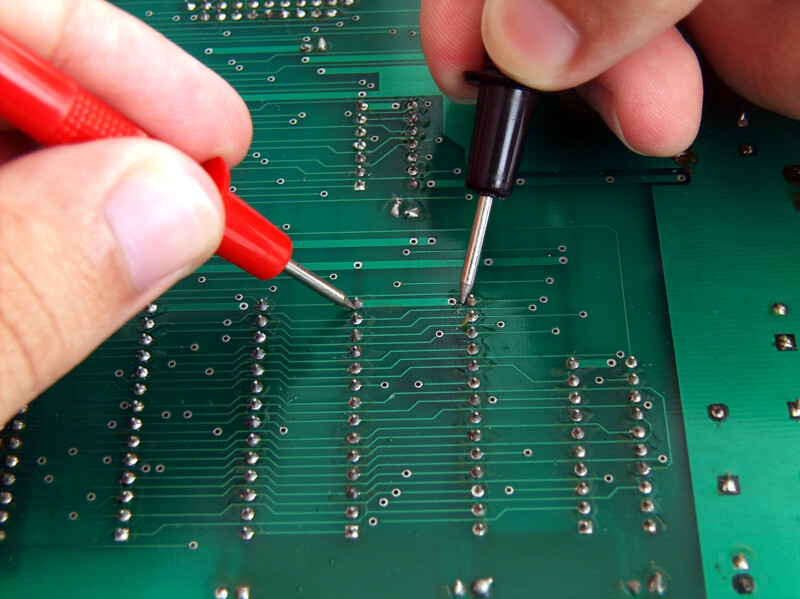
    • After fabrication, test the PCB to ensure that the ground plane functions as intended, with minimal interference.
    What is the Advantage of a 4 Layer PCB Over a 2 Layer PCB?

    While 2-layer PCB boards have their advantages, multi-layer designs are more beneficial for some applications. Today EBest Circuit (Best Technology) will introduce the difference between 2-layer PCB board and 4 layer PCB.

    4 Layer PCB Layout, Stack-up, Thickness & Design Guidelines

    1. A 4 layer PCB has an inner layer, which is laminated with PP and copper foil on both sides during the lamination process. This is pressed under high temperature and high pressure to form a multilayer board. Some circuits on the PCB 4 layer board are etched through the inner layer and pressed; the 2 layer PCB can be directly cut and drilled after production.

    2. The 4 layer PCB is made of four layers of fiberglass, which can reduce the cost of the PCB, but the production efficiency is lower than that of the 2 layer PCB.

    3. It is difficult for most people to distinguish a 4 layer PCB by observing the cross-section of the circuit board, but it can be identified by looking at the vias. If the same vias can be found on both sides of the PCB, or if the motherboard or graphics card is facing a light source and the vias do not allow light to pass through, then it is a 4 layer PCB.

    4. The PCB 4 layer board has dense routing, with the top layer being the front and the bottom layer being the back.

    5. The PCB 4 layer board can distribute wiring among multiple layers, which increases design flexibility and allows better control of differential impedance, single-ended impedance, and improved output for certain signal frequencies.

    How to Design a 4 Layer PCB?

    When designing a 4 layer PCB, it is important to differentiate between the power layer and the signal layer. The signal layer is a positive output, while the power layer is a negative output. This means that lines drawn on the signal layer will result in actual copper traces, whereas lines drawn on the power layer indicate the removal of copper. Essentially, drawing lines on the power layer corresponds to removing copper, while drawing lines on the signal layer represents creating copper traces. Therefore, when designing the power layer, you can use lines to divide the copper area into separate regions, which is known as “power segmentation.” Here is a simple design step of a 4 layer PCB:

    1. Schematic Design and Drawing

    2. After completing the schematic drawing, import it into the PCB software, and complete the layout with a simple arrangement.

    3. Follow the plan to design the stack-up, paying attention to the following aspects:

    • You can generate multilayer PCB stack-ups yourself, with the default being two layers.
    • Choose the unit of measurement.
    • Pullback: This refers to the inward shrinkage of inner layers. When following the 20H rules during design, the power layer should shrink 40 to 80 mils inward compared to the reference layer. This parameter should be set accordingly.
    • After adding layers, name them appropriately, such as GND, etc.

    4. Complete the routing operation. The negative layer contains a network copper area. Once the settings are complete, click OK.

    In conclusion, a 4 layer PCB is a powerful tool in modern electronics, offering enhanced complexity, improved signal integrity, and better thermal management. By understanding its stack-up, thickness, and design guidelines, engineers can create reliable and efficient circuit boards. The advantages of 4 layer PCBs over 2 layer designs make them a preferred choice for many applications.

    When you choose a 4 layer PCB, you’re investing in a technology that can support complex designs and improve overall performance. With the right design practices and advanced manufacturing capabilities, the potential for innovation is vast. Whether you’re developing consumer electronics, industrial equipment, or medical devices, a well-designed 4 layer PCB can make all the difference.
    A comparative study of LTCC technology and HTCC technology

    October 14th, 2024

    Ceramic substrate technology plays an important role in modern electronic device manufacturing. Low temperature co-fired ceramics (LTCC) and high temperature co-fired ceramics (HTCC) are two major ceramic substrate technologies, each of which has unique process characteristics and application advantages. This paper provides a comprehensive comparison of LTCC and HTCC technologies, discussing their process characteristics, material properties, performance advantages, and application areas to help engineers and researchers choose the most suitable ceramic substrate technology for their designs and applications.

    1. Introduction

    With the continuous progress of electronic technology, the performance and reliability of electronic components have been put forward higher requirements. Ceramic substrate technology, as one of the key materials for integrated circuits (ICs) and microwave assemblies, provides excellent electrical properties and mechanical strength. Low temperature co-fired ceramics (LTCC) and high temperature co-fired ceramics (HTCC) technologies are the two main ceramic substrate technologies, and this paper will provide an in-depth comparison of these two technologies to clarify their advantages and disadvantages as well as the applicable scenarios.

    2. LTCC Technology Overview

    2.1 Process

    LTCC technology uses low-temperature co-fired ceramic materials, which are typically sintered at temperatures ranging from 850°C to 900°C. The process includes material preparation, printed circuitry, and a high level of sintering. The process consists of material preparation, printed circuits, lamination and co-firing. LTCC materials are usually composed of a mixture of glass and ceramic powders, which melt and fuse well at low temperatures.

    2.2 Material Characterization

    Low temperature co-fired ceramics (LTCC) materials have a low dielectric constant and low dielectric loss, making them suitable for high frequency applications. The conductive layer can be fabricated by screen printing technology and can support multi-layer integration, which makes LTCC perform well in space-constrained applications.

    2.3 Advantages and Disadvantages Analysis

    Advantages:

    Multi-layer integration capability: Low temperature co-fired ceramics (LTCC) supports complex multi-layer structures, making it suitable for highly integrated circuit designs.

    Cost Effectiveness: Lower sintering temperatures reduce production costs.

    High-frequency performance: Excellent high-frequency characteristics for wireless communications and microwave applications.

    Disadvantages:

    Weak High Temperature Resistance: Not suitable for applications in high temperature environments.

    Limited material selection: Compared to HTCC, LTCC has a smaller variety of materials, limiting the design for certain applications.

    3. HTCC Technology Overview

    3.1 Process

    High temperature co-fired ceramics (HTCC) uses high-temperature co-fired ceramic materials, which are typically sintered at temperatures between 1500°C and 1600°C. HTCC materials mainly include alumina (Al₂O₃), which is capable of achieving high densities and excellent mechanical properties at high temperatures. The HTCC process involves powder preparation, molding, and sintering steps.

    3.2 Material Characterization

    High temperature co-fired ceramics (HTCC) materials have very high temperature resistance and chemical stability. The high temperature sintering process gives these materials excellent mechanical strength and wear resistance, making them suitable for use at high temperatures and in harsh environments. Their electrical properties are stable and suitable for high power and high frequency applications.

    3.3 Analysis of Advantages and Disadvantages

    Advantages:

    High temperature resistance: able to withstand extremely high operating temperatures, suitable for high-temperature environments.

    High mechanical strength: high strength and wear resistance, making it suitable for harsh application conditions.

    Wide range of materials: support a variety of high-temperature ceramic materials to meet different application requirements.

    Disadvantages:

    High cost: High temperature sintering equipment and process requirements result in high production costs.

    Process complexity: the need for high-temperature sintering equipment, the process is more complex.

    4. Comparative analysis of LTCC and HTCC

    4.1 process complexity

    Low temperature co-fired ceramics (LTCC) process is relatively simple, low-temperature sintering reduces the cost of equipment and process difficulties, while HTCC requires the use of high-temperature sintering equipment, process complexity and high cost.

    4.2 Material Performance

    Low temperature co-fired ceramics (LTCC) materials are suitable for high-frequency and multi-layer integration applications and offer low dielectric loss, while HTCC materials offer higher mechanical strength and temperature resistance for high-temperature and high-power applications.

    4.3 Comparison of Application Scenarios

    LTCC (Low Temperature Co-fired Ceramics) Application Areas

    1. Wireless communications:

    Reason: LTCC technology has excellent high-frequency performance and low dielectric loss, which makes it suitable for radio frequency circuit (RF circuit) and microwave applications in wireless communication equipment. Its multi-layer integration capability allows the realization of complex RF circuits on a small substrate to meet the demand for high frequency and miniaturization of modern communication systems.

    Application examples: mobile communication base stations, satellite communication systems, wireless sensor networks.

    2. Automotive electronics:

    Reason: In automotive electronic systems, LTCC can provide stable electrical performance and reliable multi-layer integration, which is suitable for in-vehicle communication modules and sensors that require high-frequency characteristics.

    Application examples: automotive radar systems, in-vehicle wireless communications, automotive sensors and control units.

    3. Medical devices:

    Reason: LTCC technology enables highly integrated and miniaturized designs with good high-frequency performance, making it suitable for electronic components in medical instruments.

    Application examples: Medical monitoring devices, medical imaging systems, implantable medical devices.

    4. Consumer electronics:

    Reason: LTCC’s low cost and high integration capability make it suitable for mass-produced consumer electronics such as smartphones and portable electronic devices.

    Application examples: Smartphones, tablets, Bluetooth devices.

    HTCC (High Temperature Co-fired Ceramics) Application Areas

    1. Aerospace:

    Reason: HTCC technology can withstand extremely high temperatures and harsh environmental conditions, making it ideal for high-temperature components and electronics in spacecraft and aircraft.

    Application examples: High temperature sensors in spacecraft, electronic control systems in airplanes, rocket engine components.

    2. Military equipment:

    Reason: Military applications require high-strength, high-temperature-stable materials. HTCC’s excellent mechanical strength and high-temperature resistance make it suitable for use in key components in military equipment.

    Application examples: missile systems, military communications equipment, radar systems.

    3. High power electronic equipment:

    Reason: HTCC is able to maintain stable performance in high power and high temperature environments, making it suitable for electronic components with high power density and high temperature operation.

    Examples of applications: high power supply modules, high power amplifiers, lasers.

    4. Sensors and devices for extreme environments:

    Reason: HTCC materials’ excellent resistance to high temperatures and chemical stability make them suitable for sensors and other electronic devices in extreme environments.

    Application examples: deep-sea exploration equipment, geological exploration instruments, sensors in extreme climatic conditions.

    5. Conclusion

    Low temperature co-fired ceramics (LTCC) and High temperature co-fired ceramics (HTCC) technologies have their own advantages and disadvantages, and the selection of the right technology depends on the specific application requirements. Low temperature co-fired ceramics (LTCC) is suitable for multilayer integrated circuits that require high-frequency characteristics and low cost, while High temperature co-fired ceramics (HTCC) is suitable for applications in high-temperature and high-power environments. Understanding the characteristics of both technologies can help engineers and designers make better choices in their projects, optimizing performance and cost effectiveness.

    Can I design microvias in multilayer MCPCB?

    October 12th, 2024

    What is a Microvias?

    A microvia is a small hole drilled into a PCB that connects different layers. They are essential for high-density interconnections and are commonly used in advanced electronic designs. Typically, microvias equal to or less than 150 microns drilled on the PCB board with a laser. In 2013, the IPC standard changed the definition of microvias to those with an aspect ratio of 1:1. Ratio of aperture to depth (not exceeding 0.25mm). Previously, micropores were less than or equal to 0.15 mm in diameter, so they typically spanned only one layer.

    Can I design microvias in multilayer MCPCB?

    Because the diameter is very small compared to mechanically drilled through holes (PTH), we define them as microvias, usually connecting only one layer of the board to its adjacent layers. These through holes reduce the possibility of any type of manufacturing defect because they are laser drilled, thus reducing the possibility of any residue remaining after the process. Because of their small size and ability to connect one layer to the next, they can make dense printed circuit boards with more complex designs.

    Types of Microvias

    There are two types of microvias in the PCB design – stacked microvias and staggered microvias.

    • Stacked Microvias

    Stacked microvias are formed by stacking multiple layers on top of each other to provide a path through which current flows. Create a hole in one layer and drill into another layer below. The top layer is welded or welded to the bottom layer to form an interconnect between the two layers. This allows for fast, efficient routing without compromising performance or reliability.

    Can I design microvias in multilayer MCPCB?
    • Staggered Microvias

    The interlaced microvias is aligned with the pad of the same layer, but is offset from its center by half of the pad diameter. The distance from its center to the edge of the board is also half the diameter of the pad. Staggered microvias allow you to place two through holes in a single pad without overlapping them or having to route wires on different layers together in this location. This type of microvias can be used for electrical connections to the surrounding brass pads and traces.

    Can I design microvias in multilayer MCPCB?

    What is the Difference Between Vias and Microvias?

    Vias and microvias serve similar purposes in connecting different layers of a PCB, but they differ significantly in size and application.

    1. Size

    One of the most significant differences between vias and microvias is their size. Standard vias typically have a diameter greater than 150 micrometers (μm), while microvias are defined as having a diameter of 150 μm or less.

    2. Design Complexity

    As technology advances, the demand for higher circuit densities and more complex designs has grown. Microvias enable designers to create intricate multilayer circuits that were not possible with standard vias.

    3. Layer Connection

    Standard vias can connect any number of layers in a PCB, typically running from the outer layer through to the inner layers. In contrast, microvias are usually used for connecting one or two layers. Microvias are commonly employed in multilayer PCBs, where they can connect the outer layer to one or more inner layers without passing through the entire board.

    4. Aspect Ratio

    The aspect ratio, which is the ratio of the depth of a via to its diameter, is another important difference. Standard vias generally have lower aspect ratios, making them easier to fabricate. Microvias, due to their smaller size, often have higher aspect ratios. A typical aspect ratio for microvias ranges from 1:1 to 2:1.

    5. Applications

    Standard vias are commonly used in traditional PCB designs for applications where space is not as critical. They are suitable for general-purpose circuits, power distribution, and less complex layouts. In contrast, microvias are essential in high-density applications, such as smartphones, tablets, and advanced computing devices, where compact designs are necessary.

    Microvias vs. Blind Via

    Blind vias connect the outer layer of the PCB to one or more inner layers without penetrating the entire board. As the name suggests, these through-holes are “blind holes” because they are not visible from the other side of the PCB. Blind holes have several advantages, such as saving space on the board, enabling a more compact design, and improving signal integrity by reducing the length of the signal path.

    The blind via passes through the surface layer of the PCB, extending through only a portion of the board to connect the surface layer to one or more inner layers. They are a key component in current PCB designs, allowing surface components to connect to inner layers while minimizing the number of layers required for wiring. The advantages of using blind vias including:

    • Increased density
    • Reduce the number of layers
    • Improved signal performance
    • Good for heat dissipation
    • Improve mechanical strength

    Can Microvias be Designed in Multilayer MCPCB?

    Yes, microvias can indeed be designed in multilayer MCPCBs. In fact, their small size and efficient design make them ideal for these types of boards. Multilayer MCPCBs often require compact interconnections to accommodate various functionalities, and microvias facilitate this need. By enabling multiple layers to connect efficiently, microvias enhance the overall performance of the MCPCB. Additionally, they contribute to improved thermal management, a critical factor in high-power applications. Their integration in multilayer designs is a significant advantage for modern electronics.

    The process for using microvias in multilayer metal-based circuit boards includes the following key steps:

    1. Inner laser drilling and plating: This is the first step in the production of microvias, precisely drilled by laser technology, and electroplated.

    2. Resin filled: The micro-vias after electroplating are filled with resin to enhance the stability of the structure.

    3. Resin grinding: Grind the orifice after the jack hole to ensure a smooth surface.

    4. Electroplating: Metallize the surface of the orifice resin to achieve electrical interconnection between layers.

    5. Inner circuit etching and outer layer lamination: To complete the production of the inner circuit, and the outer layer of laser drilling and graphic plating, and finally realize the production of multi-layer circuit board.

    MCPCB Material in EBest Circuit (Best Technology)

    Can I design microvias in multilayer MCPCB?

    MCPCB Prototype Lead Time (Vary Depends on the MCPCB Design)

    Can I design microvias in multilayer MCPCB?

    How to develop PCB boards for beginners?

    October 12th, 2024

    Designing and developing printed circuit boards (PCBs) may sound complex, but it’s an exciting process that is within reach, even for beginners. With the right approach, software tools, and an understanding of the basic principles, you can create functional and efficient PCBs.

    How to develop PCB boards for beginners?

    Is PCB Design Difficult?

    The difficulty of PCB design depends on the learning objectives and depth. ‌ If it is just the initial stage, do some simple circuit board design, then it is relatively easy. But if you want to go deep and get to expert level, in areas as diverse as pcb layout, signal integrity, electromagnetic compatibility, impedance design, and more, then you need to put in more work.

    For beginners, choosing the right software and learning resources is very important. PADS from Protel, Altium Designer (AD) and Mentor Graphics are commonly used PCB design software. Protel software is simple and easy to learn, suitable for beginners to use; AD and PADS are powerful, but the operation is complex, suitable for the design of complex circuit boards.

    What is the Basic Rule of PCB Design?

    The key to good PCB design is layout organization. Keep the design simple, especially at the beginning. Here are a few basic rules to follow:

    • Control Trace Length

    Controlling the length of traces means adhering to the rule of keeping traces as short as possible in PCB design to avoid unnecessary interference caused by long traces. This is especially crucial for important signal lines, such as clock signal traces, which should be placed very close to the oscillator. When driving multiple devices, the network should be determined based on specific circumstances.

    • Avoid Forming Self-Inductive Loops

    In PCB design, it is important to pay attention to signal lines forming self-inductive loops between different layers, particularly in multilayer boards. The chances of forming self-inductive loops increase when routing signal lines between layers, and these loops can cause radiated interference.

    • Minimize Ground Loop Principle

    The principle of minimizing ground loops is to keep the signal lines and their loops as small as possible. The smaller the loop area, the less external radiation and interference it experiences. When defining ground planes, consider the distribution of the ground plane and important signal lines to prevent issues caused by ground plane cuts.

    In double-layer board designs, while leaving sufficient space for the power supply, the remaining areas should be filled with reference ground and include some necessary vias to effectively connect signals on both sides. Ground isolation should be used for key signals. For designs with higher frequencies, special attention should be paid to the signal loop problems of the ground plane, and multilayer boards are recommended.

    • High-Speed Signal Shielding Design

    The relevant ground loop rules are also aimed at minimizing signal loop areas and are mainly used for important signals such as clock and synchronous signals. For particularly important and high-frequency signals, consider using a shielded structure design with copper coaxial cables. This means isolating the line from the ground on all sides while effectively grounding the shield layer and ensuring its connection with the ground plane.

    • Avoid the “Antenna Effect”

    Generally, routing with one end suspended is not allowed to avoid the “antenna effect,” which reduces unnecessary interference radiation and reception; otherwise, it may lead to unpredictable results.

    • Chamfer Rule

    PCB design should avoid sharp corners and right angles to prevent unnecessary radiation and poor manufacturing performance. The angle between all traces should be ≥135°.

    • Avoid Overlapping Different Power Layers

    Different power layers should be spatially separated to reduce interference between them, especially between power supplies with significant voltage differences. Issues arising from overlapping power planes must be avoided, and if unavoidable, consider using an isolated ground layer.

    • Avoid Via Proximity to SMT Pads

    If vias are not covered with a solder plug, they can easily be placed too close to SMT pads during layout. This can cause solder to flow through the via to the other side of the PCB during reflow, resulting in insufficient solder on the SMT pads and causing issues like cold solder joints. It is generally recommended to maintain a distance of more than 25 mils from the edge of the via to the SMT pad and to apply solder mask over the via.

    • Do Not Route Traces Wider than SMT Pads Directly into the Pads

    If traces are wider than the pads, the window area of the SMT pads generally expands beyond the pad size. This means that if the solder paste on the pad is slightly insufficient during reflow, there is a risk of cold solder joints. Using traces that are slightly larger or slightly smaller than the pads can also help avoid excessive heat dissipation during soldering.

    • Do Not Place Components Too Close to the Board Edge

    During the assembly and soldering stages of the PCB, the board will be transported through various processing areas, such as solder paste application and pick-and-place machines, followed by reflow soldering. Therefore, when designing the PCB, at least one side must leave enough space for a processing margin of at least 3 mm in width and 50 mm in length. There should be no interference between components and leads within the processing margin, as this could affect the normal transport of the PCB.

    If the layout cannot accommodate this, consider adding an independent 3 mm processing margin or panel. (Note: SMT components cannot be placed within 5 mm of the edge on either side of the processing panel to facilitate reflow soldering.) If the components on your PCB are hand-soldered, you can disregard this requirement.

    • Keep Solder Mask Window Sizes Consistent

    The solder mask layer needs openings for the pads. These openings prevent the solder mask from covering the pad area, protecting the PCB circuit from oxidation and short circuits during soldering. Typically, a solder mask layer covers the outer layers of the PCB. Common solder masks are green (though black, red, yellow, and blue are also used).

    Solder should not be applied to pads to avoid solder paste sticking. To avoid the solder mask layer interfering with pad solderability due to process tolerances, it is common to design a solder mask opening that is larger than the pad by approximately 0.1 mm (4 mil). However, it is also acceptable to keep the solder mask opening area the same size as the pad dimensions; the factory will process it uniformly for you.

    • Reduce EMI Interference

    Every PCB can be affected by EMI or become a source of interference. As part of the engineering design, special attention is required during PCB layout:

    • Increase the spacing between high-frequency traces and low-frequency or analog traces.
    • Minimize the return path for high-speed signals and ensure they do not cross split planes. Smaller current loops reduce EMI radiation intensity.
    • High-speed differential signals should be routed in parallel and have equal lengths; otherwise, they will offset the noise suppression characteristics of the differential pair.
    • Avoid using vias on high-speed traces, as they may lead to EMI emissions.

    What Files Are Needed to Manufacture a PCB?

    When you’re ready to manufacture your PCB, you will need to generate specific files for the fabrication process. The most common file format used by PCB manufacturers is the Gerber file. Here are some other important files that needed to submitted to manufacturer:

    1. Gerber Files – your design files, include the design layout, detailing copper layers, solder masks, and silkscreen layers.

    2. Drill Files – specify the locations and sizes of holes for vias and component leads.

    3. Bill of Materials (BOM) – a list of all components required for the board, including part numbers and quantities.

    4. Pick and Place File – guides the automated machines on where to place each component on the PCB.

    What Software to Use for PCB Design?

    Choosing the right software can make the design process much easier, especially for beginners. Here are a few commonly used PCB design tools:

    • KiCad: This is a free, open-source software that’s great for both beginners and professionals. It has a user-friendly interface and includes a schematic editor, PCB layout, and 3D viewer.
    • Eagle: Popular among hobbyists, Eagle offers a simple design process and an extensive component library. It’s free for small designs but has premium features for more advanced projects.
    • Altium Designer: For more complex projects, Altium Designer is an industry-standard tool with advanced features. While it’s pricier, it offers professional-grade tools for high-level PCB design.

    How Do You Manufacture a PCB Board?

    Manufacturing a PCB involves several steps, and understanding the process helps ensure your design is ready for production. Here’s a simplified overview:

    Step 1: Designing the PCB

    Using PCB design software to create the PCB layout. The design process includes defining the schematic, component placement, and trace routing. Designers must consider factors such as signal integrity, power distribution, and thermal management.

    Step 2: Design Review and Engineering Questions

    Once the initial design is complete, a thorough review is conducted. This includes checking for design rule violations, verifying component footprints, and ensuring all connections are correct. Engineers may raise questions about potential performance issues, manufacturability, and compliance with regulatory standards. Feedback from this review may lead to modifications to optimize the design.

    Step 3: Printing the PCB Design

    After finalizing the design, the PCB layout is printed onto a transparent film, which will be used as a photomask for the etching process. This film represents the layers of the PCB, including copper and solder mask layers.

    Step 4: Printing the Copper for the Interior Layer

    The copper layers are printed onto the laminate using a photoresist process. The photoresist is applied to the copper-clad laminate, and the printed film is exposed to UV light. The areas that are exposed to light will become soluble and can be washed away, leaving behind a copper pattern that matches the PCB design.

    Step 5: Etch the Inner Layers or Core to Remove Copper

    The exposed copper is etched away using a chemical process, leaving only the desired copper traces. This step must be carefully controlled to ensure the traces are of the correct width and spacing, as specified in the design. The etching process can be done using either chemical etching or laser etching.

    Step 6: Layer Alignment

    Once the inner layers are etched, they must be aligned correctly for lamination.

    Step 7: Automated Optical Inspection (AOI)

    Automated Optical Inspection is performed to check the accuracy of the printed copper layers. Any discrepancies, such as missing or misaligned traces, can be identified and corrected before proceeding to the next steps.

    Step 8: Laminating the PCB Layers

    The aligned layers are then laminated together using heat and pressure. It combines the different layers, including copper, dielectric, and solder mask layers, into a single, solid structure.

    Step 9: Drilling

    Once the layers are laminated, holes are drilled for vias and mounting holes. The drilling process requires precision, as these holes must align perfectly with the design specifications. Computer-controlled drilling machines are typically used to achieve the necessary accuracy.

    Step 10: PCB Plating

    After drilling, the PCB goes through an electroplating process where a conductive layer is added to the walls of the drilled holes.

    Step 11: Outer Layer Imaging

    Similar to the inner layers, the outer layers are prepared for imaging. A photoresist is applied, and the printed film of the outer layer design is aligned and exposed to UV light. The unwanted areas are washed away, leaving a pattern on the copper layer.

    Step 12: Outer Layer Etching

    The outer copper layers are then etched to remove the unprotected copper, leaving behind the desired copper traces.

    Step 13: Outer Layer AOI

    Another round of Automated Optical Inspection is conducted on the outer layers to ensure that the copper traces and pads are correctly formed.

    Step 14: Solder Mask Application

    A solder mask layer is applied to protect the PCB and prevent solder from bridging between components during assembly. The solder mask is typically a green epoxy coating, but it can also be available in other colors. The areas where solder is needed are left exposed.

    Step 15: Silkscreen Application

    Silkscreen printing is used to apply labels, component designators, logos, and other markings onto the PCB surface.

    Step 16: Finishing the PCB

    The finishing process includes applying surface finishes such as HASL (Hot Air Solder Leveling), ENIG (Electroless Nickel Immersion Gold), or OSP (Organic Solderability Preservative) and so many surface treatments.

    Step 17: Electrical Reliability Test (E-test)

    Before packaging, the PCBs undergo electrical testing to ensure that all circuits function correctly. This may include continuity testing, insulation resistance testing, and high-voltage testing.

    Step 18: Profiling and Route Out

    The final PCB is profiled and routed to its specific shape, including cutting out the edges and any slots or cutouts required.

    Step 19: Quality Check and Visual Inspection

    A final quality check and visual inspection are performed to ensure that all specifications have been met. Examining for any physical defects, such as scratches, solder mask misalignment, or improper solder application.

    Step 20: Packaging and Delivery

    Once all checks are complete, the PCBs are cleaned, packaged, and prepared for delivery. Proper packaging is essential to protect the PCBs during shipping.

    What Is the Cheapest PCB Finish?

    The cheapest finish is HASL, which is also widely used. HASL applies a thin layer of molten solder to the surface, providing good protection and easy solderability. However, it’s not always suitable for fine-pitch components or designs requiring a flat surface. Other options, such as ENIG (Electroless Nickel Immersion Gold), are more expensive but provide a smoother, more durable finish for advanced designs.

    Developing a PCB for the first time can feel like a daunting task, but by understanding the basics and using the right tools, it’s a process that anyone can learn. From following simple design rules to choosing affordable software and finishes, creating a PCB can be a good experience. Working closely with manufacturers and learning through trial and error will sharpen your skills over time.

    How Much Does It Cost to Get a PCB Board Made?

    The cost of producing a PCB depends on several factors, such as the size, number of layers, material used, and whether you’re doing a prototype run or full production. For a simple, single-sided board, costs can start as low as $10 to $20 per board, but more complex, multi-layer designs can cost upwards of $100 or more per board.

    Additional costs may include shipping, testing, and assembly if you are having components mounted by the manufacturer. It’s always a good idea to get quotes from multiple manufacturers and consider both cost and quality.

    If you don’t want to develop a PCB board by yourself, choosing a reliable EMS PCB manufacturer like EBest Circuit (Best Technology). We are engaging in PCB manufacturing over 18 years, we deeply understand every design rules and know which one is best for manufacturing. Best Team offer full turnkey PCB & PCBA service for over the world. We can help to PCB design, PCB layout, PCB manufacturing, components sourcing, PCB assembly, box building, and function testing. Give us your ideal, we can make it come true!