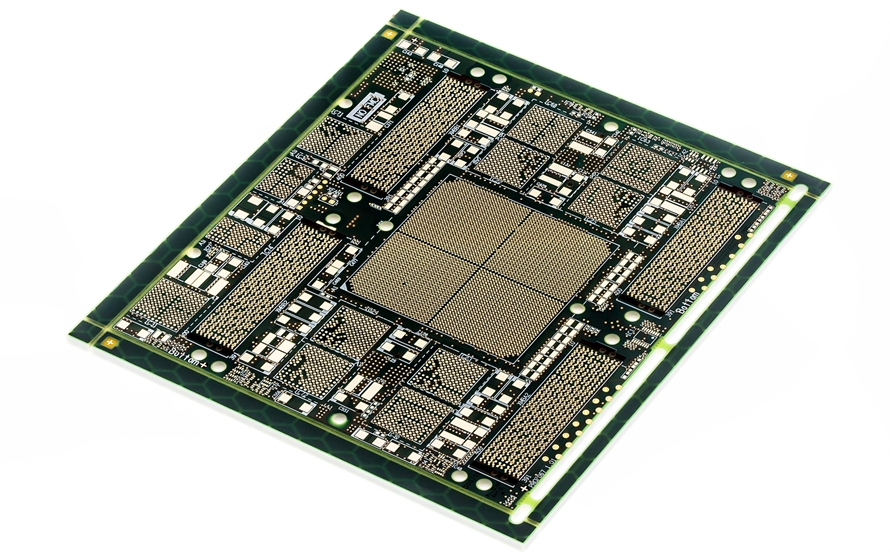
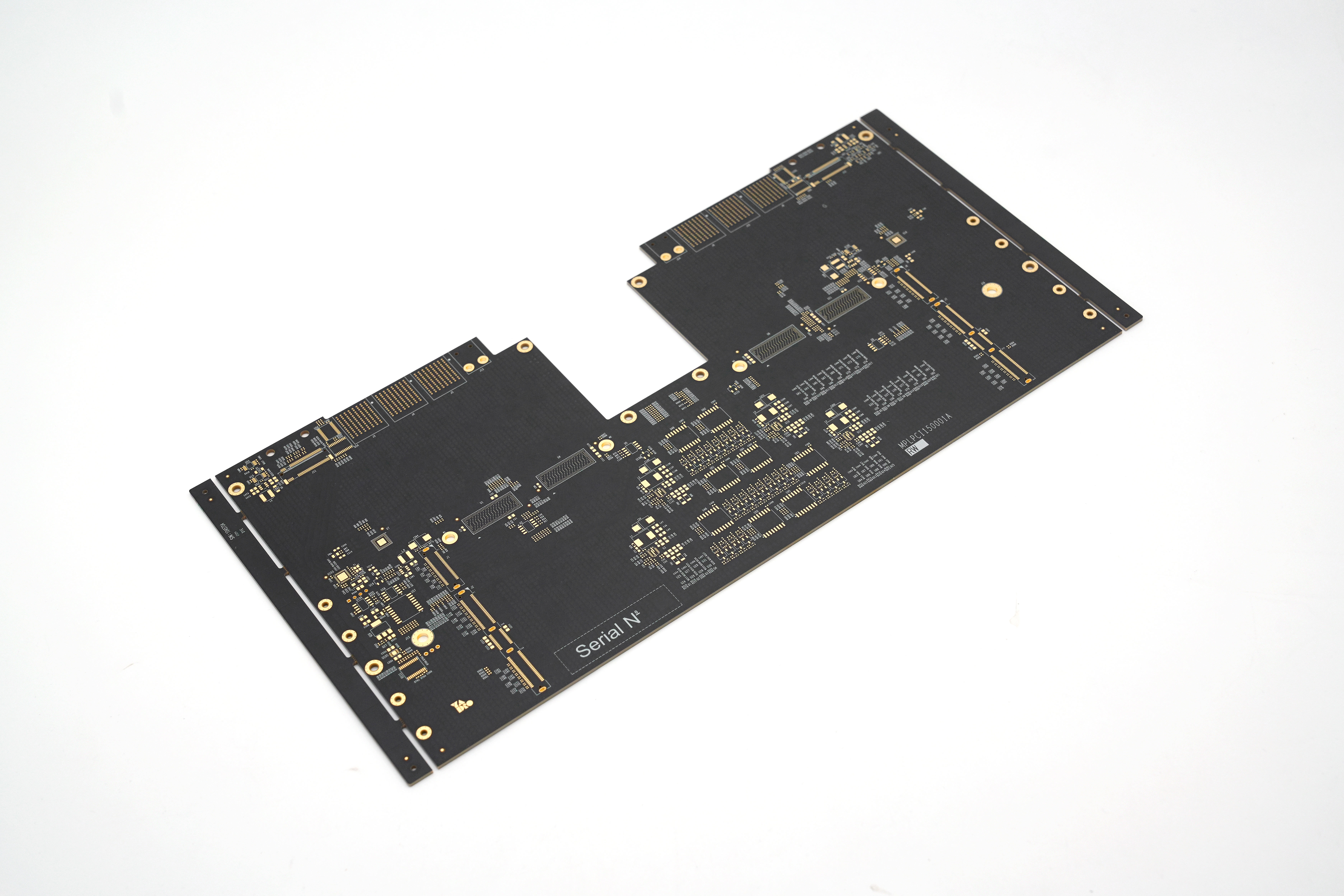
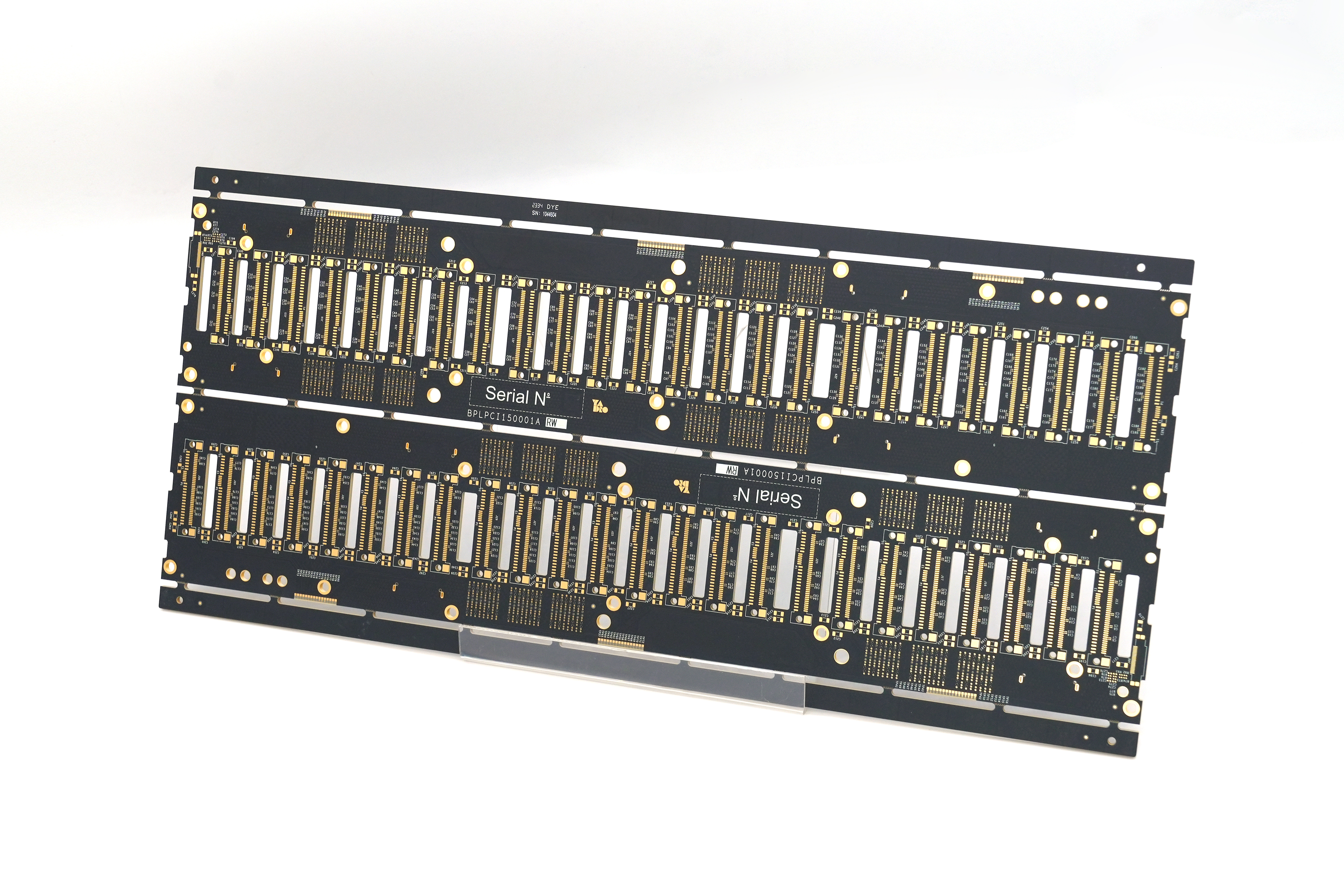
Altium CircuitMaker is a great choice for anyone getting started with PCB layout. It’s free, cloud-connected, and ideal for makers and small design teams. Many users look for a tool thatâs easy to use but still powerful enough to handle complex tasks. CircuitMaker offers that balance while helping you avoid common roadblocks like high cost or outdated features.
EBest Circuit (Best Technology) is a PCB & PCBA manufacturer, providing services from PCB layout, DFM analysis, PCB prototype, fabrication to assembly. We have been in the PCB industry for 19 years. You can take the merit of our full experience from engineers for the viable EMS PCB manufacturing solutions. For inquiries or more info, email us at sales@bestpcbs.com.
What is an Altium CircuitMaker?
Altium CircuitMaker is a free PCB design software from Altium. It targets hobbyists, students, and startups who need a professional tool but don’t have the budget for premium software. Though it’s free, it uses the same engine as Altium Designer. That means your layout process is smooth and accurate. CircuitMaker supports both local project saving and cloud-based collaboration, allowing flexible access to your designs.
Which Is Better: CircuitMaker vs KiCad?
When choosing between CircuitMaker and KiCad, it depends on your needs. KiCad is open-source and highly customizable. It’s offline and doesnât force cloud storage. But CircuitMaker comes with Altium’s engine, better routing tools, and a cleaner user interface. Collaboration is easier with CircuitMaker, especially with Altium 365. While KiCad is great for full control, CircuitMaker suits faster, shared workflows. If you prefer working in a cloud-based system, CircuitMaker is the stronger choice.
Altium CircuitMaker vs Altium Designer: What Should You Choose?
The main difference between Altium CircuitMaker and Altium Designer lies in the feature set. CircuitMaker is limited in some areas like simulation and advanced rule settings. Altium Designer, on the other hand, includes everything: 3D modeling, SPICE simulation, and full control over every design rule. If you’re working on commercial products, Designer is the better tool. However, CircuitMaker is a strong entry point. Plus, since both tools use similar workflows, upgrading later is easy. If you’re just exploring options, try CircuitMaker after your Altium download to test the interface before buying a license.
Can Students Use Altium CircuitMaker with an Altium Student License?
Students can use CircuitMaker without a paid license. Itâs part of Altiumâs push to support education and learning. The software is free for non-commercial use. While Altium Designer needs a student license, CircuitMaker does not. That makes it a great way for students to get comfortable with PCB tools early on. For those aiming to move into professional work, CircuitMaker helps bridge the gap with a familiar interface and real-world design tools.
What Are the Benefits of Using Altium CircuitMaker with Altium 365?
Using Altium CircuitMaker with Altium 365 brings new levels of team collaboration. You can share your design with teammates in real time. Feedback is instant. You no longer need to send files over email or worry about version control. Your projects are backed up in the cloud and accessible from any device. This workflow reduces errors and saves time.
What Are the Limitations of Altium CircuitMaker?
Despite being powerful, Altium CircuitMaker limitations still matter in some cases. For one, itâs for non-commercial use only. Your projects must be public. Thereâs no way to use private storage in the free version. Also, it lacks simulation features, BOM export customizations, and flexible design rule checks. Finally, all designs are cloud-based, which may not fit all workflows. Still, for educational and hobby use, these limits are manageable. At EBest Circuit (Best Technology), we often help customers move designs from CircuitMaker to professional tools when scaling up.
How to Get Started with Altium CircuitMaker Download?
Getting started is simple. Visit Altiumâs website and find the CircuitMaker download page. Sign in with a free account, then follow the installer instructions. Once installed, youâll log into your workspace and start a new project. The UI feels familiar if youâve used other Altium tools. Even if youâre new, CircuitMaker includes tips and templates to help you begin. If you ever outgrow it, migrating to Altium Designer is straightforward thanks to shared file structures.
If you’re using Altium CircuitMaker for your printed circuit board layout, we can help take your design files and turn them into tested, assembled boards without delay.
To sum up, Altium CircuitMaker gives you the tools to design PCBs without the learning curve or license cost of high-end software. Itâs a solid platform to learn, experiment, and grow. With features powered by Altium and collaboration tools through Altium 365, itâs perfect for teams or classrooms.
When itâs time to scale up, EBest Circuit (Best Technology) can step in. We help bring your designs to production while solving the real issues of PCB material or PCBA component sourcing, cost, and quality. Whether you’re a project manager or PCB engineer, we make sure your design moves forwardâquickly and reliably. You can reach our team by email at sales@bestpcbs.com for any questions or PCB and PCBA inquiries.
âWhy chooseimpedance control PCB?â This guide covers specifications, routing techniques, prototyping, and manufacturer selection for reliable high-speed designs.
Why do your high-speed designs fail EMI tests?
Is inconsistent impedance ruining your prototype timelines?
Tired of paying for PCB re-spins due to mismatched impedance?
EBest Circuit (Best Technology) Can Provide:
Precision Stackup Design: Custom dielectric planning to hit impedance targets (±5%) on the first try.
Choose substrates (e.g., FR4) with stable Dk and loss tangents. Specify core/prepreg thicknesses (e.g., 0.2mm FR4 core for 4-layer boards).
3. Set Manufacturing Parameters
Collaborate with fabricators on etching tolerances (±10% trace width) and copper thickness (e.g., 1oz/35”m). Specify via drilling/backdrilling depths.
4. Route Traces on Controlled Layers
Place high-speed signals on layers adjacent to ground/power planes (e.g., Layer 2 signals, Layer 3 ground). Use 45° bends to avoid reflections.
5. Verify In-Process Quality
Request dielectric/copper measurements during lamination. Use optical tools to confirm trace dimensions.
Use oscilloscopes/network analyzers to check for reflections or crosstalk. Add termination if needed.
8. Document and Iterate
Record test data and share feedback with fabricators to refine future builds (e.g., adjust etching time for tighter tolerances).
Impedance Control PCB Manufacturer â EBest Circuit (Best Technology)
Reasons why choose EBest Circuit (Best Technology) as impedance control manufacturer:
Free Impedance Calculation Service: Our engineering team provides complimentary impedance simulations using advanced tools (e.g., SI9000, Polar) to optimize trace width, spacing, and stackup for your design.
Rapid Turnaround Time: 24-hour quick-turn prototyping with guaranteed impedance consistency, ideal for urgent R&D iterations.
Strict Quality Control: IPC-6012 Class 3 standards compliance, 100% TDR testing on impedance coupons, and AOI/4-wire Kelvin testing for trace integrity.
Cost-Effective Pricing: Transparent quotes without hidden fees, leveraging economies of scale and lean manufacturing.
Comprehensive Material Options: Support for FR-4, Rogers, Taconic, and other high-frequency laminates with stable Dk values (1GHzâ40GHz).
One-Stop Solution: End-to-end support from design review to volume production, including DFM analysis and impedance reports.
Welcome to contact us if you have any request for impedance control PCB:sales@bestpcbs.com.
Daughter board is a term you might hear often when dealing with modular or expandable electronics. Whether youâre working on an industrial control system or building a custom computing platform, daughter boards play an essential role in modern circuit design. They provide a flexible way to add functions without reworking the main PCB. In this blog, weâll explain what a daughter board is, how it compares to a motherboard, where itâs used, and how you can design or source one with support from EBest Circuit (Best Technology).
What Is a Daughter Board?
A daughter board is a secondary printed circuit board (PCB) that connects to a larger mainboard or motherboard to expand the system’s functions. Think of it as an add-on card or module. It doesnât work alone but works in combination with a central PCB. It often contains components such as integrated circuits, connectors, sensors, or specialized chips.
These boards are commonly used when the system needs modular features, like upgrading ports, adding wireless capabilities, or supporting additional I/O. For example, in a test system, you might use one daughter board for analog inputs and another for digital outputs.
What Is Another Name for a Daughter Board?
Daughter boards are known by different names depending on their role or industry. Some common synonyms include:
Daughter card
Mezzanine board
Add-on board
Expansion board
Piggyback board
All these terms describe the same core ideaâa smaller board that connects to and works with a larger one.
Types of Daughter Boards
Daughter boards come in many forms, each built to serve a particular function. They help expand the capabilities of the mainboard while keeping the system modular and easier to maintain. Here are the most common types used in computing, electronics, and industrial applications:
1. RAM DIMMs (Dual Inline Memory Modules)
RAM DIMMs are one of the most recognized daughter boards used in computers. These modules plug directly into designated memory slots on the motherboard. Their job is to increase a systemâs memory capacity, allowing it to handle more data and run applications smoothly.
In modern computing, larger RAM is essential for multitasking, video editing, gaming, and server operations. DIMMs come in different sizes and speedsâsuch as DDR4 and DDR5âand are easily replaceable. Without them, most systems would be stuck with limited onboard memory, which slows down performance.
2. Storage Expansion Boards
Storage expansion boards provide extra connections for drives like HDDs (Hard Disk Drives) or SSDs (Solid-State Drives). These daughter boards offer additional interfaces such as SATA, NVMe, U.2, or M.2 that might not be available on the motherboard.
Some advanced boards also include built-in RAID support, which protects data by mirroring or distributing it across multiple drives. These are especially useful in servers, data centers, and high-performance computing where fast and reliable storage is a top priority.
3. Graphics Cards (GPUs)
Graphics cards are powerful daughter boards that handle video output and image rendering. They connect through slots like PCIe and often come with their own processors, memory, and cooling systems. This makes them ideal for graphic-intensive applications such as gaming, animation, 3D rendering, and AI computations.
A dedicated GPU offloads tasks from the CPU, significantly improving performance in systems that need to display complex visuals. While some basic systems use integrated graphics, most high-performance setups depend on discrete GPU daughter boards.
4. Network Interface Cards (NICs)
Network Interface Cards are daughter boards that enable wired or wireless network connectivity. While many modern motherboards come with built-in Ethernet or Wi-Fi, NICs are still widely used for upgrading to higher-speed interfaces (such as 10GbE) or adding more ports.
These boards are commonly found in servers, workstations, and gaming systems. In industrial applications, NICs may support fiber optics, PoE (Power over Ethernet), or advanced features like VLAN tagging and network booting.
5. Audio Processing Boards
Audio daughter boards process sound input and output. Unlike basic onboard audio systems, these specialized boards use high-quality digital-to-analog converters (DACs), pre-amplifiers, and noise filters to deliver clearer, richer audio.
They are widely used in music production, live broadcasting, home theater setups, and gaming rigs. Some also support surround sound formats and professional studio interfaces. If audio quality is critical to your application, a dedicated audio processing board is a valuable upgrade.
6. Display Interface Boards
Display interface boards handle video signal conversion and output for external screens. These daughter boards may include HDMI, VGA, DVI, DisplayPort, or LVDS connectors. In embedded systems, you may also find boards designed to interface directly with LCD or OLED panels.
They are commonly used in digital signage, kiosks, medical imaging devices, and control panels where display requirements vary. By offloading display functions to a daughter board, designers can support multiple screen types without changing the mainboard.
7. Power Regulation Boards
Power regulation boards manage how power is distributed and controlled in an electronic system. They often perform tasks such as voltage step-down/up, current limiting, charging, or power sequencing. These daughter boards are important in devices that require multiple voltage rails or battery management.
In portable devices, these boards ensure efficient use of power while protecting sensitive circuits. In larger systems, they may provide isolation between different zones or convert AC to DC. By moving these functions off the mainboard, designers save space and improve thermal performance.
8. Customization Boards
Customization boards, also known as breakout boards or feature boards, are developed for specific functions that arenât supported by standard modules. These may include:
Touchscreens and user interface buttons
Sensor modules for temperature, humidity, gas, or motion
GPS, GSM, or LoRa communication modules
Data acquisition boards for test systems
Engineers often design these boards for quick testing, prototyping, or low-volume applications where flexibility is key. They offer a fast and affordable way to add new features without redesigning the whole system.
What Is the Function of a Daughter Board?
The primary function of a daughter board is to provide additional features or functionality to a mainboard. Here are some specific functions it can serve:
Add new sensors or interfaces
Upgrade or replace audio/video output
Provide motion or location tracking
Manage specific voltage domains
Extend computing power with co-processors
Act as a debugging or testing interface
Instead of placing all features on one large board, designers break them up into smaller, modular boards. This approach saves space, simplifies design updates, and reduces cost for future upgrades.
What Is the Difference Between a Motherboard and a Daughterboard?
The motherboard is the main printed circuit board (PCB) in a device. It acts as the central hub that connects all critical componentsâsuch as the CPU, memory, storage, power supply, and input/output interfaces. It handles communication between all subsystems and manages the overall operation of the device.
In contrast, a daughterboard is a secondary PCB that connects to the motherboard to add or enhance a specific function. It cannot work independently. Instead, it extends the capabilities of the mainboard by providing extra features like sound processing, network connectivity, graphics acceleration, or additional input/output ports. Hereâs a simple comparison:
Feature
Motherboard
Daughter Board
Role
Core system board
Add-on module
Size
Larger
Smaller
Function
Main processor and system logic
Extended features
Upgrade
Rarely replaced
Easily replaced or upgraded
Examples
PC mainboard, controller board
Audio module, sensor board, NIC
At EBest Circuit (Best Technology), we support both motherboard and daughterboard PCB fabrication. Our team can help you plan, prototype, and produce modular solutions with optimal connector design, layout suggestions, and fast production turnaround.
Daughter Board Price
The cost of a daughter board depends on its design, complexity, and production quantity. Hereâs a general pricing guide:
Basic I/O boards (2-layer, few components): $5â$15 each in volume.
Sensor modules or wireless boards: $15â$40 depending on components.
Multilayer signal boards (4â6 layers): $50â$100+ per board.
Prototyping runs (low volume): Higher due to tooling, setup, and test costs.
Factors that affect price:
Board size and layer count
Type of connectors
Components used (standard vs. custom)
Surface finish and solder mask
Quantity ordered
If you’re looking for a cost-effective daughter board PCB, EBest Circuit (Best Technology) can offer you accurate quotes with options to fit your budget.
What Is a Daughter Board Used For?
Daughter boards are used across different industries where customization or modularity is a priority:
1. Industrial automation like sensors, control relays, and communicate with programmable logic controllers (PLCs).
2. Bluetooth or Wi-Fi modules in speakers, smart appliances, and gadgets are often built as daughter boards.
3. Automotiveâs ECUs to handle GPS, entertainment, camera feeds, or battery management.
4. In medical devices like portable monitors or scanners, daughter boards add ECG, pulse oximetry, or USB functionality.
5. Aerospace and military, used in systems where functions are split across ruggedized modules for reliability and repair.
How to Install a Daughter Board?
Installing a daughter board is usually simple, but care is required. Follow these steps:
1. Turn off the system power and discharge static from your body by touching a grounded metal surface.
2. Check the orientation of the daughter board. Make sure the connector lines up properly.
3. Press the board gently into the socket or header on the motherboard. Do not force it.
4. Secure it with screws or stand-offs if needed.
5. Turn on the power and check the function through your interface or software.
Use the correct tools and avoid touching exposed pins. Improper installation could cause short circuits or connector damage.
Daughter Board Design Tips
Designing a daughter board may seem straightforward, but it requires careful planning to ensure it connects well with the motherboard, functions reliably, and remains easy to manufacture. Whether you’re building a sensor module, a power board, or a display interface, good design practices can help you avoid problems later in production and testing. Here are some essential design tips to keep in mind:
1. Choose the Right Connector
The connection between the daughter board and motherboard is the most critical part of your design. Youâll need to pick the correct board-to-board connector or interface based on your application.
Consider:
Pin count
Current rating
Pitch and alignment
Mounting method
Use high-quality connectors that are easy to assemble and can tolerate vibration or movement if your system is in a harsh environment.
2. Plan for Mechanical Fit and Mounting
Your daughter board should physically fit into the product enclosure or case. Make sure to:
Define the exact outline dimensions and height of the board.
Avoid component collisions between the daughter board and nearby parts.
Use stand-offs, screws, or plastic clips to secure the board and reduce strain on the connectors.
Align connectors precisely to prevent stress or misalignment during insertion.
A good 3D model of your enclosure and PCB assembly helps catch these issues early.
3. Optimize Signal Routing
Careful trace routing ensures signal integrity, especially for high-speed interfaces. Some tips include:
Short and direct traces between the connector and active components.
Controlled impedance routing for high-speed or differential signals (USB, HDMI, LVDS, etc.).
Keep analog and digital signals separated to reduce interference.
Route ground and power planes to provide a stable return path.
For multi-layer daughter boards, a 4-layer stackup (signalâgroundâpowerâsignal) is a good starting point for balanced routing.
4. Manage Power Distribution Carefully
The daughter board may receive power from the motherboard or have its own power input. In either case, power management is crucial:
Use fuses or protection diodes to prevent reverse polarity and short circuits.
Include decoupling capacitors near every IC to filter noise.
Ensure power and ground lines are thick enough to carry the required current.
If different voltage levels are used (e.g., 5V and 3.3V), use voltage regulators or level shifters.
Clear power planning prevents issues like overheating, unstable voltage, or damage to connected boards.
5. Label Everything Clearly
Proper labeling helps with assembly, testing, and future troubleshooting. Best practices include:
Silkscreen component names and pin labels near connectors.
Use clear reference designators (e.g., U1, C3, J1).
Add a board version number and date code for tracking.
Include a polarity mark on capacitors, LEDs, and connectors.
If space allows, consider printing your company logo or board name for easy identification.
6. Add Test Points and Debug Options
Testing is easier when you plan for it. Add the following features:
Test points for important power rails, ground, and signals.
Jumpers or configuration switches if the board supports multiple modes.
Debug headers for I2C, UART, or SPI if microcontrollers are involved.
These additions slightly increase cost but save hours during development and field servicing.
7. Use Standardized Interfaces Where Possible
If your daughter board will be reused or shared across multiple projects, stick to standard connectors and pinouts. Some popular standards include:
Raspberry Pi GPIO
Arduino headers
PCIe, USB, or M.2 interfaces
Flat Flex Cable (FFC) connectors
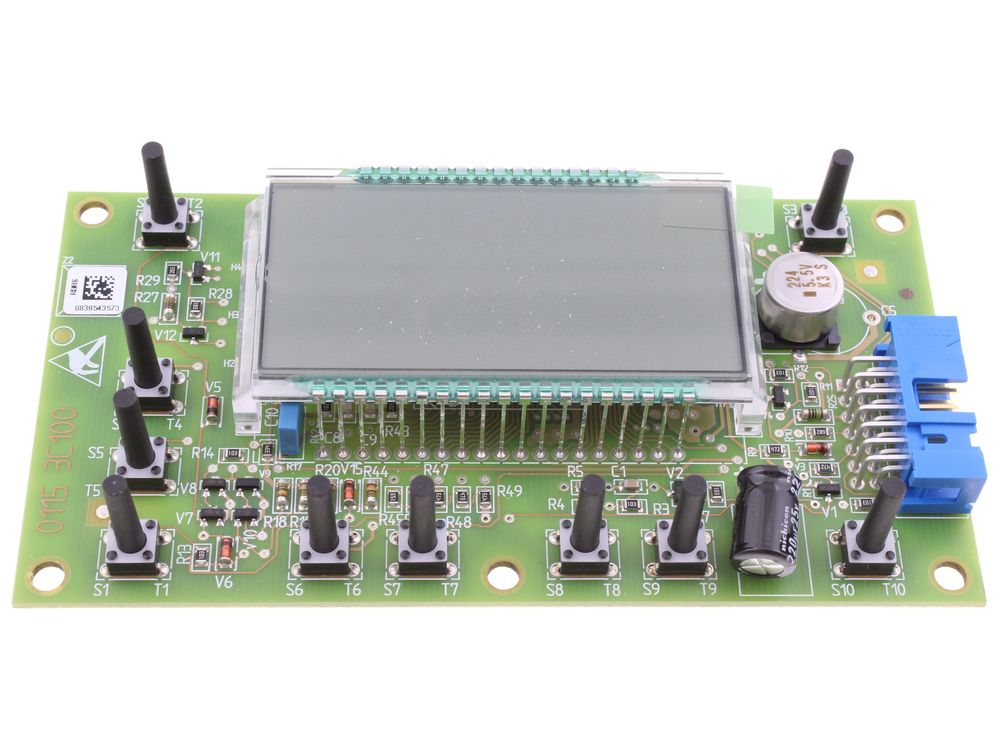
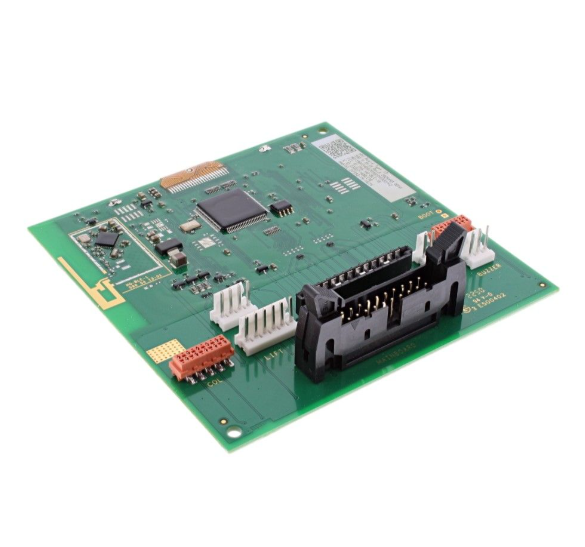
Standardization improves compatibility, reduces the chance of pin mismatch, and simplifies replacement in the future. Below is a typical daughter board picture and its internal parts:
8. Document Everything
Lastly, create full documentation before production. This should include:
Schematic diagram
Bill of materials (BOM)
Gerber files and drill files
Assembly drawings and 3D models
Test procedure, if applicable
Proper documentation ensures that your manufacturer and QA team can assemble and verify the board without confusion.
How EBest Circuit (Best Technology) Helps You?
When you’re developing daughter board PCBs, you want a manufacturing partner who understands your needs. EBest Circuit (Best Technology) brings reliability, fast lead times, and engineering support to every order. We provide professional design reviews for daughter board projects. Our engineers can help verify your connector choices, check your layout for manufacturability, and guide you in selecting cost-effective materials. We also offer PCB prototyping and small-batch PCB production so you can test your design before full rollout. Hereâs how we help:
One-stop PCB services: From layout to fabrication and assembly.
Design guidance: Connector selection, board outline, and thermal layout advice.
Full component traceability during production.
Fast prototyping and volume production: Short delivery times with stable quality.
Competitive pricing: Transparent quotes with no hidden fees.
With rich experience in daughter board manufacturing, we support applications in medical, automotive, industrial, and more.
If you’re planning your next daughter board PCB project, feel free to contact us for expert advice and a free quote.
FAQs
1. Can I reuse daughter boards across different systems?
If the interface and power requirements match, you can often reuse them. Thatâs one of the big advantages of modular boards.
2. What connectors are best for daughter boards?
Common choices include board-to-board headers, card-edge connectors, and mezzanine sockets. The choice depends on current rating and mechanical space.
3. Can I order a prototype of my daughter board before full production?
Yes. EBest Circuit (Best Technology) offers quick-turn prototyping for testing and validation.
4. Do daughter boards need firmware?
Only if they contain microcontrollers or programmable components. Otherwise, they act as hardware extensions.
5. Is it possible to add a daughter board later after initial product release?
Yes. Thatâs the beauty of modular designâit allows upgrades or extensions without redesigning the main system.
Why chooseECO PCB for your project? This guide explores sustainable PCB innovations, from biodegradable materials to RoHS-compliant processes, demonstrating how eco-conscious manufacturing delivers both environmental and technical advantages.
Traditional PCB production is highly polluting and has high environmental compliance costs?
Green material performance is unstable, affecting product reliability?
RoHS certification process is complicated and supply chain is difficult to track?
EBest Circuit (Best Technology) Can Provide:
Zero-compromise environmental protection process – halogen-free substrate + laser drilling technology, 40% reduction in waste, performance up to IPC-6012 standard.
Closed-loop certification service – from material procurement to finished product delivery, the entire RoHS/REACH data is traceable.
Cost optimization solution – water-soluble cleaning system reduces energy consumption by 30%, and mass production yield rate increases to 99.2%.
Welcome to contact us if you have any request for ECO PCB: sales@bestpcbs.com.
What Is ECO PCB?
ECO PCBsrepresent a sustainable evolution in circuit board technology, prioritizing environmental responsibility without compromising functionality. These boards eliminate hazardous substances like lead and halogenated flame retardants while incorporating recyclable materials and energy-efficient manufacturing processes.
The design focuses on reducing ecological impact through multiple approaches: using water-based cleaning systems, minimizing chemical waste, and enabling easier component recovery during recycling. Production methods emphasize lower energy consumption and reduced carbon emissions compared to conventional PCBs.
Compliant with international environmental standards such as RoHS and REACH, ECO PCBs serve industries requiring both technical performance and ecological accountability. Ongoing advancements explore biodegradable substrates and improved recycling techniques to further enhance sustainability. The technology demonstrates how electronics manufacturing can align with global environmental objectives while meeting modern technical demands.
Benefits of Eco-Friendly PCB
Hazardous Substance Reduction: Eliminates toxins like halogens in materials.
Recyclability: Metal cores and substrates reusable via smelting/shredding.
Lower Carbon Footprint: Uses renewable/recycled resources instead of petroleum.
Regulatory Compliance: Meets RoHS, REACH, and other global environmental standards.
Reasons why choose EBest Circuit (Best Technology) as your ECO PCB manufacturer:
Certified Environmental Compliance
Full RoHS/REACH certification (Pb/Cd/Hg/Crâ¶âș/PBB/PBDE-free).
Halogen-free materials (Br/Cl <900ppm per IEC 61249-2-21).
Advanced Green Processes
Lead-free HASL and immersion gold finishes.
Closed-loop water recycling (95%+ recovery rate).
VOC-free cleaning with biodegradable saponifiers.
Rapid Turnkey Services
24-hour prototype delivery for urgent designs.
Standard 3-5 day production cycles for bulk orders.
Real-time DFM feedback within 2 hours.
Transparent cost structure
Standardized quotation system (no hidden fees)
Scale procurement reduces costs by 15-20%
Rigorous Quality Control
ISO 9001:2015 & IATF 16949 certified
100% electrical testing + AOI/AXI inspection
IPC Class 2/3 reliability standards
Technical Support
Free engineering consultations for DFM/DFA
Dedicated account managers for ECO updates
Lifetime traceability via blockchain records
If you have any request for eco-friendly PCB, welcome to contact EBest Circuit (Best Technology): sales@bestpcbs.com. Looking forward to hearing from you soon!
Bulk electronic components sourcing can be a turning point in project success, especially when production scales up. Whether you’re managing a tight schedule or handling complex BOMs, finding a reliable supply chain is critical to avoid disruptions, cost overruns, or inventory pileups.
EBest Circuit (Best Technology) provides good quality bulk electronic components sourcing to a fiercely competitive market. As a major manufacturer of PCB and PCBA, we have integrated hundreds of bulk electronic components suppliers, and electronic product brands. We have a full supply chain, and we can get the material price fluctuation information and adjust our procurement strategies accordingly. We have advanced inspection equipment like AOI, X-ray. And all the processes from material sourcing to final box assembly comply with the rigorous standards, such as ISO 9001, ISO 13485, IATF 16949, AS9100D, UL, REACH, RoHS. For any bulk electronic components sourcing needs, or any EMS PCB manufacturing projects that need us to help, pls shoot us an email at sales@bestpcbs.com.
What Is Bulk Electronic Components?
Bulk electronic components refer to large-quantity purchases of resistors, capacitors, ICs, connectors, or other passive and active devices used in circuit boards. These parts are typically packed in reels, trays, or bags and shipped in lots to meet production demands. Buying in bulk helps reduce per-unit costs, simplifies logistics, and supports faster manufacturing cycles.
What Are the Basic Electronic Components?
Before sourcing, understanding the basics is helpful. The core components include:
Resistors:Â Control voltage and current in circuits.
Capacitors:Â Store and release electrical energy.
Diodes:Â Allow current to flow in one direction only.
Transistors:Â Amplify or switch electronic signals.
Integrated Circuits (ICs):Â Miniaturized circuits in a chip form.
Connectors:Â Link circuit boards to other components or power.
What Are Types of Electronic Components Packages?
Electronic components are available in various packages to fit design needs. The most common types are:
Through-Hole:Â Leads go through the board, used for mechanical strength.
Surface Mount (SMD):Â Smaller, mounted directly onto the board’s surface.
Ball Grid Array (BGA):Â Used for high-density ICs, such as processors.
Chip-on-Board (COB):Â ICs mounted directly onto the board substrate.
What Are Bulk Electronic Components Suppliers?
Bulk suppliers offer large volumes of components to OEMs, EMS providers, and manufacturers. Their inventory must be extensive, with short lead times. A supplier should provide traceable parts, full certifications, and test reports to ensure quality.
EBest Circuit (Best Technology) stands out by combining all these qualities. We use MES systems to ensure traceability and quality tracking. Our partnerships with global distributors reduce sourcing risks, while our on-site engineers help verify component authenticity.
Who Are Wholesale Electronic Components Shops in Johannesburg?
Johannesburg has a growing electronics market. Shops like RS Components South Africa, Mantech Electronics, and Communica are known suppliers. However, local stock may be limited during peak cycles. For large-volume PCB & PCBA orders, professional sourcing partners like EBest Circuit (Best Technology) provide a broader selection and professional bulk electronic components support.
How to Find Reliable Bulk Electronic Components Online?
To avoid counterfeit parts and long wait times, consider the following steps:
Verify the source:Â Choose distributors with ISO certifications and traceable supply chains.
Check technical specs:Â Always confirm datasheets, lot numbers, and RoHS compliance.
Read reviews:Â User feedback helps identify supplier strengths and gaps.
Ask for samples:Â Test small batches before scaling up to full orders.
Review warranty and return policies:Â Ensure risk-free buying terms.
With EBest Circuit (Best Technology), we not only vet suppliers but also apply rigorous quality checks before shipping. That helps reduce failures by up to 30% compared to market averages.
Where to Buy Bulk Electronic Components in China?
Shenzhen and Dongguan are key sourcing hubs in China. Platforms like Huaqiangbei, LCSC, and DigiKey China provide a wide range. But navigating language, logistics, and MOQ terms can be tough.
Our team at EBest Circuit (Best Technology) bridges this gap. We handle language barriers, inspect goods on-site, and negotiate MOQ terms. As a PCB and PCBA manufacturer, we offer bundled sourcing, assembly, and testing to shorten the supply chain and improve reliability.
Why Choose EBest Circuit (Best Technology)?
Hereâs why our clients trust us when it comes to sourcing bulk electronic components:
Stable supply:Â Our distributed sourcing model shields against regional disruptions.
Component tracking:Â Each batch has full traceability through MES and blockchain solutions.
Custom sourcing:Â We help customers with rare or obsolete components through global distributor networks.
Quality assurance:Â All parts undergo AI-driven optical inspections and X-ray analysis when needed.
Flexible MOQs:Â We help startups and small manufacturers by breaking large MOQs into manageable volumes.
Fast Tech Updates:Â Our BOM engineers regularly check part lifecycle status, so your product won’t be based on obsolete components.
Efficient Procurement:Â EBest Circuit (Best Technology) offers one-stop BOM kitting. No more chasing 10 suppliers and waiting for 5 quote rounds.
To wrap up, choosing the right supplier for bulk electronic components is not just about price. Itâs about delivery assurance, inventory control, and long-term support. With EBest Circuit (Best Technology), you gain a supply partner who understands every detailâfrom procurement strategy to viable PCBA solution. Welcome to follow us on YouTube or shoot us an email at sales@bestpcbs.com. We are glad to provide the specific quote and the corresponding solution based on your particular project needs.

Looking for pedestal PCBthermal management solution? This guide covers design, specifications, functions, and thermal solutions for optimal performance.
Are you still worried about heat dissipation?
Does high temperature cause a sharp decrease in device life?
Does the heat sink take up valuable layout space?
Does thermal cycling cause solder joint failure?
EBest Circuit (Best Technology) Can Provide Solution:
Copper pillar direct connection technology – 60% reduction in thermal resistance.
Intelligent thermal distribution design – 45% improvement in temperature uniformity.
Material optimization solution – Eliminate thermal stress damage.
Welcome to contact us if you have any request for pedestal PCB design and manufacturing: sales@bestpcbs.com.
What Is A Pedestal PCB?
Apedestal PCB features built-in conductive pillars made of copper or aluminum that elevate components above the main circuit board. These pillars serve multiple functions: they transfer heat from high-power components to cooling systems, reducing operating temperatures by 20-35°C; they strengthen the board’s structure to prevent solder joint failures in high-vibration environments; and they provide electromagnetic shielding to protect sensitive signals.
Manufactured with precision laser drilling, the pillars maintain tight height tolerances within ±0.05mm. This technology is particularly valuable in 5G networks, automotive radar, and industrial equipment where thermal management, durability, and signal clarity are crucial.
The design combines thermal performance with mechanical stability while maintaining electrical connections through conductive vias, making it ideal for demanding electronic applications.
Copper foil expansion: 3x component size under heat sources
Thermal separation structure reduces thermal resistance by 40%
Electrical
Dielectric strength: â„3kV (industrial)
Min. conductor spacing: 0.2mm
Impedance control: ±10% tolerance
Manufacturing
Thickness tolerance: ±0.1mm (FR-4)
CNC drilling accuracy: ±25Όm
Copper adhesion: â„0.8N/mmÂČ
Environment
Operating temp: -40°C to +150°C
Halogen-free materials (RoHS 3.0 compliant)
Documentation
Must include: Component layout, impedance values, thermal resistance parameters
What Are Functions of Pedestal PCBs?
Mechanical Fixation
Serves as a rigid carrier to precisely secure components (e.g., IC chips, connectors), preventing vibration-induced solder joint fractures or displacement (e.g., ensuring reliability in industrial controllers under vibratory conditions).
Electrical Interconnection
Enables signal transmission and power distribution between components via copper traces and vias, supporting high-speed signals (e.g., PCIe interfaces) or high-current applications (e.g., motor drivers).
Thermal Optimization
Integrates copper planes/thermal via arrays to direct heat away from high-power components (e.g., metal-core PCBs for LED driver boards).
Power Distribution Network (PDN)
Designs dedicated power layers or wide traces to reduce impedance and stabilize voltage supply (e.g., multi-phase power designs in server motherboards for CPU dynamic frequency scaling).
Signal Integrity (SI) Assurance
Controls impedance and adds shielding layers to suppress EMI, ensuring distortion-free transmission of high-speed signals (e.g., DDR4/5 memory buses).
Modular Expansion
Provides standardized interfaces (e.g., edge connectors, board-to-board connectors) for plug-and-play integration of functional subcards (e.g., 5G modules) or RF assemblies.
What Are Applications of Pedestal PCB?
LED Lighting: High-brightness LED bulbs for thermal management
Automotive Electronics: EV battery systems and motor controllers
Industrial Automation: PLCs and robotics for stable operation
Medical Instruments: Imaging devices like X-ray machines and CT scanners
Telecommunications: Routers, base stations, and RF amplifiers
Consumer Devices: TVs, cameras, and audio equipment
Computing Hardware: Motherboards and expansion cards in servers
Looking for reliable circuit board assembly services? At EBest Circuit (Best Technology), we provide full-service PCB assembly solutions that include SMT, through-hole, mixed assembly, and turnkey capabilities. Whether you’re building prototypes or going into mass production, we support your project from start to finish with engineering guidance, quality control, and fast lead times.
What Are Circuit Board Assembly Services?
Circuit board assembly services play a crucial role in the electronics manufacturing industry. They involve the process of placing electronic components onto a blank PCB to form a functioning circuit. This process transforms a bare board into a working device. It’s used in every industry that depends on electronics â from smartphones and cars to medical devices and aerospace equipment.
There are three main methods in circuit board assembly:
SMT (Surface Mount Technology): Components are mounted directly onto the surface of the PCB.
THT (Through-Hole Technology): Leads are inserted into holes in the PCB and soldered underneath.
Mixed Assembly: Combines both SMT and THT for boards that require diverse components.
Understanding these methods helps new customers communicate better with suppliers and choose the right assembly process based on the design and function of their product.
Types of Circuit Board Assembly Methods
Different circuit designs and application needs call for different assembly methods. Hereâs a breakdown:
Surface Mount Technology (SMT)
SMT is the most common technique in use today. Components are placed directly on the PCB surface, enabling smaller designs, higher component density, and faster assembly. Automated pick-and-place machines position these components with high precision. It’s suitable for compact and high-speed devices such as smartphones, tablets, and IoT products.
Through-Hole Technology (THT)
THT involves placing components with wire leads through pre-drilled holes in the PCB. The leads are soldered on the opposite side. This method offers greater mechanical strength and is often used for components that experience physical stress or need a strong bond, like connectors or transformers. THT is common in industrial and automotive PCBs.
Mixed Assembly
When a PCB requires both surface-mounted components and through-hole parts, a mixed assembly approach is used. It’s often found in complex designs, especially when different voltage levels or mechanical supports are needed. Mixed assembly offers more flexibility but also requires advanced equipment and careful coordination.
Dual In-line Package (DIP) Assembly
DIP is a specific type of through-hole assembly method that uses components with two parallel rows of pins (leads). These components are inserted into matching holes on the PCB and are often hand-soldered or wave-soldered. DIP is commonly used for ICs (integrated circuits), microcontrollers, and programmable logic devices during development or low-volume production. While not as compact as SMT, DIP is easier to prototype and replace, making it useful in educational, industrial, and repair applications.
Turnkey vs. Consigned PCB Assembly: Whatâs the Difference?
When working with an assembly partner, itâs essential to choose the right sourcing model:
1. Turnkey Assembly
In a full-turnkey model, the assembly provider takes care of everything. This includes sourcing components, manufacturing the PCB, assembling parts, testing, and delivery. Itâs a hands-off approach for the customer and is preferred by startups or teams with limited resources. It reduces management complexity and lead times.
2. Consigned Assembly
With consigned assembly, the customer provides some or all the components. This is ideal for companies that already have components in stock or require tight control over part sourcing. While it offers flexibility, it also requires more effort from the client to ensure timely material delivery.
3. Partial Turnkey
A hybrid of the two, partial turnkey services split responsibilities â the customer supplies some components, and the assembler handles the rest. This balances control and convenience.
At EBest Circuit (Best Technology), we offer both full turnkey PCB assembly service and consigned assembly. All of our components are sourced from authorized distributor or digikey, mousers, find chips and so on. We have established stable bussiness relationship with them, so that we can get the best price and shorter lead time.
Key Capabilities of Our Circuit Board Assembly Services
At EBest Circuit (Best Technology), we bring years of experience and investment in equipment to deliver top-quality PCB assembly services.
1. SMT Line Capability
We operate 4+ advanced SMT production lines capable of handling fine-pitch, small components (as small as 01005) both in China and Vietnam. Each line supports:
Single- and double-sided placement
Reflow soldering with nitrogen ovens
Automatic solder paste printing with SPI (Solder Paste Inspection)
High-Speed Pick and Place
Dual online AOI
X-ray inspect machine for fine pitch BGAs
Our pick-and-place machines operate at speeds up to 80,000 components per hour, providing high efficiency for volume production. These machines offer accurate placement and are suitable for dense and complex boards.
2. Fine-Pitch and BGA Soldering
Weâre capable of mounting fine-pitch ICs, BGA, QFN, and other challenging components. Our BGA rework station ensures precise alignment and reliable solder joints â ideal for high-reliability sectors like aerospace and medical.
3. Leaded and Lead-Free Options
We offer both leaded and lead-free soldering, depending on your application and regulatory requirements. All lead-free processes are compliant with RoHS and REACH directives.
4. Component Sourcing and BOM Management Support
Managing the bill of materials (BOM) is one of the most complex parts of circuit board assembly. We simplify this process:
Global Sourcing Network: We work with trusted distributors like Digi-Key, Mouser, Arrow, and Avnet.
Alternate Part Suggestion: If parts are obsolete or out of stock, our engineers will recommend alternatives based on functionality and compatibility.
Cost Control: We offer multiple supplier options and volume purchasing strategies to help reduce costs.
Inventory Tracking: Our MES system ensures full traceability from incoming materials to final product.
DFM & DFA checks before assembly with free services
5. Various PCB Assembly Support
We support various PCB assembly, including:
Rigid FR4 PCB
Metal core PCB
Ceramic PCB
Rigid flex PCB
Flex circuits
FR4 PCB with metal dome assembly
Box building assembly
Whether your project is a prototype or a large batch, weâll handle procurement smoothly to keep things on schedule.
PCB Testing and Quality Inspection Services
Quality is not just a checkbox â itâs a process. Our multi-stage inspection services help identify issues early and deliver reliable products.
AOI (Automated Optical Inspection)
AOI checks for soldering defects, missing components, and polarity errors. Itâs especially useful for SMT lines and runs on every board before moving to the next step.
X-ray Inspection
We use X-ray machines to inspect solder joints under BGAs and other invisible parts. This non-destructive method ensures hidden connections are properly made.
ICT and Functional Testing
We support In-Circuit Testing (ICT) and Functional Testing (FCT) using customer-provided test fixtures or our internal jigs. This verifies each componentâs performance and the overall function of the board.
Visual Inspection (IPC-A-610)
Our trained QC staff visually inspects boards under IPC-A-610 standards, covering cosmetic and dimensional defects.
Certifications and Quality Standards We Follow
We understand the importance of compliance. Thatâs why EBest Circuit (Best Technology) adheres to the following certifications and standards:
ISO9001: General quality management system for manufacturing.
ISO13485: Standard for medical device assembly.
IATF16949: Automotive-grade quality system for reliability and traceability.
UL Certification: For products entering North American markets.
RoHS and REACH: Compliance with hazardous substance control.
IPC-A-610: Acceptance standards for electronic assemblies.
These certifications reflect our commitment to consistent quality and customer satisfaction.
Fast Prototyping and Quick-Turn Assembly Options
Startups, design houses, and R&D teams often need fast iterations. We support quick-turn prototypes with lead times as fast as 24â72 hours, depending on complexity and material availability.
No MOQ for prototypes.
DFM (Design for Manufacturability) checks to avoid errors.
Engineering support to adjust layout and improve yield.
For urgent projects, we offer expedited services at competitive rates. Speed doesn’t mean sacrificing quality â our rapid builds go through the same rigorous inspection process.
Industries We Serve with PCB Assembly Services
Our experience spans multiple industries, each with unique demands:
Consumer Electronics: Wearables, smart devices, gaming consoles, and home automation.
Automotive: In-vehicle infotainment, power control modules, and driver-assist systems.
Medical Devices: Heart rate monitors, wearable health trackers, and diagnostic equipment.
Industrial Automation: Sensor boards, motor controllers, and factory equipment.
Aerospace & Military: Avionics modules, communication devices, and tactical systems.
Our engineering team understands the compliance, testing, and documentation needs of each industry, making us a trusted partner.
Why Choose Us for Your Circuit Board Assembly Needs?
At EBest Circuit (Best Technology), weâre not just a PCB manufacturer â weâre a complete solution provider.
One-Stop Manufacturing: From PCB fabrication and component sourcing to final assembly and testing.
Engineering Support: Our team helps you optimize your design for performance and manufacturability.
Strict Quality Control: We apply multiple checkpoints to ensure every product meets expectations.
Competitive Pricing: We balance cost, quality, and speed through strategic sourcing and lean manufacturing.
Global Delivery: Our logistics team ships to over 80 countries with fast turnaround times.
Our approach combines reliability, speed, and technical depth â all under one roof.
How to Get a Quote for Circuit Board Assembly Services?
We make it easy for you to start working with us. Hereâs how the quote process works:
Upload Your Files: Submit your BOM, Gerber files, and assembly drawings via our website or email.
Engineering Review: Our team will review the files and provide DFM feedback if needed.
Get a Quotation: Youâll receive a detailed quote within 24â48 hours.
Sample Production: Once approved, we make a prototype or pre-production sample for confirmation.
Mass Production: After sample approval, full production begins with agreed lead times.
Weâre happy to guide you through the process â whether you’re an experienced engineer or a first-time product developer.
FAQs About Circuit Board Assembly
1. What files do I need to provide for PCB assembly?
You should provide Gerber files, BOM (Bill of Materials), centroid file, and any special instructions or drawings.
2. Whatâs the minimum order quantity (MOQ)?
We have no MOQ for prototypes. For production orders, we offer flexible quantities based on your needs.
3. Can you source hard-to-find or obsolete components?
Yes. We have strong relationships with global distributors and can help identify substitutes if needed.
4. Do you offer RoHS-compliant lead-free soldering?
Absolutely. We follow RoHS, REACH, and other international standards. Just let us know your preference.
5. Whatâs your typical lead time for PCB assembly?
Prototypes take 2â5 working days, while volume orders may range from 7 to 15 days depending on complexity.
6. Do you offer testing services for my assembled PCBs?
Yes, we provide AOI, X-ray, ICT, and functional testing depending on your productâs requirements.
7. Can I get help if Iâm unsure about my BOM or layout?
Of course. Our engineers can review your files and recommend adjustments to improve performance and reduce cost.
Whether you’re launching a new product or scaling an existing one, EBest Circuit (Best Technology) is ready to support your success with professional circuit board assembly services. From prototype to production, we help simplify the process, reduce your workload, and deliver high-quality results on time.
📩 Contact us now to request a quote or speak to our engineering team.
Keyboard PCB manufacturers are in high demand as the need for quick-turn prototyping rises. Especially for startups and custom mechanical keyboard makers, fast delivery and reliable service are key factors. In this blog, weâll walk you through what keyboard PCBs are, their types, pricing, and how EBest Circuit (Best Technology) helps you avoid the most common production delays.
EBest Circuit (Best Technology) is one of the quick delivery keyboard PCB manufacturers for prototyping and assembly. We support flexible capacity from 10 pieces to 100 000pcs. You don’t need to worry about the MOQ issue. Moreover, EBest Circuit (Best Technology) suits your 72-hour prototyping delivery request in an urgent project. All the keyboard PCBs undergo the 72-hour aging test, which guarantees the quality. Besides, our SMT factories in China and Vietnam have given us a significant competitive edge in terms of production speed and cost. Our factories have the RGB SMD LED circuit impedance control technology (±5% tolerance) and our 8-layer PCB immersion gold process achieves a 1000Hz polling rate.
EBest Circuit (Best Technology) provides a one-stop solution for custom PCB design, mechanical keyboard PCB manufacturing, firmware, and PCB assembly service. If you have any questions or would like to visit our factories, please contact us via call at +86-755-2909-1601 or email at sales@bestpcbs.com.
What Is a PCB Keyboard?
A PCB keyboard refers to the printed circuit board used at the core of every keyboard. This board connects switches, LEDs, and microcontrollers, managing keystroke data and power delivery. Unlike membrane alternatives, PCB keyboards are durable and provide better typing feedback. Whether it’s a gaming setup or a custom build, PCB keyboards give you control and reliability.
What Are Keyboard PCB Types?
There are several types of keyboard PCBs, each made to suit specific builds and experiences. Standard types include:
Hot-swappable PCBs: Allow switch changes without soldering.
Soldered PCBs: Permanent switch installation, often more stable.
Through-hole PCBs: Durable and suited for long-life mechanical builds.
Flexible PCBs: Designed for compact or curved applications.
Choosing the right type depends on how you want to build and maintain your keyboard.
Who Are Custom Keyboard PCB Manufacturers?
Custom keyboard PCB manufacturers cater to designers and enthusiasts who need unique layouts, LED setups, or additional controller logic. Companies like EBest Circuit (Best Technology) stand out by supporting full-stack services. We assist from design review and DFM (Design for Manufacturability) to final delivery, helping avoid delays due to common design flaws. With simulation tools and quick feedback, the process becomes smoother.
Who Are the Best Keyboard Manufacturers in the USA?
In the U.S., several firms provide quality mechanical keyboard PCBs, but the best combine technical support, fast turnaround, and real-time feedback. Makers like Input Club, Drop (formerly Massdrop), WASD Keyboards offer U.S.-based sales support, technical consultation, and strategic partnerships with local suppliers to avoid import delays. If youâre prototyping or building mid-volume batches, localized services make a big difference in timeline and cost.
What Is the Keyboard Circuit Board Price?
Prices for keyboard circuit boards vary based on layers, copper weight, board thickness, and layout complexity. For example:
2-layer boards: $2 – $5 per unit in bulk
4-layer boards: $5 – $10 per unit
Custom boards with 8+ layers and HDI may cost over $20 each
At EBest Circuit (Best Technology), our pricing remains competitive thanks to design standardization, smart material sourcing, and a tiered pricing structure to reduce costs as volume grows.
How Is a Keyboard PCB Manufactured?
Manufacturing involves several key steps:
Design review: Checking file formats (Gerber, CAD, etc.) and stack-up info
Paneling: Preparing the raw material with accurate thickness and copper weight
Impedance control: Especially for 4+ layers, signal integrity must be simulated and confirmed
Drilling & plating: Vias and through-holes are drilled and copper-plated
Solder mask & silk screen: Applying protective and labeling layers
Testing: Every board undergoes AOI and impedance verification
EBest Circuit (Best Technology) adopts 3D AOI and strict defect detection. We also pre-test for signal reliability in gaming-grade boards and offer aging tests to ensure performance longevity.
How to Choose Keyboard PCB Manufacturers?
When choosing a partner, prioritize:
Delivery speed: Can they provide 72-hour turnarounds?
Supply chain strength: Are there buffers for chip shortages?
Quality control: Whatâs their testing process?
Support: Do they offer project managers and live updates?
Experience: Have they built custom keyboard PCBs before?
EBest Circuit (Best Technology) checks all these boxes. With our prototype fast-track line, engineering feedback within 24 hours, and 100% impedance checks, your project stays on track.
Why Choose EBest Circuit (Best Technology) as One of Keyboard PCB Manufacturers?
Customers often face delayed deliveries due to part shortages, poor design feedback, or long engineering approval timelines. EBest Circuit (Best Technology) fixes these issues by:
Maintaining strategic inventory of key keyboard PCB components
Offering DFM reviews and signal simulations with tools
Deploying 24-hour engineering response teams and advanced inspection tools
Delivering a high-mix product line like single-sided PCBs, dual-layer PCBs, and multilayer PCBs. We will recommend the viable solutions as per your Keyboard construction and maintenance requirements.
Our warehouse strategy and work efficiency shorten delivery distances. For customers who need quick iterations, our 72-hour prototype service meets tight launch goals.
We also help reduce your costs by:
Using standard MX switch-compatible footprints
Reducing layers when possible for smaller layouts
Offering modular connector designs to lower customization costs
To top it all off, we provide one-on-one project managers, real-time production schedule sharing, and 24/7 support. These services keep communication clear and production fast.
Finally, when searching for reliable keyboard PCB manufacturers, speed, support, and precision are what matter most. EBest Circuit (Best Technology) offers all three. From handling global supply chain uncertainties to offering smart design suggestions, our goal is to make your keyboard project smoother. With fast turnaround, expert engineering, and strong quality systems, weâre the partner you can trust for both prototyping and volume production. If you have comments or suggestions please contact us via email at sales@bestpcbs.com or online customer service using the links here.
Looking for aluminum based PCB solution? This guide explores thermal management, performance enhancement, and long-term reliability strategies for optimal lighting solutions.
What Is Aluminum Based PCB?
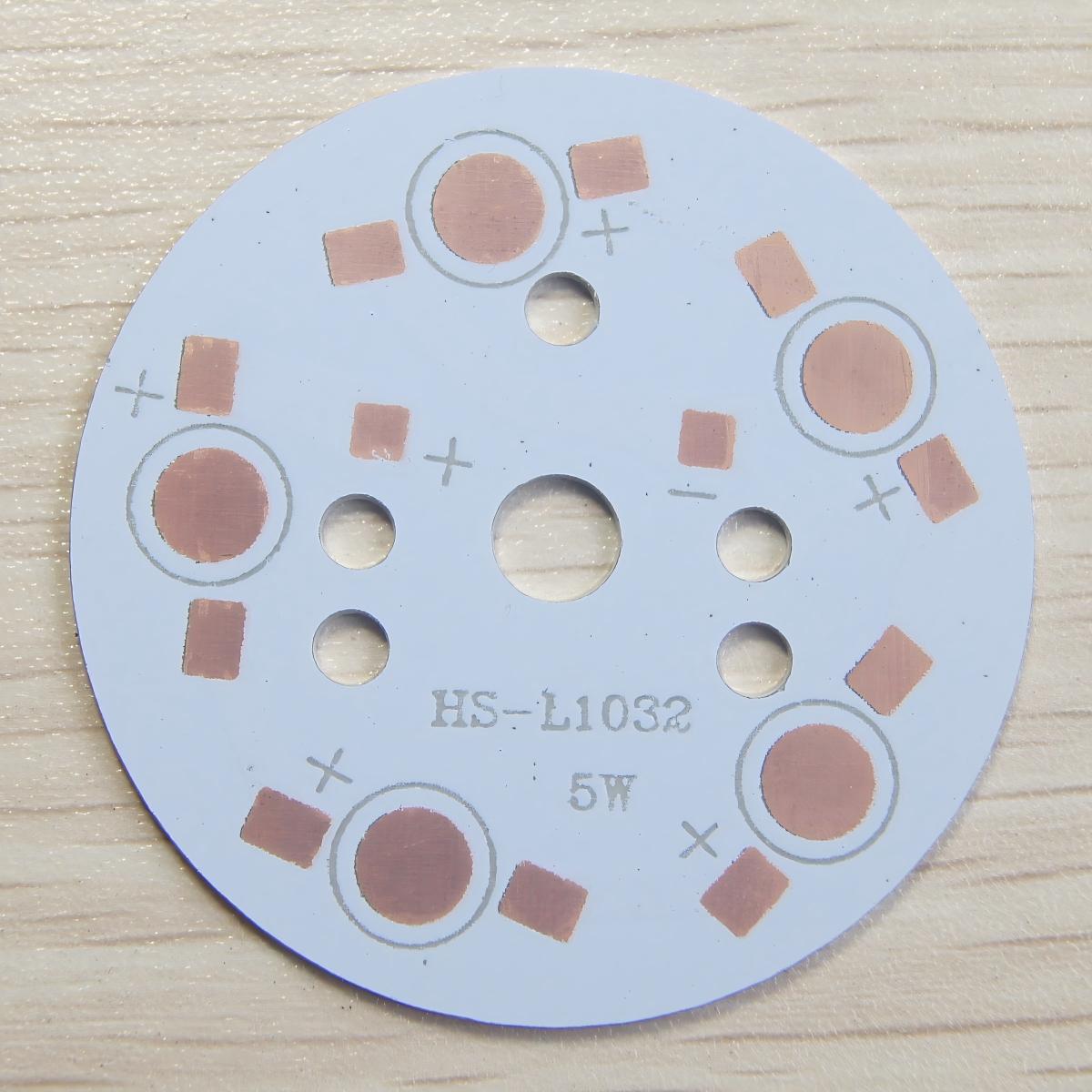
An aluminum based PCBis a specialized circuit board that uses an aluminum substrate as its foundation instead of traditional fiberglass materials. The board’s structure typically includes three essential layers: a conductive copper layer for circuitry, a thermally conductive dielectric layer for electrical insulation, and the aluminum substrate that provides both mechanical support and heat dissipation.
This design offers superior thermal management compared to conventional PCBs, as the aluminum substrate efficiently transfers heat away from components. Similar to aluminum substrate PCB technology, these boards maintain excellent dimensional stability while operating in high-temperature environments. The metal core also provides natural electromagnetic shielding and vibration resistance.
Aluminum Based PCB Thermal Conductivity
Aluminum-based PCBs (Metal Core PCBs or MCPCBs) have a âtypical thermal conductivityâ ranging from â1.0 W/m·K to 8.0 W/m·Kâ, depending on the dielectric layer composition. Here’s a detailed breakdown:
Factors Affecting Thermal Conductivity:
Dielectric Layerâ:
The thermally conductive but electrically insulating layer between the copper circuit and aluminum base is critical.
Standard dielectric: â1.0â2.5 W/m·Kâ (e.g., epoxy-based).
High-performance dielectric (filled ceramics/polymers): âUp to 8.0 W/m·Kâ.
Aluminum Substrateâ:
Pure aluminum has high thermal conductivity (~220 W/m·K), but the dielectric layer limits overall performance.
Layer Thicknessâ:
Thinner dielectric layers improve heat transfer but reduce electrical insulation.
Aluminum Based PCB Stackup
Aluminum-based PCBs(Metal Core Printed Circuit Boards) typically follow a â3-layer stackupâoptimized for thermal management. Here’s the standard architecture:
Circuit Layer (Top)â
âMaterialâ: Copper foil (Electrodeposited or Rolled).
Heat Dissipation Solution for Aluminum Substrate Board
High-Conductivity Dielectric Layers: Select ceramic-filled polymer dielectrics (3â5W/m·K) to reduce thermal resistance. Optimize layer thickness (50â150ÎŒm) for balanced insulation and heat transfer.
Thermal Via Arrays: Place dense thermal vias (0.3â0.5mm diameter, 1mm pitch) under high-power components. Fill vias with silver epoxy or solder to boost vertical heat conduction.
Radiative Surface Treatments: Apply anodized coatings (10â30ÎŒm thickness) with emissivity >0.8 for radiative cooling. Use matte finishes to minimize heat reflection and enhance airflow.
Component Clustering: Position heat-generating devices (e.g., MOSFETs, LEDs) centrally on the board for uniform heat spreading. Maintain â„2mm clearance from edges to prevent hotspots.
Direct Thermal Bonding: Attach components with thermally conductive adhesives (1â3W/m·K) or solder. Avoid low-conductivity TIMs (<0.5W/m·K) for critical high-power nodes.
Embedded Heat Spreaders: Integrate copper blocks or heat pipes into the aluminum substrate. Use press-fit or friction-stir welding for robust contact and rapid heat transfer.
Forced Convection Design: Align fins/channels on the aluminum surface with enclosure airflow. Include mounting holes for external heatsinks or fans (40â80mm diameter) to enhance cooling.
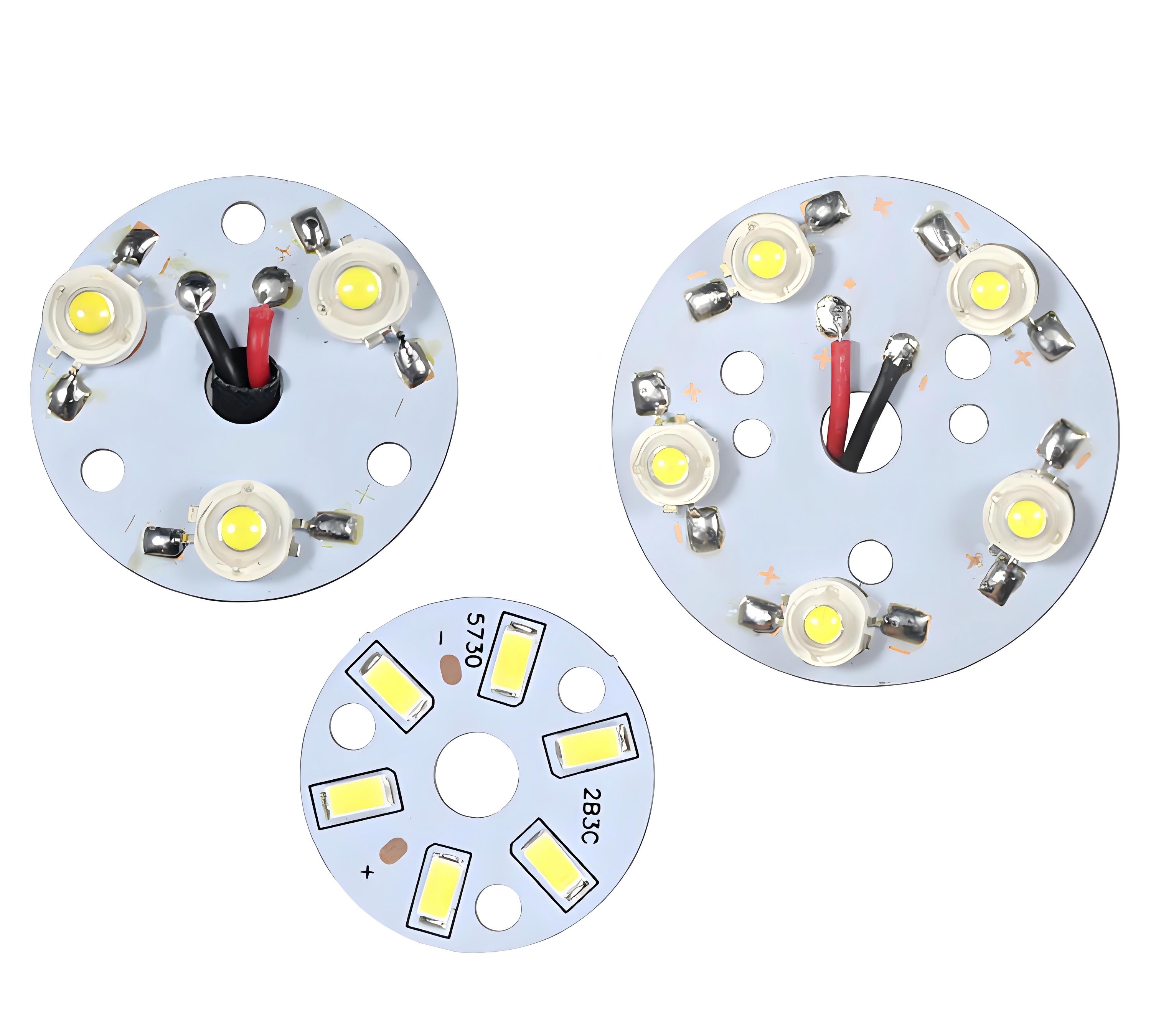
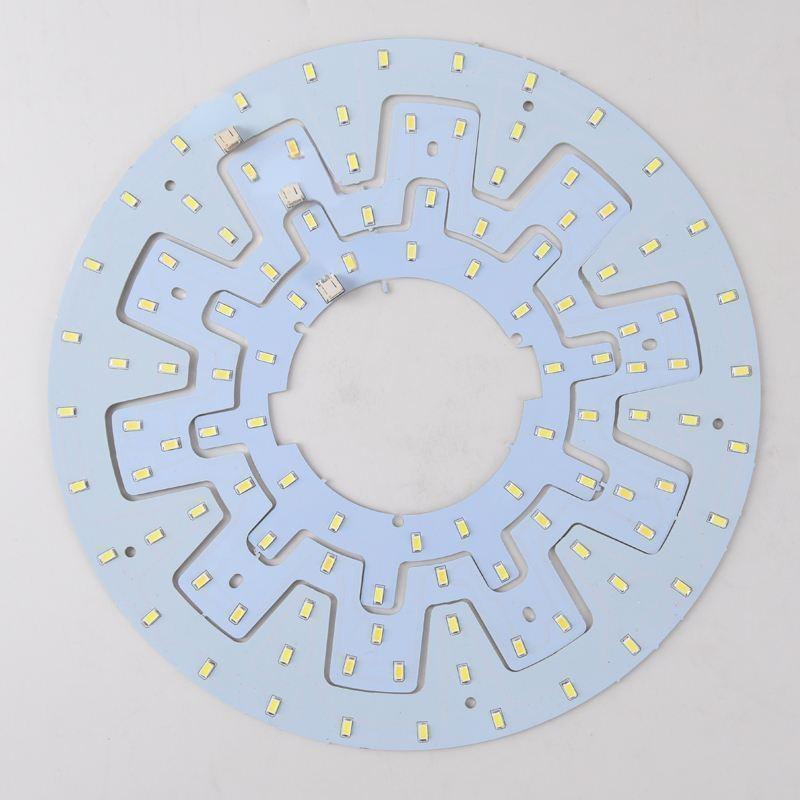
Why Choose Aluminum Based PCB for High Bay Light?
Reasons why choose aluminum base PCB for high bay light:
Thermal Efficiency: Conducts heat efficiently, reducing LED junction temperature by 20â30% (vs. FR-4), extending lifespan to 50,000+ hours.
Mechanical Strength: Supports heavy LED arrays/lenses, resists vibration and thermal expansion in harsh environments (e.g., factories).
Cost Savings: Eliminates external heatsinks/fans, cutting initial costs and long-term maintenance from thermal failures.
Compact Design: Allows dense component placement (e.g., multi-chip LEDs) without overheating, enabling slim fixtures for elevated/confined spaces.
Environmental Resilience: Corrosion-resistant, stable (-40°C to 150°C), ideal for outdoor/dusty industrial settings.
Energy Optimization: Stable thermal environment ensures consistent LED output, maximizing lumen/watt efficiency at higher drive currents.
How to Improve the Electrical Performance of Aluminum PCBs in High Bay lighting?
Thicken Copper Traces: Use 2ozâ4oz copper to lower DC resistance, reducing voltage drop and heat in power lines. Supports 5Aâ20A currents without overheating.
Isolate Power/Analog Circuits: Separate high-current drivers (e.g., MOSFETs) from low-noise analog sections. Prevents EMI coupling in LED control systems.
Ground Plane Bonding: Connect ground layers to aluminum via thermal vias. Enhances EMI shielding and heat dissipation simultaneously.
High-Voltage Insulation: Apply â„100ÎŒm dielectric layers with >500V breakdown rating. Prevents arcing in AC-DC converter zones of mains-powered luminaires.
Thermal-Electrical Co-Design: Use simulation tools to balance trace widths, via densities, and component placement. Avoids hotspots that degrade electrical reliability.
Long-Term Durability Strategies for Aluminum-Based PCBs in High-Bay Light
Material Durability: Use 5052/6061 aluminum alloys for corrosion resistance. Pair with polyimide dielectrics (Tg â„150°C) to resist thermal degradation.
Vibration Resistance: Epoxy adhesive or fasteners secure heavy components. Optimized via placement distributes mechanical loads.
Humidity Control: Moisture-resistant solder masks (â„60ÎŒm LPI) and sealed edges prevent delamination. Store PCBs in dry packs (â€5% RH).
UV/Chemical Protection: UV-stable dielectrics/solder masks for outdoor use. Avoid chemical cleaners; use alcohol-based solvents.
Maintenance Protocols: Temperature sensors/thermal fuses detect overheating. Biannual inspections check for corrosion, cracks, or material wear.
Why Choose EBest Circuit (Best Technology) As Your Aluminum Based PCB Manufacturer?
Guaranteed Reliability â IPC Class 3 certified manufacturing with automated optical inspection (AOI) ensures <0.1% defect rates, preventing costly field failures in high-bay installations.
Transparent Cost Structure â No hidden fees with upfront pricing, including complimentary thermal simulations and DFM analysis to optimize designs before production.
Thermal Management Expertise â Free integrated heat-spreader solutions reduce LED junction temperatures by 15-30°C, extending luminaire lifespan without additional cooling components.
Industrial-Grade Durability â Anodized aluminum substrates with ceramic-filled dielectrics withstand 500+ thermal cycles (-40°C to 150°C), ideal for warehouses with extreme temperature swings.
One Stop Solution â Dedicated engineering team provides real-time production updates and technical guidance, streamlining procurement from prototype to volume orders.
If you have any request for aluminum based PCB, welcome to contact us: sales@bestpcbs.com.
Why does PCB DFMmatter for reliable manufacturing? This guide covers design rules, layout strategies, and verification methods for optimized PCB production.
Does each engineering confirmation take 3-5 working days, slowing down the overall progress?
Do you know that more than 40% of the additional cost comes from process omissions in the design stage?
Can you afford the loss of the entire batch being scrapped due to undiscovered impedance deviation?
EBest Circuit (Best Technology) Can Provide:
Lightning DFM diagnosis: issue a 3D simulation report containing 267 process parameters in 12 hours (compared with peers in the industry in an average of 48 hours.
Cost sandbox simulation: use big data to predict the utilization rate of the board material, helping you save 8-15% of material loss.
Free engineering service: 24-hour online engineers answer your questions and avoid impedance deviation.
Welcome to contact us if you have any request for PCB design: sales@bestpcbs.com.
What Is PCB DFM?
PCB DFM(Design for Manufacturability) is a proactive approach to circuit board development that ensures designs can be efficiently and reliably manufactured. It involves analyzing layout elements such as trace widths, component spacing, via placement, and material choices to align with production capabilities while maintaining electrical performance.
By implementing DFM principles, designers avoid common pitfalls like insufficient solder mask clearance or unrealistic drill hole sizes that could lead to fabrication defects. The methodology also considers assembly requirements, ensuring proper thermal relief and component orientation for automated soldering processes.
This systematic verification reduces prototyping iterations, lowers production costs, and improves yield rates by addressing potential issues before manufacturing begins. Industry guidelines provide standardized benchmarks for implementing these checks throughout the design workflow.
PCB DFM Guidelines
Adopting DFM principles ensures PCB designs align with production capabilities, reducing errors and costs. Below are actionable guidelines for optimized manufacturing:
1. Layout Planning
Maintain â„0.15mm (6mil) clearance between copper features to prevent solder bridges.
Place high-speed/RF components away from noise sources (e.g., switching regulators).
Use standard aspect ratios (e.g., 1:1 for SMT pads) to simplify assembly.
2. Component Placement
Position polarized components (e.g., electrolytic capacitors) with clear orientation markers.
Group similar parts (resistors, capacitors) to minimize pick-and-place time.
Avoid placing tall components (e.g., connectors) near board edges to prevent handling damage.
3. Solder Pad Design
Follow IPC-7351B standards for pad sizes (e.g., 0.5mm pitch QFN pads: 0.3mm solder mask opening).
Extend thermal pads on power components (e.g., MOSFETs) to improve heat dissipation.
Add solder paste stencils with 1:1 aperture-to-pad ratios for fine-pitch parts.
4. Trace Routing
Use â„0.15mm (6mil) trace width for signals and â„0.2mm (8mil) for power lines.
Avoid acute angles (<90°) to prevent acid traps during etching.
Isolate analog/digital grounds with single-point connections.
5. Via Design
Limit via-in-pad usage to reduce solder wicking (use filled/capped vias for BGA escape).
Maintain â„0.25mm (10mil) annular ring to ensure via reliability.
Keep via aspect ratio (hole diameter: board thickness) â€1:6 for plating consistency.
6. Thermal Management
Add â„1mmÂČ copper pours under power components (e.g., voltage regulators).
Include thermal vias (0.3mm diameter, 1mm pitch) to connect top/bottom layer heat sinks.
Avoid placing vias in thermal pad regions to prevent solder voiding.
7. Drill File Accuracy
Specify drill sizes in increments of 0.05mm (e.g., 0.2mm, 0.25mm).
Use separate files for plated (PTH) and non-plated (NPTH) holes.
Include a drill chart with tolerances (e.g., ±0.05mm for â€0.5mm holes).
8. Silkscreen & Marking
Place reference designators â„0.5mm away from pads to avoid solder mask interference.
Use high-contrast ink for silkscreen (e.g., white on green solder mask).
Include polarity marks for diodes, LEDs, and electrolytic capacitors.
9. Design for Assembly (DFA)
Minimize component count by using integrated devices (e.g., PMICs instead of discrete regulators).
Align SMT and THT components on the same side to reduce reflow passes.
Avoid mixing lead-free and leaded solder processes without manufacturer approval.
10. File Output & Validation
Generate Gerber files in RS-274X format with layer-specific extensions (e.g., .GTL for top copper).
Include a fabrication drawing with board outline, cutouts, and special instructions.
Run DFM checks using software tools (e.g., Valor NPI) to flag errors.
PCB DFM Layout Optimization Strategies
Component Placement Methodology
Functional grouping: Cluster components by circuit function (power, analog, digital) with at least 100 mil spacing between groups
Assembly considerations: Maintain 50 mil clearance around all components for pick-and-place machines
Thermal management: Position heat-generating components (voltage regulators, power ICs) with 200 mil spacing and access to thermal vias
Connector placement: Locate all board-to-board connectors within 300 mil of board edges
Signal Routing Best Practices
Trace geometry: Use 45° angles with minimum 3x width radius for bend transitions
Impedance control: Maintain consistent 5 mil spacing for differential pairs and reference planes
High-current paths: Implement 20 mil minimum width for 1A current carrying capacity
Noise isolation: Separate analog and digital grounds with at least 50 mil gap
Manufacturing Enhancement Features
Via standardization: Use 8 mil/16 mil (hole/pad) via sizes throughout the design
Solder mask: Apply 4 mil expansion on all SMD pads with 2 mil web minimum
Fiducial markers: Place three 40 mil diameter markers in L-shape pattern
Test points: Include 32 mil diameter test points every 5-10 components
Documentation Standards
Silkscreen: Use 45 mil height fonts with 7 mil line width
Layer identification: Mark all layers with orientation indicators
Version control: Include datecode and revision near board edge
Assembly drawings: Provide 1:1 scale component location diagrams
Design Validation Process
Run DRC checks with 6 mil minimum spacing rules
Verify annular rings meet 5 mil minimum requirement
Cross-check against manufacturer’s capability matrix
EBest Circuit (Best Technology) offers complimentary PCB DFM analysis reports to streamline your manufacturing process. Our automated system performs comprehensive design verification, checking 200+ manufacturing parameters against industry standards. You’ll receive detailed feedback on component spacing, trace widths, via placement, and other critical factors within 24 hours. This free service helps identify potential production issues before fabrication, reducing costly redesigns and delays. Simply upload your design files to receive a customized report with actionable recommendations. Our analysis covers all major fabrication aspects while maintaining strict data confidentiality. Take advantage of this professional evaluation to optimize your PCB design for manufacturability. Contact us now to get a free PCB DFM report:sales@bestpcbs.com.