PCB manufacturing PCB manufacturing
Home > Blog

Mammoth 75 pcb thickness: PCB Manufacturer & Customization

December 27th, 2024

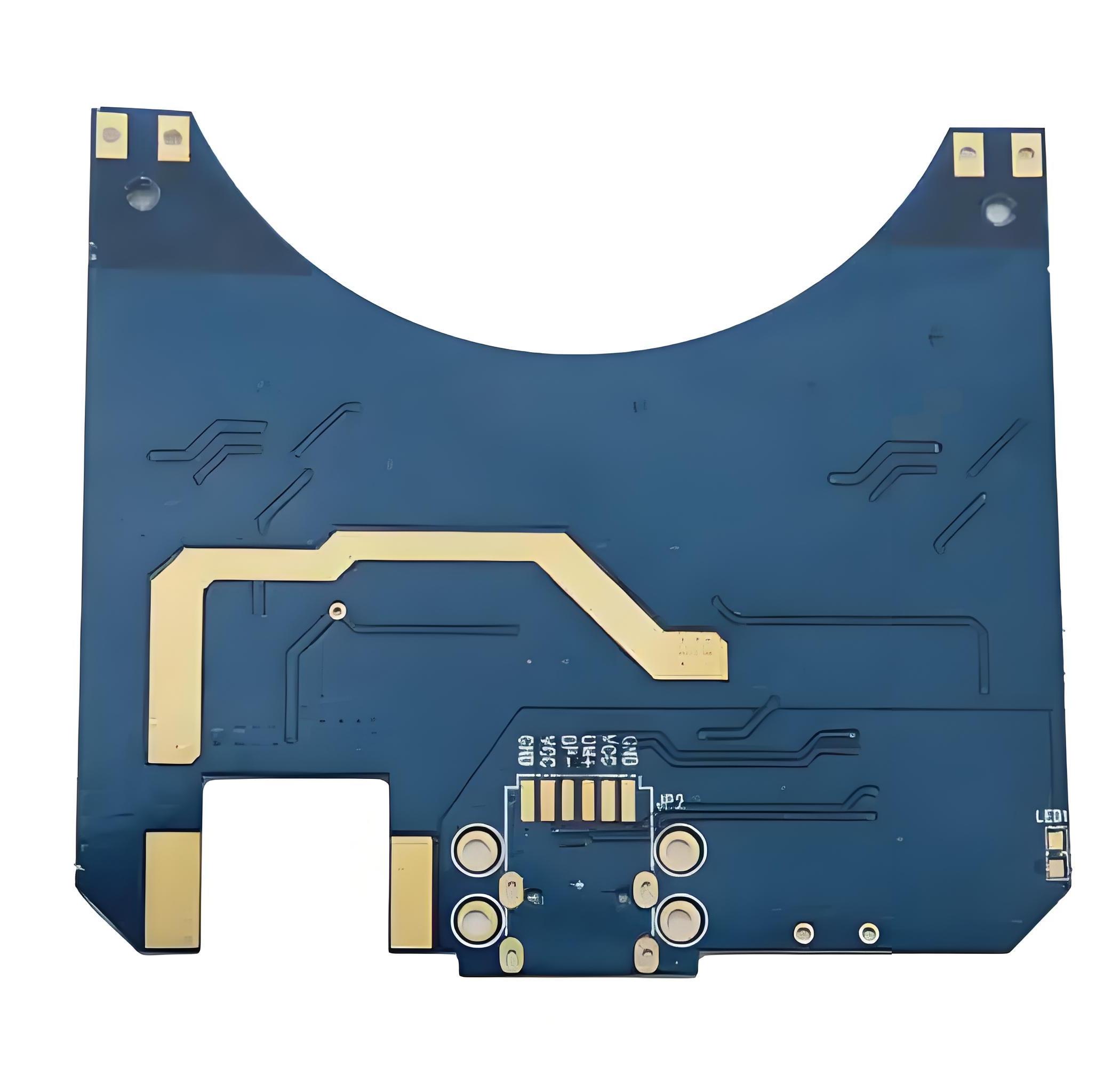
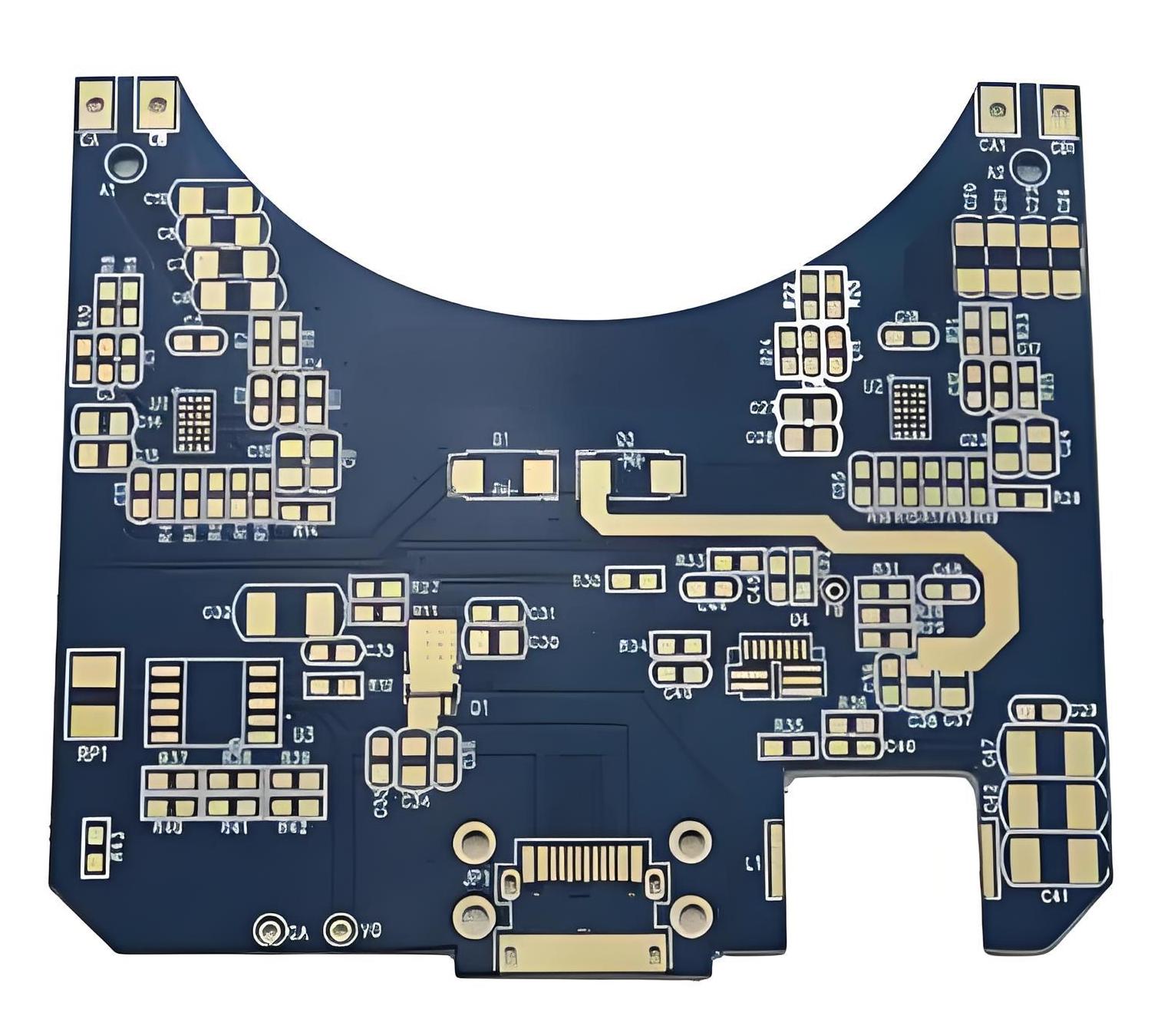
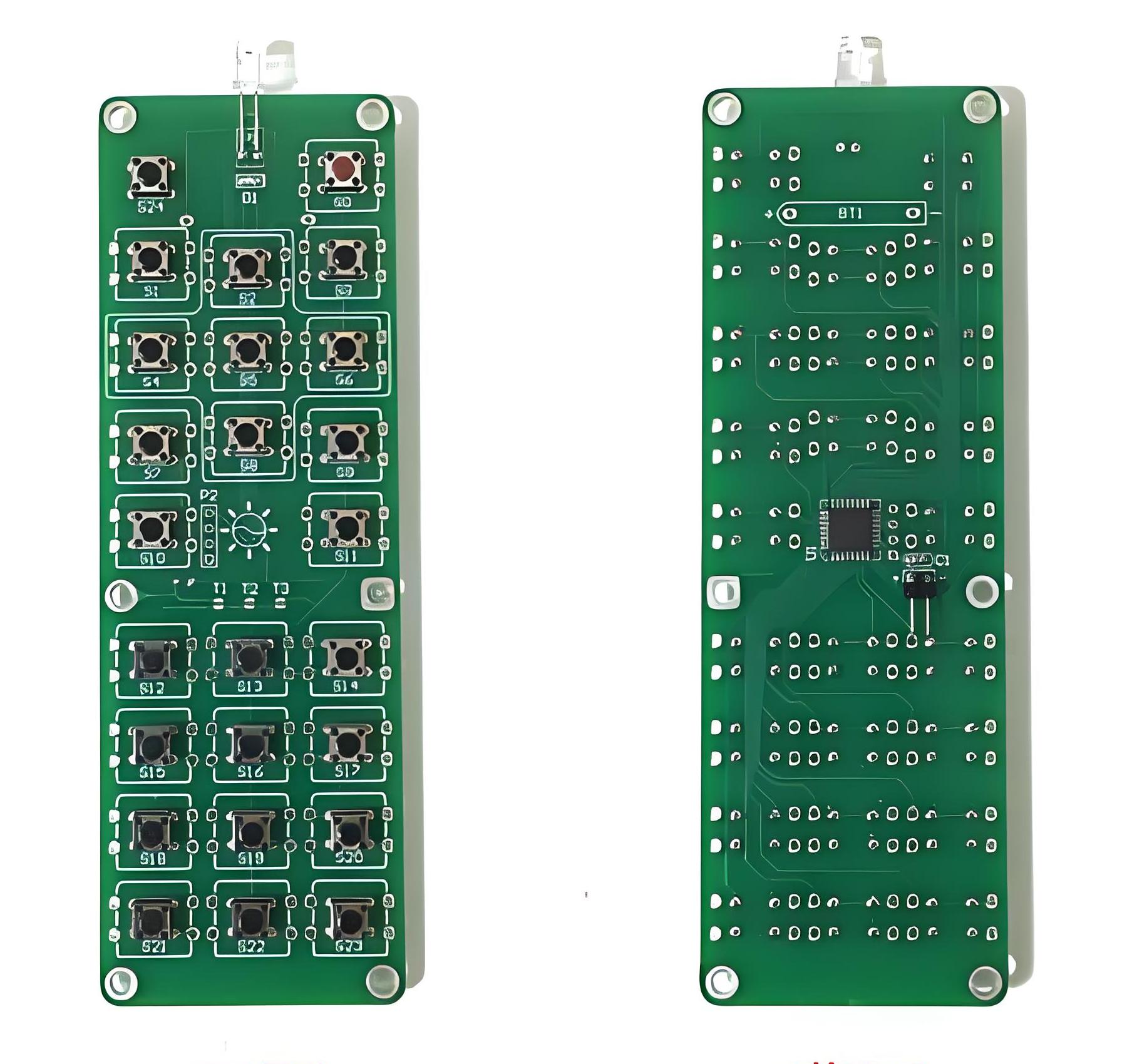
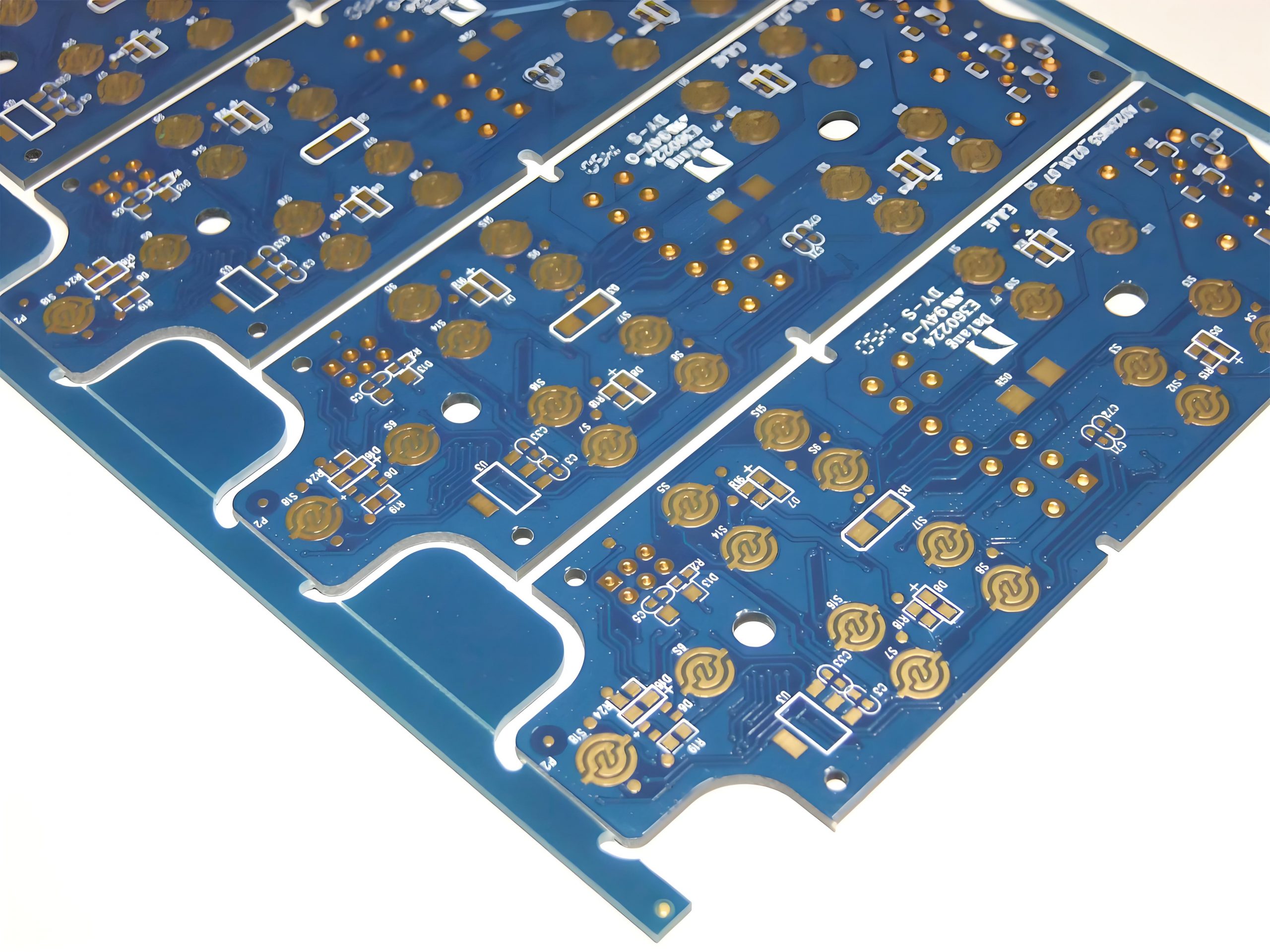
Mammoth 75 PCB thickness is typically in the range of 1.2mm to 1.6mm. This thickness range has a significant impact on keyboard performance and user experience. PCBs with a thickness close to 1.6mm have excellent physical stability, can effectively resist external impacts, protect internal circuits, and are not easily deformed during the welding process, laying the foundation for the stable operation of the Mammoth 75 mechanical keyboard.

What are standard PCB layer thicknesses?

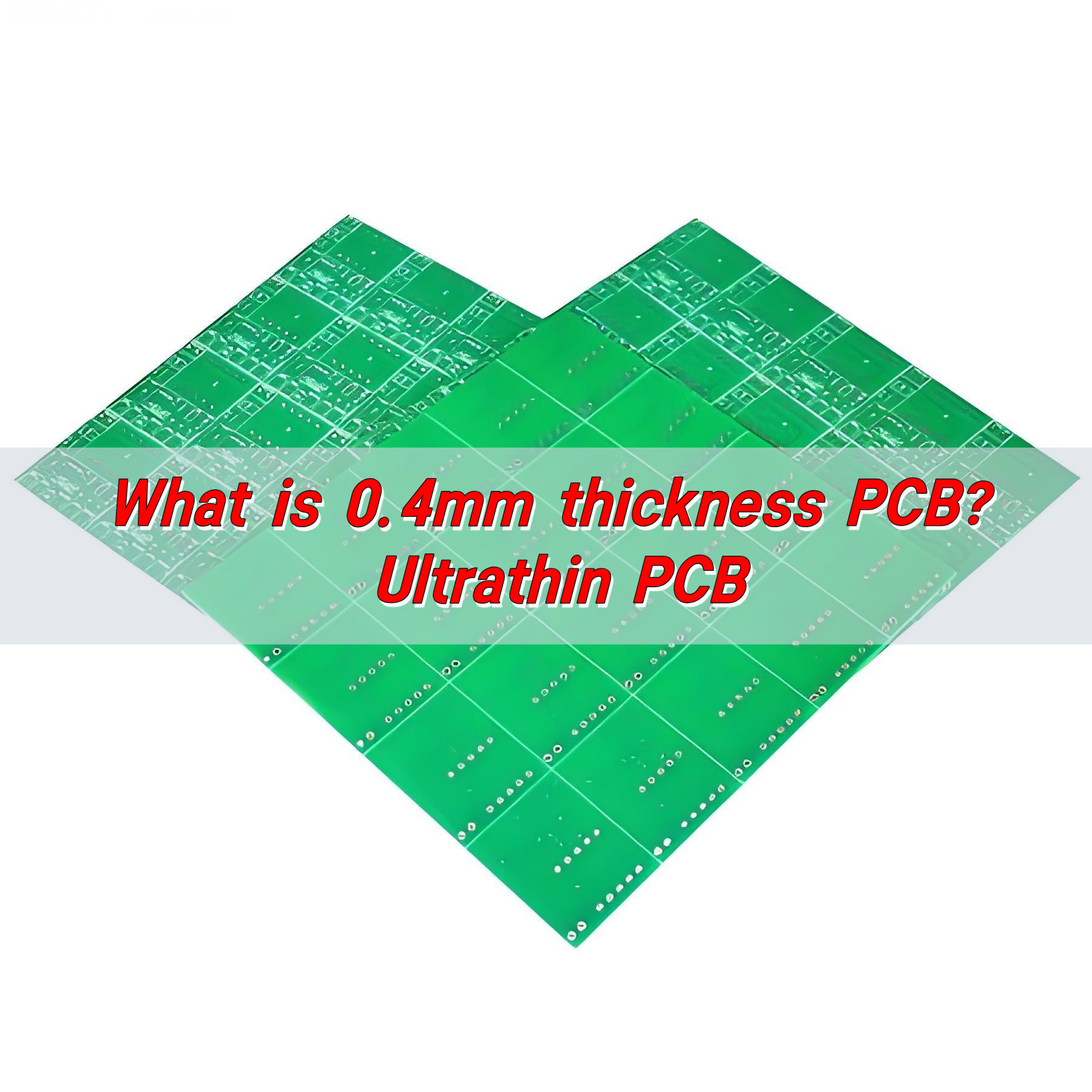
Standard PCB layer thickness is usually 0.1mm. According to the standards of the International Electronics Council (IPC), commonly used PCB board thicknesses include 0.4mm, 0.6mm, 0.8mm, 1.0mm, 1.2mm, 1.6mm, 2.0mm, etc. Among them, the thickness of 1.6mm is regarded as a balance point in most cases, which can not only meet the needs of most applications, but also has good stability and reliability.

Mammoth 75 pcb thickness : PCB Manufacturer & Customization

In addition, the laminated structure design of PCB should follow the principle of symmetry, including the symmetry of dielectric layer, copper foil thickness and pattern distribution. This helps ensure the overall performance and stability of the board.

The thickness of the dielectric layer should be no less than 0.1mm to prevent voltage breakdown. The thickness of the inner layer board (such as layers 1 to 4) can be selected to be 0.1mm. The thickness of copper foil is usually greater than or equal to 0.5oz, and the thickness of the finished copper on the surface is equal to the thickness of the base copper plus 0.5oz. As the number of layers increases, the complexity of signal transmission increases, and appropriate copper foil thickness helps ensure signal quality.

What are the advantages of Mammoth 75 PCB?

The advantages of Mammoth 75 PCB mainly include the following aspects:

  • Soft and elastic feel: Mammoth 75 uses a gasket structure and PC positioning plate, making the keyboard inner liner very elastic. You can see obvious deformation by gently pressing any area of ​​the keys, and the feel is soft and elastic with good consistency.
  • Dull sound: The use of adsorbable Poron material at the bottom of the PCB makes the sound of the axis duller. Combined with the soft elastic keyboard, the typing sound is crisp without losing depth.
Mammoth 75 pcb thickness : PCB Manufacturer & Customization
  • Detailed processing: The PCB design of Mammoth 75 takes into account detailed processing, such as built-in bottom cotton and sandwich cotton, which further improves the feel and sound adjustment effect.
  • Stable structure: Using Gasket structure with aluminum alloy, it achieves the perfect combination of precision craftsmanship and sturdiness and durability.

These advantages make Mammoth 75 PCB outstanding in terms of feel, sound and structural stability, making it suitable for users who pursue a high-quality typing experience.

What is the thickness of mammoth 75 pcb?

Mammoth 75 refers to a mechanical keyboard. Generally, the PCB thickness of mechanical keyboards is usually between 1.2mm-1.6mm.

It usually adopts a compact 75% layout. While retaining the numeric keypad, it reduces the size of the keyboard as much as possible, allowing users to obtain a more convenient operating experience when using it, while also saving desktop space.

This keyboard is generally equipped with a variety of common mechanical shafts to meet the needs of different users for key feel. Keycaps are mostly made of PBT material. This material is wear-resistant and not easy to oil. Even after long-term use, the keycap surface can maintain good texture and clarity, and there will be no key damage caused by frequent finger contact. If the cap characters are worn or the surface is shiny, the service life of the keyboard will be greatly extended.

How does PCB thickness affect performance?

PCB thickness has a significant impact on its performance, mainly reflected in electrical performance, mechanical strength, heat dissipation performance and cost.

  • 1. Electrical performance

The thickness of a PCB directly affects the cross-sectional area of ​​its conductive layer, thereby affecting the current transmission capability. Thicker PCB boards have a larger conductive cross-sectional area, can withstand higher currents, reduce line impedance, and reduce signal transmission losses.

Mammoth 75 pcb thickness : PCB Manufacturer & Customization

In high-frequency applications, thinner PCB boards are beneficial to reducing signal transmission losses and reflections. In addition, thicker PCB boards can reduce signal crosstalk and electromagnetic interference and improve signal integrity.

  • 2. Mechanical strength

The thickness of a PCB is closely related to its mechanical strength and stiffness. Thicker PCB boards have higher bending stiffness and impact toughness, and can withstand greater mechanical stress and vibration, ensuring the stability and reliability of electronic equipment in harsh environments.

  • 3. Heat dissipation performance

The thickness of the PCB also affects its heat dissipation performance. Thicker PCB boards have greater heat capacity and better thermal conductivity, and can more effectively dissipate the heat generated by electronic components, which is especially important in high-power equipment. Thicker copper foil can dissipate heat more effectively and prevent electronic components on the circuit board from failing in high-temperature environments.

  • 4. Cost

PCB thickness is also related to cost. Thicker copper foil increases material requirements and manufacturing difficulty, resulting in higher costs. Thicker PCB boards usually require more materials and more complex manufacturing processes, increasing production costs.

When should you use thicker PCBs?

Thicker PCBs should be used in the following situations:

  • High current applications: Thicker PCB has a larger conductive cross-sectional area, can withstand higher current, lower line impedance, and reduce signal transmission loss.
  • Mechanical strength requirements: Thicker PCBs have higher bending stiffness and impact toughness, and can withstand greater mechanical stress and vibration. This is particularly important in the automotive industry or industrial control systems, as these systems often need to operate stably in harsh environments.
  • Heat dissipation requirements: Thicker PCBs have greater heat capacity and better thermal conductivity, which can effectively dissipate heat and improve the thermal stability and reliability of electronic equipment. This is critical for high-power applications such as power modules, amplifiers, etc.
  • High-frequency applications: In high-frequency applications, such as radar systems or satellite communications equipment, thicker PCBs can help reduce signal reflections and crosstalk, improving signal integrity.

What is BEST Technology’s PCB process capability?

As a Printed Circuit Board (PCB) supplier in Asia, we strive to be your best partner for specific, advanced, high-precision Printed Circuit Boards including Metal Core PCB (MCPCB) such as Aluminum PCB, COB MCPCB, Copper PCB, thick copper plate, mixed layer, high TG, HDI, high frequency, impedance control board, etc.

Mammoth 75 pcb thickness : PCB Manufacturer & Customization

We offer not just PCB and MCPCB manufacturing but also include PCB duplication, engineering and process design, component management and sourcing solutions, PCB in-house assembly and full system integration, Surface Mount Technology (SMT).

How many layers of PCB can BEST Technology manufacture?

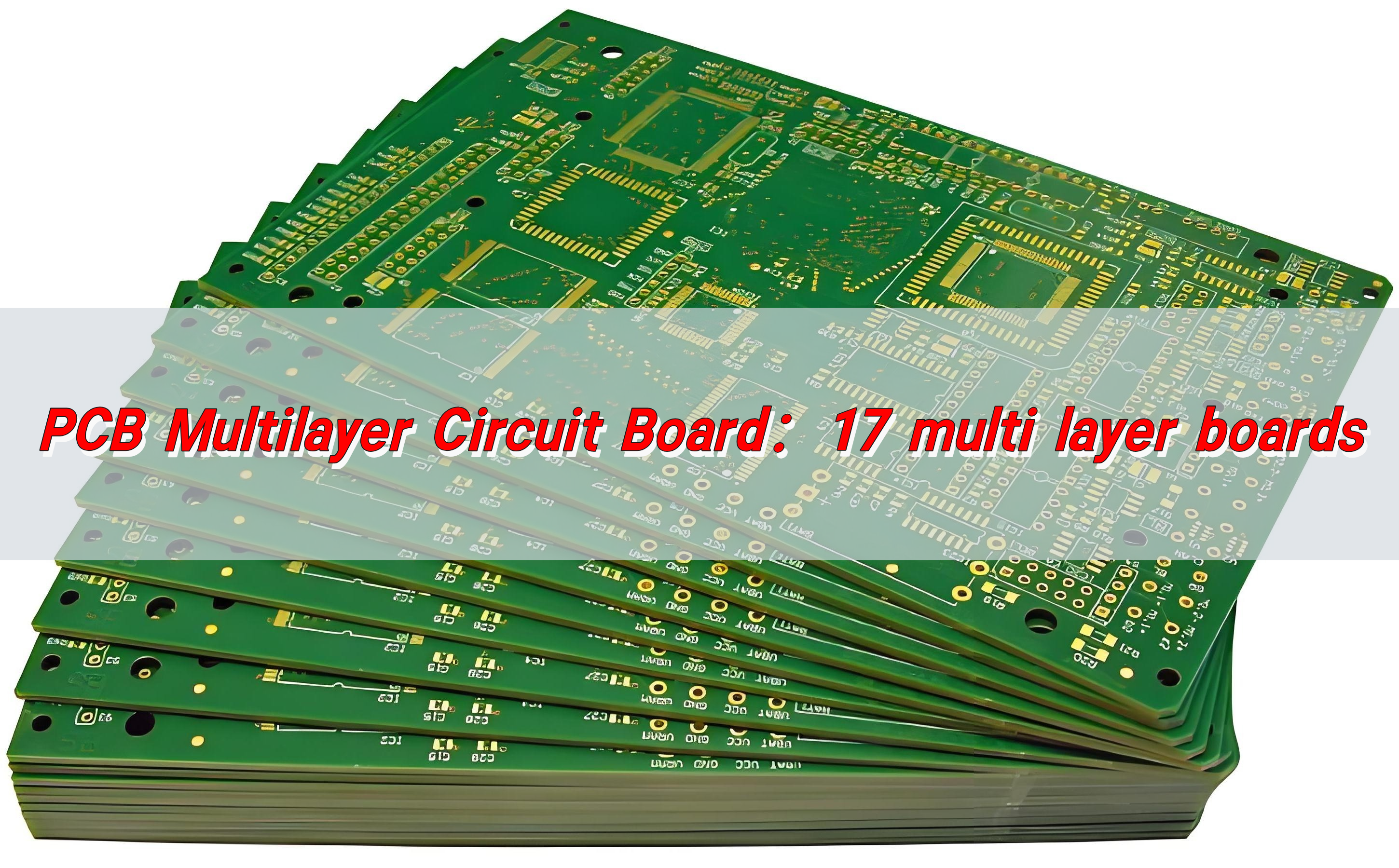
Multilayer PCB refers to a printed circuit board with more than two copper layers, such as 4 layers, 6 layers, 8 layers, 10 layers, 12 layers, etc. As technology advances, one can put more and more layers of copper on the same board. Currently, we can produce FR4 PCBs with 20-32 layers.

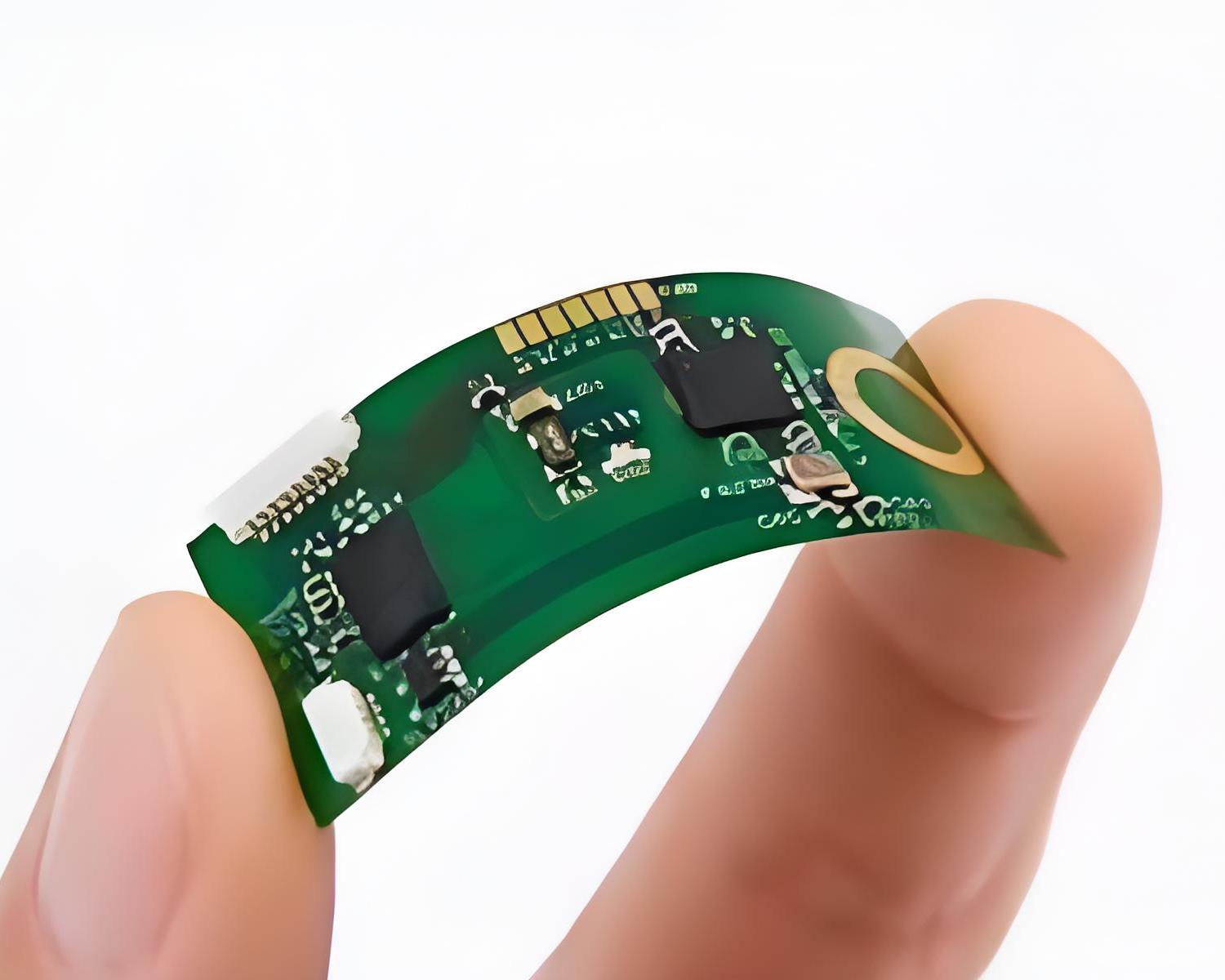
Mammoth 75’s PCB has a unique position and value in the field of mechanical keyboards. From a practical point of view, its precise thickness design takes into account portability and stability, meeting the needs of different users in different scenarios. As a professional PCB manufacturer, BEST Technology controls the manufacturing of PCBs of various thicknesses. Relying on fine craftsmanship and material selection, it meets the requirements for thinness, lightness and high integration of wearable and micro medical devices for mobile phones, tablets, Mammoth 75 keyboards, etc.

Let you know about refrigerator pcb

December 23rd, 2024

What is a refrigerator pcb? Refrigerator PCB is usually composed of insulating substrate, copper foil circuit and various electronic components. Insulating substrate provides support for circuits and components. Common materials include epoxy glass fiber board, which has good insulation performance, mechanical strength and stability, and can adapt to the complex environment inside the refrigerator.

Do refrigerators have PCBs?

There are PCBs inside refrigerators. The PCB of a refrigerator is one of the core control components of the refrigerator, usually called the computer version or control board of the refrigerator. It is responsible for controlling various functions of the refrigerator, such as refrigeration, preservation, energy saving, etc. It monitors and adjusts the operating status of the refrigerator in real time through sensors and control systems to ensure that the refrigerator can work efficiently and stably.

Let you know about refrigerator pcb

What is a PCB in a fridge?

The PCB in a refrigerator is an important part of the refrigerator control system. The role of PCB in a refrigerator mainly includes the following aspects:

  • Connection and control: As the core of the refrigerator control system, PCB controls the switch and operation of the refrigerator by connecting various sensors and other electrical components. It integrates various sensors, such as temperature sensors and humidity sensors, to provide real-time feedback on the temperature and humidity conditions in the refrigerator, thereby achieving automatic control.
  • Interactive function: PCB can interact with users through alarm lights, buzzers and displays to control various functions of the refrigerator, such as constant temperature, refrigeration and thawing.
  • Intelligent function: For high-end refrigerators, PCB can also achieve more functions and information feedback by connecting to the Internet. For example, users can remotely control the refrigerator through mobile phone APP, set the laundry program in advance or let the sweeping robot start working, etc.
  • Maintenance: In order to ensure the normal operation of PCB, it is necessary to clean and inspect it regularly, and ensure that its installation location is dry and ventilated to avoid moisture. In addition, avoid changing the temperature and appliance settings at will to avoid affecting automatic control.

What role do PCBs play in refrigerators?

The role of PCB in refrigerators mainly includes controlling various functions of refrigerators, processing sensor signals, realizing the interconnection of home appliances and improving the intelligence level of refrigerators.

1. Control various functions of refrigerators

PCB is one of the core control components of refrigerators, responsible for controlling various functions of refrigerators, such as refrigeration, preservation, energy saving, etc. Through sensors and control systems, PCB can monitor and adjust the operating status of refrigerators in real time to ensure that refrigerators can work efficiently and stably.

Let you know about refrigerator pcb

2. Processing sensor signals

PCB smart home appliance board is responsible for processing signals from various sensors, such as temperature sensors and humidity sensors in refrigerators. Through accurate analysis and processing of these signals, smart home appliance board can automatically adjust the operating status of home appliances according to preset programs.

3. Realize the interconnection of home appliances

PCB smart home appliance board also realizes the interconnection of home appliances. With the help of network module, smart home appliances can be connected to the home wireless network, and users can remotely control home appliances through mobile phone APP.

Can refrigerator PCB be repaired?

Refrigerator PCB (Printed Circuit Board) can be repaired. If the PCB of the refrigerator fails, you can take the following steps to repair it:

  • Check the warranty period: First check whether the refrigerator is within the warranty period. If it is within the warranty period, you can contact after-sales for free repair or replacement.
  • Self-inspection and simple repair: For some simple problems, you can check and repair them yourself. If the refrigerator does not run after power on, you can check whether the fuse, plug, temperature controller contacts, etc. are normal.
  • Replace PCB: If the PCB is severely damaged, you may need to replace the entire PCB. You can buy an identical PCB to replace it yourself, but you need to be careful when disassembling it, especially not to damage other components.

What is the common damage of a refrigerator?

Common causes of refrigerator PCB damage mainly include the following:

  • Overvoltage: The working voltage of the refrigerator circuit board is 220V. If the voltage is too high, the circuit board will be overloaded and damaged. It is recommended to use a socket with stable voltage or a voltage stabilizer to protect the circuit board.
  • Overload: Hanging items on the refrigerator or placing heavy objects on its door will cause the door to be poorly sealed, air circulation to be blocked, and the refrigerator to work abnormally, which will lead to circuit board overload.
Let you know about refrigerator pcb
  • Sudden power outage: Sudden power outage or lightning may cause damage to the refrigerator circuit board. In case of power outage or bad weather, it is recommended to disconnect the power supply or use a protective device.
  • Poor heat dissipation: The temperature of the refrigerator compressor continues to rise, and it cannot dissipate heat in time, which will burn out the fuse and other components, causing damage to the refrigerator circuit board.
  • Unstable voltage: Unstable voltage cannot meet the power used by the refrigerator, which will cause damage to the refrigerator circuit board. It is recommended to install a voltage stabilizer to protect the circuit board.

How much does it cost to replace a circuit board in a refrigerator?

The cost of replacing a circuit board in a refrigerator is affected by many factors:

  • Refrigerator brand and model: The design, function and complexity of the circuit board of refrigerators of different brands and models vary greatly, and the price will also vary greatly. The circuit boards of high-end brands or refrigerators with complex functions are usually more advanced, more sophisticated and more expensive.
  • Fault severity: If only individual components on the circuit board are damaged, the problem can be solved by repairing and replacing the components, and the cost is relatively low; but if the circuit board has serious problems such as short circuits and burns, the entire circuit board needs to be replaced, and the cost will increase significantly.

How much does it cost to repair a PCB?

The cost of repairing a PCB is affected by many factors, as follows:

1. Fault type

  • Component damage: If only individual ordinary components are damaged, such as capacitors and resistors, the repair is relatively simple and the cost is low; if key components such as chips are damaged, the repair is difficult and the cost will increase significantly.
  • Circuit problem: The difficulty of repairing a circuit break or short circuit varies depending on the complexity of the circuit. The cost of repairing a simple circuit is low, and the cost of repairing a circuit problem on a multi-layer board or high-density circuit board is high.
  • Solder joint problem: It is relatively easy to repair the cold soldering and desoldering of a small number of solder joints, and the cost is not high; but if a large number of solder joints have problems or the solder joints are located in important parts such as chips, the repair cost will increase.
  • Software failure: For the PCB boards of some smart devices, if there are software failures, professional software engineers are required to debug and repair them, which may increase the repair cost.

2. Circuit board type

  • Computer motherboard: The repair of ordinary desktop computer motherboards is relatively common and easy, and the cost is average; while the notebook motherboard has high integration and complex structure, which is difficult to repair and the cost is usually high.
  • Mobile phone motherboard: Mobile phone motherboards are small in size and highly integrated. Repair requires high-precision equipment and technology, and mobile phones are updated quickly. The repair costs of motherboards of different models vary greatly.
  • Home appliance circuit boards: The circuit boards of common home appliances such as TVs, refrigerators, washing machines, etc. have relatively simple functions, and the repair costs are generally stable, but if they are circuit boards of high-end smart home appliances, the repair costs may be higher.
  • Industrial control circuit boards: Industrial control circuit boards have extremely high requirements for stability and reliability, and usually use high-quality components and complex designs. They are difficult to repair and costly.

How to customize refrigerator PCB?

Customizing refrigerator PCB requires the following steps:

  • Clear requirements: determine the functional requirements of the refrigerator, consider the use environment of the refrigerator, determine the PCB’s operating temperature range, humidity requirements, electromagnetic compatibility and other performance indicators.
  • Design circuit: According to the requirements, use professional design software to draw circuit diagrams, layout and wiring; plan the board layers reasonably. For refrigerator PCBs with complex functions, multi-layer board design can be used; consider the heat dissipation problem. For heating components, they should be laid out as close to the edge as possible, and heat sinks or heat dissipation holes can be added to ensure the temperature stability of the PCB during operation.
  • Select materials: According to the use environment and performance requirements of the refrigerator, select the appropriate substrate and the appropriate copper foil thickness to meet different current carrying capacity and signal transmission requirements. According to the electrical performance and environmental adaptability requirements, select the surface treatment process, etc.
Let you know about refrigerator pcb
  • Manufacturing and testing: During the manufacturing process, drilling holes needs to be accurately drilled, electroplating ensures the formation of a good conductive layer, etching removes excess copper foil, silk-screens clear and accurate symbols and component identification, and uses automated optical inspection equipment to quickly and accurately inspect the PCB. Electrical and functional tests are also performed to ensure that the PCB meets the design requirements and performance standards.
  • Assembly and debugging: Assemble electronic components onto the PCB through surface mount technology or through-hole technology, pay attention to welding quality, perform system debugging on the assembled PCB, check whether the various functions of the refrigerator are normally implemented, such as temperature control accuracy, start and stop and operation status of the refrigeration system, intelligent interconnection function, etc., and make timely adjustments and optimizations to any problems that arise.

As a key component of the refrigerator, the refrigerator PCB should be designed to take into account the special environment of the refrigerator, and be resistant to low temperature, humidity, and electromagnetic interference. BEST Technology will start from the design of the refrigerator PCB and customize the best solution based on the characteristics and needs of different refrigerators. In the production process, various process standards are strictly followed, and then the finished product is strictly tested to ensure the high quality of the PCB layer by layer.

What is a flip chip cob led?

December 20th, 2024

What is a full flip chip cob led? COB (Chip On Board), or chip on board packaging technology, is a technology that directly packages multiple LED chips on a circuit board. Unlike traditional LED packaging methods, COB LEDs do not need to package each chip separately, but instead arrange them closely and integrate them on a common substrate to form a light-emitting module.

What is a COB flip chip?

COB flip chip refers to a packaging technology, the full name of which is Chip on Board (chip directly on the board), where “flip” refers to the packaging method of the chip. Flip chip COB technology packages LED chips directly on the PCB substrate, covers the silicon wafer with thermally conductive epoxy resin, and performs heat treatment, and finally establishes an electrical connection between the chip and the substrate through wire bonding.

What is a flip chip cob led?

Its characteristics and applications:

  • Simple structure: Full Flipped chip COB technology has a simpler structure, reduces gold or copper wire connections, and simplifies the manufacturing process.
  • High temperature resistance: This packaging method has better high temperature resistance and improves the stability and reliability of the product.
  • Good heat dissipation performance: Due to the reduction of connecting parts, the heat dissipation performance is improved, reducing the risk of dead lights and falling lights.
  • Widely used: Flip-chip COB technology is widely used in indoor small-pitch LED displays.

Comparison with other packaging technologies

  • Formal COB: The formal chip packaging method is earlier, the process is mature but the stability is poor, it is easily affected by moisture, and it affects the light output efficiency and heat dissipation efficiency.
  • Mixed COB: Mixing formal and flip chips, taking into account cost and performance, is suitable for the transition stage.

What is a flip chip used for?

The main functions of flip chips include:

  • Reduce signal delay and parasitic inductance: Flip chips are directly electrically connected to the pads of the package substrate through bumps, without the need for long bonding wires, so the signal path is shorter, which can effectively reduce signal delay and parasitic inductance.
  • Improve heat dissipation performance: Since the chip is directly connected to the substrate through bumps, heat is more easily transferred to the substrate, thereby improving heat dissipation performance.
  • High I/O pin density: Flip chips have higher I/O pin density, save area, and are suitable for high-performance and high-integration applications.
  • Improve package reliability: Flip chips use metal ball connections, which are compact and reliable, so they are increasingly used in the packaging industry.
  • Reduce package size: Using metal ball connections can reduce package size, improve electrical performance, and solve the problem that traditional packaging methods need to expand volume due to increased pin counts.

How does a flip-chip work?

The working principle of flip chip technology is to form bumps on the active side of the chip, and then align and weld the active side of the chip with the pads on the substrate facing down, thereby achieving direct electrical connection between the chip and the substrate.

What is a flip chip cob led?

This connection method not only reduces the package volume, but also improves signal transmission speed and reliability because the signal path is shorter and the parasitic inductance and capacitance effects caused by wire bonding are avoided.

What are the disadvantages of flip chip?

The main disadvantages of flip chips include thermal stress problems and reliability problems. Due to the mismatch in the coefficient of thermal expansion (CTE) between the chip and the substrate, when the temperature changes, the solder joints will be subjected to large thermal stress, resulting in fatigue damage and failure. In order to solve these problems, the bottom filling process is usually adopted, that is, polymer materials are injected into the gap between the chip and the substrate to improve the stress distribution of the solder joint, reduce the strain amplitude, and extend the thermal fatigue life of the solder joint.

In addition, flip chip technology faces some challenges in practical applications, including:

  • Material selection and process optimization: As chips become increasingly miniaturized and thinner, the requirements for the performance of filling materials and packaging reliability continue to increase. Material design, process optimization and other measures are effective ways to deal with potential challenges.
  • Wide-scale use of lead-free solder: The use of lead-free solder has put forward new requirements for the bottom filling process, which requires further research and improvement.

What are the different types of flip chips?

There are mainly the following types of flip chips:

FCBGA (flip chip ball grid array package):

  • Process characteristics: FCBGA uses small balls instead of pins for welding, has high I/O density, can effectively solve electromagnetic compatibility and electromagnetic interference problems, and reduce the packaging area. In addition, its good heat dissipation performance enables the chip to work stably at higher power.
What is a flip chip cob led?
  • Application areas: Widely used in high-end microprocessor and graphics processing chip packaging, such as high-end CPU and GPU, to ensure the stability and performance of the chip when running at high frequency.

FCCSP (Flip Chip Size Package):

  • Process characteristics: FCCSP can achieve chip size and package size close to each other, suitable for portable electronic devices with strict space requirements. Its compact packaging form minimizes the space occupied by the package while ensuring chip performance.
  • Application areas: Suitable for devices with limited internal space such as smartphones and tablets, which can reduce the package space while ensuring performance, leaving more space for other components.

Cob flip chip vs smd

SMD and COB each have their own advantages and disadvantages. Which technology to choose depends on the specific application scenario and requirements.

Application scenarios and comparison of advantages and disadvantages

1. Packaging method:

  • SMD: SMD (Surface Mount Device) technology is to package LED chips into lamp beads and then solder them on the PCB board. This technology is mature and low-cost, and is suitable for LED displays with regular spacing.
  • COB: COB (Chip-on-Board) technology is to directly package the LED chip on the PCB board, with a smaller dot pitch, which is suitable for micro-pitch LED display screens. Although the cost is higher, the process is simpler and the dot pitch can be smaller.

2. Dot pitch:

  • SMD: The dot pitch is larger, usually reaching P20 to P1.25, but it is difficult to reduce further.
  • COB: The dot pitch is smaller, suitable for products of P1.25 and below, such as P0.93, P0.78, etc.

3. Cost:

  • SMD: Due to mature technology and low cost, it is suitable for large-scale production and conventional applications.
  • COB: Due to the high cost of technology and materials, it is suitable for the high-end, high-demand micro-pitch LED display market.

4. Stability and life:

  • SMD: Due to the protrusion of the lamp beads, it is easy to cause the problem of falling or dead lights during installation and removal.
  • COB: Directly encapsulated on the PCB board, the probability of falling and dead lights is reduced, and the stability is better.

5. Optical performance and heat dissipation performance:

  • SMD: The light spot may be uneven due to the independent light emission of multiple LED chips, and the color rendering performance is affected by the design and materials. Heat dissipation performance is affected by the packaging design of a single LED chip.
  • COB: Multiple LED chips are closely arranged, the light spot is uniform, the color rendering performance is good, and the heat dissipation area is large and uniform.

What is the difference between flip chip and BGA?

The main difference between flip chip (Flip Chip) and BGA (Ball Grid Array) lies in the packaging method and application scenario.

1. Packaging method

  • Flip chip (Flip Chip): Flip chip is a packaging technology that directly solders the contact points of the chip to the substrate. The contact points of the chip (usually metal balls) are directly connected to the contacts on the substrate to form an electrical connection.
  • BGA (Ball Grid Array): BGA is a surface mounting technology in which the chip is connected to the pads on the substrate through its contact points (usually ball pins). BGA packaging usually uses a solder ball array, and the solder balls are fixed to the substrate by reflow soldering.

2. Application scenarios and advantages and disadvantages

Flip chip:

  • Advantages: Reduced resistance and parasitic capacitance, increased signal transmission speed; small package size, suitable for high-density integration; high reliability because of reduced connection points.
  • Disadvantages: Complex manufacturing process and high cost; requires precise alignment and welding technology.
  • Application scenarios: Suitable for high-performance computing and high-speed signal transmission occasions, such as CPU, GPU, etc.

BGA:

  • Advantages: Increased I/O pin count and increased packaging density; increased assembly yield; improved electrothermal performance.
  • Disadvantages: Occupies a large substrate area; relatively complex manufacturing process and high cost.
  • Application scenarios: Suitable for high pin count and high performance requirements, such as high-end processors, graphics processing units, etc.

What is the difference between flip chip and COB?

Flip chip and COB (Chip on Board) have significant differences in definition and application.

1. Definition and basic concepts

  • Flip chip is a chip packaging technology in which the I/O end (pin) of the chip faces downward and is connected to the substrate through solder bumps. This technology can improve packaging density and electrical performance, and is often used in high-performance computing and communication equipment.
  • COB (Chip on Board) is a technology that directly packages chips on circuit boards, aiming to solve the shortcomings of traditional LED displays, such as dead lights and falling lights, and improve stability and resolution. COB technology is divided into two types: positive and flip.
What is a flip chip cob led?

2. Packaging method:

  • Flip chip: The I/O end of the chip faces down and is connected to the substrate through solder bumps.
  • COB: The chip is directly packaged on the PCB board, which is divided into positive and flip. The positive chip faces up and is connected through welding wires; the flip chip faces down and is directly connected to the PCB without welding wires.

3. Application field:

  • Flip chip: Widely used in high-performance computing, communication equipment and other fields, it is favored for its high-density installation and good electrical performance.
  • COB: Mainly used in LED displays, especially in the field of high-end displays. COB technology can solve the problems of high thermal resistance, high cost and smaller spacing in traditional SMD packaging.

4. Advantages and Disadvantages:

  • Flip chip: Advantages include high packaging density and good electrical performance; Disadvantages are complex production process and high cost.
  • COB: Formal COB has lower cost, but there are wire bonding problems that affect stability and heat dissipation efficiency; Flip chip COB has high process requirements, better stability, strong thermal conductivity, but higher cost.

Flip chip COB LED integrates the advantages of COB packaging and flip chip technology, achieving precise light color control and uniform light distribution in optical performance, excellent electrical performance, efficient heat dissipation, and strong stability. As a professional PCB manufacturer, BEST Technology is committed to creating high-quality PCBs for flip chip COB LEDs and providing stable and reliable solutions.

How to use a pcb prototype board?

December 20th, 2024

How to use a pcb prototype board? To use a PCB prototype board, you need to prepare components and tools according to the design, check the board, lay out the components reasonably and solder them. After soldering, first visually inspect, then power on and test each module with an oscilloscope, etc. If there is a problem, check the connection, change components, and adjust parameters to debug. Clean and store it after use.

What is a PCB prototype?

PCB prototypes are early samples of products, mainly used to test design concepts and verify the feasibility of designs. It not only tests basic user functions, but also needs to have certain functionality to ensure that the overall function of the design can operate normally. During the PCB prototype production process, engineers can test different PCB designs and manufacturing specifications to find the best solution.

How to use a pcb prototype board?

The role of PCB prototypes:

  • Shorten time: Through PCB prototypes, design engineers can quickly and accurately test design problems and reduce the number of design iterations, thereby shortening the design cycle and reducing costs.
  • Improve customer satisfaction: Customers can see product prototypes in advance, which can better communicate needs, reduce misunderstandings and rework during design and production, and ensure that the final product meets customer needs.
  • Ensure design feasibility: PCB prototypes can test circuit boards before production, discover and fix potential design defects, and avoid rework and cost waste after production.

How to make PCB prototyping?

The following are brief steps to make PCB prototypes:

  • Step 1: Design circuit schematics

Use the schematic capture tool to select components according to circuit functional requirements and connect them logically in the software. After drawing, check its logic and integrity, and use the electrical rule check function to troubleshoot errors to ensure that it meets the requirements.

  • Step 2: Plan PCB layout

Import components into the layout software, place them reasonably according to component characteristics, plan wiring at the same time, take into account power lines, ground lines and high-speed signal wiring requirements, and adjust components and wiring to meet rules and space restrictions.

  • Step 3: Generate production files

Generate Gerber files, make BOM materials list at the same time, and communicate with manufacturers to ensure that the files meet production requirements.

  • Step 4: Select the manufacturing method

Choose breadboard (flexible but high contact resistance, etc.), perforated board (needs soldering, more stable but more complicated wiring) or PCB manufacturing (high quality but high cost, long cycle) according to the complexity, size and budget of the circuit.

  • Step 5: Manufacture PCB board

Breadboard directly plugs components and connects jumpers; perforated board needs to solder components; PCB manufacturing gives relevant documents to manufacturers for production according to the process, and maintains communication during the process to ensure quality and delivery.

  • Step 6: Drilling
How to use a pcb prototype board?

Choose a drill bit according to the size of the component pin, use a drilling machine to drill vertically, control the depth, especially for multi-layer boards, and clean up the debris in the hole after drilling.

  • Step 7: Soldering components

After cleaning the component pins, place them in the corresponding position of the PCB, use a soldering iron, solder wire (hot air gun for patch, etc.) to solder according to specifications, and check the quality of the solder joints after soldering to ensure that there are no problems such as false soldering and short circuits.

  • Step 8: Test the circuit board

Perform visual inspection (look at the appearance, component installation, solder joints, etc.), functional testing (input signals according to the designed functions to see if the output meets expectations) and electrical testing (use instruments to measure whether the electrical parameters are normal) to promptly troubleshoot and repair problems.

How much does a PCB prototype cost?

The cost of a PCB prototype varies depending on many factors, mainly including circuit board size, number of layers, materials, process complexity, etc.

  • Circuit board size: The larger the circuit board, the higher the cost.
  • Number of layers: Multi-layer circuit boards are usually more expensive than single-layer or double-layer circuit boards because the manufacturing process is more complicated.
  • Material type: Different materials have different costs, and high-performance materials are usually more expensive.
  • Surface treatment: Surface treatment processes such as gold plating and immersion gold will affect the cost.
  • Minimum line width, line spacing, aperture: The higher the accuracy requirements of these parameters, the higher the cost.
  • Special requirements: Additional requirements such as impedance control and special markings will increase the cost.

What is the difference between prototype PCB and assembly?

The main difference between prototype PCB and assembly lies in their purpose, quantity, production cycle and cost.

1. Purpose and quantity

  • Prototype PCB: Mainly used to test and verify the design, ensure the feasibility and performance of the design in practical applications, and its quantity is usually large.
  • Assembly: Usually refers to mass production, the quantity is usually more than 500 pieces, or even thousands of pieces.

2. Production cycle and cost

  • Prototype PCB: The production cycle is short, usually no more than 10 days, suitable for rapid testing and adjustment of the design. Although the unit price is high, the total cost is low because problems can be discovered and solved in time to avoid losses during mass production.
  • Assembly: The production cycle is long, generally 20-25 days. The unit price is low, but the total cost is high because a large number of products need to be produced.

3. Design and production process

  • Flexibility: The prototype PCB production process is more flexible and can be adjusted and modified according to design requirements.
  • Quality control: The quality control standards of prototype PCB can be moderately relaxed to complete production faster. Mass production requires strict quality control to ensure that each board is defect-free.

Is a breadboard a protoboard?

A breadboard is a prototype board, also known as a solderless breadboard or a universal circuit board. It is mainly used for prototyping and experimental verification of electronic circuits. It can quickly assemble and test circuits without soldering.

How to use a pcb prototype board?

The structure of a breadboard includes a conductive hard substrate, an insulating material layer, and an epoxy glass cloth board or a double-sided glass cloth board covered with a copper layer. There are many holes on the top for plugging electronic components, such as DIP (dual in-line package), SMD (surface mount device) and THT (through-hole technology).

The breadboard uses U-shaped metal contacts to hold component leads and wire segments inserted through holes, and uses spring tension to fix components, providing a flexible and convenient way to connect circuits.

The use scenarios of breadboards are very wide, suitable for prototyping and debugging of various electronic projects. Due to its characteristics of not requiring soldering, breadboards are particularly suitable for beginners and experimenters who need to frequently replace components.

What is the difference between PCB prototype and breadboard?

PCB prototype and breadboard have the following main differences in prototyping:

1. Usage:

  • Breadboard: When using breadboard for circuit construction, you only need to insert the component pins into the corresponding small holes, without soldering, which is very suitable for temporary circuit testing and small-scale prototyping.
  • PCB prototype: You need to use circuit design software to draw a circuit diagram first, and then convert the design into conductive lines and component layout on the PCB. The PCB is made through a series of processes, and finally the components are soldered to the PCB to complete the circuit construction.

2. Advantages and disadvantages:

Breadboard:

  • Advantages: easy to use, flexible, can quickly build and modify circuits; no professional tools and equipment are required, suitable for beginners and small-scale production.
  • Disadvantages: The circuit connection is not stable enough and is easily affected by vibration and temperature difference; it is not suitable for large-scale production and complex circuit design; after long-term use, the metal contact points are easily oxidized and cause poor contact.

PCB prototype:

  • Advantages: The circuit connection is stable and reliable, suitable for the design and production of various complex circuits; it can achieve high-density wiring and compact arrangement of components; it is easy to realize automated production and batch replication; it has good protection performance and can resist interference from the external environment.
  • Disadvantages: The design and production costs are relatively high, requiring professional knowledge and skills support; the production cycle is long, not suitable for rapid prototyping and temporary testing needs; once the production is completed, the circuit structure and component layout are not easy to modify.

3. Applicable scenarios:

  • Breadboard: suitable for beginners and small-scale prototyping, as well as temporary circuit testing.
  • PCB prototype: suitable for the design and production of complex circuits, as well as the needs of large-scale production and long-term stable operation.

What are the three types of breadboards?

Breadboards are mainly of the following three types: solderless breadboard, single breadboard and combination breadboard.

  • Solderless breadboard: This breadboard has no soldered power socket, is small in size, easy to carry, and is suitable for small circuit experiments. Its disadvantage is that the power connection is inconvenient and not suitable for large-scale circuit experiments.
How to use a pcb prototype board?
  • Single breadboard: Single breadboard is small in size, easy to carry, and can be easily turned on and off. But its disadvantage is that it is small in area and not suitable for large-scale circuit experiments.
  • Combination breadboard: Combination breadboard is to fix multiple solderless breadboards on the motherboard, and connect the power lines of each board together through the copper foil in the motherboard.

The use of PCB prototype board covers several key steps such as preparation, inspection, layout welding, testing and debugging, and maintenance and preservation. As a professional PCB manufacturer, BEST Technology has rich practical experience in the design and development of PCB prototypes. From the precise drawing of the schematic to the high-quality prototype production, every link is strictly controlled to ensure the provision of excellent performance, stable and reliable PCB prototypes.

What is NPTH in PCB?

December 18th, 2024

What is NPTH in PCB? NPTH is a through hole on PCB, but unlike plated through hole, its hole wall is not treated with electroplated metal. These holes are usually used for mechanical installation, positioning or as non-electrical connection purposes such as ventilation and heat dissipation channels.

What is an NPTH?

NPTH refers to non-plated through hole, that is, a hole without electroplated metal on the hole wall. The hole wall of NPTH hole is not electroplated with metal and is usually used for positioning, fixing or as a screw hole. These holes do not participate in electrical connection and are mainly used for mechanical fixing or structural support.

What is NPTH in PCB?

NPTH holes are often used in the following scenarios:

  • Positioning hole: used to position and fix other components or parts on PCB.
  • Screw hole: used to install screws and fix PCB or other components.
  • Mounting hole: used to install connectors or other external devices.

What is the full form of NPTH?

The full name of NPTH is “Non Plating Through Hole”. In printed circuit boards (PCBs), NPTH refers to holes whose walls are not plated with metal and therefore do not participate in electrical connections. Such holes are usually used for positioning, fixing screws or other non-conductive purposes.

What is the difference between PTH and non PTH?

The main difference between PTH (Plating Through Hole) and NPTH (Non Plating Through Hole) is whether the hole wall is plated.

1. Plating:

  • PTH: The hole wall is plated and is usually used for electrical connections, such as vias (VIA) and component holes. There is copper on these hole walls, which can achieve electrical conduction between the layers of the circuit board.
  • NPTH: The hole wall is not plated and is usually used for positioning, fixing and other functions, such as screw holes or connector fixing holes. There is no copper in these hole walls and does not participate in electrical connections.

2. Appearance characteristics:

  • PTH: There are traces of plating, the hole wall is smooth and covered with copper.
  • NPTH: There are no traces of plating, the hole wall is not smooth and not covered with copper.

3. Application scenarios:

  • PTH: Mainly used in scenarios where electrical connection is required, such as connecting different layers of a circuit board or connecting components.
  • NPTH: Mainly used in scenarios where electrical connection is not required, NPTH holes usually do not have hole rings, but in some special cases, hole rings are also designed to achieve grounding functions.

What is a PTH pad?

PTH pads (Plated Through Hole) refer to pads with through holes, and the hole walls are copper-plated. PTH pads play an important role in PCB design, and are mainly used to connect different layers of a circuit board or connect component pins to a circuit board.

The following points should be noted during the design and manufacturing process of PTH pads:

  • Size and shape: The outer ring of the PTH pad cannot be less than 0.2mm (8mil) on one side to ensure stability during welding.
  • Welding process: During welding, the PTH pad will take away a considerable amount of solder, which may cause insufficient solder problems.
  • Manufacturing capability: The design of the PTH pad is directly related to the manufacturing capability of the circuit board, which may cause welding quality problems.

PTH pads play a key role in PCB assembly, ensuring stable connection of components and reliable electrical performance. Correct PTH pad design can significantly improve the reliability and manufacturing quality of the circuit board.

How thick is plated through-hole plating?

The plating thickness standards for plated through-holes vary depending on the application scenario. Specifically:

  • IPC Level 1: The smallest thickness, short service life, usually used in consumer electronics that may become obsolete in a few years, requires an average thickness of 20 microns, and spots are not thinner than 18 microns.
  • IPC Level 2: More durable, continuously used holes, suitable for equipment that often runs for 5 years or more, requires an average thickness of 20 microns, and spots are not thinner than 18 microns.
  • IPC Level 3: The thickest and most durable plated through-holes, used for products expected to be used for ten years or more, requires an average thickness of 25 microns, and spots are not thinner than 20 microns.

What is the anatomy of a plated through-hole?

A plated through-hole (PTH) is a hole drilled in a circuit board, and a layer of metal is deposited on the hole wall through an electroplating process to achieve electrical connections between different layers of the circuit board. Its construction usually includes the following parts:

  • Hole wall: The hole wall of the plated through-hole is formed by drilling, usually in a circular or other shape.
  • Metal plating: A layer of metal deposited on the hole wall by electroplating process to achieve electrical connection. The thickness and quality of the metal plating have an important impact on the electrical performance and reliability of the plated through-hole.
  • Pad: Located at both ends of the plated through-hole, it is used to solder electronic components or connect other circuit boards. The shape and size of the pad are usually designed according to the type and size of the electronic component.
  • Solder mask: A layer of insulating material covering the surface of the circuit board to prevent solder flow and short circuit during soldering. The solder mask usually leaves a certain opening around the plated through-hole to solder electronic components.

What is the required hole fill of a plated through-hole?

The required hole fill of a plated through-hole is usually required to reach 100%. Specifically, the plated through-hole (PTH) should be filled with 100% vertical solder, the solder side should have a perfect fillet, and the component and pad should be in 100% contact with the solder.

The surface of the weld should be smooth, non-porous, non-disturbed, bright, and the solder joints completely wrap the solder feet and are concave. In addition, electroplating hole filling technology also plays an important role in improving the electrical performance and connection reliability of circuit boards.

What is NPTH in PCB?

Electroplating hole filling can improve electrical performance, improve connection reliability, avoid electromagnetic interference, and has excellent solderability and a more simplified process. In practical applications, electroplating hole filling is suitable for blind holes with a diameter of 80-220um and a thickness-diameter ratio of less than or equal to 1:1. The hole filling rate can reach more than 85%.

What is the difference between plated and coated?

The main difference between plating and coating lies in their formation method and application scenarios.

1. Formation method

  • Plating: Plating is a metal protective layer formed on the surface of the material by electroplating or chemical plating. Electroplating is to use the principle of electrolysis to plate a thin layer of other metals or alloys on certain metal surfaces to form a metal film. Chemical plating is to form a metal coating on the surface of the material through chemical reaction.
  • Coating: Coating is a protective layer formed by spraying paint on the surface of the material. Common coating methods include hot-dip galvanizing, thermal spraying and surfacing, which mainly apply metal to the surface of the substrate by physical means.

2. Application scenarios

  • Plating: Plating is widely used in aviation, automobile, electronics and other fields. In the aviation field, coating can improve the mechanical strength and processing accuracy of parts and reduce the weight of parts; in the automotive field, coating can improve the corrosion resistance and wear resistance of the car body.
  • Coating: Coating is widely used in construction, machinery, automobile and other fields. In the construction field, coating mainly plays the role of anti-corrosion, waterproof, heat preservation, etc.; in the mechanical field, coating can enhance the hardness, wear resistance and corrosion resistance of the material surface.

3. Advantages and disadvantages

  • Plating: Advantages include good anti-corrosion, anti-wear, electrical conductivity, thermal conductivity and aesthetics. Disadvantages are complex process and high cost.
  • Coating: Advantages are simple process, low cost, anti-corrosion, waterproof, wear resistance, heat insulation and other characteristics. Disadvantages are that the aesthetics and some physical properties are not as good as plating.

Although NPTH in PCB does not directly participate in electrical connection like plated through holes, it plays an irreplaceable role in mechanical installation, heat dissipation, etc., and together with plated through holes, it constitutes a complete functional system of PCB.

What are PCB stencil printers?

December 18th, 2024

What are PCB stencil printers? stencil pcb printers is a process for applying solder paste to specific pad locations on a PCB board with high precision. The core tool is the PCB stencil, a thin sheet of precision-machined metal with holes that exactly match the shape, size, and location of the PCB board pads.

What is a PCB stencil?

A stencil in PCB refers to a tool used in the surface mount assembly process to precisely deposit solder paste at specific locations on a printed circuit board. The stencil is usually made of brass or stainless steel and is engraved with circuit patterns that match the locations of surface mount devices (SMDs) on the PCB.

What are PCB stencil printers?

The stencil plays a vital role in the PCB assembly process. It ensures that solder paste is accurately deposited at the locations of the SMDs, thereby ensuring that the components are accurately mounted in the correct locations.

The design of the stencil, including its composition, thickness, and the shape and size of the holes, will affect the quality of the solder paste deposition. Too much or too little solder paste can lead to welding quality problems, such as ball formation, bridging or tombstoning.

What is a PCB stencil made of?

PCB stencils are mainly made of stainless steel, which has good corrosion resistance and high hardness. This stencil is usually called a SMT Stencil or a solder paste printing stencil, which is mainly used to print solder paste onto PCB circuit boards during SMT assembly.

The stencil is cut by high-precision laser, and has holes or grooves corresponding to the PCB pads, which are used to accurately control the printing of solder paste.

What types of PCB stencils are there?

The types of stencil in PCB stencils mainly include the following:

  • AI stencil: mainly used in SMT process, can replace dispensing machines, improve production efficiency and reduce costs.
What are PCB stencil printers?
  • Laser stencil: through high-energy laser cutting to create an opening that perfectly matches the PCB pad, it has the advantages of high precision and smooth edges, and is particularly suitable for high-density and high-demand PCB assembly.
  • Etched stencil: The opening is formed by chemical etching liquid corroding the steel sheet. The cost is lower, but the accuracy and edge smoothness are not as good as laser cutting.

These stencil types have their own characteristics and are suitable for different PCB manufacturing needs. Laser stencils are particularly suitable for high-density and high-demand PCB assembly due to their high precision and smooth edges; while etched stencils are suitable for applications with low precision requirements due to their low cost and simple manufacturing process.

What is the function of a PCB stencil?

The stencil in the PCB template plays a vital role in the manufacturing process. The stencil is a high-strength metal grid that is mainly used to apply solder paste on the PCB. Its specific functions include:

  • Accurate quantitative distribution of solder paste: The stencil accurately controls the distribution of solder paste through the holes on it, ensuring that the solder paste is evenly and accurately applied to the predetermined pad position on the PCB, avoiding too much or too little solder paste, thereby ensuring welding quality.
  • Improve welding quality: By precisely controlling the distribution of solder paste, stencil helps reduce welding defects such as bridging and empty soldering, improves the consistency and reliability of welding, and thus improves the electrical performance of the entire PCB and the overall quality of the product.
  • Adapt to complex designs: With the trend of miniaturization and high density of electronic products, the components on PCBs are getting smaller and smaller, and the spacing is getting closer and closer. Stencil can be customized according to design requirements to meet the needs of high-end electronic products.
  • Improve production efficiency: On an automated production line, with the use of precision stencil and automatic solder paste printers, fast and efficient mass production can be achieved, greatly improving production efficiency and reducing the error rate of manual operation.

How to design a PCB stencil?

In the surface mount (SMT) assembly process, solder paste stencil plays a key role. Its ability to accurately apply solder paste is directly related to the quality and reliability of the connection between SMD components and PCB pads. The following are the key points to focus on when designing solder paste stencils:

  • Matching design files: The design of solder paste stencils must be closely constructed based on the solder paste layer information of the PCB to ensure that every hole and shape on the stencil is precisely matched with the solder paste layer, so as to provide an accurate basis for subsequent solder paste coating and avoid poor welding problems caused by design deviations.
  • Selection and thickness: There are many types of solder paste stencils, the most common of which are stainless steel stencils and polymer stencils. At the same time, the determination of stencil thickness cannot be ignored. It is usually in the range of tens to hundreds of microns. It needs to be finely adjusted in combination with factors such as pad size, pin spacing, and required solder paste amount to ensure uniformity and stability of solder paste coating.
What are PCB stencil printers?
  • Hole size and shape: The hole size and shape of the stencil should be perfectly matched with the solder paste area on the solder paste layer, and the solder paste coating range should be strictly controlled to prevent the solder paste from overflowing to the adjacent pads and causing short circuit failures, or insufficient solder paste coating affecting the welding quality, to ensure that the solder paste coating is accurate at every location.
  • Customized special design: For special components or parts with special pin structures, a special design scheme is required on the solder paste stencil.

How to use a PCB stencil?

The following are the steps to use a PCB stencil:

1. Preparation:

  • Check whether the PCB stencil opening is blocked or deformed, and whether the PCB board surface is clean.
  • According to the size of the printer and the stencil, install the stencil through the positioning hole and the printer positioning pin to ensure the correct direction and secure fixation.
What are PCB stencil printers?

2. Solder paste preparation:

  • Select solder paste according to PCB welding requirements and component type, check the shelf life and quality, take it out and stir it for 3-5 minutes to make it uniform.

3. Solder paste printing:

  • According to the thickness of the stencil, opening and solder paste characteristics, adjust the parameters such as the printer scraper pressure, printing speed), demolding speed and stroke.
  • Start the printer, and the scraper moves to fill the stencil opening with solder paste and transfer it to the PCB pad. Observe the printing situation during the process and adjust it in time if there is any problem.

4. Post-printing inspection and cleaning:

  • Use a magnifying glass or SPI to check the quality of solder paste printing on the PCB board, and reprint the unqualified ones after cleaning.
  • Use special solvents and tools to clean the template, remove the residual solder paste, and store it properly after drying.

PCB stencil printing is an indispensable key process in the field of electronic manufacturing. As a core tool, the quality and precision of the stencil directly determine the coating effect of the solder paste on the PCB board, which in turn affects the welding quality of electronic components, and ultimately plays a decisive role in the performance, reliability and stability of electronic products.

Mastering circuit teensy diagram maker for easy design

December 17th, 2024

Mastering circuit teensy diagram maker for easy design, circuit diagram maker is a software or online tool. It has a rich electronic component symbol library, allowing users to place components by simple drag and drop operations, and can also use wiring tools to depict the connection relationship between components to make circuit schematics. For PCB circuit diagrams, it can reasonably layout components, set different line widths and spacing, and can also perform electrical and design rule checks, and output files in multiple formats. It is an important tool for circuit diagram production in the field of electronic design.

Mastering circuit teensy diagram maker for easy design

How do you make a simple circuit diagram?

The following are the steps to make a simple PCB circuit diagram:

1. Circuit design planning:

  • Clarify the purpose and performance of the PCB, and determine parameters such as power supply voltage, current, and signal frequency.
  • Select components based on function, and check the data sheet to determine the package, pins, and electrical parameters.

2. Draw a schematic:

  • Select EDA software (such as Altium Designer, Eagle, KiCad, etc.) or draw it manually with pencil and graph paper (need to be converted to electronic format).
  • In the software, find symbols from the component library and drag and drop them, or manually draw component symbols according to the standard and mark the names.
  • Use the software to connect component pins with a wiring tool, and manually use a ruler and pencil to connect. Pay attention to the connection point representation and neat lines.
  • Mark component parameters, names, packages, and network names or signal names.

3. PCB layout:

  • Create a new PCB file and import schematic information.
  • Determine the PCB size and shape according to requirements, such as selecting a 50mm×50mm square.
  • Drag and drop components from the library into the board frame, divide them according to function, and pay attention to the spacing that is conducive to welding and heat dissipation, such as separating high-power components.

4. PCB wiring:

  • Set wiring rules according to circuit properties and component parameters, such as power line width 1-2mm, signal line width 0.2-0.5mm, and spacing not less than 0.2mm.
  • Manual wiring (using software wiring tools to draw lines according to connection relationships and control the direction), automatic wiring (manual adjustment after the software automatically completes) or a combination of the two.
  • Check whether the wiring is compliant, whether there are short circuits or open circuits, optimize the wiring of key signals, and reduce interference.

5. Design inspection and output files:

  • Use the software DRC function to check the PCB design and modify the problems according to the prompts.
  • Generate Gerber files (for PCB manufacturing) and BOM files (list component information). Different software has different generation methods, such as “File”-“Fabrication Outputs” in Altium Designer to generate Gerber, and “Reports”-“Bill of Materials” to generate BOM.

What is a circuit board diagram called?

Circuit board diagrams are usually called PCB diagrams (printed circuit board diagrams). Concepts related to PCB diagrams include schematic diagrams, block diagrams, and assembly diagrams.

PCB diagrams are detailed layout diagrams of circuit boards, which accurately show the location of components on the circuit board and the routing of the circuit. Through the PCB diagram, you can clearly understand the location of circuit components on the PCB, the connection method, and the circuit direction, thereby ensuring the correctness and reliability of the circuit.

Mastering circuit teensy diagram maker for easy design

PCB diagrams play a vital role in the manufacturing and assembly process of electronic equipment. It guides the layout and connection of electronic components to ensure that the physical construction and assembly of the circuit are correct. The unnecessary copper foil is removed chemically or mechanically to form the path of the circuit, and then the electronic components are installed on the circuit board to form a complete circuit.

Which software is used for PCB designing?

Commonly used software for designing PCBs include Altium Designer, Cadence Allegro and Mentor Graphics PADS PCB.

1. Altium Designer

Altium Designer is a world-renowned PCB design software that supports the entire process from schematic design to PCB layout. It has a wealth of library components, powerful automatic routing functions and a variety of export functions, which can help designers complete the design quickly and efficiently.

2. Cadence Allegro

Cadence Allegro is a commercial EDA software with very rich functions. It provides control over the components and PCB software used in electronic systems to ensure the smooth implementation of the project. Allegro has a number of technologies such as three-dimensional electronic design and simulation, printed circuit board design, hardware description language, etc., which can control the workflow more finely.

3. Mentor Graphics PADS PCB

PADS PCB is a PCB design software developed by Mentor Graphics, which is widely used in communications, automobiles, medical and other fields. It provides a clear and intuitive user interface and powerful library component management functions, making the PCB design process simpler and more convenient. PADS PCB supports fully automatic routing and signal integrity analysis, effectively improving design quality and efficiency.

How do you draw a PCB layout?

1. Preparation

  • Complete the schematic design and check the component connections and parameters.
  • Be familiar with the component package and check the appearance, pin distribution and other information.
  • Determine the PCB size and shape according to the application scenario and installation requirements.
Mastering circuit teensy diagram maker for easy design

2. Layout principles

  • Place components according to functional partitions for easy debugging and maintenance.
  • Arrange components according to signal flow to avoid line bending and crossing.
  • Ensure component spacing and consider installation requirements.

3. Start layout

  • Import the schematic information into the PCB design software.
  • Place components manually and arrange them neatly using software tools.
  • Adjust component positions, considering signals, routing and electromagnetic interference.

4. Check and optimize the layout

  • Check whether it complies with the layout principles and design rules.
  • Optimize the layout to facilitate wiring, considering multi-layer PCBs and high-frequency signals.

What does j mean on a circuit board?

The “J” on the circuit board usually stands for a socket (Connector). In circuit board design, the letter “J” is often used to represent various types of connectors or sockets for connecting different circuit boards or external devices. In addition, “J” sometimes also stands for a jumper (Jumper), which is used to temporarily connect two nodes.

What is k in a circuit diagram?

The letter “K” in a circuit diagram usually represents components such as relays and contactors. In a circuit diagram, the letter “K” can represent a variety of electrical components, including relays (KA), contactors (KM), time relays (KT), frequency relays (KF), pressure relays (KP), signal relays (KS), grounding relays (KE), etc. In addition, “K” can also represent emergency stop switches (KS).

These components play different roles in the circuit:

  • Relay: used to automatically control the on and off of the circuit.
  • Contactor: used to frequently connect and disconnect high-current circuits.
  • Time relay: used to connect or disconnect circuits after a specific time.
  • Frequency relay: used to detect and control frequency signals.
  • Pressure relay: used to detect and control pressure signals.
  • Signal relay: used to transmit and control signals.
  • Grounding relay: used for grounding protection.

These components play an important role in circuit design and maintenance. Understanding their symbols and functions helps to better understand and maintain circuit systems.

What is the difference between a schematic diagram and a circuit diagram?

The main difference between a schematic diagram and a circuit diagram is that they focus on different focuses and usage scenarios.

1. Definition and function

  • Schematic diagram: A schematic diagram is a graphical representation that is mainly used to represent the logical and functional relationship between components in an electronic device or system. It uses symbols and connecting lines to represent electronic components and signal transmission paths, without involving specific physical layouts and sizes.
Mastering circuit teensy diagram maker for easy design
  • Circuit diagram: Circuit diagrams focus more on electrical connections and physical layouts, and are used to show the physical connections and relative positions between components in an electronic device or system. Circuit diagrams use symbols and connecting lines to represent electrical connections, emphasizing electrical connections and physical layout rather than just signal transmission.

2. Usage scenarios

  • Schematic diagrams: Mainly used in the design and analysis stages of electronic systems. Designers use schematic diagrams to describe the logic and functions of electronic devices or systems for analysis and optimization during the design stage.
  • Circuit diagrams: Mainly used in the manufacturing, maintenance and testing stages of electronic systems. Technicians use circuit diagrams to plan physical layouts and electrical connections, and visualize the structure and function of circuits before actually assembling and installing electronic devices.

3. Specific application examples

  • Schematic diagrams: In the design stage, designers use schematic diagrams to describe the overall architecture and workflow of the system to ensure that the logical relationship between the components is correct.
  • Circuit diagrams: In the manufacturing, maintenance and testing stages, technicians use circuit diagrams for actual circuit connections and troubleshooting.

In general, circuit teensy diagram maker is an indispensable key tool in the field of modern electronic design. Through efficient design processes, precise component layout and wiring functions, and strict rule checking mechanisms, they provide solid technical support for the research and development, manufacturing and innovation of electronic products, making complex circuit design work more efficient, accurate and reliable.

How to make two sided pcb in Altium?

December 13th, 2024

How to make two sided pcb Altium? Be familiar with the interface and basic operations of Altium Designer, accurately design the circuit schematic diagram, reasonably plan the PCB layout, make full use of the double-sided space, conduct fine wiring, ensure signal integrity, and correctly set the rules and parameters to meet production requirements.

How to make two sided pcb in Altium?

What is a double-sided PCB?

Double-Sided PCB refers to a printed circuit board with conductive copper layers on both sides, and the circuit between the two sides is connected through through holes (small holes). This design enables double-sided PCBs to implement more complex circuit layouts in limited space without significantly increasing the board size.

Double-sided PCBs are widely used in various application scenarios that require complex circuit layouts and high-density assembly, such as computers, communication equipment, industrial control, and consumer electronics.

Because it can achieve more complex circuit designs in a limited space, double-sided PCB is particularly suitable for applications that require higher-function electronic equipment, such as smart home equipment, computer hardware, medical equipment, etc.

How to make two sided pcb in Altium?

Here are the general steps for making a double-sided PCB in Altium:

  • Create a project: In Altium Designer, select “File” > “New” > “Project” to create a new PCB project.
  • Draw a schematic: Select “File” > “New” > “Schematic” to create a new schematic file. Add the required components to the schematic and connect them using wires.
  • Add package library: If you need to use a custom package library, you need to add it to the project. Select Design > Add/Remove Library and select the desired footprint library.
  • Generate PCB: After the schematic is drawn, select “Design” > “Update PCB Document” to import the components and connection information in the schematic into the PCB.
  • Layout components: In PCB, components are laid out according to design requirements. You can use Altium’s automatic layout tools or manual layout.
How to make two sided pcb in Altium?
  • Routing: Use Altium’s routing tools to route the connections between components. You can choose automatic routing or manual routing.
  • Add silkscreens and logos: Add silkscreens and logos to the PCB to easily identify components and connections.
  • Check and Validate: Use Altium’s Design Rule Checker tool to check that your PCB design meets requirements. Electrical rule checks, wiring rule checks, etc. can be performed.
  • Generate manufacturing files: After the PCB design is completed, select “File” > “Fabrication Outputs” to generate manufacturing files, such as Gerber files, drilling files, etc.

How to make two-sided PCB?

After designing the layout of the double-sided PCB in the PCB design software according to the circuit schematic diagram, the production process begins.

The complete process of making double-sided PCB:

  • Preparation materials: Choose a copper-clad laminate covered with copper foil of a specific thickness (such as 18μm, 35μm, etc.) on both sides, and determine the copper foil specifications according to circuit requirements.
  • Drilling: According to the drilling documents, use a CNC drilling machine to drill high-precision holes to ensure the connection paths for the circuits on each layer.
  • Copper immersion: Place the drilled PCB board in a copper immersion liquid to deposit a thin copper layer on the hole wall, laying the foundation for subsequent copper electroplating and ensuring the reliability of electrical connections.
  • Copper electroplating: Use the PCB board as the cathode to energize the copper ion plating solution, thicken the copper layer to the design standard, and enhance the electrical conductivity and mechanical properties.
  • Exposure and development: The Gerber file is made into a film. After applying photoresist to the copper-clad board, the film pattern is printed on the board through exposure equipment, and then the unexposed photoresist is dissolved with a developer to initially present the circuit pattern.
  • Etching: Use ferric chloride or acidic etching solution to dissolve the copper foil that is not protected by the photoresist, and form precise lines on both sides of the copper-clad board. Then use a film stripping solution to remove the remaining photoresist.
  • Make the solder mask layer: Use screen printing to apply solder mask ink of the selected color on the circuits on both sides of the board, and use screen printing to print white character ink on the corresponding positions of the cured solder mask layer to mark component information to facilitate assembly and debugging.
  • Drying treatment: Drying fixes the character ink to avoid fading and blurring.
  • Surface treatment: Dip tin or spray to coat the pad with tin layer to improve solderability, suitable for products with regular soldering requirements.

Can you put components on both sides of a PCB?

Components can be placed on both sides of the PCB. Both sides of the PCB double-sided panel can be wired and components placed, which can reduce the difficulty of wiring and is suitable for the design of complex circuits.

How to make two sided pcb in Altium?

In a double-board design, larger and denser components such as QFP and BGA are usually placed on the top layer of the board, while plug-in components can only be placed on the top layer. Smaller components and components are placed on the other side (bottom layer) of the plug-in components. Chip components with a small number of pins and loose arrangement.

How do you flip a PCB in Altium?

Use the shortcut key: Press the “V” key and then the “B” key to quickly flip the PCB view to the bottom layer. This method is like turning the PCB board over visually, making it easier to view the underlying component layout, wiring, etc.

Operation through the menu: Select the “View” menu, find the “Flip Board” option in the drop-down menu, and click it to flip the PCB view between the top and bottom layers. This method is relatively intuitive and suitable for users who are not familiar with shortcut keys.

How do you flip a component to the bottom in Altium?

Menu operation: Hold down the “Ctrl” key and use the left mouse button to click the components that need to be flipped one by one to select them all. Then follow the menu operation steps for flipping a single component, that is, select “Edit” – “Move” – ​​”Flip Selection”, so that multiple selected components can be flipped to the bottom together.

Shortcut key operation: First select multiple components, the selection method is the same as above, also hold down the “Ctrl” key and click the components. Then press the “L” key to flip these selected components to the bottom layer at the same time.

How do I mirror graphics in Altium?

In the schematic editing environment, select the component that needs to be mirrored. You can select it by left-clicking the component with the mouse. Then select the “Edit” menu and click on the “Mirror” option. Or use the shortcut key “Ctrl + M” to mirror the component in the horizontal direction. Properties such as the pin connections of the component will not change, only the graphic appearance will be mirrored.

How to make two sided pcb in Altium?

In the PCB editing environment, select the component to be mirrored by clicking it directly with the left mouse button. Select the “Move” submenu under the “Edit” menu and click on the “Mirror Selection” option. The component will be mirrored with the axis perpendicular to the PCB board plane as the axis of symmetry. This is useful when adjusting component layout, especially when you need to flip the component from top to bottom and mirror it at the same time, etc.

In addition, for some regularly shaped components (such as rectangular components), you can also select the component and hold down the “L” key to achieve the effect of flipping and mirroring the component between layers.

How do I rotate a whole PCB in Altium?

Use keyboard shortcuts to rotate in the PCB Editor:

Select the entire PCB (you can select the entire PCB through the “Edit” menu – “Select” – “All”). Press “Space” to rotate the PCB counterclockwise in 90° increments. This is a faster way to rotate, making it easier to adjust the direction of the PCB during the layout and routing process to better fit the workspace or meet specific layout ideas.

Rotate via menu options:

Also select the entire PCB first. Select the “Edit” menu – “Move” – ​​”Rotate Selection”. In the pop-up dialog box, you can set the rotation angle. The PCB can be rotated accurately according to the design requirements, such as inputting any angle such as 45°, 60°, etc., and then clicking the “OK” button to complete the rotation operation. This method is relatively more flexible and can meet the rotation needs of non-integer multiples of 90°.

During the design process, pay attention to key points, be familiar with the operation of the software, accurately design the circuit schematic, reasonably plan the PCB layout, conduct fine wiring, set correct rules and parameters, and conduct strict inspection and optimization. Only in this way can the quality and reliability of PCB design be ensured and meet the needs of practical applications.

What is PCB nickel plating?

December 12th, 2024

What is PCB nickel plating? PCB nickel plating refers to a layer of nickel covering on the surface of the circuit board. Its main function is to enhance the corrosion resistance, resistivity and solderability of the circuit board, while improving signal transmission performance and reliability. The nickel plating layer can protect the surface of the circuit board, prevent diffusion between metals, and improve the mechanical strength and durability of the circuit board.

PCB finition nickel or électrolytique soudabilité refers to the finishing process used on PCB to enhance solderability and protect exposed copper surfaces. Nickel is often applied as an underlayer, providing a robust, corrosion-resistant base for further finishes. Electrolytic finishes, such as electroplated gold or tin, are added on top to improve conductivity, durability, and ease of soldering. These finishes ensure reliable component attachment, minimize oxidation, and support the long-term performance of the PCB in various environments. The choice of nickel or an electrolytic finish depends on the specific application requirements, such as thermal resistance, electrical performance, and mechanical stability.

What is PCB nickel plating?

What is the function of PCB nickel plating?

The main functions of PCB nickel plating include improving wear resistance, preventing metal diffusion, enhancing mechanical strength, and adapting to the requirements of hot pressure welding and brazing.

Nickel plating on PCB (Printed Circuit Board) can significantly improve the wear resistance of switch contacts, contacts or plug gold. At the same time, the nickel layer acts as a barrier layer, which can effectively prevent the diffusion of copper and other metals, thereby protecting the circuit board. performance and lifespan.

In addition, the nickel layer can also improve the mechanical strength of the gold layer, making it more suitable as a substrate coating for precious and base metals.

  • Corrosion resistance: The nickel plating layer can well protect the surface of the circuit board and enhance its corrosion resistance, allowing the circuit board to still operate stably in harsh environments.
  • Resistivity: The resistivity of the circuit board can be increased by nickel plating, especially in high-frequency circuits, which improves the signal transmission quality of the circuit board.
  • Solderability: Nickel plating makes the surface of the circuit board easier to handle, increasing its solderability.
  • Signal transmission performance: The nickel plating layer has good electrical conductivity and can reduce signal transmission loss.
  • Mechanical strength and durability: Nickel plating can increase the mechanical strength and durability of the circuit board and extend its service life.

How thick is PCB nickel plating?

The thickness of PCB nickel plating is usually around 2~2.5μm. The main function of the nickel plating layer is to serve as the bottom layer for gold or other precious metal plating, providing good bonding and protection. The thickness control of the nickel plating layer is very important for the appearance and quality of the product. Generally, a nickel layer thickness of about 5 μm is required to be sufficient.

What is PCB nickel plating?

PCB nickel plating thickness calculation formula

The calculation formula for PCB nickel plating layer thickness is: plating thickness (um) = current density (ASF) × plating time (min) × plating efficiency (%) × 0.01821.

Formula explanation

  • Current Density (ASF): The number of amperes passing per unit area per square foot.
  • Electroplating time (min): The time required for electroplating, in minutes.
  • Electroplating efficiency (%): The actual utilization efficiency of current during the electroplating process, usually between 90% and 100%.
  • 0.0182: This is a plating coefficient used to convert current density, plating time and plating efficiency into plating thickness.

Assuming that the current density is 10 ASF, the plating time is 30 minutes, and the plating efficiency is 95%, the thickness of the nickel plating layer is calculated as follows:

Current Density: 10 ASF

Plating time: 30 minutes

Plating efficiency: 95% (0.95)

Plating coefficient: 0.0182

Coating thickness = 10 × 30 × 0.95 × 0.0182 = 5.274 um

What are the differences between PCB nickel plating and tin spraying?

1. Process principle

  • Nickel plating: Nickel plating is to electrochemically deposit a layer of metallic nickel on the surface of the circuit board. This process can enhance the electrical conductivity, corrosion resistance and welding performance of the circuit board.
  • Spray tin: Spray tin uses thermal spray technology to spray a layer of tin alloy on the surface of the circuit board. The tin spray process can protect the circuit board from oxidation and corrosion while improving the reliability of welding.

2. Application effect

  • Nickel plating effect: The surface of the circuit board after nickel plating has a uniform luster, and the nickel layer is closely combined with the base material, which can effectively resist the erosion of the external environment. In addition, the nickel layer also has good ductility and toughness, which is beneficial to subsequent processing and assembly.
  • Tin spraying effect: The surface of the circuit board after tin spraying presents a dense tin alloy layer with good electrical conductivity and corrosion resistance. The tin spray process can also adjust the thickness and uniformity of the tin layer according to needs to meet the needs of different application scenarios.
What is PCB nickel plating?

3. Applicable scenarios

  • Applicable scenarios for nickel plating: Nickel plating process is suitable for circuit boards with high requirements on conductivity, corrosion resistance and welding performance, such as communication equipment, automotive electronics and other fields. In addition, nickel plating is also commonly used for repair and reinforcement of circuit boards.
  • Applicable scenarios for spray tin: The spray tin process is more suitable for circuit boards that require higher welding reliability and oxidation resistance, such as household appliances, industrial control and other fields. At the same time, the tin spray process is also suitable for decorative treatment on the surface of circuit boards.

The role of nickel sulfamate in pcb nickel plating

  • 1. Improve electroplating efficiency: Nickel sulfamate can promote the electroplating reaction, significantly increase the electroplating speed, thereby shortening the electroplating time.
  • 2. Improve coating quality: Nickel sulfamate can inhibit the crystallization of nickel in the electroplating solution, making it smaller and more uniform, thereby forming a denser and more uniform nickel coating.
  • 3. Reduce internal stress: Nickel sulfamate helps reduce the internal stress of the coating, which is particularly important when plating complex-shaped objects to avoid cracking or peeling of the coating.
  • 4. Control the pH value of the solution: Nickel sulfamate can maintain the stability of the pH value of the electroplating solution, which is crucial to ensuring the consistency of electroplating quality.

How to solder nickel-plated pins on PCB?

  • Preparation before welding: Before welding, first apply flux on the pad and treat it with a soldering iron to prevent poor welding caused by poor tin plating or oxidation of the pad. For the chip, use tweezers to carefully place the PQFP chip on the PCB board, making sure the chip is placed in the correct orientation and the pins are aligned.
What is PCB nickel plating?
  • Soldering the chip: Adjust the temperature of the soldering iron to above 300 degrees Celsius, dip a small amount of solder on the tip of the soldering iron, and use a tool to press down the aligned chip. Solder the two pins at diagonal locations to secure the chip. When soldering all pins, make sure the tip of the soldering iron is parallel to the soldering pins to prevent overlapping and overlapping soldering.
  • Check and adjust: After soldering all pins, wet all pins with flux to clean the solder, suck off excess solder to eliminate shorts and overlaps. Use tweezers to check for mis-soldering.

Things to note when welding:

  • Temperature control: Pay attention to temperature control when welding to avoid poor welding due to too high or too low temperature.
  • Pin handling: During the soldering process, make sure the pins are moist to avoid weak soldering caused by improper pin handling.

Frequently asked questions and solutions:

  • Pad Oxidation: If the pad is oxidized, it can lead to poor soldering. You can apply flux and treat the pads before soldering.
  • Damaged pins: Be careful when using tweezers to avoid damaging the pins.

PCB nickel gold plating process

  • Degreasing: First, the PCB is degreased to remove grease and dirt on the surface to ensure that the coating can be firmly adhered to the PCB surface.
  • Water washing: After degreasing, wash with water to remove residual degreasing agent.
  • Neutralization: Use a neutralizing agent to treat the PCB surface to adjust its pH value in preparation for subsequent steps.
  • Water washing: After neutralization, wash again to ensure that the neutralizer residue is removed.
  • Micro-etching: perform slight corrosion treatment on PCB to remove the oxide layer on the surface and increase the adhesion of the coating.
  • Water washing: Wash with water after micro-etching to remove residual micro-etching agent.
  • Pre-soak: Soak the PCB in a pre-soak solution to further prepare the surface.
  • Palladium activation: Use palladium activation solution to treat the PCB surface to enhance the adhesion of the coating.
  • Air blowing and agitation for water washing: Use air blowing and agitation for water washing to ensure that the surface is clean.
  • Electroless nickel: A layer of electroless nickel is deposited on the surface of the PCB as the bottom layer.
  • Hot water washing: After electroless nickel deposition, hot water washing is performed to remove residual electroless nickel solution.
  • Electroless Gold: A layer of electroless gold is deposited on the electroless nickel layer to form the final gold plating layer.
  • Recycling water washing: After electroless gold deposition, recycling water washing is performed to remove residual electroless gold solution.
  • Post-processing water washing: Carry out final water washing to ensure the surface is clean.
  • Drying: Finally, drying is performed to complete the entire nickel gold plating process.

PCB finition nickel or électrolytique effet champagne refers to a specific surface treatment that enhances the visual and functional qualities of printed circuit boards.

What is PCB nickel plating?

This finish involves the application of a nickel layer, often followed by an electrolytic coating such as gold, which creates a sparkling, champagne-like effect. The aesthetic appeal is complemented by functional advantages, including improved solderability, corrosion resistance, and enhanced conductivity.

The “effet champagne” is particularly desirable in high-end electronics or luxury applications, where both performance and appearance are critical. This finish ensures durability while delivering an elegant visual characteristic that sets the product apart.

PCB nickel plating layer adhesion test standard national standard

The national standard for PCB nickel plating layer adhesion testing is GB/T 9286-1998. This standard applies to coating adhesion testing, including nickel plating. Testing methods include peeling test, scratch test and impact test, etc. The specific test method chosen can be determined according to the characteristics and requirements of the test material.

Test method

  • Cross-hatch test: Use a sharp blade to cut 10 × 10 small grids of 1 mm × 1 mm on the surface of the nickel plating layer. Each scratch line should be as deep as the bottom layer of the plating layer. Then use a soft brush to clean the debris in the test area, and stick a tape with an adhesion of 350 g/cm² to 400g/cm² (such as 3M No. 600 tape). After wiping hard, pull off the tape quickly in the vertical direction and observe the coating. Shedding condition.
  • Peeling test: Peel off the nickel-plated sample and observe whether the coating peels off or deforms.
  • Impact test: Conduct an impact test on the nickel plating layer to observe its impact resistance.

Judgment criteria

  • 5B: The edge of the scribed line is smooth, and there is no coating peeling off at the edge and intersection of the scribed line.
  • 4B: There is a small piece of coating peeling off at the intersection of the scribed lines, and the total peeling area is less than 5%.
  • 3B: There are small pieces of coating peeling off at the edges and intersections of the scribed lines, and the total peeling area is between 5% and 15%.
  • 2B: There are pieces of coating peeling off at the edges and intersections of the scribed lines, and the total peeling area is between 15% and 35%.
  • 1B: There are pieces of coating peeling off at the edges and intersections of the scribed lines, and the total peeling area is between 35% and 65%.
  • 0B: There are pieces of coating peeling off at the edges and intersections of the scribed lines, and the total peeling area is greater than 65%2.

PCB nickel plating process flow and solutions to common problems

  • Surface treatment: Before nickel plating a circuit board, the surface of the circuit board needs to be properly treated to ensure that the surface finish and roughness meet the requirements.
  • Electrolyte formula: The formula of electrolyte has a great influence on the quality of nickel plating on circuit boards. The formula and concentration need to be adjusted according to specific requirements.
What is PCB nickel plating?
  • Coating thickness: Anti-corrosion performance is related to coating thickness and needs to be controlled according to actual needs.
  • Nickel layer structure: The nickel layer obtained by nickel plating on the circuit board should be tight and strong, without defects such as cracks and pores.
  • Subsequent processing: After nickel plating the circuit board, a series of subsequent processing is required, such as washing, polishing, cleaning, packaging and other operations.

PCB nickel plating is an important electronic manufacturing process, which can provide PCB with protection against copper oxidation, improve wear resistance, enhance corrosion resistance and improve welding performance. In the PCB nickel plating process, key points such as plating solution formula, process parameters, equipment and environment, and quality control need to be paid attention to to ensure the quality and consistency of nickel plating.

How to create a new PCB in Altium?

December 11th, 2024

How to create a new PCB in Altium? To creating a new pcb in altium from schematic, finalize the schematic with all components and connections, then create a new PCB layout document. Arrange components in the workspace, define the board shape and layer stackup, and set design rules. Route the traces and verify the design using Altium’s Design Rule Check (DRC) to ensure it meets manufacturing and design standards.

How to create a new PCB in Altium?

Creating a new PCB in Altium mainly includes the following steps:

1. Create a new PCB file

  • To create a new file: Open the Altium software, select the “File” menu, and then click the “New” option. In the pop-up submenu, select “PCB”, so that a new blank PCB file is created. You can also use the shortcut key “Ctrl + N”, and then select “PCB Document” in the pop-up “New Document” dialog box to create it.
How to create a new PCB in Altium?

2. Set PCB parameters

  • Unit setting: Select “Document Option” in the “Design” menu. In the pop-up dialog box, you can select the unit of the PCB. Generally, there are two units to choose from: imperial (mil) and metric (mm).
  • Grid setting: Also in the “Document Options” dialog box, switch to the “Grids” tab. You can set the Visible Grid and Snap Grid. The visible grid is used as a visual reference during the design process to help users align components and wiring.
  • Define the board frame: You can use the “Line” tool or the “Keep – Out” tool in the “Place” menu to draw the border of the PCB. If you use the “Line” tool, you need to manually draw a closed polygon to represent the shape of the PCB; the area drawn with the “Keep – Out” tool indicates the range where wiring is prohibited, and can also be used as the boundary of the PCB.
  • Precisely set the size: Select “Board Shape” in the “Design” menu, and then select “Redefine Board Shape”. At this time, the mouse cursor will become a cross shape. Use the mouse to click on the previously drawn board frame lines, and the software will automatically redefine the shape and size of the PCB based on these lines.

3. Add component library

  • Open the component library panel: In the “Libraries” panel on the right, if it is not displayed, you can open it through the “Workspace Panels” option in the “View” menu, and then select “Libraries”.
  • Add library files: In the component library panel, click the “Libraries” button, and in the pop-up “Available Libraries” dialog box, select the “Install” option. Then find the required component library file in the file browser (usually *.IntLib or *.SchLib and *.PcbLib files), select and click “Open” to add the component library to the software.

4. Place components

  • Find components: After the component library is added, you can find the components that need to be placed on the PCB in the component library panel. You can quickly locate the component by entering the component name, model or package type in the search box.
  • Place components: After finding the required component, double-click the component name or click the component name and select the “Place” option. The mouse cursor will change to the shape of the component. Move the mouse to the appropriate position in the PCB editing area and click the left mouse button to place the component. During the placement process, you can rotate the component by pressing the space bar to adjust the direction of the component.

5. Component layout

  • Manual layout: After placing the component, you need to layout the component. When manually laying out, you can adjust the position of the component based on factors such as the electrical connection relationship between components, signal flow, and the mechanical structure of the PCB.
  • Automatic layout (optional): Altium also provides an automatic layout function. Select the “Component Placement” option in the “Tools” menu, and then select “Auto Place”. However, the result of automatic layout may not be ideal, and manual adjustments are usually required based on the automatic layout to achieve the best layout effect.

6. Wiring

  • Set wiring rules: Before wiring, you need to set wiring rules. Select the “Rules” option in the “Design” menu. In the pop-up “PCB Rules and Constraints Editor” dialog box, you can set various routing rules such as line width, routing spacing, and via size.
How to create a new PCB in Altium?
  • Start routing: Select the “Interactive Routing” option in the “Route” menu, or use the shortcut key “Ctrl + W”, and the mouse cursor will become a cross shape. Click a component pin as the starting point for routing, and then move the mouse to the target pin. The software will automatically generate routing according to the set routing rules. During the routing process, you can switch the routing mode by pressing the “Shift + Space” key combination, such as 45° routing, 90° routing, etc.

7. Design Verification

  • Electrical Rule Check (ERC): Select the “Design Rule Check” option in the “Tools” menu. In the pop-up “Design Rule Check” dialog box, set the items and parameters to be checked, and then click the “Run DRC” button. The software will check whether the PCB design complies with the previously set routing rules, such as whether there are short circuits, open circuits, insufficient spacing, etc., and generate a check report.
  • 3D view check (optional): Altium also provides a 3D view function, which can help users check the PCB design more intuitively. Select the “Switch to 3D” option in the “View” menu, and the software will display the PCB design in 3D.

Through the above steps, you can create a new PCB in Altium. In the actual design process, you may need to repeatedly adjust and optimize each step according to the specific design requirements and complexity to obtain a high-quality PCB design.

What is the difference between a schematic and a PCB?

The main differences between a schematic and a PCB are in terms of definition, purpose, content, and form of expression.

1. Definition and purpose

  • Schematic: A schematic is also called a circuit diagram or electrical schematic. It uses graphic symbols to represent circuit components and their connections. The schematic mainly describes the working principle of an electronic device and does not involve a specific physical layout.
How to create a new PCB in Altium?
  • PCB: A PCB diagram is a printed circuit board diagram, which is a mapping drawing of a circuit board, detailing the routing, component location, size, and connection method of the circuit board. PCB diagram is the direct basis for the actual production of circuit boards. It is mainly used to guide the manufacturing and assembly process of PCB boards to ensure that components are placed correctly and lines are connected accurately.

2. Content and form of expression

  • Schematic diagram: The schematic diagram represents components and connection lines in a symbolic form, clearly showing the working principle and logical relationship of the circuit. It does not involve specific physical layout and size, so it is relatively flexible and easy to modify and optimize.
  • PCB diagram: The PCB diagram shows the actual layout and electrical connection of components, including copper foil lines, pads and vias. PCB diagram is the basis of circuit board manufacturing, involving specific physical layout and connection methods. Once determined, the modification is more complicated.

How to make a PCB from schematic?

Making a PCB from a schematic can be divided into the following steps:

  • Drawing a schematic diagram: Use circuit design software (such as Altium Designer, Eagle, etc.) to draw a circuit schematic diagram, including the connection relationship of each electronic component.
  • Design PCB: According to the component layout and connection relationship in the schematic diagram, PCB layout design is performed in the PCB design software, including component placement, wiring, etc.
  • Generate Gerber files: Export the designed PCB files as Gerber files, which is a standard PCB manufacturing file format that contains information about each layer of the PCB, such as copper foil layer, silk screen layer, solder mask layer, etc.
  • Make PCB: Send the generated Gerber files to the PCB manufacturer or use PCB manufacturing equipment for production. The PCB manufacturer will make the actual PCB circuit board according to the Gerber file.
  • Solder components: Solder the electronic components to the manufactured PCB circuit board to complete the circuit assembly.
  • Test and debug: Test and debug the assembled circuit board to ensure that the circuit functions normally.

Can Altium open Gerber files?

Altium Designer can open Gerber files. The specific steps are as follows:

Open Altium Designer software, select “File” in the menu bar, then select “New”, and then click “Cam document” in its drop-down submenu to create a new CAM file.

How to create a new PCB in Altium?

In the newly created CAM file, select the “Import” sub-item of the “File” menu item, and then select “Gerber” to start importing Gerber files.

Select the Gerber file to be opened in the pop-up window, click “Open”, and then click the “OK” button in the pop-up “Import Gerber” window, and the Gerber file can be successfully opened.

How do I convert PCB to schematic in Altium?

To convert PCB to schematic in Altium, first open the PCB file and export the network table through the “Design” menu (select the appropriate format such as Protel format). Then create a new schematic file and import the previously exported network table through the “Design” menu. Then manually adjust the component layout to make it more reasonable, and finally check whether the connection relationship is correct and improve the schematic, add annotations and logos, etc.

How do you place components from schematic in Altium?

In Altium Designer, first make sure that the required component library has been added. If not, you can add it by opening it in the “Workspace Panels” under the “Libraries” panel menu. Click the “Libraries” button, select “Install) in the “Available Libraries” dialog box that pops up, and find the component library file (such as *.SchLib) and add it.

In the “Libraries” panel, enter keywords such as component name, model or package type in the search box to find the components to be placed. You can also expand the corresponding library folder in the library list and browse to find the components.

How to create a new PCB in Altium?

After finding the component, there are two ways to place it. One is to double-click the component name directly, and the mouse cursor will change to the shape of the component; the other is to click the component name and select the “Place” option.

Move the mouse to the schematic editing area and click the left mouse button to place the component in the appropriate position. During the placement process, you can press the space bar to rotate the component and adjust its direction. Repeat this operation and place all the required components one by one into the schematic according to the schematic design.

How to make a PCB board step by step?

  • PCB manufacturing: After receiving the file, the PCB manufacturer manufactures it according to the file information. The manufacturing process includes multiple process steps such as inner layer pattern production, lamination, outer layer pattern production, drilling, electroplating, solder mask coating and silk screen characters.
  • Component assembly: After the PCB is manufactured, the components are assembled by manual welding or automated equipment, and the electronic components are installed on the PCB board according to the requirements of the BOM and schematic diagram to complete the production of the PCB board.
  • Functional test: Use test equipment to perform functional tests on the assembled PCB board to check whether the circuit can work normally and whether it meets the design requirements.
  • Performance debugging: For some complex circuits, performance debugging may be required, such as adjusting component parameters, optimizing signal processing, etc., to improve the performance and stability of the circuit.

In short, throughout the design process, continuous adjustments and optimizations are required to ensure the performance, reliability and manufacturability of the PCB. At the same time, Altium Designer also provides many other functions and tools to help you better complete PCB design tasks.