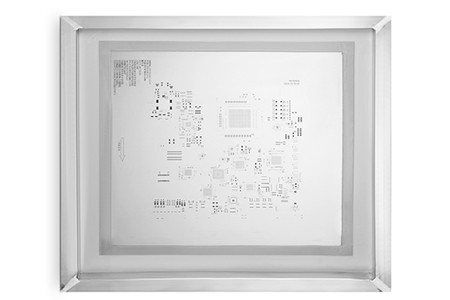
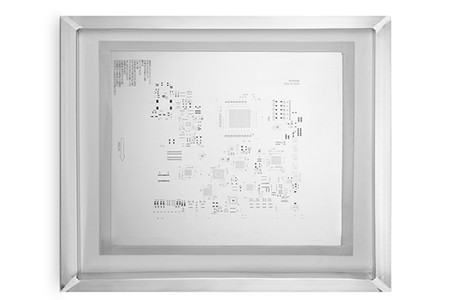
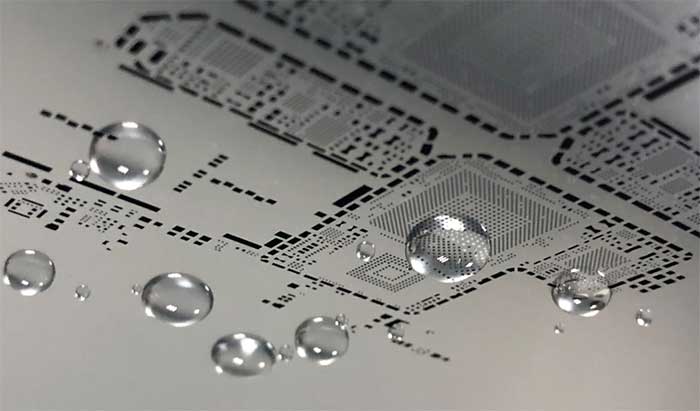
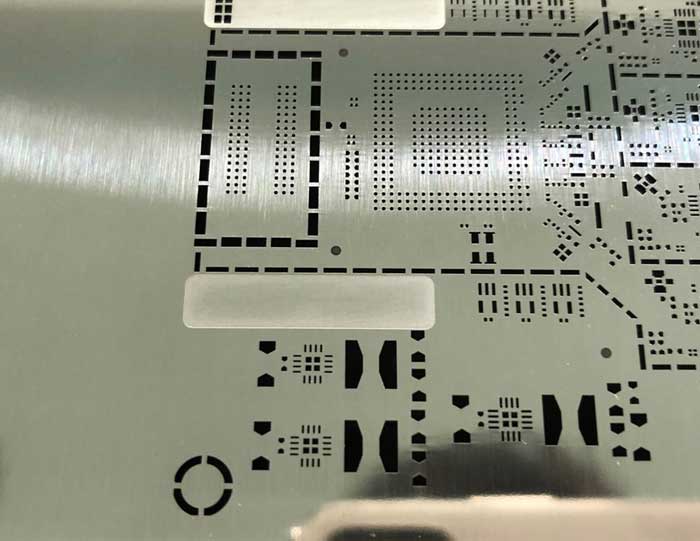
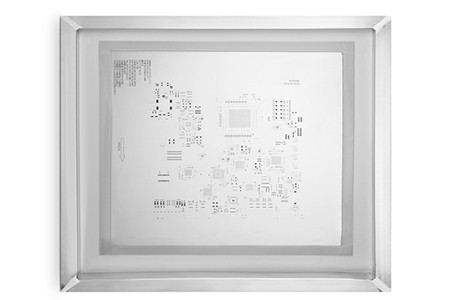
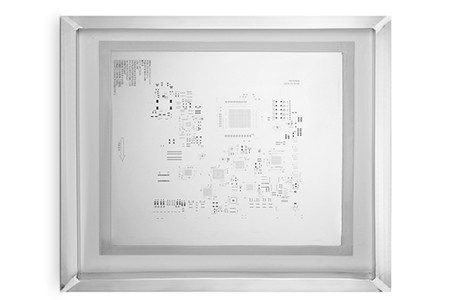
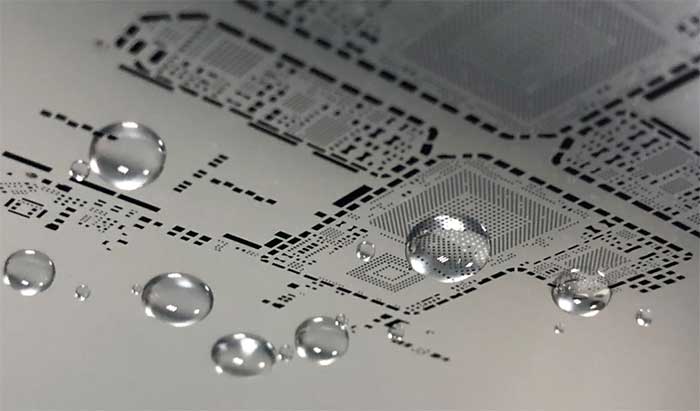
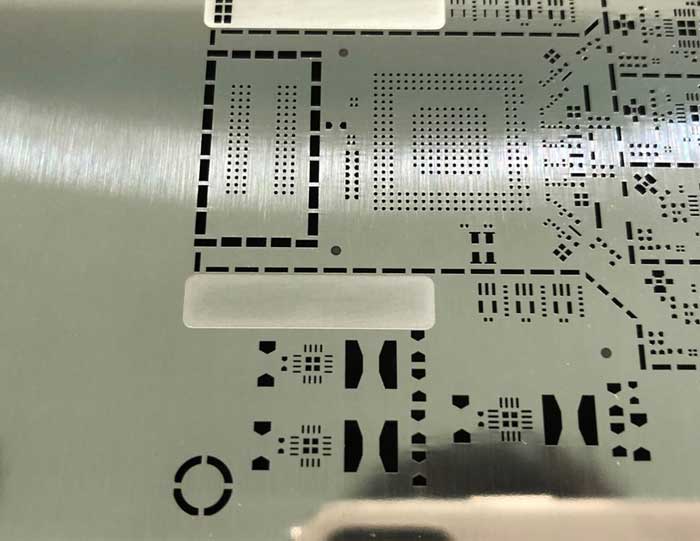
When searching for a professional SMT stencil manufacturer, BestPCBS stands out as the top choice for electronic manufacturers worldwide. Our decades of expertise in producing high-precision stencils make us the most reliable SMT stencil manufacturer for all your surface mount technology needs, from prototyping to mass production.
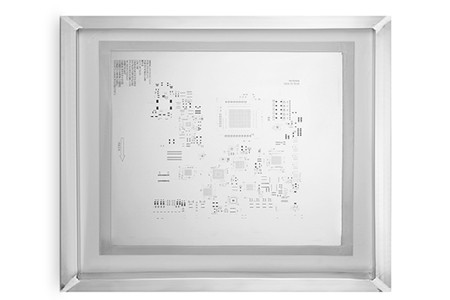
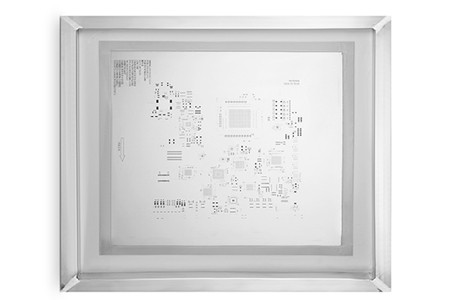

Why BestPCBS Is Your Top Choice for an SMT Stencil Manufacturer?
At BestPCBS, we combine advanced manufacturing technology with strict quality control to deliver SMT stencils that meet the highest industry standards. We offer 24/7 customer support, customizable solutions, and competitive pricing—factors that make us the preferred SMT stencil manufacturer for SMEs and large enterprises alike. Our on-time delivery rate exceeds 98%, ensuring your production lines never face delays.
Our Core Advantages
- Precision: ±5μm aperture tolerance for fine-pitch components (01005, BGA, QFP)
- Speed: 24-hour expedited service for urgent SMT stencil orders
- Cost: 15% lower production costs compared to industry averages
- Support: Dedicated engineering team for DFM reviews and technical guidance
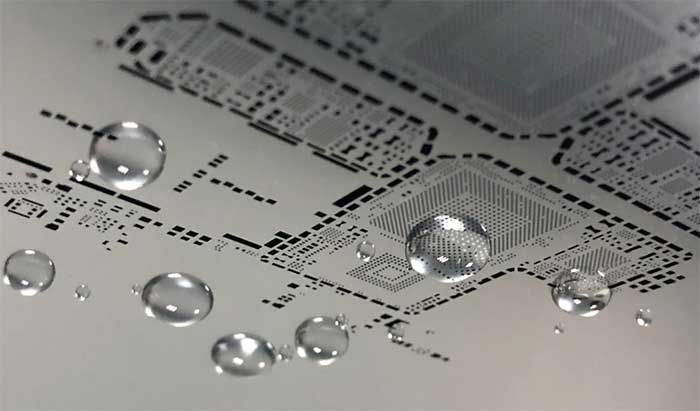
What Defines a High-Quality SMT Stencil Manufacturer?
A high-quality SMT stencil manufacturer must master both technical precision and customer-centric service. At BestPCBS, we adhere to ISO 9001:2015 quality management standards, conducting 3 rounds of inspection before shipping any stencil. This commitment to quality ensures our stencils reduce solder defects by up to 70% for our clients.
4 Core Processes We Use for Custom SMT Stencil Manufacturing
Our custom SMT stencil manufacturing process is tailored to your specific PCB design requirements. We use four proven processes to cover all application scenarios, ensuring optimal solder paste transfer and long stencil lifespan:
| Process | Precision | Ideal For |
|---|---|---|
| Laser Cutting | ≤5μm | High-volume production |
| Electroforming | ≤3μm | Ultra-fine pitch components |
| Chemical Etching | ≤10μm | Low-cost prototypes |
| Hybrid Process | ≤4μm | Mixed-technology PCBs |
How We Ensure High-Precision SMT Stencil Production at BestPCBS
High-precision SMT stencil production starts with advanced equipment and skilled engineers. We use CNC laser cutters and 3D measuring systems to verify every aperture, ensuring positional accuracy within ±2μm. This level of precision directly improves PCB assembly yield by 10-15% for our customers.
Industrial-Grade Materials for Durable SMT Stencils
We only use industrial-grade SUS301 and SUS304 stainless steel for our SMT stencils, providing 400,000+ printing cycles per stencil—20% more than standard materials. For flexible PCB applications, we offer Kapton stencils with reinforced edges for added durability.
SMT Stencil Quality Inspection Standards at BestPCBS
Our SMT stencil quality inspection process includes three critical steps: dimensional verification, tension testing (35-50N/cm²), and surface finish inspection. Every stencil is tested on a dummy PCB to confirm solder paste transfer efficiency before delivery, eliminating post-shipping issues.
How to Reduce SMT Stencil Costs Without Compromising Quality
SMT stencil cost optimization is a key focus at BestPCBS. We offer bulk pricing discounts, design optimization suggestions to reduce material waste, and reusable stencil frames to lower long-term costs. Our engineering team reviews your PCB design for free to identify cost-saving opportunities without sacrificing performance.
Short Lead Time for SMT Stencils: Our Expedited Service
We understand the urgency of production deadlines, which is why our SMT stencil lead time starts at 24 hours for expedited orders and 3-5 business days for standard orders. We offer free express shipping on all expedited orders, ensuring your stencils arrive on time, every time.
FAQ: Common SMT Stencil Issues & BestPCBS’s Solutions
Q1: Why is my SMT stencil causing solder bridges?
A: Solder bridges are often caused by oversized apertures or poor surface finish. We calibrate aperture sizes based on your solder paste type and offer electro-polished stencils to reduce solder adhesion, eliminating bridge defects.
Q2: How can I extend the life of my SMT stencil?
A: Regular cleaning with ultrasonic cleaners and proper storage (23±3°C, 40-60% humidity) extends stencil life. We provide a free maintenance guide with every order to help you maximize stencil usage.
Q3: Can you modify an existing SMT stencil?
A: Yes, our engineering team can modify apertures or repair minor damage to existing stencils, saving you the cost of a full replacement. Modifications are completed within 12 hours for urgent requests.
Q4: Do you offer DFM reviews for SMT stencil designs?
A: Yes, we provide free SMT stencil design for manufacturability reviews to identify potential printing issues before production, reducing rework and delays.
Q5: What after-sales support do you provide?
A: We offer a 30-day warranty on all stencils and 24/7 technical support. Our team can assist with stencil installation, cleaning, and troubleshooting via video call or email.
SMT Stencil Design for Manufacturability (DFM) Guidelines
Our SMT stencil design for manufacturability guidelines help optimize your PCB design for efficient stencil production. We recommend aperture sizes 1.5x the stencil thickness, rounded aperture corners to reduce stress, and spacing guidelines for fine-pitch components to avoid printing defects.
After-Sales Support for Our SMT Stencil Customers
Our SMT stencil after-sales support doesn’t end with delivery. We offer free technical training for your production team, stencil repair services, and replacement parts for frames and gaskets. Our customer support team responds to all inquiries within 1 business hour.
Case Studies: Successful SMT Stencil Projects by BestPCBS
We’ve supplied SMT stencils to leading electronics manufacturers in automotive, medical, and consumer electronics industries. One medical device client saw a 25% reduction in solder defects after switching to our high-precision stencils, while an automotive client reduced production downtime by 30% with our short lead time service.
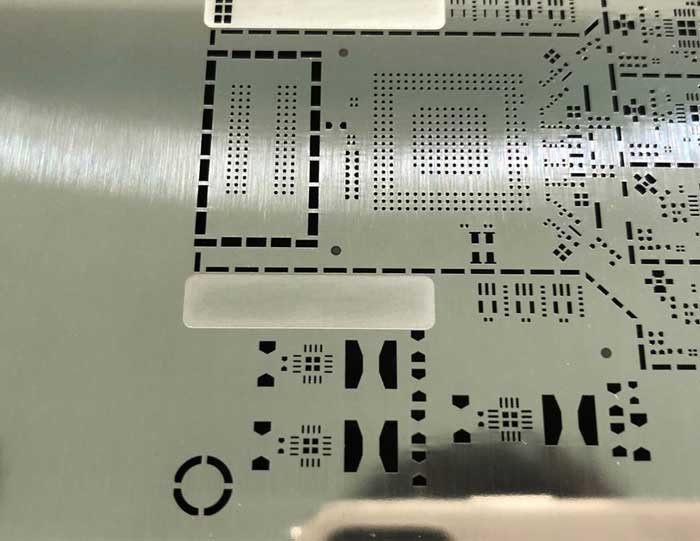
SMT stencil manufacturer
sales@bestpcbs.com
If you’re currently using an SMT stencil manufacturer that doesn’t meet your quality, speed, or cost requirements, it’s time to switch to BestPCBS. We offer a free sample stencil (up to 100x100mm) for new customers to test our quality firsthand. Contact us at sales@bestpcbs.com to place your order or request a quote—our team is ready to help you optimize your SMT stencil supply chain today.