





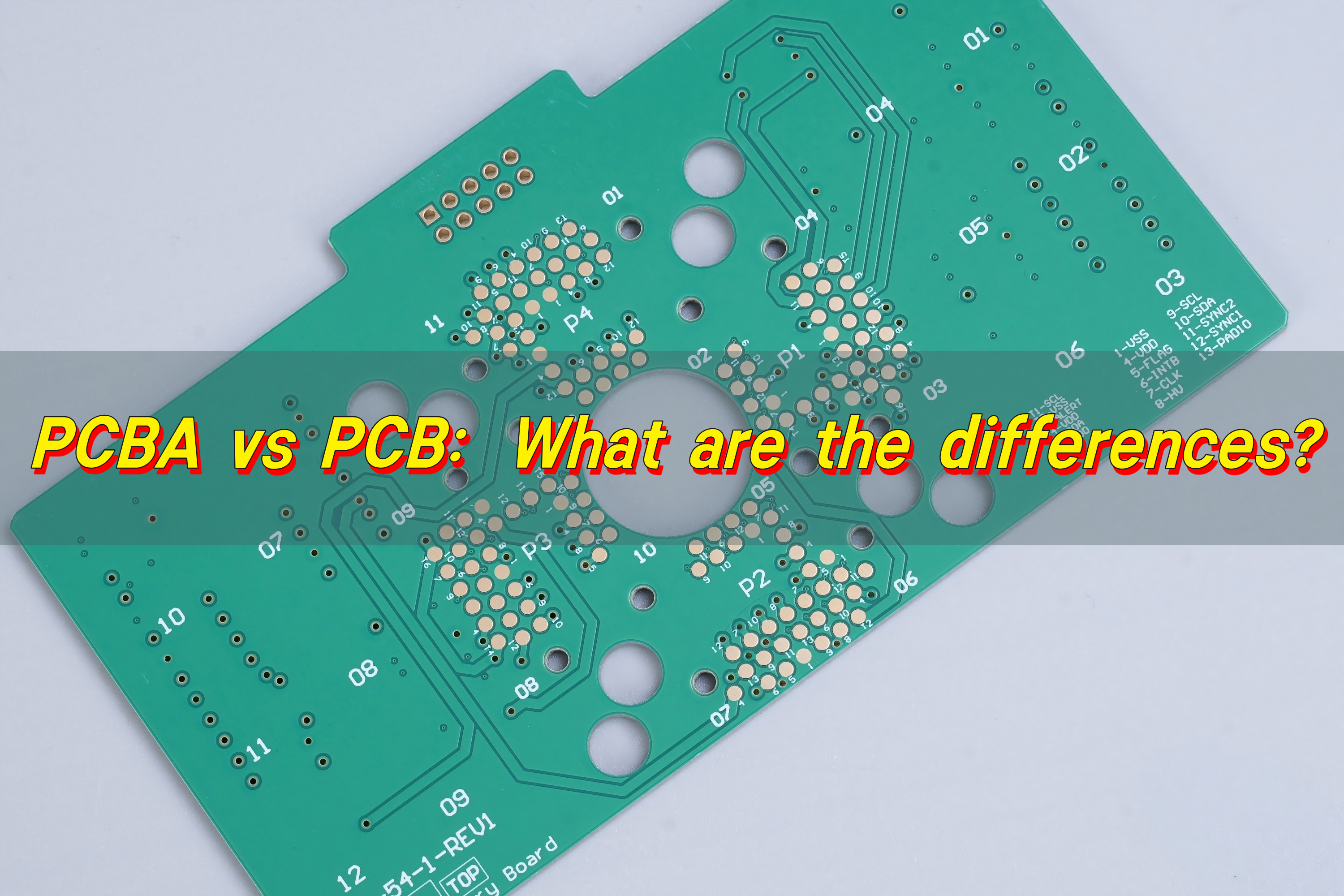
PCBA vs PCB describes two different stages of electronic product creation. A PCB is the bare printed circuit board with copper traces but no components. It provides structure and routing but cannot function on its own. A PCBA, in contrast, is the fully assembled board with all chips, resistors, capacitors, and connectors soldered in place, ready to power a device.
What Is PCB in Electronics?
PCB is the base of most electronic products. It is the thin board that carries copper circuits. These copper paths guide signals and power across different parts of the device. A PCB does not power anything by itself. It only offers the layout and the structure.
PCBs use materials like FR4, aluminum, and ceramic. FR4 is the most common because it offers strength, stability, and a friendly price. Aluminum and ceramic boards are chosen for high-heat or high-frequency applications.
PCB can have one layer, two layers, or many layers. Because of this, PCBs can support small gadgets or advanced machines. Skilled designers use PCB technology to build phones, routers, sensors, medical devices, and even control units inside cars.
Are Motherboards Just PCBs?
A motherboard looks like a PCB, but it is much more than a bare board. It is a full PCBA. This means it contains the components, connectors, chips, capacitors, and controllers that allow a computer to function.
A pure PCB cannot run a processor, store data, or supply power. It needs components soldered onto it. When those parts are added, the board becomes a system board or motherboard.
So, a motherboard is not just a PCB. Instead, it is a perfect example of a PCBA. A motherboard is a product. A PCB is only a step toward that product.
How Are PCB Boards Manufactured?
Manufacturing PCBs is a complex process that requires precise operations at multiple critical stages to ensure the circuit boards possess excellent functionality, durability, and efficiency.
- 1. Design and Layout
BEST Technology’s engineers use design software to create circuit layouts. We plan the routing of each copper trace, select the number of layers, and determine the hole size, pad shape, and width.
- 2. Material Preparation
A large copper-clad sheet is chosen. The sheet uses FR4 or another base material.
- 3. Image Transfer
The copper pattern is printed onto the board surface. This creates the shapes that guide the electrical signals.
- 4. Etching
Excess copper is removed. Only the desired circuit pattern remains.
- 5. Drilling
Small holes are drilled to connect layers or mount components.
- 6. Plating
Copper is added inside the holes. This creates strong electrical connections.
- 7. Solder Mask
The green (or red, blue, black) protective coating is applied. It prevents short circuits.
- 8. Silkscreen
Text, symbols, and markings are printed for easy assembly.
- 9. Surface Finish
A coating like ENIG, HASL, or OSP protects copper pads.
- 10. Final Testing
Electrical tests ensure every circuit works.
This is how a PCB becomes ready for assembly. Next, components will be added. And that leads us to PCBA.
Types of PCBs
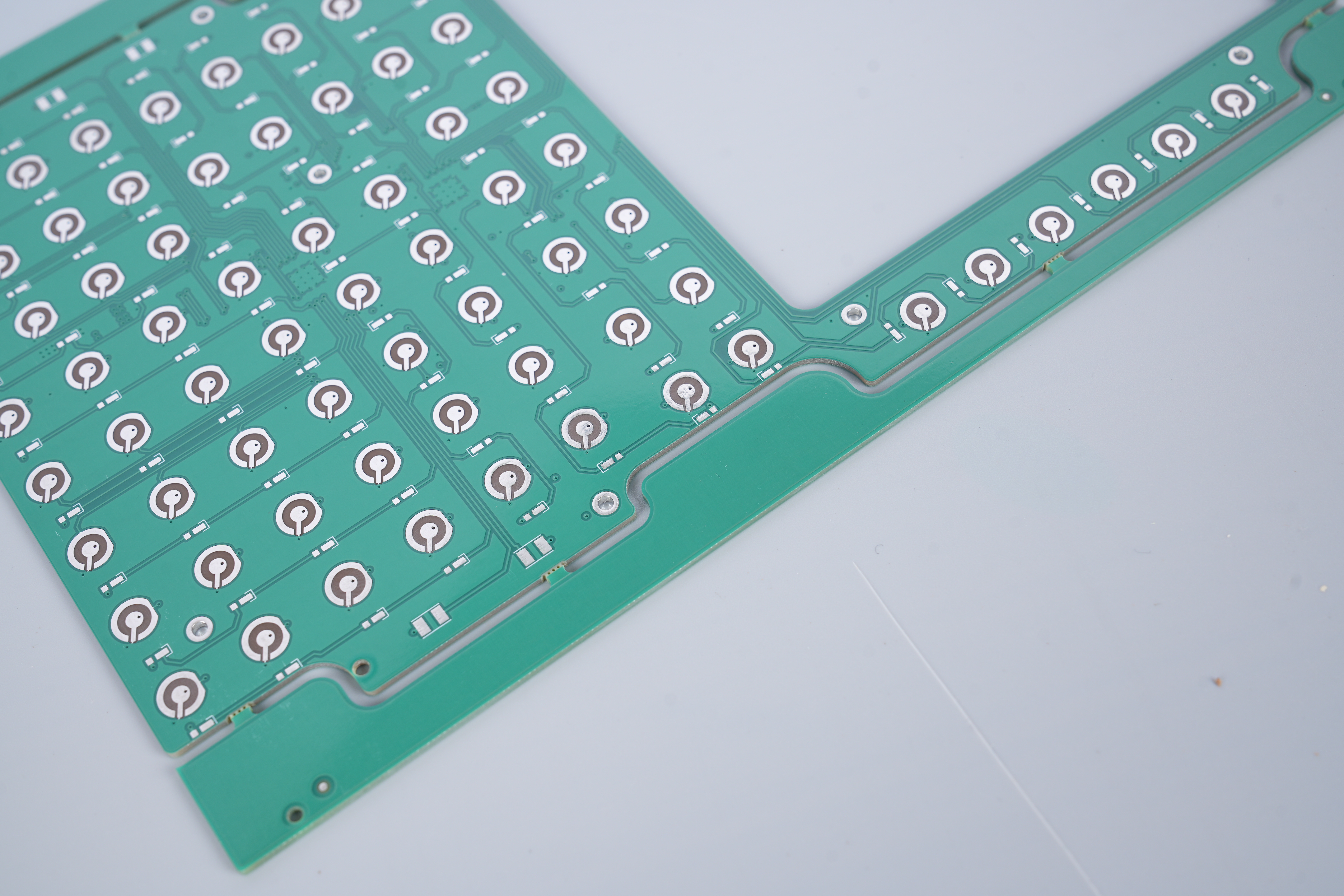
PCBs come in different types. Each type serves a different purpose, and each one influences final product performance.
- 1. Single-Sided PCB
One copper layer. Simple. Used for basic devices. Very low cost.
- 2. Double-Sided PCB
Copper on both sides. More routing. Used in many everyday products.
Three or more layers. Often 4 to 32 layers. High performance. Great for complex electronics like PCs, routers, and industrial equipment.
- 4. HDI PCB
High-Density Interconnect boards. Very fine lines. Laser-drilled microvias. Popular in smartphones, wearables, and advanced communication systems.
- 5. Flex PCB
Thin and bendable. Used in cameras, medical probes, and folding designs.
A mix of rigid and flexible materials. Supports 3D structure. Trusted for aerospace and medical devices.
Uses aluminum or copper base. Excellent heat control. Great for LED lighting and power electronics.
When choosing between them, engineers consider temperature, size, frequency, and mechanical stress. Each board type offers a unique value and opens new design possibilities.
What Is a PCBA Board?
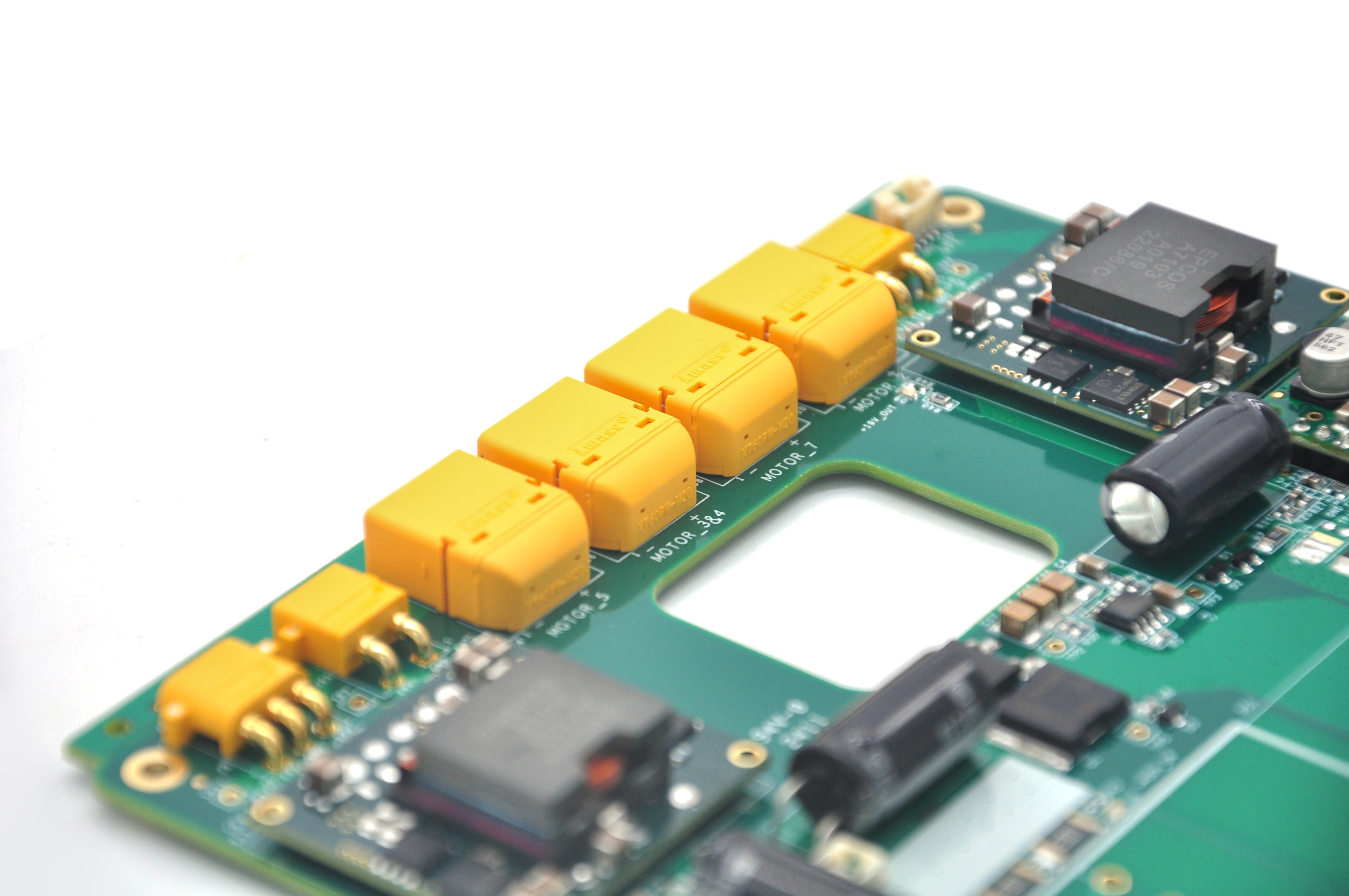
PCBA board is a PCB that has been assembled with electronic components. PCBA stands for “Printed Circuit Board Assembly.� It is the stage where the PCB receives the chips, resistors, sensors, and connectors that allow it to operate.
Without assembly, circuits cannot move data or power. With assembly, the board becomes a working product.
A PCBA can be simple or advanced. It may have only a few resistors, or it may have hundreds of parts with tight spacing. In fast-moving industries like consumer electronics, automotive, and medical devices, PCBA quality decides final product reliability.
What Does PCBA Mean?
PCBA means the factory has placed and soldered components onto the bare board. The process includes:
- Placement
- Soldering
- Inspection
- Functional testing
People often confuse the terms “PCB” and “PCBA.” However, PCBA is the complete version, containing everything necessary for the device to function. PCB, on the other hand, is just the basic foundation.
What Are the Different Methods for PCBA Assembly?
Different devices require different assembly methods. Here are the most common ones.
- 1. SMT (Surface Mount Technology)
The most popular method today. Components are placed on pads without holes. Machines place parts at high speed. Solder paste holds each part. Then heat melts the solder to make a strong joint.
SMT is great for compact, modern designs.
- 2. Through-Hole Technology
Components have long legs. They go through holes in the board. Solder secures them on the opposite side. Through-hole is strong and dependable. It is often used for power components or connectors.
Even today, many industries use both SMT and through-hole together.
- 3. Mixed Technology
Most boards use SMT for small parts and through-hole for strong or heavy parts. This balance offers performance and reliability.
- 4. BGA Assembly
Ball Grid Array (BGA) components offer high density. They use solder balls under the chip. This method is used for processors, GPUs, and advanced modules.
- 5. Wave Soldering
Hot solder flows in a wave. Through-hole parts get soldered at once. It saves time on mass production.
- 6. Reflow Soldering
This method is for SMT parts. The board goes through a heating oven. The solder melts and bonds each pad.
Assembly technology keeps improving, but these core methods remain highly trusted in the industry.
What Is the Difference Between PCBA and PCB?
Now let’s talk about the main topic: PCBA vs PCB. This comparison is simple when explained clearly.
1. Structure
- PCB: Just the base board with copper.
- PCBA: Complete board with components.
2. Function
- PCB: No function by itself.
- PCBA: Can operate, run software, transmit signals, and power a device.
3. Stage
- PCB: Step one of the process.
- PCBA: Step two, after assembly.
4. Cost
- PCB: Lower cost.
- PCBA: Higher cost due to components, assembly, and testing.
5. Lead Time
- PCB: Faster to produce.
- PCBA: Takes longer due to sourcing, programming, and testing.
6. Use
- PCB: For design verification, prototyping, and structure.
- PCBA: For final products and field use.
7. Industry Terminology
PCB vs PCBA difference matters because many new buyers search for the wrong term. If you need a working board, you want PCBA—not just PCB.
Conclusion:
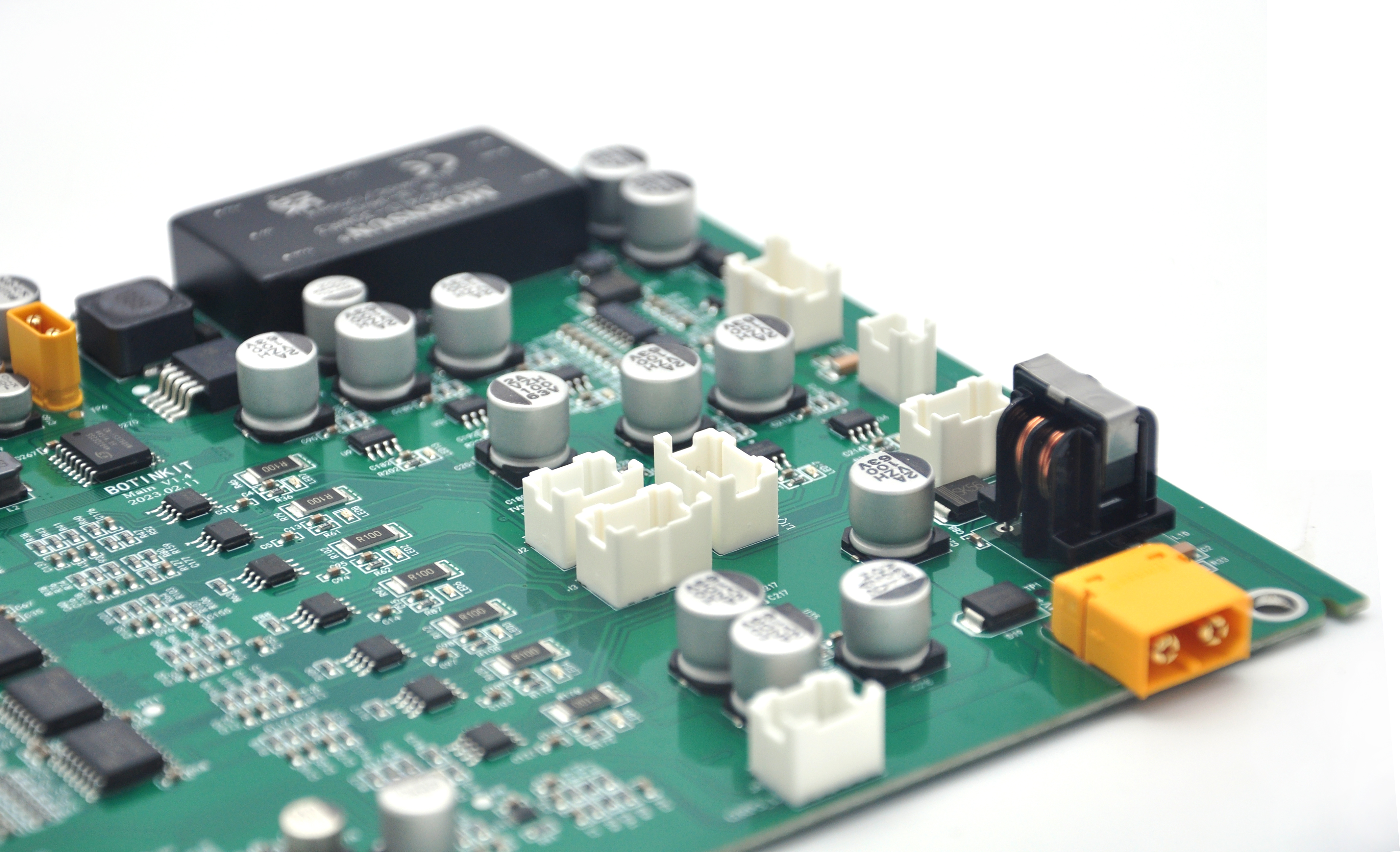
PCBs form the structure. PCBs guide signals. PCBA processes signals. PCBs are the first step. PCBA is the final, functional product.
When you choose a professional PCBA manufacturer, your product gains reliability, performance, and trust.
For high-quality PCB and PCBA manufacturing in China and Vietnam, contact: sales@bestpcbs.com