KiCad vs EasyEDA comes down to how you want to design and manage your PCB: choose KiCad for an open-source desktop workflow, or EasyEDA for browser access and integrated component sourcing. If offline work matters, consider both KiCad and EasyEDA Pro. The right choice also depends on your team’s experience, project complexity and plans for future revisions.
EBest Circuit (Best Technology) supports the next step with custom PCB fabrication, component sourcing and assembly, from prototypes to production. Turn your KiCad or EasyEDA layout into a build-ready project by sending your manufacturing files and requirements to sales@bestpcbs.com for PCB/PCBA quotation and engineering review.
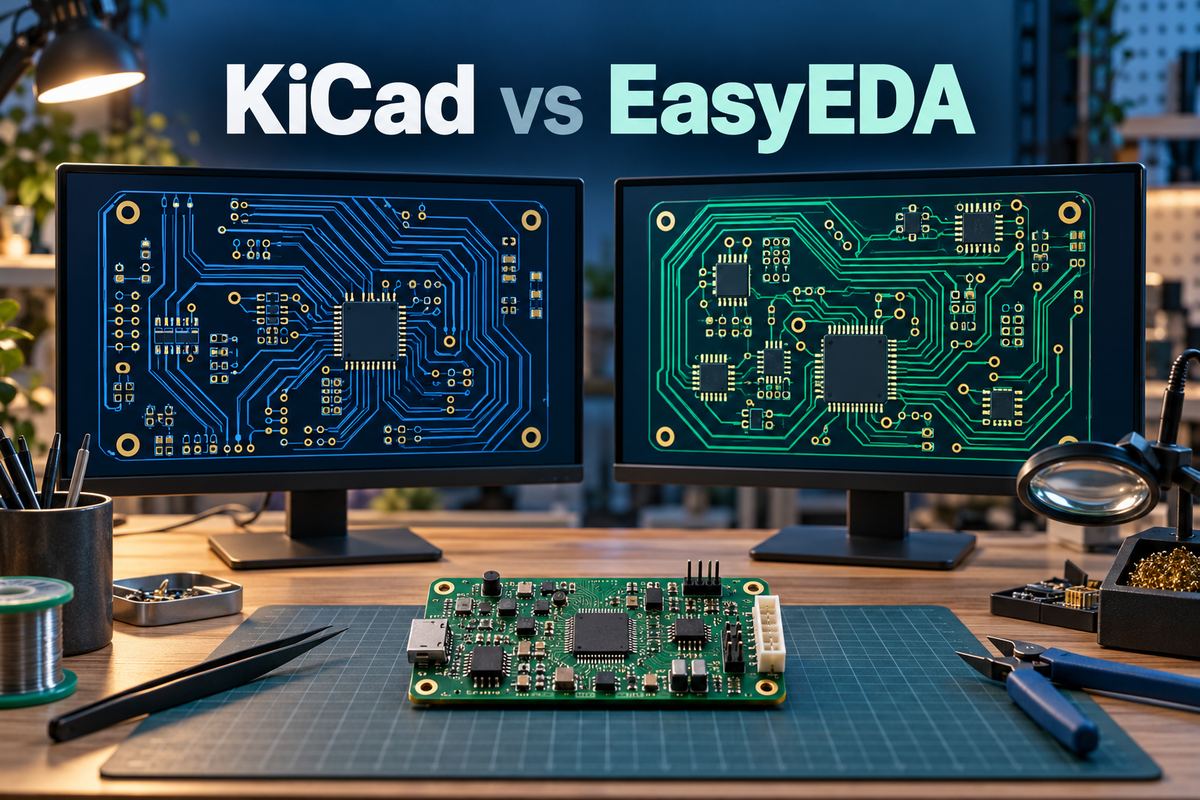
KiCad vs EasyEDA: Key Differences at a Glance
KiCad favors local project control and an open-source workflow; EasyEDA favors convenient access to a connected design and ordering environment. Identify the EasyEDA edition before comparing features, because Standard and Pro differ in their tools and file formats.
| Comparison Item | KiCad | EasyEDA |
|---|---|---|
| Design environment | Desktop application | Browser and desktop options |
| Software model | Open source | Proprietary, with free access |
| Project storage | Local project files | Cloud or local, edition-dependent |
| Component sourcing | Supplier-independent library workflow | Integrated LCSC component ecosystem |
| Manufacturing options | Standard fabrication and assembly outputs | Integrated ordering and file export |
An EasyEDA vs KiCad decision should account for the life of the board: who will maintain it, where its files will be stored and how revisions will reach production.
KiCad vs EasyEDA Pro: How Does Standard Compare?
EasyEDA Pro is the more relevant comparison when you need expanded PCB tools or offline desktop operation. Standard remains useful for straightforward browser-based work, but its capabilities should not be treated as the limits of the whole EasyEDA product family.
- EasyEDA Standard: A browser-oriented environment for schematic capture and PCB layout, with its own project format and workflow.
- EasyEDA Pro: A separate environment with desktop offline modes, differential-pair routing, length tuning and internal autorouting.
- KiCad: An open-source desktop suite with interactive routing, configurable design rules and locally managed project files.
For a KiCad vs EasyEDA Pro evaluation, test the features your board actually needs. If moving an existing Standard project into Pro, keep the original and check the migrated design before continuing development.
KiCad or EasyEDA: Which Is Easier for Beginners?
EasyEDA can reduce the setup needed to start a simple board in a browser. KiCad can be a good first choice when the goal is to learn a desktop workflow that will remain central to future projects. Familiarity, available teaching material and the intended manufacturing route all affect the learning curve.
For a beginner designing a simple PCB, compare KiCad and EasyEDA by completing the same small project in each: draw a schematic, assign footprints, place parts, route connections and inspect the exported board files.
Judge the complete workflow:
- Part selection: Can you identify the exact component and package without guessing?
- Error recovery: Can you understand a reported error and correct its cause?
- Design changes: Can you update a component without losing track of the schematic-to-PCB relationship?
- Manufacturing output: Can you generate and inspect the files needed to order the board?
A tool that feels quick during schematic entry may still require substantial learning during footprint assignment or production preparation. Neither interface protects a beginner from an incorrect pinout, reversed connector or unsuitable component package.
Are KiCad and EasyEDA Free for Commercial Use?
Yes. Both allow commercial PCB design without purchasing a basic editor license, although their licensing and service models differ.
- KiCad: Open-source software that can be used for commercial designs without requiring those designs to be published. Its official libraries include a license exception permitting use in commercial and closed designs.
- EasyEDA: Free use includes commercial projects, with optional paid services. Check the current plan for storage, support and other service limits before adopting it across a team.
- Third-Party Libraries: Community projects, downloaded circuit designs and external libraries may have separate licenses. The editor’s commercial-use permission does not automatically cover those assets.
Choose based on the permissions and services your project needs, not the word “free” alone.
How Do Offline Access, File Storage and Collaboration Compare?
KiCad works primarily with local project files; EasyEDA offers cloud workflows, while Pro also supports semi-offline and fully offline desktop modes. Collaboration depends on how the team manages access and revisions, not simply where the editor runs.
- Offline access: Make sure the project and required libraries are available locally. Editing a board offline is different from accessing a live component catalog.
- Revision control: KiCad supports Git workflows for tracking changes. Teams still need agreed editing responsibilities to avoid conflicting changes to the same design.
- Shared projects: For EasyEDA, verify access permissions and collaboration functions against the chosen edition, operating mode and service plan.
Keep a recoverable archive of the editable design and its required library data. This allows another engineer to continue the project without depending on the original designer’s computer or account.
How Do Component Libraries and Footprint Checks Compare?
EasyEDA simplifies part selection within its connected component ecosystem, while KiCad supports official, custom and third-party libraries. Neither approach eliminates footprint verification. A convenient library entry still needs to match the exact component you intend to assemble.
Check production components for:
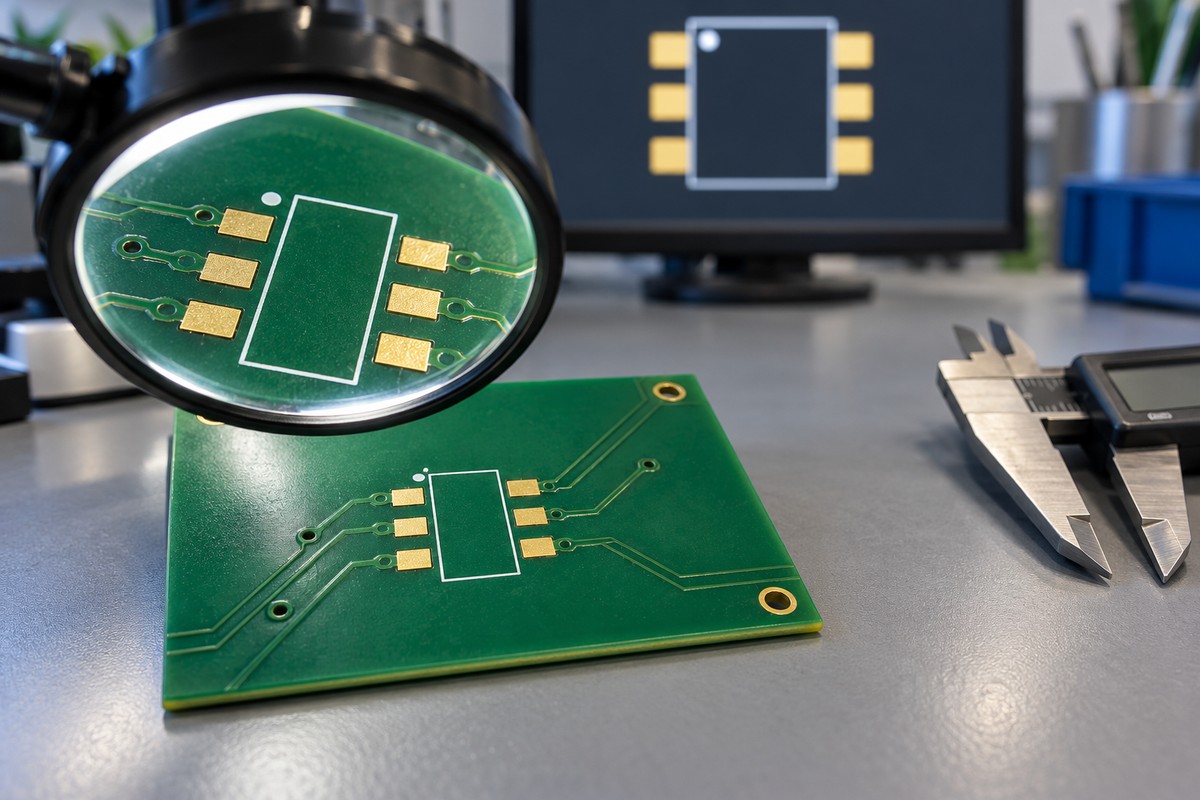
- Pin mapping: Schematic pin numbers must match the correct footprint pads.
- Package dimensions: Confirm pad pitch, body size, exposed pads and mounting features against the datasheet.
- Orientation: Check pin-one marks, diode polarity and connector mating direction.
- Assembly details: Review mask and paste openings, component clearances and special soldering requirements.
- Purchasing identity: Record the exact manufacturer part number and approved alternatives in the BOM.
Two regulators can share a package outline but use different pin assignments. Likewise, a distributor code alone may not give a different assembly supplier enough information to source the intended part.
How Do PCB Routing and Design Rule Checks Compare?
KiCad and EasyEDA Pro both offer routing and design-rule tools for more than basic boards. The useful comparison is how well each handles your layout constraints and makes violations visible.
- KiCad routing: Interactive shove and walk-around modes, differential-pair routing and length tuning.
- EasyEDA Pro routing: Differential-pair and length-tuning functions, plus internal autorouting.
- Rule checking: Evaluate track widths, clearances, via dimensions and copper-to-edge spacing against the intended fabrication process.
Automation can help complete connections, but it does not establish that a route has a suitable return path or avoids sensitive circuitry. Review critical power, analog and high-speed nets regardless of how they were routed.
DRC and manufacturing DFM serve different purposes. DRC checks the rules configured in the editor; DFM review evaluates the released design against the fabrication and assembly processes. A clean DRC report does not prove signal integrity, thermal performance or complete manufacturability.
How Do You Export from EasyEDA to KiCad?
Export a supported EasyEDA project archive, then import it through KiCad’s project manager. KiCad 10 supports EasyEDA Standard backup ZIP files and Pro projects in supported EPRO or ZIP formats.
- Archive the original design. Keep the editable source and reference manufacturing outputs.
- Export the project. Use a supported project backup or export, not a fabrication-only ZIP.
- Import into a separate KiCad project. Choose the appropriate non-KiCad import option in the project manager.
- Review the conversion. Check connectivity, symbols, footprints, layers, copper zones, board outline and design rules.
- Verify new outputs. Run schematic and PCB checks, refill copper zones where needed, and compare the manufacturing outputs before release.
If you search for ways to export from EasyEDA to KiCad, you may also encounter easyeda2kicad. That Python tool converts component symbols, footprints and 3D models into KiCad library assets; it is not a mandatory step for importing a complete board.
Which Manufacturing Files Can You Export from Each Tool?
KiCad and EasyEDA can both generate PCB fabrication and assembly files. Complete the package with drawings and project-specific specifications where required.
| Manufacturing File | Main Purpose |
|---|---|
| Gerber files | PCB layers and board outline |
| NC drill files | Drilled holes and slots |
| BOM | Component identities and quantities |
| Pick-and-place file | Component locations, sides and rotations |
| Fabrication drawing | Stackup and fabrication specifications |
| Assembly drawing | Placement and assembly instructions |
EasyEDA’s integrated ordering does not require you to use a particular manufacturer; standard outputs can be sent to another supplier for review. EBest Circuit can use your manufacturing package, board requirements and quantity for PCB/PCBA quotation and engineering review.
Before sending the files:
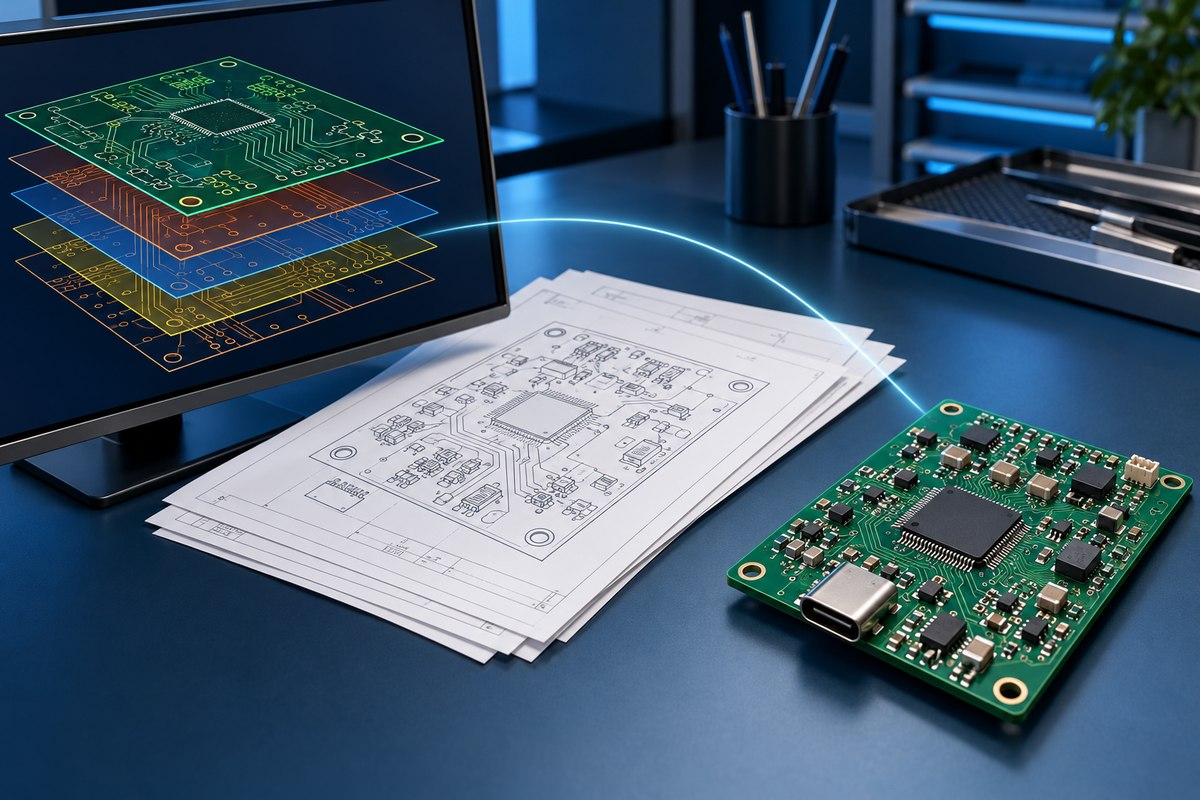
- Gerber and drill files: Check layer alignment, board outline, holes and slots in a viewer.
- BOM and placement data: Match reference designators, fitted parts, board sides and rotations to the intended assembly.
- Revision consistency: Ensure every file and drawing belongs to the same approved revision.
KiCad vs EasyEDA: Which Is Better for Your Project?
Choose KiCad for an open-source desktop workflow, EasyEDA for browser access and integrated sourcing, and either tool when its outputs meet your manufacturing needs. For an existing design, the benefits of switching should justify the migration and revalidation effort.
| Project Requirement | Recommended Tool | Key Reason |
|---|---|---|
| Browser-based PCB design | EasyEDA | Convenient online design workflow |
| Open-source desktop design | KiCad | Direct control over project files |
| Integrated component sourcing | EasyEDA | Connected LCSC component ecosystem |
| Offline PCB design | KiCad / EasyEDA Pro | Local desktop workflow options |
| Existing project maintenance | Current design tool | Avoid unnecessary migration and revalidation |
| Independent PCB manufacturing | Either | Standard fabrication and assembly outputs |
Both can support professional PCB work. Project complexity alone does not determine the winner: team experience, verified libraries and a repeatable review process matter. Before committing, take one representative board through design, checking and manufacturing-file export.
FAQs About KiCad vs EasyEDA
Can KiCad and EasyEDA simulate circuits?
KiCad includes an ngspice-based simulator, and EasyEDA Pro supports simulation from version 3.2 using Simulide and NGSpice. Both require suitable component models; simulation does not replace testing a physical PCB.
Can I use KiCad or EasyEDA on macOS and Linux?
Yes—KiCad provides macOS and Linux versions, and EasyEDA’s browser editor works on those platforms with a supported browser. Check operating-system and hardware requirements before installing a desktop client.
Can Gerber files be converted back into an editable schematic?
Not into a complete, faithful schematic automatically: Gerber files describe board artwork rather than the original schematic structure. KiCad’s Gerber Viewer has limited PCB conversion capability, but it does not reconstruct the original schematic or component-library relationships.
Can I export a STEP model for enclosure design?
Yes—KiCad and EasyEDA Pro support STEP export for mechanical CAD workflows. Confirm that component models are included and correctly positioned before checking enclosure clearances.
Why are components missing from my PCB’s 3D view or STEP export?
A footprint may have no assigned model, an unavailable model path or a model format unsuitable for the selected export. In KiCad, check the footprint’s model assignment and file path; EasyEDA Pro’s STEP export requires compatible STEP component models.
Ready to manufacture your PCB after comparing KiCad vs EasyEDA? Send your PCB files to EBest Circuit at sales@bestpcbs.com for fabrication and assembly support.