IPC 2581 provides an XML-based method for transferring PCB and PCBA product data. It can reduce fragmented handoffs, but buyers must still validate the file, confirm supplier compatibility, and define the RFQ scope.
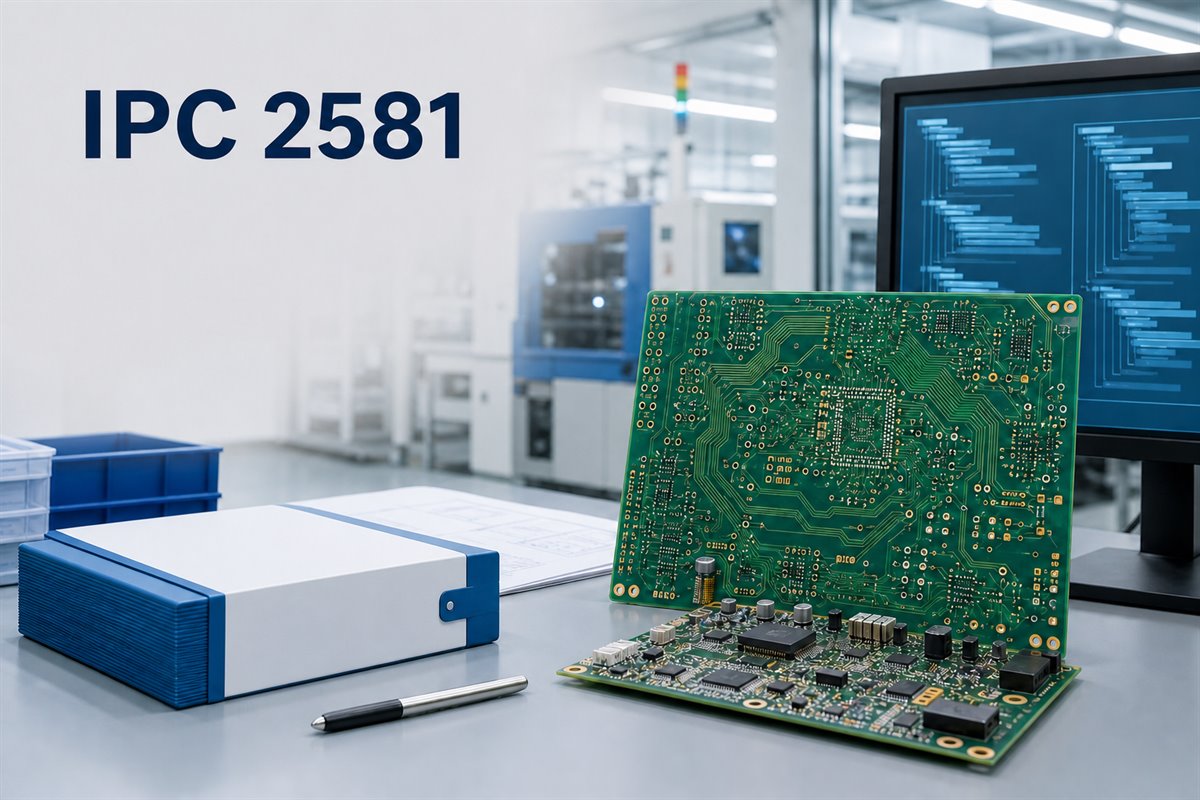
What Is IPC 2581 and Where Does It Fit in PCB Production?
IPC 2581, also called IPC-DPMX, exchanges structured data between PCB design systems and manufacturing, assembly, and inspection processes. Software may display the name as IPC-2581 or IPC2581.
For buyers, the value is not simply “one file instead of many.” The larger benefit is reducing split or mismatched manufacturing data after a revision change.
Consider a multilayer PCBA release with updated copper layers but an old fabrication drawing or pick-and-place file. The supplier may quote the wrong scope, stop for clarification, or find the conflict after CAM preparation starts.
An intelligent data package helps preserve the relationships among layers, stackup, components, and other product data.
The format sits between design release and manufacturing intake. It does not replace these responsibilities:
- The customer approves design intent and the released revision.
- The design team verifies the export settings and content.
- The manufacturer confirms import support, while both parties identify the controlling documents.
This distinction prevents an intelligent file format from becoming a false promise of automatic production readiness.
What Does the IPC 2581 File Format Include?
The IPC 2581 file format uses an XML schema. Its populated content depends on the revision, export purpose, and CAD implementation.
- Layer geometry, board outline, routing, and drilling
- Stackup, materials, thicknesses, and copper data
- Net and connectivity information
- Placement, rotation, packages, BOM, and vendor data
- Mask, paste, assembly, inspection, and test attributes
- File history and revision information
The phrase “may include” matters. A format can support a field without guaranteeing that the CAD export populated it correctly.
One structured file does not make every fabrication and assembly requirement complete.
Before treating the file as production-ready, check:
- Export revision, purpose, and units
- Approved stackup and material callouts
- Drill, route, and board-outline data
- Matching BOM and placement revision
- Controlling drawings, specifications, and test instructions
The result should be one coordinated release, not one XML file plus several contradictory attachments.
IPC 2581 vs Gerber for Manufacturing Handoffs
Gerber remains widely accepted because most fabricators and CAM systems can process it. Its handoff risk comes from the multiple files and documents needed to communicate manufacturing intent.
| Check | Gerber | IPC 2581 |
|---|---|---|
| Structure | Multiple files | Structured XML |
| Context | Mostly layer graphics | Linked production data |
| Compatibility | Broad | Confirm tools and revision |
| Revision risk | Manual package control | Fewer split-file errors |
| Drawings | Usually separate | Sometimes still required |
Structured data can reduce interpretation work. Gerber may be safer when a manufacturer has a proven Gerber workflow but limited intelligent-format support.
Do not ask only, “Which format is theoretically better?” Ask which verified package lets the manufacturer quote, review, and build the correct revision without reconstructing design intent.
For an initial order, confirm whether the manufacturer wants the structured file, controlled drawings, or a Gerber/ODB++ fallback. State which package controls production.
IPC 2581 vs ODB++ for Supplier Compatibility
IPC 2581 vs ODB++ is mainly a workflow decision. Both carry more manufacturing context than traditional graphical layer files.
For buyers, the practical difference is tool support, supplier workflow, and the data actually exported.
The IPC standard uses an XML schema. ODB++ is also supported by many EDA and CAM environments. A supplier may be experienced with one but not the other.
Ask the receiving manufacturer:
- Which revisions can its CAM tools import?
- Which stackup, drill, net, and placement data is checked?
- Are features converted or recreated manually?
- Which fallback files are required?
The best format is the one that preserves the approved data through the supplier’s real workflow. If a manufacturer converts an unfamiliar IPC 2581 file into another internal format and manually rebuilds missing information, the expected handoff advantage may disappear.
How to Validate a File Against the IPC 2581 Standard?
Validate the file against the XSD for the selected IPC 2581 standard revision. This finds invalid elements, missing relationships, and other structural errors.
Schema validation has a clear limit. It confirms the data structure—not engineering correctness, completeness, or manufacturability.
A file can pass schema validation and still contain:
- An obsolete stackup or BOM
- Incorrect material or copper values
- Missing fabrication notes
- Wrong rotations or board outline
- Features outside process capability
Use a three-level release check:
- Schema: Validate the XML against the correct XSD.
- Content: Compare the board, stackup, drills, BOM, and revision with the approved design.
- Manufacturing: Confirm import compatibility and complete DFM/CAM review.
Keep the validation result with the controlled release record, but do not treat a “passed” message as manufacturing approval.
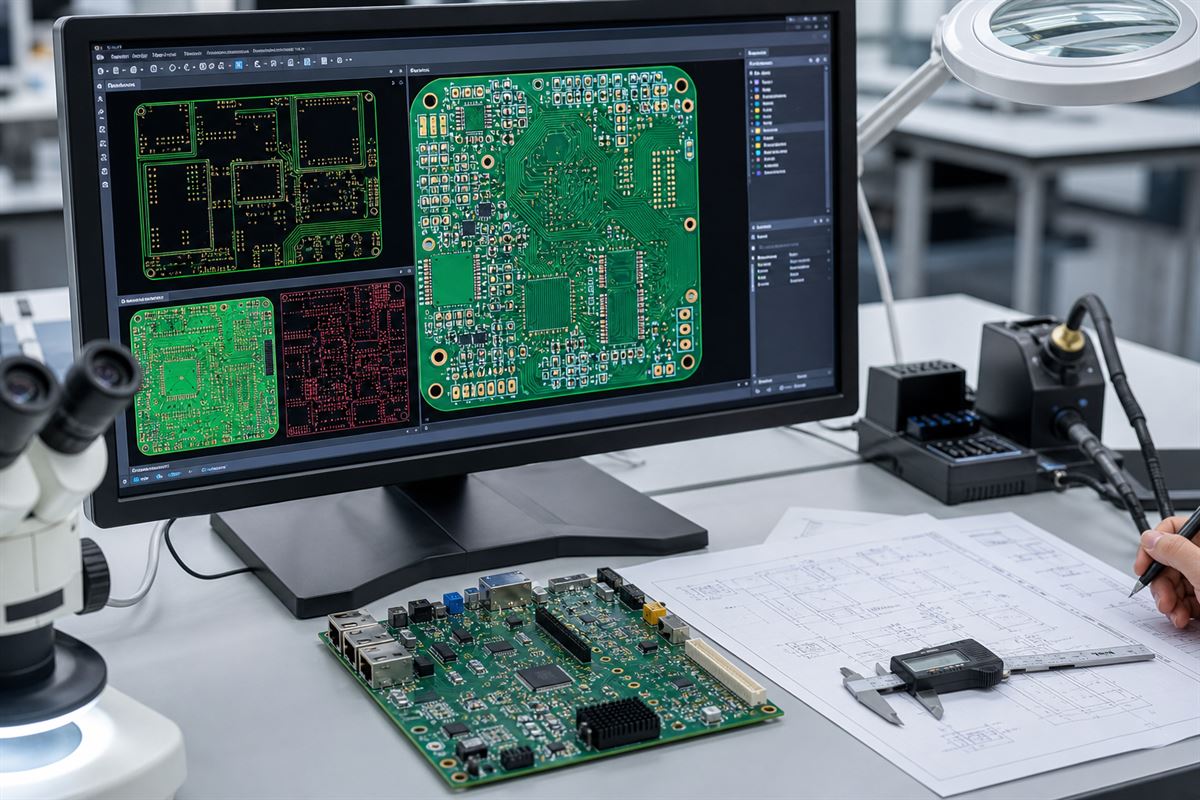
How Can an IPC 2581 Viewer Catch Handoff Problems?
An IPC 2581 viewer lets the team inspect the export outside the original CAD environment. It shows whether the intended data is present.
After a late revision, compare the visualized export with the release notes before sending it.
Viewer checks should include:
- Outline, dimensions, cutouts, layers, and drills
- Stackup, dielectric data, and copper thickness
- Placement side, coordinates, and rotation
- BOM and component references
- Revision, units, and export purpose
A viewer cannot prove electrical correctness or manufacturability. It catches visible export defects before they cause questions or delays.

How Does an IPC Netlist Support Manufacturing Verification?
Connectivity data helps a manufacturer check whether the board data preserves the intended electrical relationships. CAM and DFM tools can use it to find possible opens, shorts, or unexpected feature relationships.
The terminology matters. The product model can carry connectivity, while an IPC-D-356 netlist is a separate verification file. They are not interchangeable without supplier confirmation.
Before release, clarify:
- Whether the export contains usable connectivity
- Whether CAM review uses it
- Whether an IPC-D-356 netlist is still required
- How image and net-data mismatches are resolved
This check prevents a dangerous assumption: that a file “contains netlist capability” and therefore contains a complete, current, and usable netlist for the receiving process.
An IPC 2581 Example for Revision Control
Consider an anonymized workflow example. A buyer releases a multilayer control board, then changes two connector locations, several BOM items, and the stackup after the initial quote.
If the release is rebuilt manually from separate files, three errors are possible:
- The new copper and drill files are packaged with the old fabrication drawing.
- The revised placement file is sent with the previous BOM.
- The new stackup is described in an email but not in the controlled release folder.
The team exports one new dataset, validates it, checks it in a viewer, and assigns a controlled revision. The RFQ then identifies the controlling drawings and requirements.
The format alone does not prevent mistakes. The loss is avoided because the team combines the format with a disciplined release process:
- Freeze and export the approved revision.
- Validate and review the content.
- Confirm supplier compatibility.
- Record the controlling revision in the RFQ.
CAD systems do not export identical fields, and manufacturers may support different revisions.
Preparing a Compatible PCB Manufacturing RFQ
An intelligent file does not define the commercial scope. The supplier still needs the board, assembly, inspection, test, quantity, and schedule requirements.
Include or confirm the following:
- Revision, export purpose, and controlling dataset
- Quantity, panel needs, and delivery target
- Material, layer, thickness, copper, finish, and impedance requirements
- BOM, substitutions, sourcing, assembly, and programming scope
- Inspection, test, and acceptance criteria
- Requested Gerber, ODB++, drawing, or IPC-D-356 fallback files
EBest Circuit (Best Technology) supports PCB manufacturability review, fabrication, component sourcing, PCBA, inspection, and agreed test coordination.
Before using the file as the controlling dataset, confirm the revision and import workflow. Never mix release versions.
The customer retains responsibility for circuit function, design approval, export settings, controlled revisions, regulatory requirements, and final product validation. EBest Circuit can review the confirmed manufacturing package and identify questions that should be resolved before quotation or production.
To discuss a PCB or PCBA data package, send the available files, quantity, material and assembly requirements, inspection/test scope, and target schedule to sales@bestpcbs.com.
FAQs About PCB Data Handoffs
Is IPC 2581 a replacement for Gerber?
It can replace or supplement Gerber when the manufacturer supports the revision and verifies the imported data. Gerber may remain the broader fallback.
Does one IPC 2581 file contain everything needed for PCBA?
It can carry fabrication and assembly data, but content depends on the CAD export. Controlled drawings, test instructions, or purchase-order requirements may still be needed.
Does schema validation mean the PCB is manufacturable?
No. Schema validation checks whether the XML follows the corresponding structure. It does not confirm that values are correct, the package is complete, or the design fits a manufacturer’s process capability.
Should I send IPC 2581 and Gerber together?
Only after agreeing with the manufacturer which package controls production. If both are supplied, they must come from the same approved revision and any differences must be resolved before release.
What should I ask a PCB manufacturer before sending IPC 2581?
Ask which revisions its tools support, what it verifies after import, and which drawings, netlists, or fallback files it requires.
Have an IPC 2581, Gerber, ODB++, or mixed PCB/PCBA release package to review? Send the available files, quantity, material and assembly requirements, and inspection or test scope to sales@bestpcbs.com. EBest Circuit (Best Technology) can check the manufacturing handoff, identify missing inputs, and clarify the quotation scope before production.